Shoot Ideas · Winter
Winter Photoshoot Ideas for Clothing Brands (2026)
Five winter shoots, one coat and the same model in every one, so you can see exactly what each scene does for the clothes.
November 6, 2026 · 8 min read
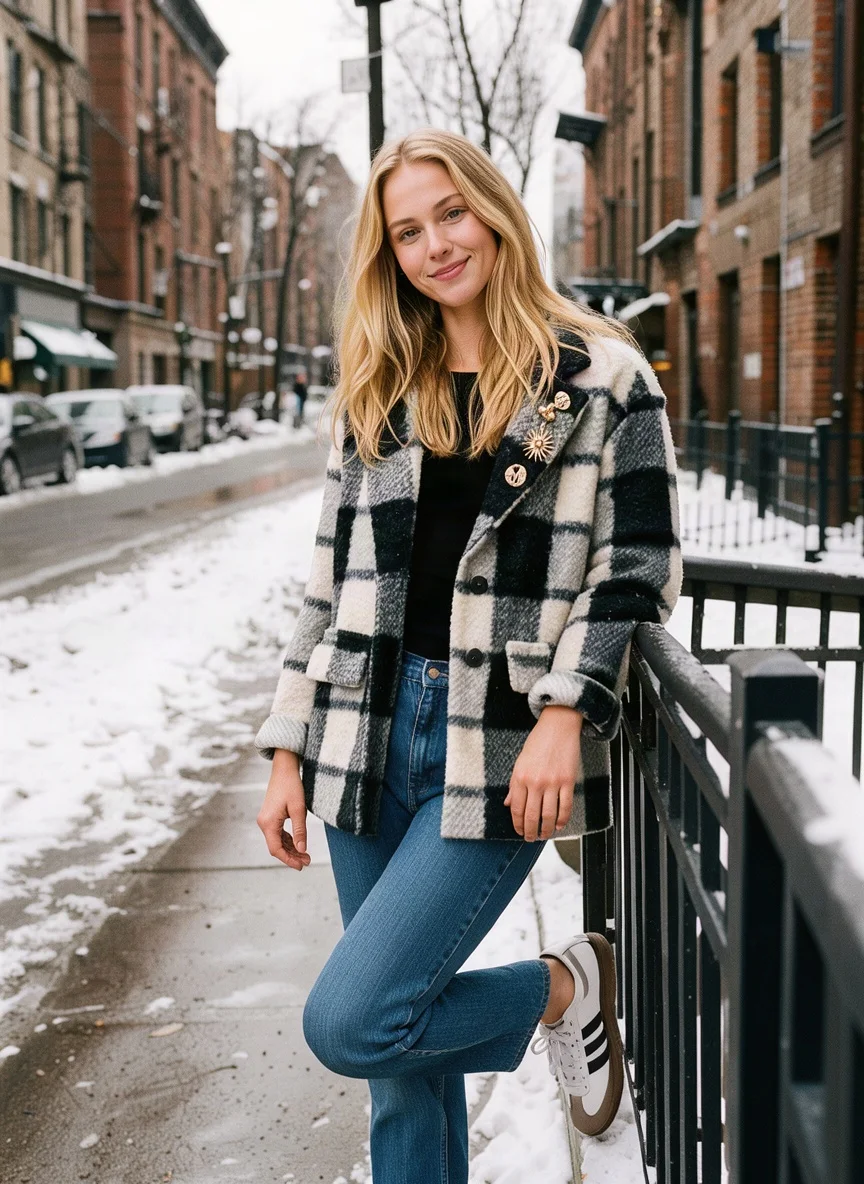
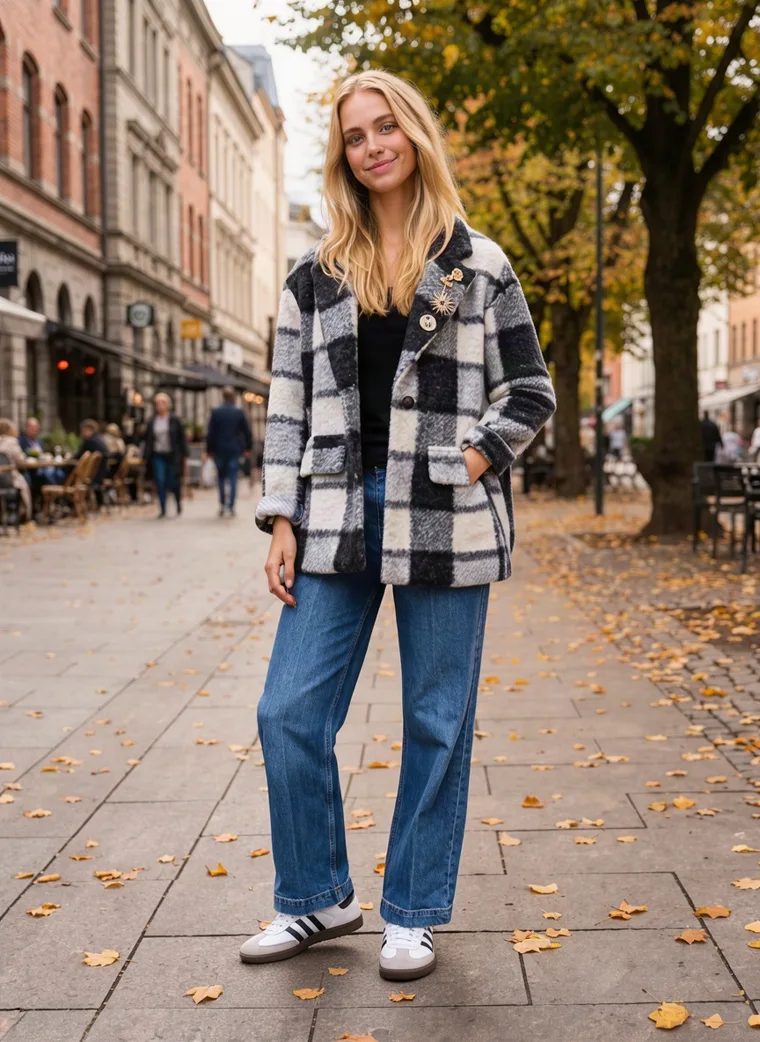
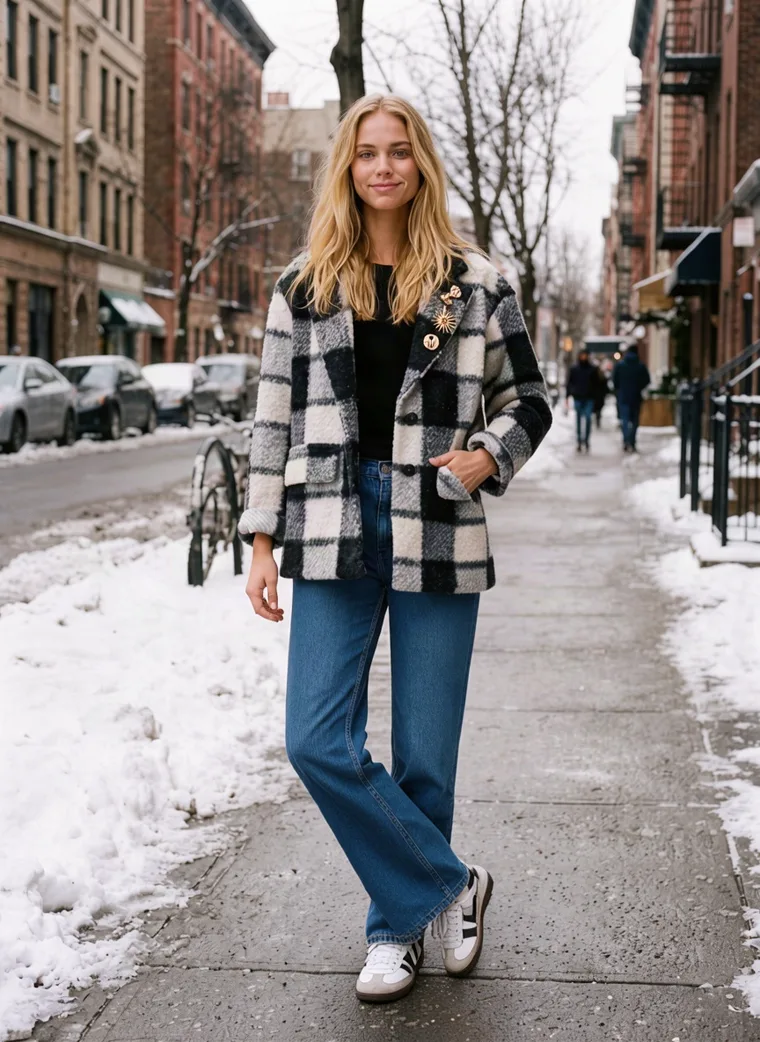
Fresh snow, brick townhouses and a check coat. One of the five scenes below, all made from the same two mannequin photos.
If you’re planning how your collection will look this winter, most of the ideas online are mood boards: a snowy forest here, a cosy café there, never with the same clothes twice. They’re lovely to scroll and hard to plan from, because you can’t tell whether it’s the scene or the outfit doing the work.
So we kept everything else still. Every idea below shows the same black and white check coat, the same jeans and the same model. Only the scene changes, so you can see what each one does for a garment and pick the one that looks like your brand this winter.
Once you’ve picked, that scene becomes the setting for every product in your collection. Further down we show how that works in MODA AI, where all five of these sets started from the same two mannequin photos.
Idea 1
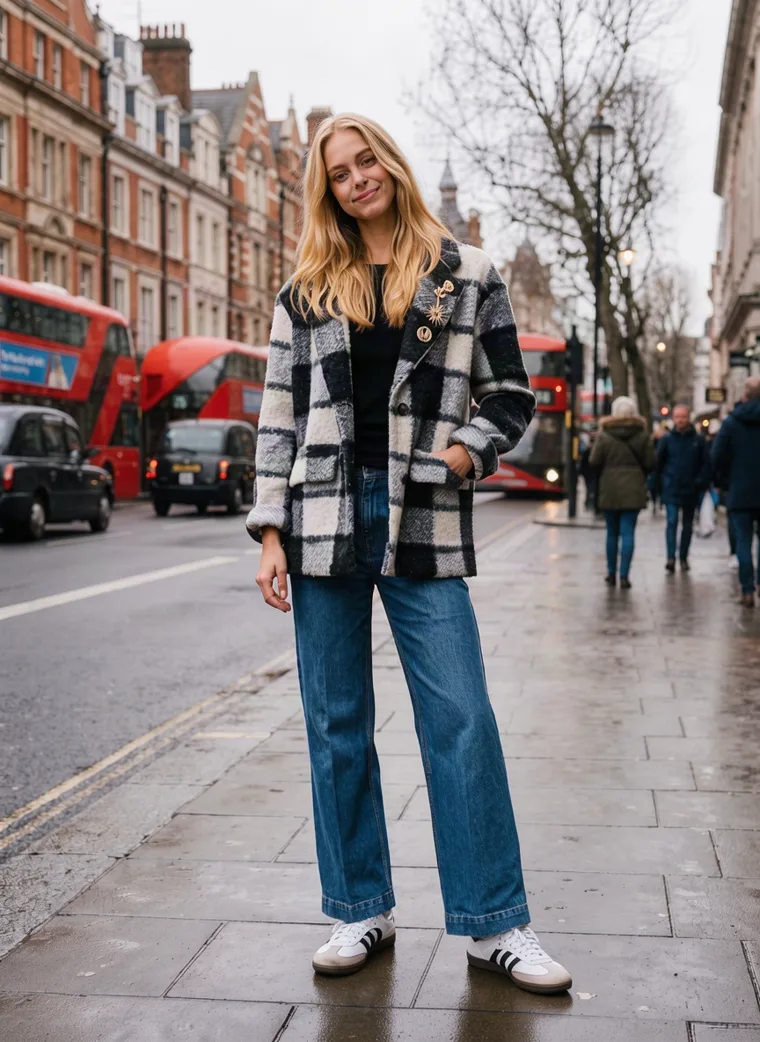
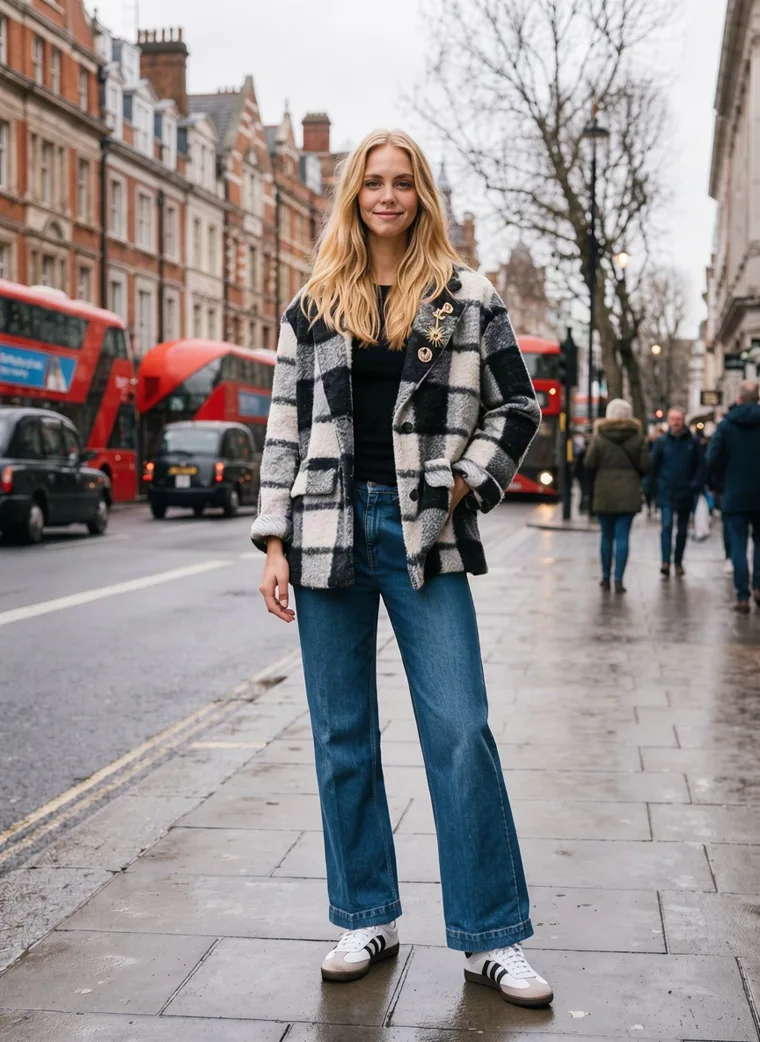
A rainy city street
Rain is the most underrated winter backdrop. Wet pavement reflects the light, the sky goes soft and grey, and a bright detail in the background, here a line of red London buses, gives the whole frame a sense of place without pulling focus from the coat.
It suits brands with a city feel, and it holds up from November right through January, long after snow starts to look out of date. If you sell in the UK, a recognisably British street also tells your customer you’re local before they read a word.


Idea 2
First snow on a city street
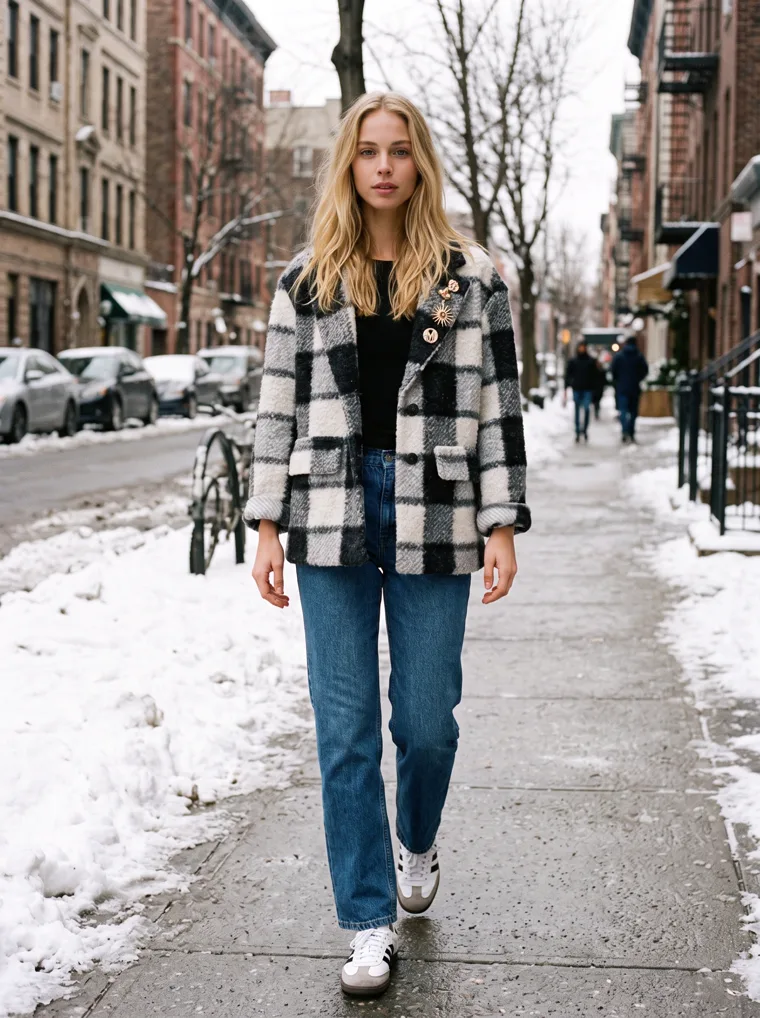
Nothing says winter faster than snow. Piled along the pavement of a quiet street, it does two jobs at once: it tells the shopper the coat is built for proper cold, and it gives a dark, graphic pattern like this check a clean, bright ground to stand out against.
Choose it if your winter collection lands in December or leans into the holidays. The trouble on a real shoot is that you can’t book snow, and it’s rarely there when the catalog needs making.


Idea 3
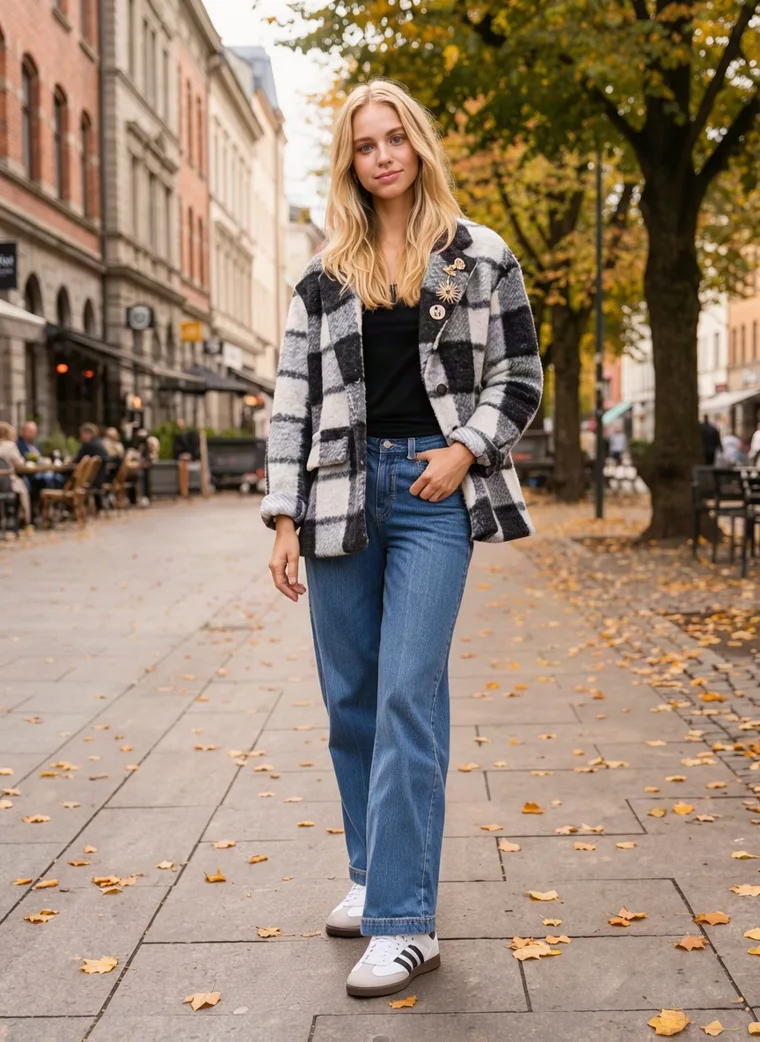
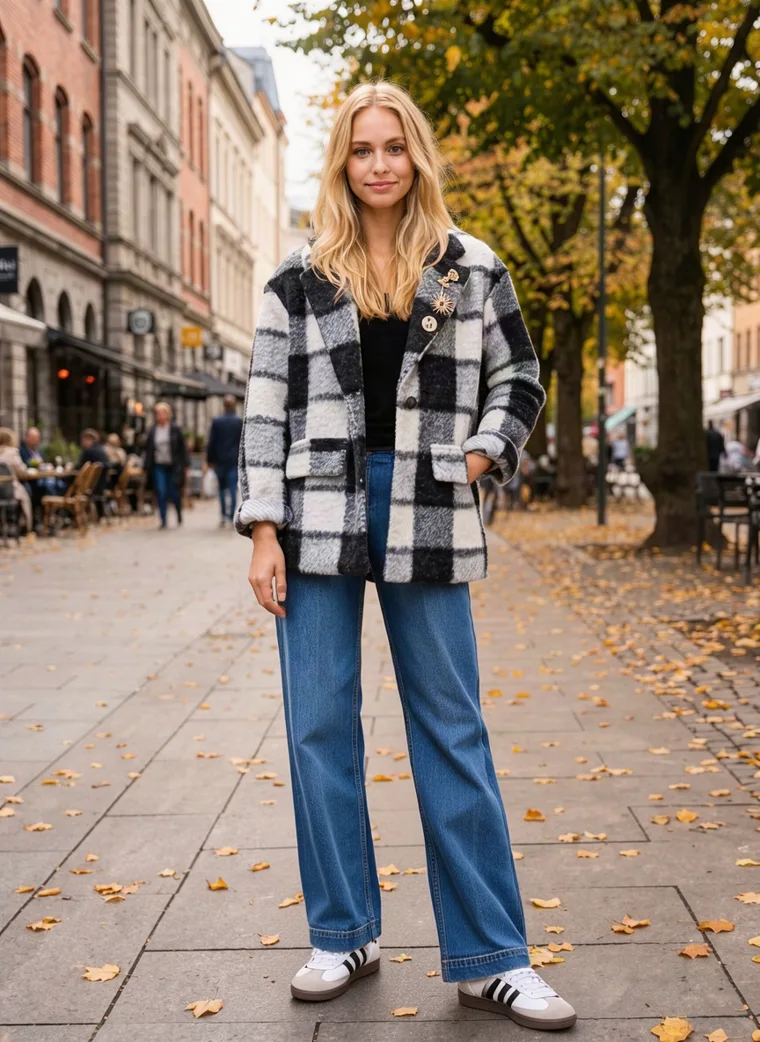
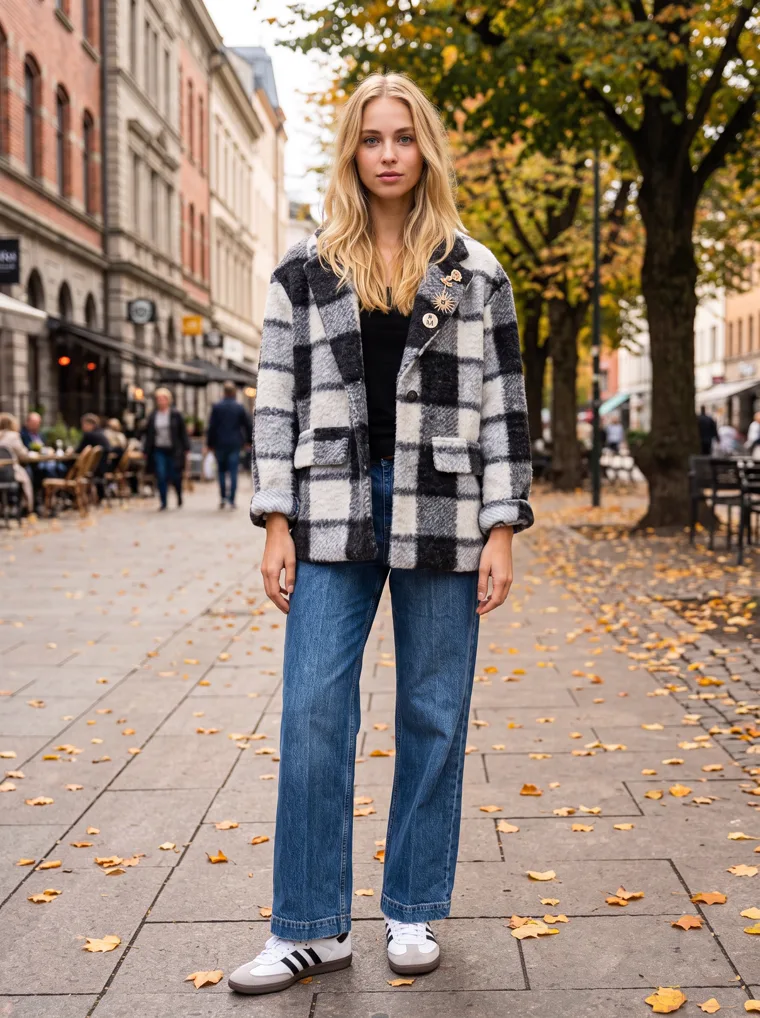
The last autumn leaves
The weeks when autumn turns into winter are when most coats actually get bought, and fallen leaves are the visual shorthand for that moment. The ground goes golden, the trees are thinning, and a heavier coat suddenly looks like exactly the right idea.
It’s also the most relaxed of the five. A model leaning on a stone pillar with leaves at her feet feels like an off-duty moment rather than a shoot, which suits a November drop and brands with a softer, everyday feel.


Idea 4
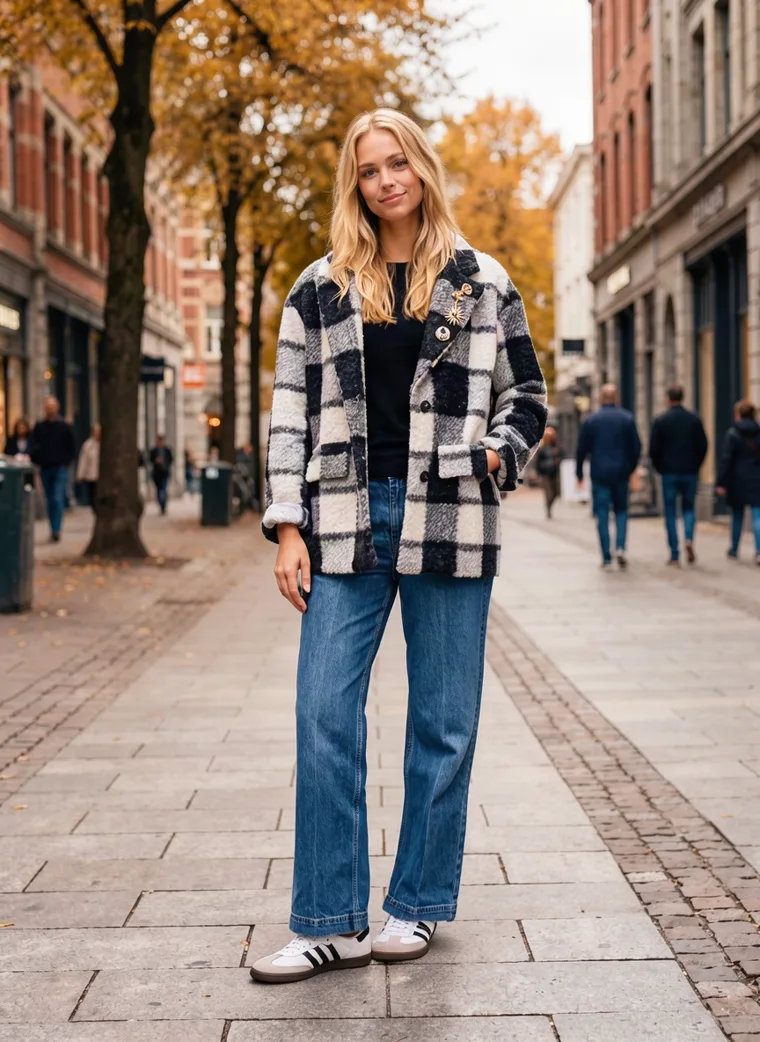
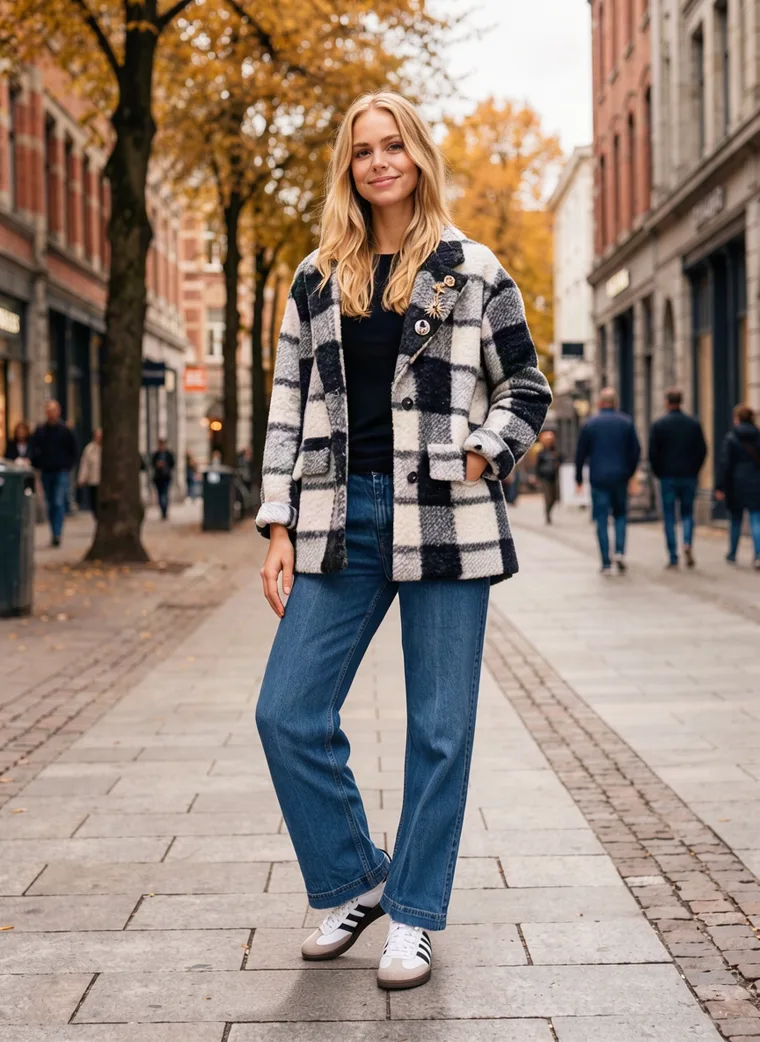
Golden trees on a busy street
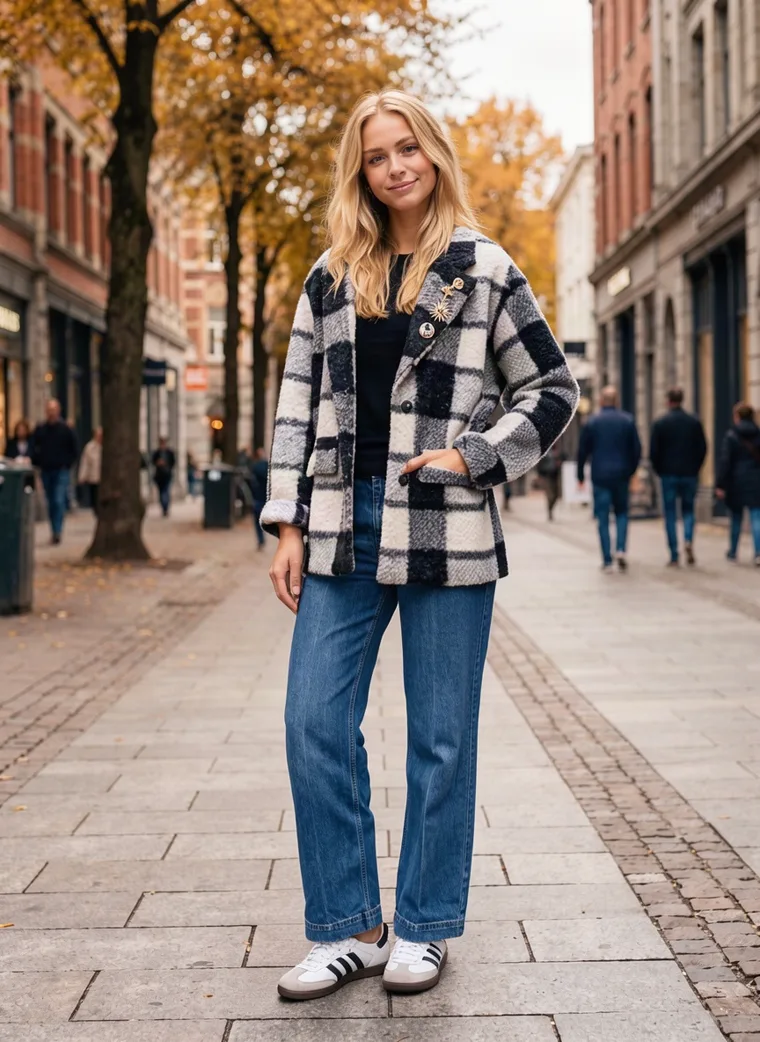
Earlier in the season, while the trees are still full and orange, a busy tree-lined street gives a warmer, livelier kind of winter story. People walking past in the background, kept soft, make the scene feel lived in, and the warm colour behind a black and white coat makes the check pop.
It’s the one for an October launch, when you want the collection to feel warm and inviting before the cold really arrives, and the friendliest of the five for shoppers who aren’t thinking about coats yet.


Idea 5
A clean studio
The studio is the safe choice for any season. With nothing behind her, the shopper sees only the coat: the size of the check, where the hem falls, how it sits at the shoulder. This set also includes the outfit laid flat, which helps on marketplaces and size guides.
It’s also the look most marketplaces prefer for the main image, so if a lot of your sales come through them, the studio is the safest pick for the whole catalog. There’s more on choosing between the two in Lifestyle Product Photography for Clothing: Studio vs Street.


Pick one scene for your winter collection and keep the same model in it, and every product will look like it came from the same shoot.
From idea to catalog
Seasonal product photography without a reshoot
All five scenes came from the same two photos: the coat and jeans on a mannequin, front and back, against a white wall. The only thing we changed between them was the setting.
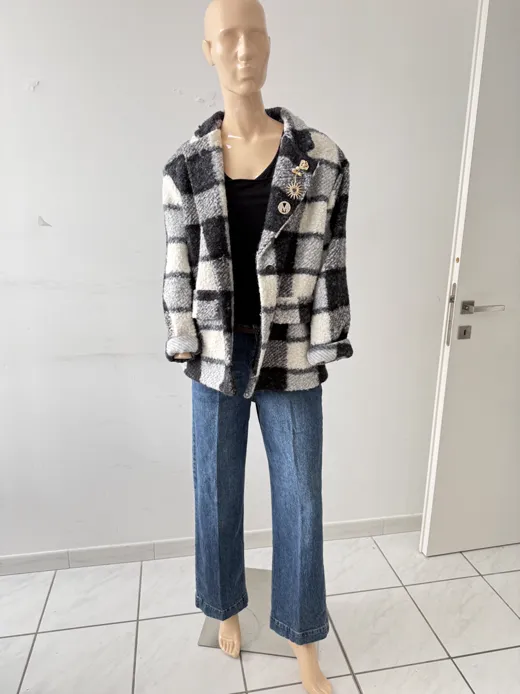
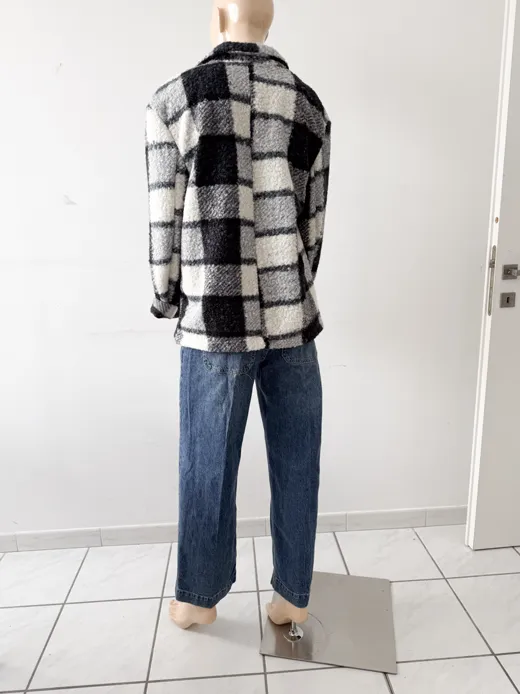
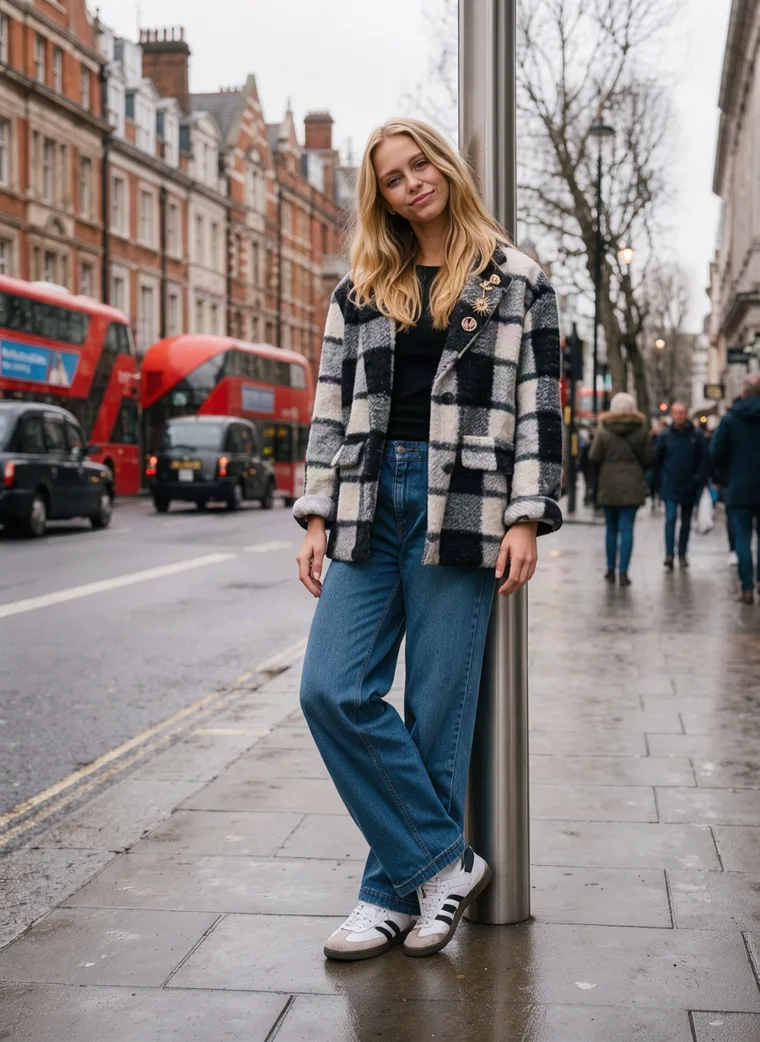
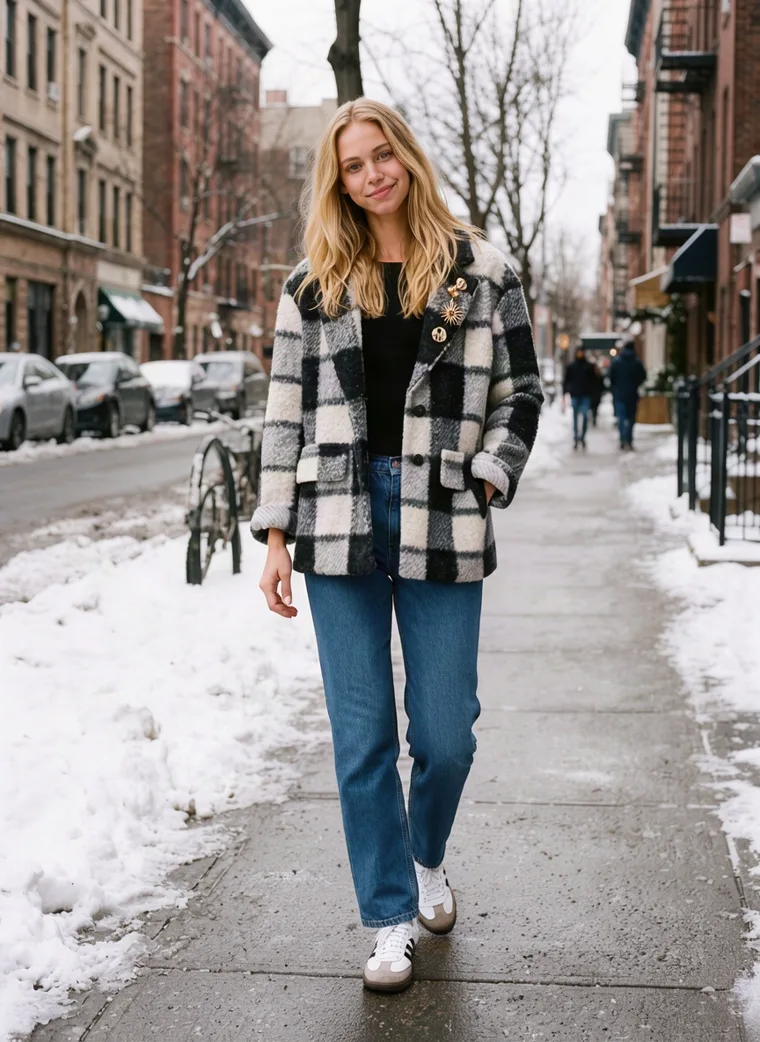
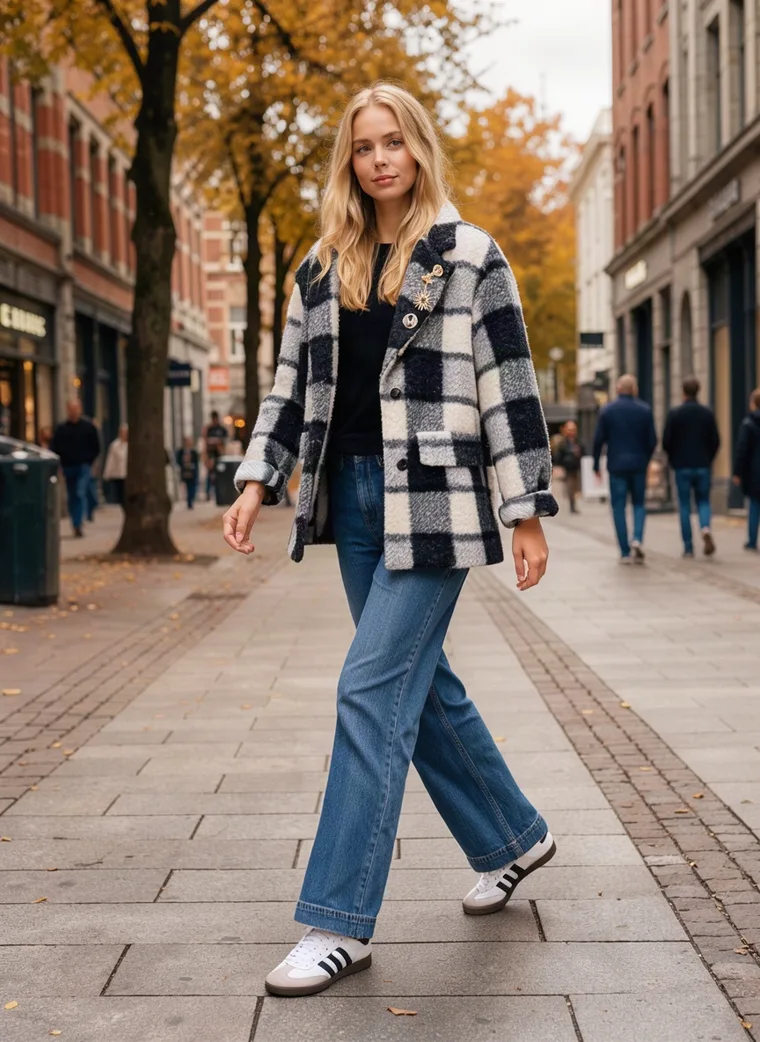
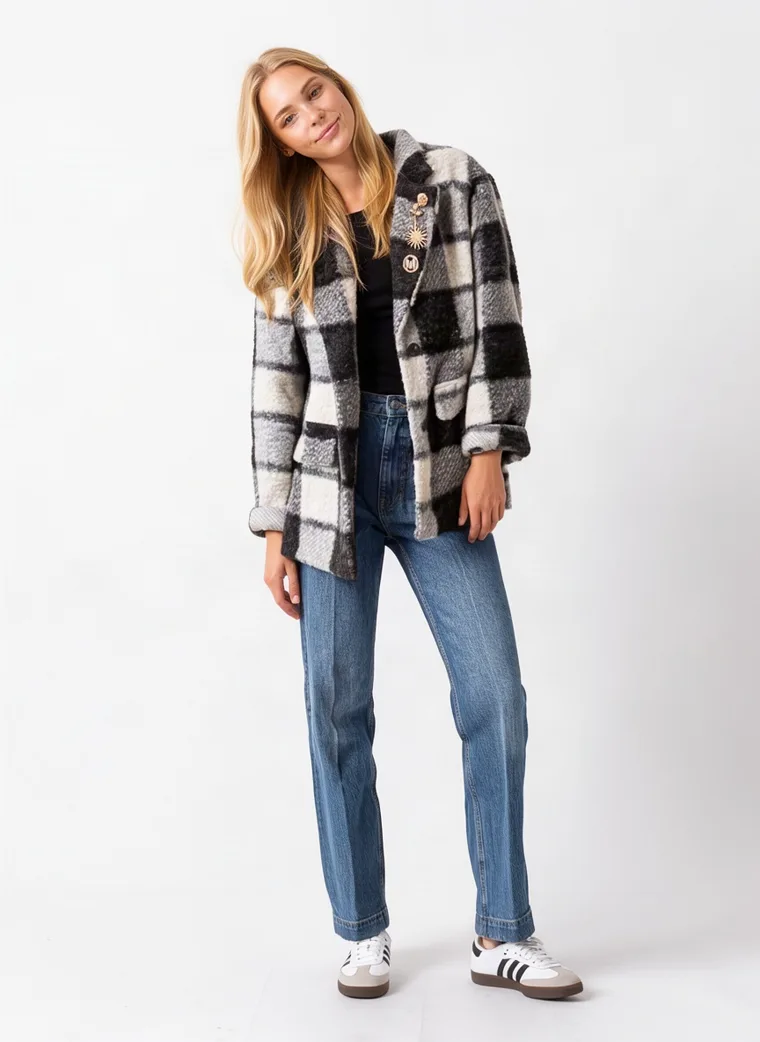
Same garment photos, same model, a different setting each time. Each of these is one run.
That’s how your chosen idea becomes a whole catalog. In MODA AI, each product is one run. You upload the garment photos, set a face reference so the same model appears every time, and choose the setting: one of the written presets, or a background reference, which can simply be a photo of the kind of street you have in mind. Keep that face and that setting the same for every product in the collection, and each run comes back as ten images that look like part of one shoot. One credit per product.
You don’t need to run every product in every scene. Pick the one that fits your collection and use it for everything. When the season moves on, run the catalog again with a new setting and the whole store changes with it; we cover that in AI Recataloging for the Next Season.
Choosing yours
Which scene fits your launch
| Your collection lands | Scene | Why it fits |
|---|---|---|
| October | Golden trees | Warm and inviting, before the cold arrives. |
| November | Last autumn leaves | Catches the turn into winter, when most coats are bought. |
| December | First snow | Instantly wintry, and right for anything holiday. |
| December to January | Rainy city street | Still looks current once the snow photos start to date. |
| Any time | Clean studio | Works in every season and suits marketplace listings. |
Whichever you choose, use it for the whole collection so your product pages and collection grid read as one shoot. For how many photos each product page should carry, see How Many Product Photos Per SKU.
The checklist
Planning your winter catalog
01
Pick one scene for the collection.
Choose it for when you launch and how your brand feels, using the table above.
02
Set your face reference once.
Use the same one for every product so the same model appears across the store.
03
Keep the setting the same too.
Save the preset or the background photo you chose and use it on every run.
04
Match the scene to the range.
Dark, graphic pieces stand out against snow. Pale pieces need a darker ground, like a wet street.
05
Check the shot list.
Coats are bought on how they hang and how they move, so keep a back view and a walking frame in it.
06
Plan the next refresh.
When the season changes, run the catalog again with a new setting.
If your winter range leans on knitwear and heavier fabrics, our guide to photographing texture, drape and weight covers how to show what the fabric feels like.
The rest of the shoots
More frames from each scene
Each run comes back as a set of ten, so every product gets a full set in your chosen scene. These are the other frames worth keeping from each one.
Rainy London
Rainy London
First snow
First snow
Golden trees
Golden trees
Golden trees
Autumn leaves
Autumn leaves
Autumn leaves
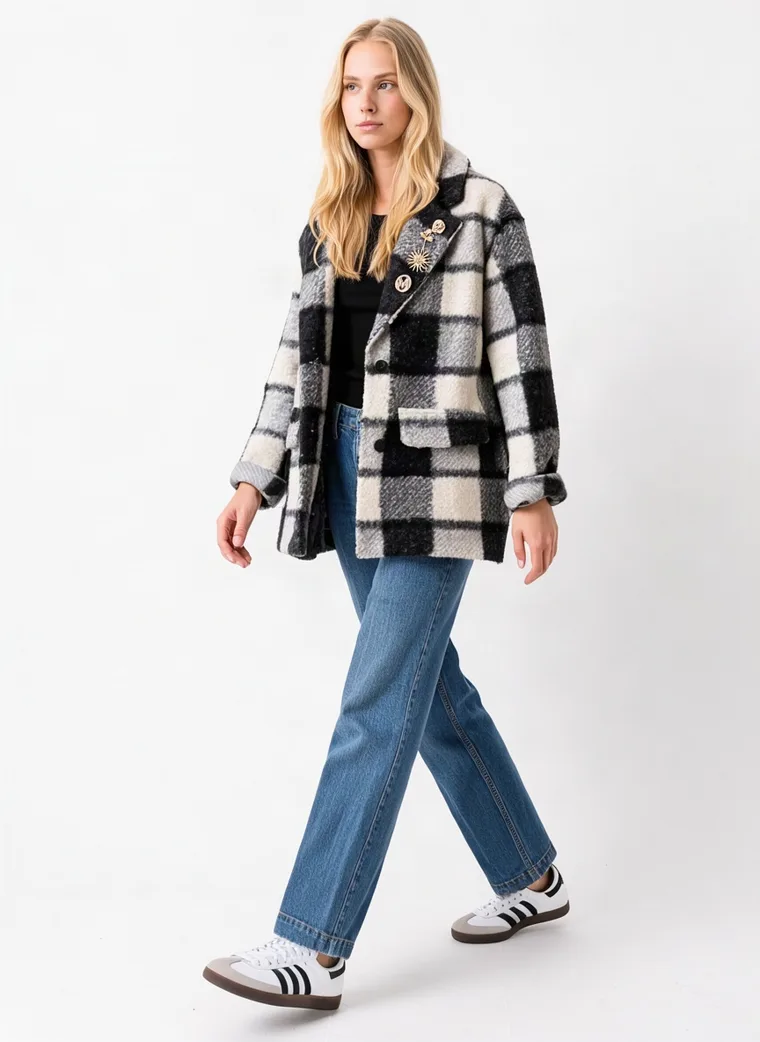
Studio
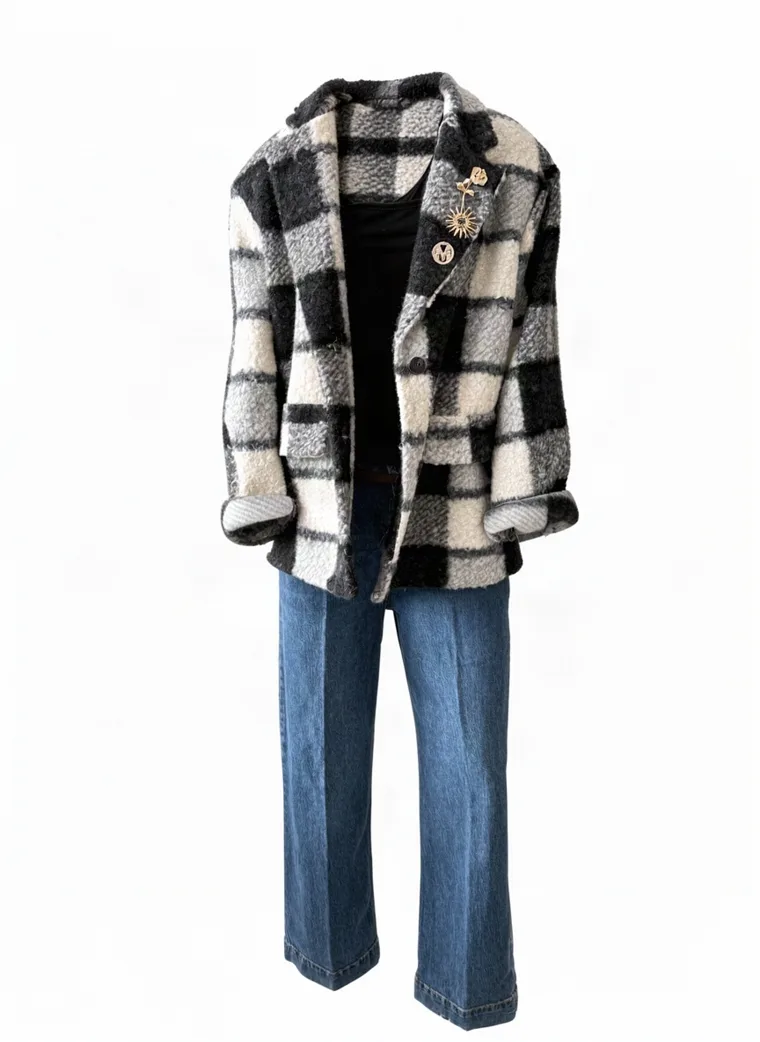
Studio
A note on these sets
Every scene on this page was made with MODA AI from two photos of the outfit on a mannequin, one run per scene, on the same model, in weather nobody had to wait for. Tap the small Start square on any card above to see the photo it began as.
Frequently asked questions
What are good winter photoshoot ideas for a clothing brand?
Five that work well for most brands: a rainy city street for mood, a street after fresh snow for the holiday season, the last autumn leaves for the turn into winter, golden trees for early-season warmth, and a clean studio for the product page. Pick the one that fits your launch and your brand, then use it for every product so the catalog reads as one shoot.
When should a clothing brand do its winter photoshoot?
Before the collection launches, because retail runs ahead of the weather. Autumn scenes suit an October or November launch, snow suits December and the holidays, and a rainy city carries well into January. The catch with a real shoot is that you can’t book snow, which is why many brands photograph winter collections without it.
Do I need snow for a winter photoshoot?
No. Snow reads instantly as winter and suits the holiday push, but wet pavements, bare trees, grey light and heavier layers all say winter too. A rainy city street can feel more wintry than a sunny day in the snow.
Should my product page use a winter scene or a studio photo?
Either can work. A seasonal scene used across the whole collection makes the store feel like a winter shoot, while a clean studio works in every season and is what many marketplaces prefer for the main image. If a lot of your sales come through marketplaces, the studio is the safer pick for the catalog.
Do I need to photograph every product in every scene?
No. Pick one scene for the collection and run each product once in it. In MODA AI that means the same face reference and the same setting on every run, and each run gives you ten images of that product for one credit. The five scenes in this guide are there to help you choose.
How can I update product photos for a new season without a reshoot?
Run the catalog again with a new setting. Keep your face reference so the model stays the same, change the preset or background reference to the new season, and every product comes back in the new scene from the garment photos you already have.
Snow on demand, and rain when you want it.
Every winter scene from one photo of your garment. Free to try on the Shopify App Store.
Get Started FreeOr browse the full lookbook