AI fashion models for the clothes you sell.
Men, women, boys and girls. Pick a category to see its faces and the catalogs brands made on MODA AI.

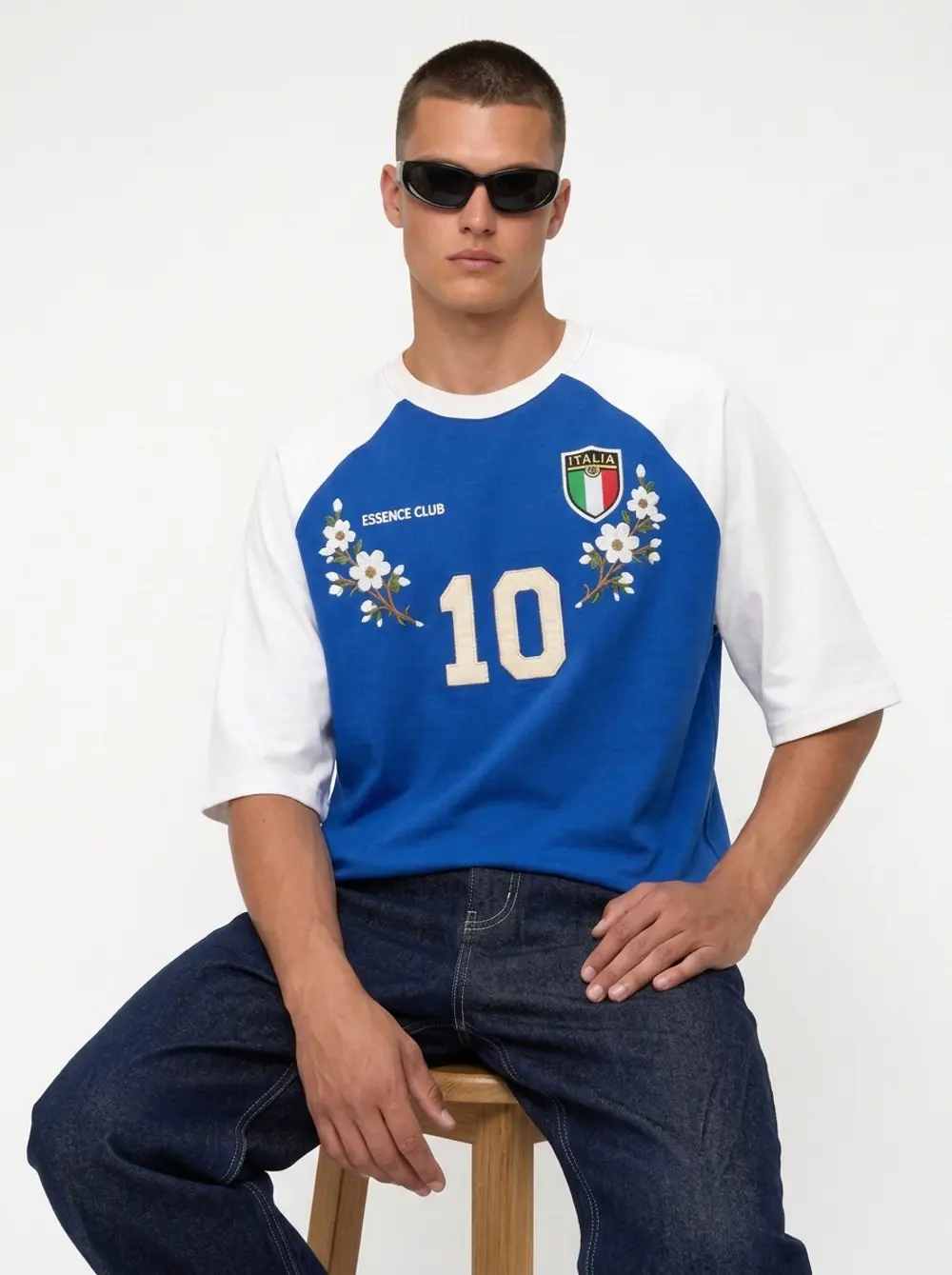
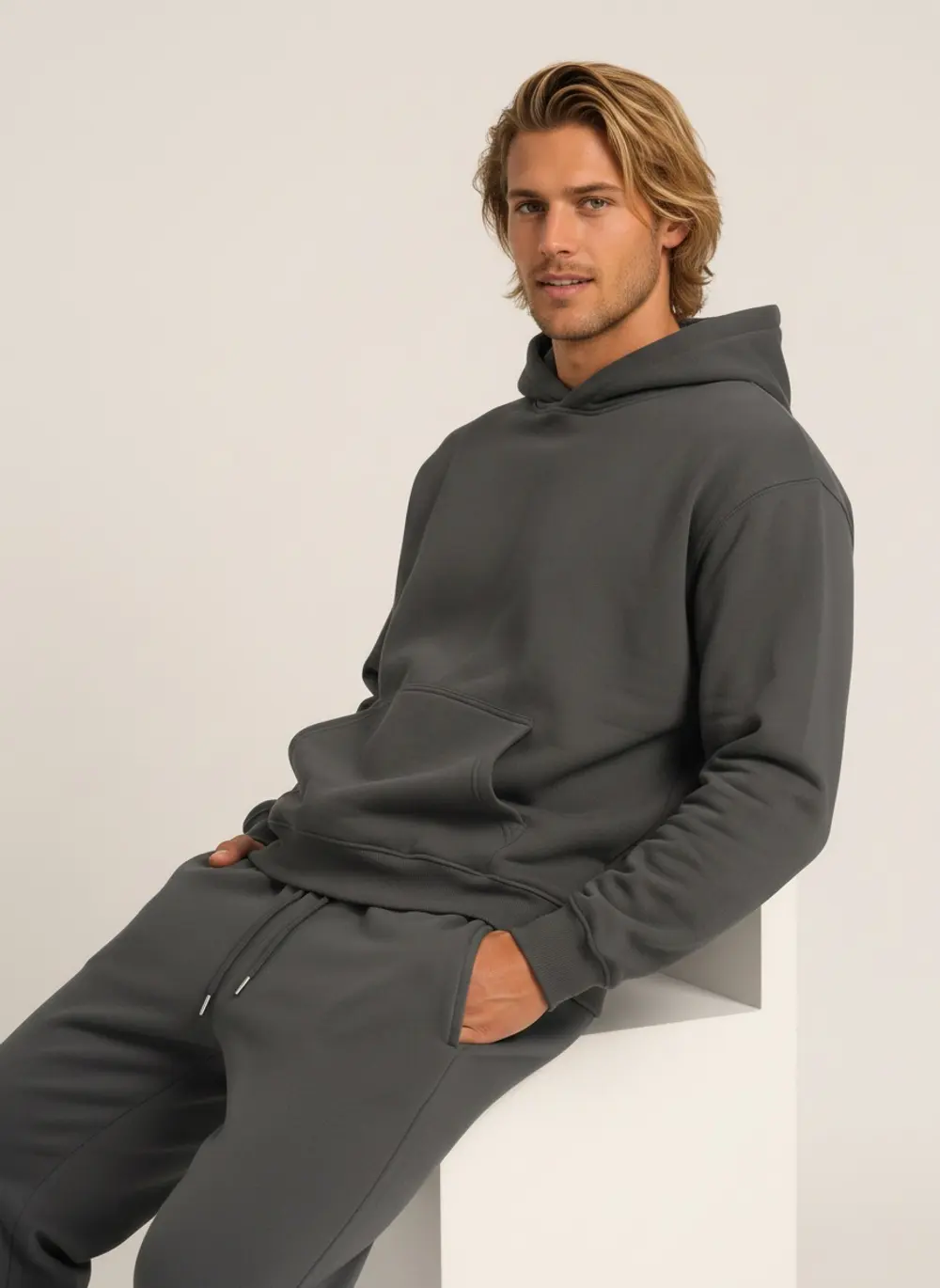
Men
Athletic builds, editorial presence, commercial warmth — Mediterranean, South Asian, East Asian, Black, Nordic.
12 faces · Browse →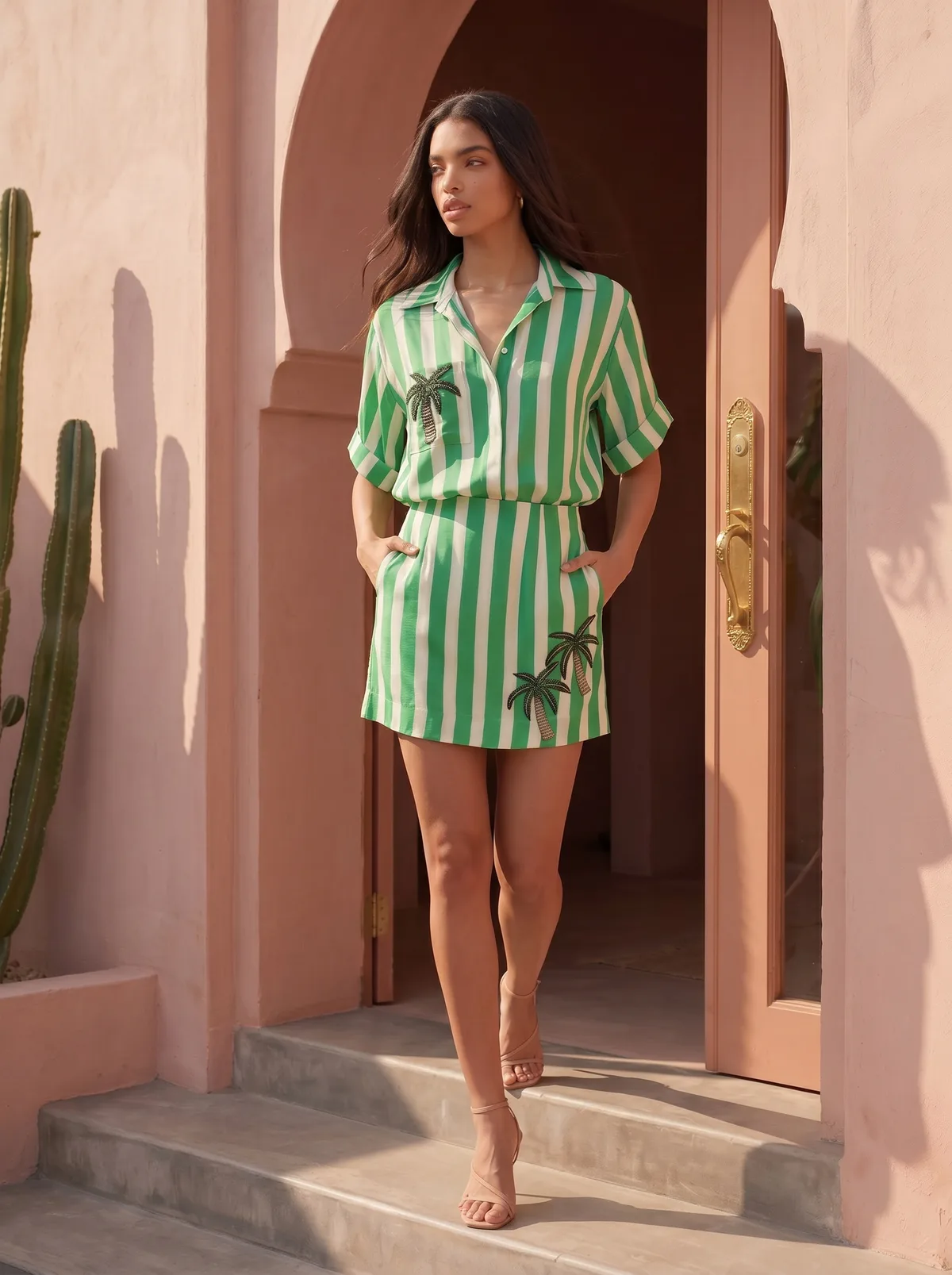
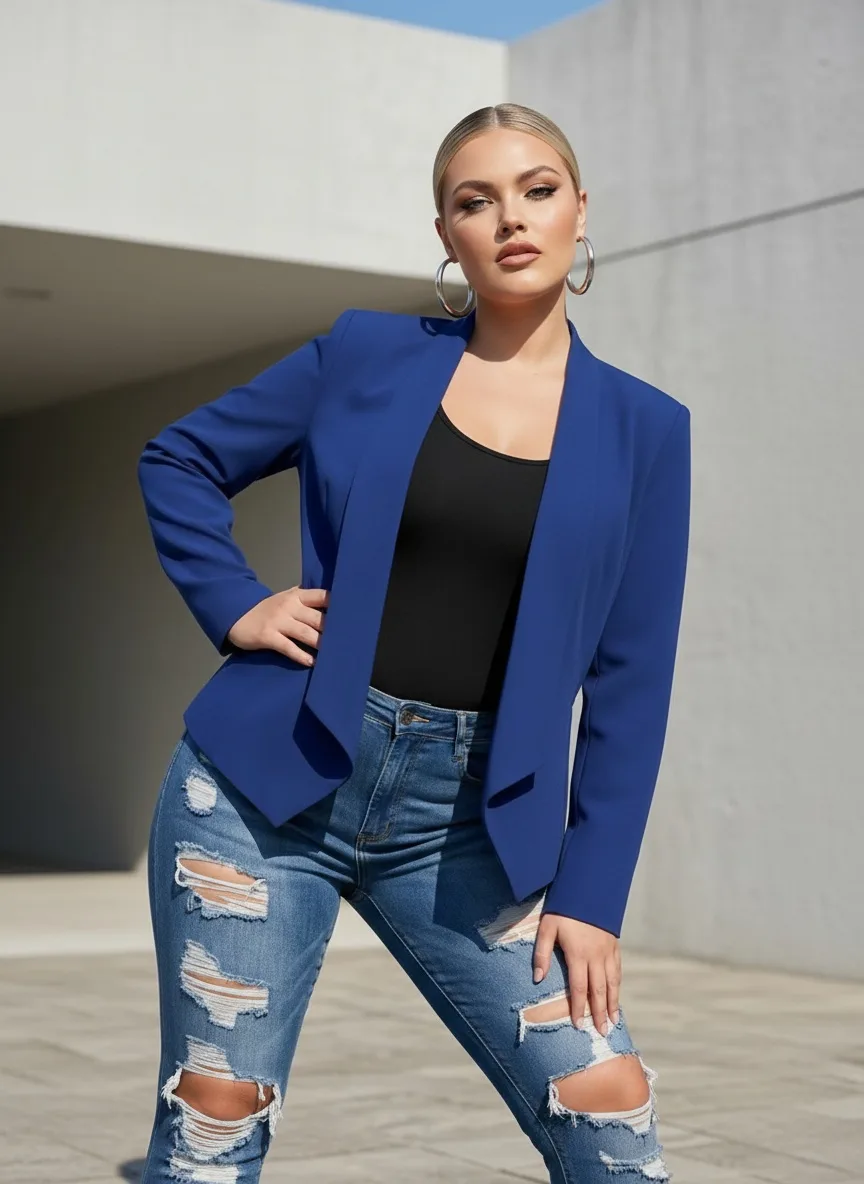
Women
From luxury editorial to casual streetwear — South Asian, East Asian, Black, Latina, Nordic, and more.
17 faces · Browse →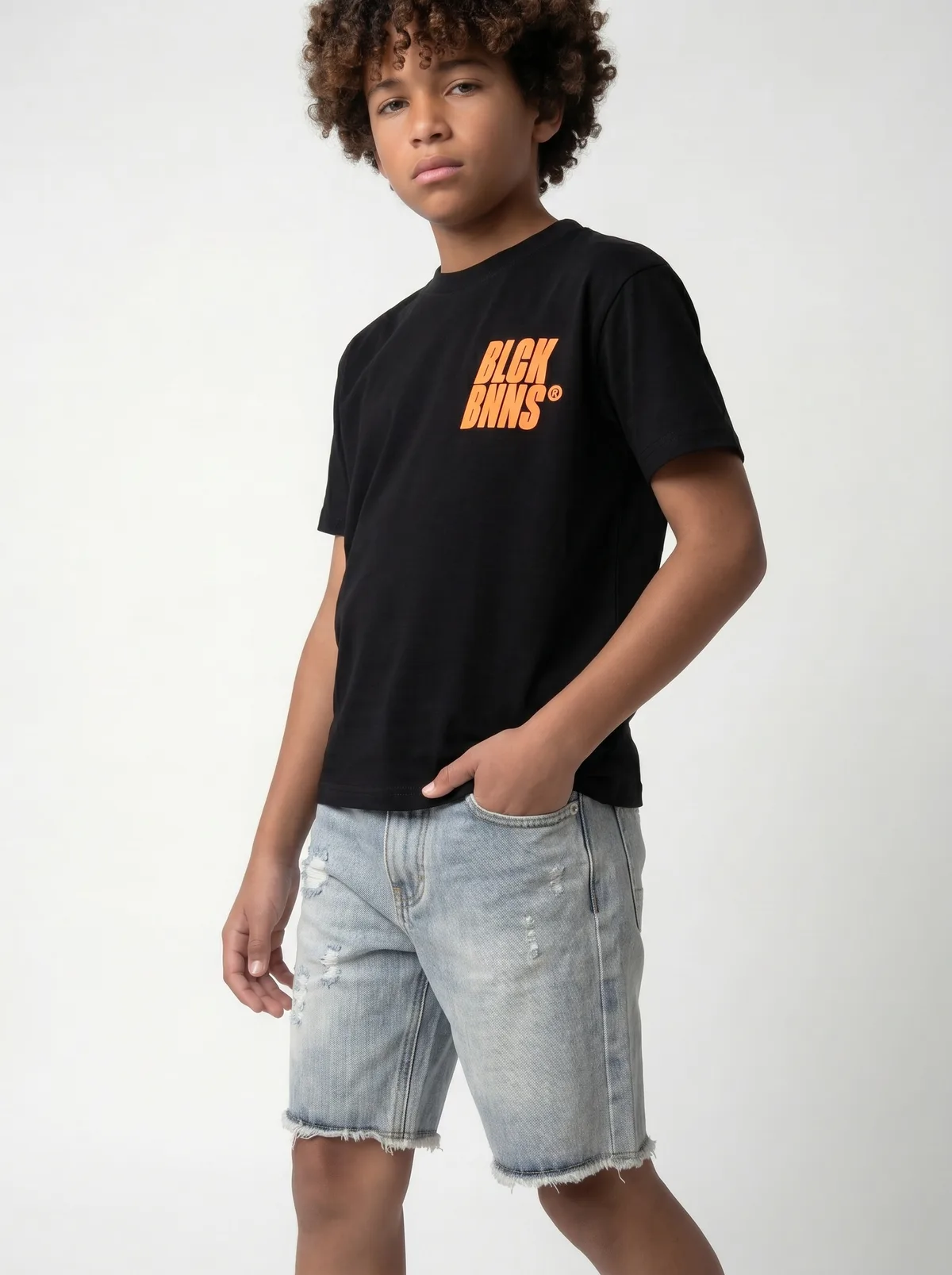
Boys
Natural, age-appropriate faces for school wear, weekend basics, and everything in between.
6 faces · Browse →
Girls
Playful to polished — faces that carry the energy of your kids collection naturally.
7 faces · Browse →MODA AI's model library spans ethnicities, ages, body types, and styles — South Asian, East Asian, Black, Latina, Nordic, and more. Choose a face that fits your brand, and keep it consistent across every product in your store.
AI fashion models in real catalogs
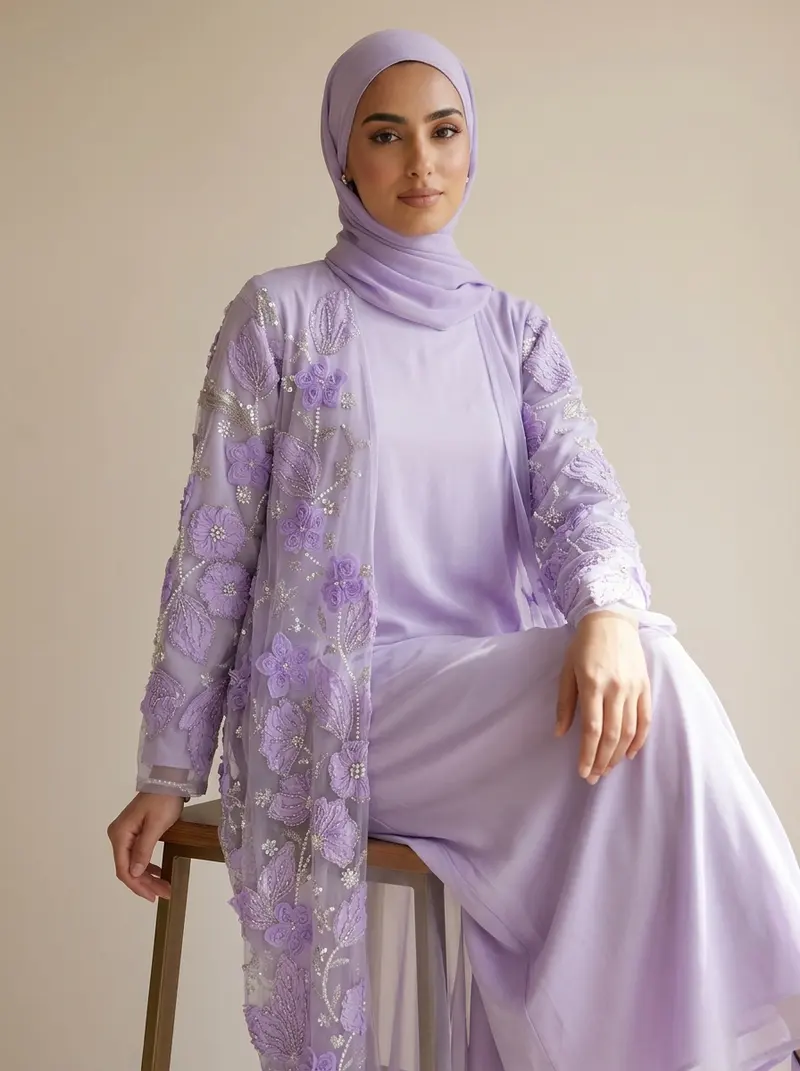
Menswear, womenswear, modest occasion wear and kidswear made on MODA AI. Every image started as a garment photo, not a photoshoot.






How to use an AI fashion model
When you run a job in MODA AI, you choose a face reference — either from our library or by uploading your own. The AI generates a full-body on-model photo that keeps your chosen face consistent across every product in your catalog. Same model, different garments, different poses — all cohesive.
Choose the model
The library holds 42 faces across men, women, boys and girls, all inside MODA AI. Pick one, or upload your own portrait as the face reference.
Any photo of the piece
A flat lay, hanger shot, mannequin or on-body photo. Add the back if you have it, and a background reference if you want a set scene.
Ten shots, one model
Ten catalog shots on that face across front, three-quarter, back, side, seated and detail angles, in under 2 minutes. Keep the face for the next upload and the next product lands on the same model.
See the full shoots
Full case studies with the inputs, the settings and the whole set.
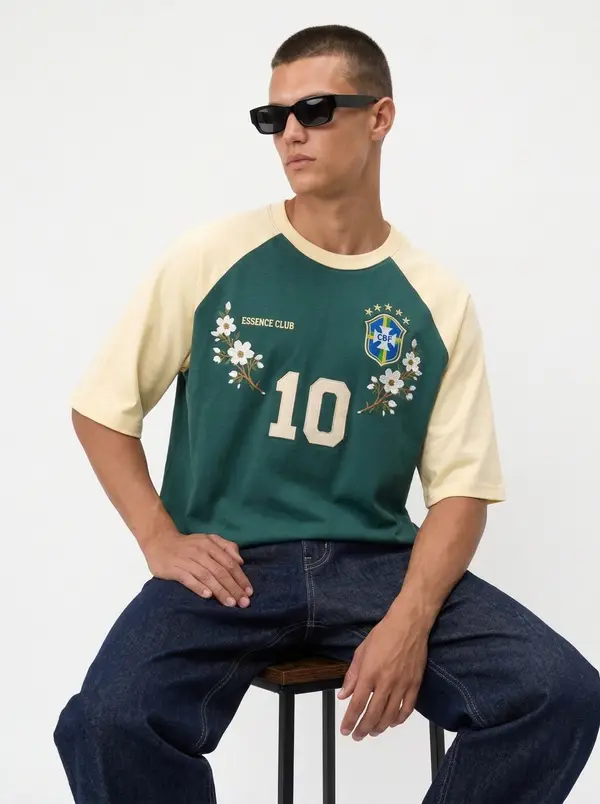
Bully
Türkiye wholesale summer line with one attitude
Read case study →
Maison Blu
Marrakech-mood resortwear from a single background ref
Read case study →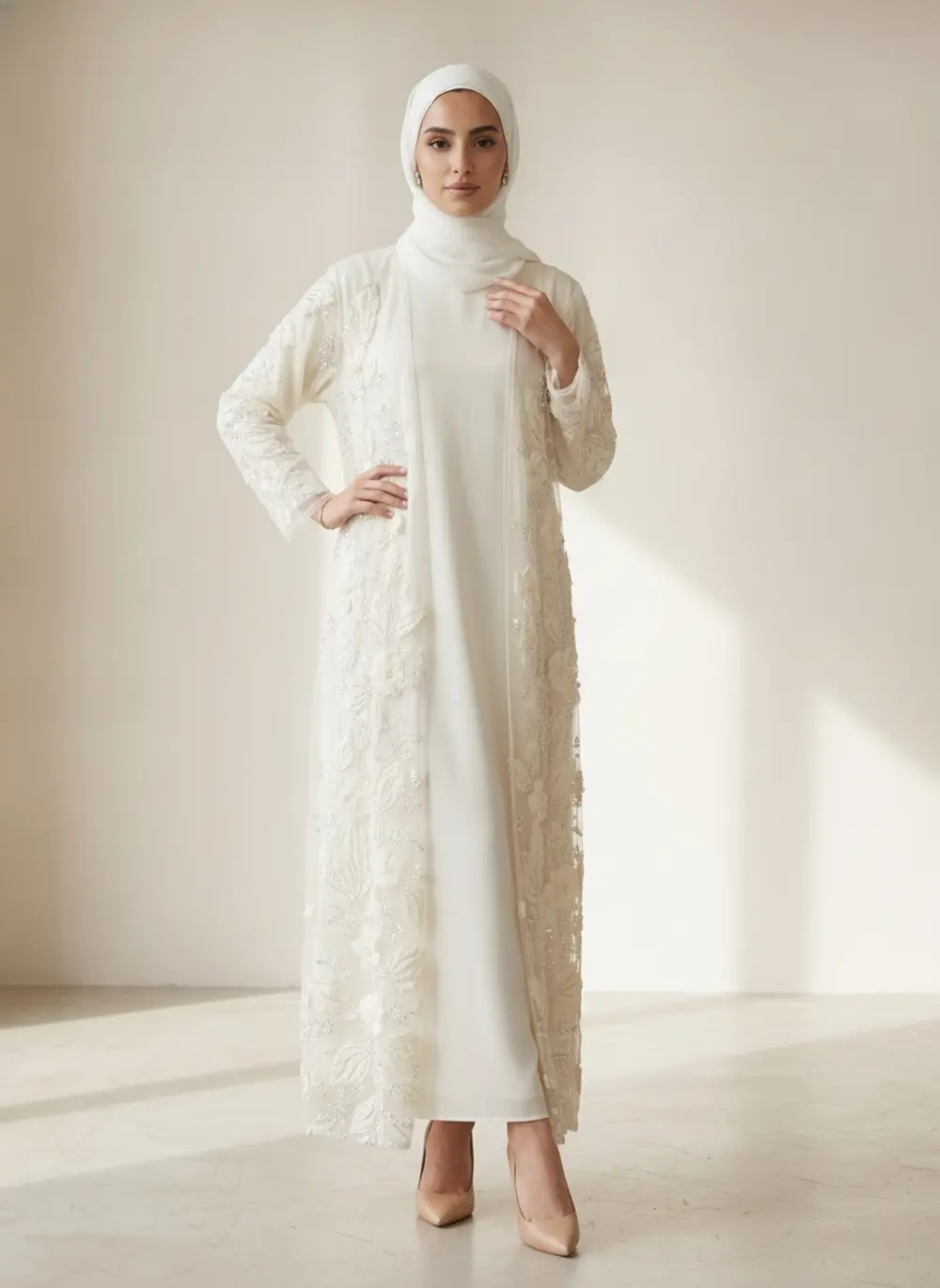
Modest Valoria
Gulf modest wear with full coverage held every frame
Read case study →
Black Bananas
Dutch kids streetwear on one calm brand muse
Read case study →Face references — common questions
What is a face reference?
It is the photo that tells MODA AI which model to use. Pick one from this library or upload your own, and every job you run comes back on that same face — so a hundred product pages look like one shoot with one model rather than a hundred separate uploads.
Can I upload my own model?
Yes. Any portrait works as a custom face reference. Brands use this to keep a founder, an existing campaign model or a signed ambassador consistent across new drops without rebooking a shoot.
Are these real people?
No. Every face in the library is AI-generated and does not depict a real person. For the kids categories in particular, no child was photographed, booked or present.
Can I use the photos commercially?
Yes. You own the catalog images MODA AI generates, for product pages, ads, marketplaces and line sheets. Save them straight to Shopify or download the set as a ZIP.
Can I use different models for different product lines?
Yes, and many brands do — one face for womenswear, another for menswear, a third for the kids range. Consistency matters within a line; across lines you can vary it freely.
What do I get back per product?
Ten catalog images from one upload, across front, three-quarter, back, side, seated and detail angles, plus product flats. That is one credit, roughly a dollar on the 10-credit pack. Video is billed separately as its own credit.
Is it free to try?
Yes. Install MODA AI from the Shopify App Store and you get two free credits, enough for a full ten-shot set and a video. After that, credits start at $1.25 and never expire.
Do I have to disclose that the model is AI-generated?
Increasingly, yes. The NY Synthetic Performer Act is live and the EU AI Act follows; both regulate the synthetic model rather than the garment. Our AI model disclosure guide covers what to label and where.
Your models are ready when you are.
Upload a garment, choose a face, and get studio-quality on-model photography in minutes.