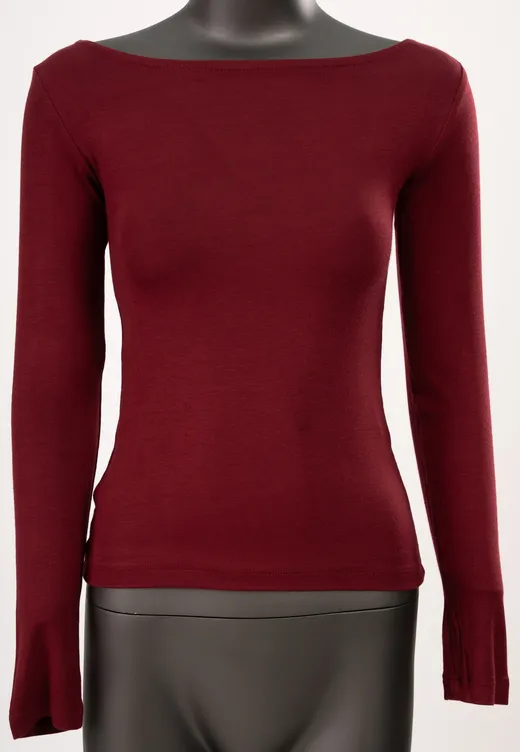
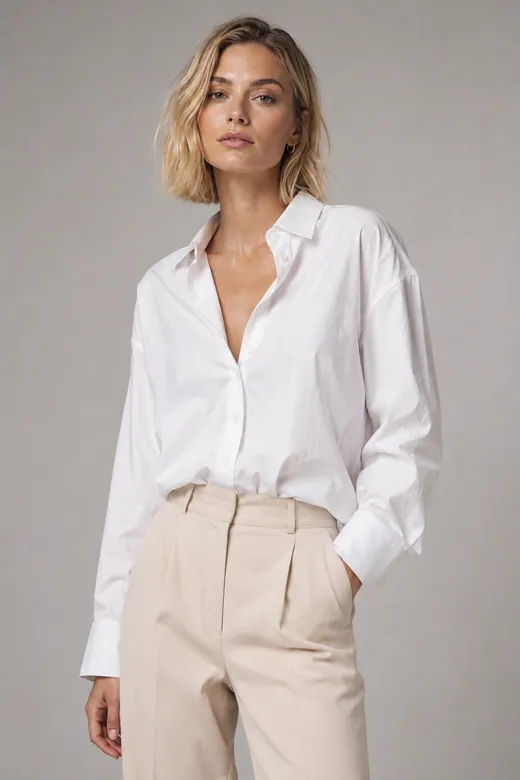
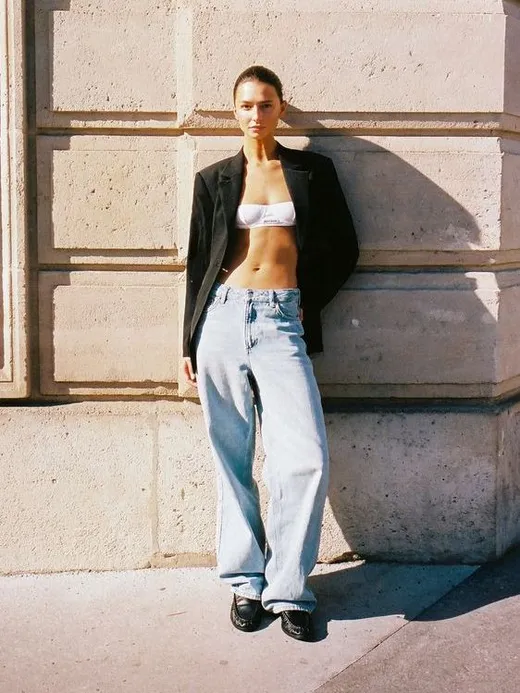
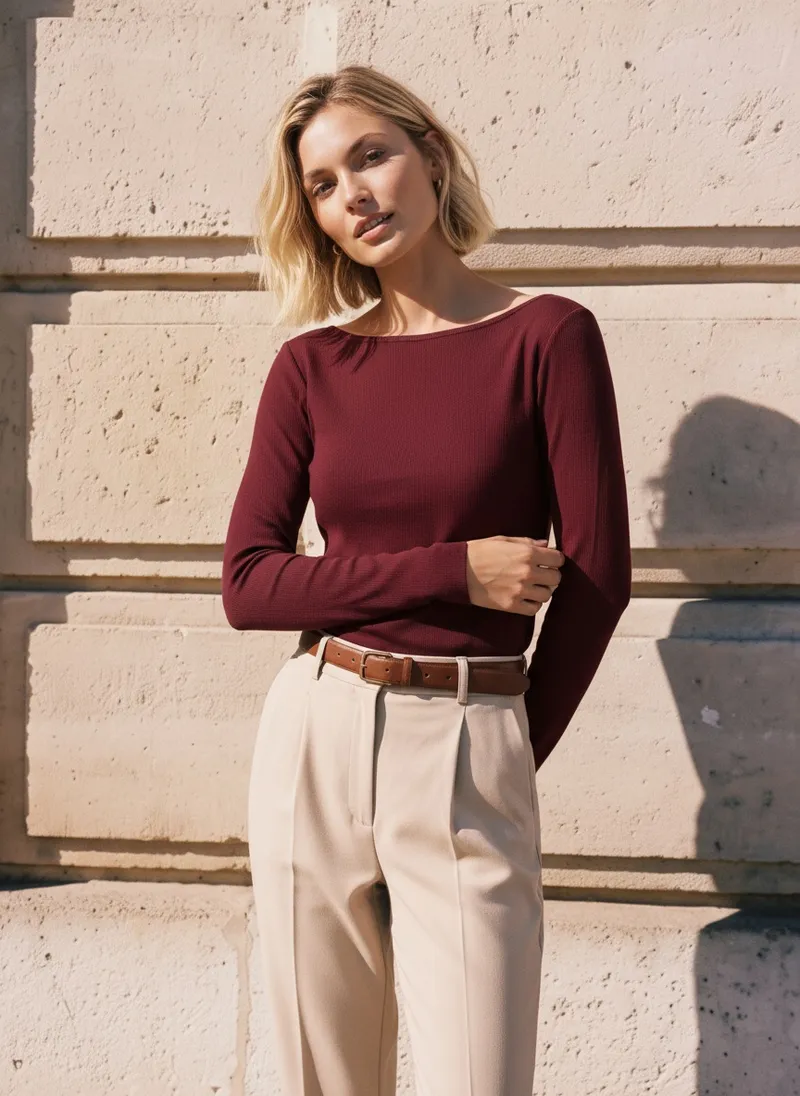
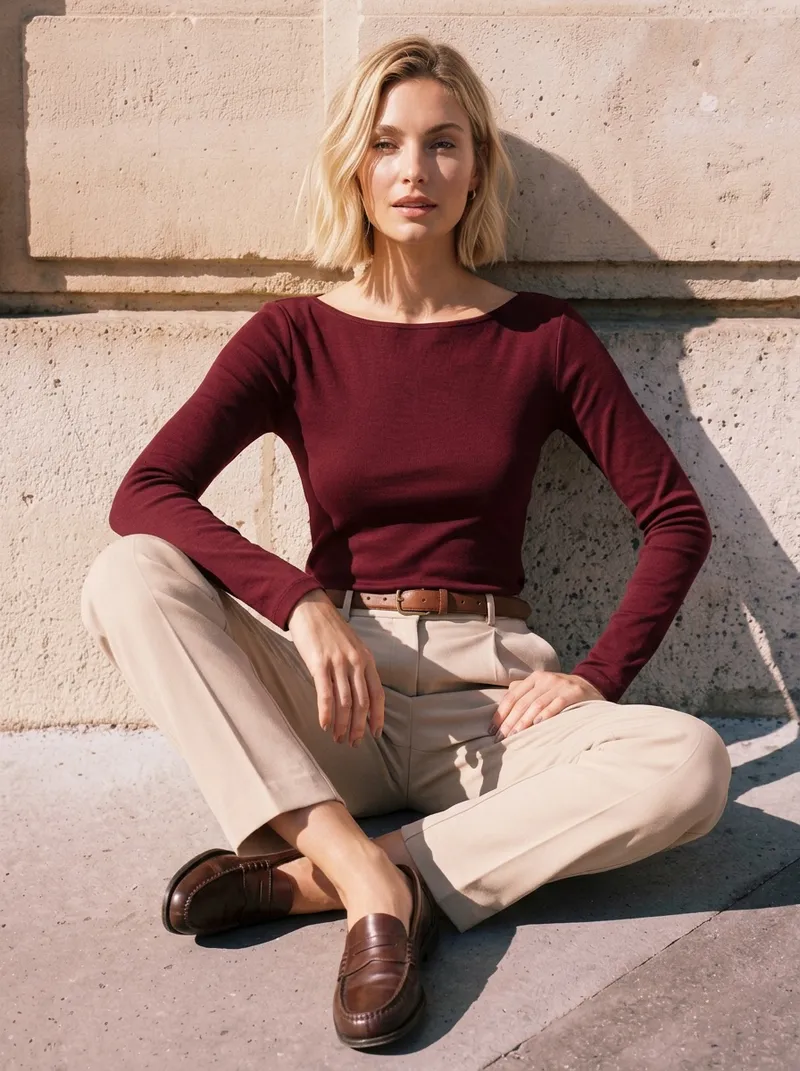
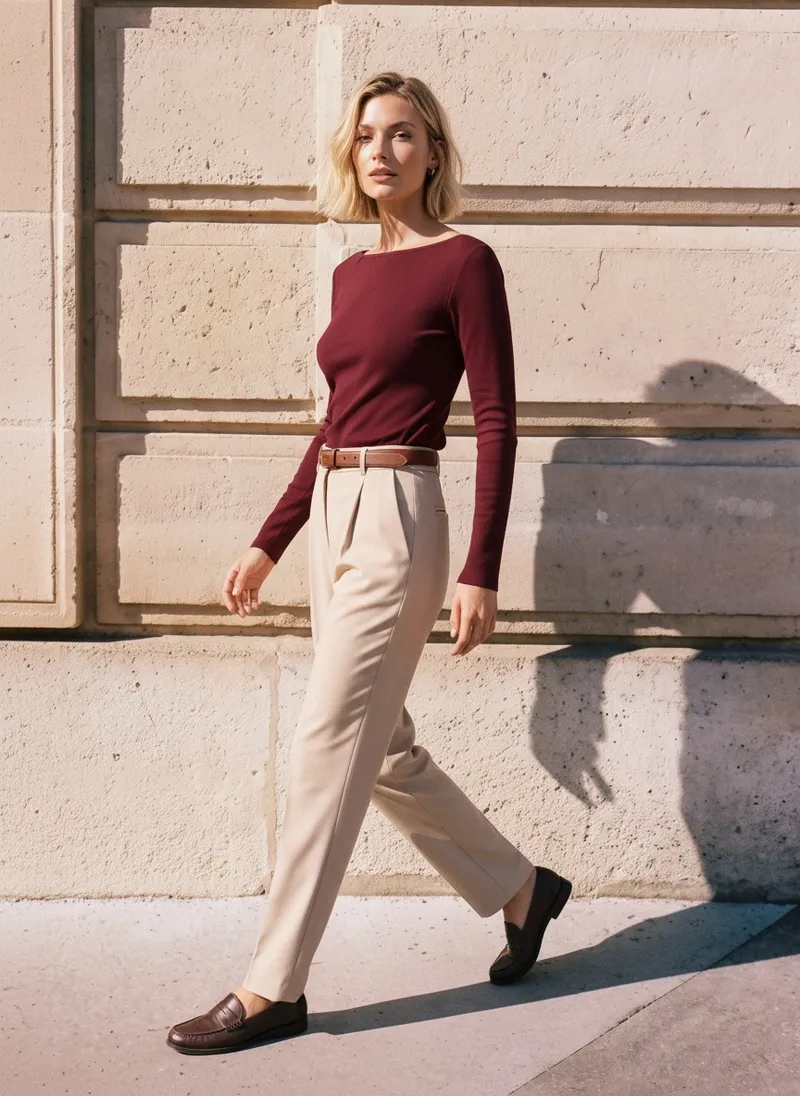
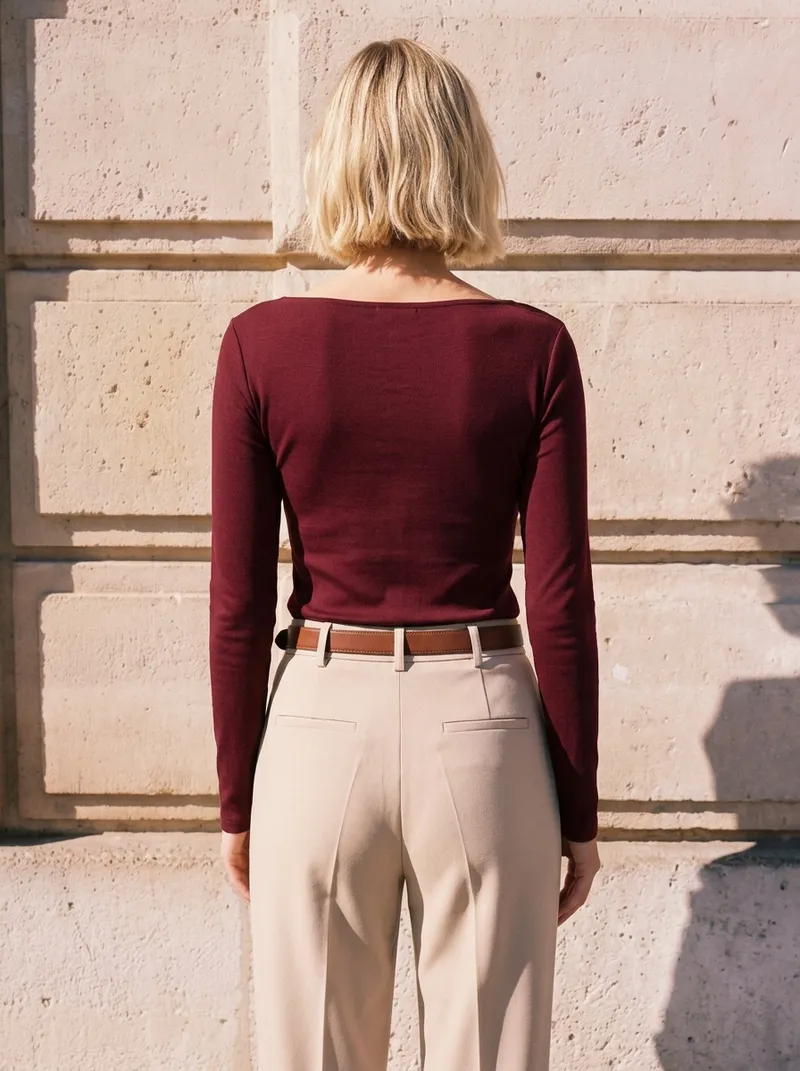
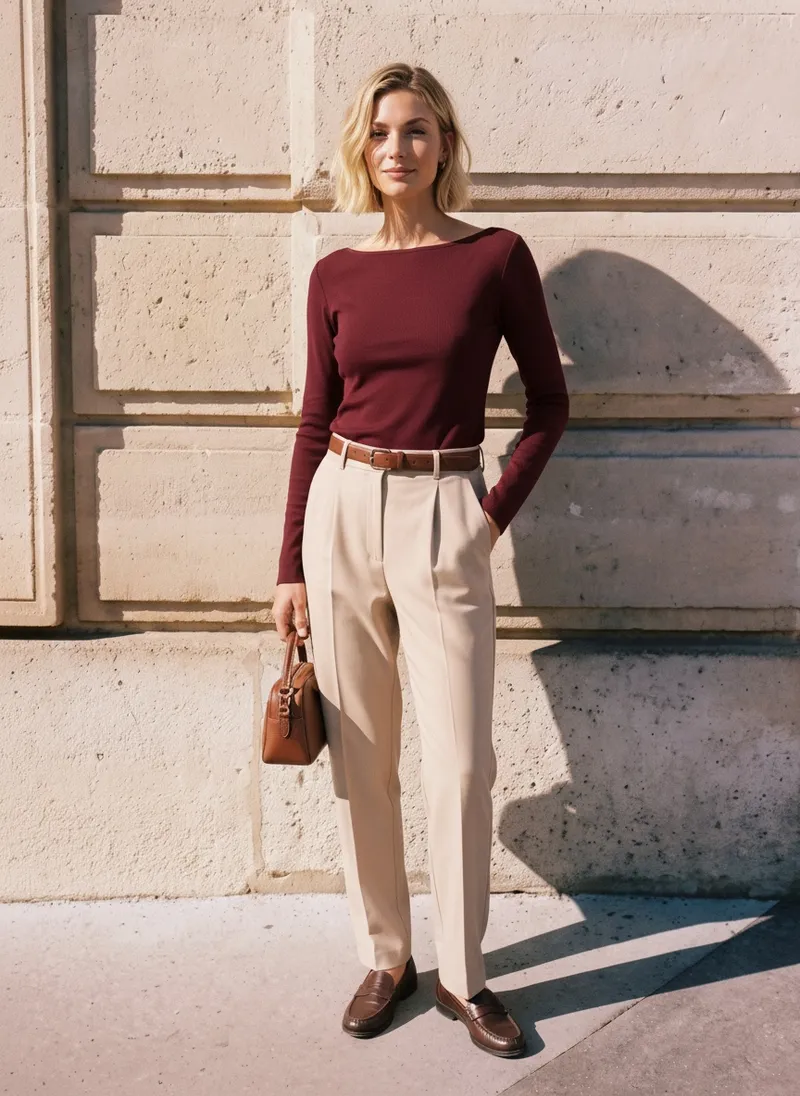
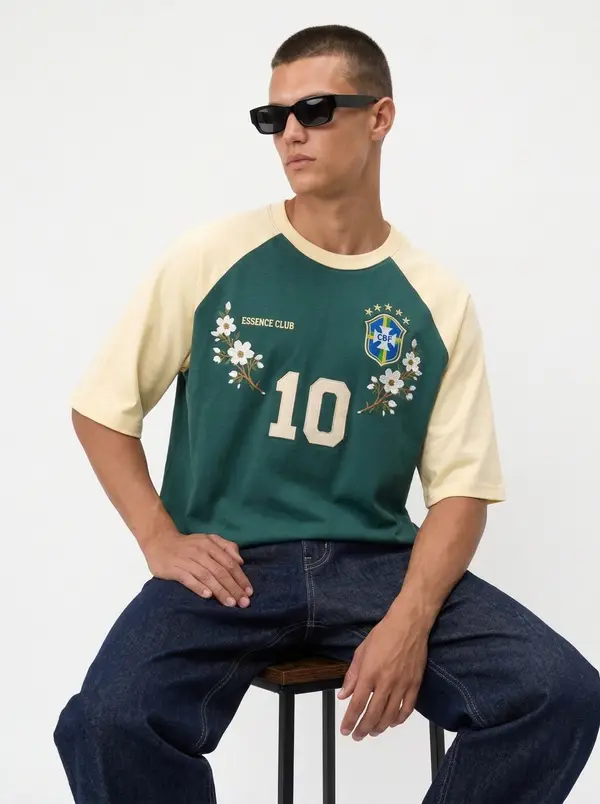
Burgundy boat-neck top, against a stone wall
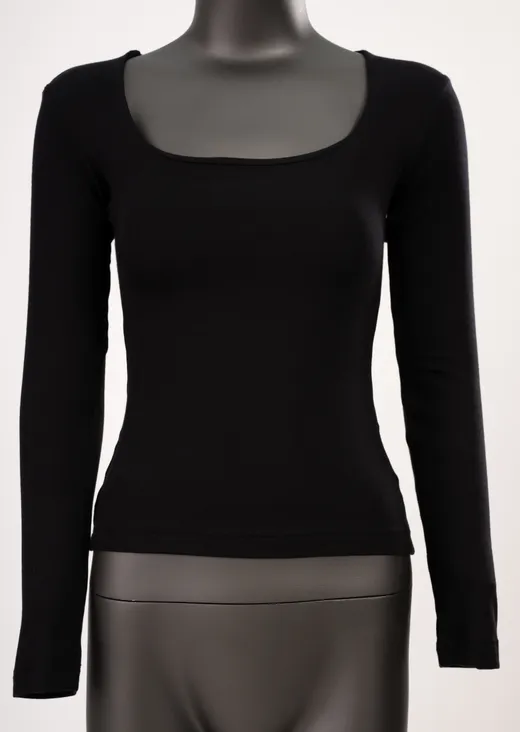
A top on a dress form, a portrait for the face and a photo of a stone wall for the scene. The set comes back on that wall, in the same light.


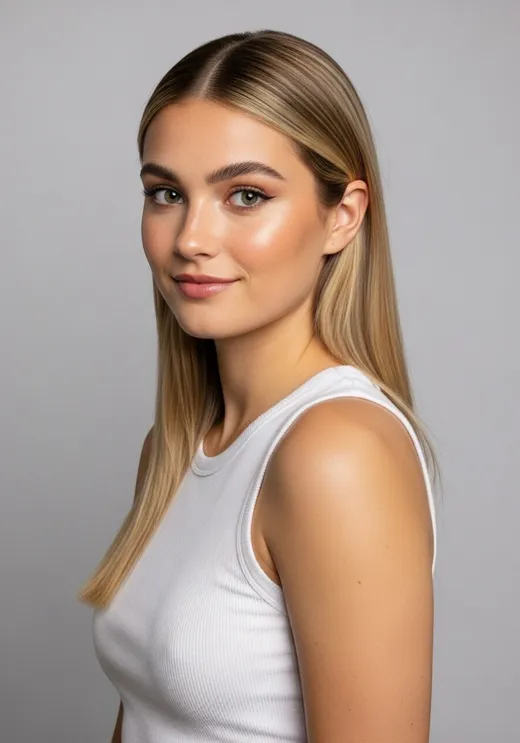
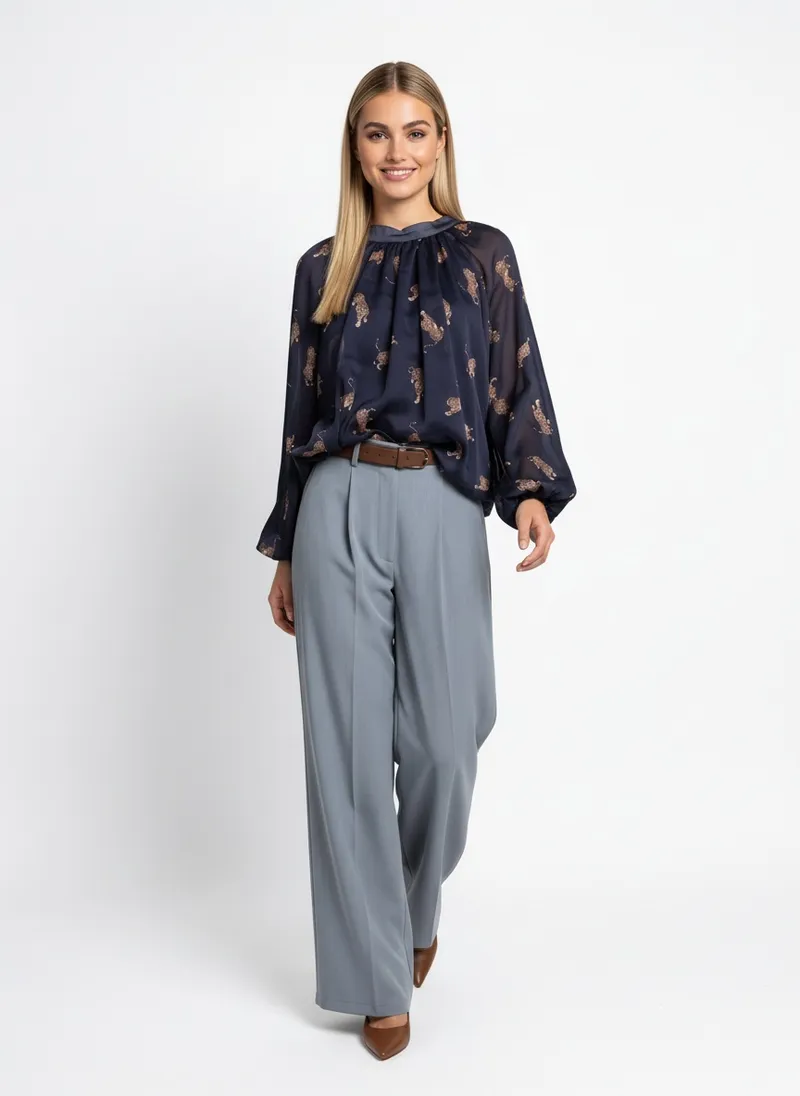
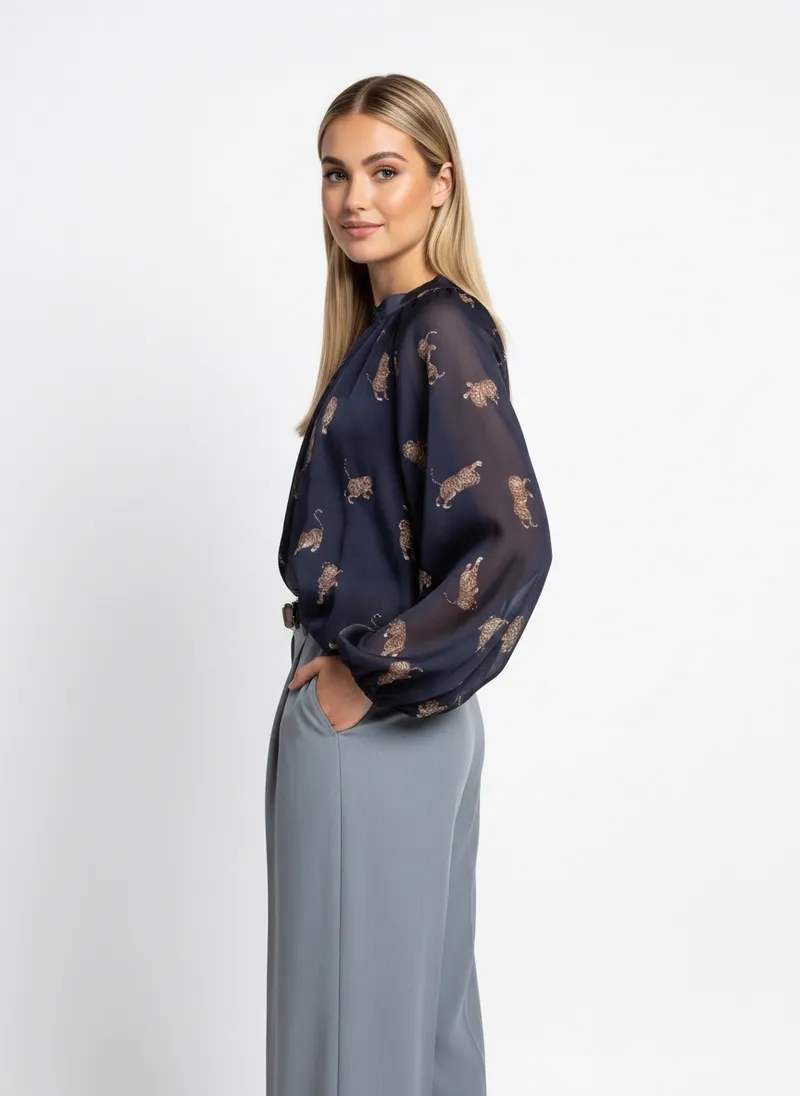
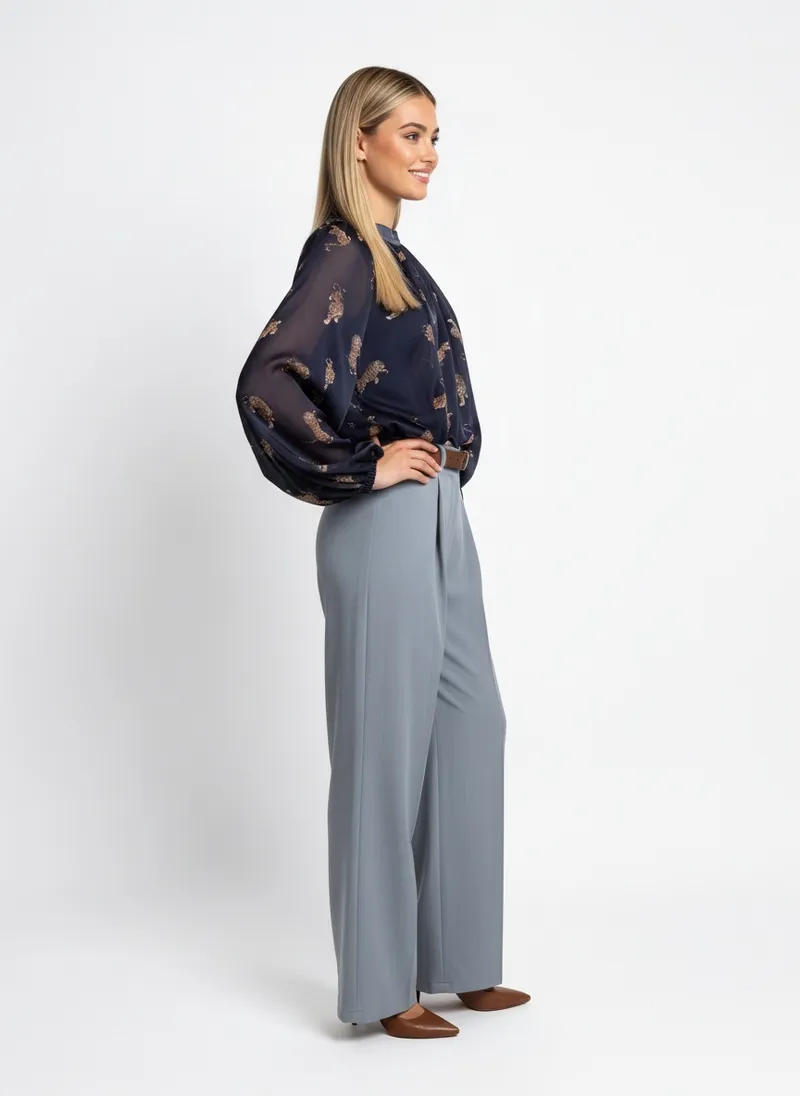
Real MODA AI runs, before and after. Each one shows the garment photo that was uploaded, the face and location references, and frames from the catalog set that came back.
A top on a dress form, a portrait for the face and a photo of a stone wall for the scene. The set comes back on that wall, in the same light.


A dress form in a store room is enough. Add a photo of a place and the set moves there.
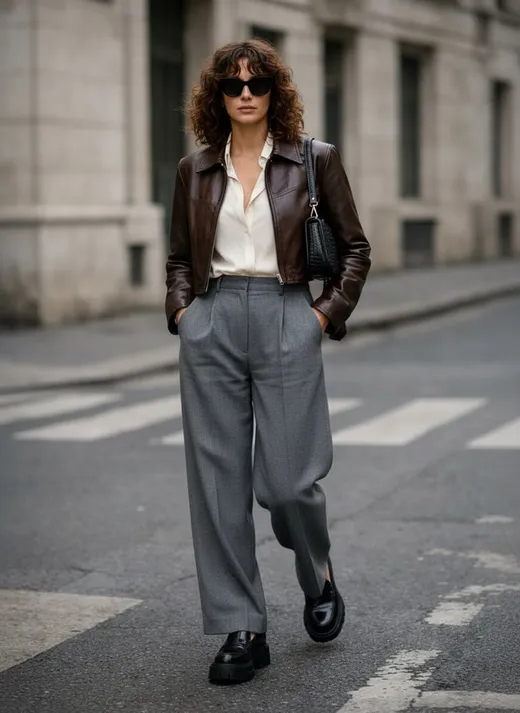
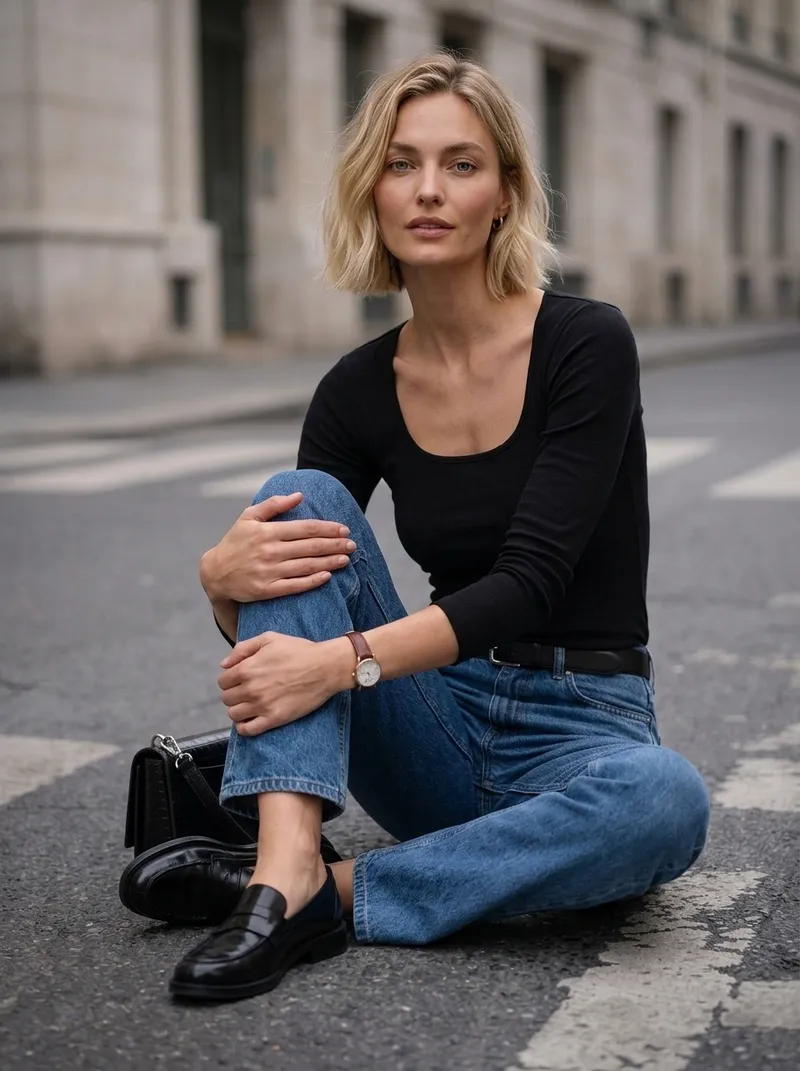
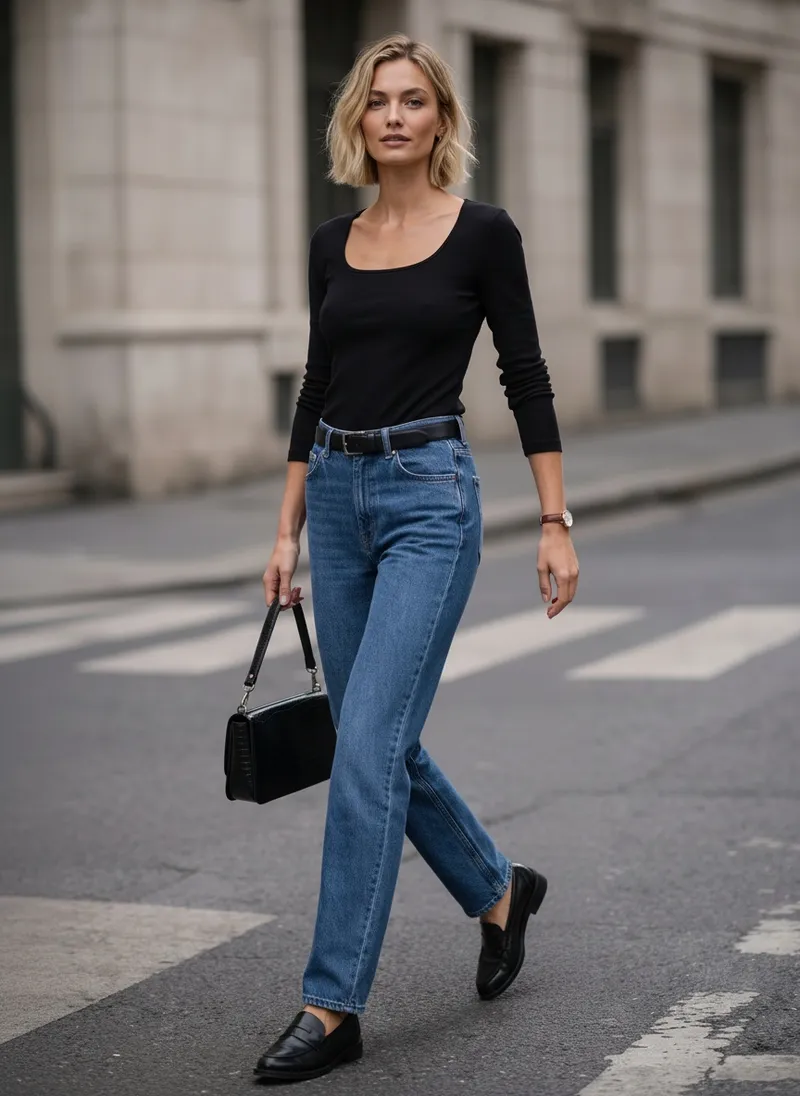
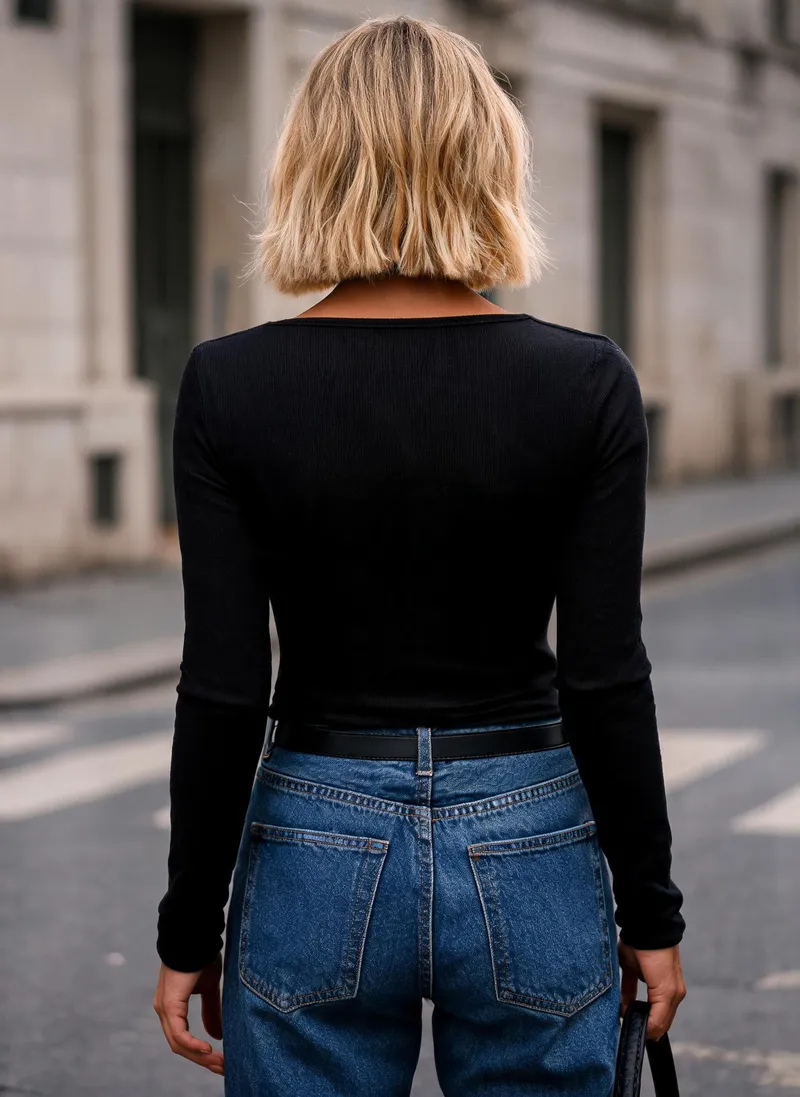
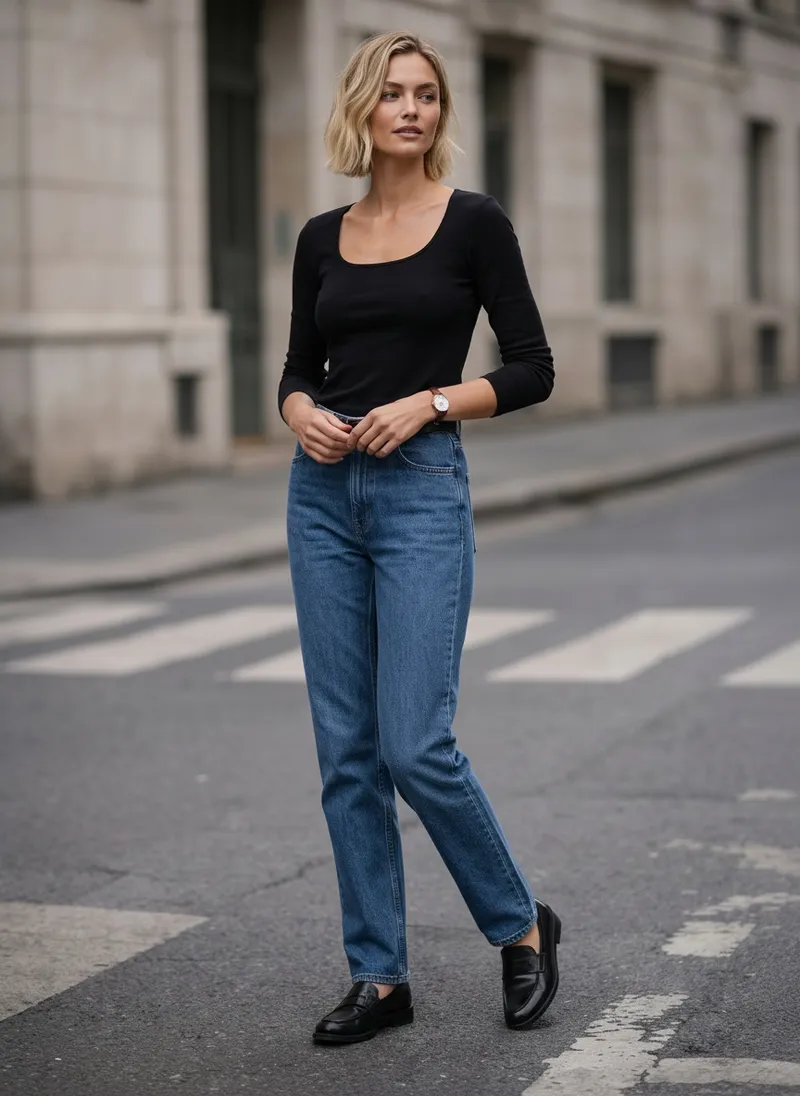
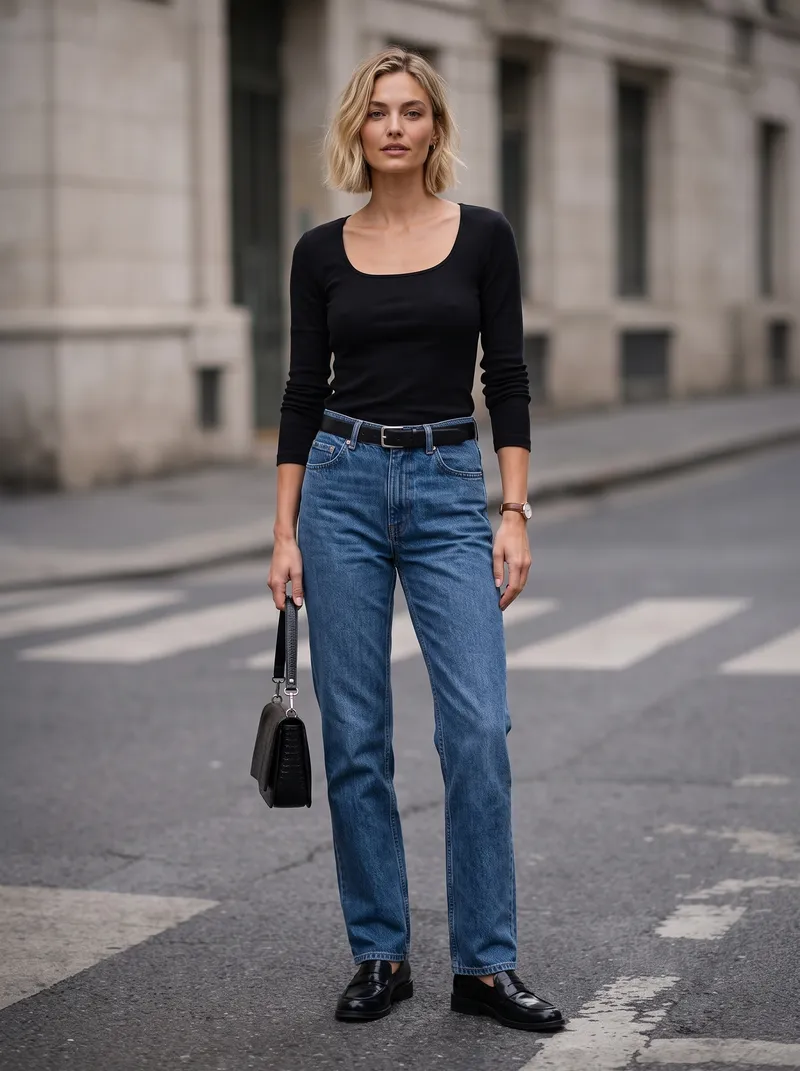
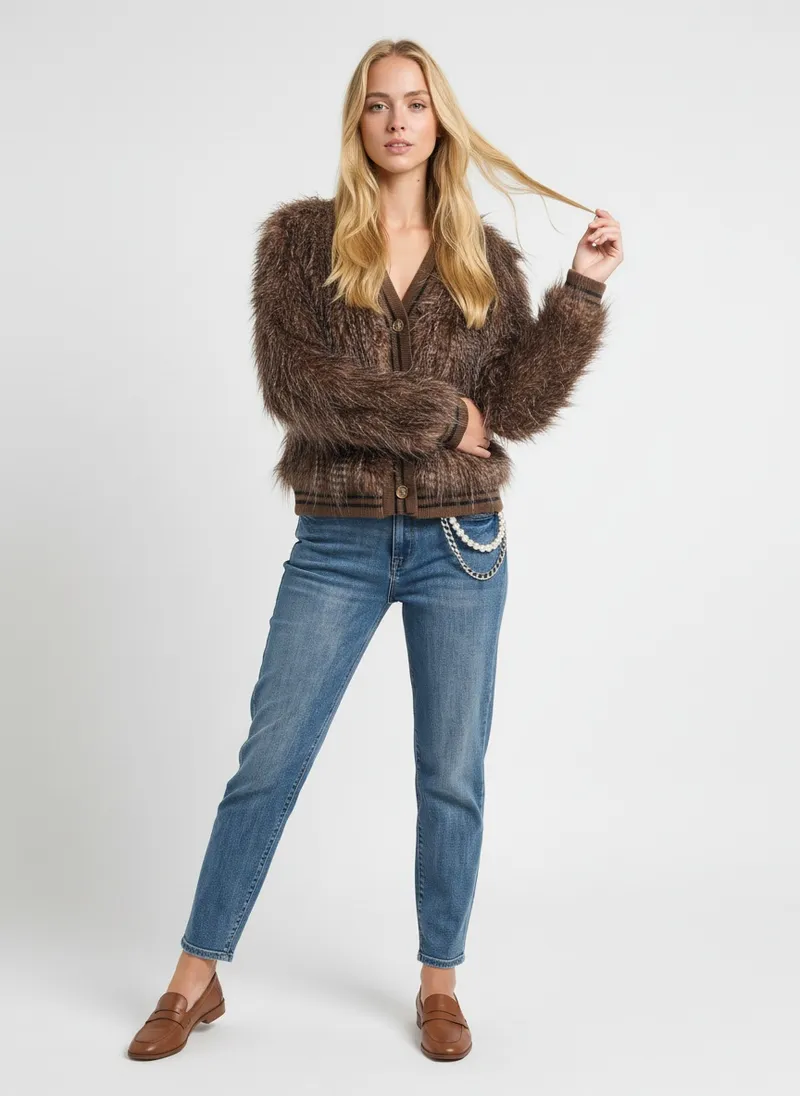
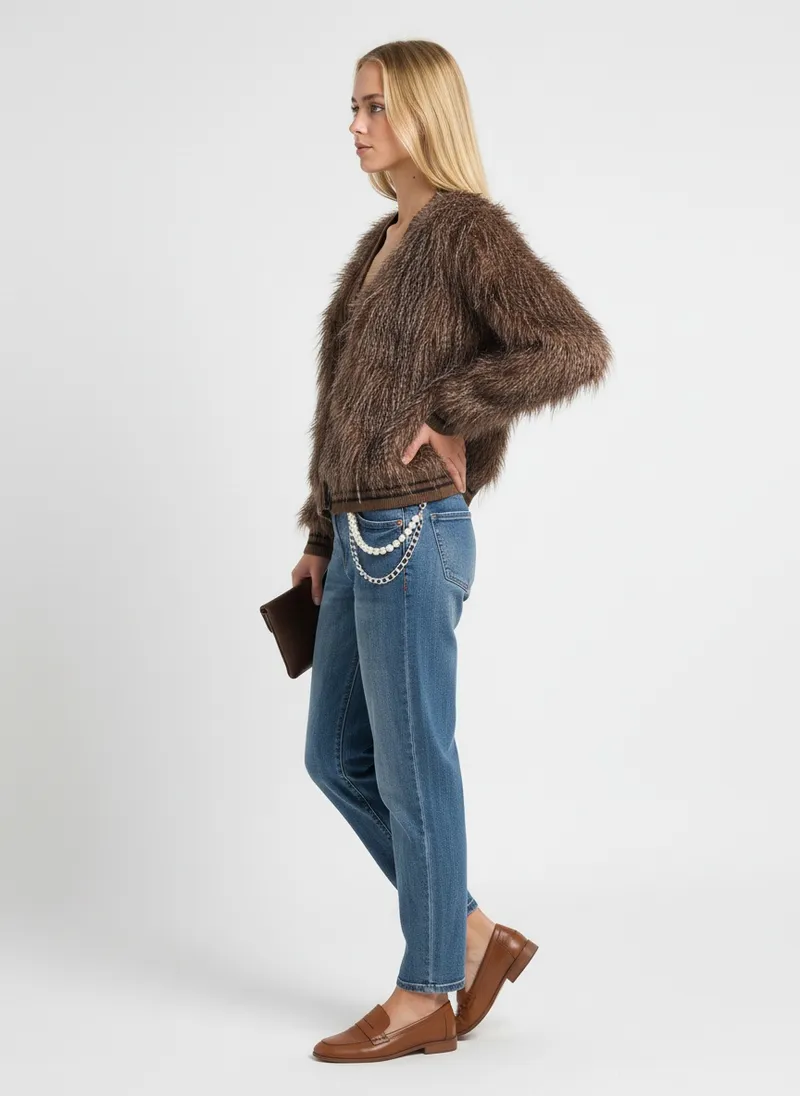
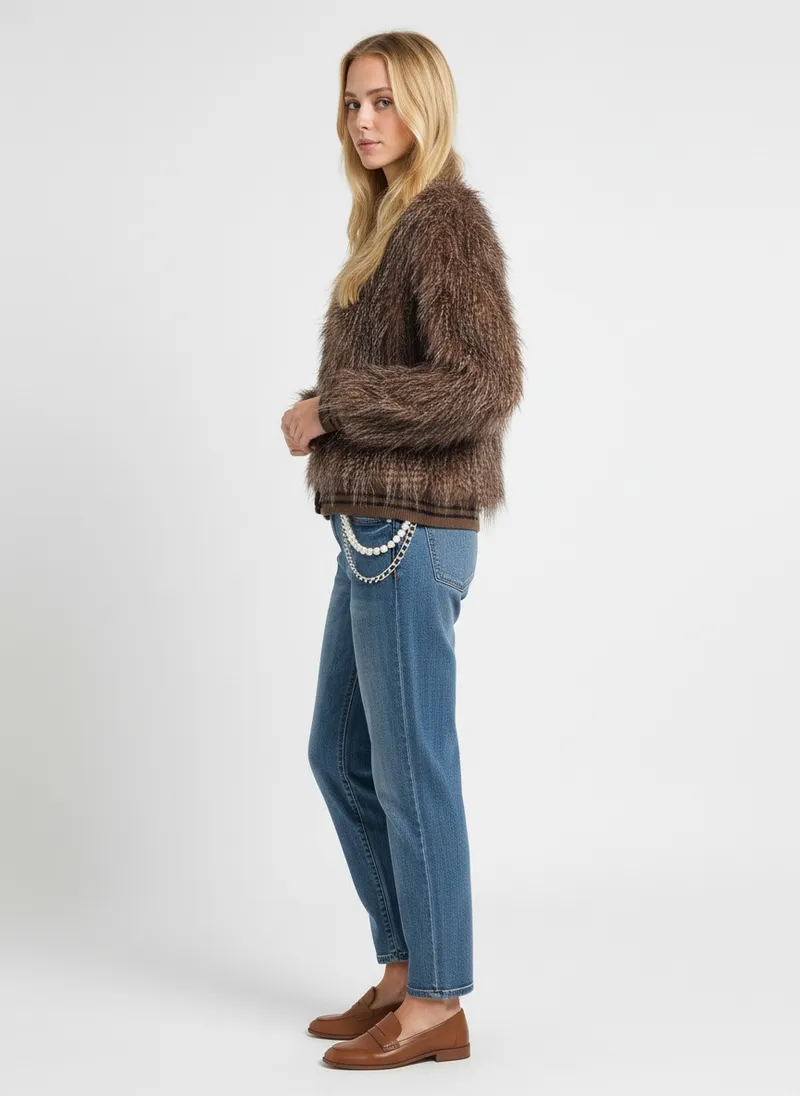
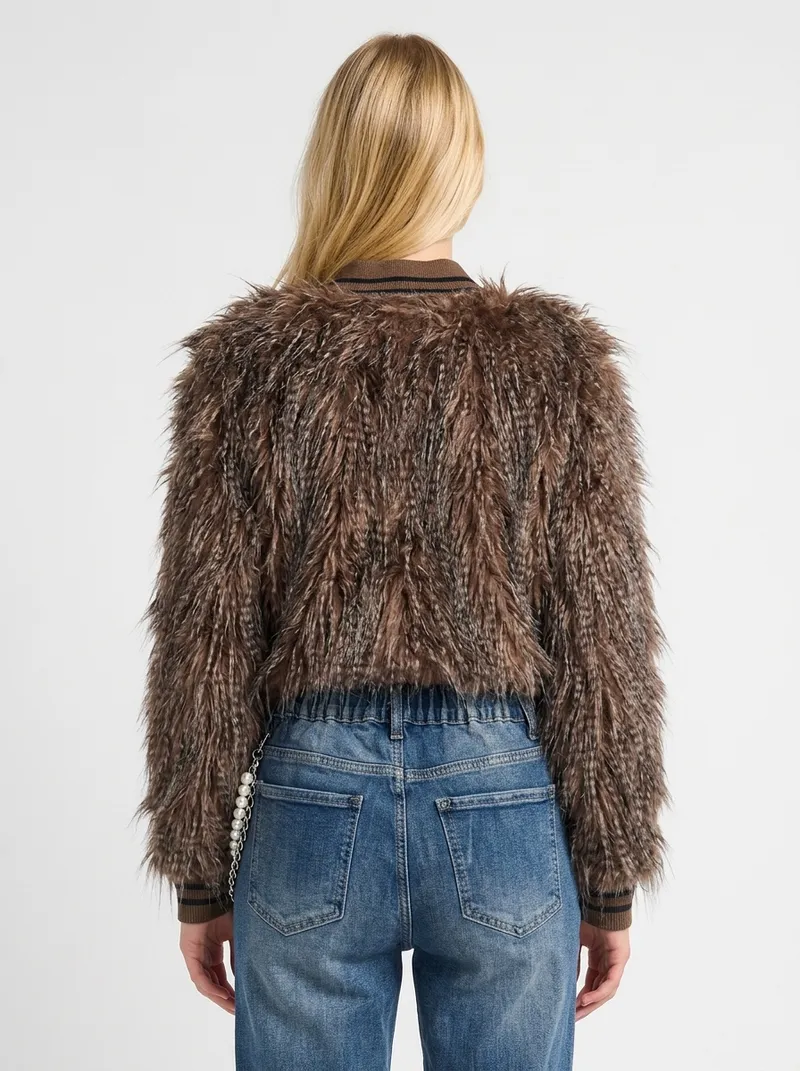
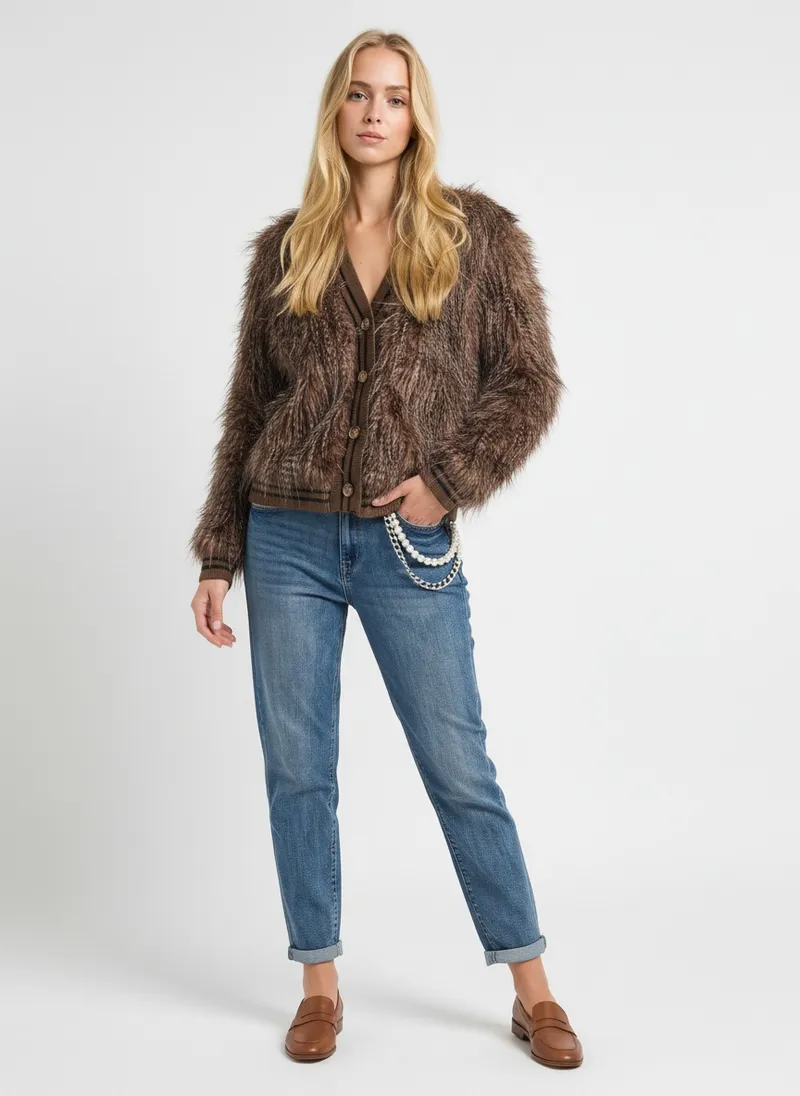
The same face reference as the run above, with a street photo as the scene. The set moves to that crossing, styled with jeans and loafers.


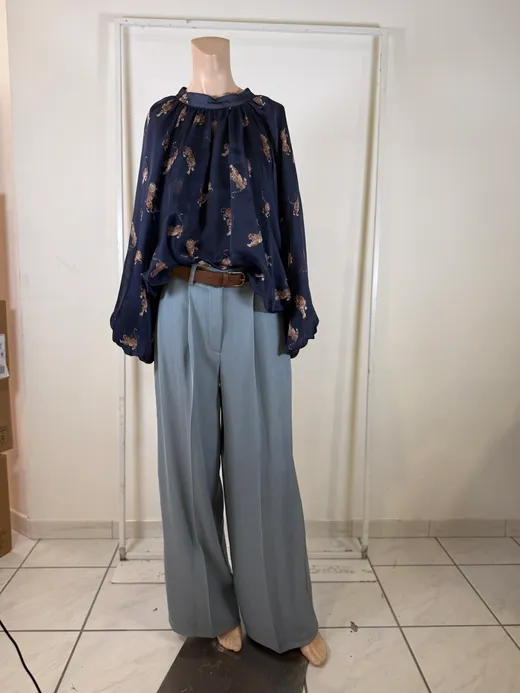
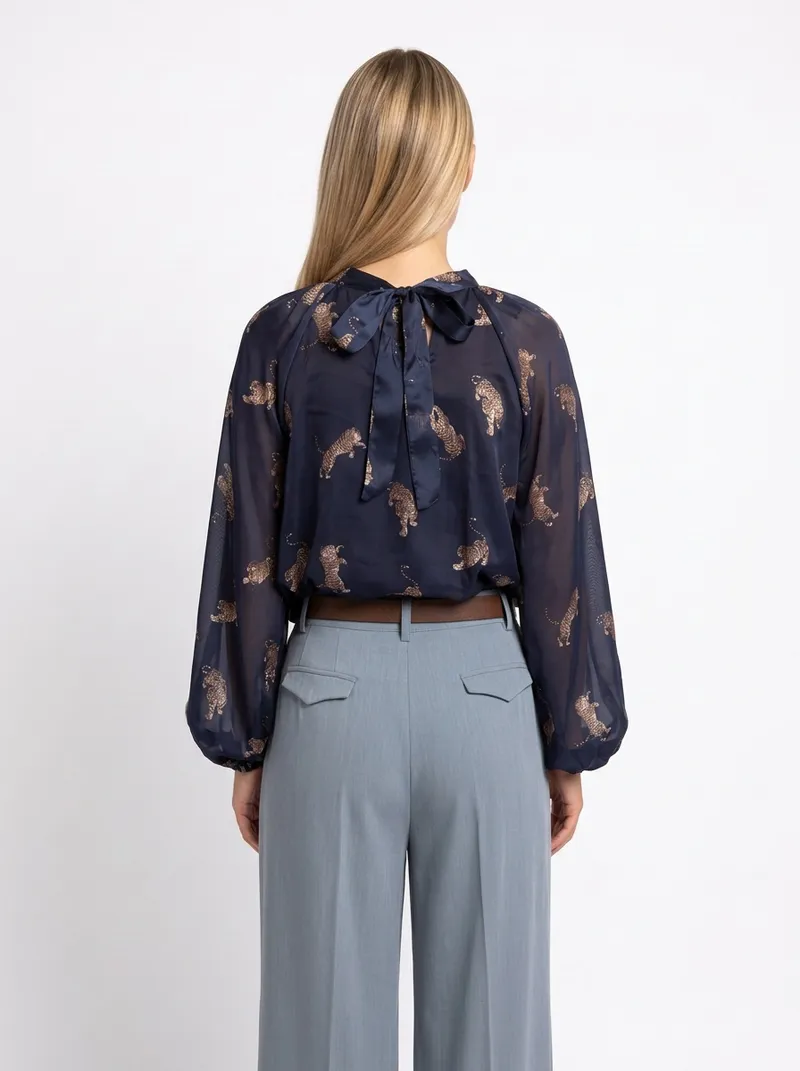
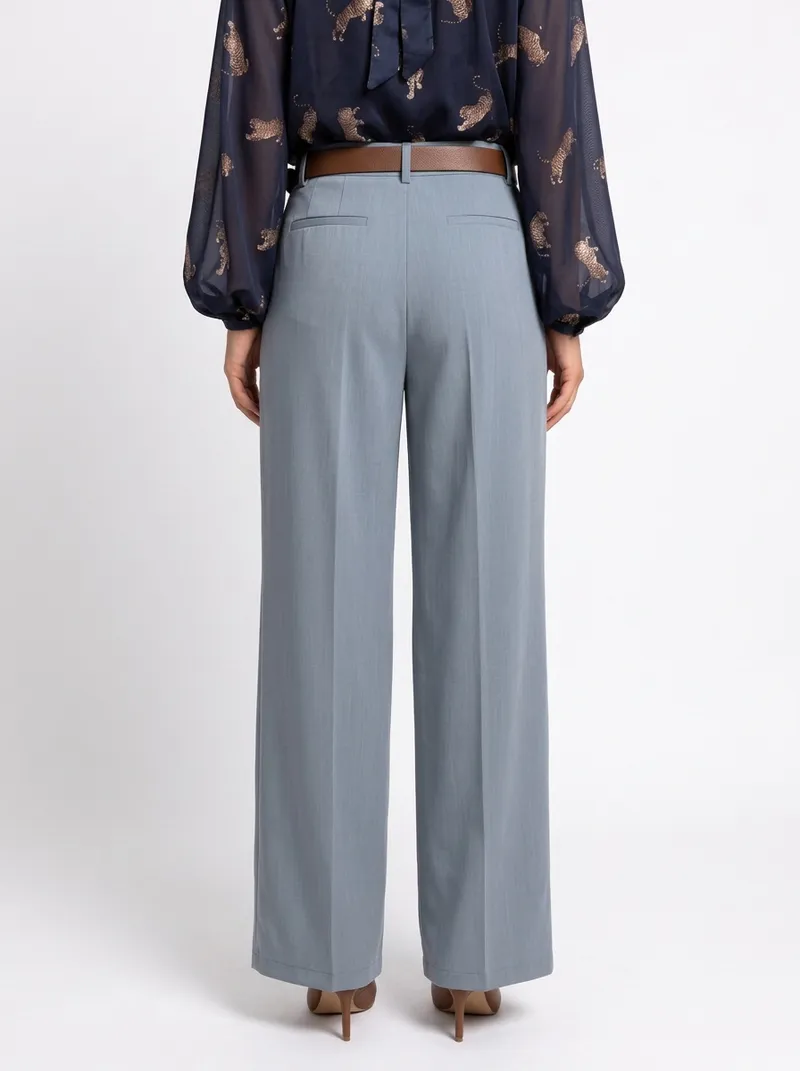
Shot on a dress form in a back room, with the tiles and a rail in frame. It comes back in a clean studio, belt and pleats kept.


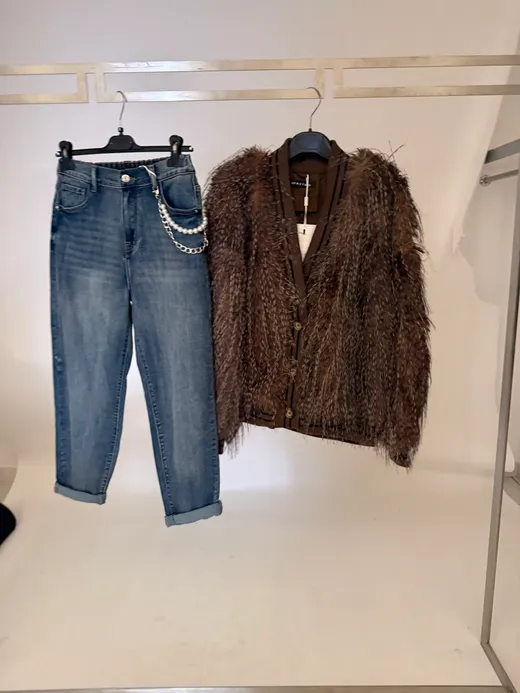
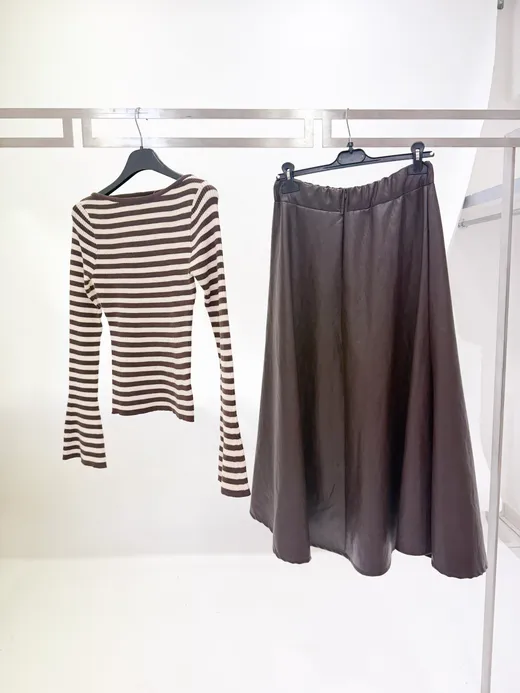
Pieces photographed on a hanger come back worn, styled together as one outfit.
Both pieces on one rail, the chain still clipped to the jeans. They come back worn as one outfit, chain included, from every side.


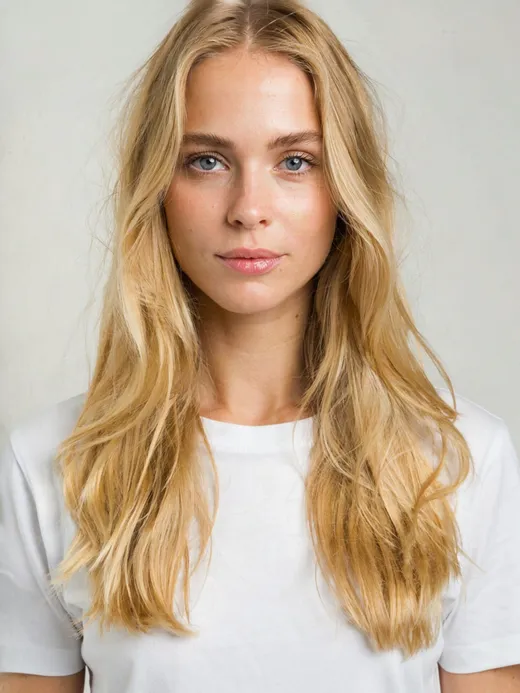
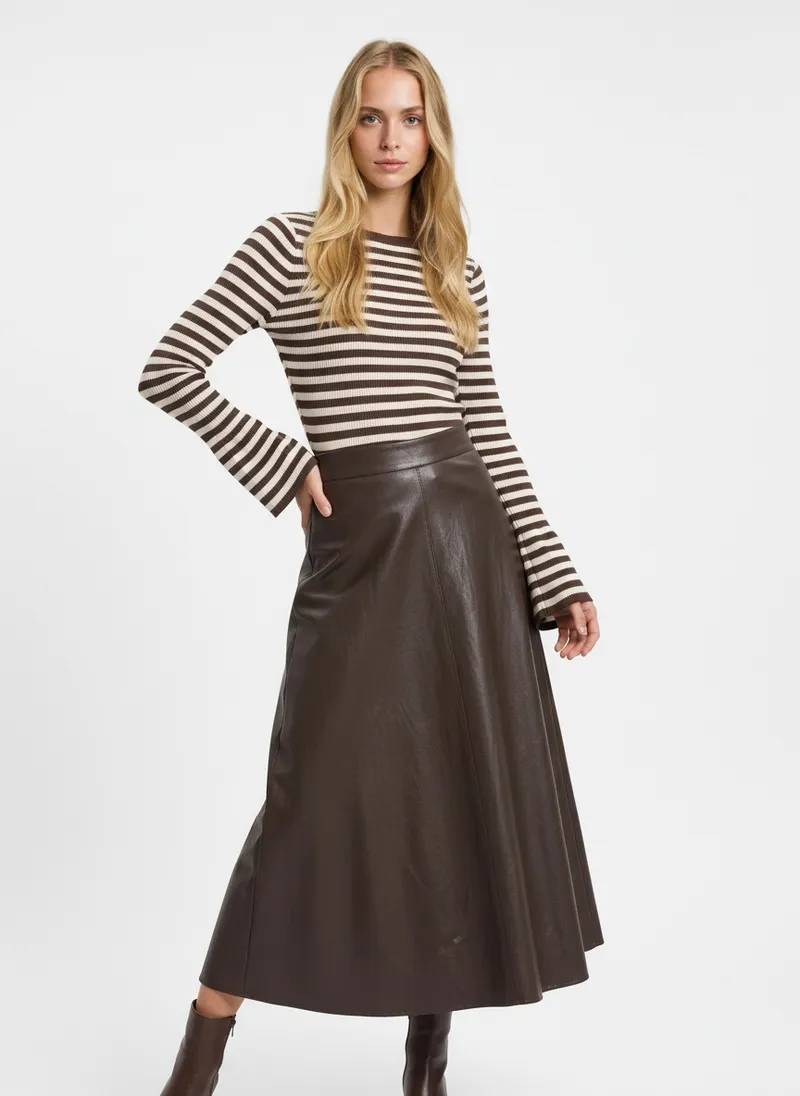
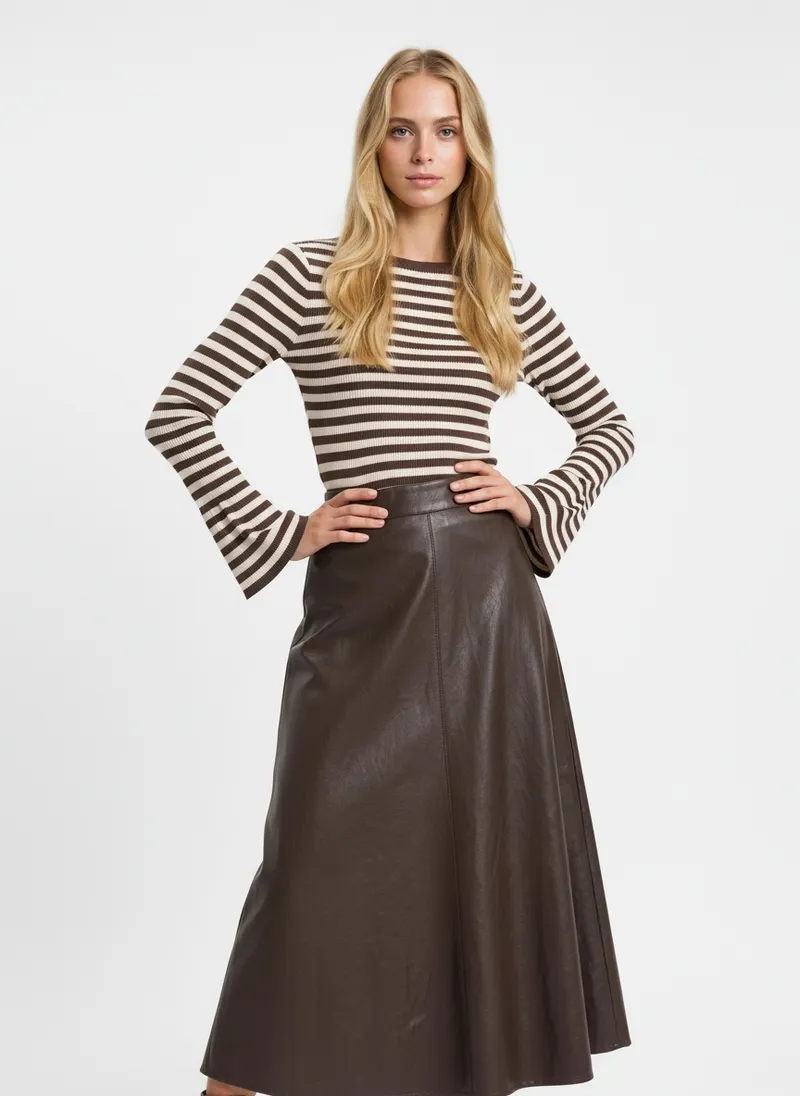
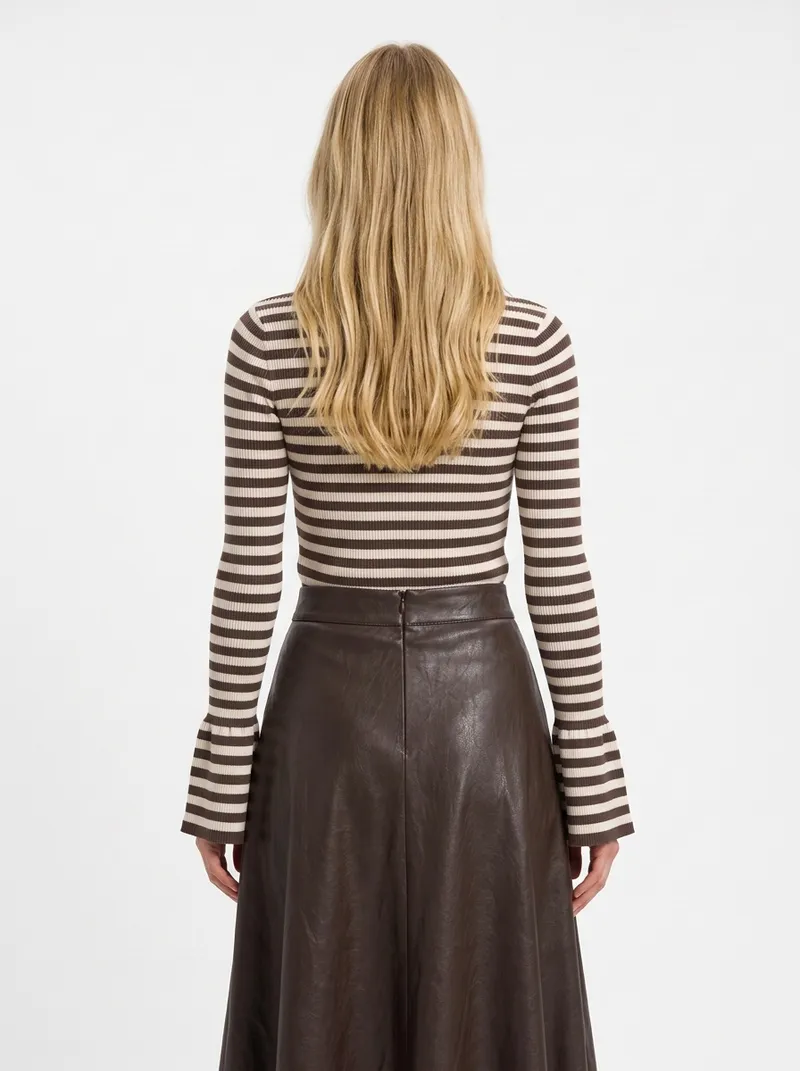
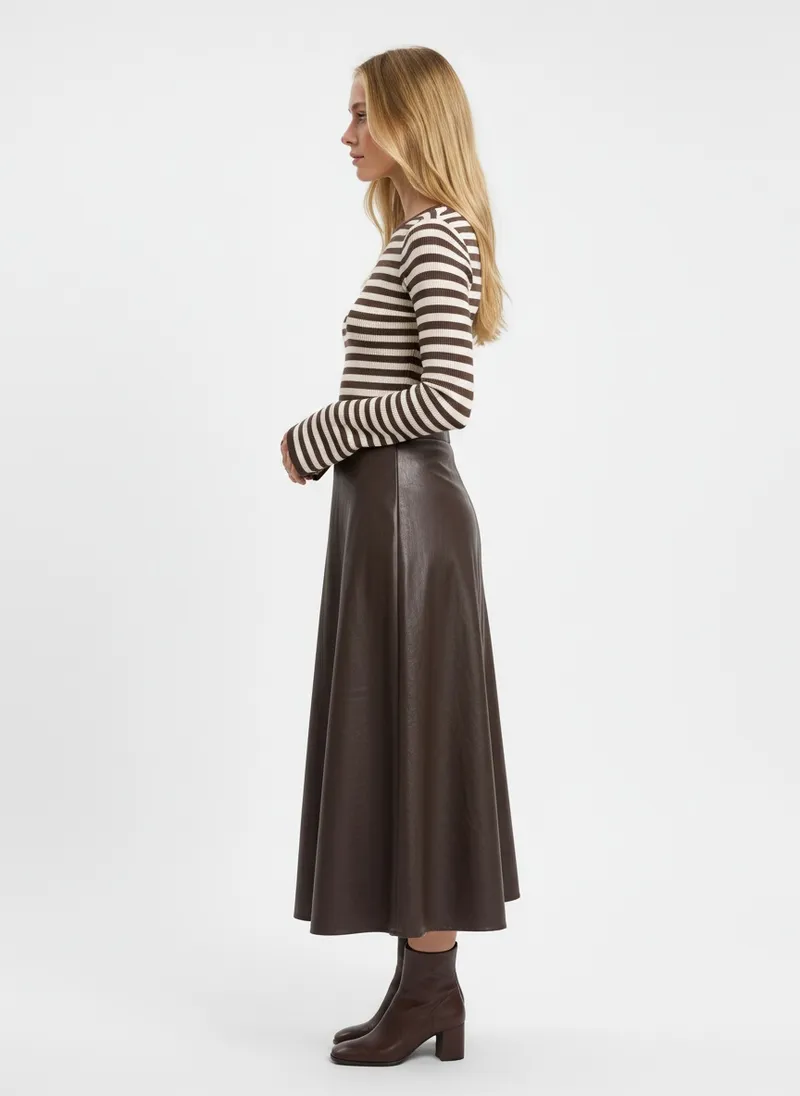
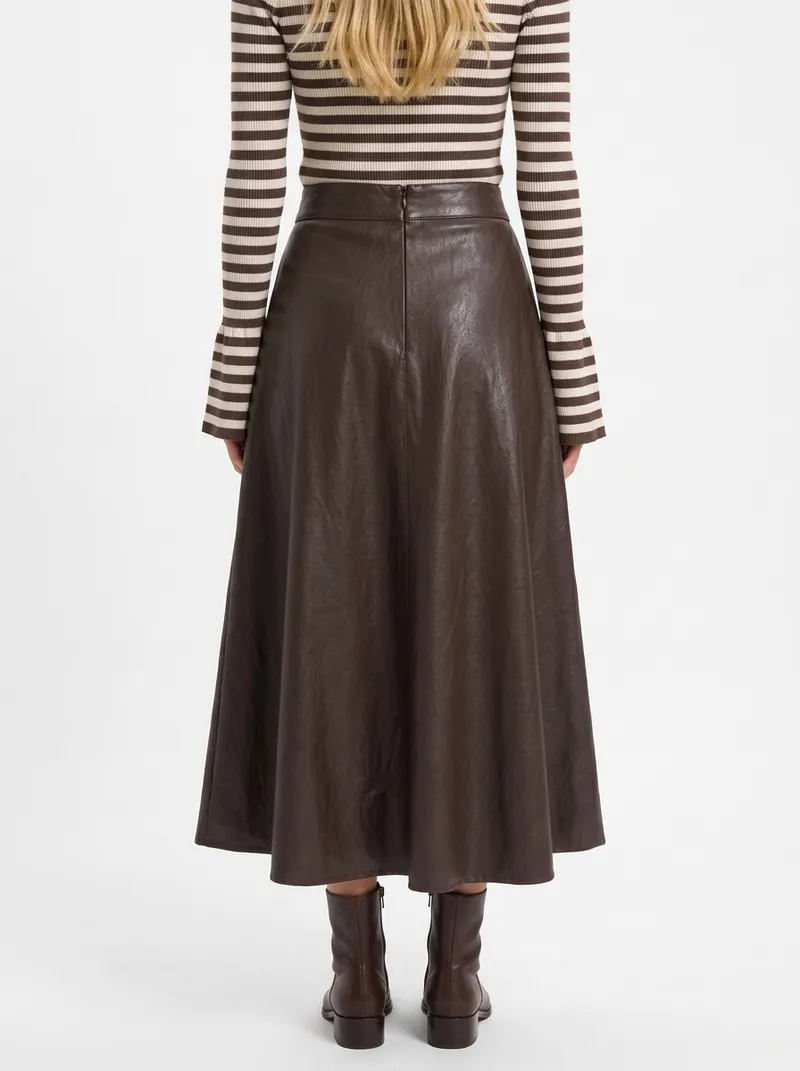
Two pieces on a rail, shot together. One run puts them on one face, with the skirt’s flare kept from every side.


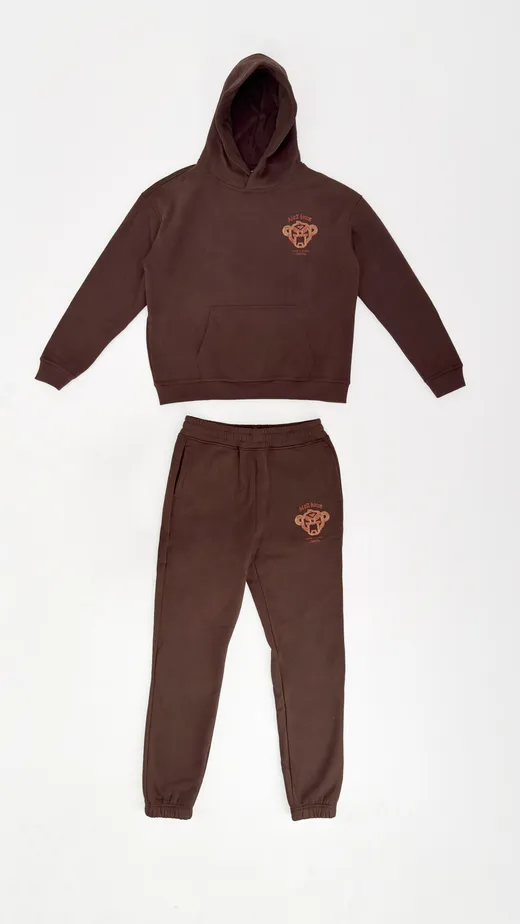
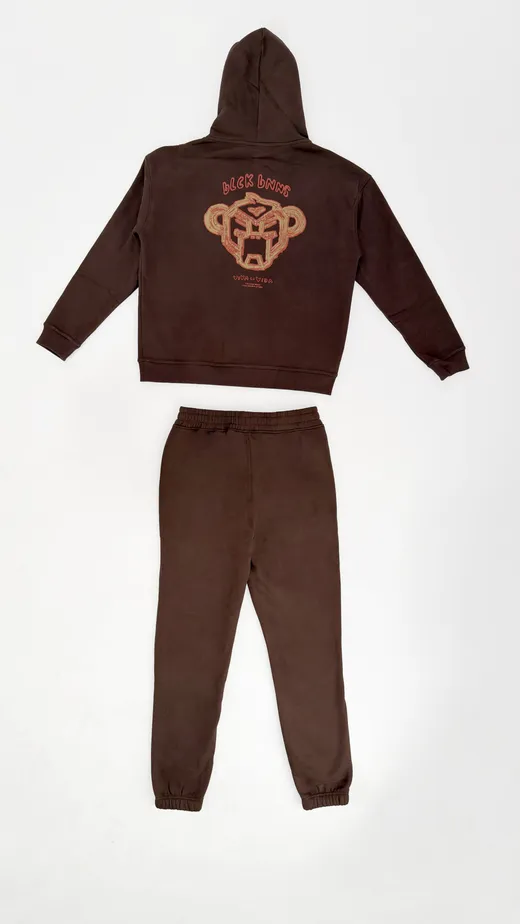
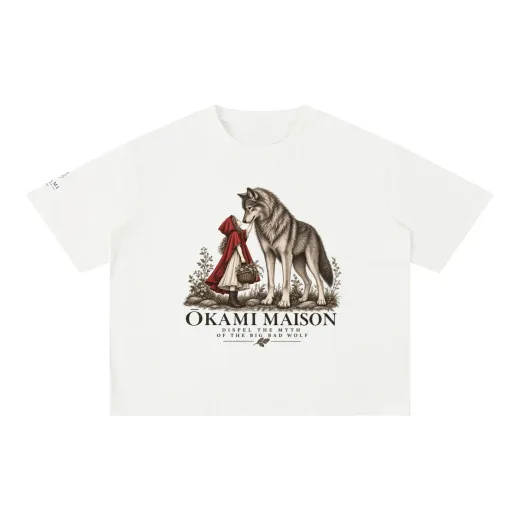
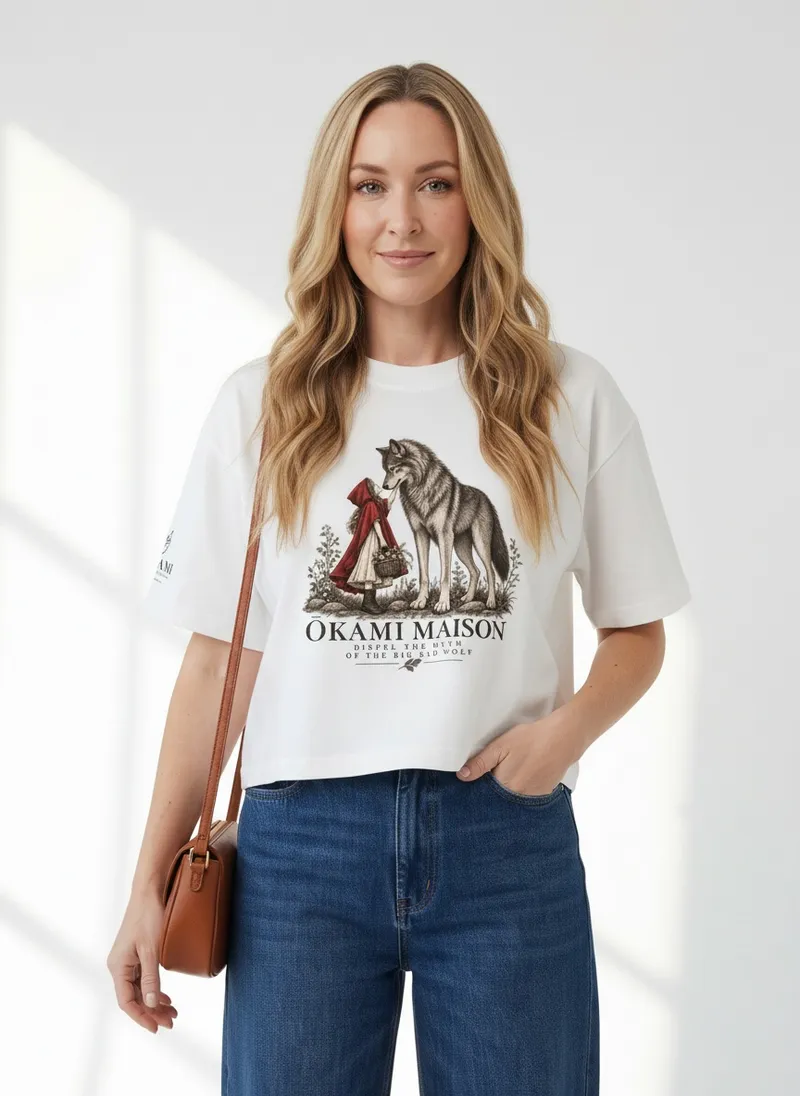
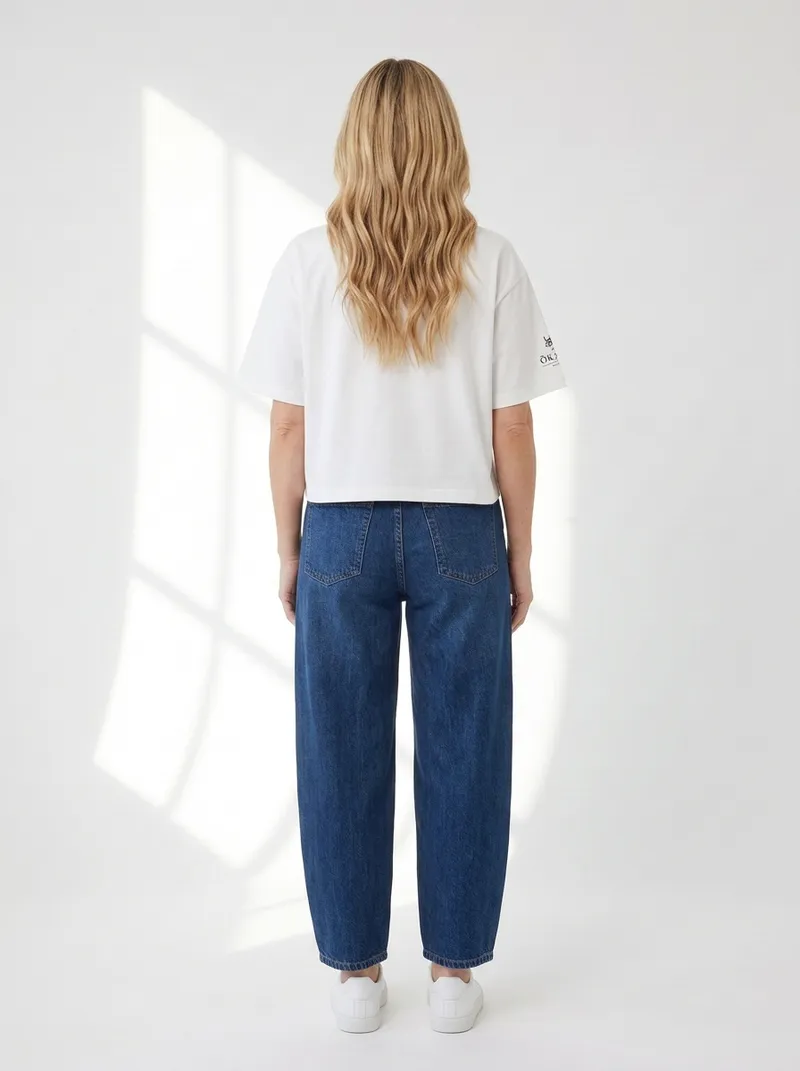
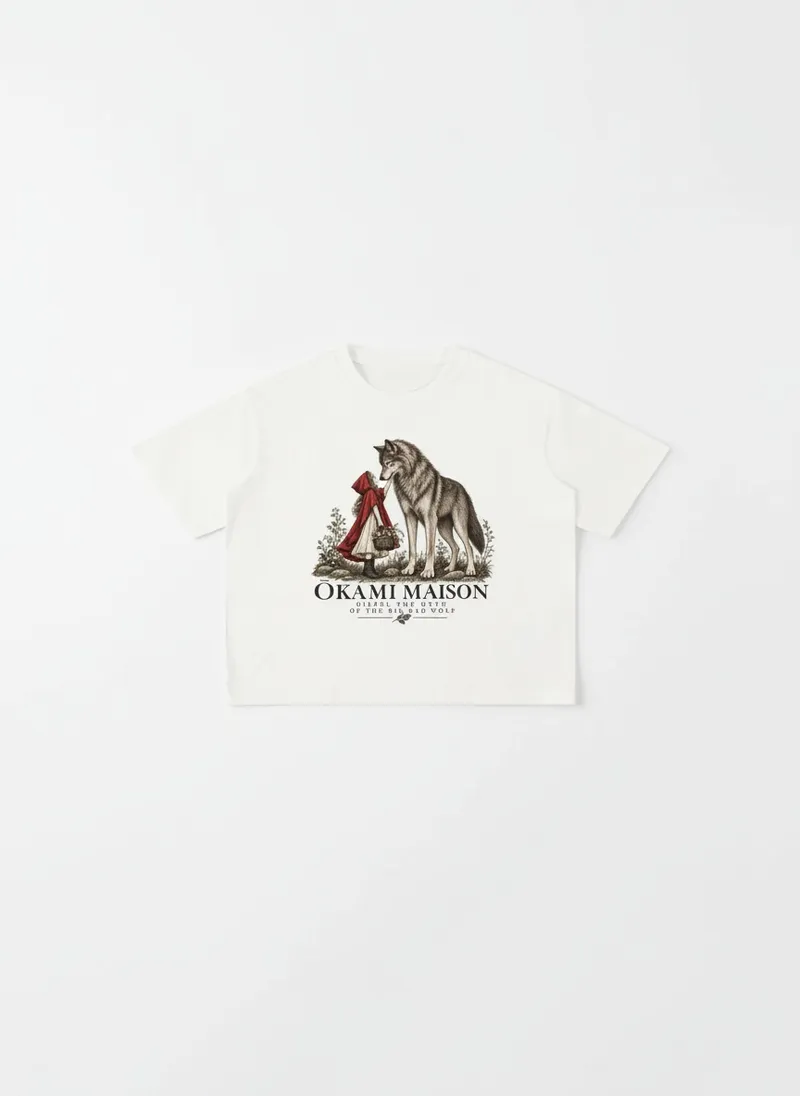
A flat lay or a packshot on white. Prints and graphics stay where they sit on the garment.
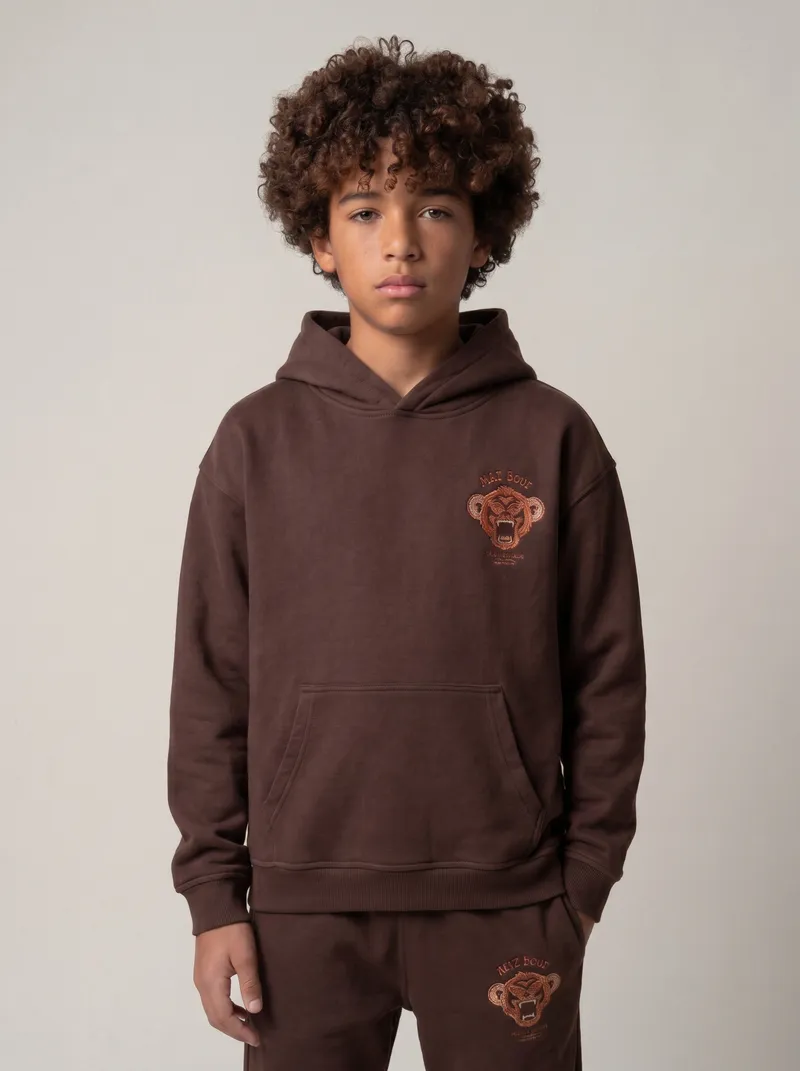
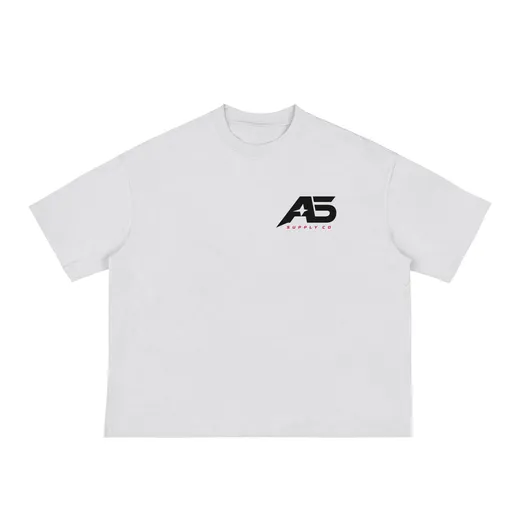
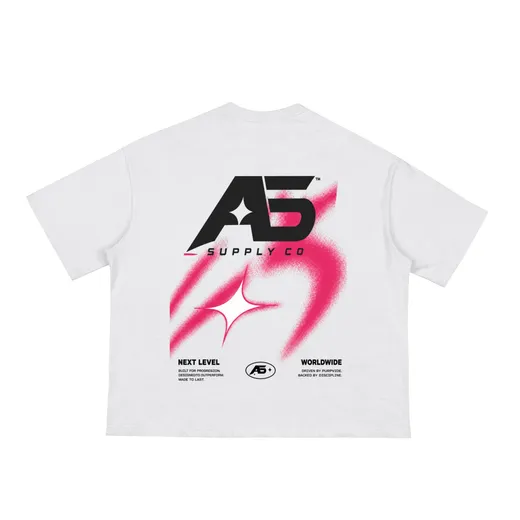
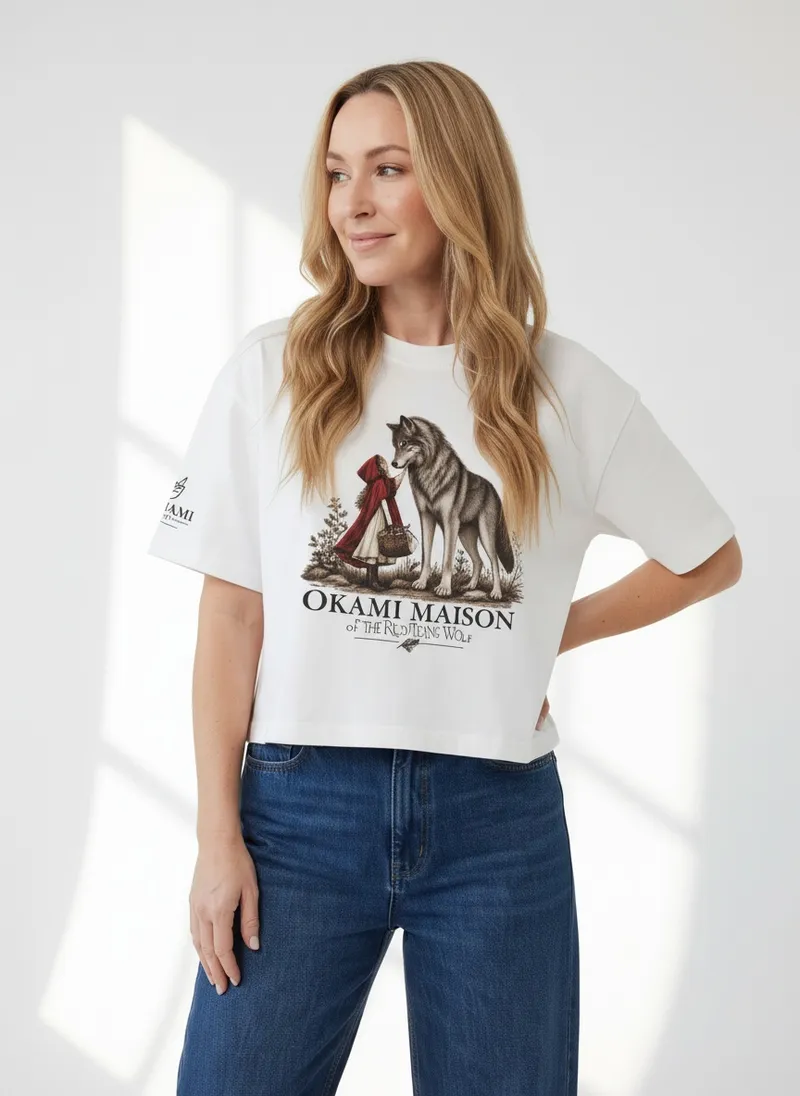
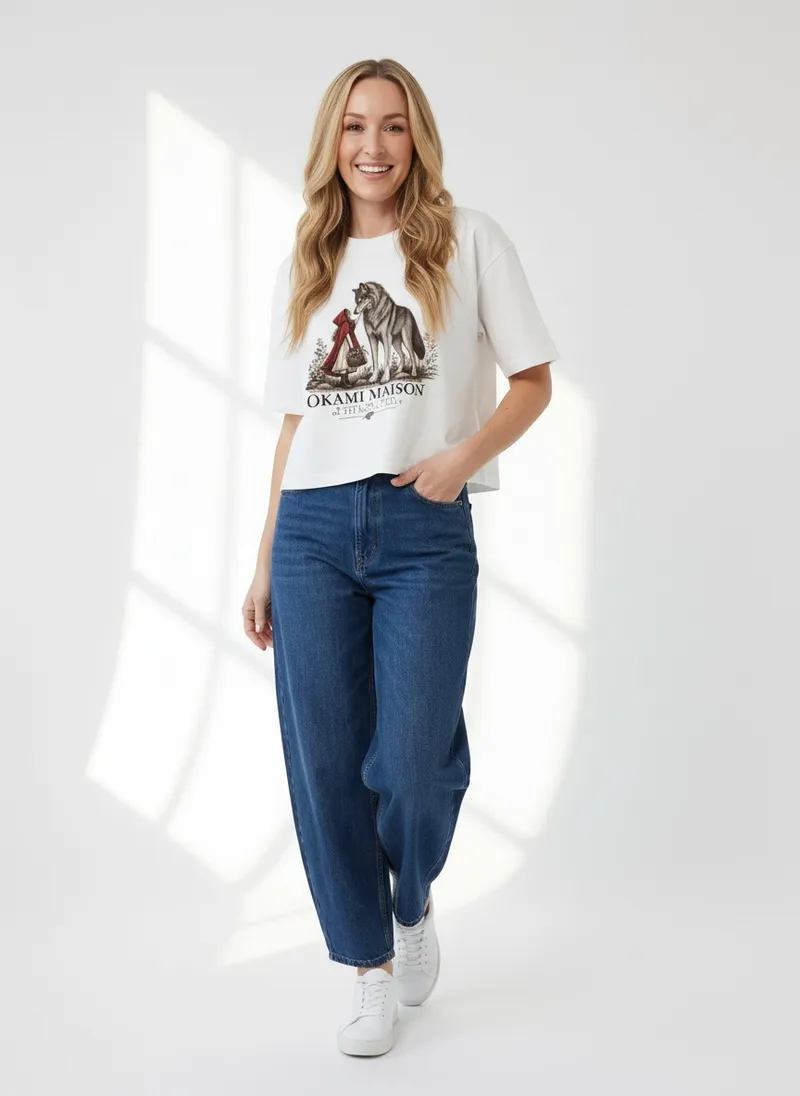
Laid flat, front and back. Both prints land where they are on the garment, with a close-up of the chest graphic and a flat product shot.


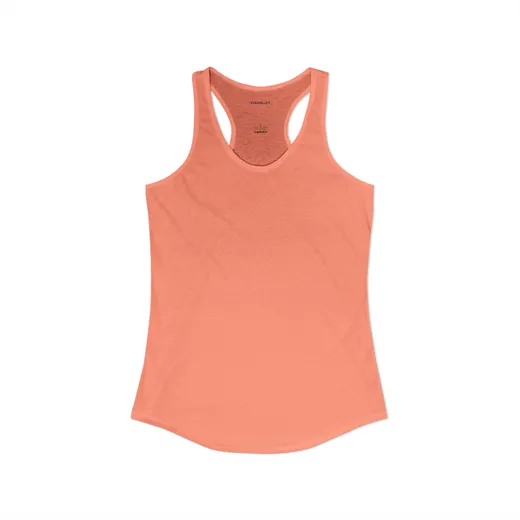
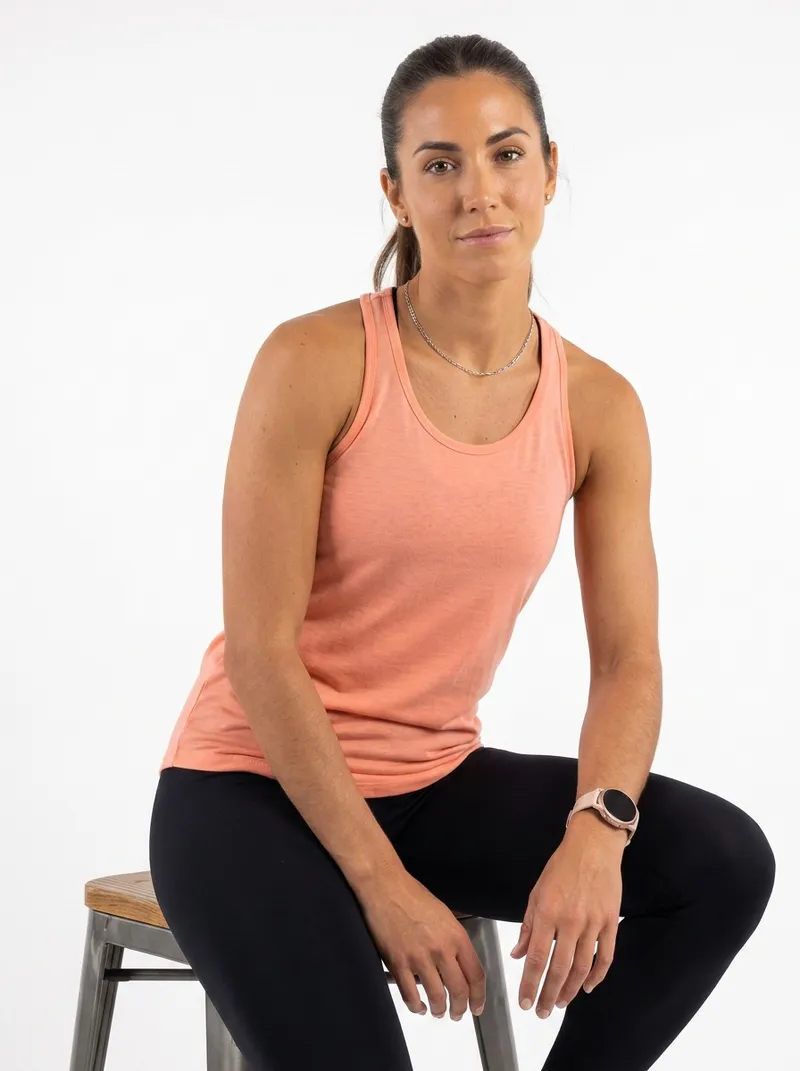
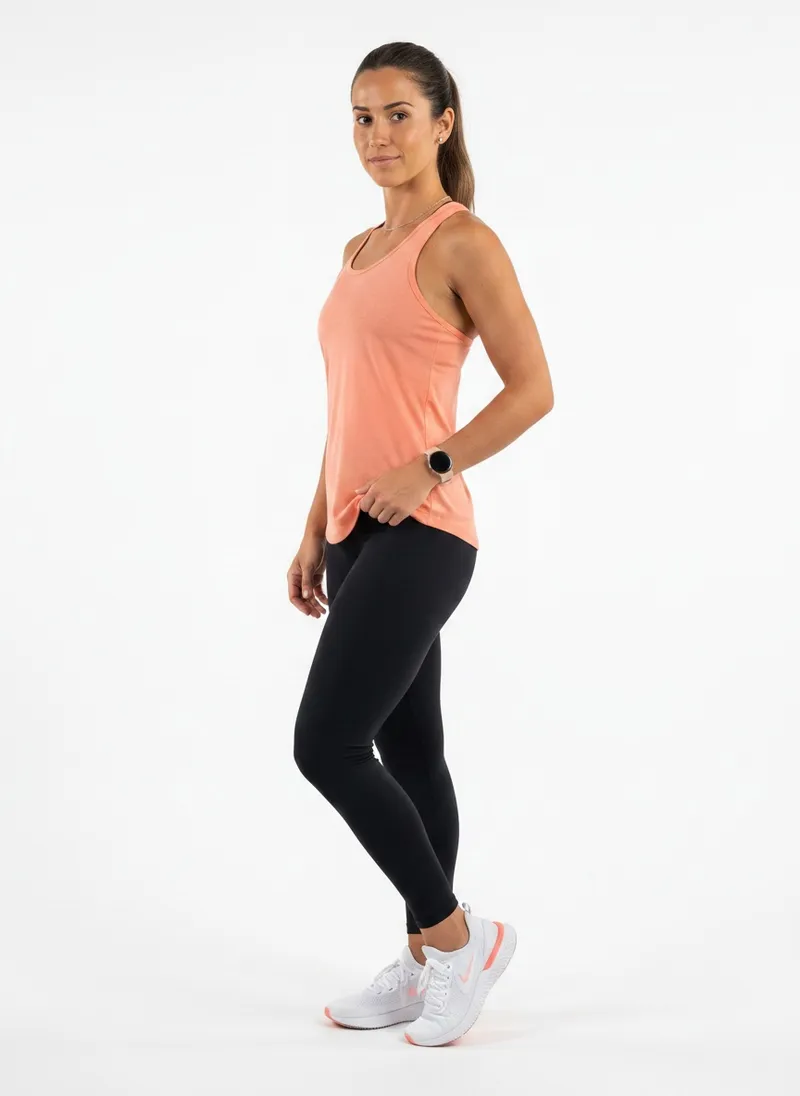
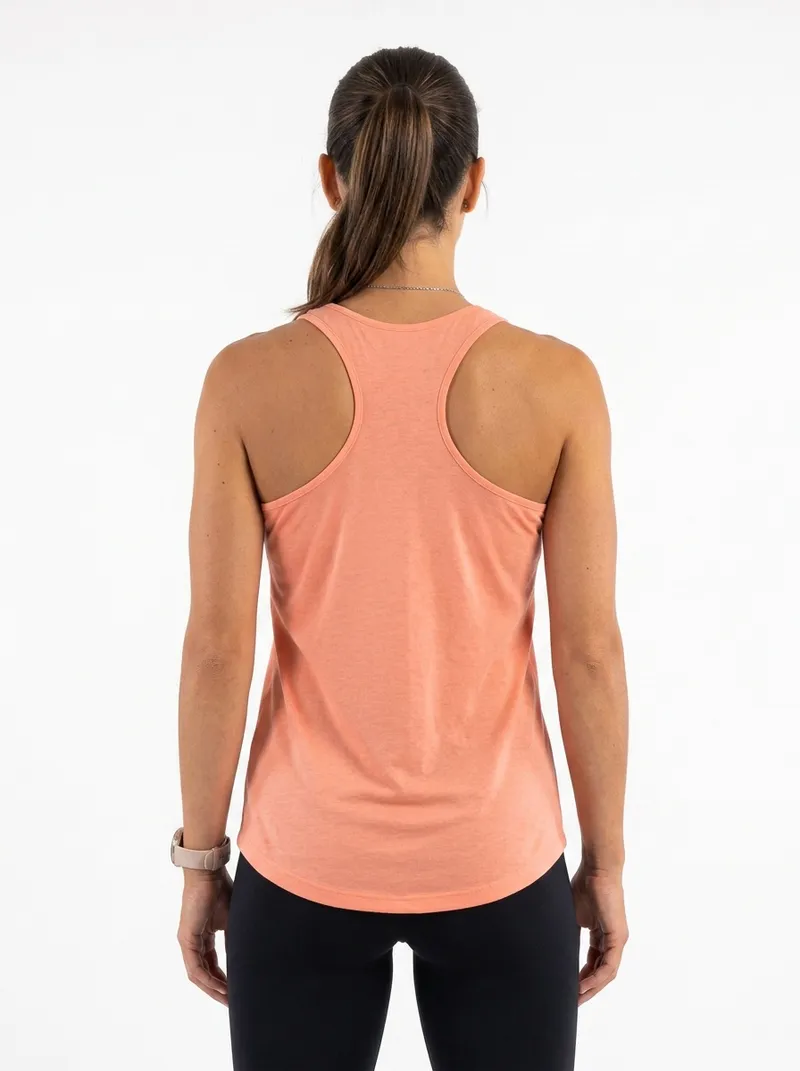
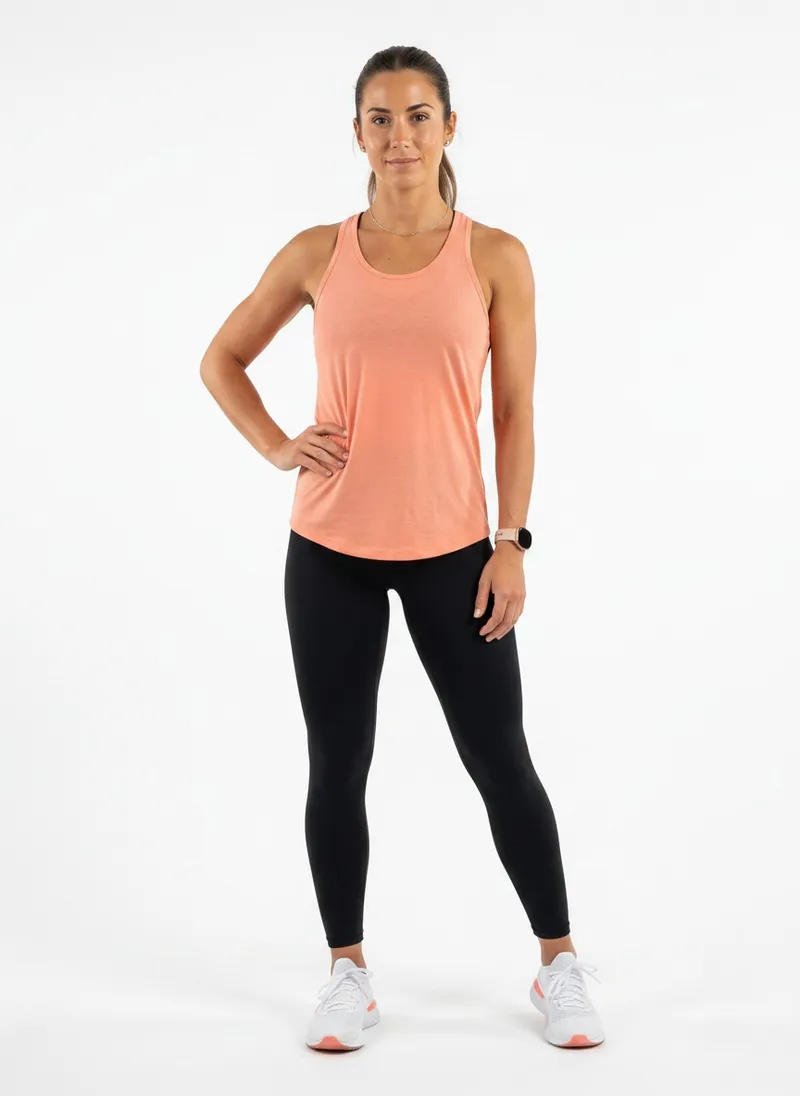
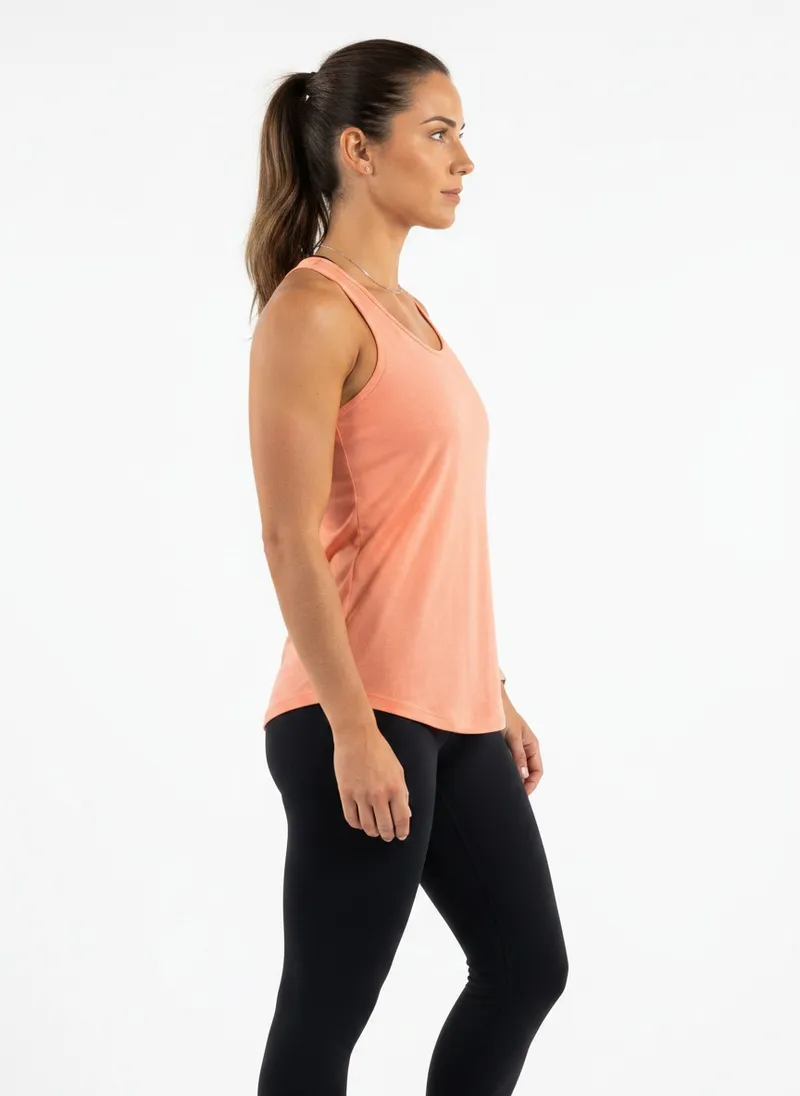
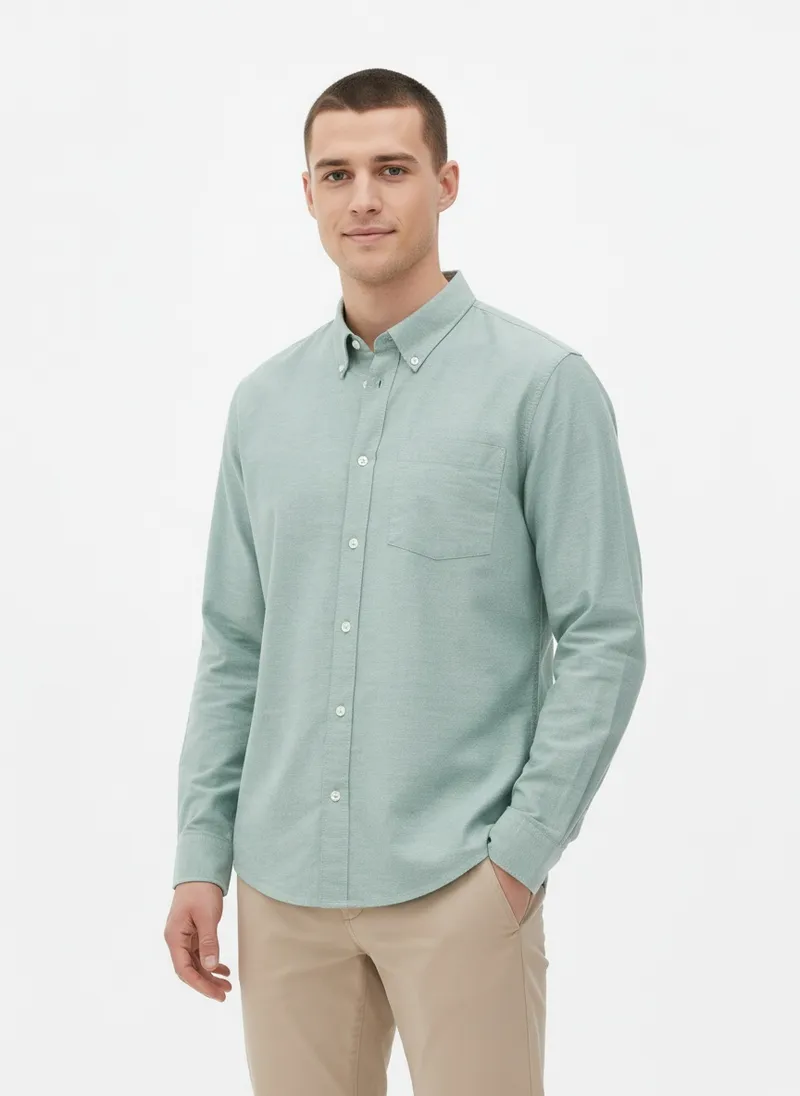
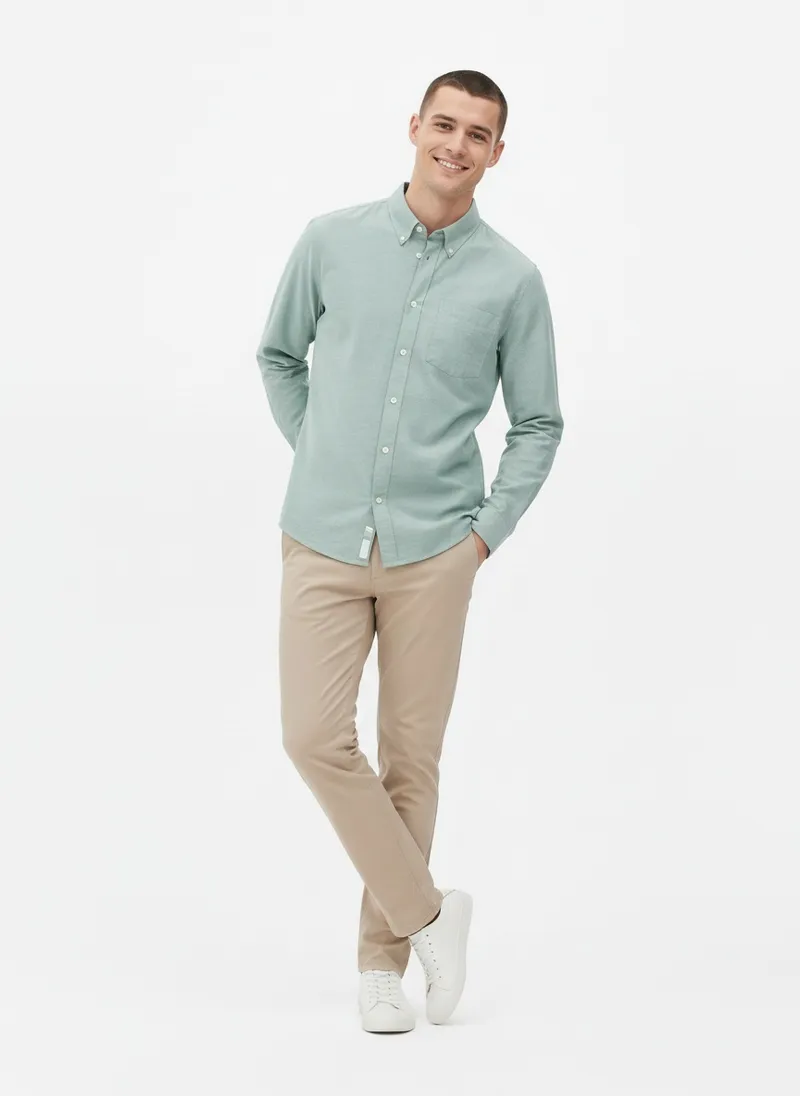
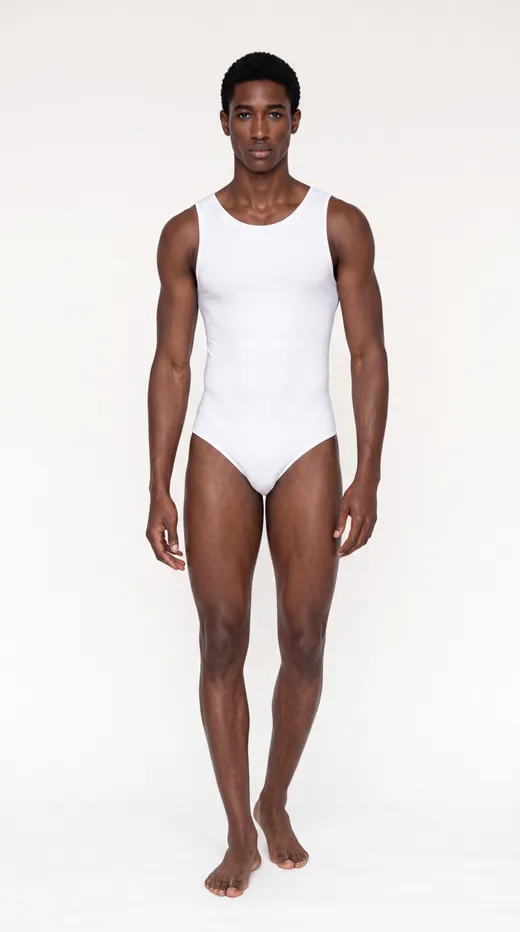
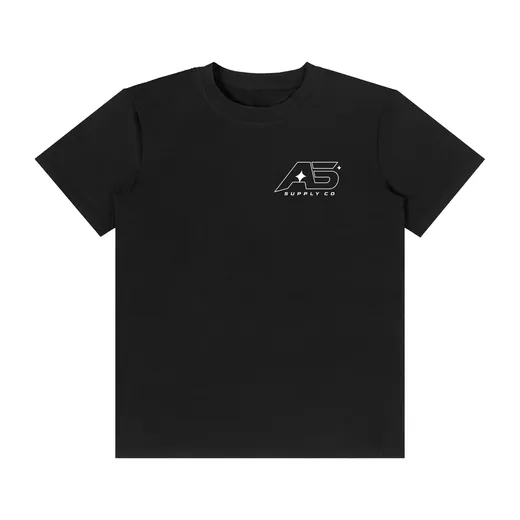
A packshot on white and nothing else: no face, no scene. MODA AI cast the model and kept the studio clean.


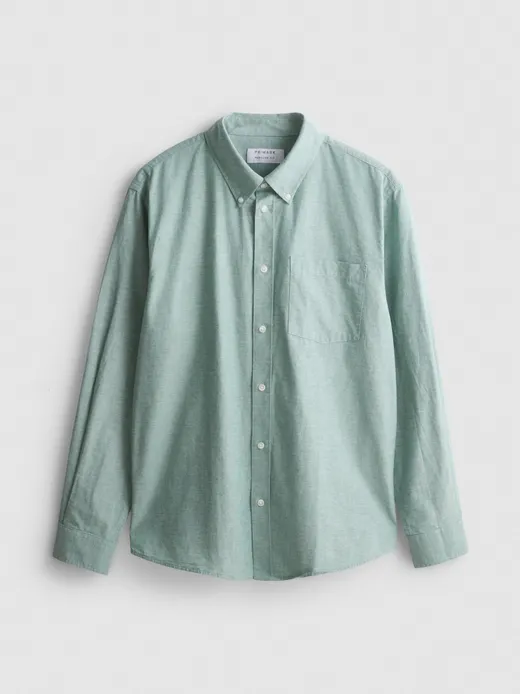
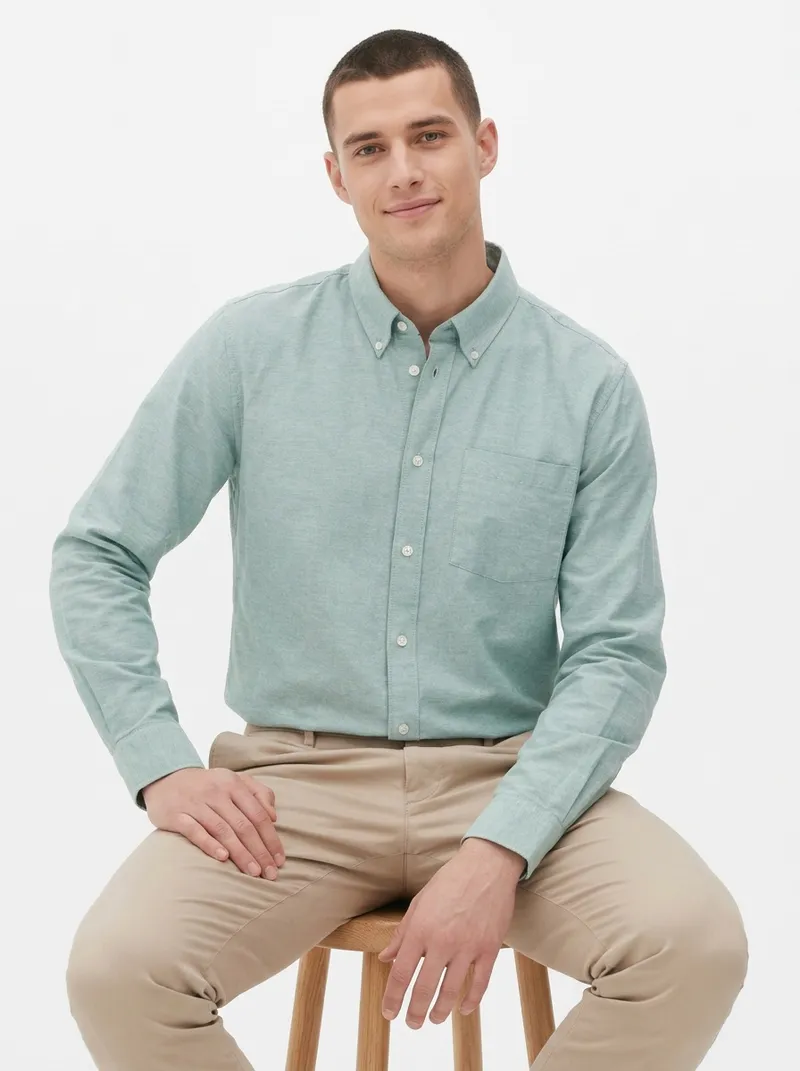
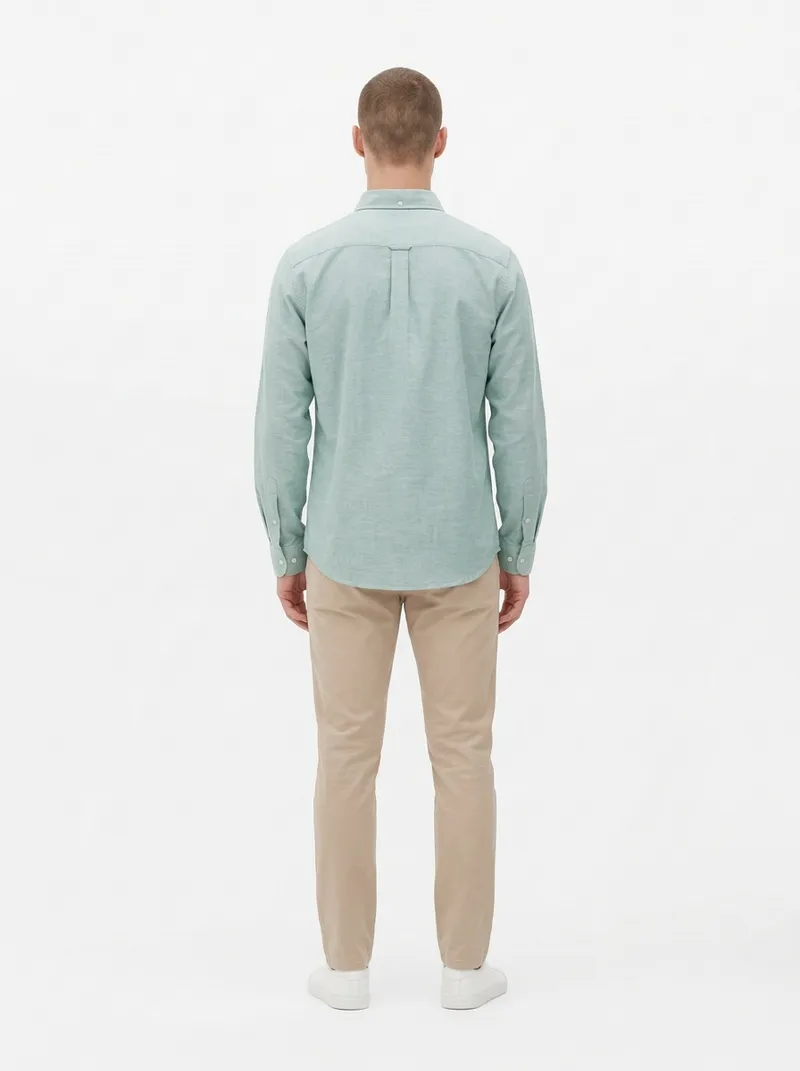
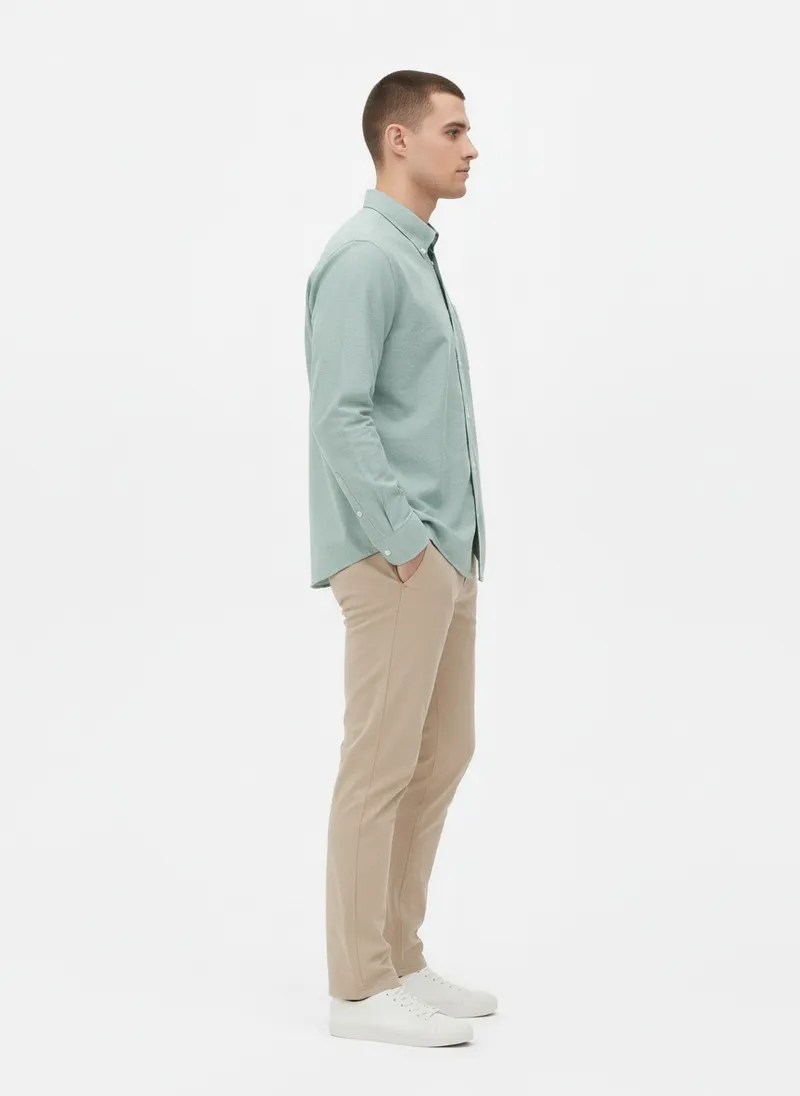
One product photo of the shirt and no face. The set comes back on a cast model, from a seated shot to the back yoke.


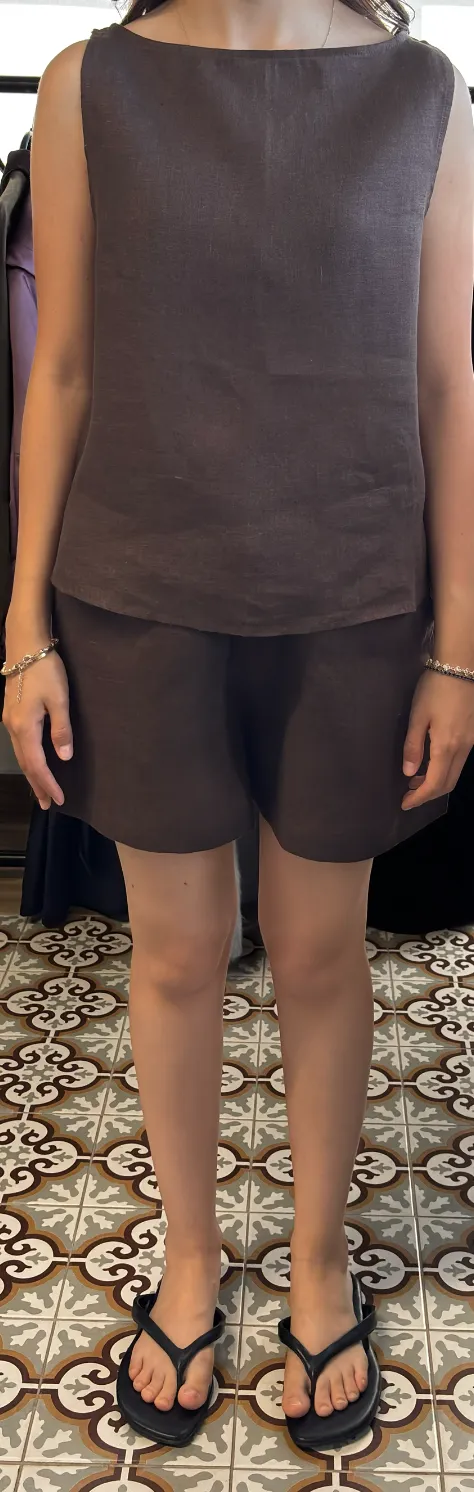
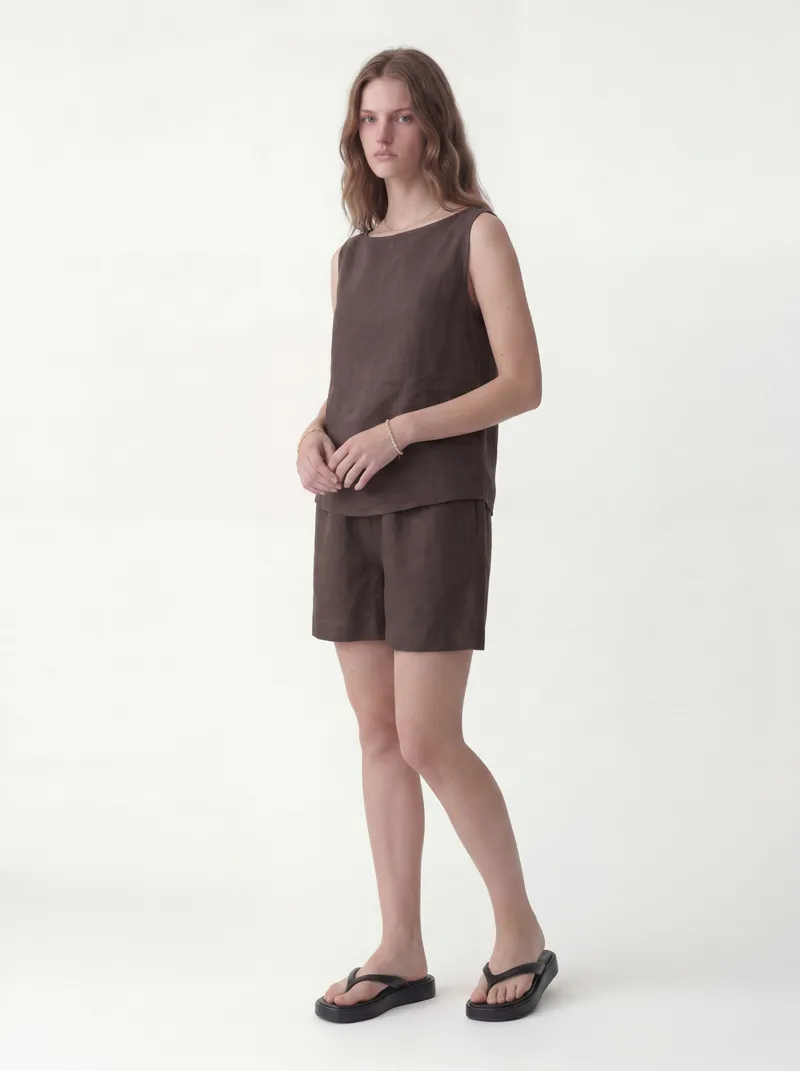
Phone photos and fit-model shots work too. The set comes back on the face you choose, in a clean studio.
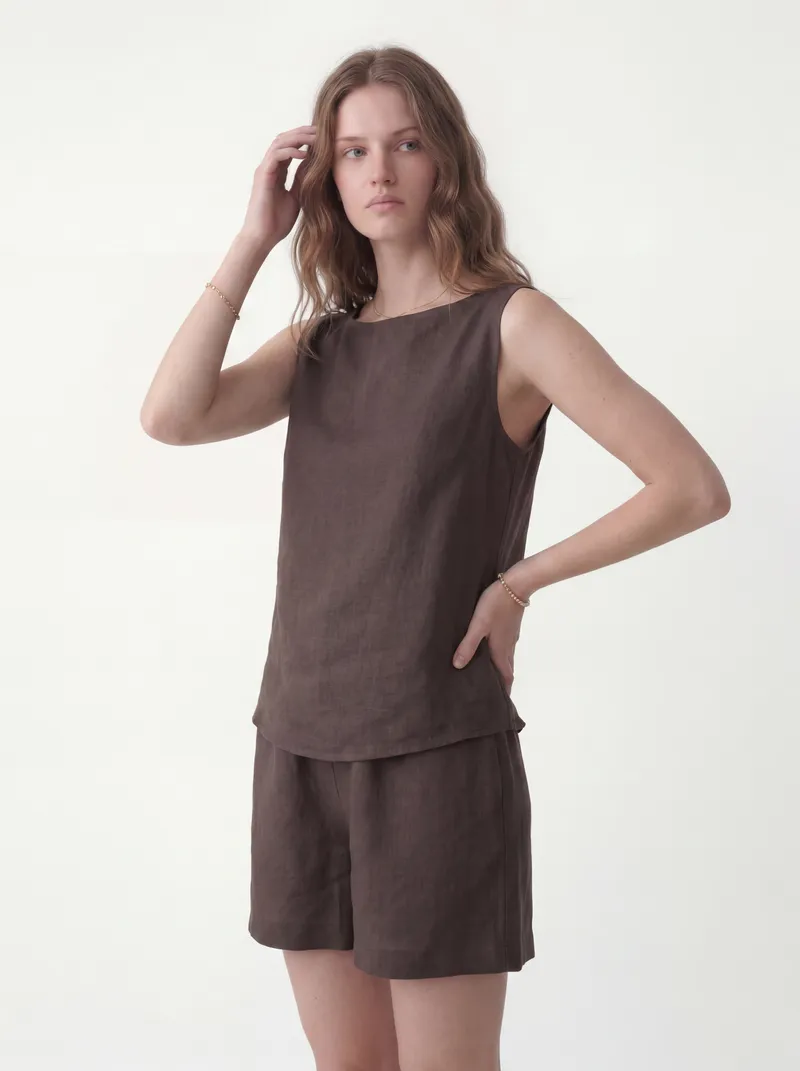
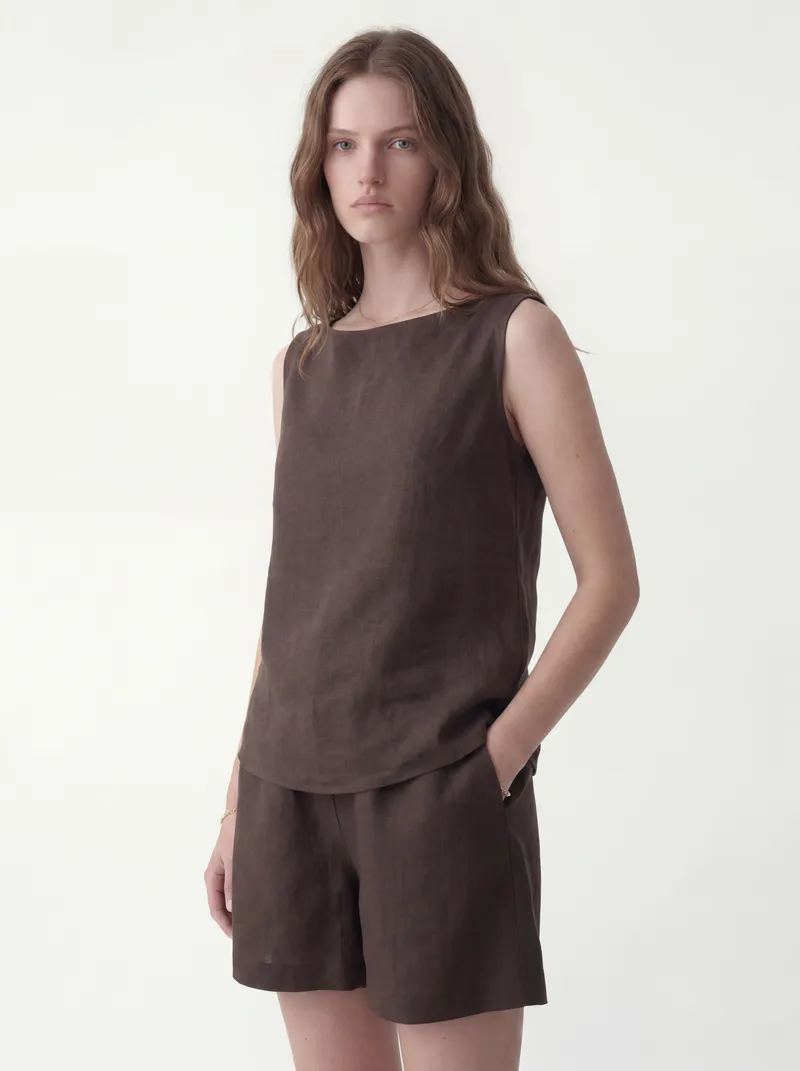
A phone photo of the set being worn on a tiled floor, head out of frame. The run returns a studio set on the chosen face.


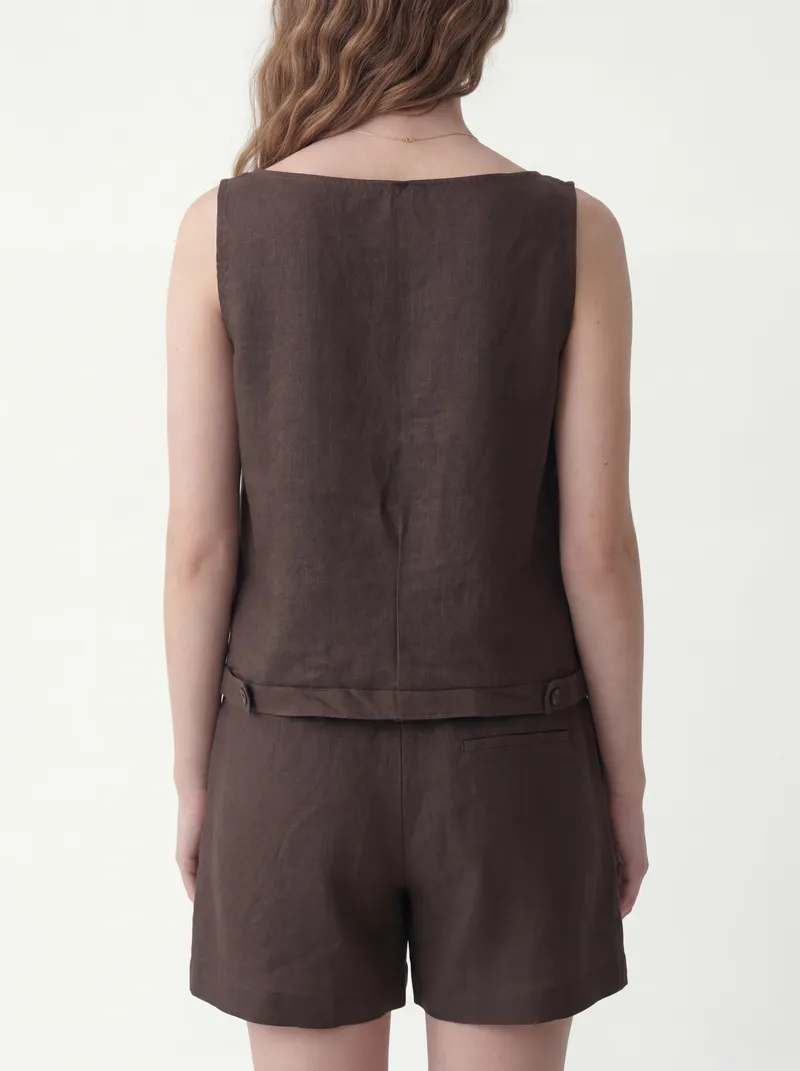
Already photographed on a fit model, head cropped. The set comes back on the face reference, with closer three-quarter shots the original never had.


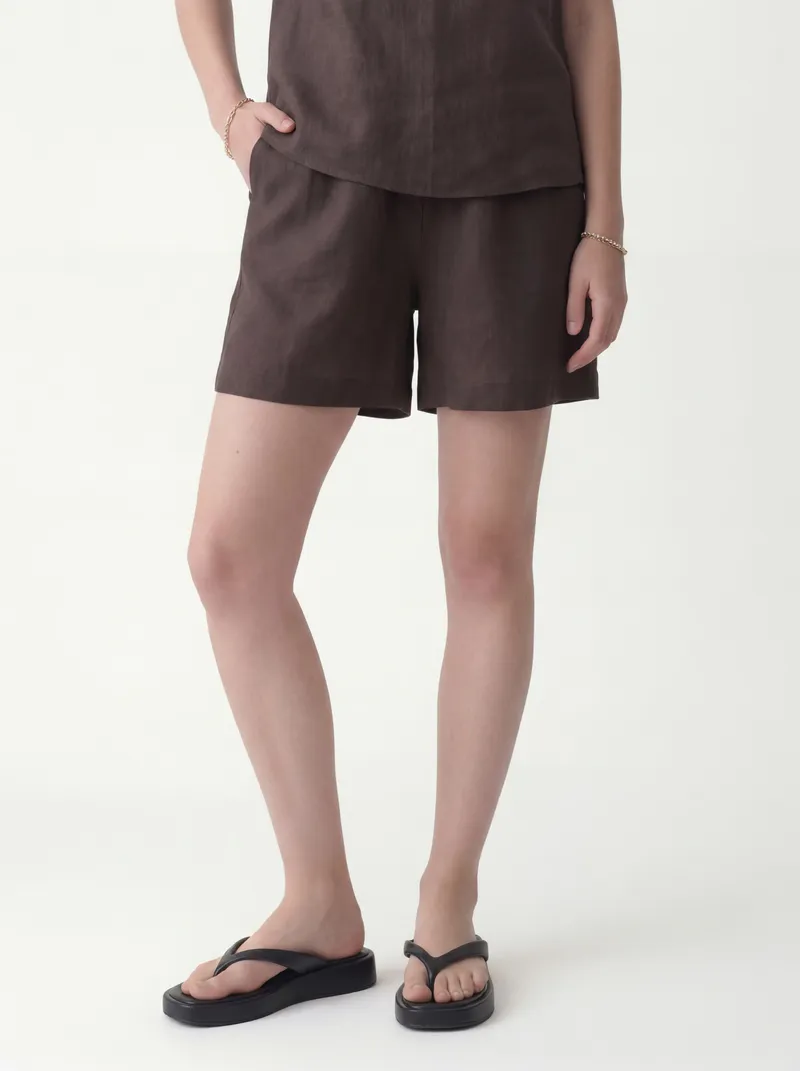
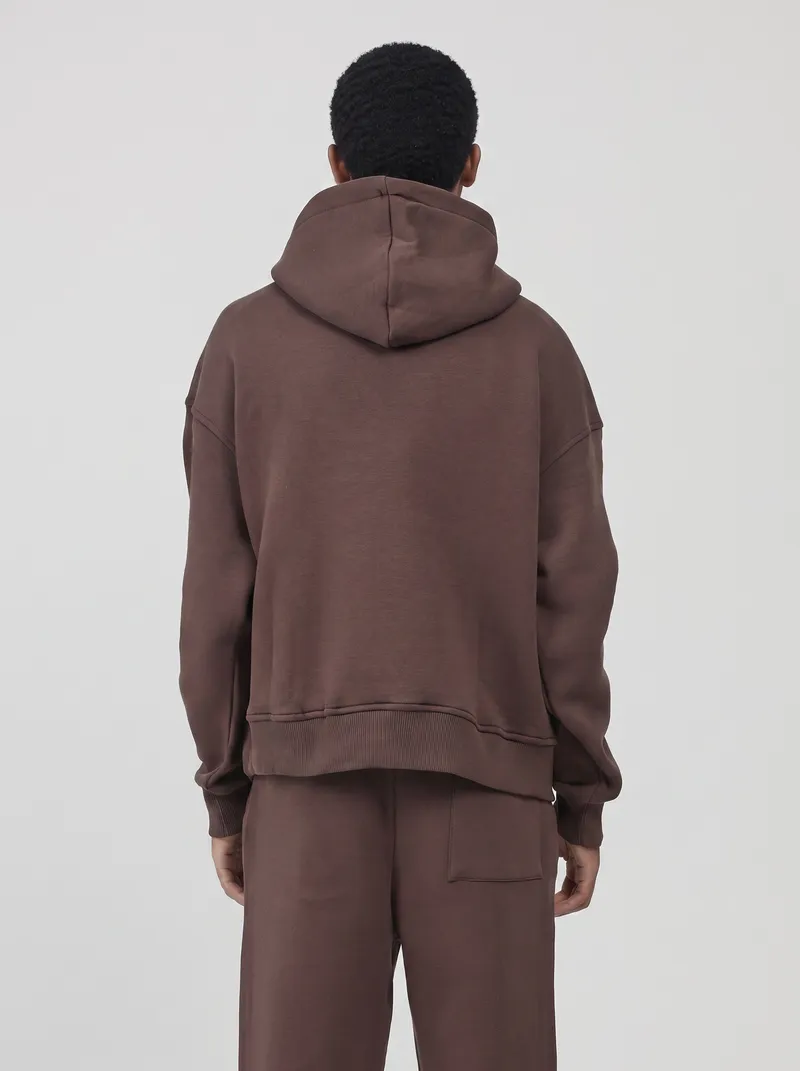
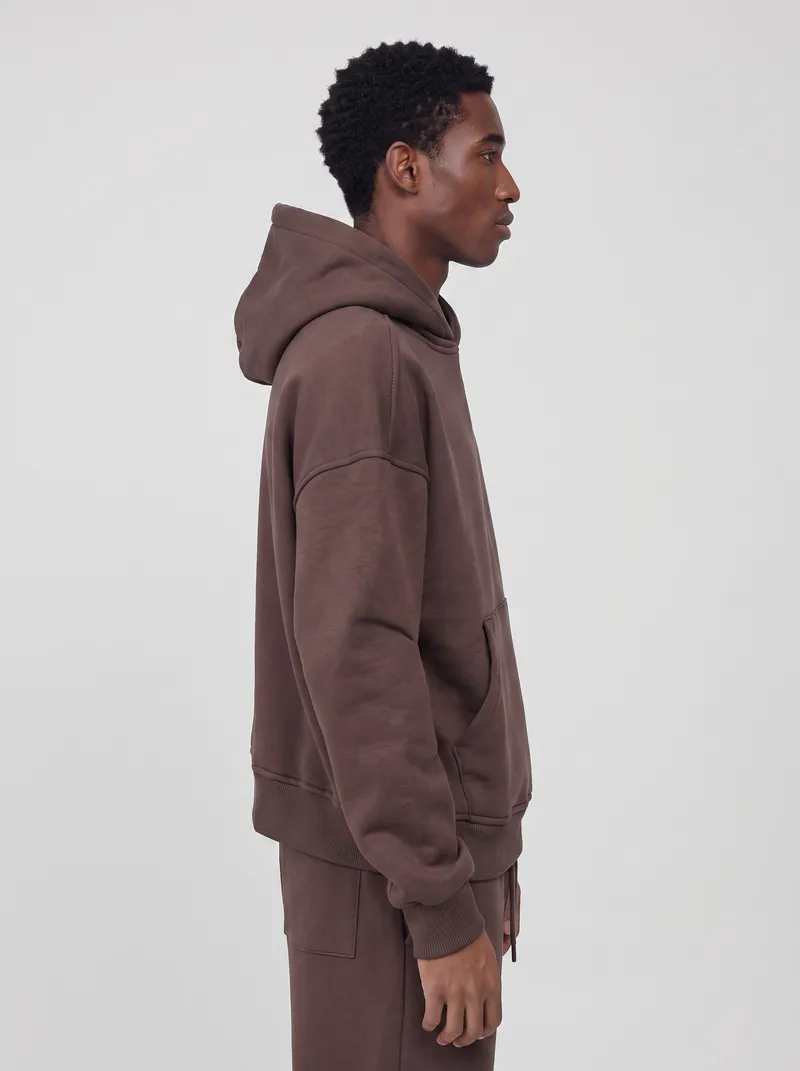
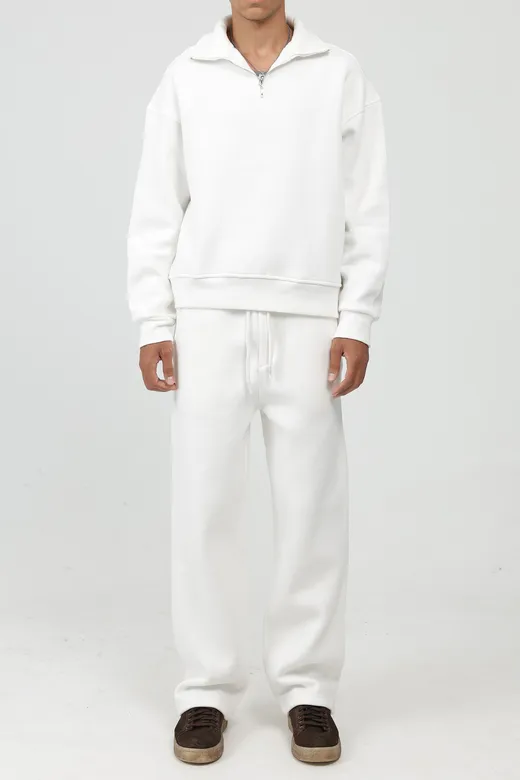
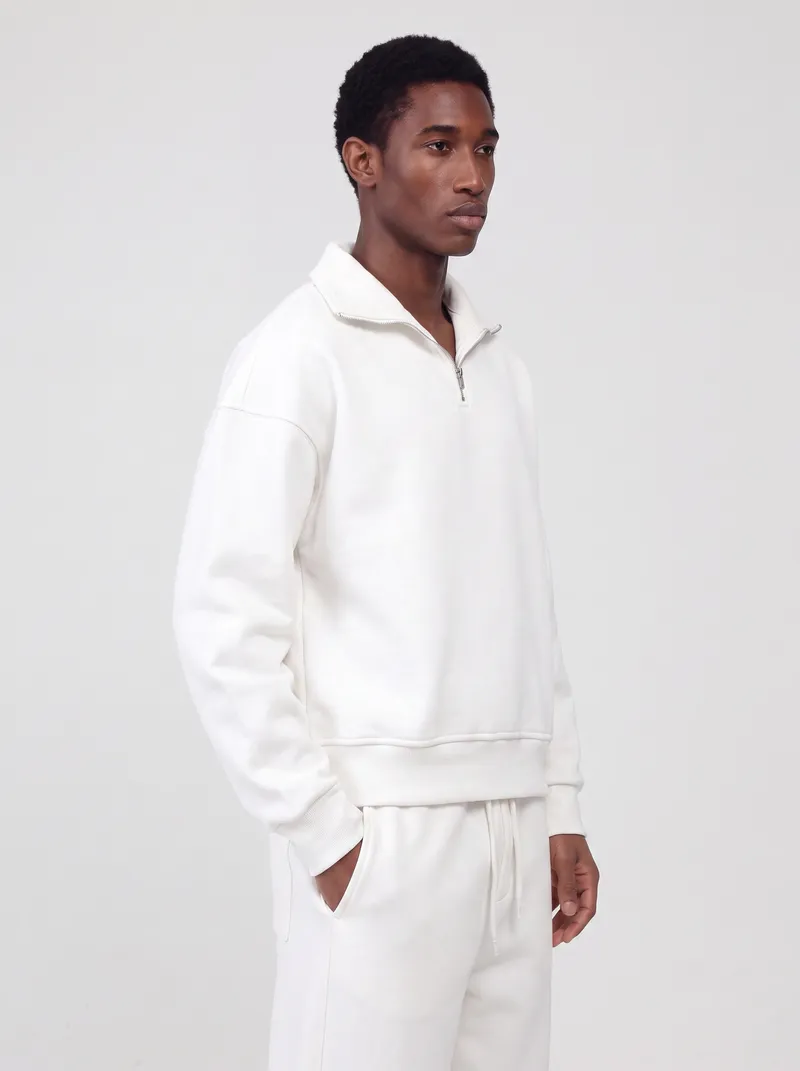
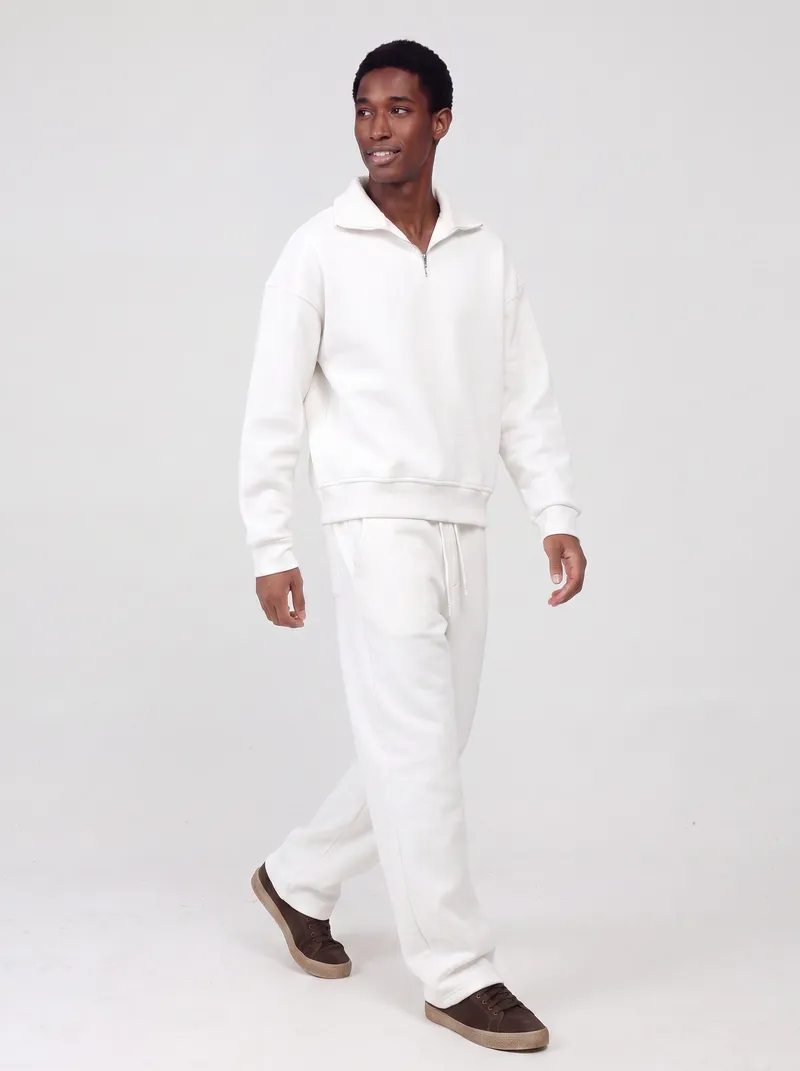
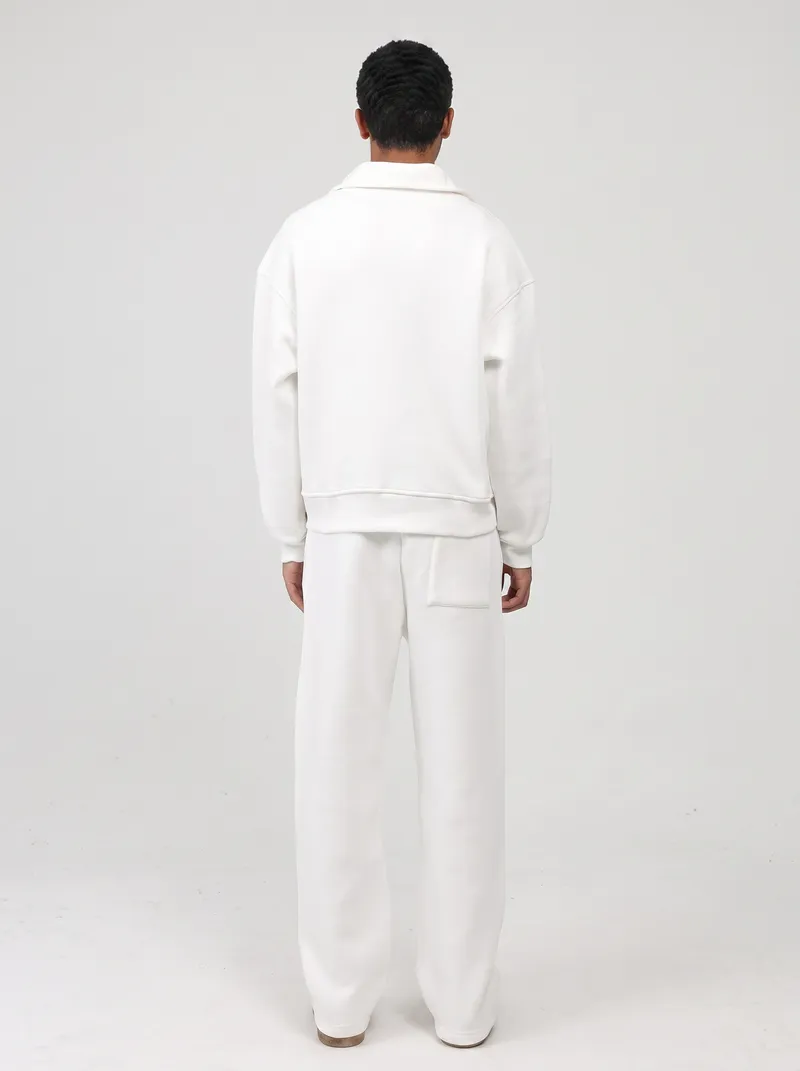
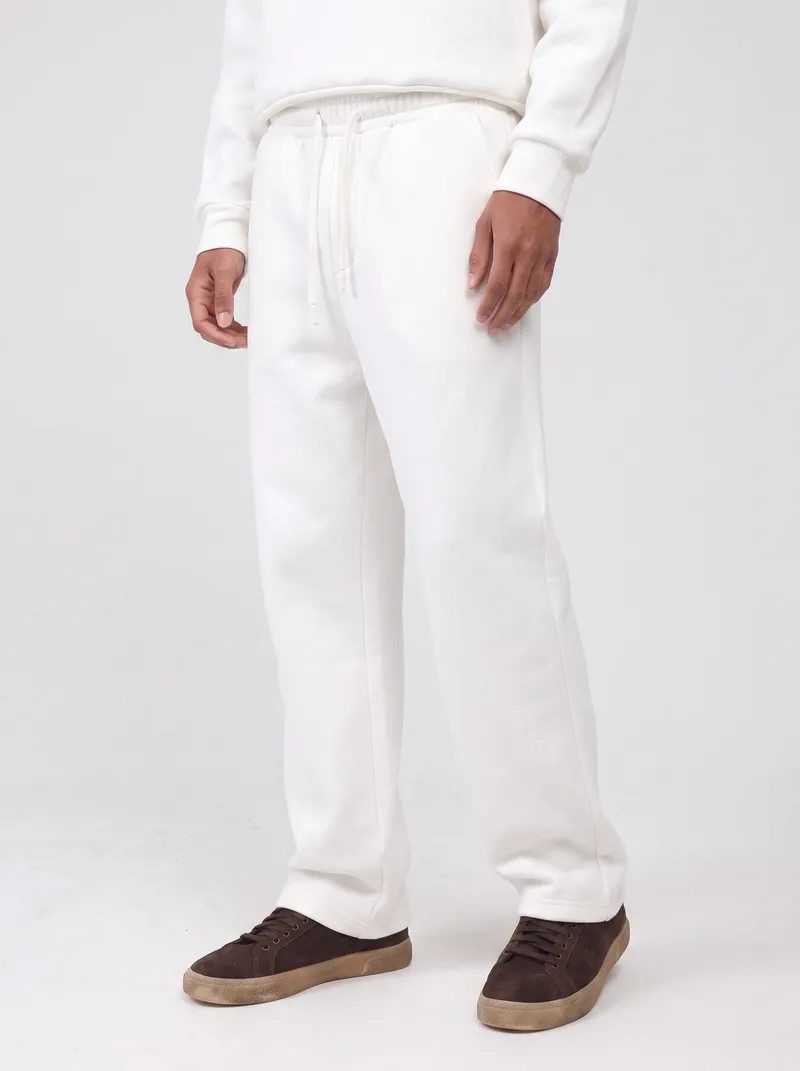
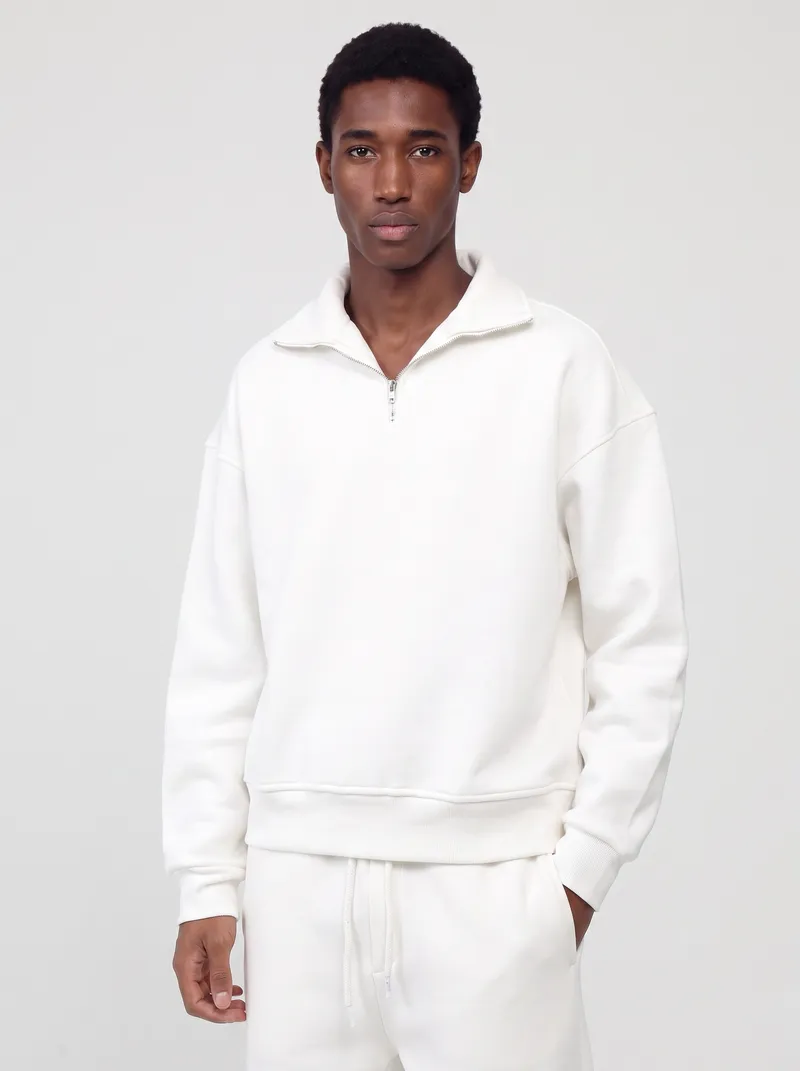
The same fit-model setup in white. The run adds a walking shot, a close crop of the collar and a detail of the trouser drape.


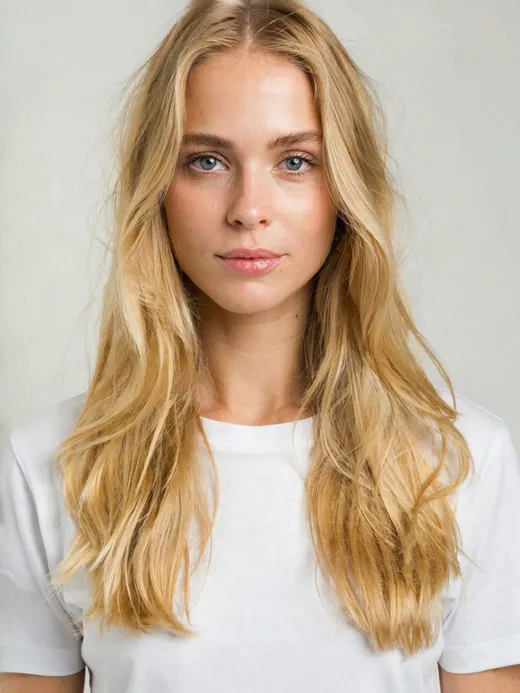
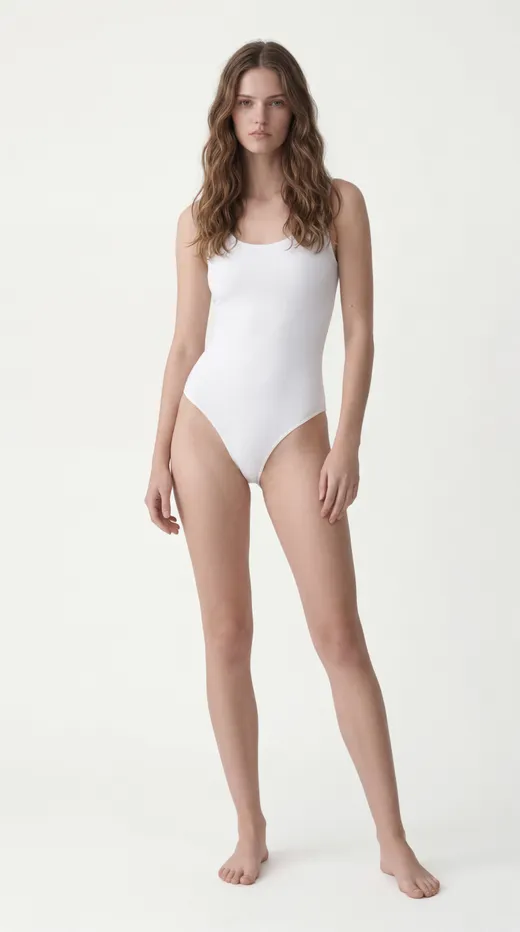
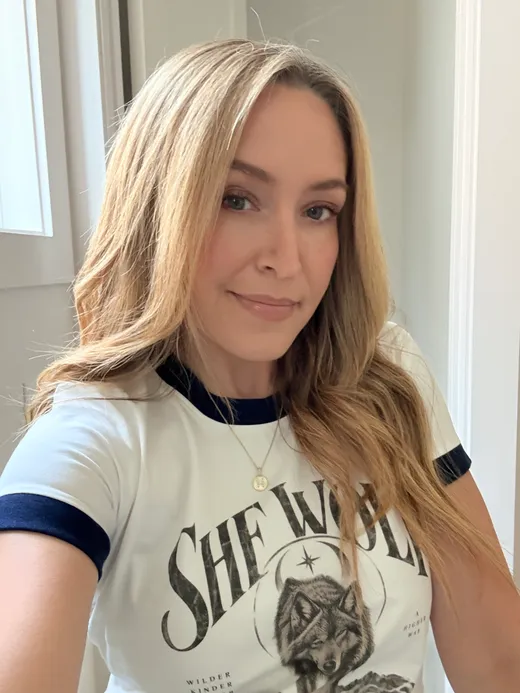
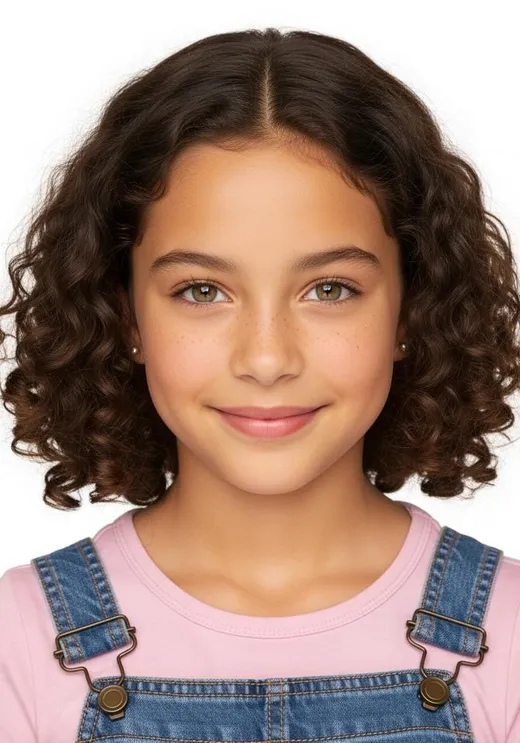
The face reference doesn’t need a studio portrait. A phone selfie or any clear photo of the person works.
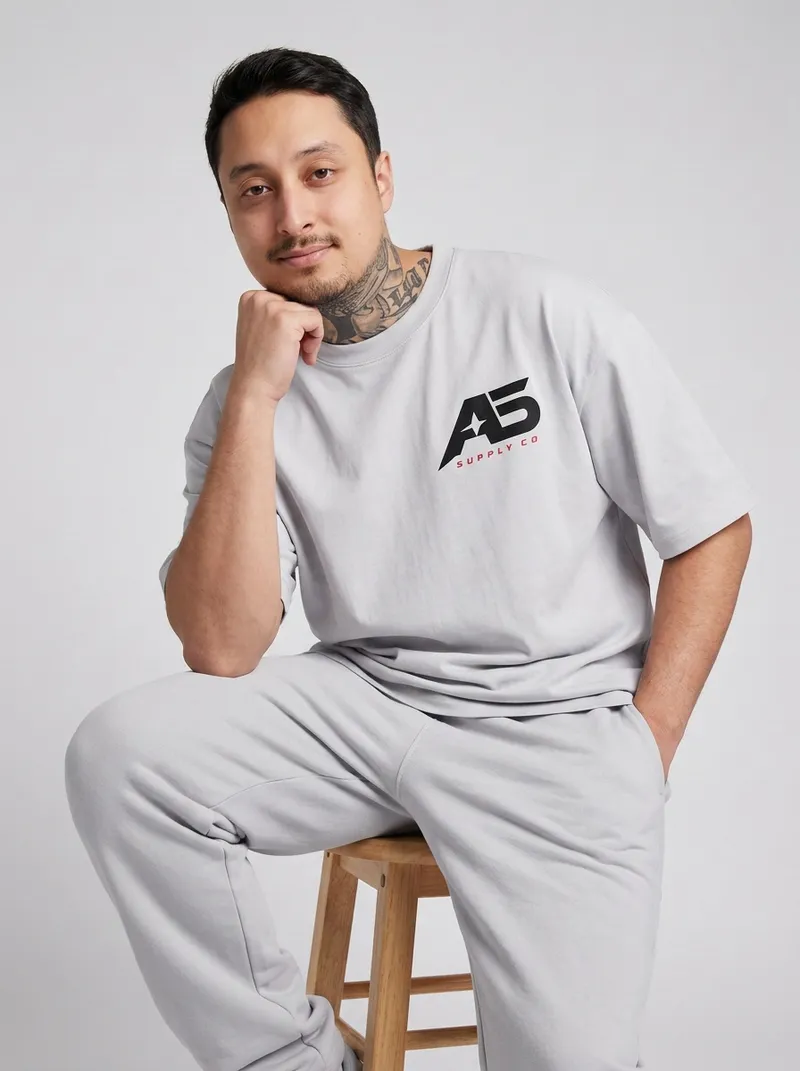
A front-and-back packshot and a phone selfie. The set comes back on that face, from a stool shot to the back print up close.


A packshot and a quick selfie, taken at an angle. The illustration holds through every pose, down to a flat product shot.


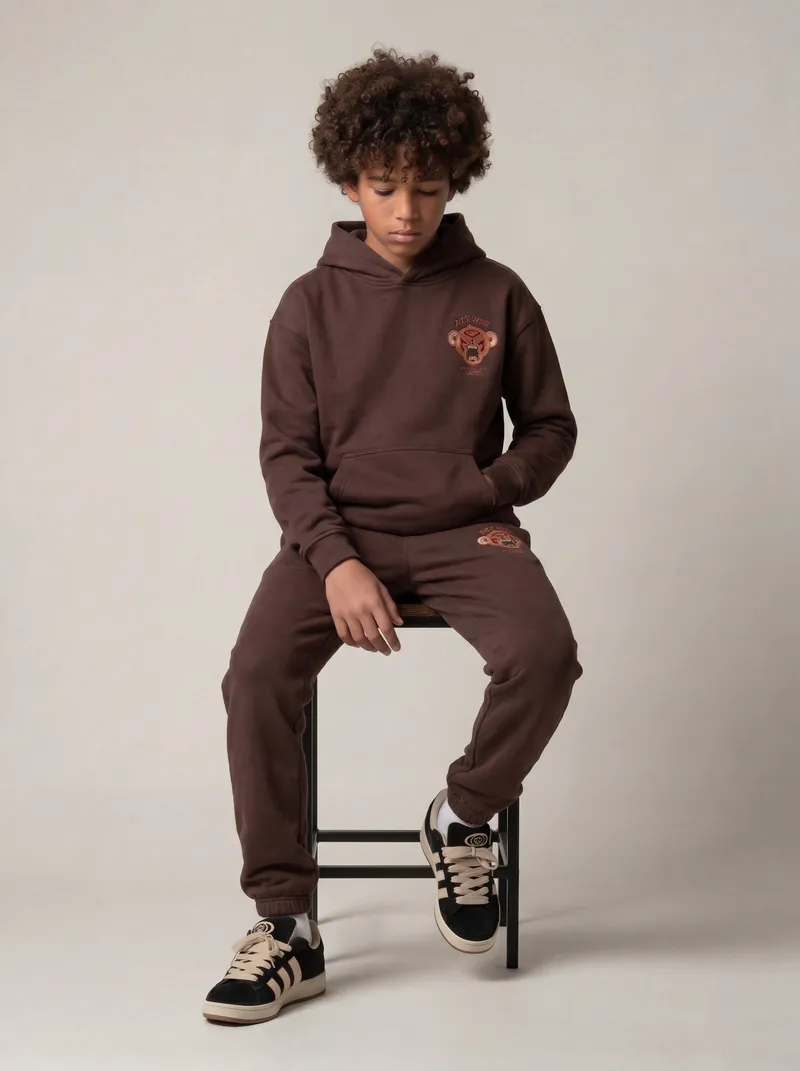
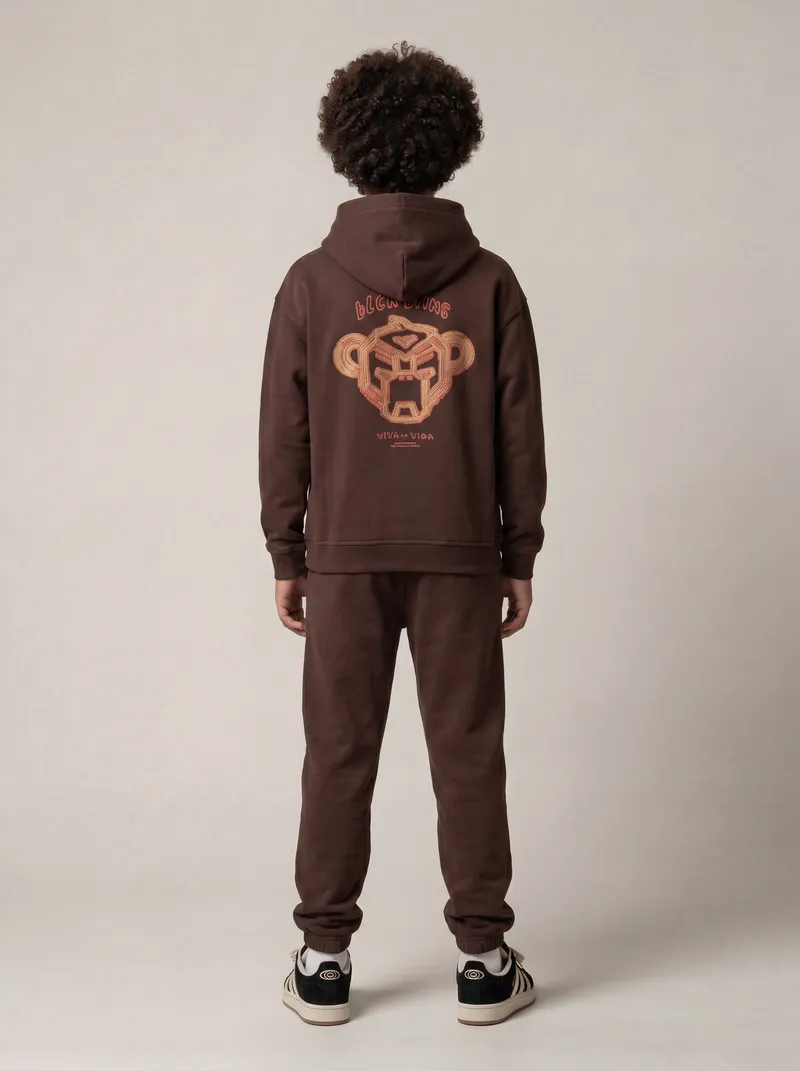
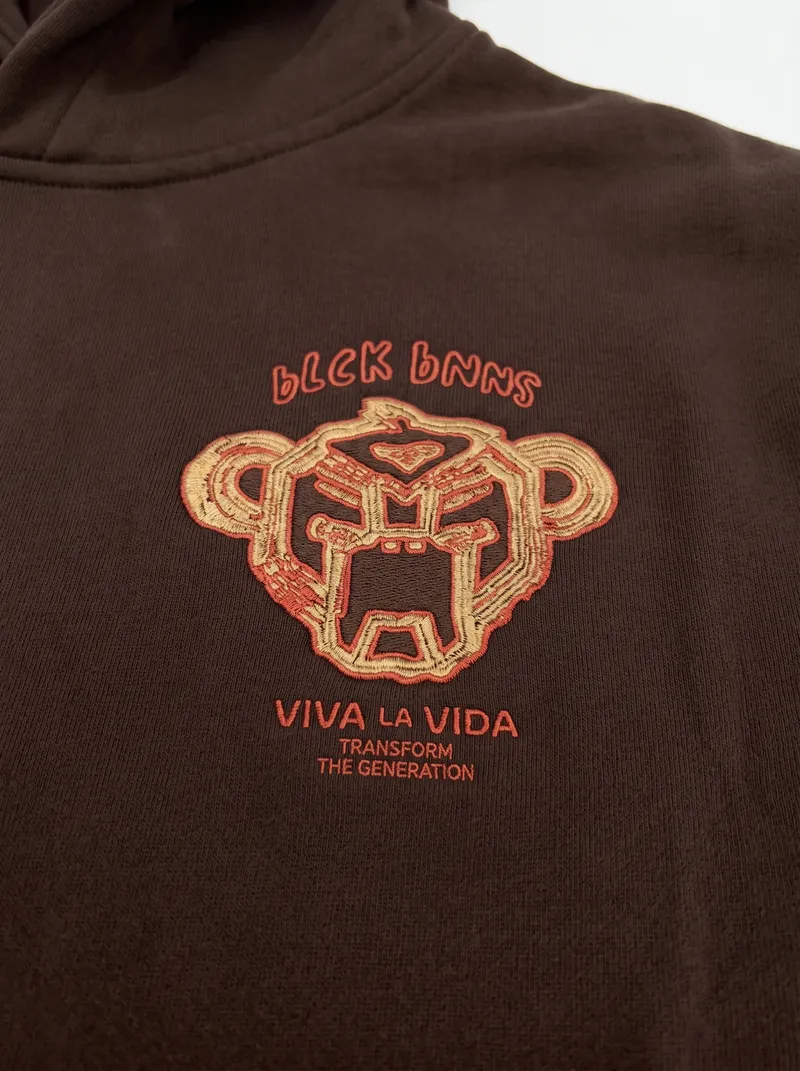
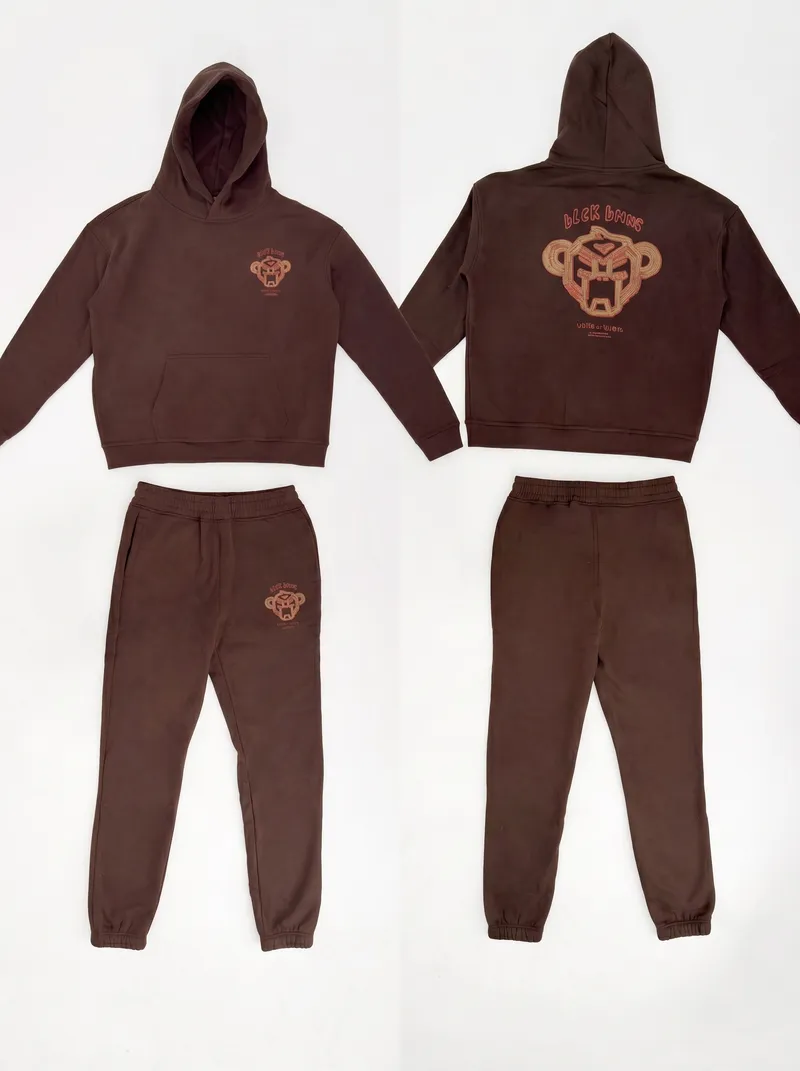
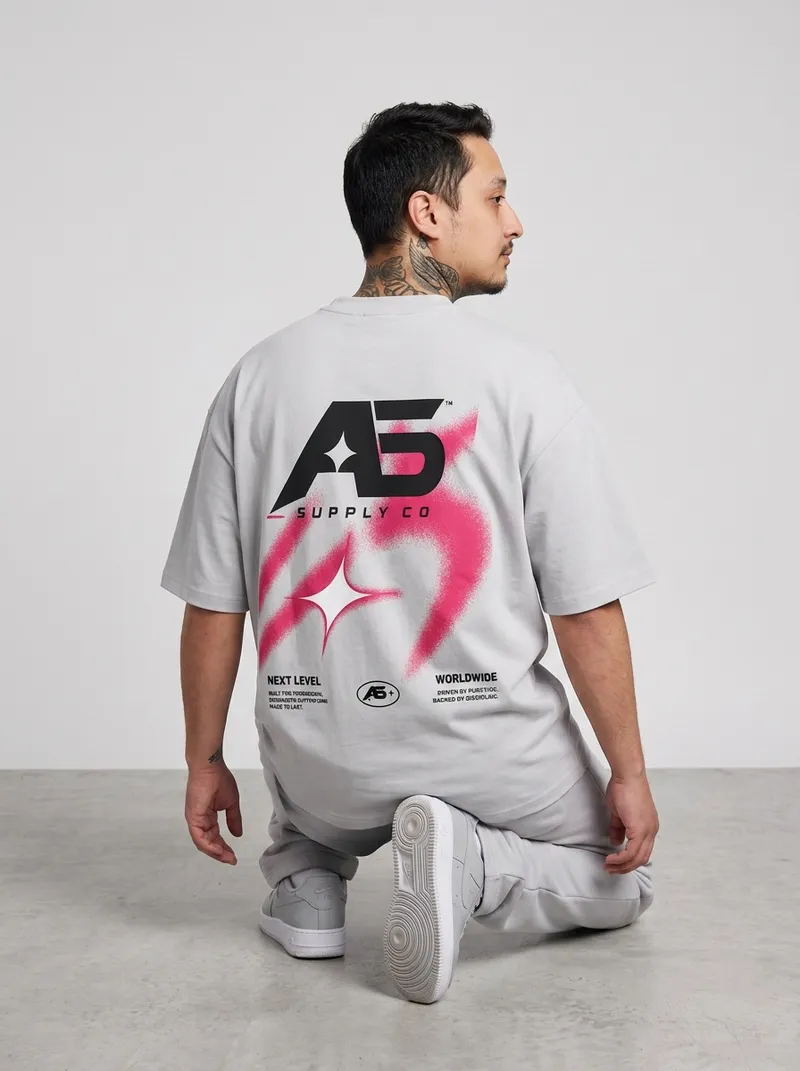
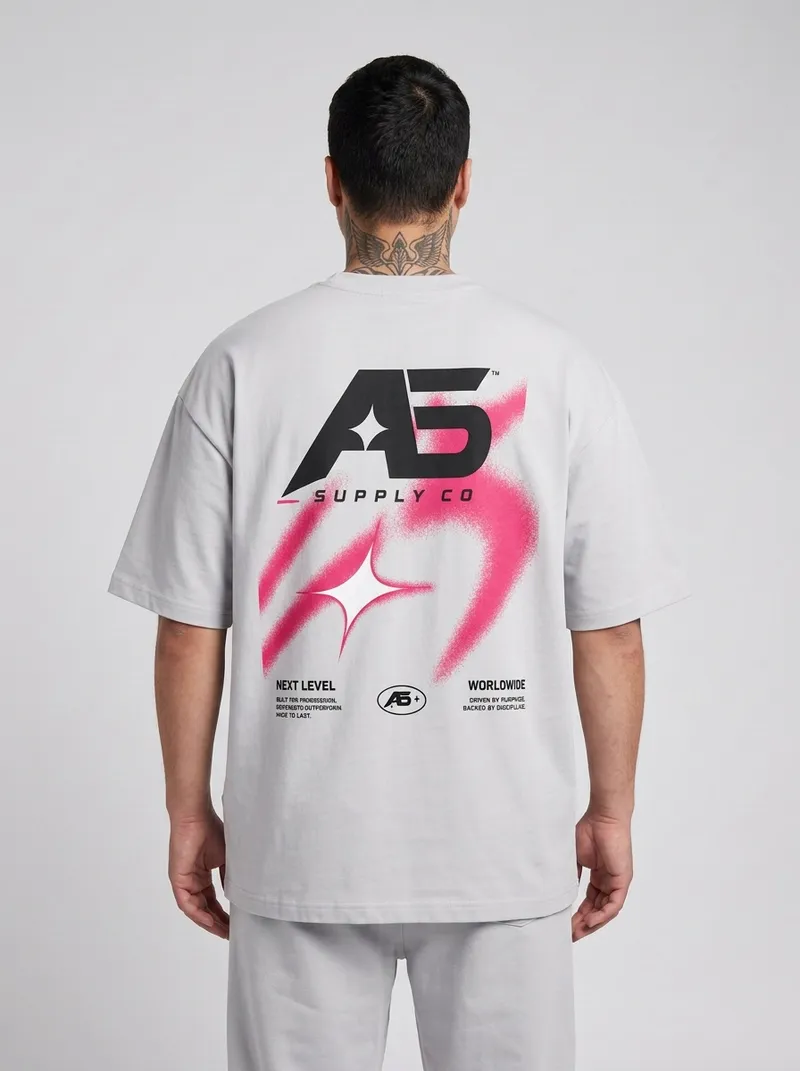
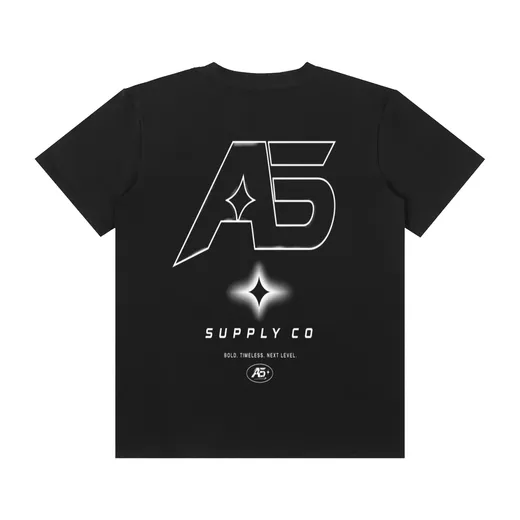
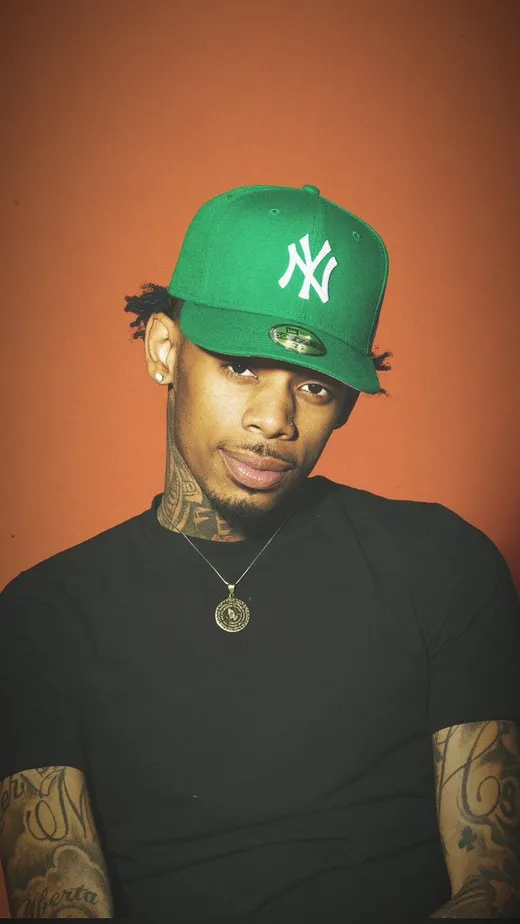
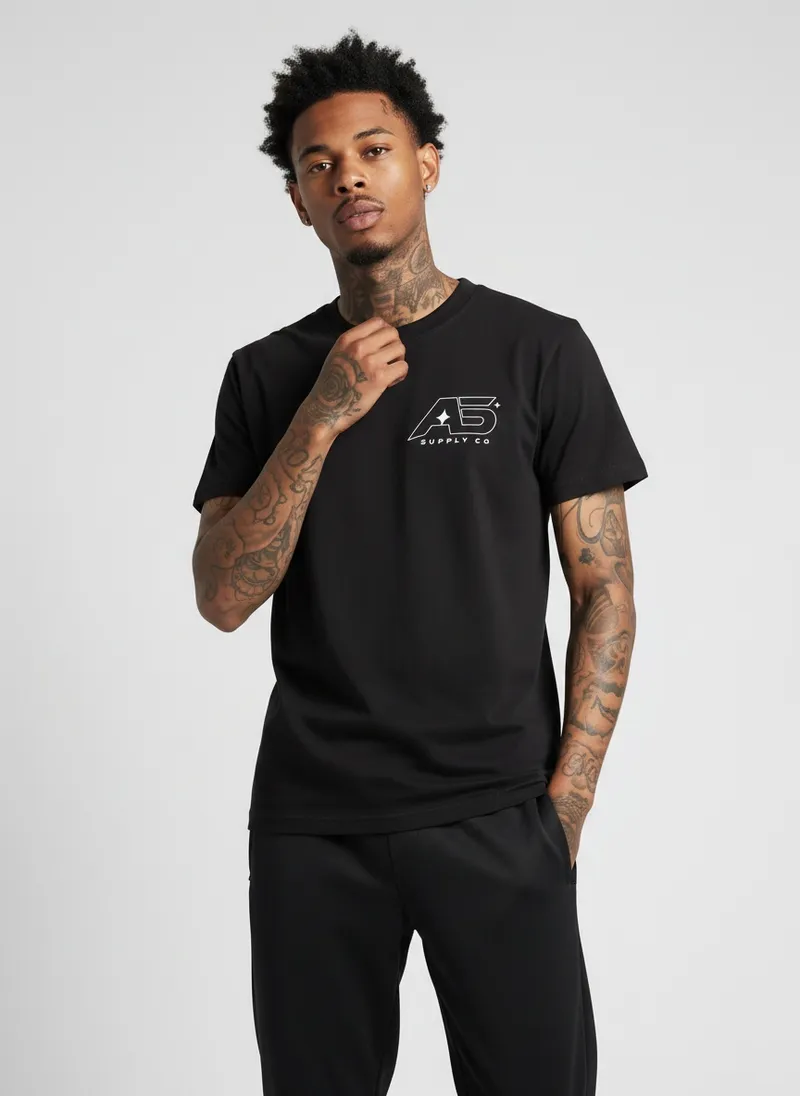
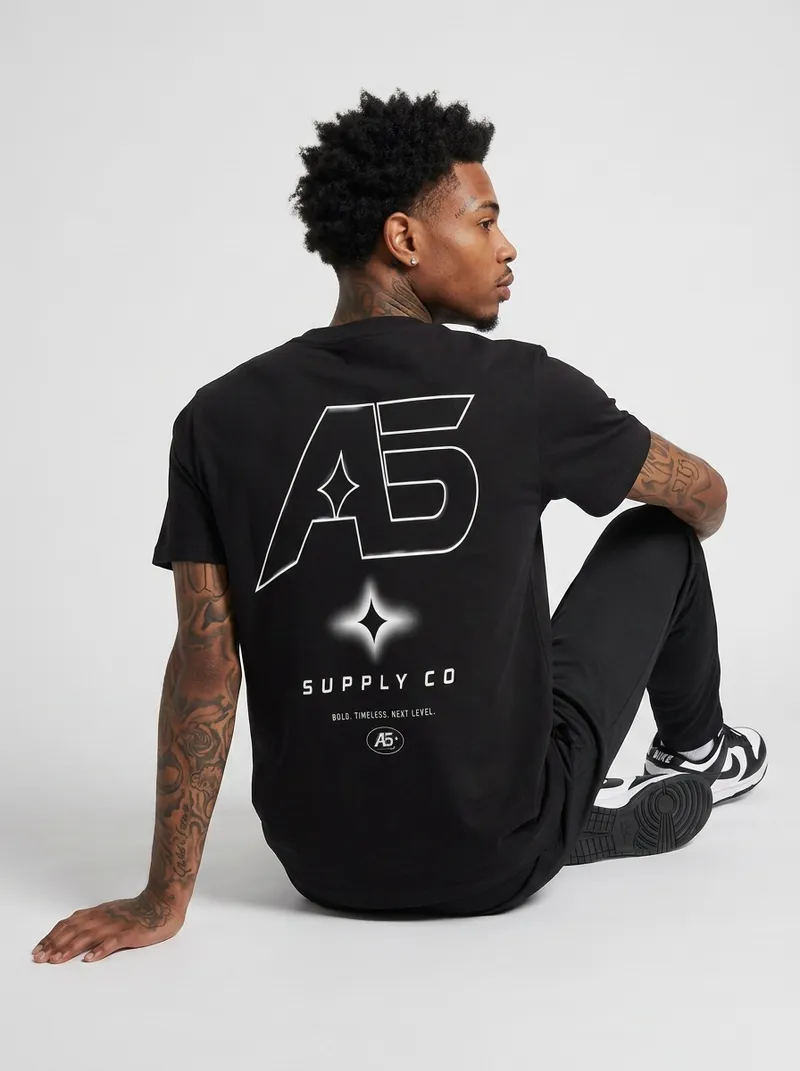
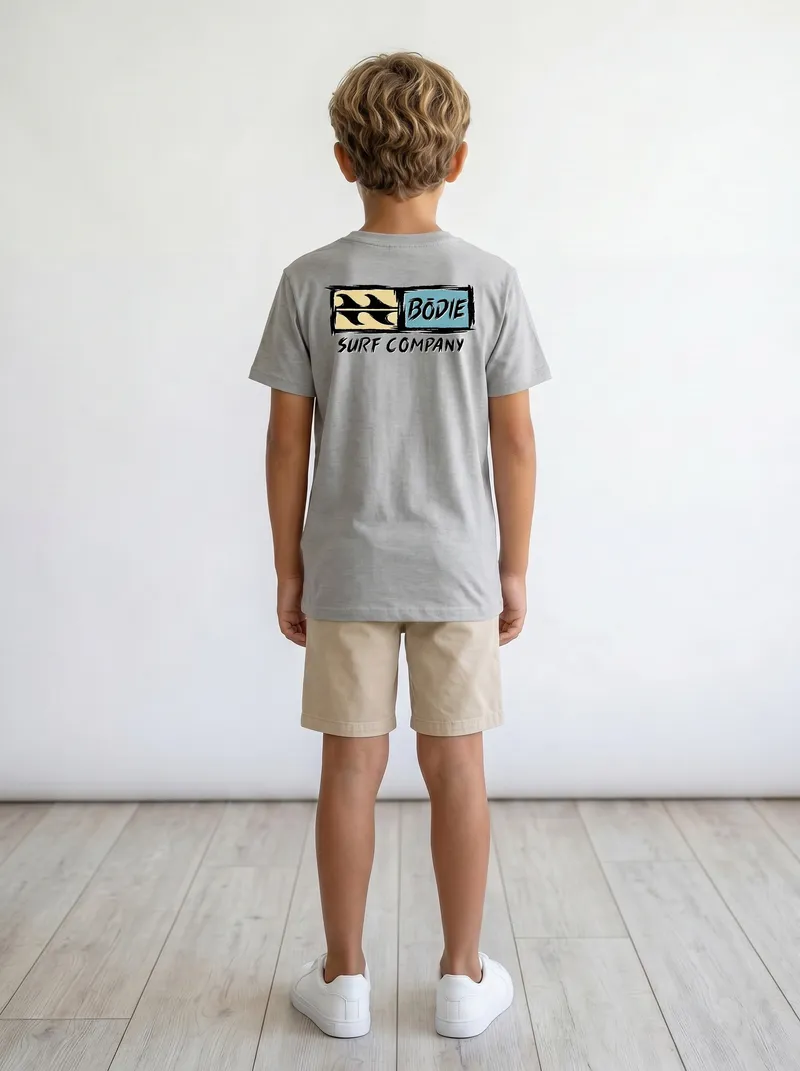
A packshot front and back, and a photo of the person to match. The back logo comes through big and clean on the seated back shot.


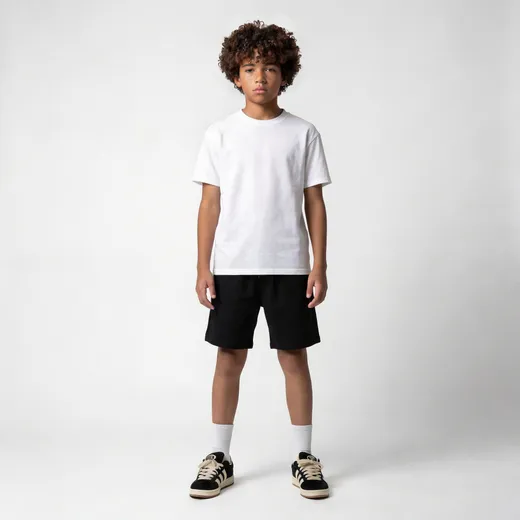
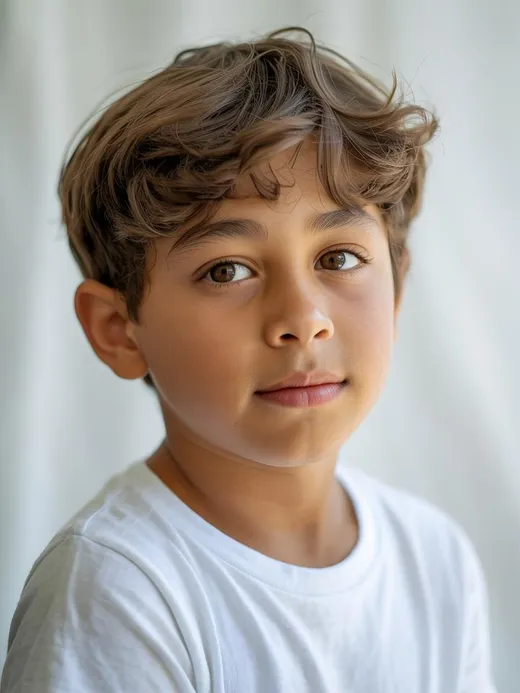
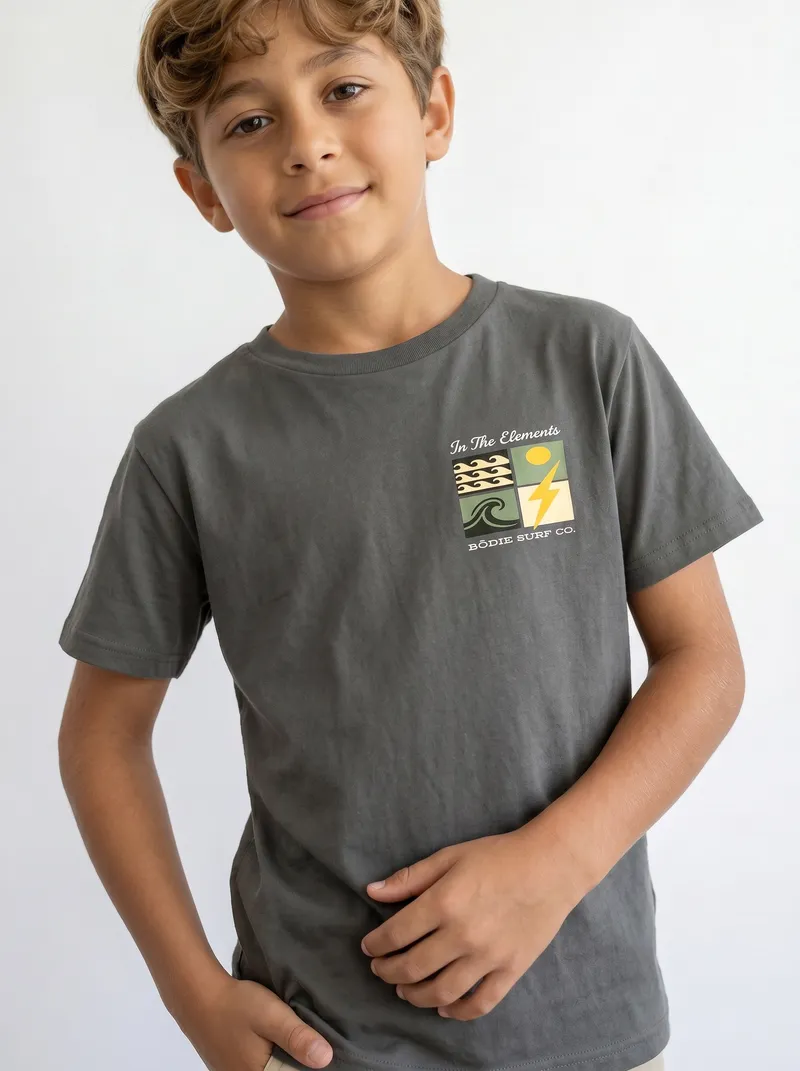
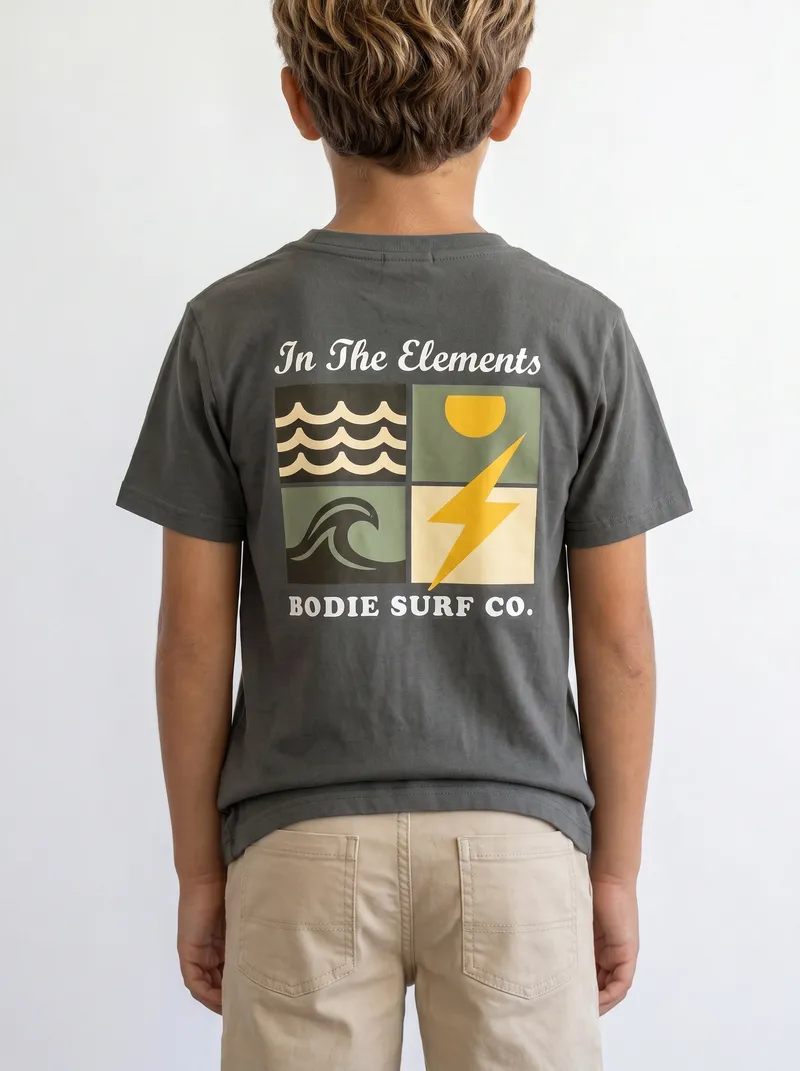
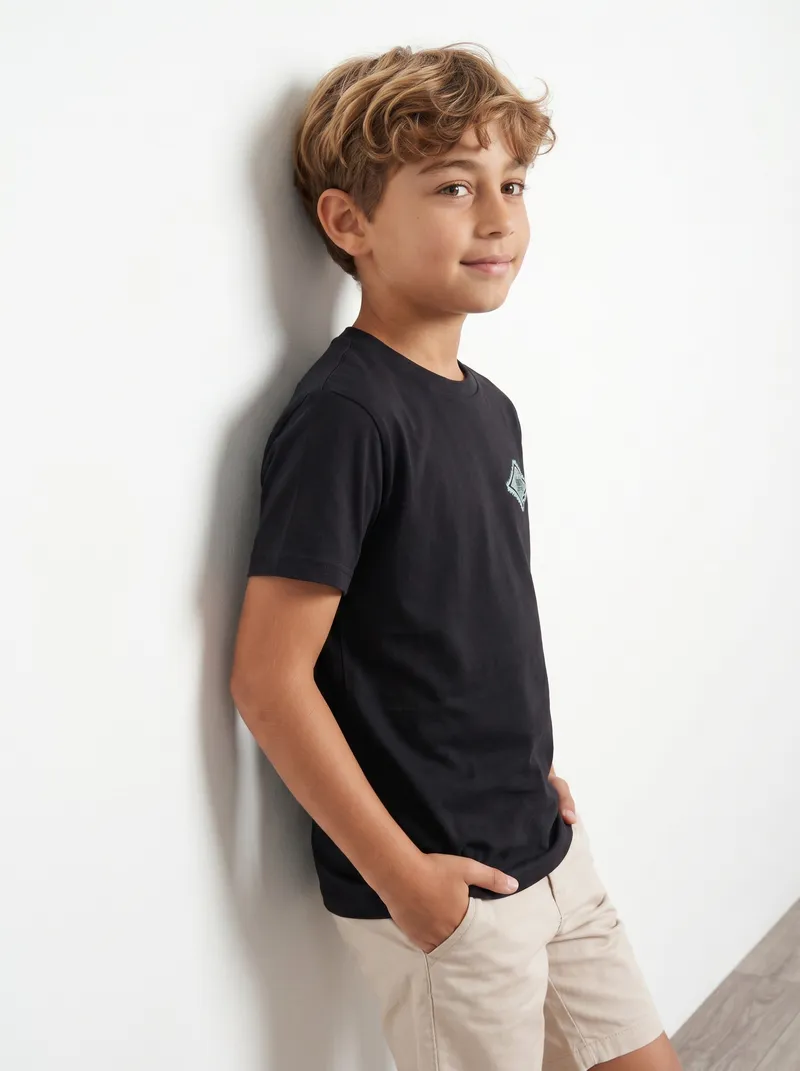
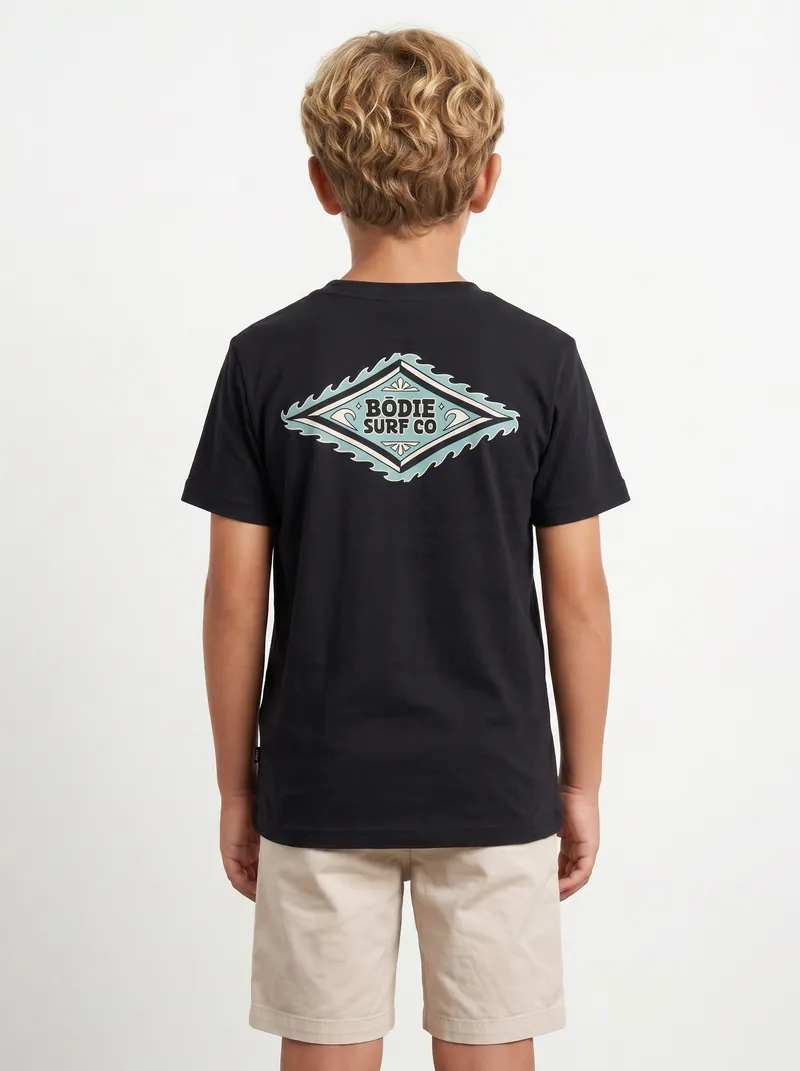
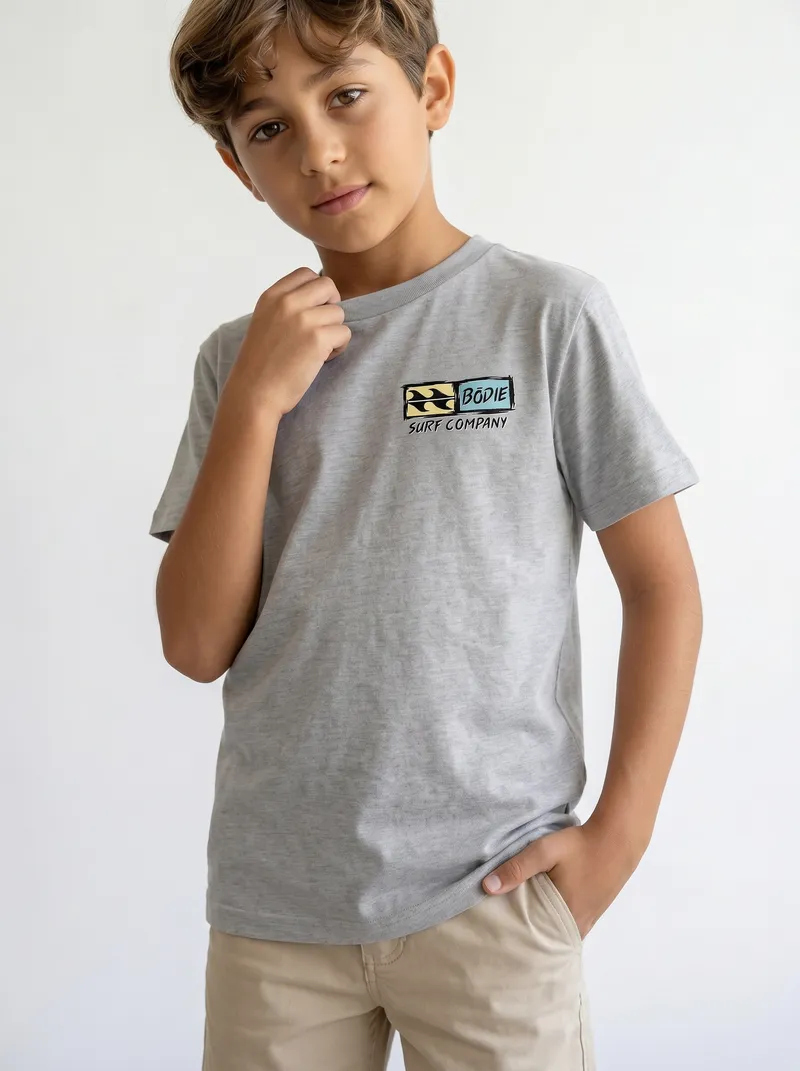
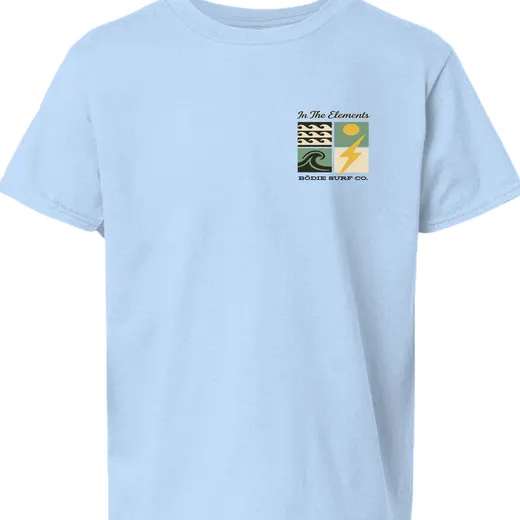
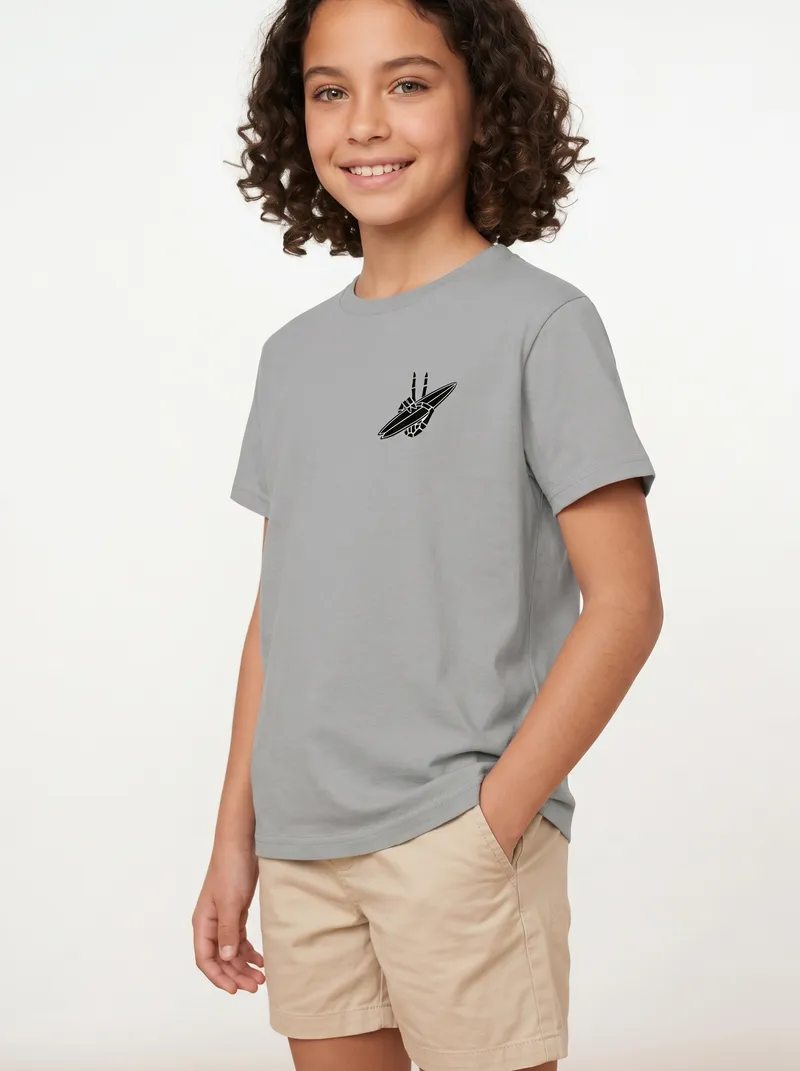
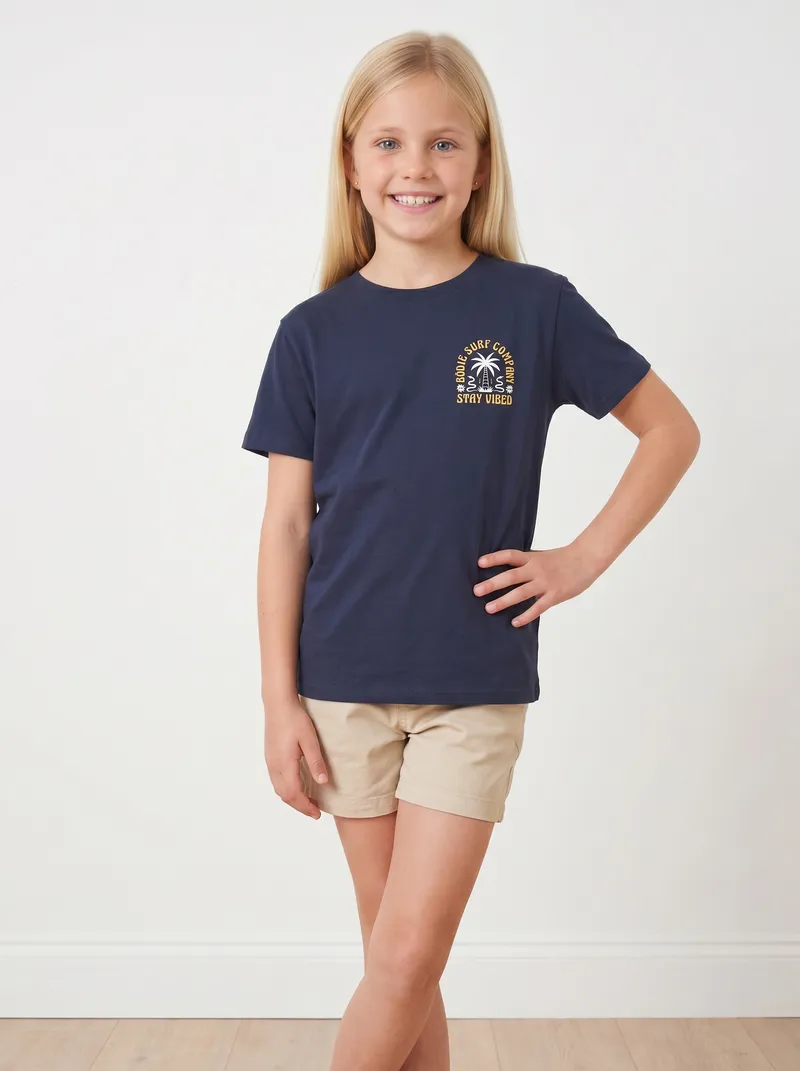
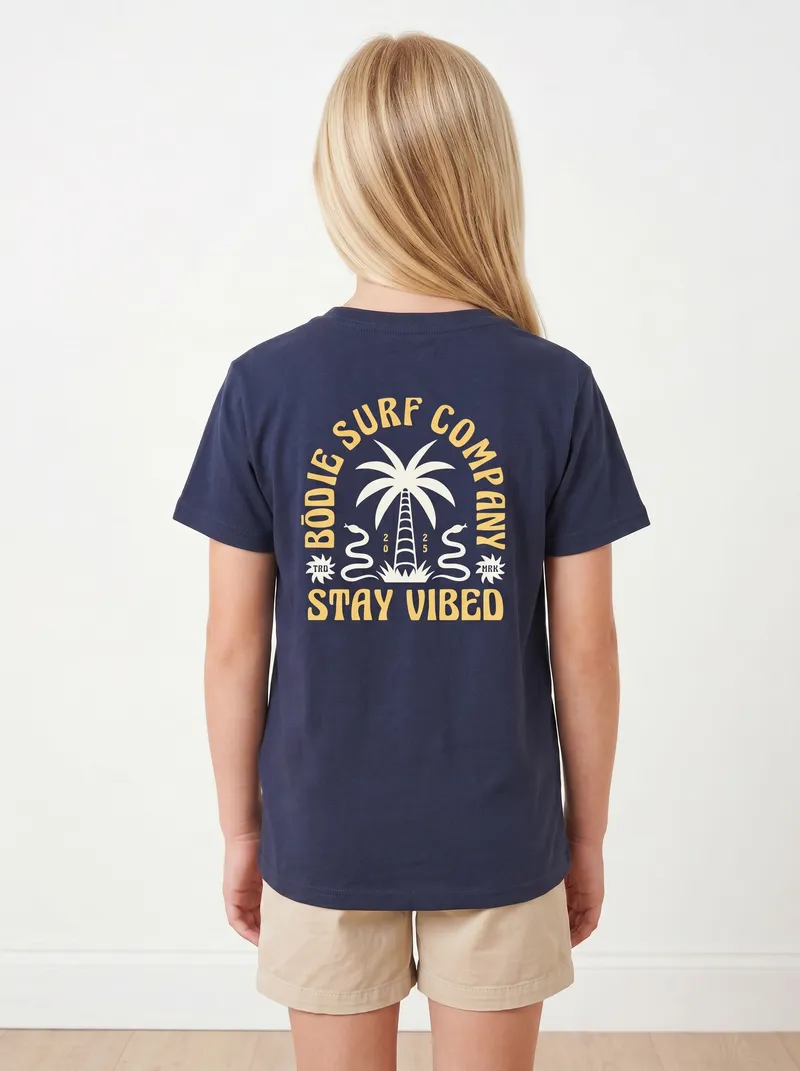
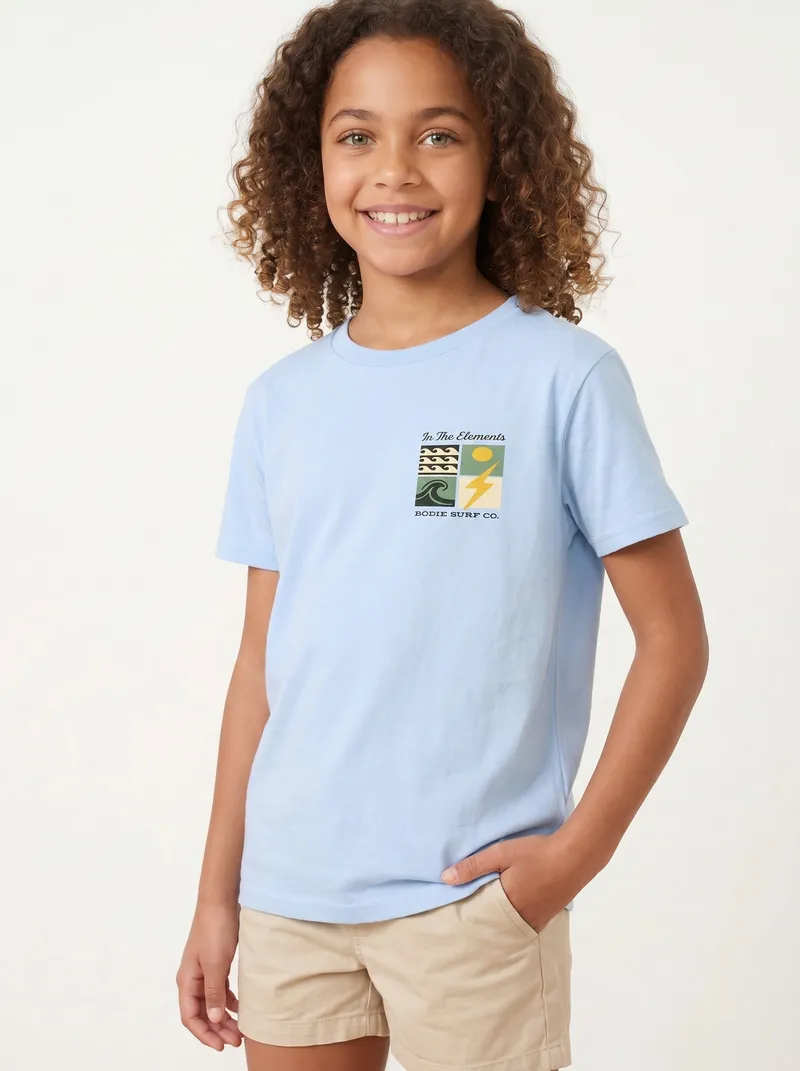
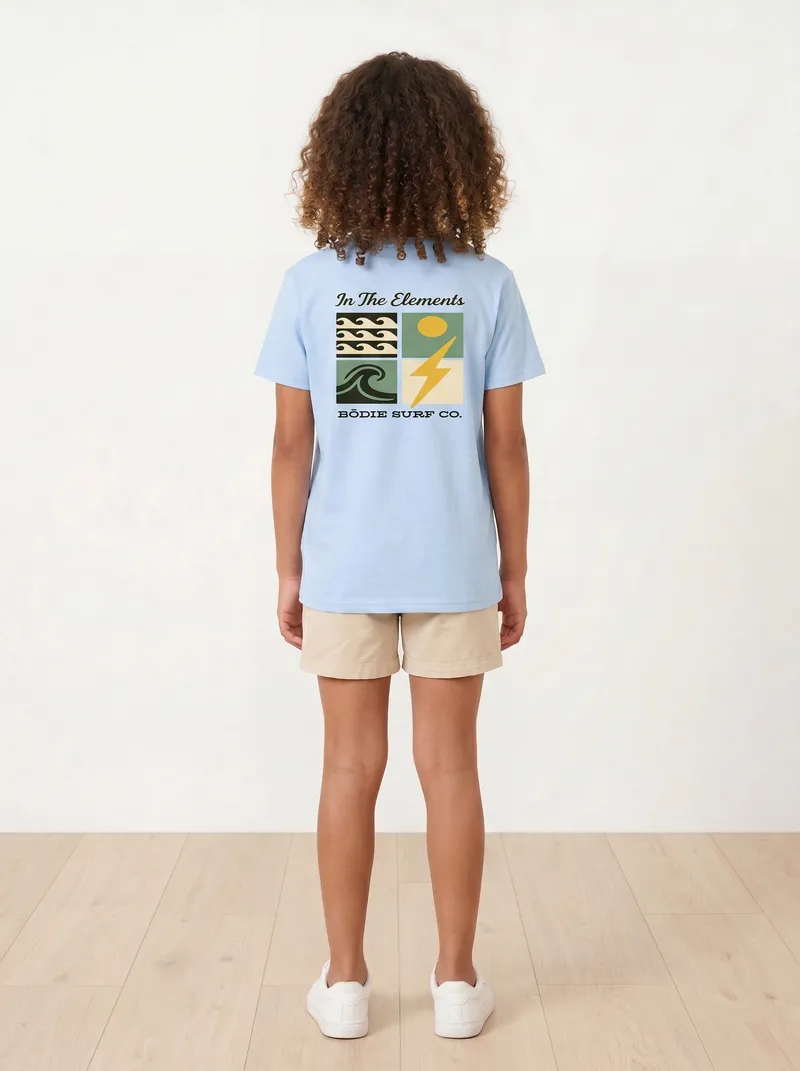
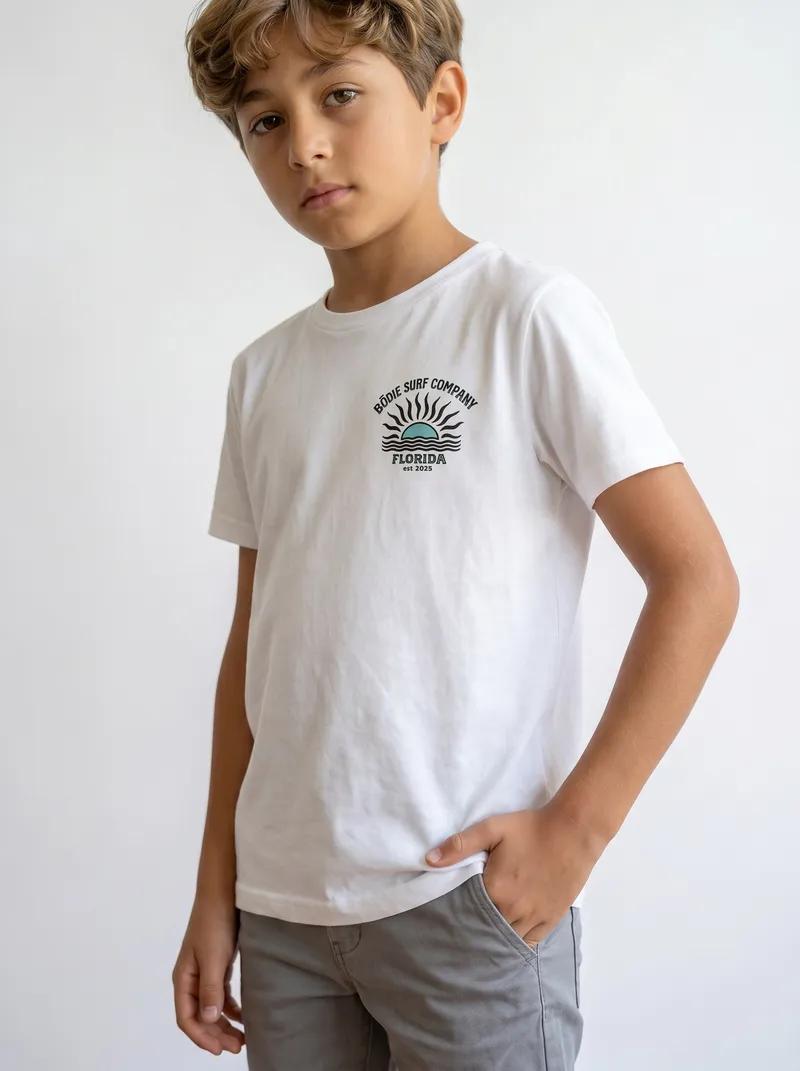
Keep the face reference and every tee lands on the same child. Or leave it out and MODA AI casts one.
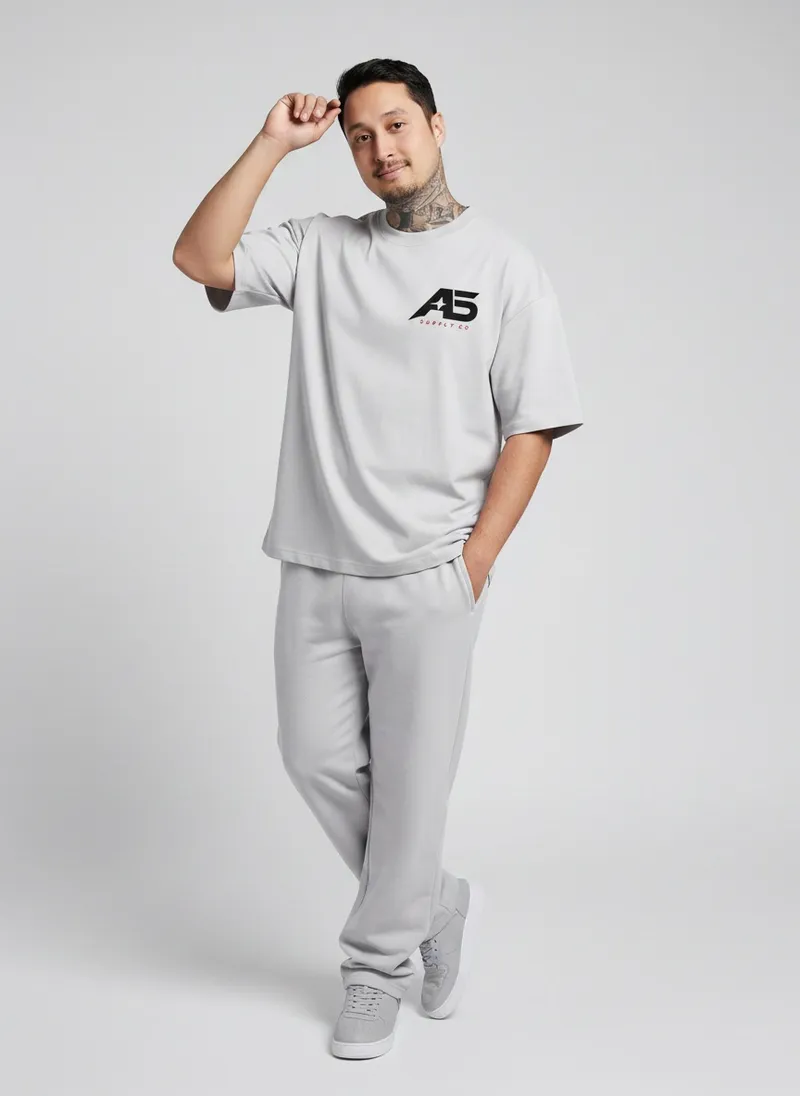
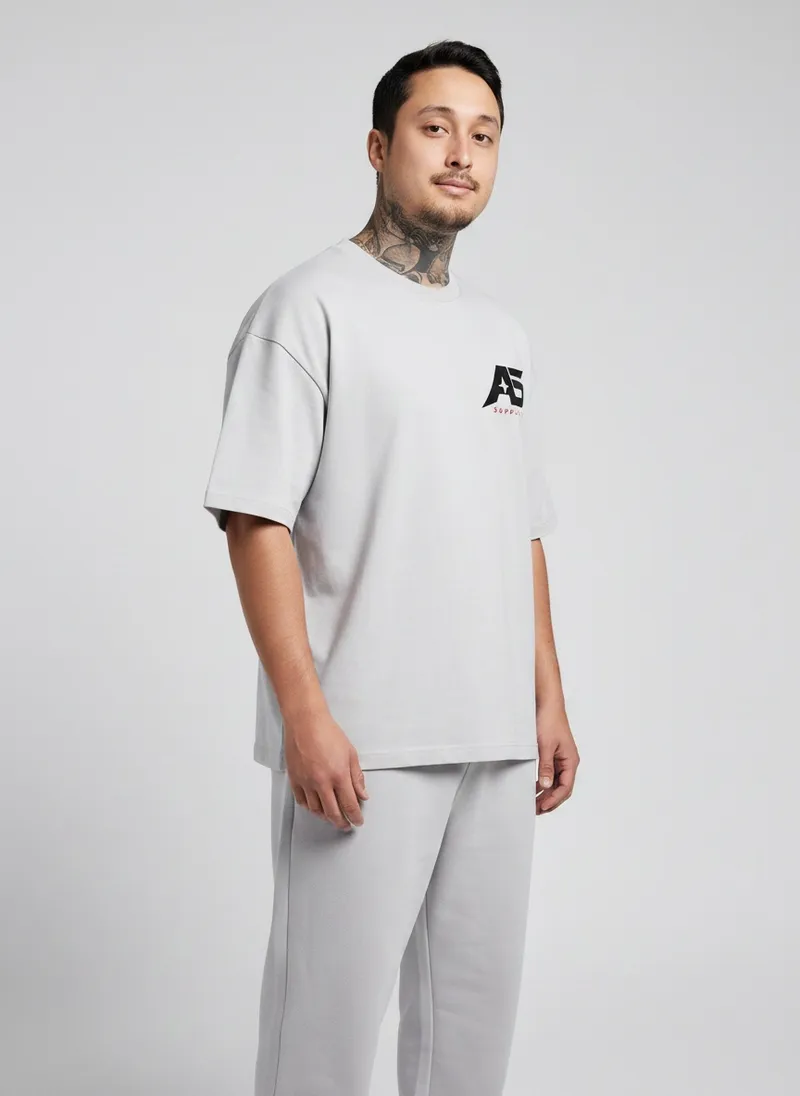
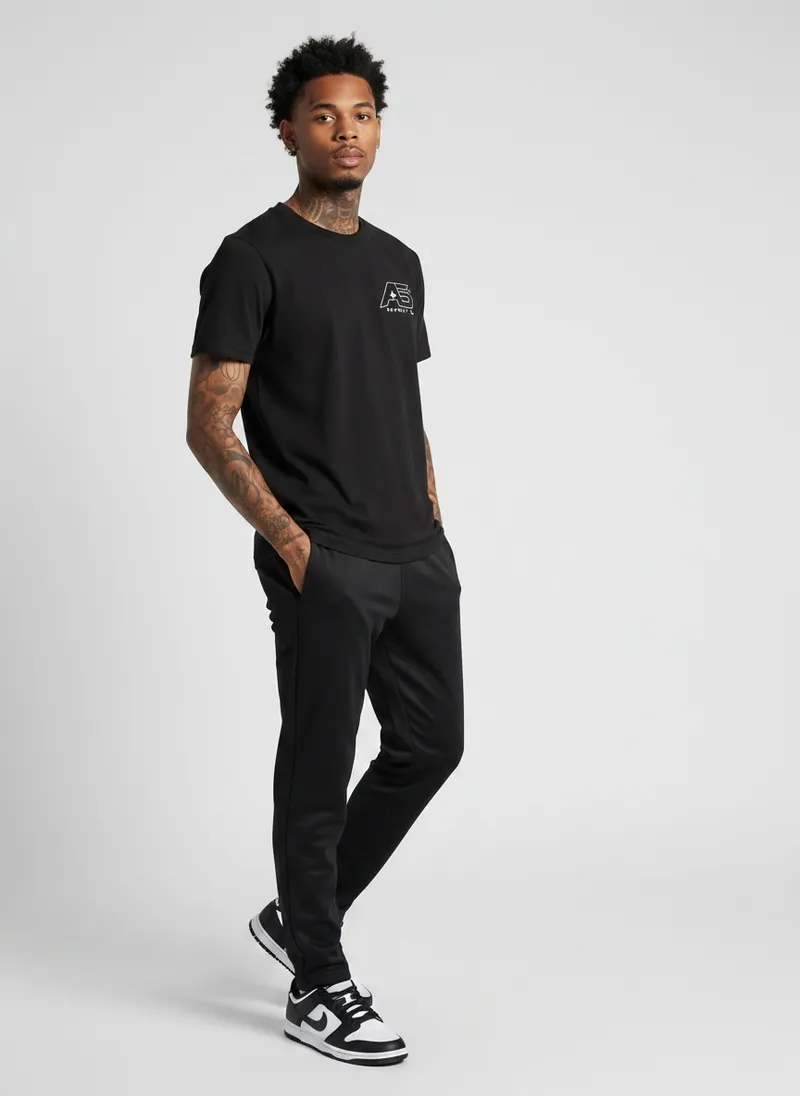
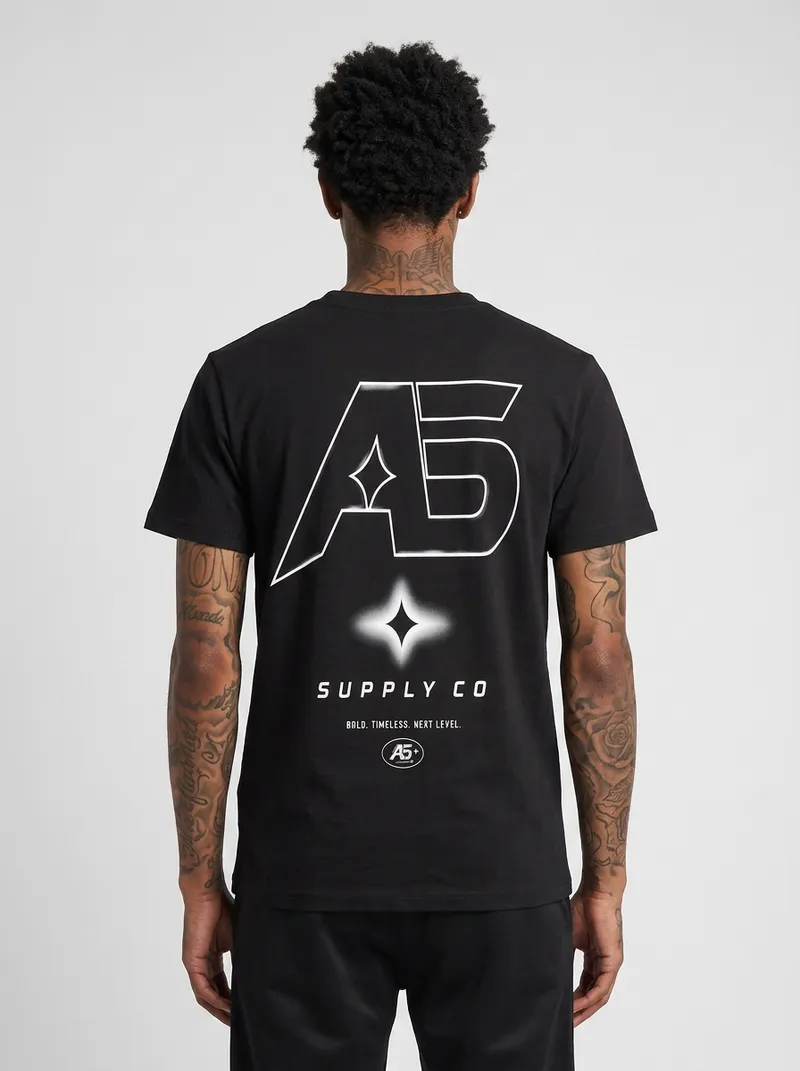
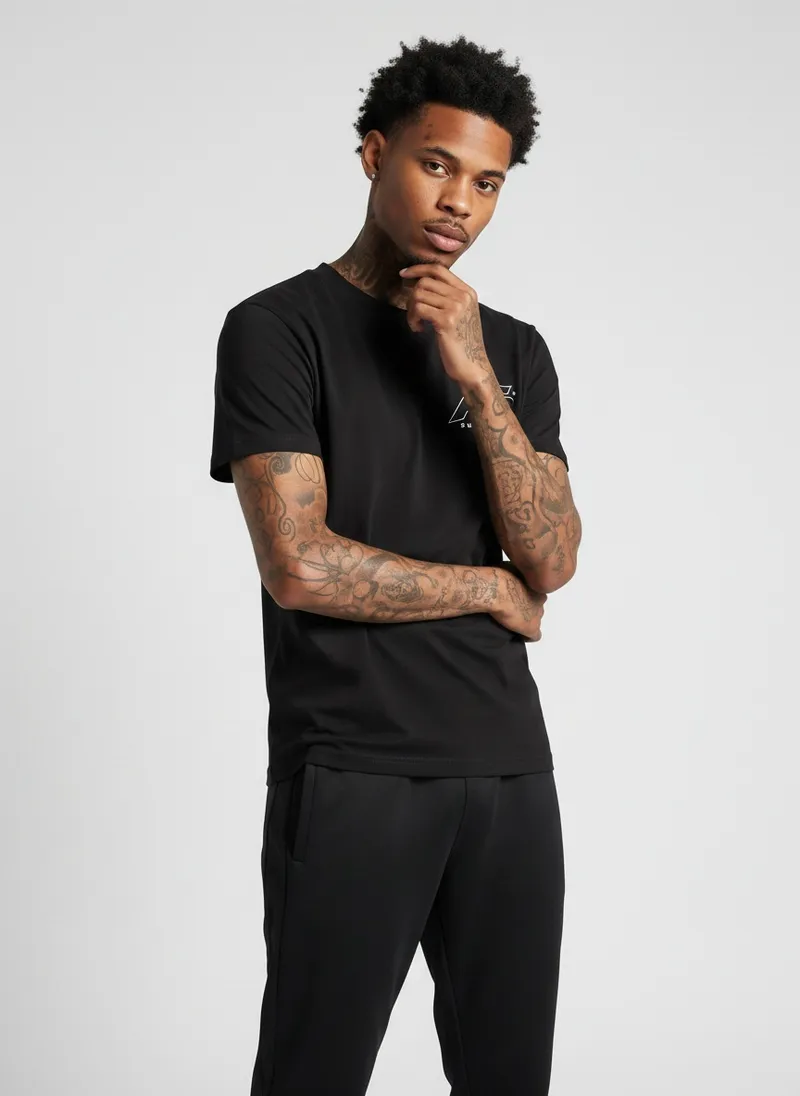
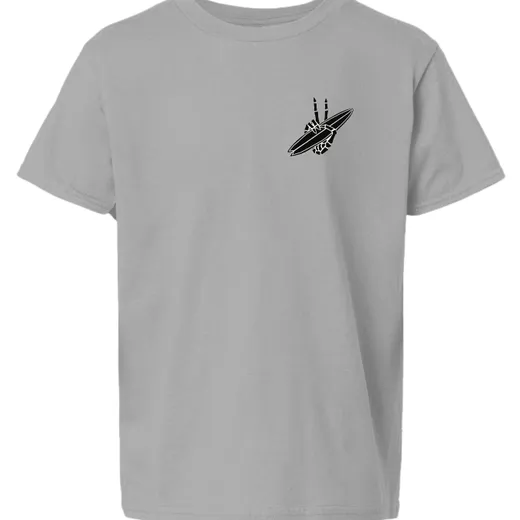
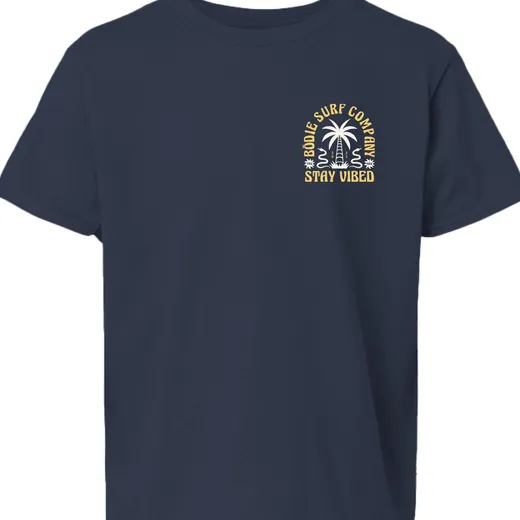
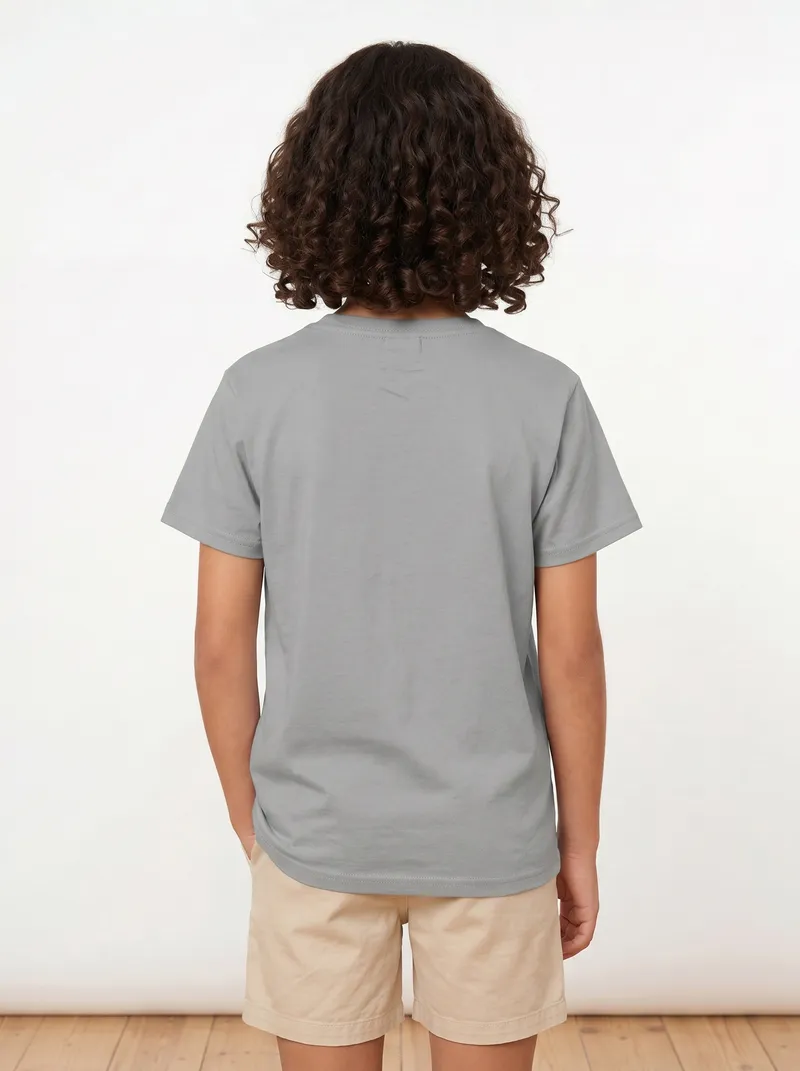
One face reference held across three tees, so every product page looks like the same shoot. The back prints come out readable.


One tee uploaded with a face reference, two without. Each print stays where it sits on the tee.


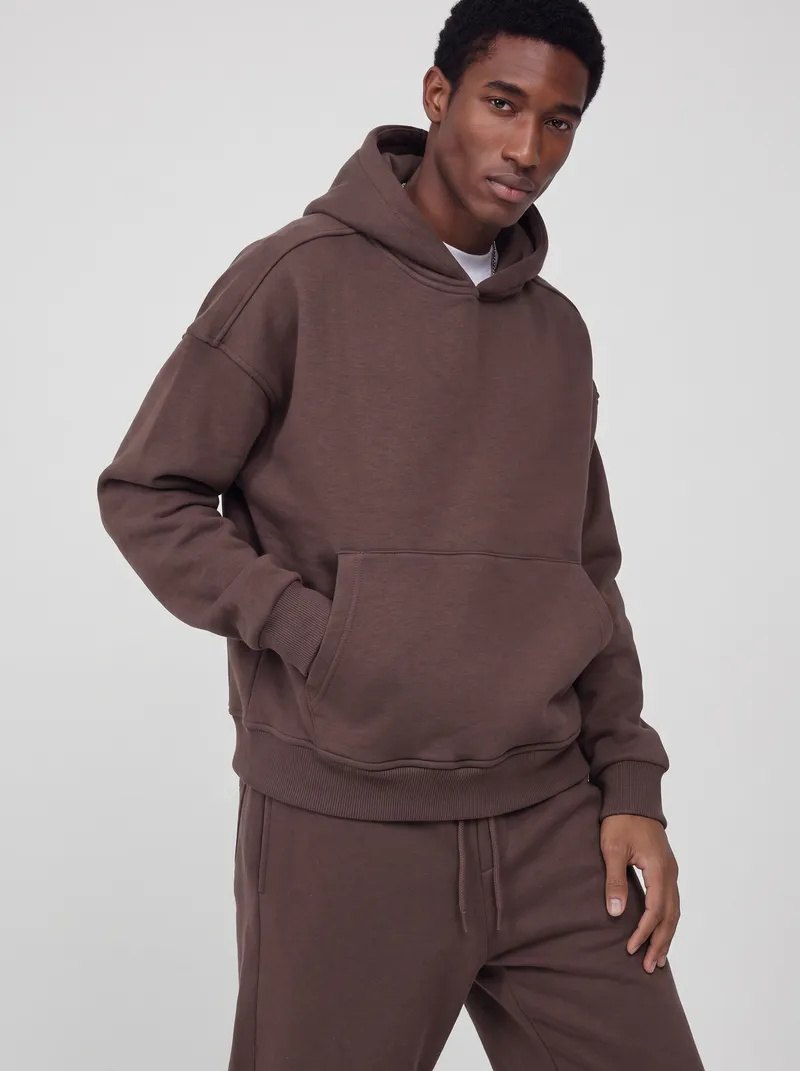
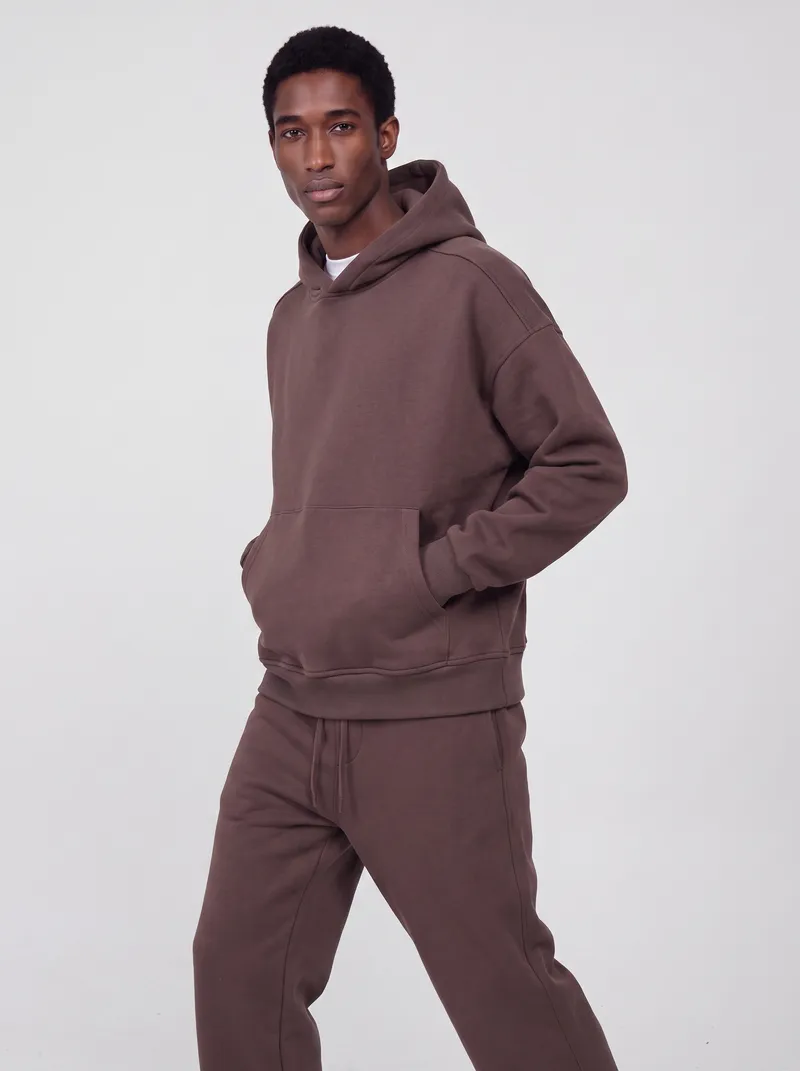
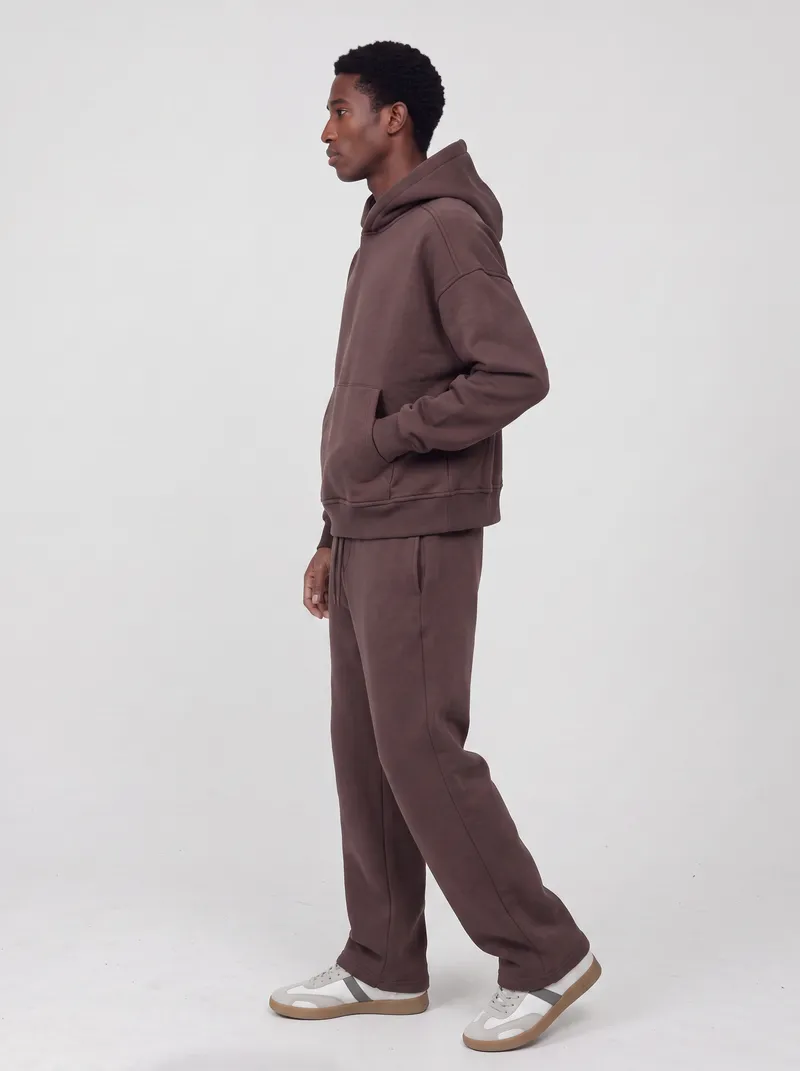
Upload any photo of the piece, pick a face and a scene if you want them, and get ten catalog shots back.
Looking for a face? Browse the AI model library. Want the reasoning by audience? See use cases.
Full case studies with the inputs, the settings and the whole set.
Any clear photo of the piece: a flat lay, a packshot, a hanger or rail shot, a mannequin, or a phone photo of someone wearing it. Add the back if you have it, so the back view matches.
No. Pick a face from the MODA AI model library, upload your own portrait or a clear selfie as the face reference, or leave it out and MODA AI casts a model for you, as in the racerback tank and oxford shirt above.
Yes. Upload a photo of the place as a location reference and the set is shot there, like the stone-wall and street runs above. Without one, you get a clean studio.
Ten catalog shots per set, across front, three-quarter, back, side, seated and detail angles, in under 2 minutes. A standard set costs one credit; video is a separate credit.
Yes. You own the catalog images you generate, for product pages, marketplaces, ads and social. Send them straight to Shopify or download them.
Install MODA AI from the Shopify App Store and you get two free credits, enough for two full sets. Credits after that start at $1.25.
Turn your garment photos into a full catalog set in under 2 minutes. Two free credits to start, no credit card required.