Catalog Photography · Fall
Lifestyle Product Photography for Clothing: Studio vs Street
A studio photo tells your customer exactly what they’re buying. A street photo lets them picture the afternoon they’ll wear it. Most product pages need both, each in its own spot.
October 23, 2026 · 11 min read
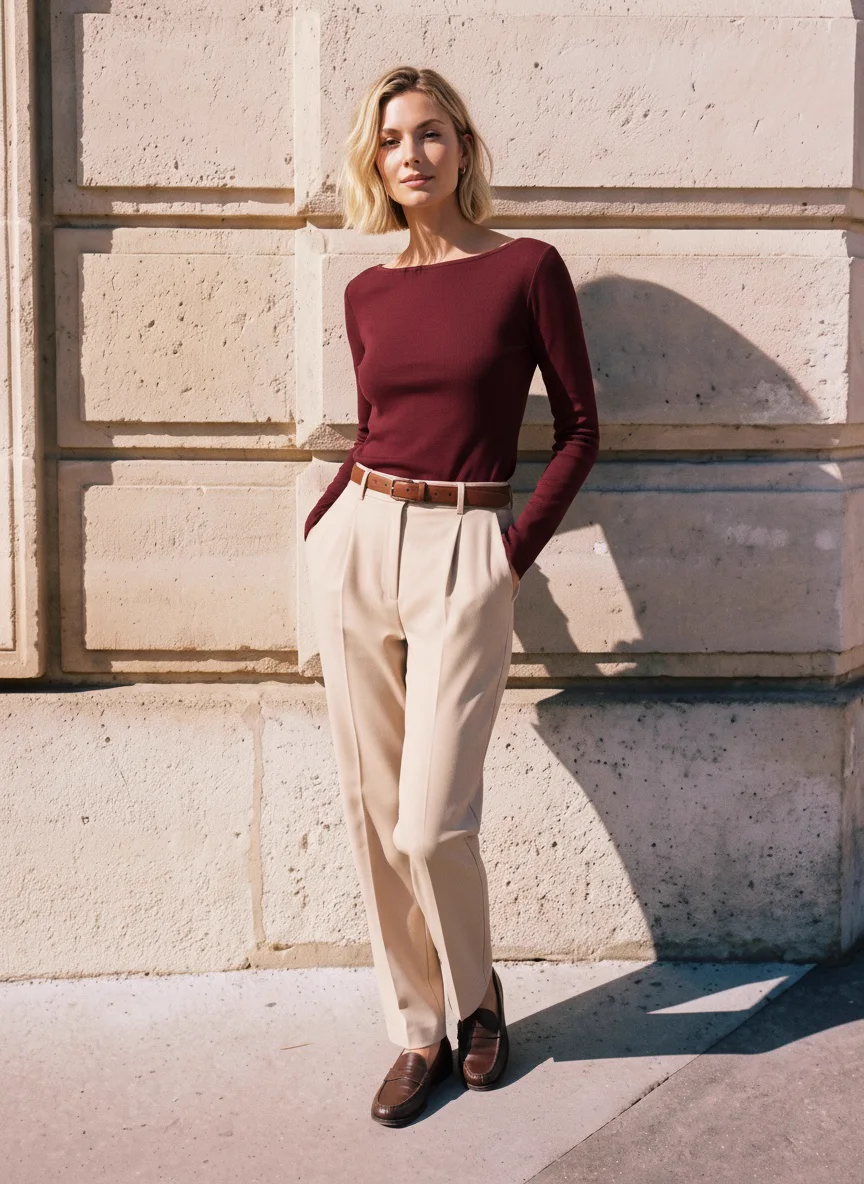
Late-afternoon sun on a limestone wall, and a burgundy top that suddenly looks like October.
Think about the last thing you bought because of a photo. The shot on a plain background probably told you the colour and the fit, but the one that made you want it most likely showed someone wearing it somewhere real, close enough to your own life that you could picture yourself there.
That second kind of photo is lifestyle photography, and fall is when it earns its keep. Autumn clothes sell on feeling: low sun at five o’clock, a knit on a cool morning, a top worn with the jeans you’d actually pair it with. A grey studio sweep can’t give you any of that, and a city shoot that can is the hardest kind to book.
So this guide puts one top in a studio and then out on a street, looks at where each photo does its best work, and walks through nine city sets shot in autumn light. Every one of them was made with MODA AI, mostly from photos of clothes on a mannequin.
One
Same top, studio and street
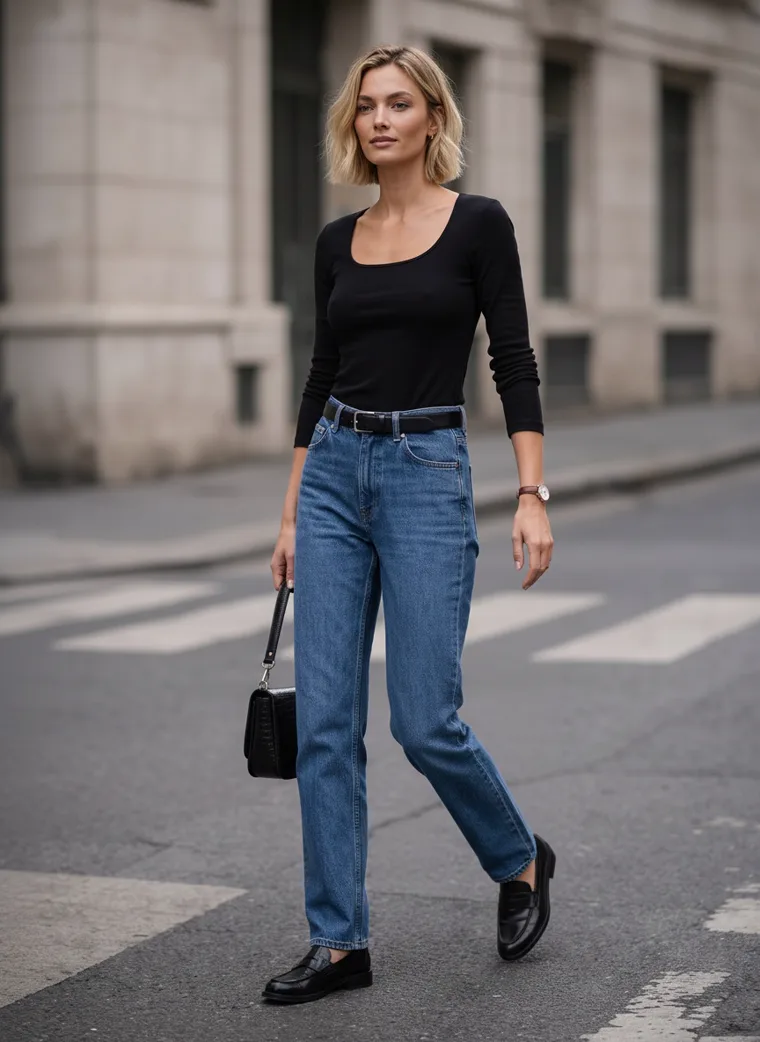
Here’s the same black scoop-neck top twice, made from the same two mannequin photos. Nothing changed except where she’s standing and what she’s wearing it with.
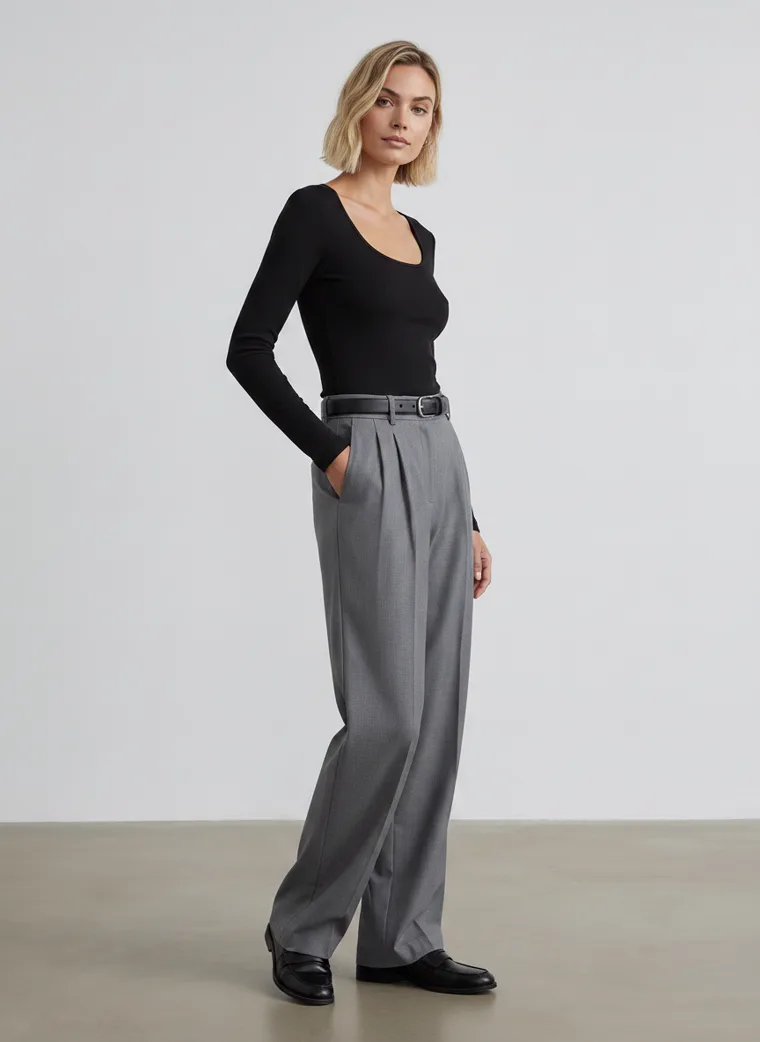
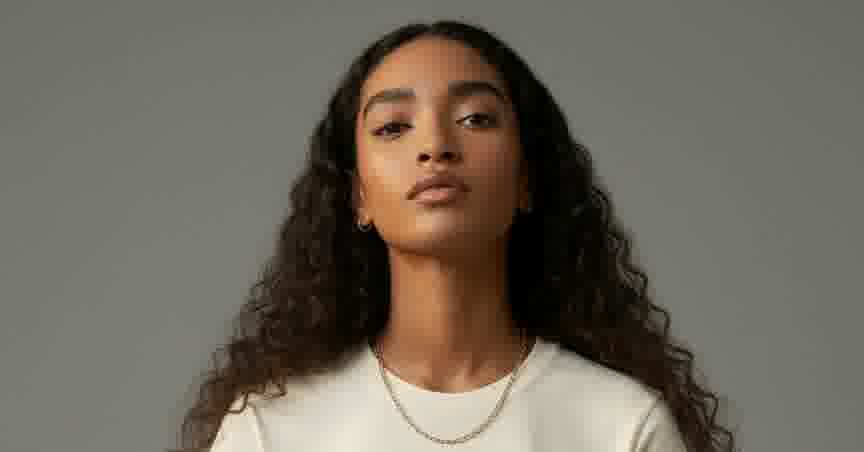
In the studio, all you notice is the top: the neckline, the fit, where the sleeves end.
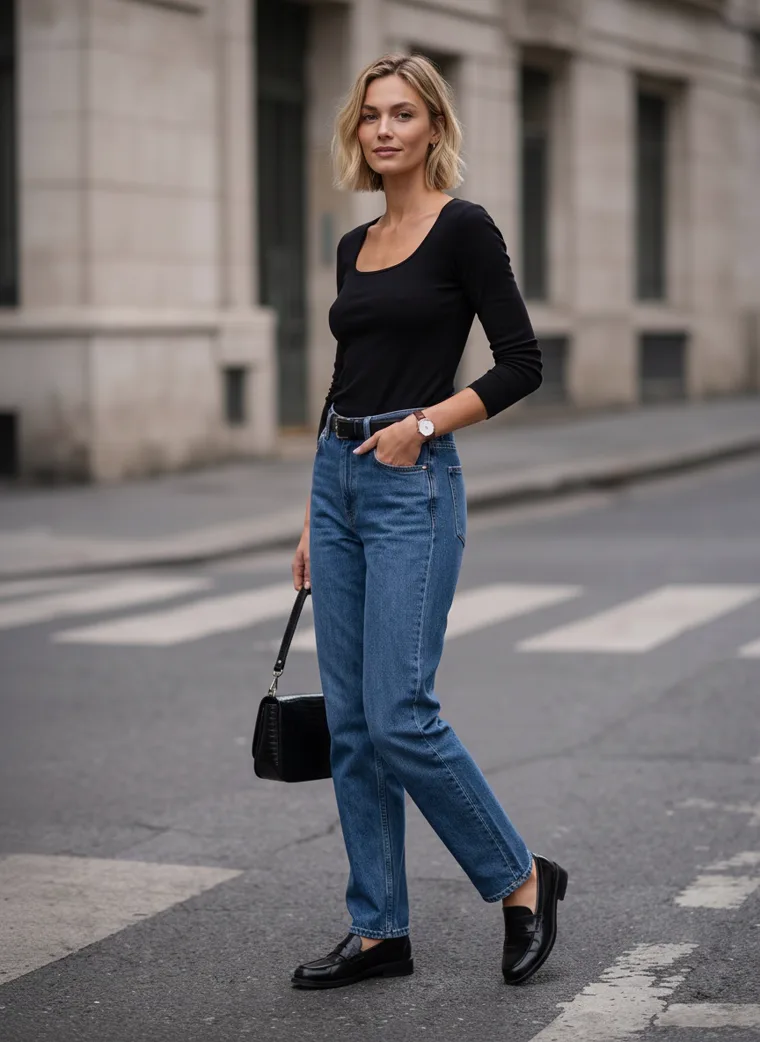
On the street it picks up jeans, a little bag and somewhere to be.
Each photo is good at something different. The studio shot is honest about the garment: you can check the neckline and the fit without anything getting in the way, and it sits neatly next to every other product in your catalog. The street shot takes on the harder job, which is making someone want a plain black top. Put it on a crosswalk with jeans and a bag, and it stops being a basic and becomes the thing you’d throw on for a Tuesday in town.
You don’t have to choose between them. Here are both full sets, the way they’d sit in your store.
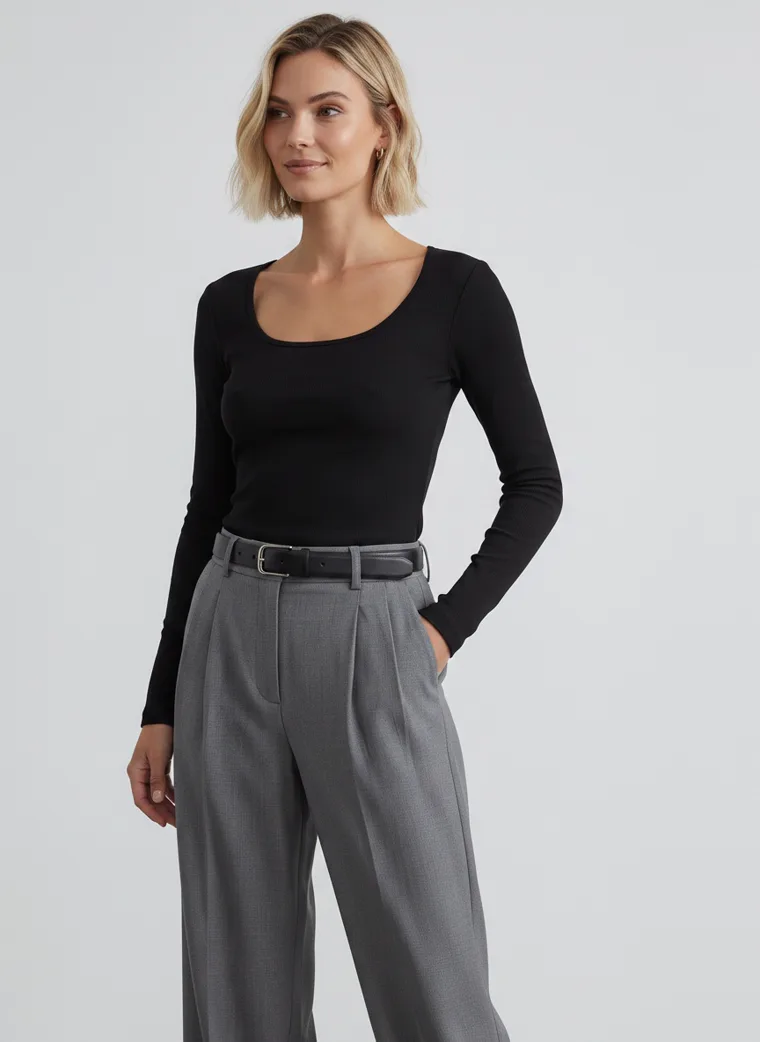
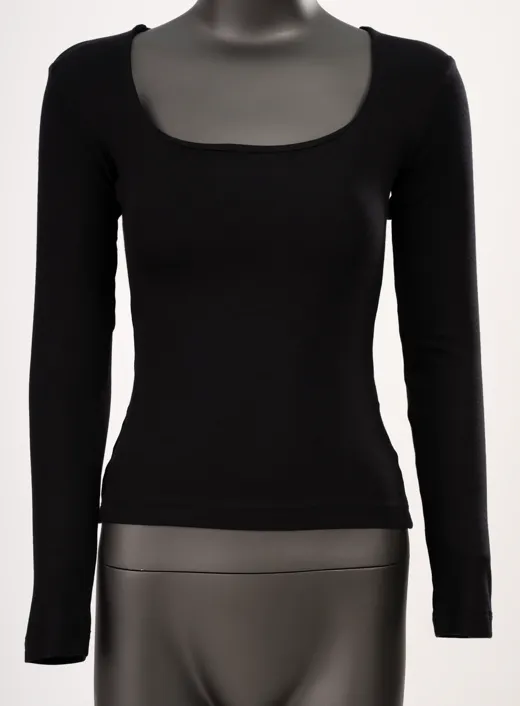
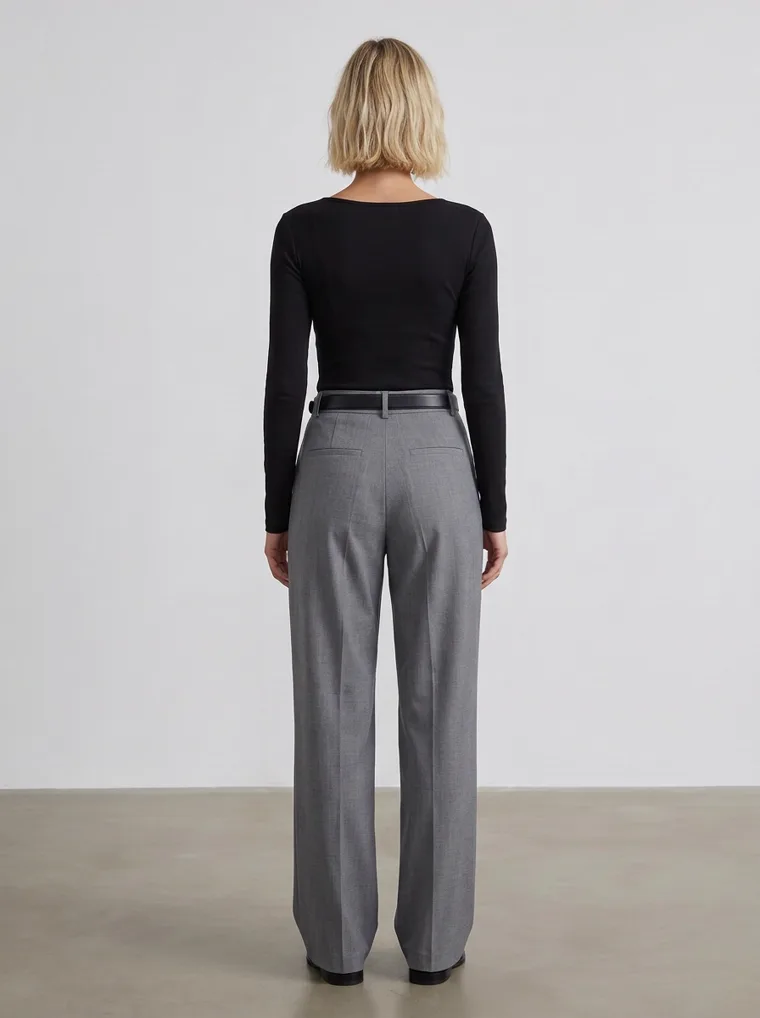
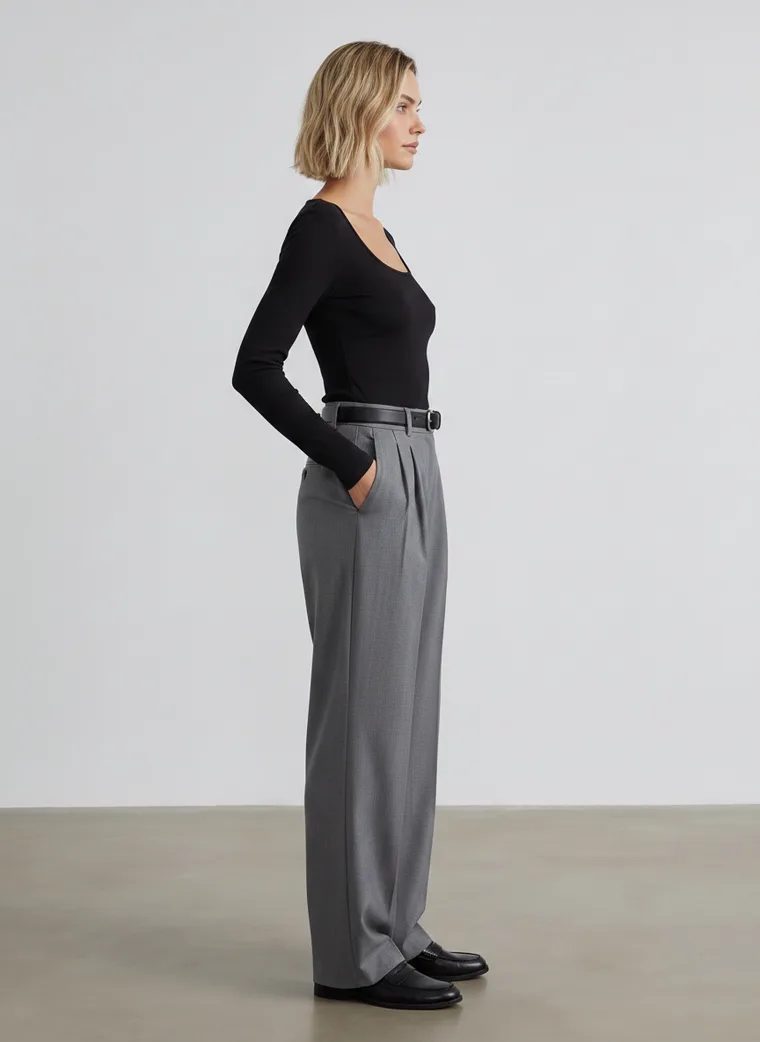
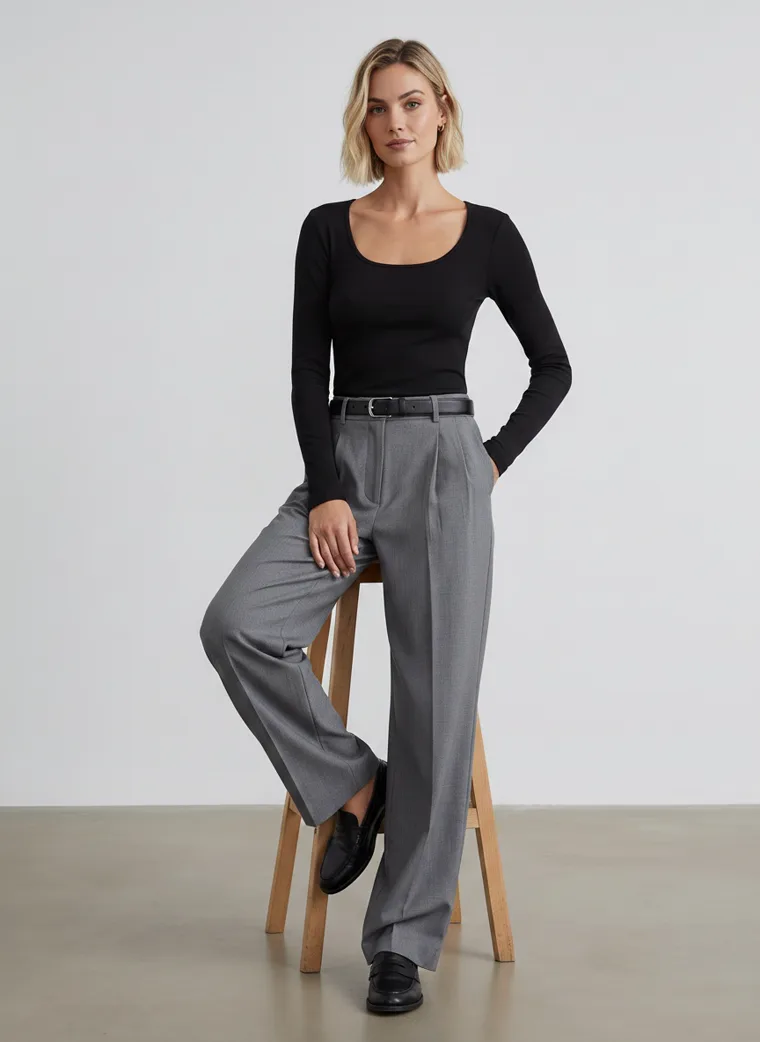
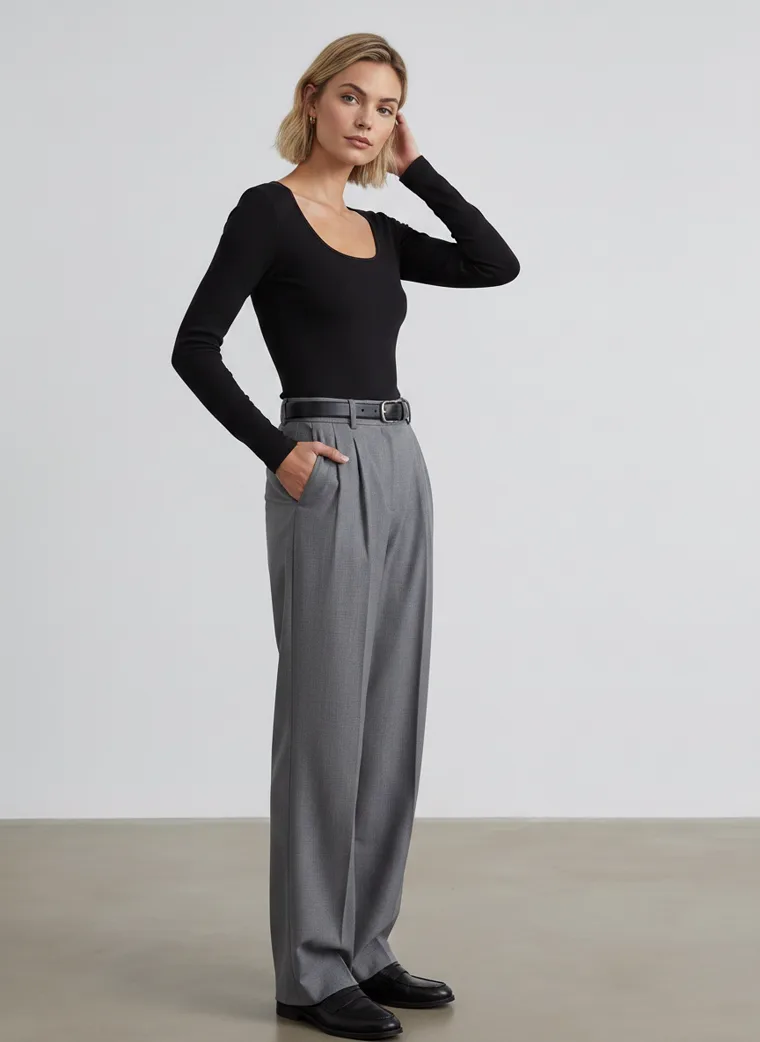
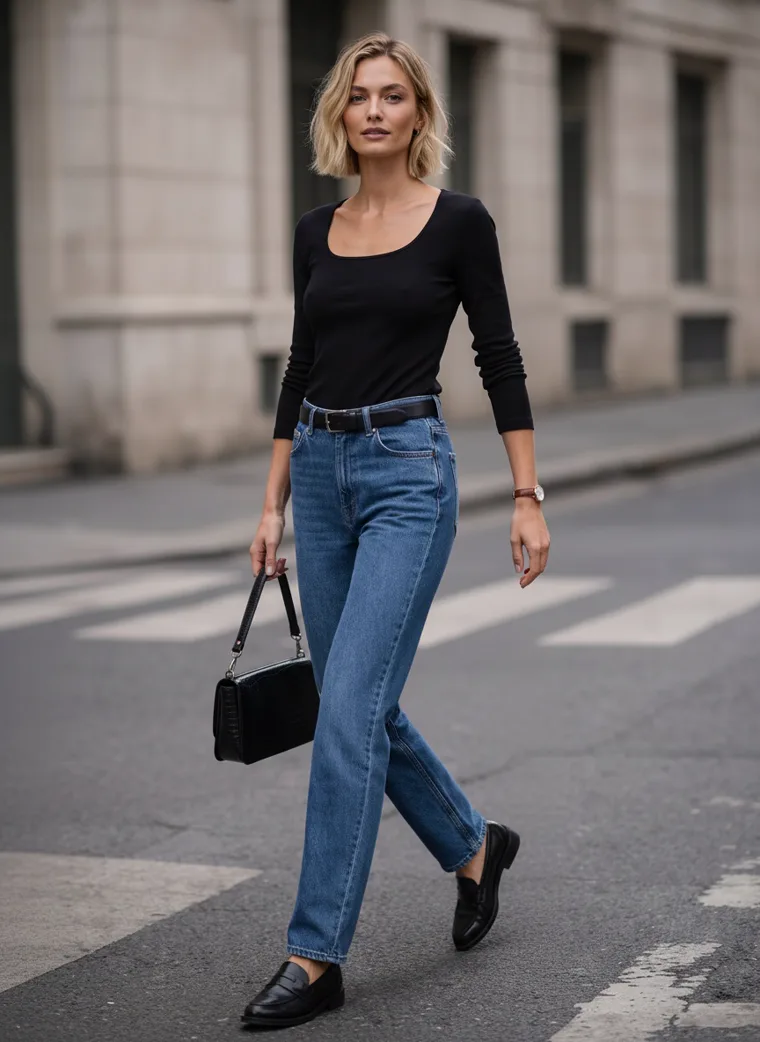
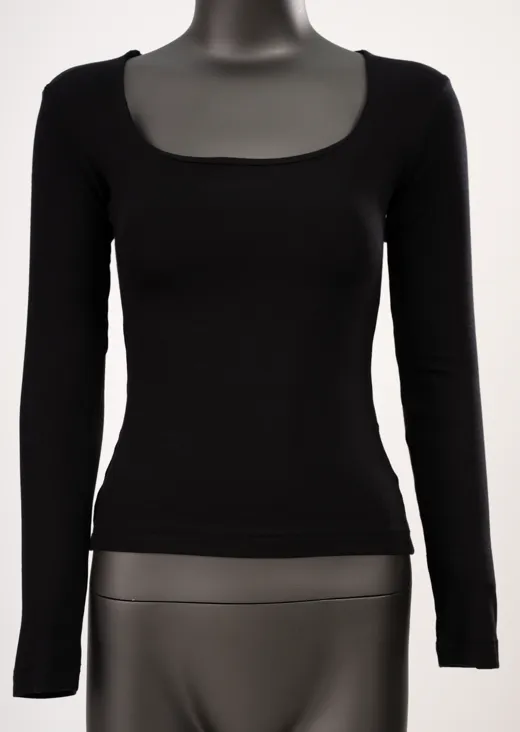
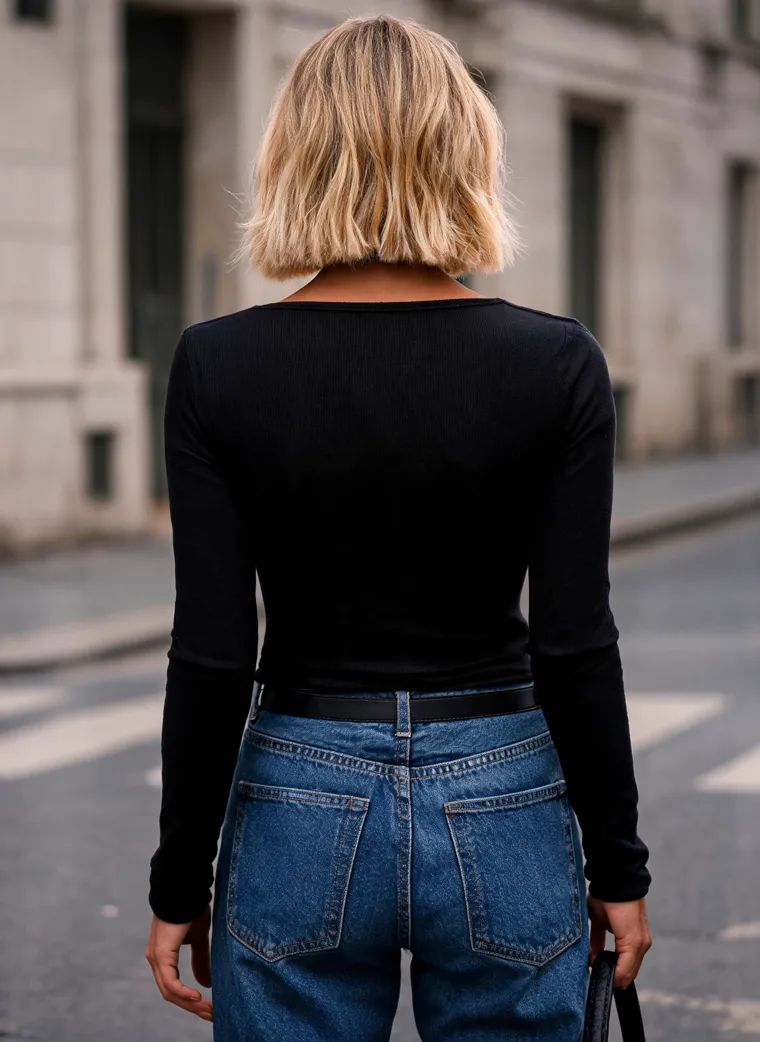
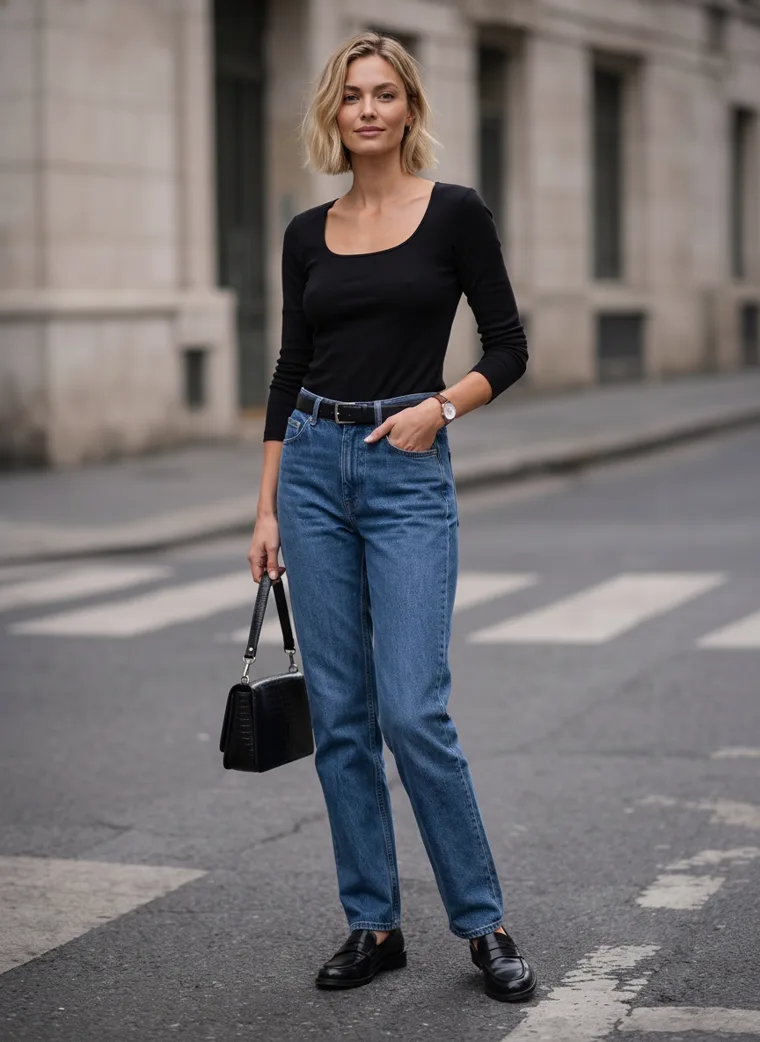
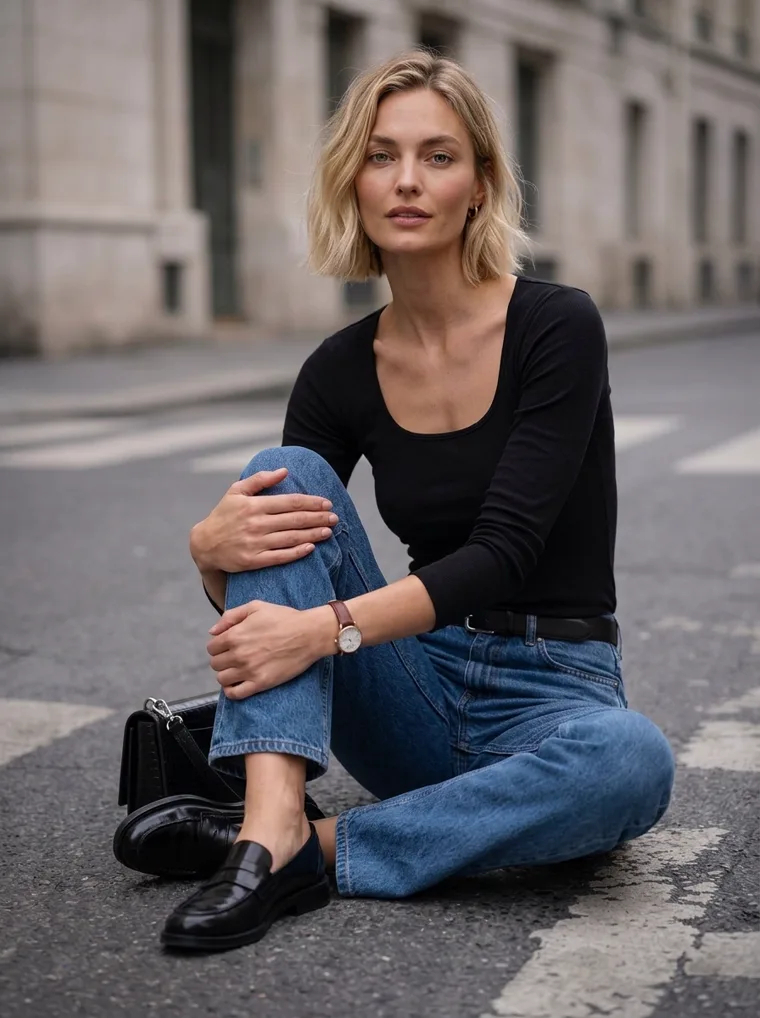
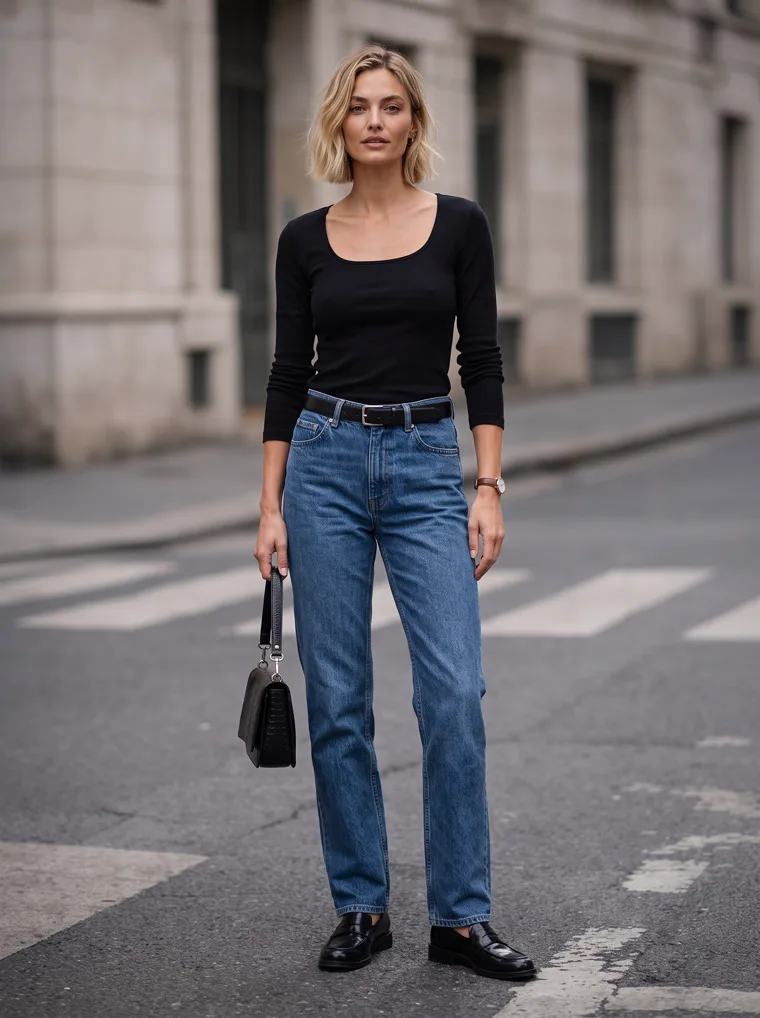
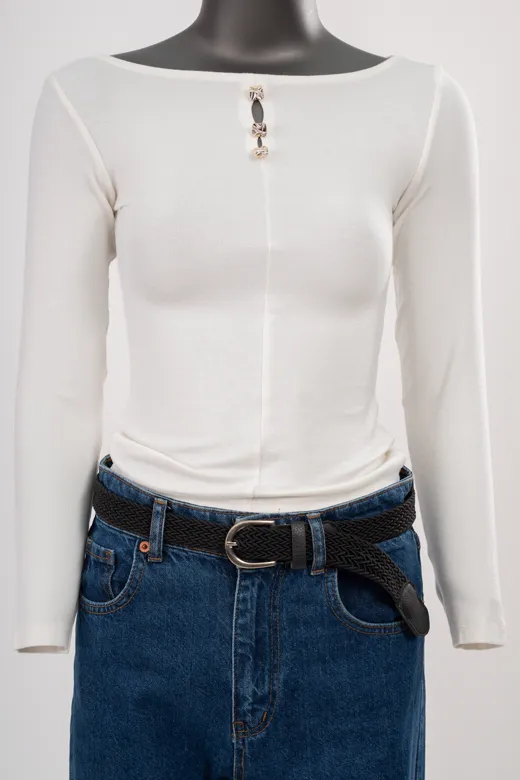
Tap the little Start square on either card to see the mannequin photo both sets came from.
The studio photo tells people what they’re buying. The street photo gives them a reason to buy it.
Two
Where each photo belongs
The trouble is rarely the photos themselves. It’s where they end up: a moody street shot squeezed into a thumbnail, or a plain studio frame trying to carry the homepage banner.
| Placement | Best fit | Why |
|---|---|---|
| Lead product image | Studio, or a quiet clean setting | It becomes your thumbnail in collection grids, search and shopping feeds, where people decide in a second whether to click. |
| Marketplace main image | Studio | Many marketplaces have strict rules about the main image’s background. Our marketplace guide lists them platform by platform. |
| Product image rail | Both | Start with clean front, side and back shots so people can check the details, then add one to three street shots so they can picture it on. |
| Collection banners and homepage | Street | These sell the season and the feeling more than any one product. |
| Social posts and ads | Street | People scroll straight past plain backgrounds. A real place and warm light make them stop. |
Put simply, lead with the clean shot and let the street shots do the persuading. If you’re wondering how many photos a product page needs in total, that’s covered in How Many Product Photos Per SKU.
Three
Why golden hour sells fall
Golden hour is that stretch just after sunrise and just before sunset when the sun sits low. The light goes warm and soft, and shadows stretch out across the pavement. It’s the light most of us picture when we think of autumn, and it’s kind to the season’s colours. Browns, burgundies, camels and creams all glow a little under it, and those long shadows give an ordinary street some depth.
It’s also the hardest light to plan around. The window is short, it shifts a little every day, and one cloud can wipe it out. Shooting in it for real means a photographer, a model, travel, often a permit and a backup plan for the weather, all for a few good minutes at either end of the day.
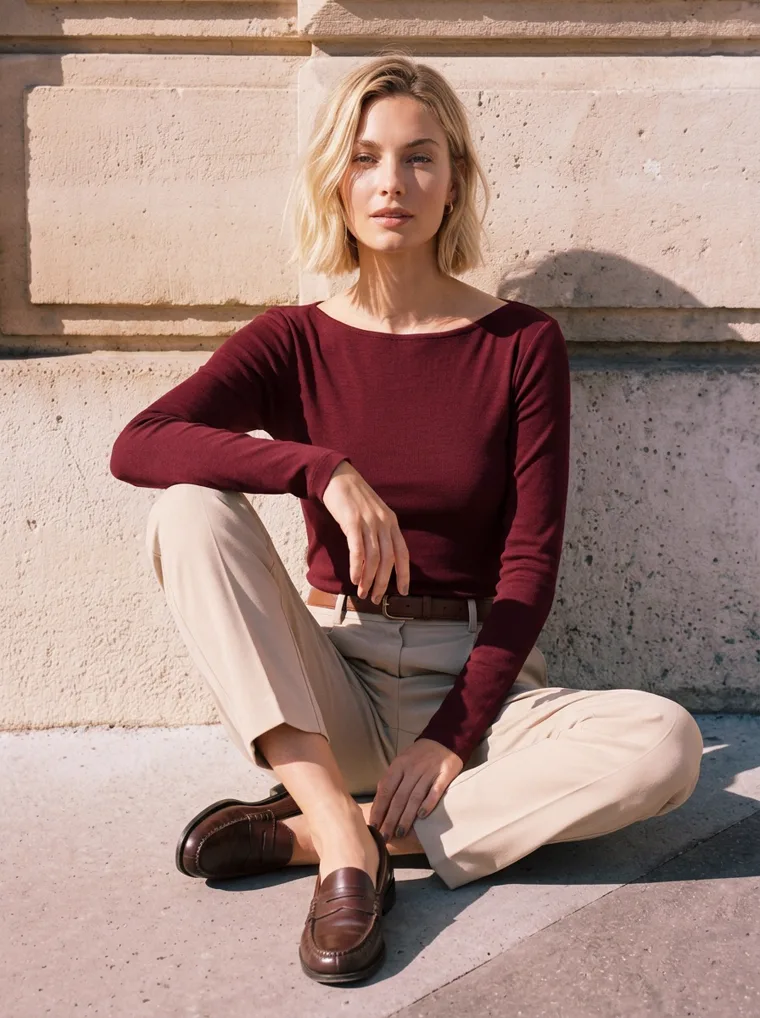
Warm stone, warm light.
Side light on the crosswalk.
Late sun across a stone facade.
The burgundy set leans into it the most. Give a plain long-sleeve top a warm wall and a low sun, and it suddenly looks like a Saturday in October.
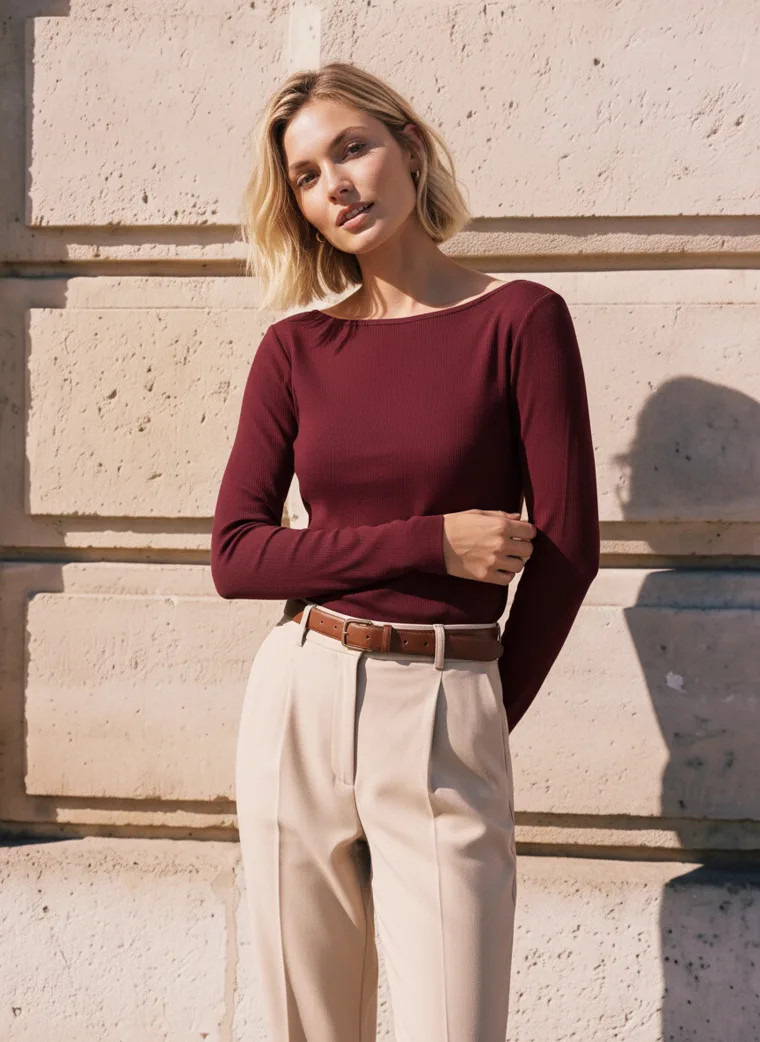
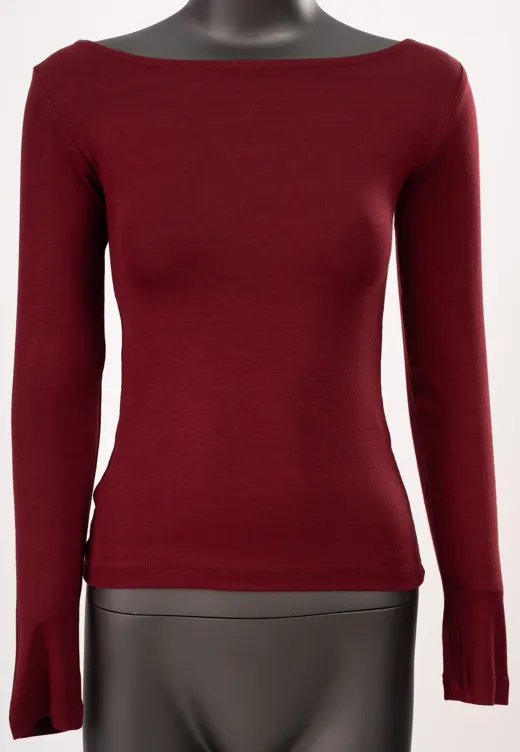
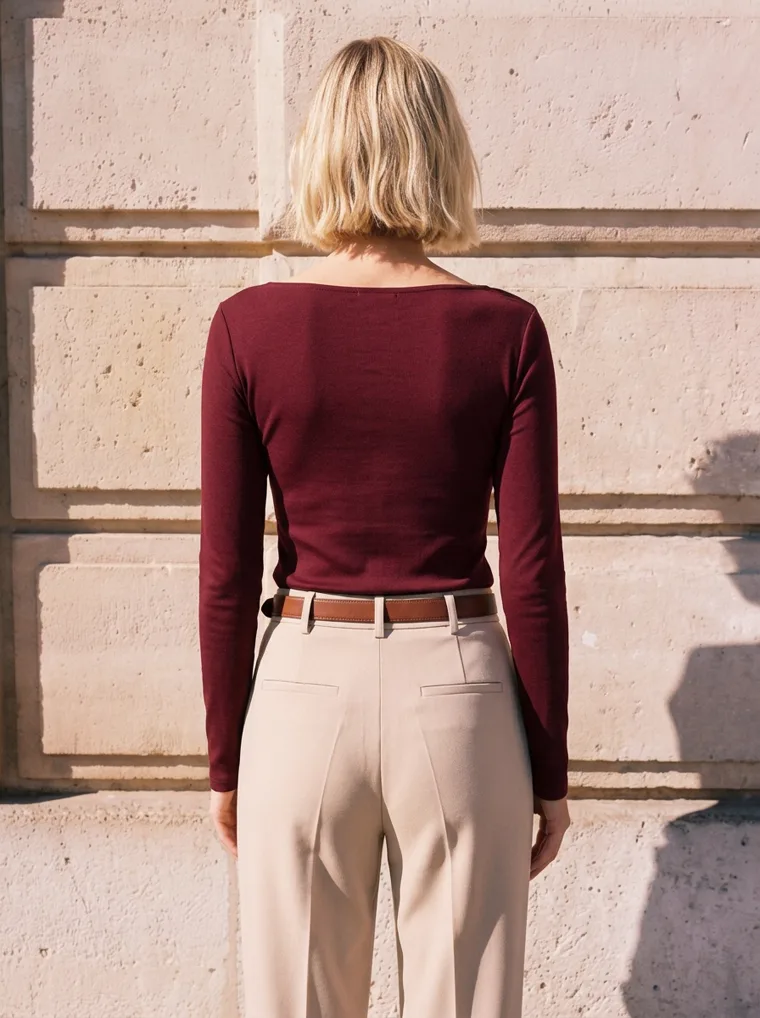
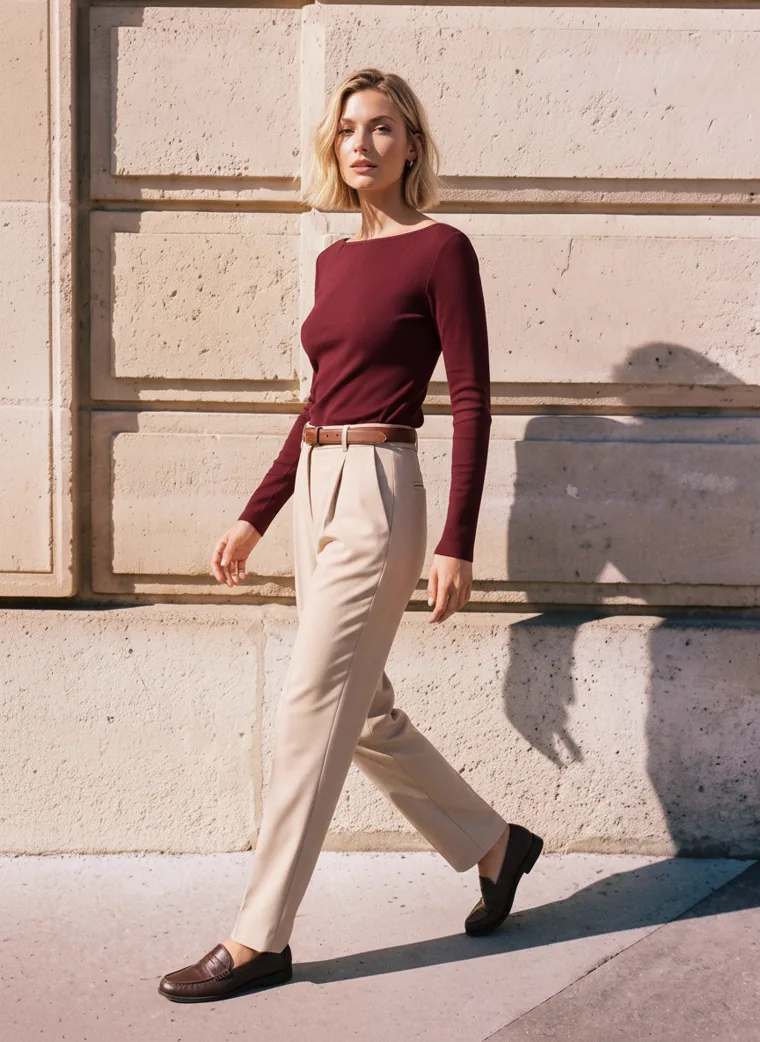
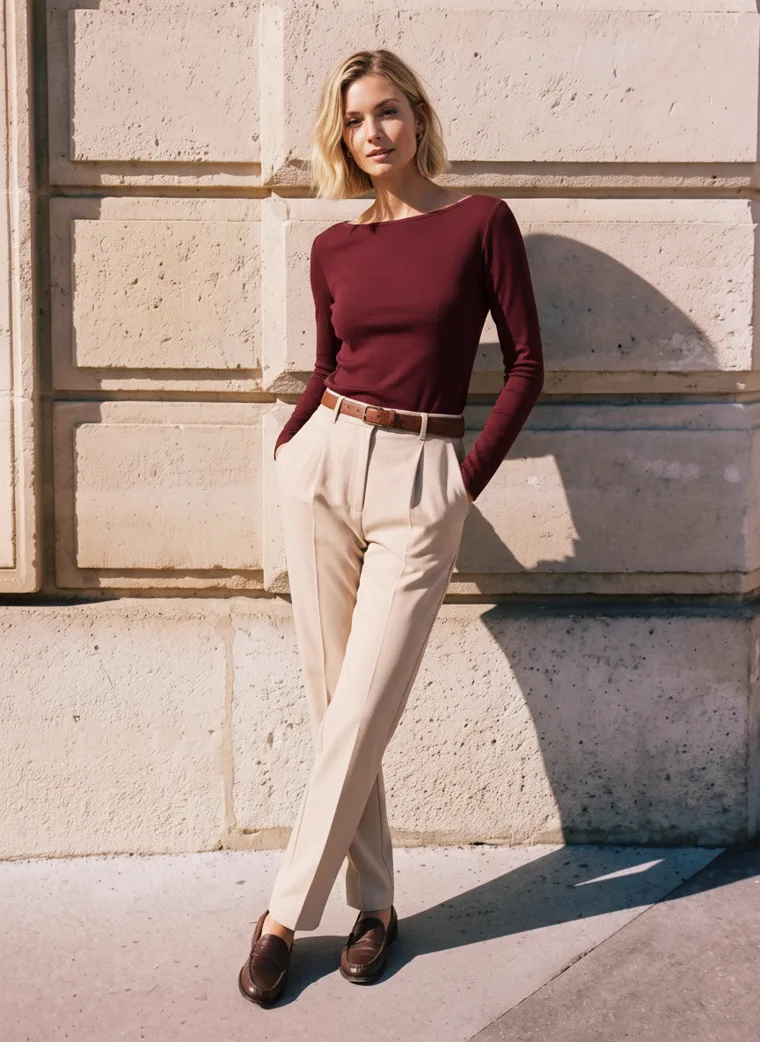
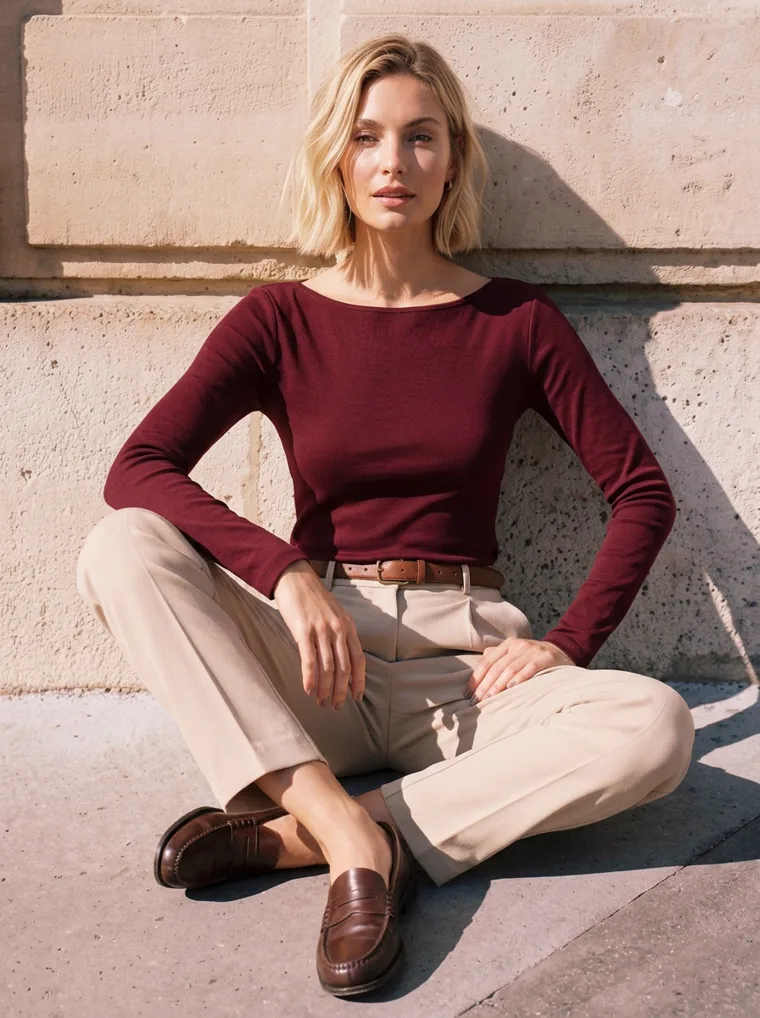
Warm light makes autumn colours look like autumn, and long shadows turn a flat street into a real place.
Four
Choosing your backdrop
“A city street” covers a lot of ground. A wall, a row of columns, a café and a busy plaza each do something different for the clothes in front of them, and the right one depends on how much the piece is already saying.
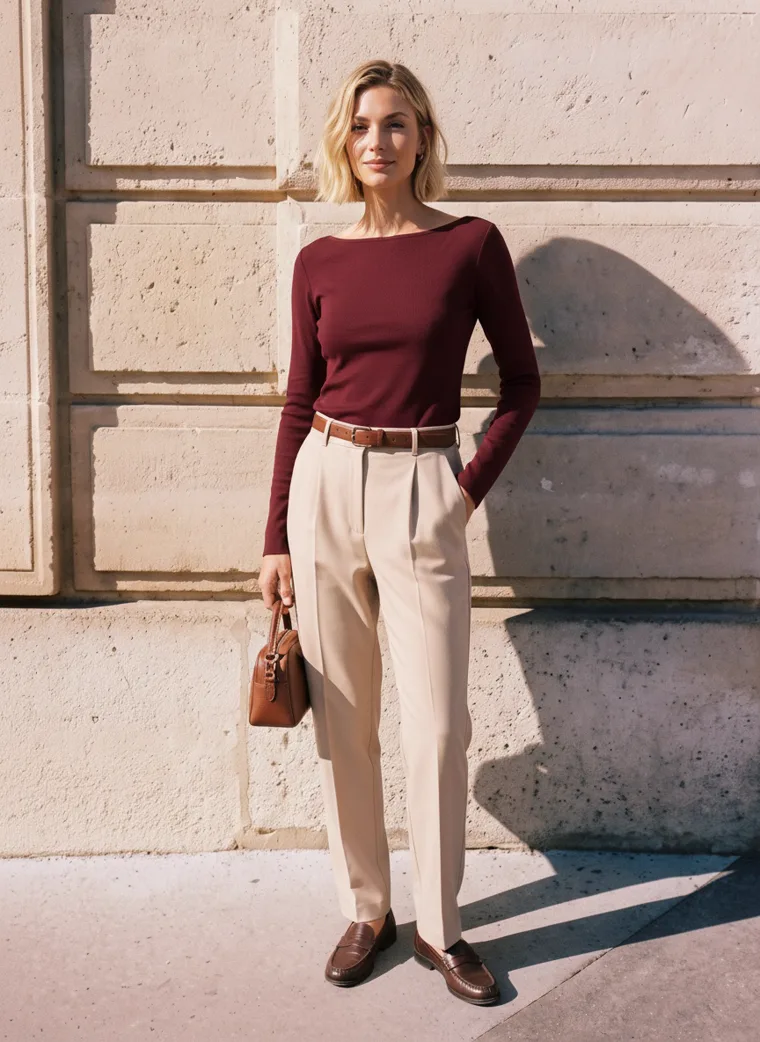
Limestone wall. A quiet, warm texture that makes rich colours glow.
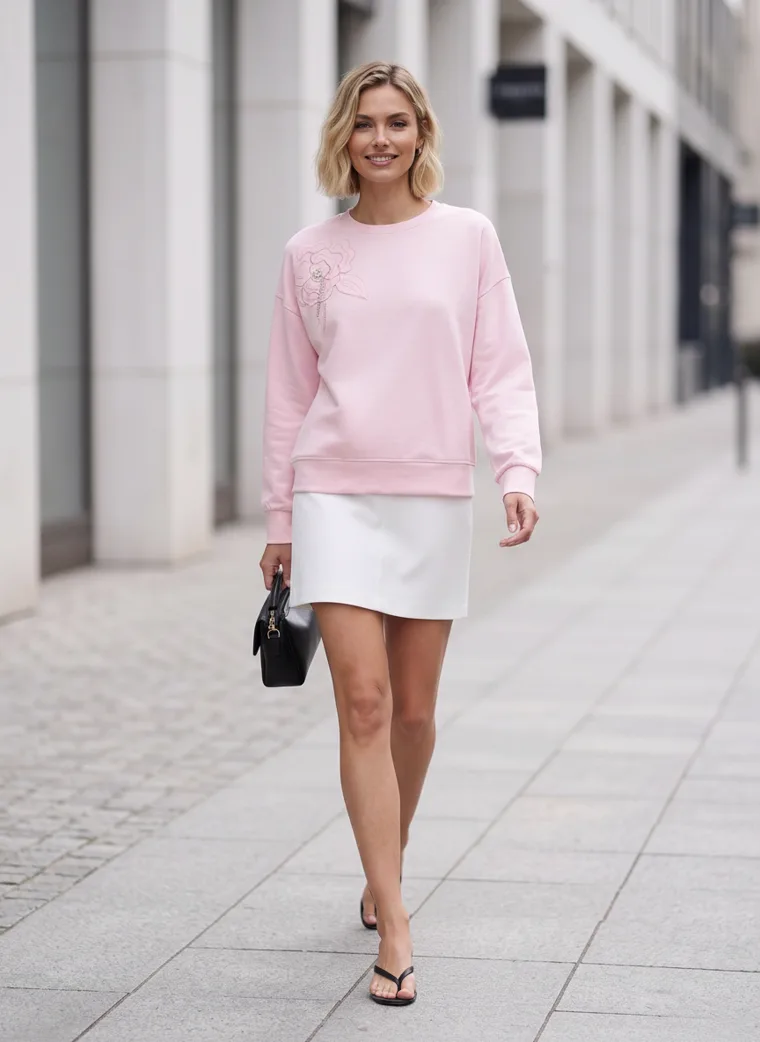
Colonnade. Rhythm and depth behind a soft colour.
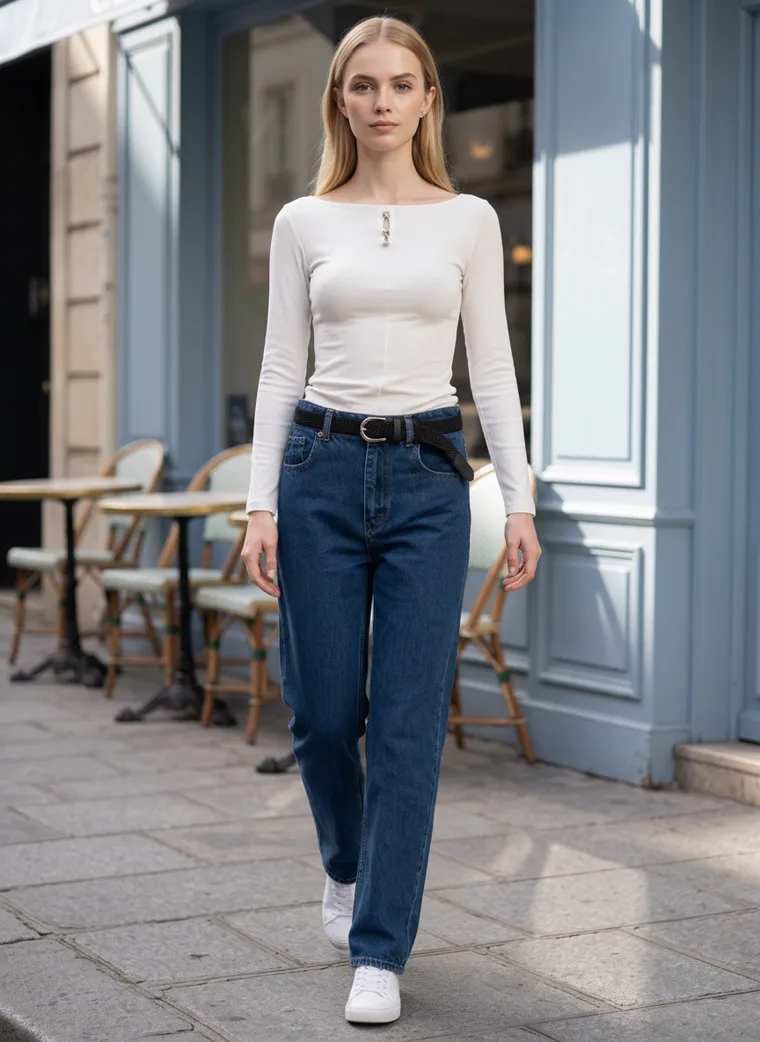
Café front. An everyday spot for everyday pieces.
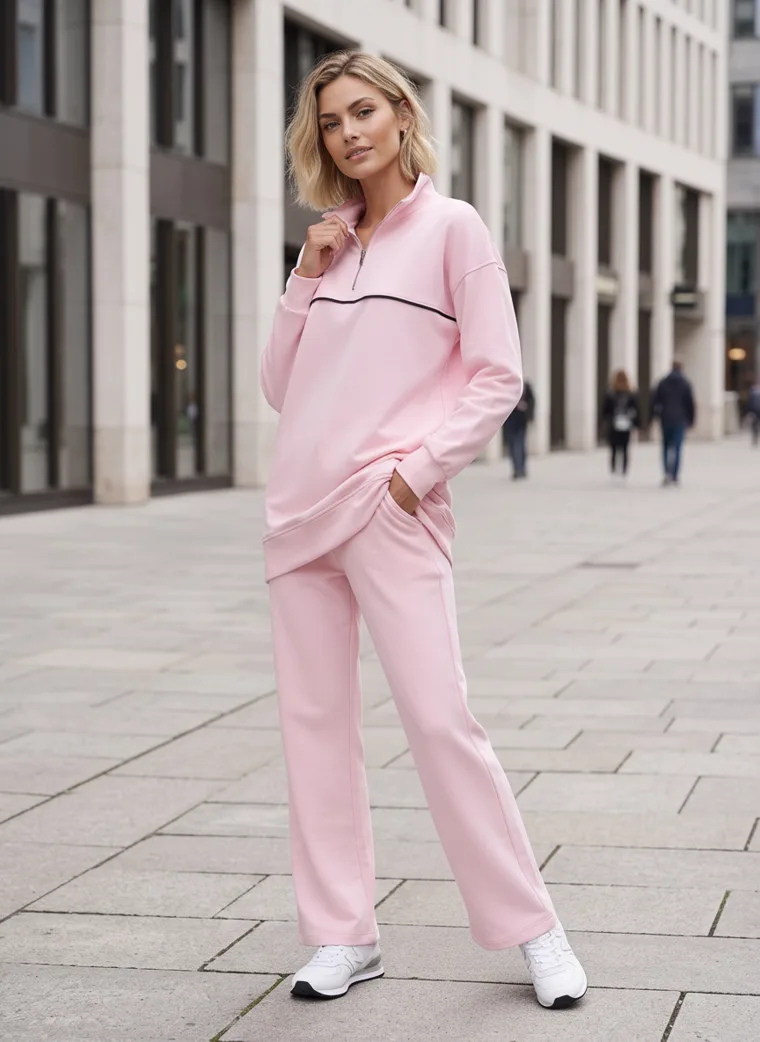
Plaza. Life in the background, kept soft so she stays in focus.
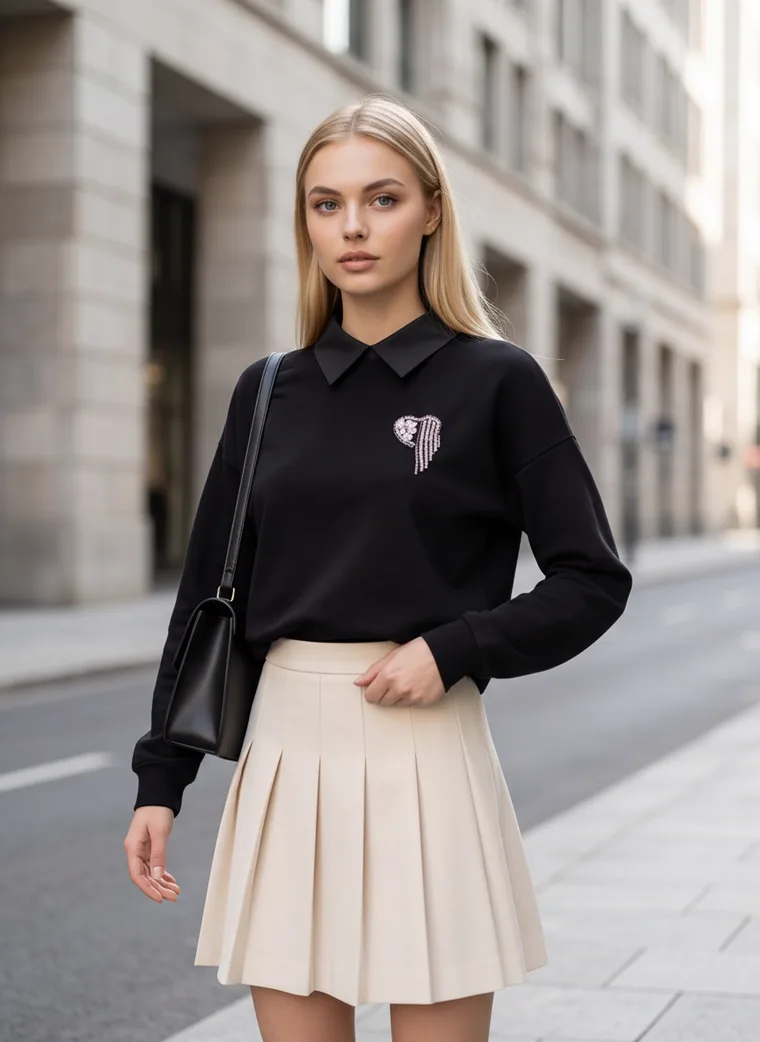
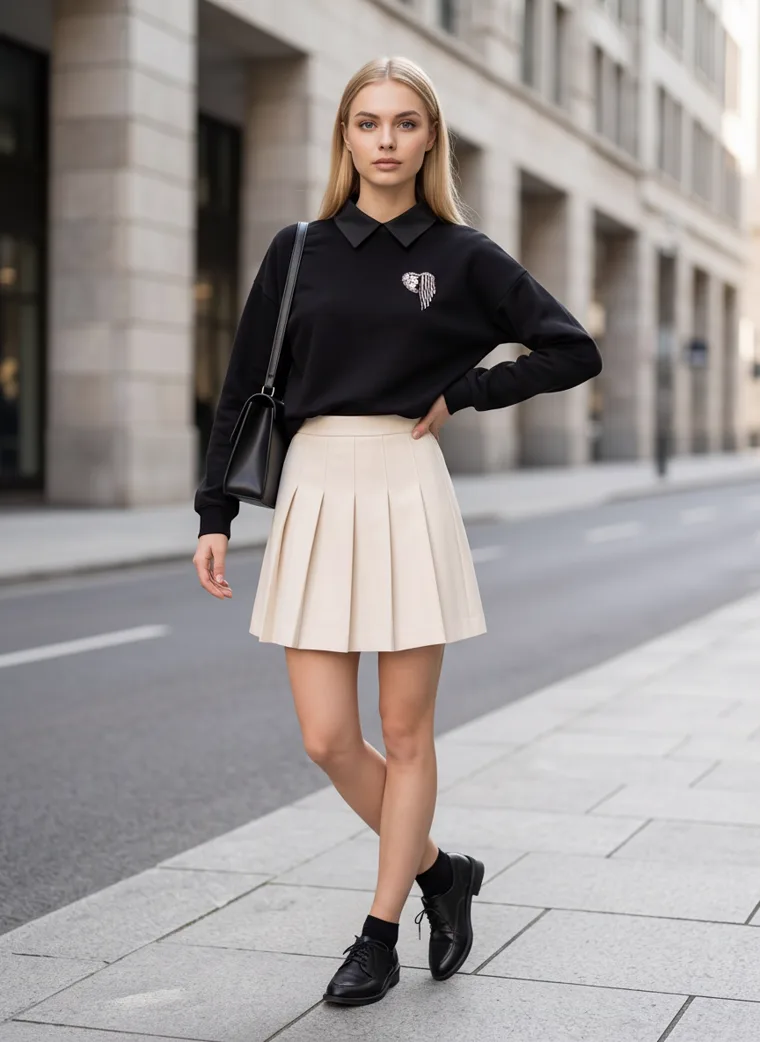
Stone street. A calm grey for black and white pieces.
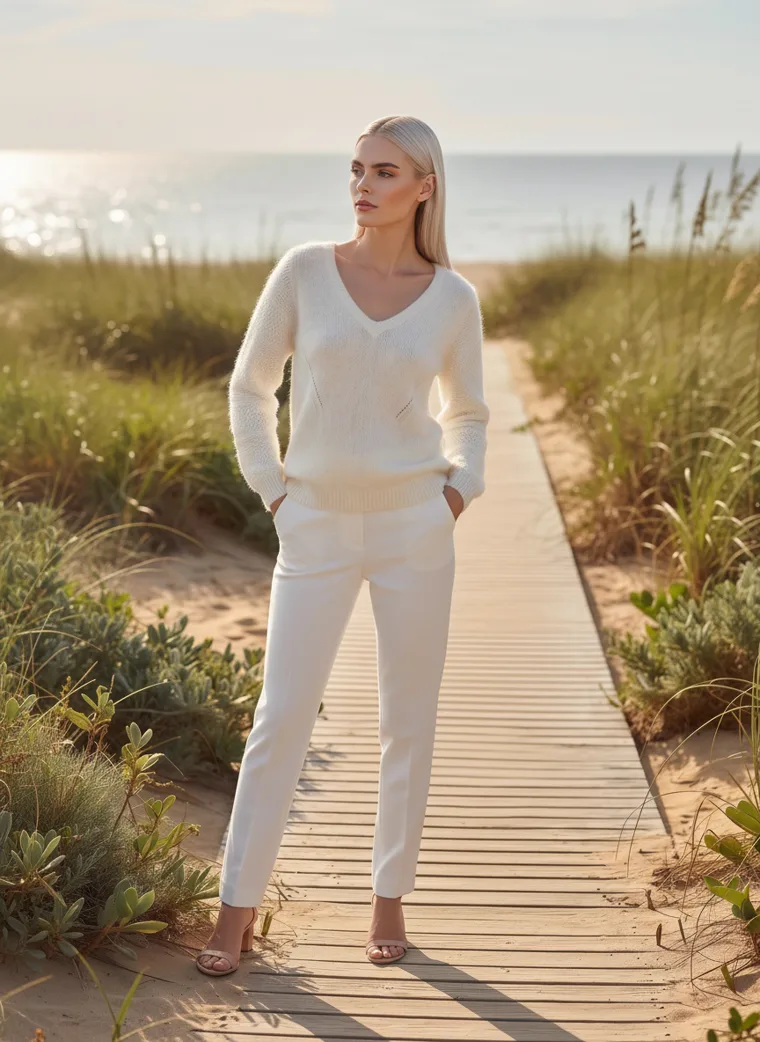
Dune boardwalk. For when the season takes you somewhere else.
One rule sits under all six, and it’s the same one that applies in a studio: the clothes and the background shouldn’t both be shouting. A soft pink sweatshirt can happily stand in front of a busy row of columns, but a loud print needs a plain wall. There’s more on that, with examples, in How to Make the Product Stand Out in Catalog Photos.
Here are the six sets in full.
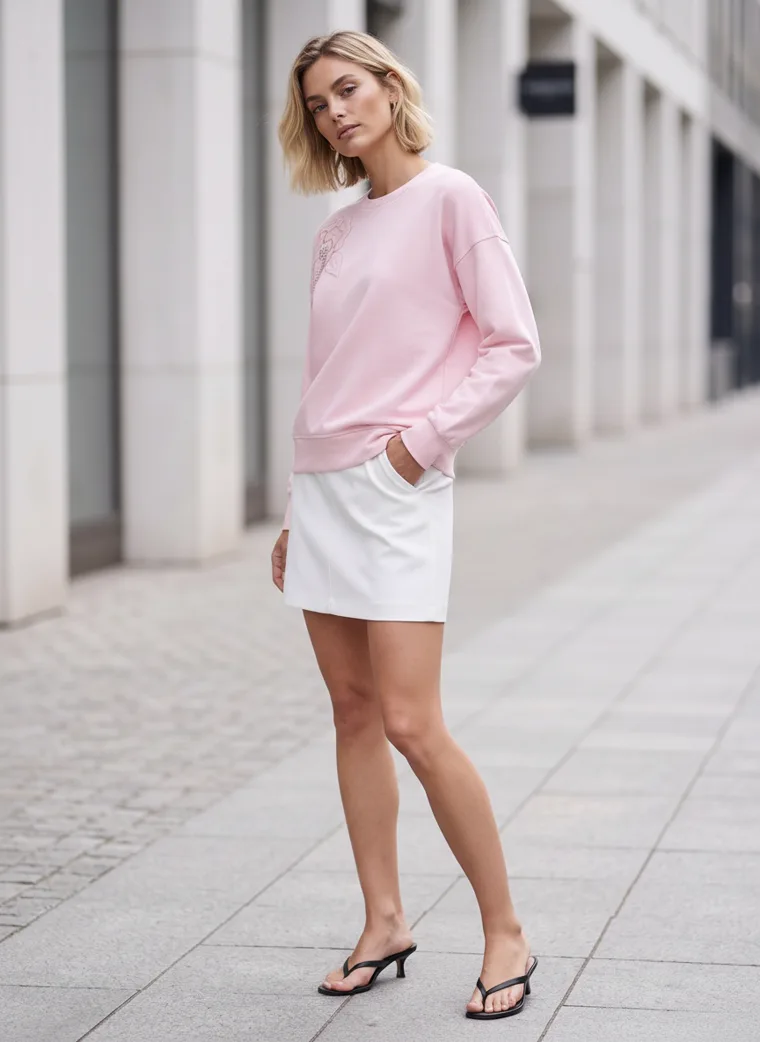
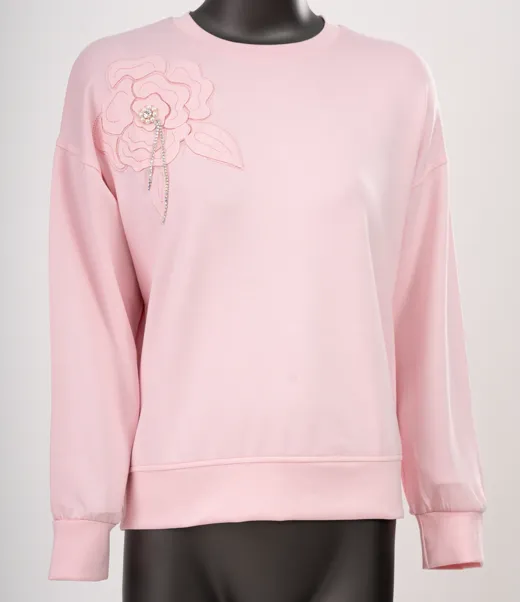
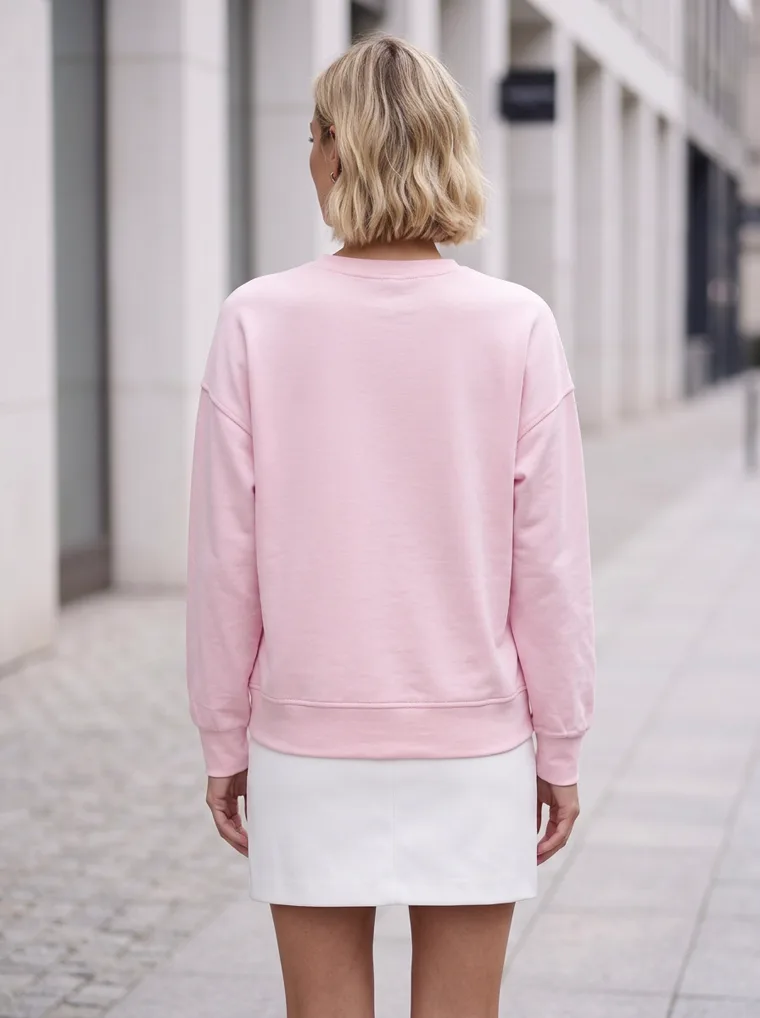
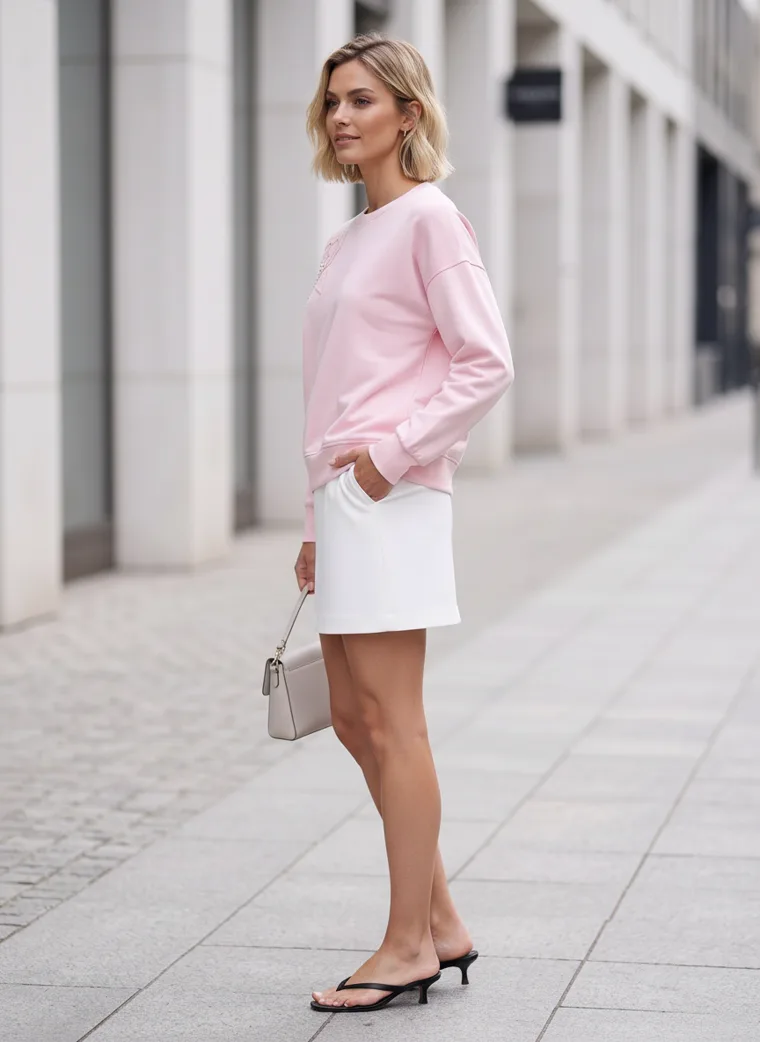
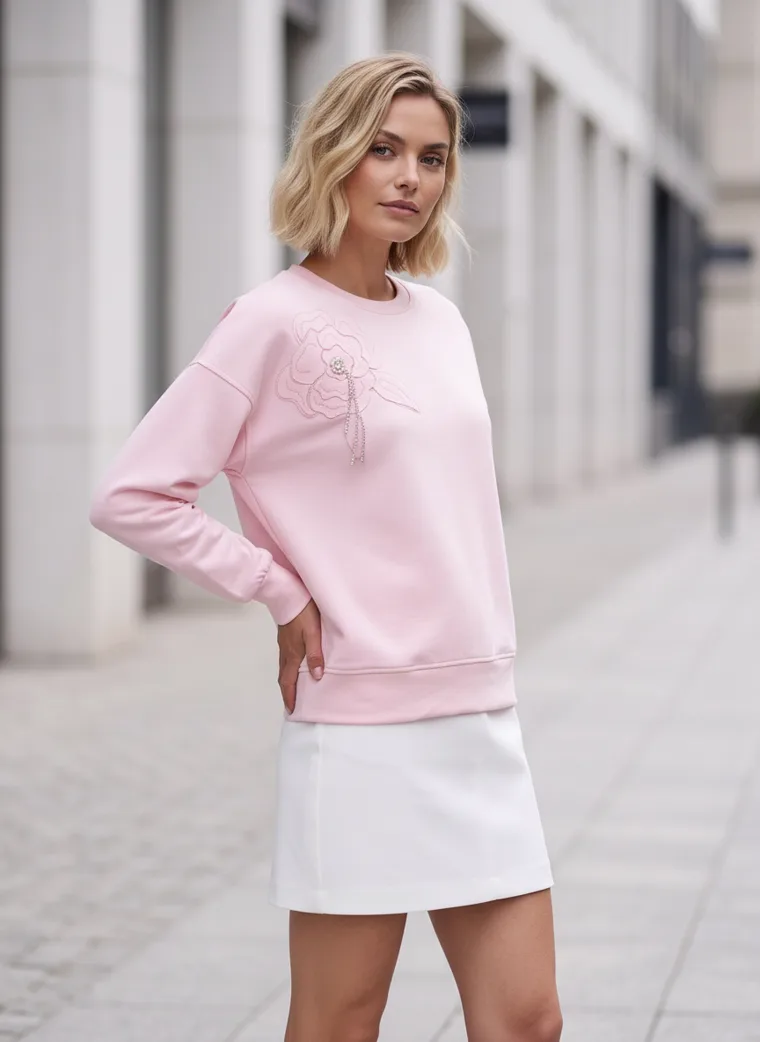
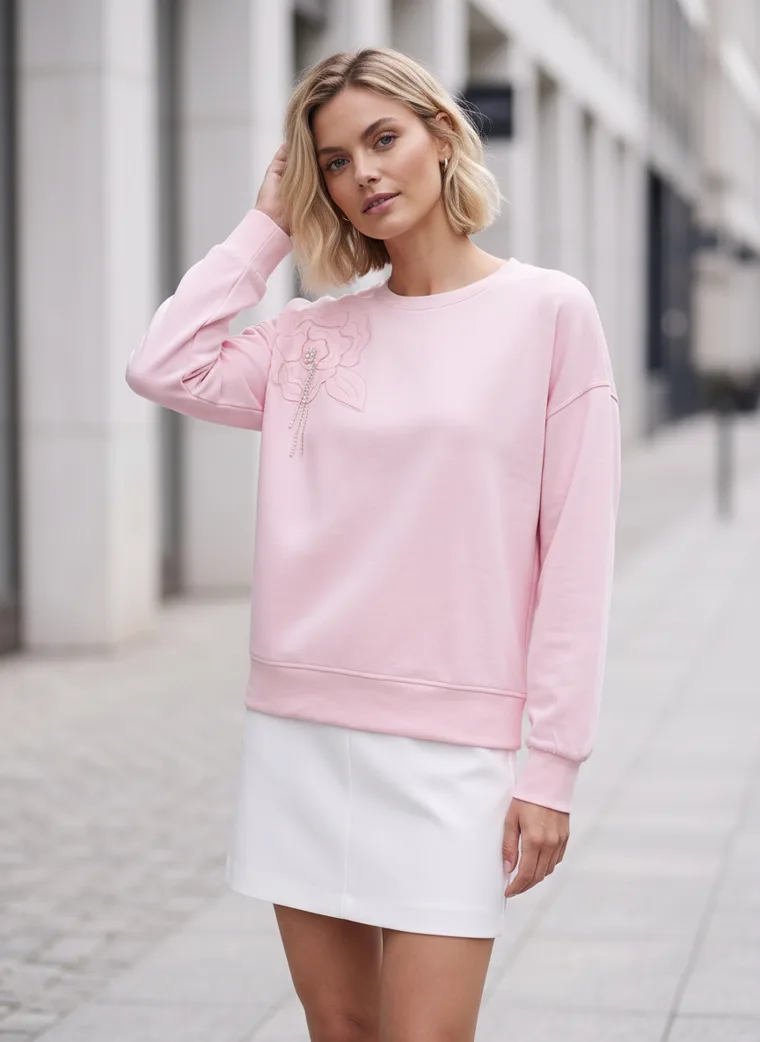
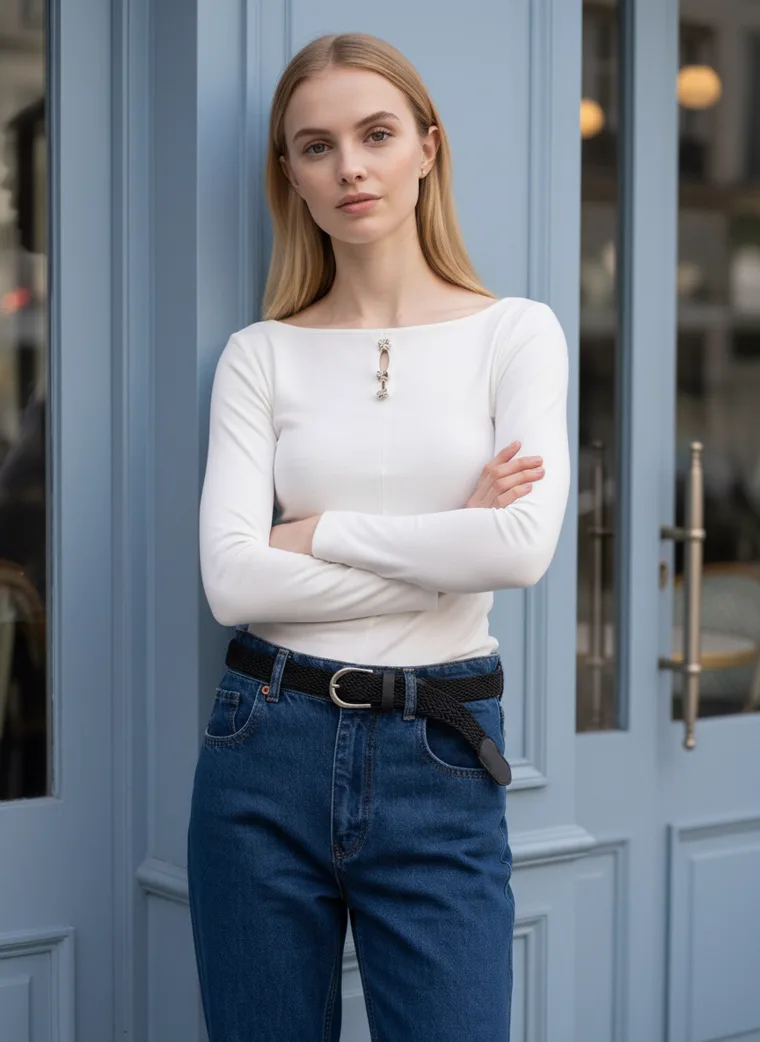
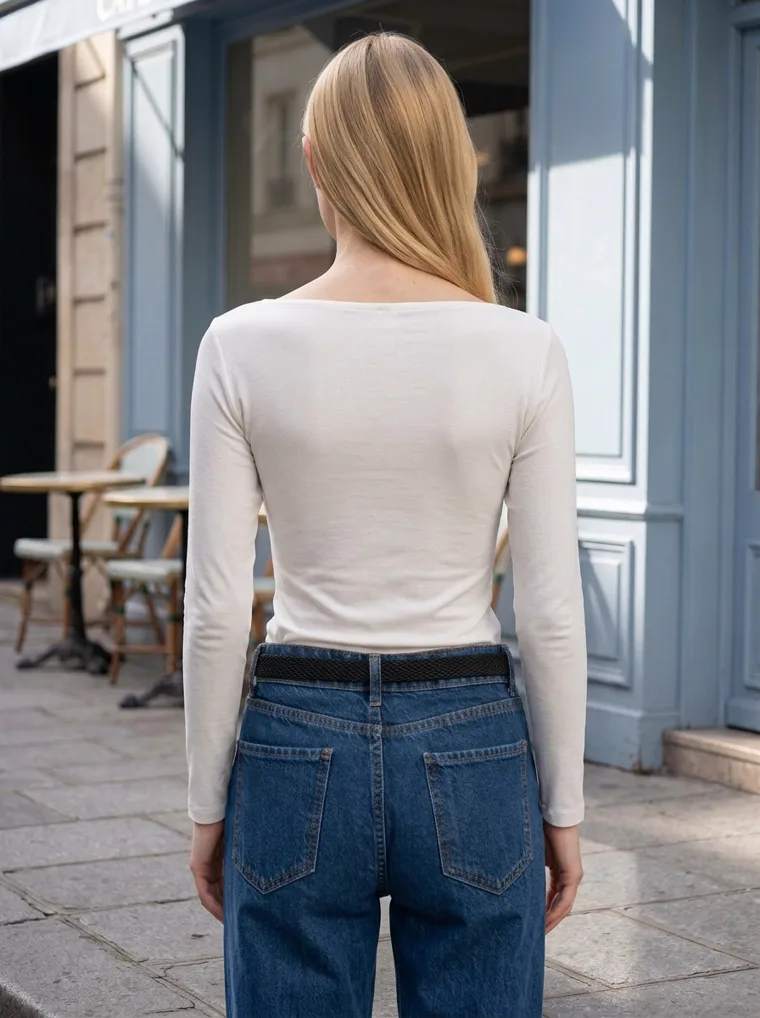
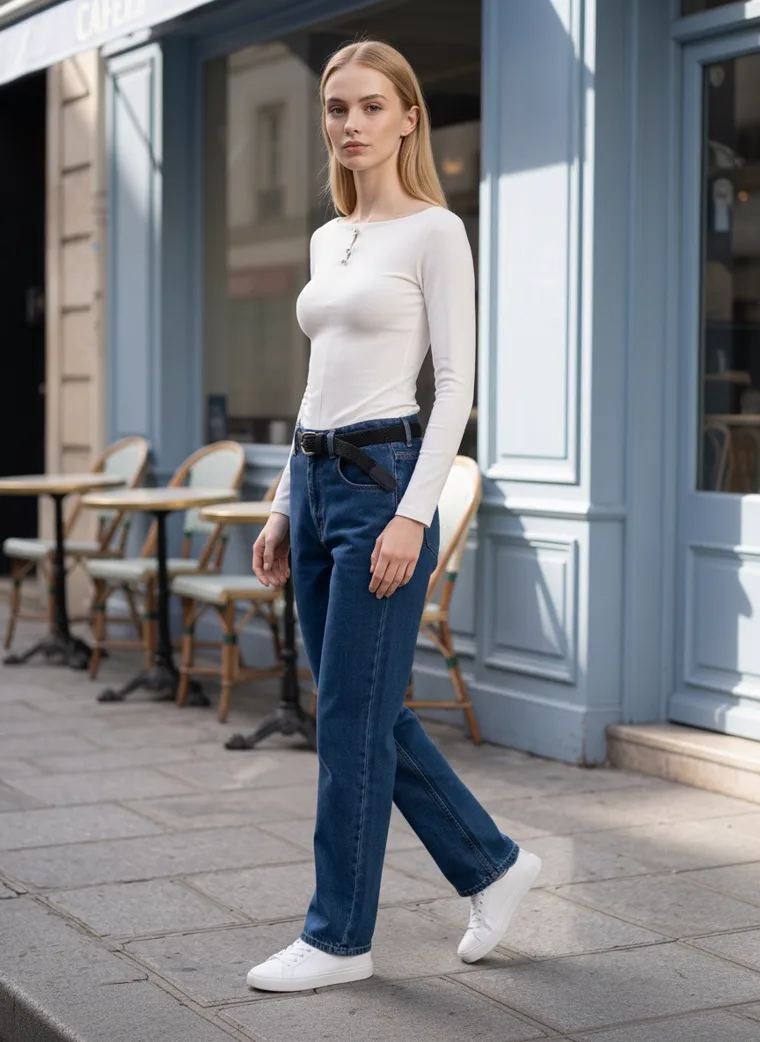
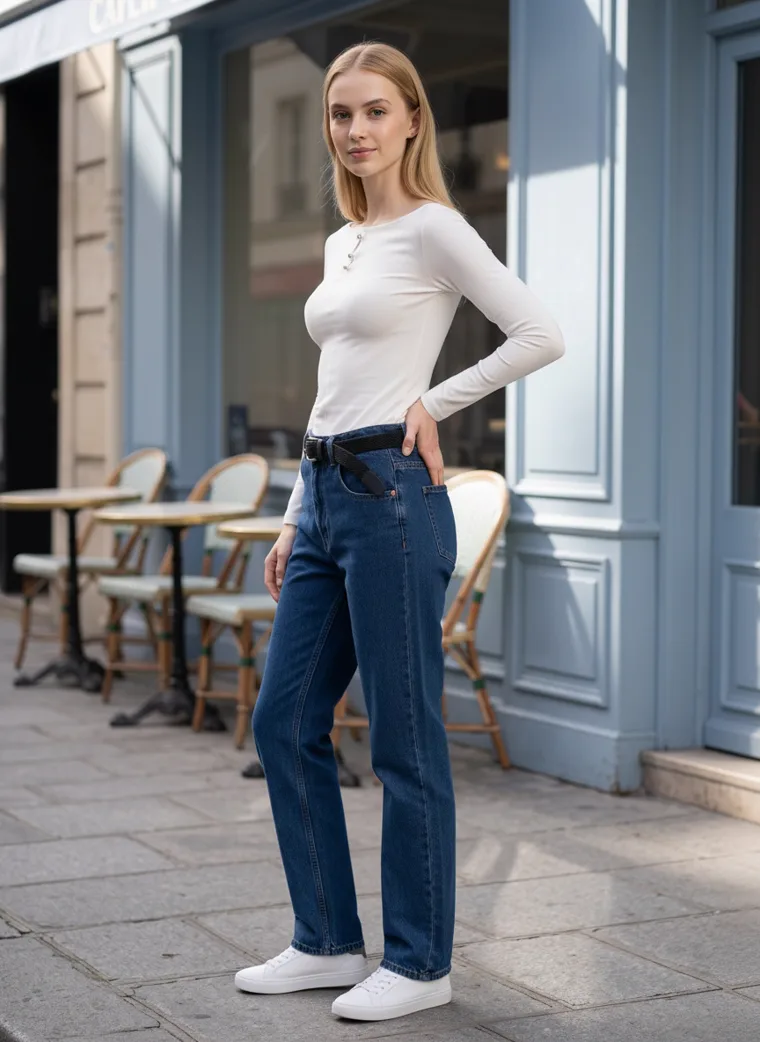
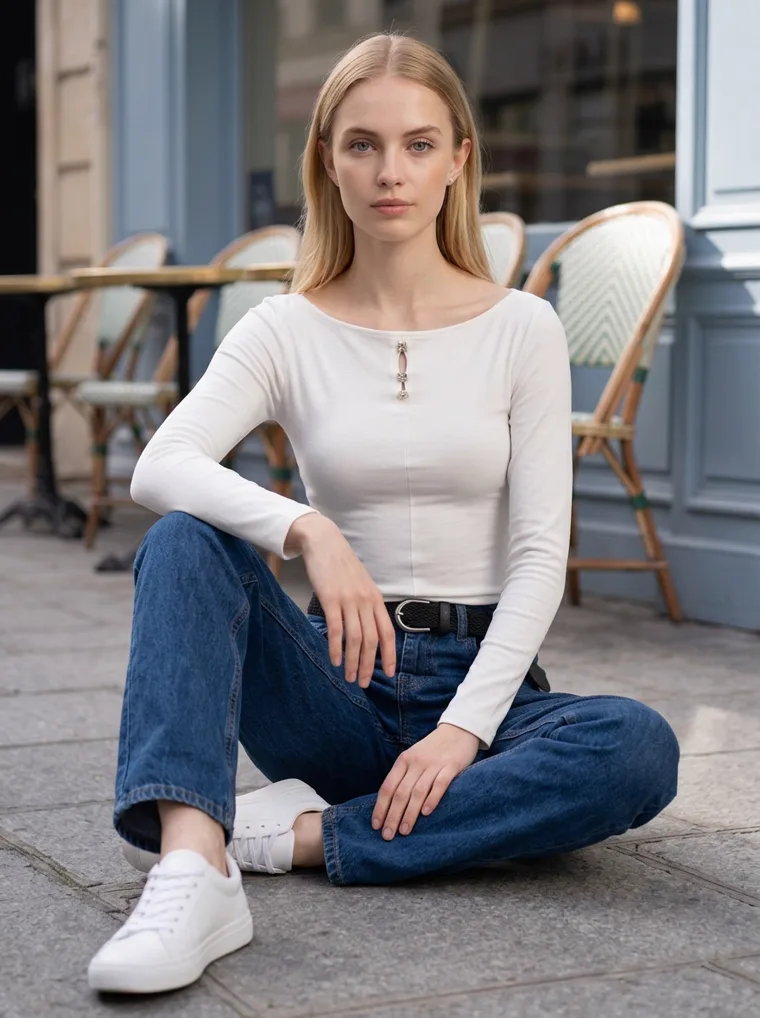
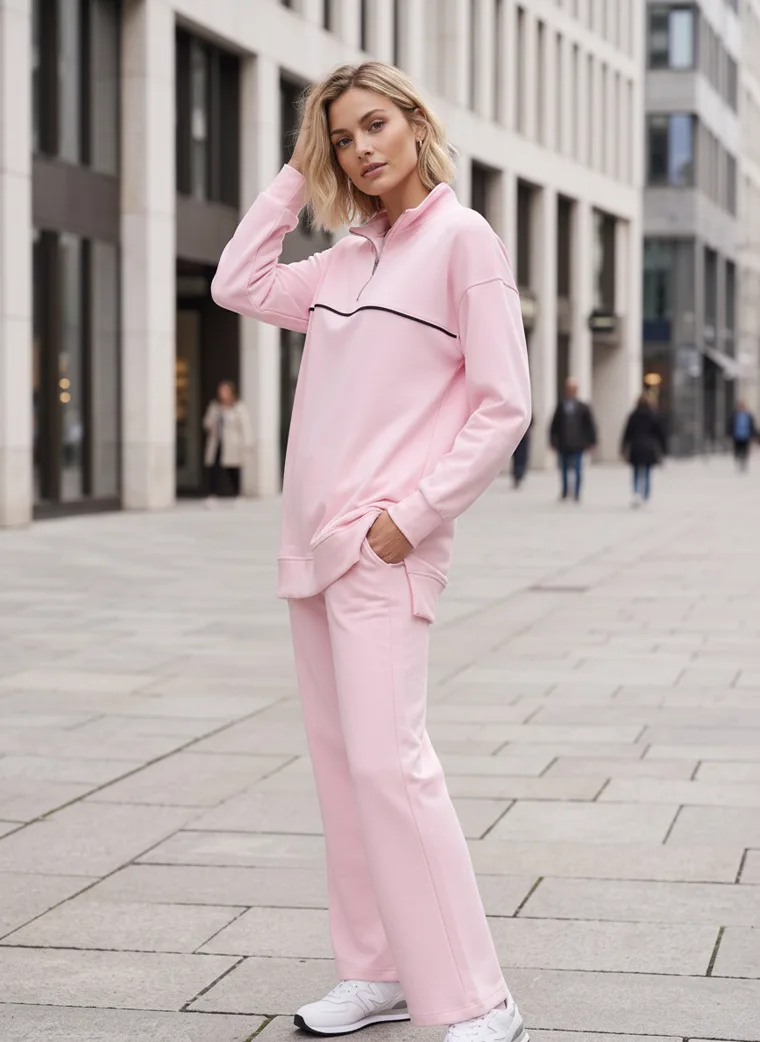
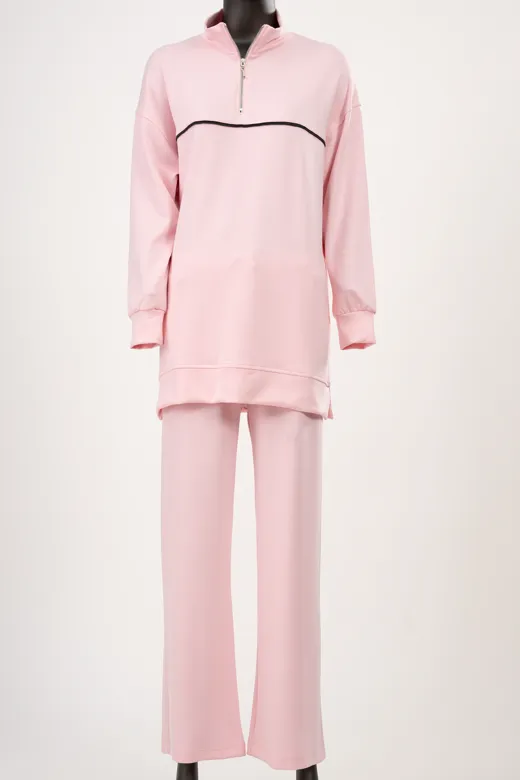
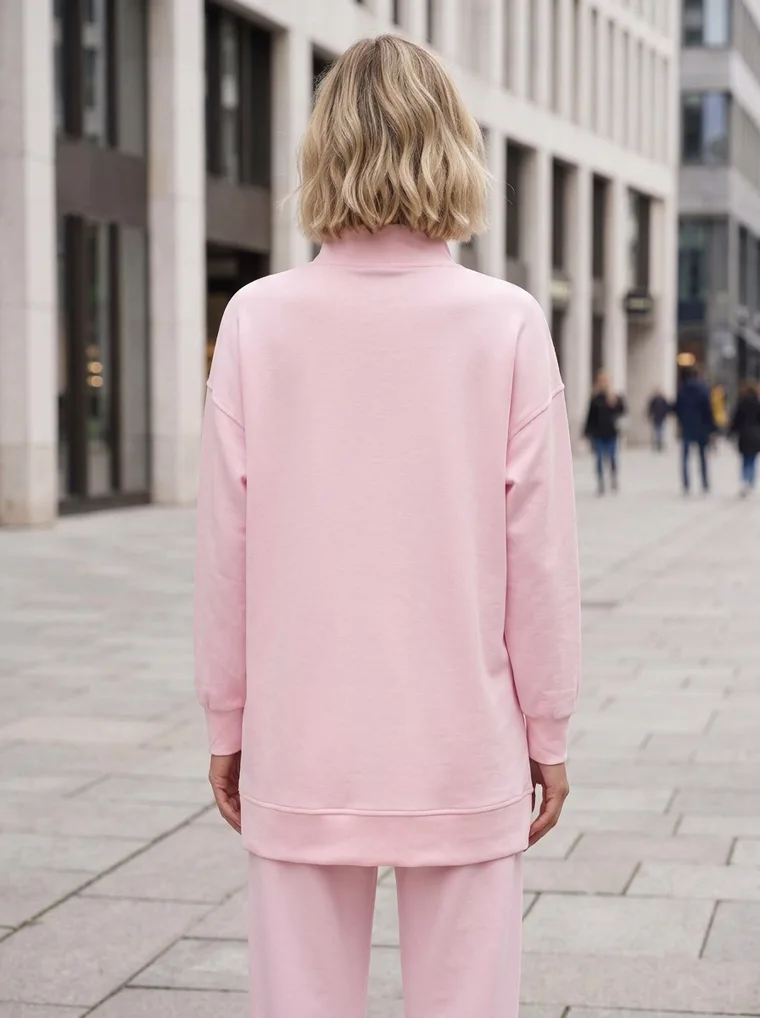
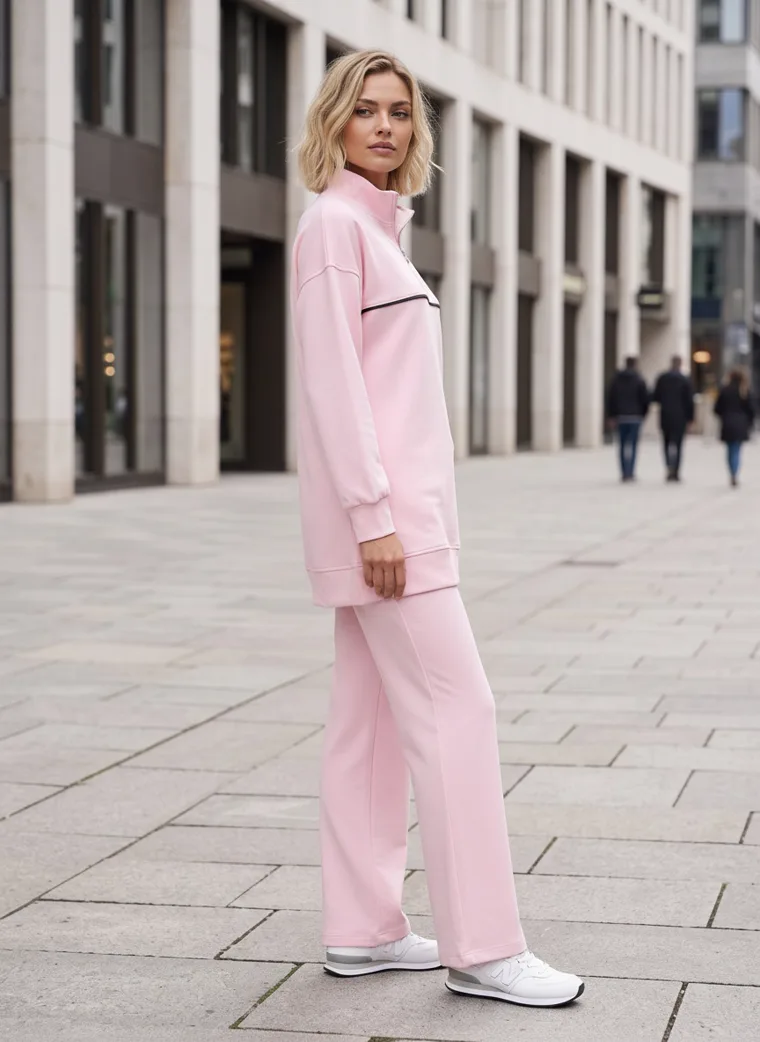
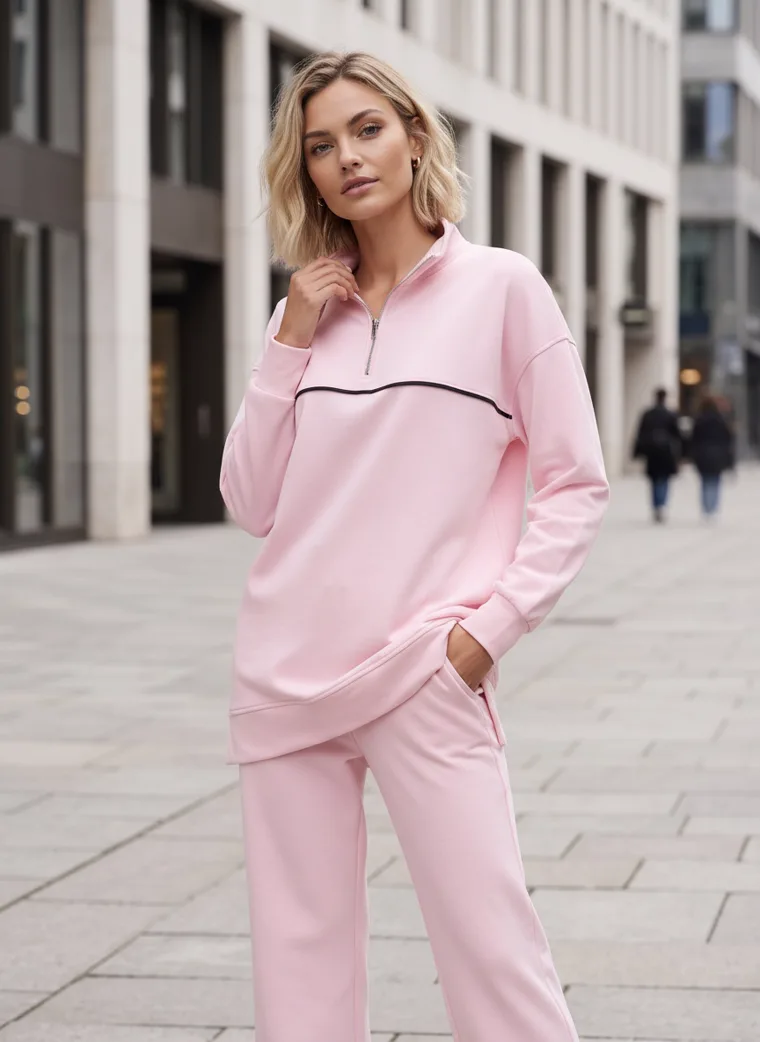
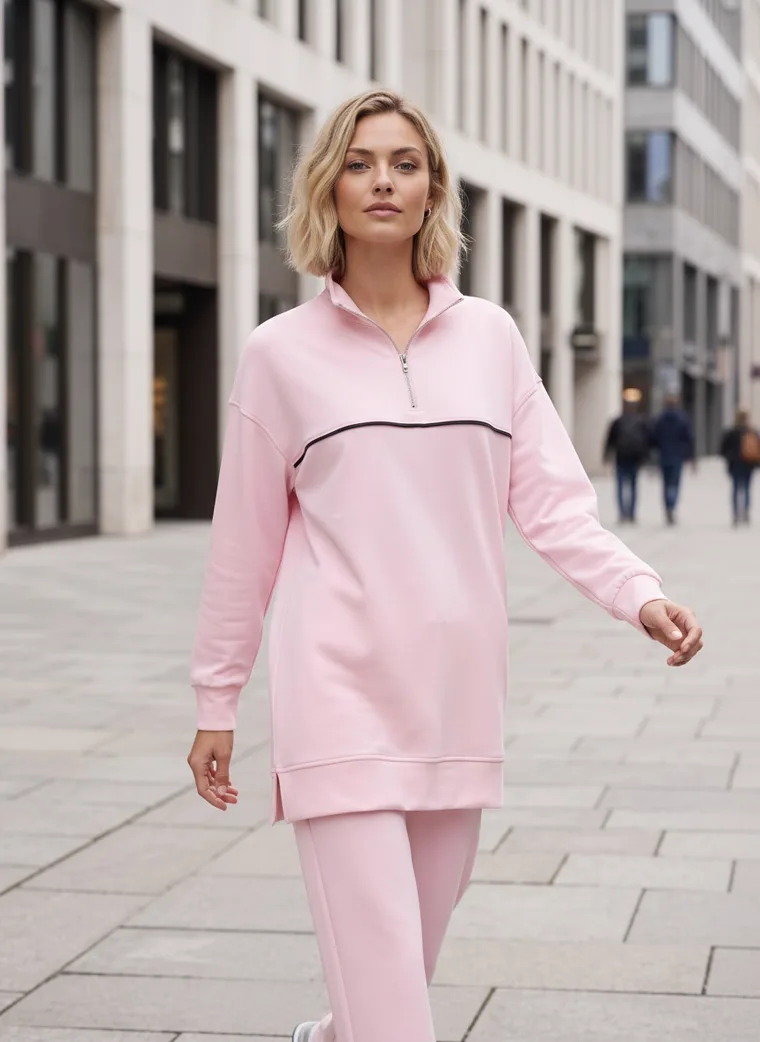
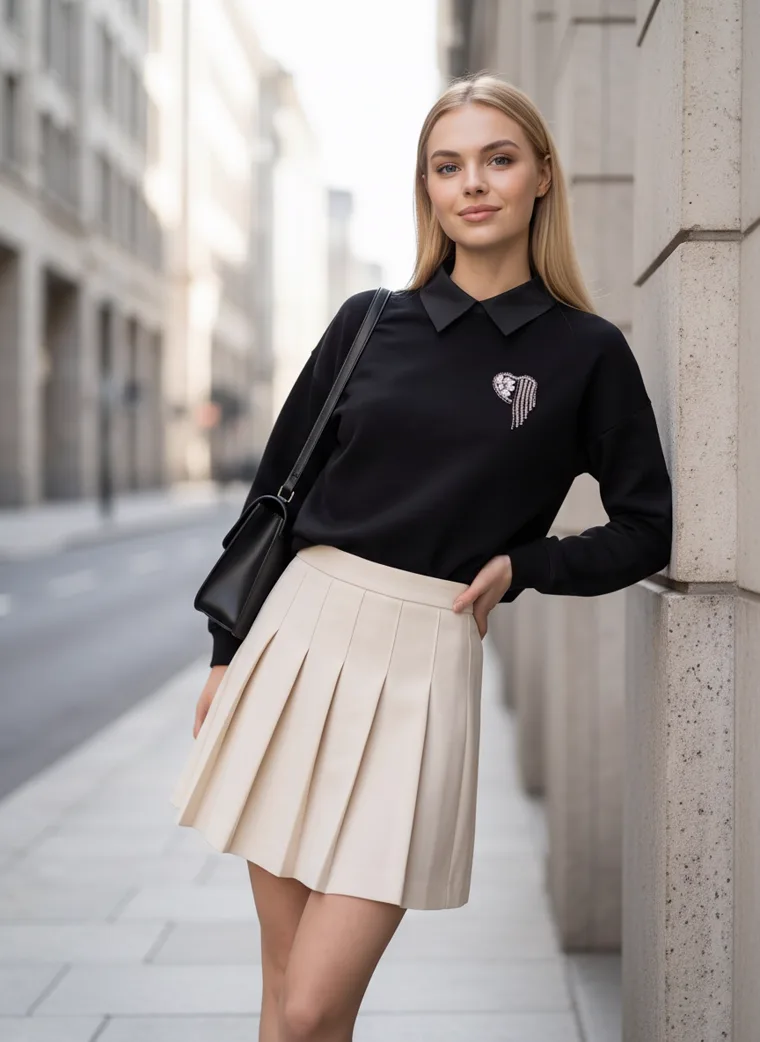
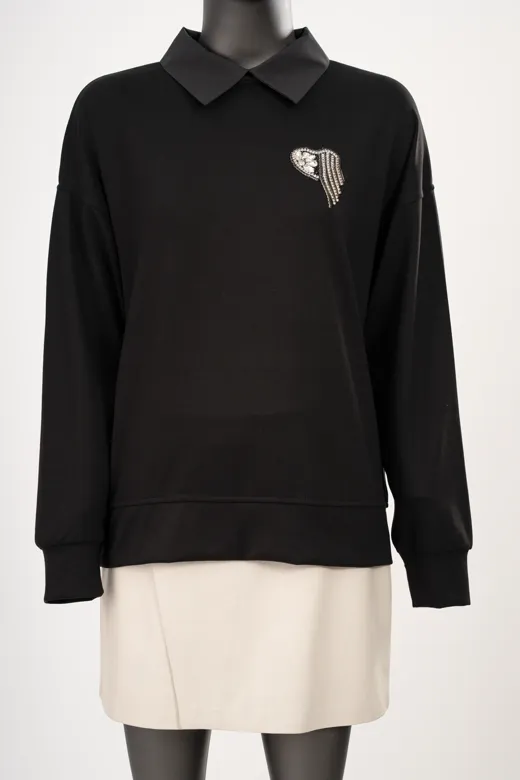
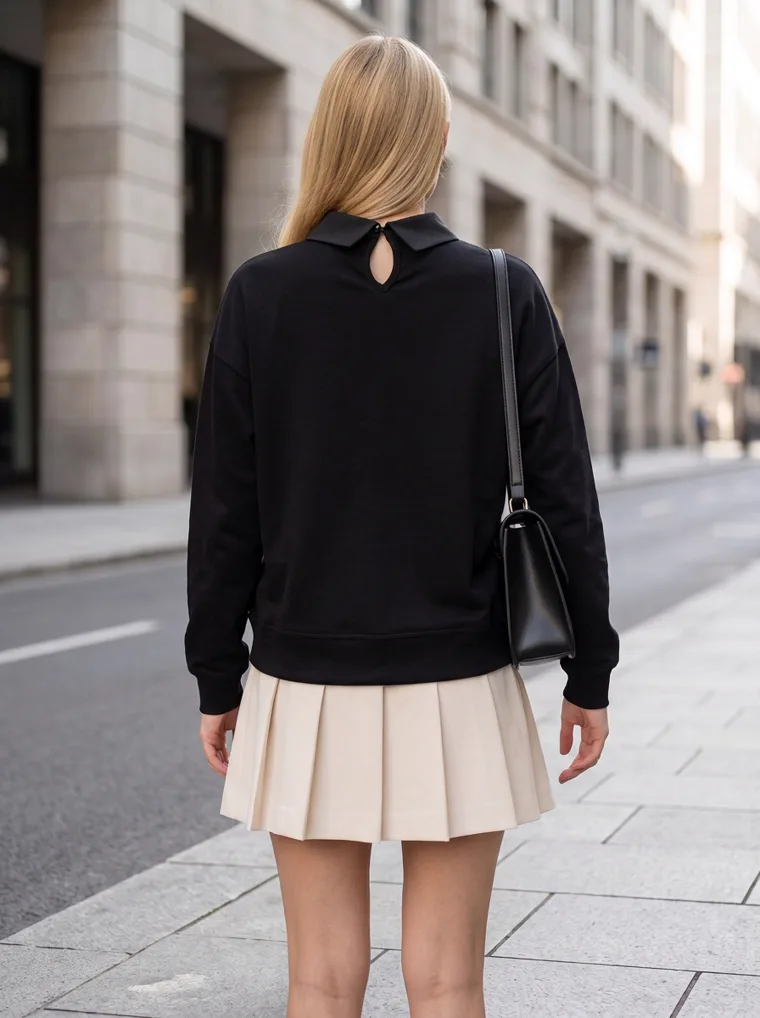
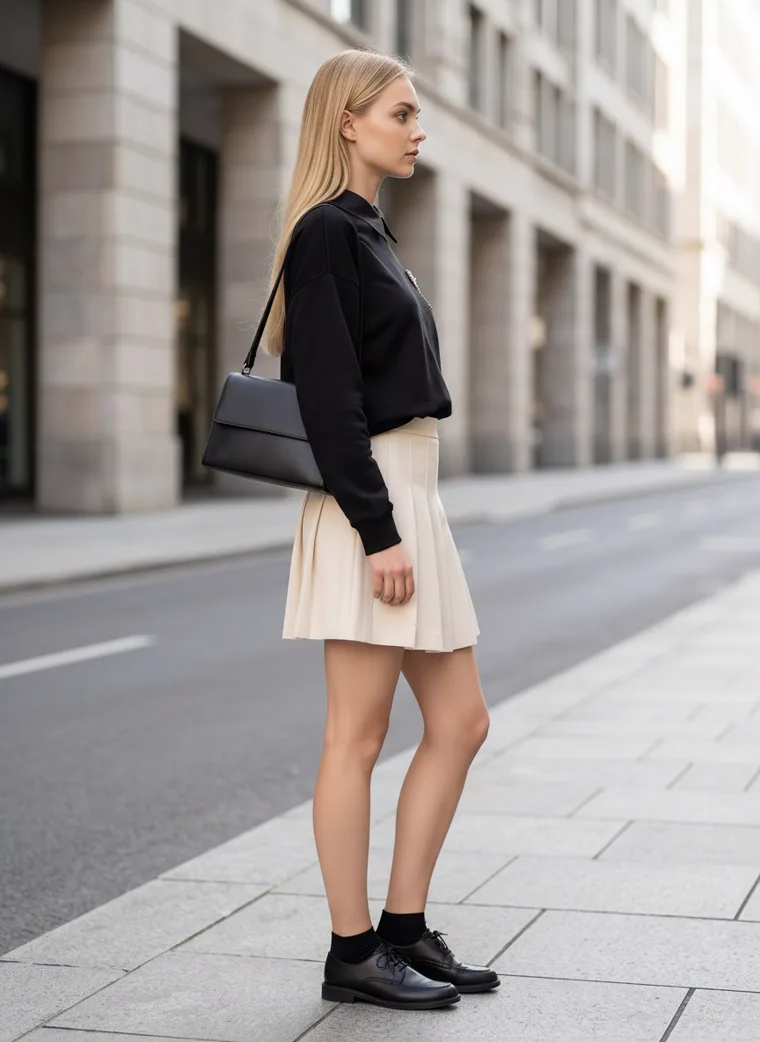
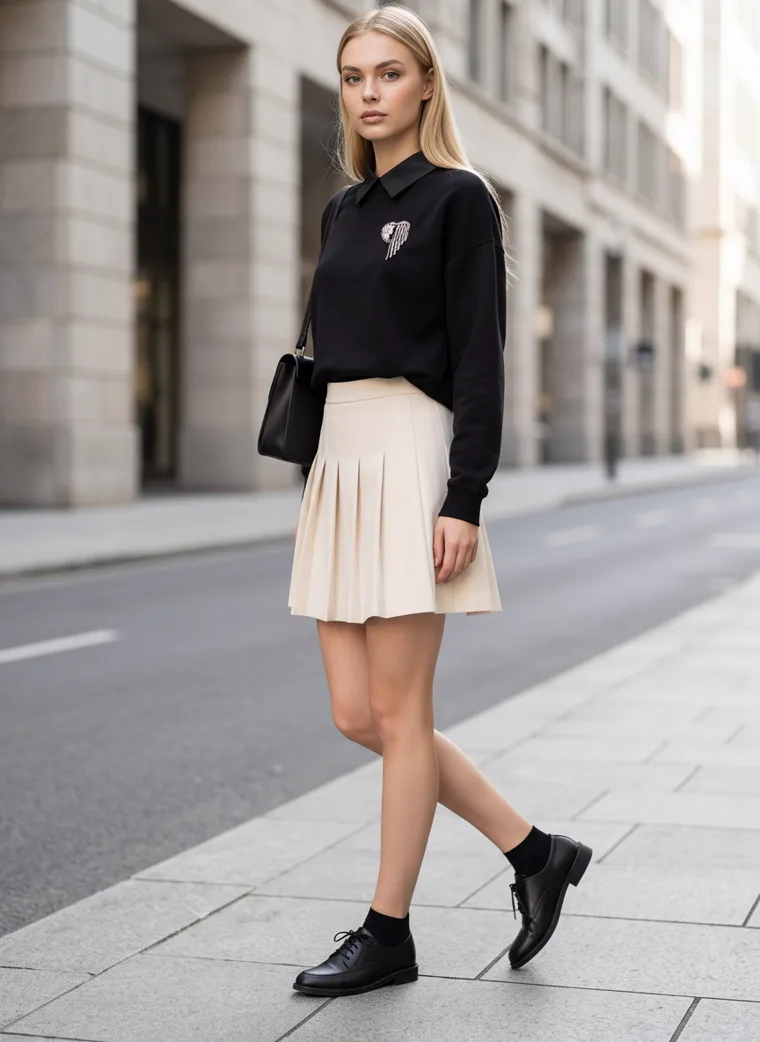
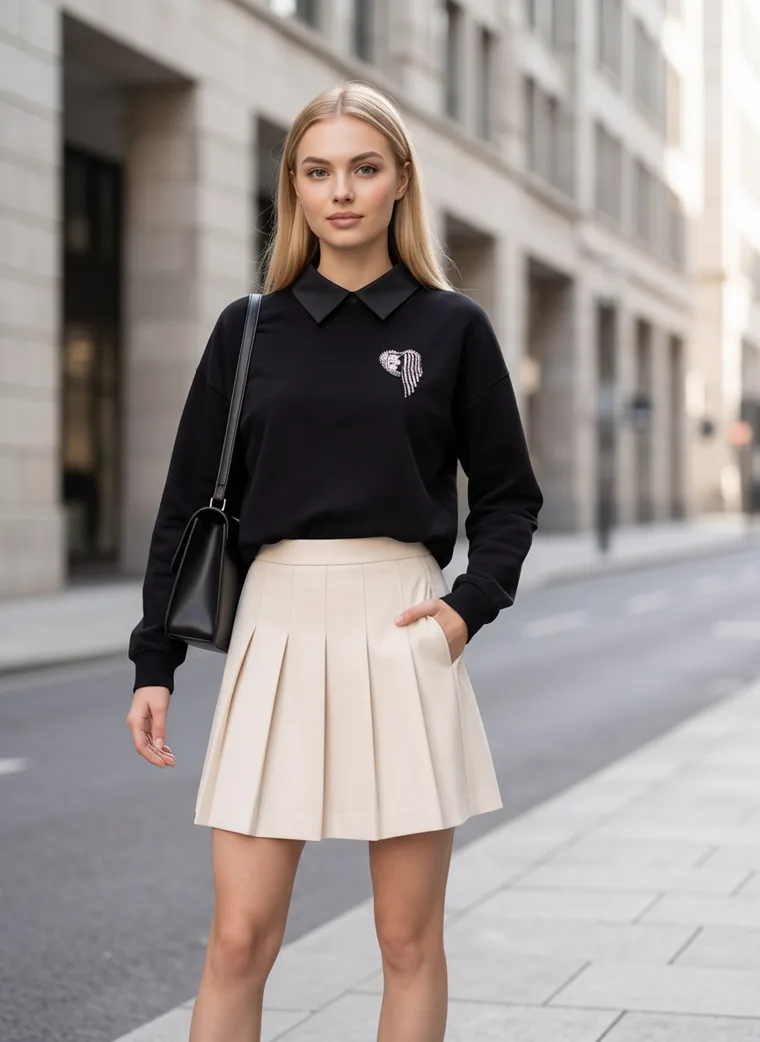
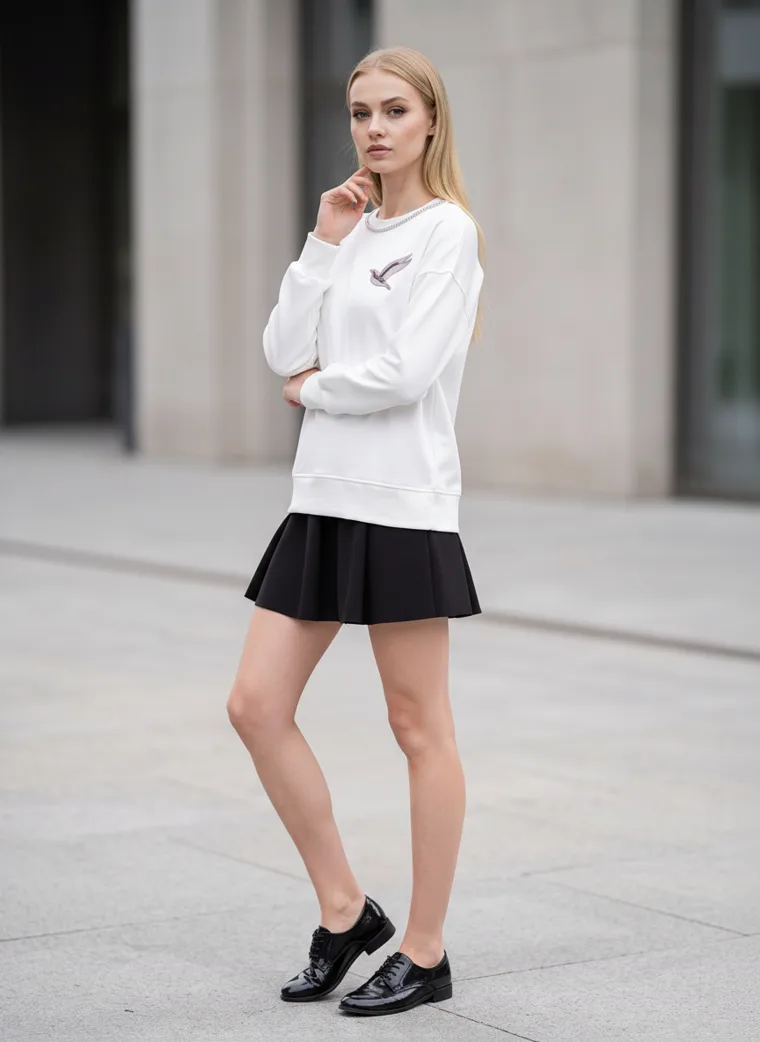
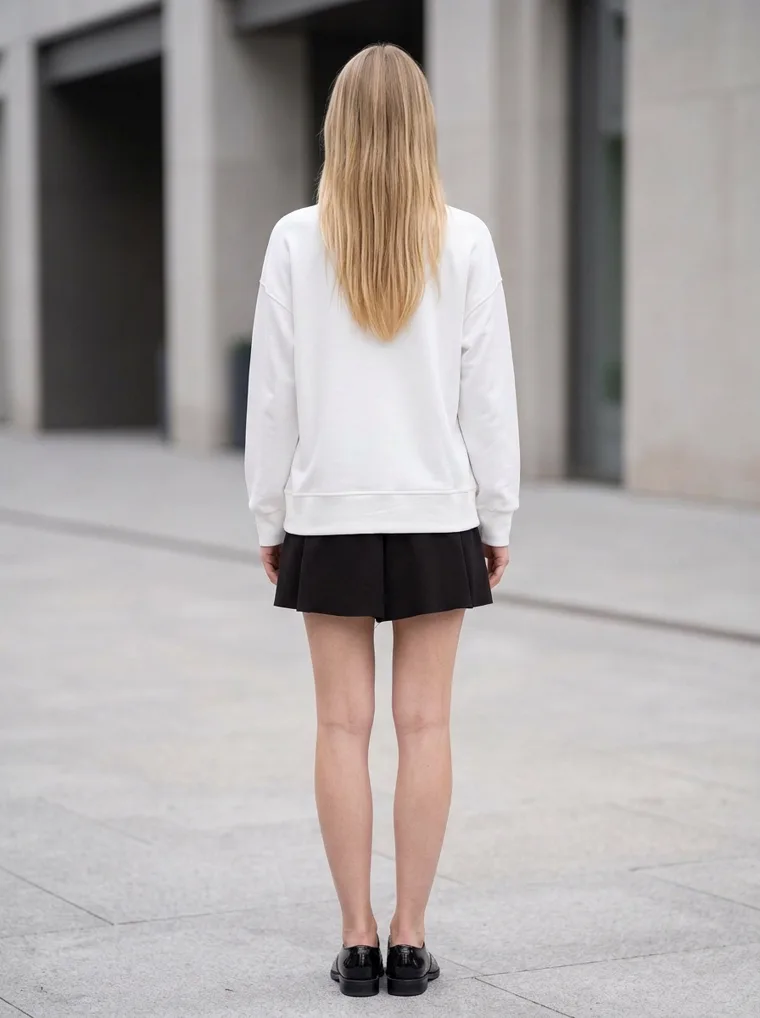
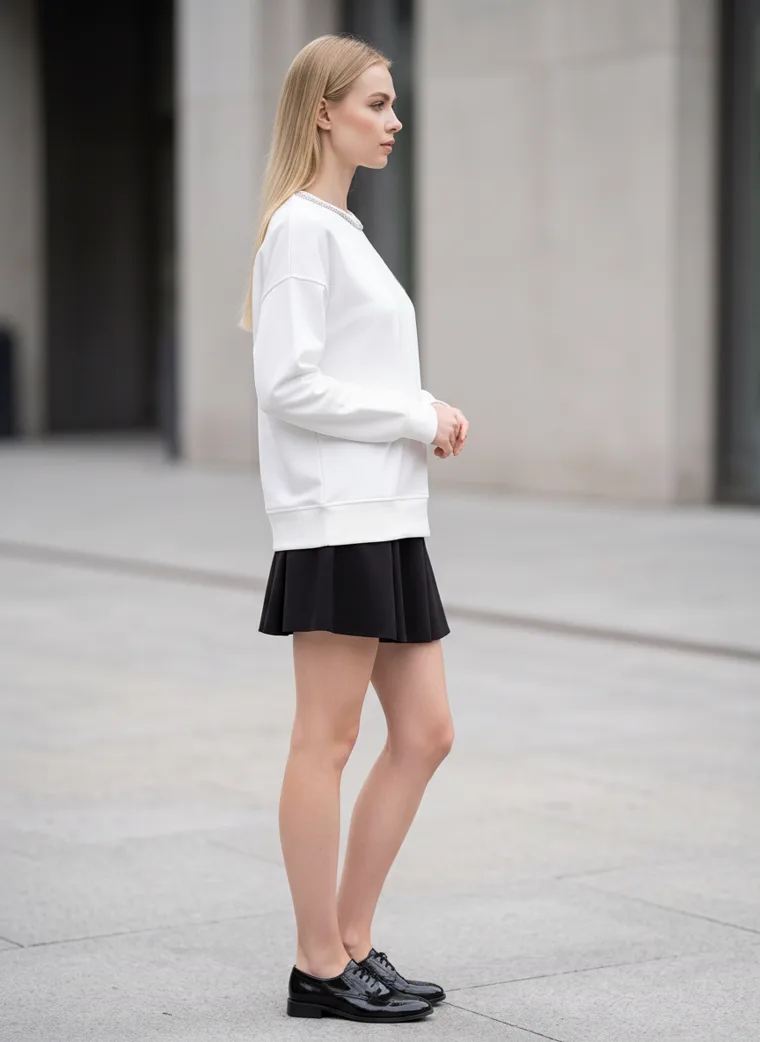
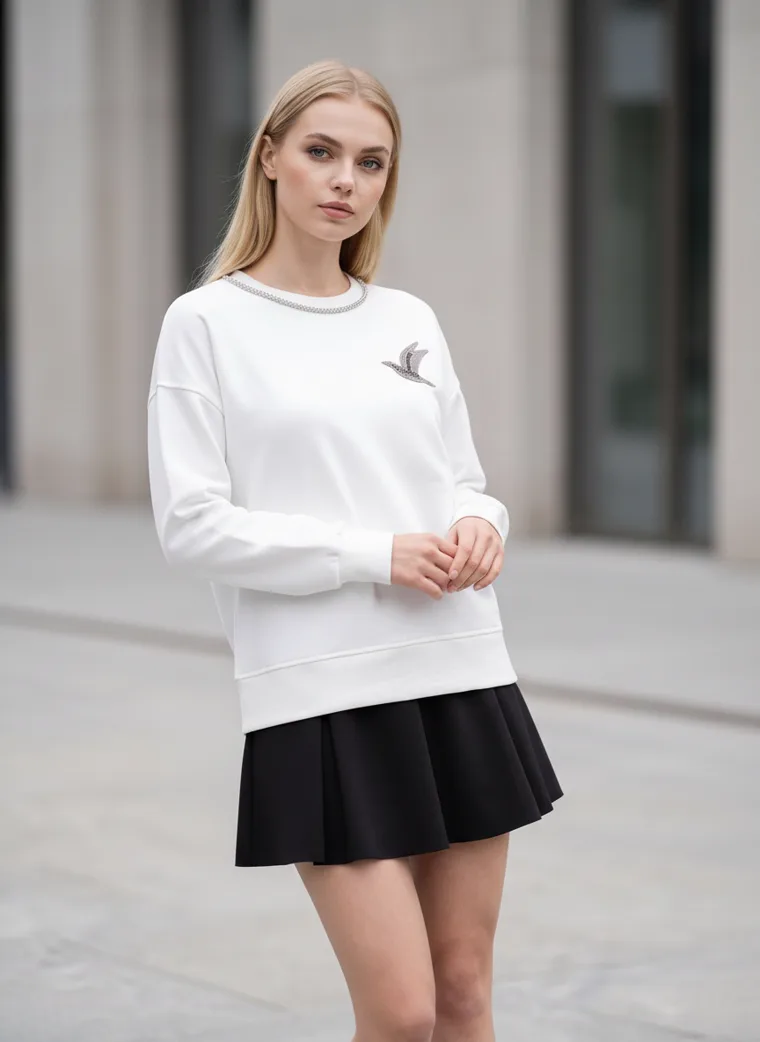
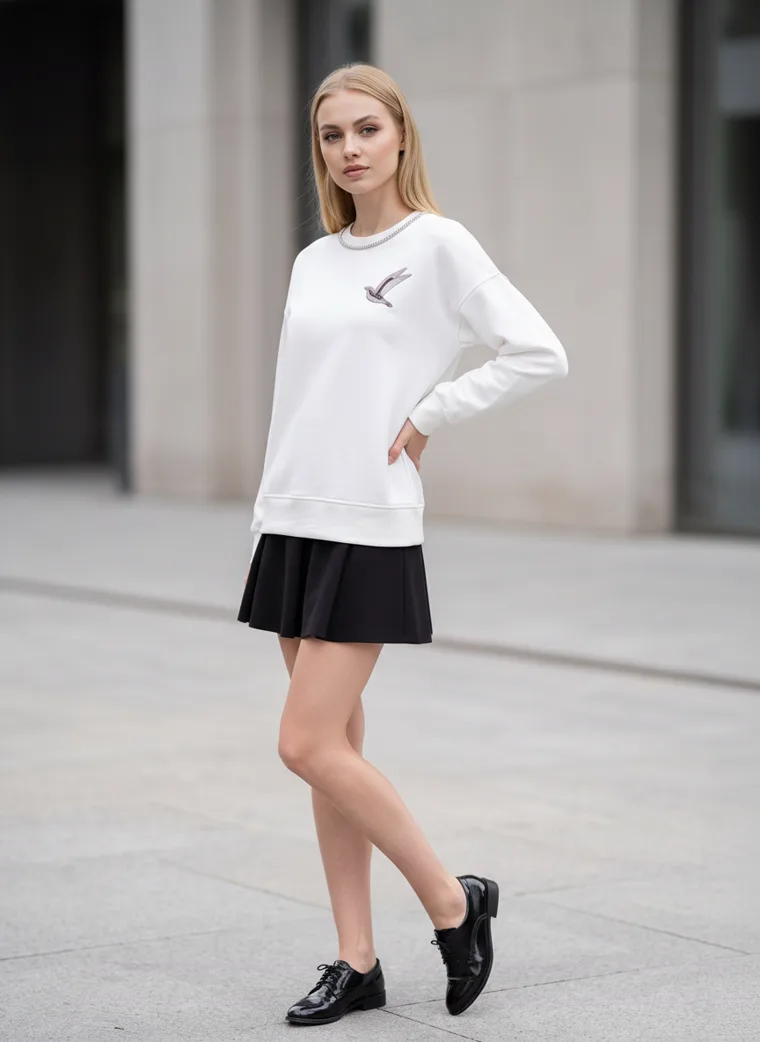
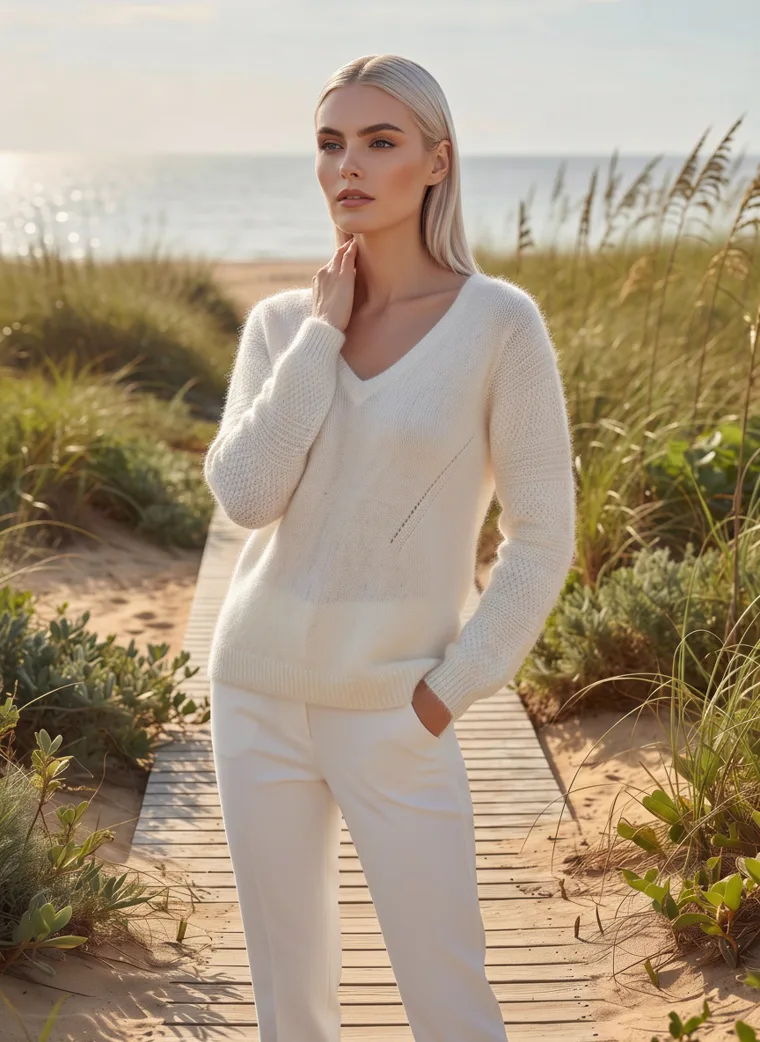
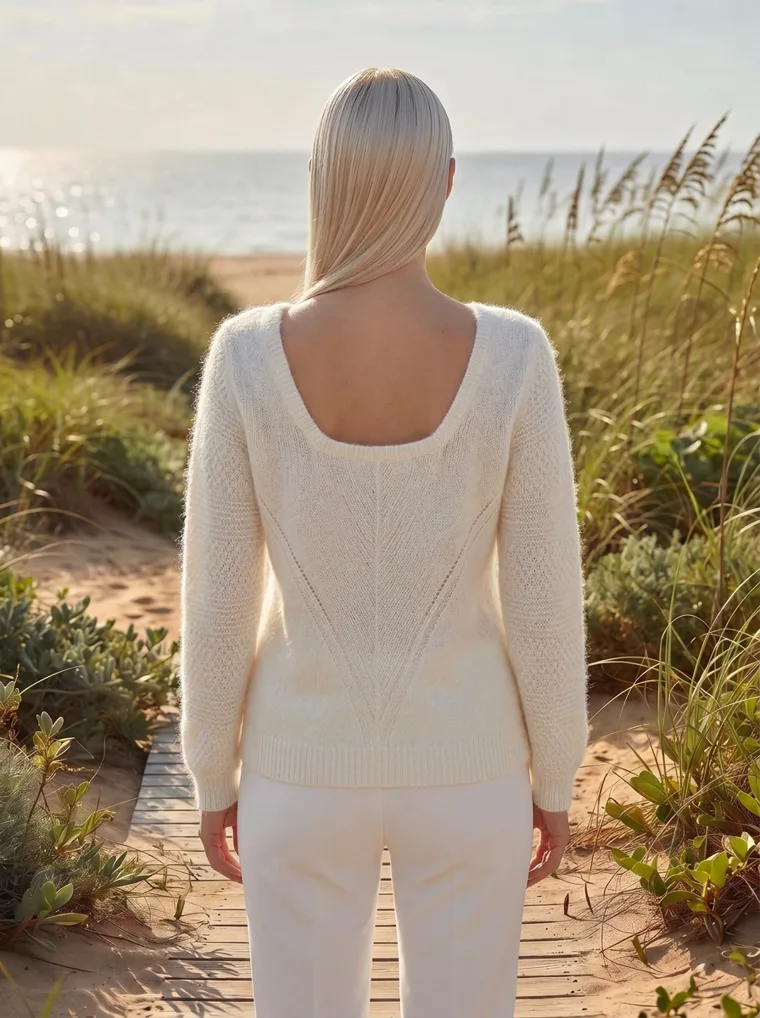
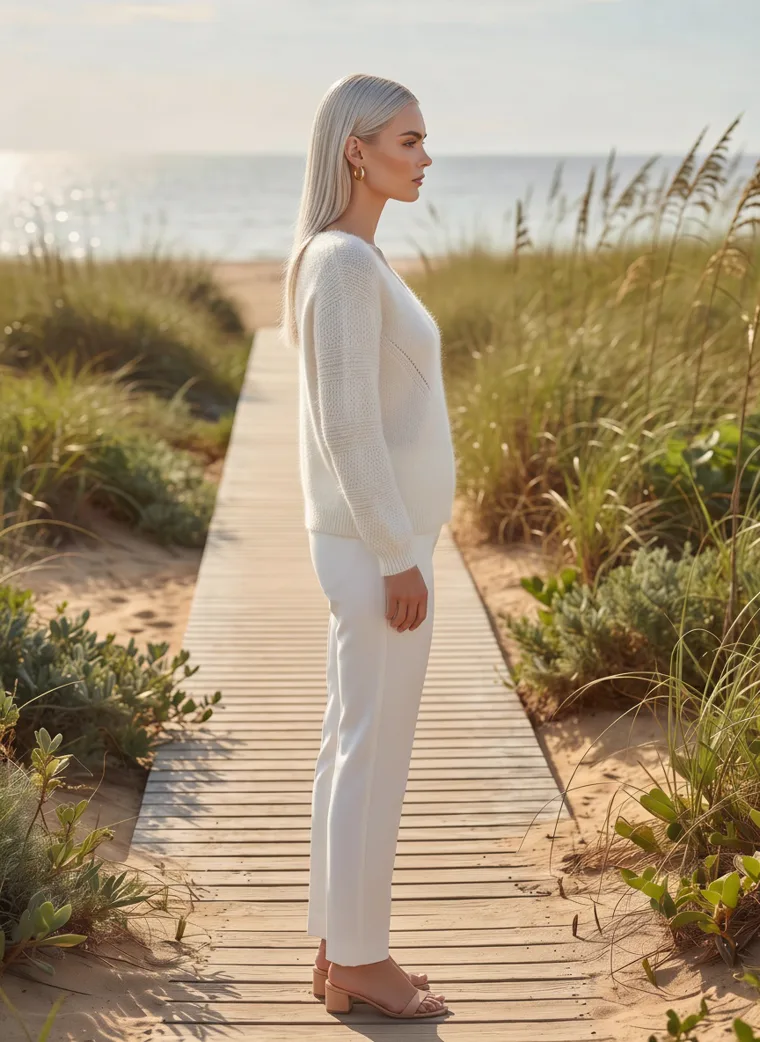
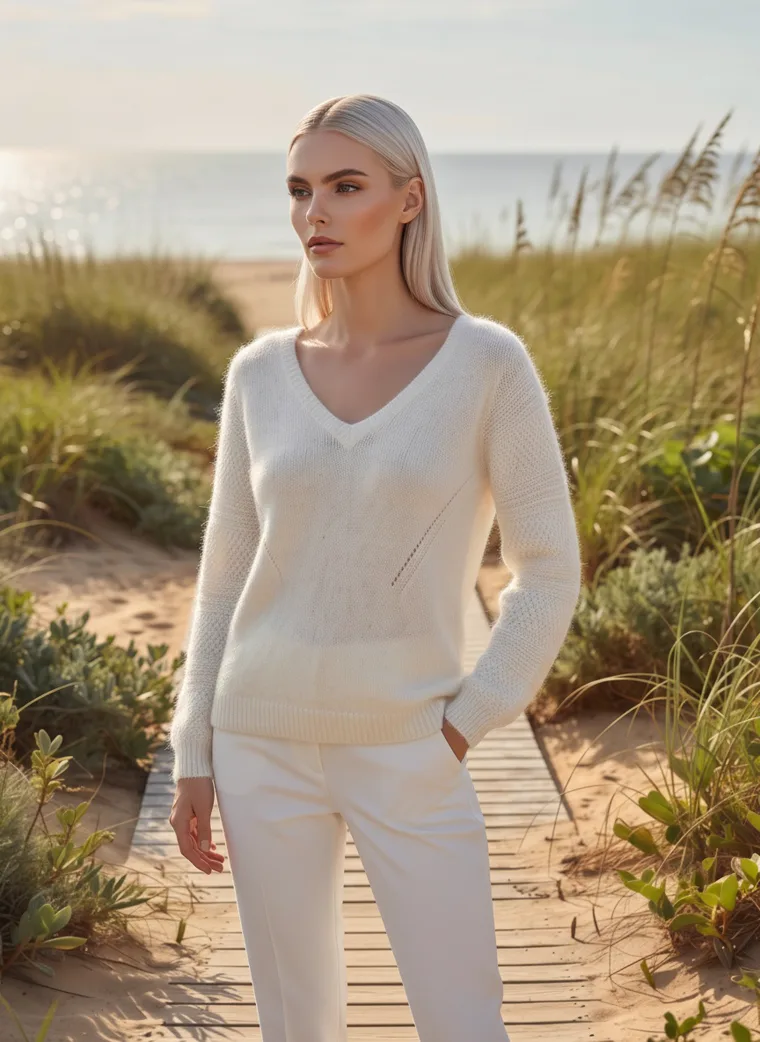
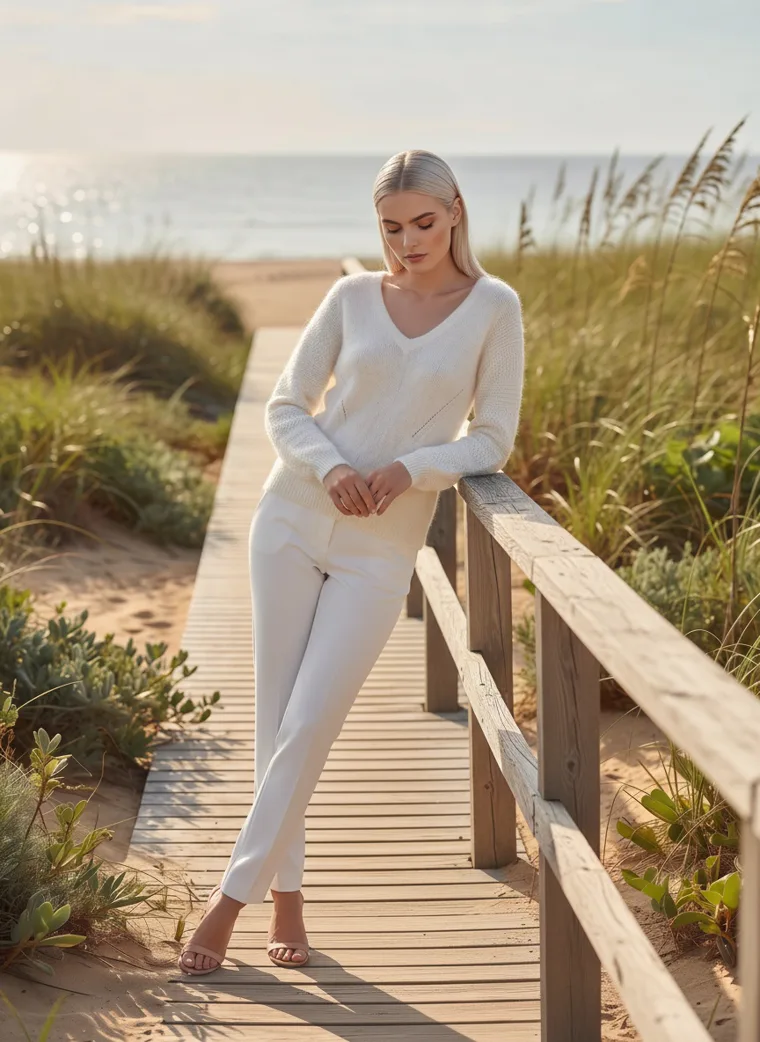
Choose the backdrop for the clothes rather than the mood board. The quieter the piece, the busier the street can be.
Five
Any photo of a place can be your location
Four of these sets started with a background reference, which is just a photo of the kind of place and light the seller had in mind. Every one of those photos had a person in it: a woman leaning on a limestone wall in low sun, a man in a grey studio, a woman walking a boardwalk through the dunes, and a woman crossing a city street.
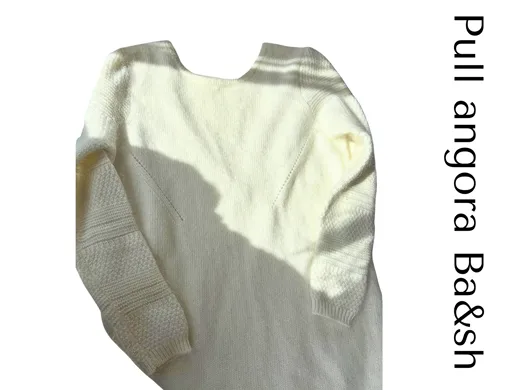
None of those people made it into the results. What came through was the place, the light and the feeling of each photo: the wall behind the burgundy top, the studio for the first black top, the boardwalk for the cream knit and the crosswalk for the second black top. The model is MODA’s and the clothes are the seller’s. We haven’t reproduced the reference photos here, because they belong to the people who took them.
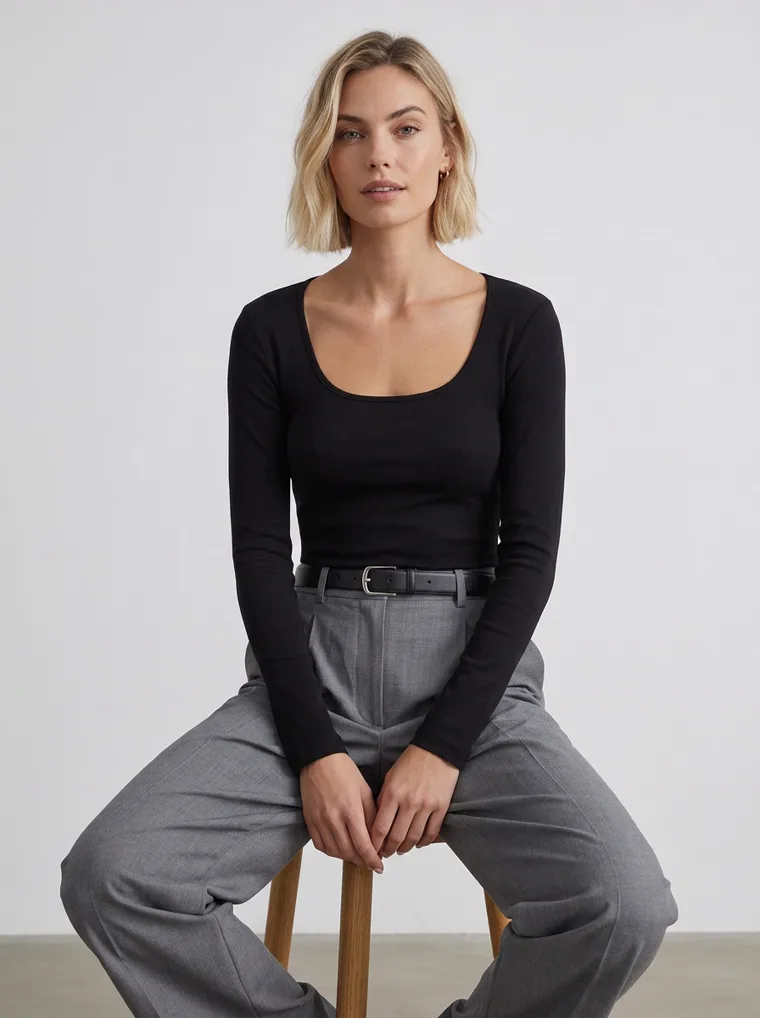
Someone else’s studio photo became this studio.
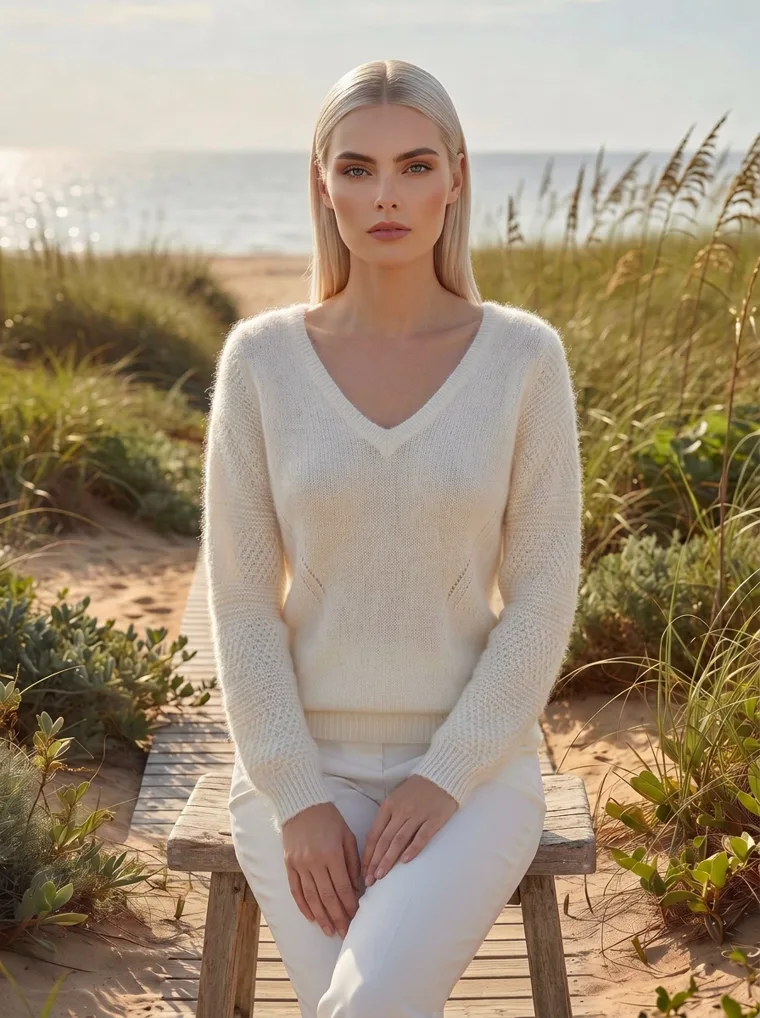
Someone else’s beach photo became this boardwalk.
That makes planning a fall catalog a lot lighter. Instead of booking a location, save a few photos of places that feel right, a street you love, a wall in good light, a café you’d happily sit in, and use them as references. How the background reference and the face reference work together is covered in Control Your Catalog Narrative. And if the pieces are last season’s stock rather than new arrivals, the same idea gives them a fresh start; see AI Recataloging for the Next Season.
The checklist
Planning a fall product page
01
Lead with the clean shot.
Your first photo becomes the thumbnail everywhere, so keep it simple: studio or a quiet setting.
02
Then let the street shots persuade.
Add one to three after your clean front, side and back.
03
Match the light to the season.
Low, warm light suits fall pieces in browns, burgundies, camels and creams.
04
Pick the backdrop for the clothes.
A quiet piece can handle a busy street. A busy piece needs a plain wall.
05
Style a whole outfit.
A street shot sells the look, so the jeans, the bag and the shoes matter as much as the background.
06
Keep the same model.
One face across your studio and street shots keeps the catalog feeling like one brand.
07
Collect places, not plane tickets.
A photo of somewhere you like is enough to set the scene.
A note on these sets
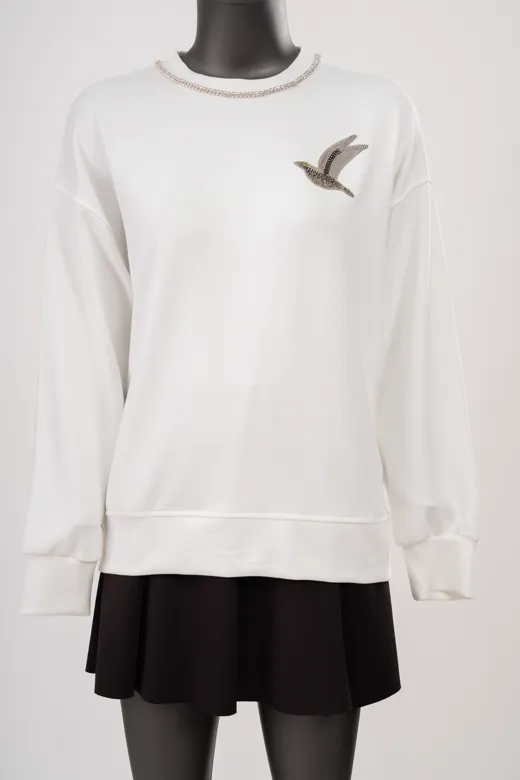
Every set here was made with MODA AI, mostly from two plain photos of the clothes on a mannequin in a stockroom. Each one came back as a full catalog set on the same model, from every side, in a city nobody had to travel to and a light nobody had to wait for. If you’d like more on matching light to the season, see Summer Fashion Photography: Light by Time of Day.
Frequently asked questions
What is lifestyle product photography for clothing?
It’s photographing clothes in a real place, like a city street, a café or a beach, on a model styled the way a customer might actually wear them. Studio photography shows the garment on its own against a plain background. Lifestyle photography shows where it goes and how it feels to wear.
Should my main product image be studio or lifestyle?
For most clothing, go with studio or a quiet, clean setting. Your main image travels to marketplaces, shopping feeds and collection grids, where a plain background is easiest to read at thumbnail size, and some marketplaces require one. Lifestyle shots do their best work further along the image rail, and in banners, social posts and ads.
What is golden hour and why does it suit fall clothing?
Golden hour is the short stretch after sunrise and before sunset when the sun is low and the light turns warm and soft, with long shadows. That warm light flatters autumn’s browns, burgundies and creams, and the long shadows add depth. On a real shoot it’s hard to plan for, because the window is short and changes every day.
How can I get street style photos without a location shoot?
You can generate them from the product photos you already have. MODA AI takes a photo of the garment, whether it’s on a mannequin, a hanger or laid flat, and gives you back the full set on a model in the setting you choose. To pick the setting, upload a photo of a place you like as a background reference.
How many lifestyle images should a product page have?
Usually one to three, placed after the clean front, back and side shots. The clean shots tell people what it is, and the lifestyle shots give them a reason to want it.
The city in golden hour, whenever you need it.
Studio and street shots from one photo of your garment. Free to try on the Shopify App Store.
Get Started FreeOr browse the full lookbook