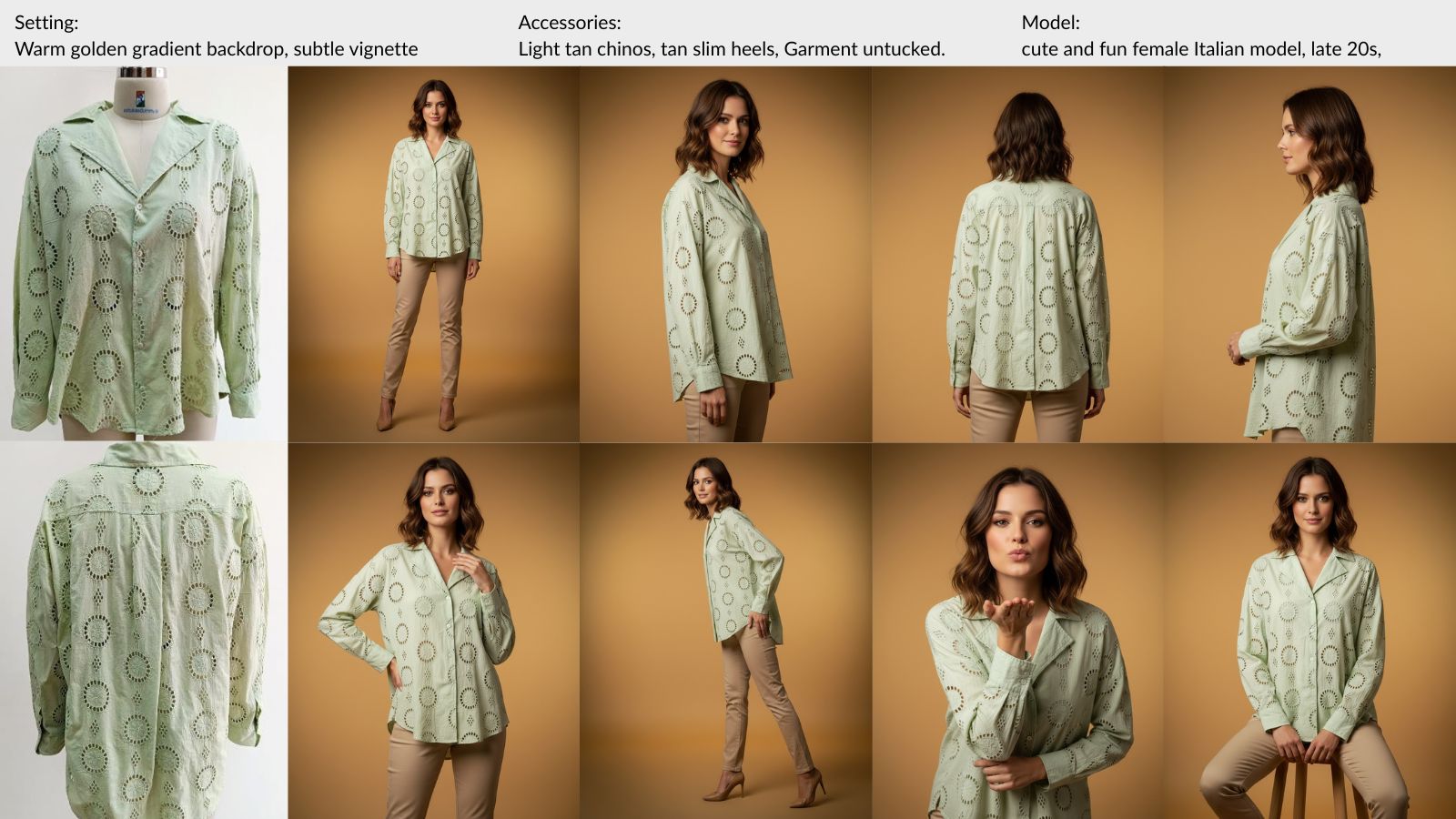
The average Shopify product page has two photos. Front view, maybe a back view, done. Most store owners know it’s not enough. But the question is: how many images do you need, and which ones make a difference?
The research is clear. And the gap between what converts and what most catalogs offer is bigger than you’d expect.
The Data: Why Image Count Drives Sales
A Salsify consumer research study found that 70% of online shoppers need to see at least three product images before they’ll buy. And 76% rate product images as “very important” to their decision to even click on a listing.
Baymard Institute, which has spent over a decade studying ecommerce usability, recommends a minimum of 5–8 product images for apparel. Their testing found that shoppers routinely abandoned product pages when they couldn’t see enough angles to judge fit, fabric, and construction.
25–30%
higher conversion rate
on product pages with 5+ images vs 1–2, per industry conversion data
Shopify stores that maintain five or more images per product consistently outperform those with fewer. The effect is strongest in apparel, where fit and drape can’t be judged from a single front-facing photo.
The pattern holds beyond fashion. An eBay study of 6.8 million listings found that those with high-quality photos were significantly more likely to sell. Amazon allows up to 9 images per listing and recommends filling every slot.
The data isn’t ambiguous. More images sell more product.
The Seven Angles That Convert
Not all product photos carry equal weight. Research from Baymard and real conversion data from Shopify stores show that specific views drive specific purchase decisions:
Front-facing hero.
The first impression, the thumbnail, the search result. This is the image that earns the click.
Back view.
Closure details, print continuation, construction quality. Shoppers need to see the whole garment.
3/4 angle.
Gives the garment depth and dimension that flat shots miss. Shows how fabric falls on the body.
Side profile.
Silhouette and fit. How the garment hangs, how it drapes, how wide or slim it reads.
Detail close-up.
Fabric texture, stitching, hardware, labels. The image that answers "what does this feel like?"
Seated or lifestyle.
How the garment moves in context. Sitting, walking, reaching. Real-world motion.
Full-body on-model.
Proportions, styling, how it pairs with other pieces. The image that says "this is the look."
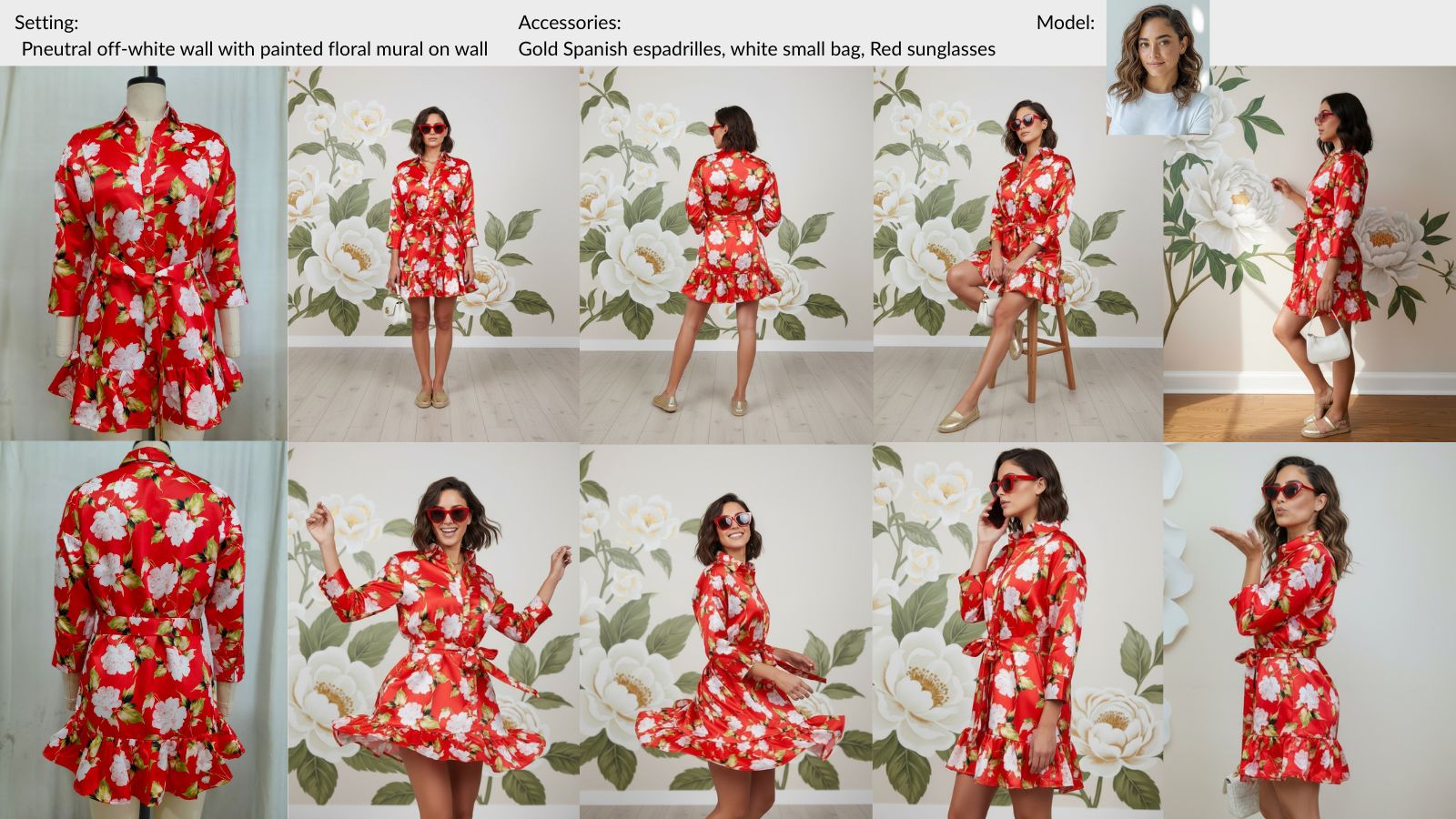
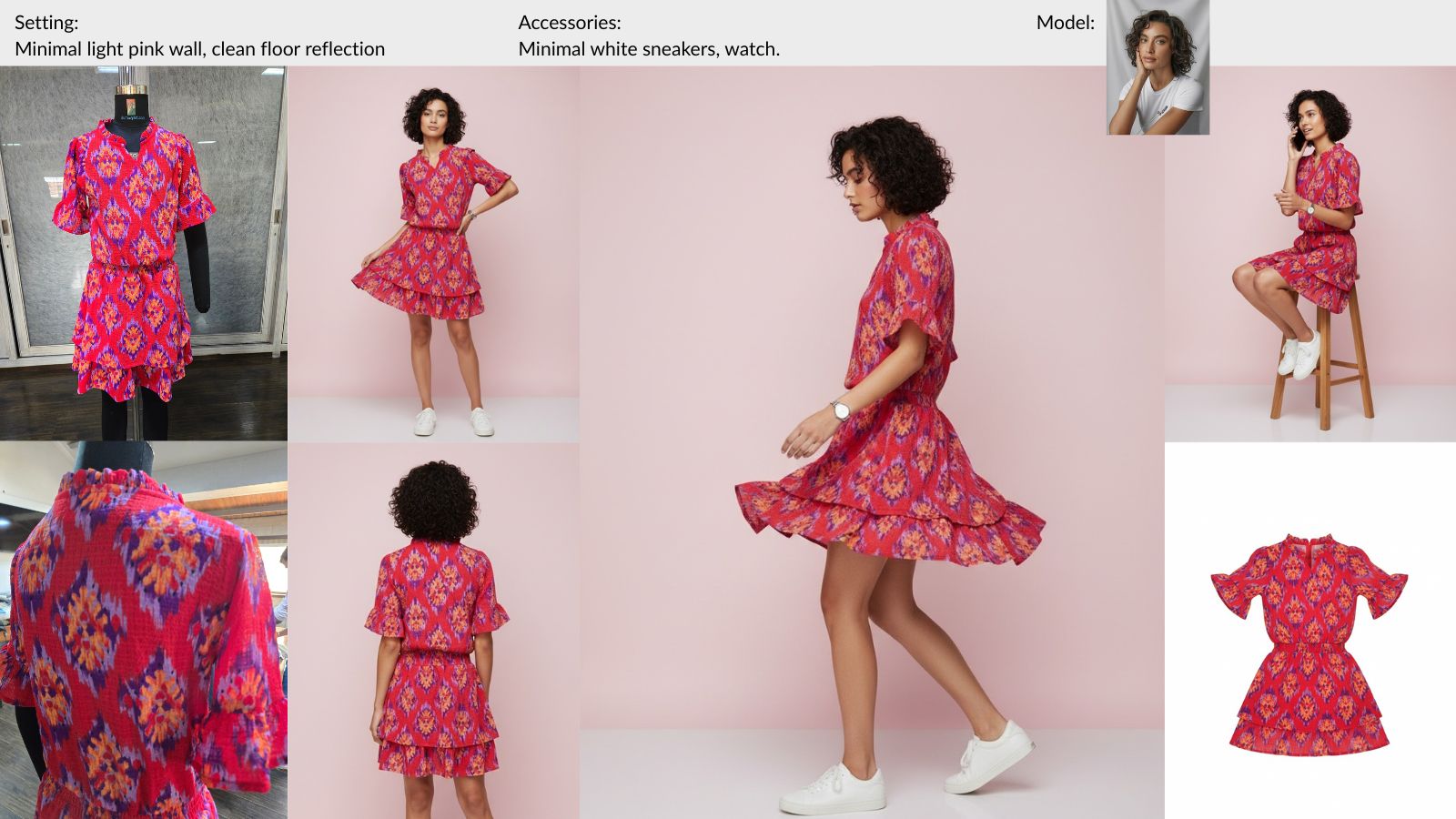
One garment, ten output images: front, back, 3/4, seated, side profile, detail, and lifestyle angles from a single upload. See more examples →
Missing even two of these views forces the shopper to guess. And shoppers who guess don’t buy. They leave.
Why Most Catalogs Stay Thin
If seven images per product is the target, the math gets uncomfortable fast.
Traditional on-model fashion photography costs $50–$200 per final image once you factor in the photographer, model fees, and retouching. For a single product, a seven-image set runs $350–$1,400. A catalog with 200 SKUs? That’s $70K–$280K annually, not counting studio rental, logistics, and coordination time.
For small and mid-size brands on Shopify, that number kills the conversation before it starts. So they default to one or two photos per product. A flat lay. Maybe a mannequin shot. They know the images aren’t enough, but the budget isn’t there.
This is the real reason most product pages underperform. The quality per image might be fine. The problem is quantity.
One Upload, Full Catalog Coverage
This is where the math changes. AI fashion photography lets you upload a single garment photo, choose a model, background, and accessories, and receive 8–10 consistent on-model images back. Front, back, 3/4, side, seated, lifestyle, detail. One upload.
The cost per image drops from $50–$200 to about $0.10. A 200-SKU catalog with seven images each goes from a six-figure project to something a solo founder can finish in a weekend for under $200.
The input can be a flat lay on your bedroom floor, a garment on a hanger, or a mannequin photo from your existing product shoot. The AI handles the rest: model, pose, lighting, background. See how the workflow works.
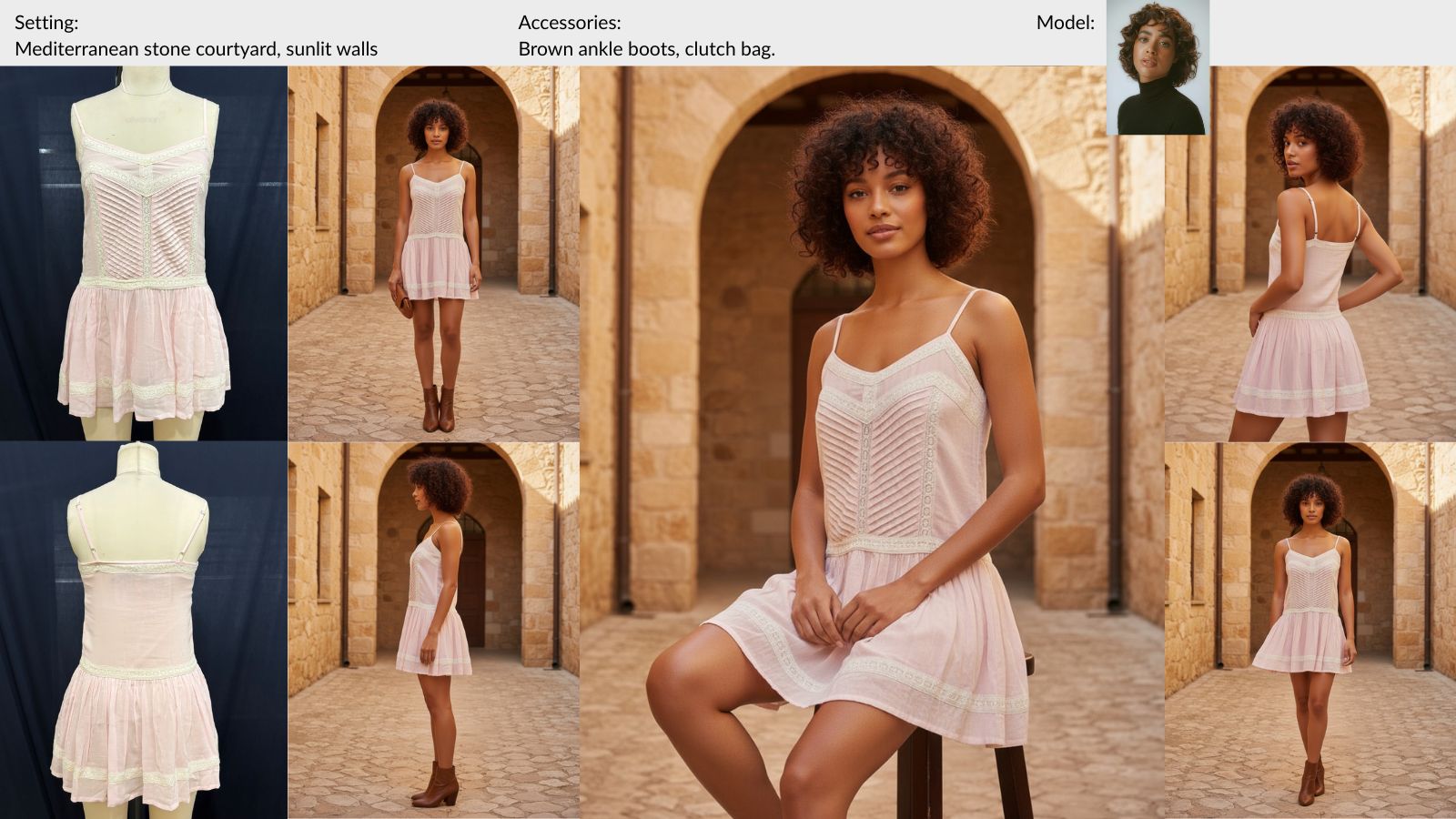
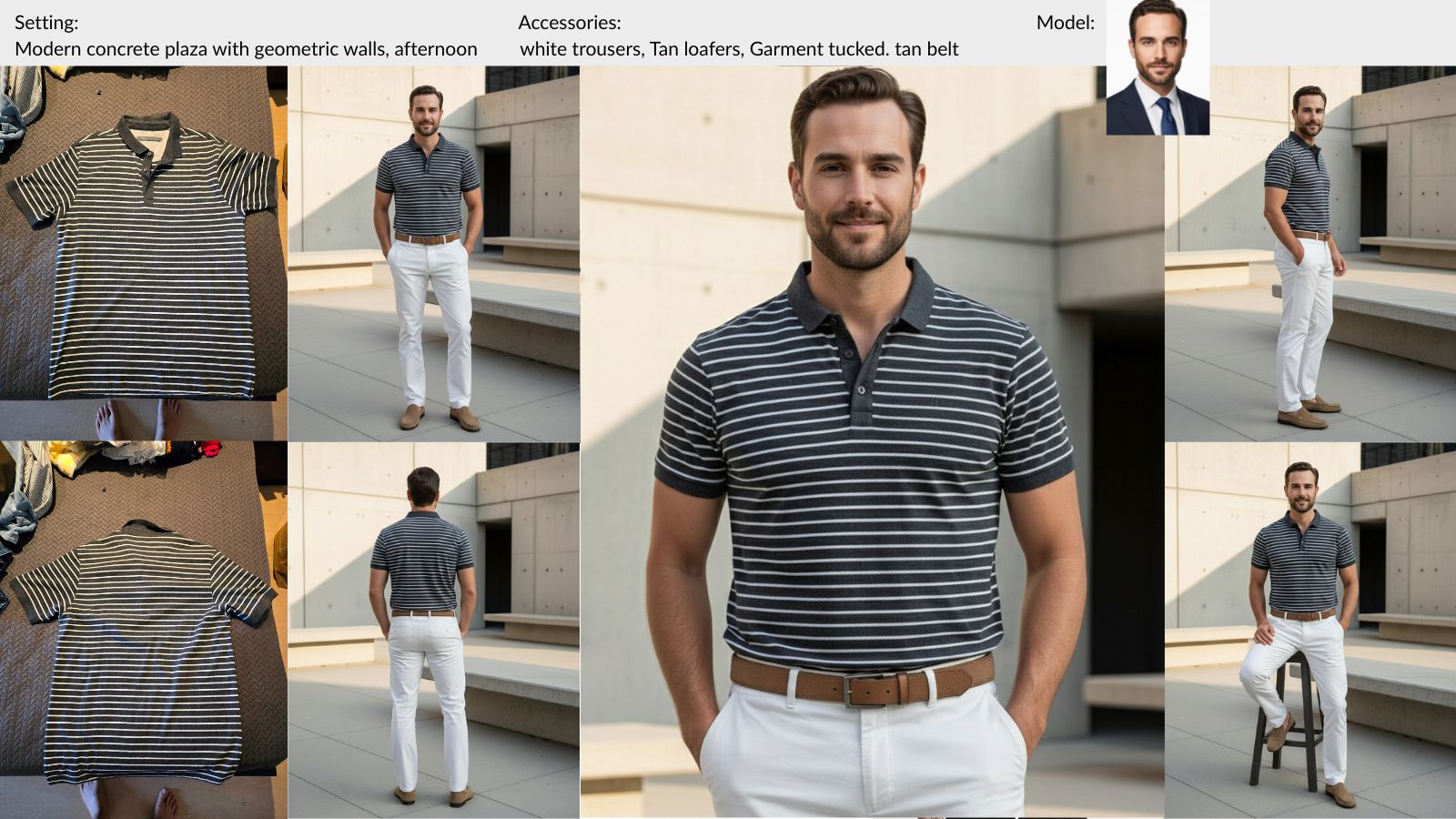
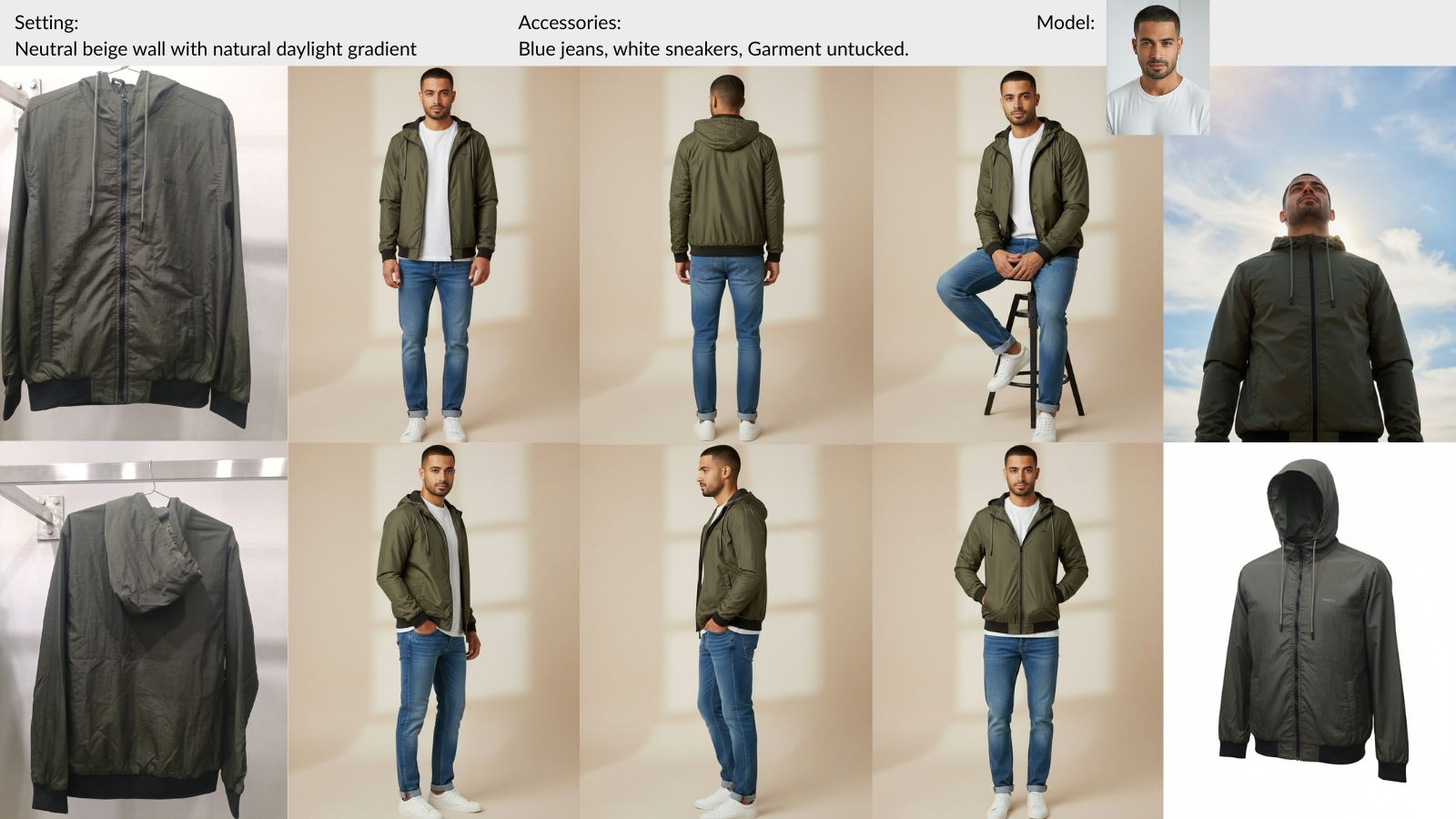
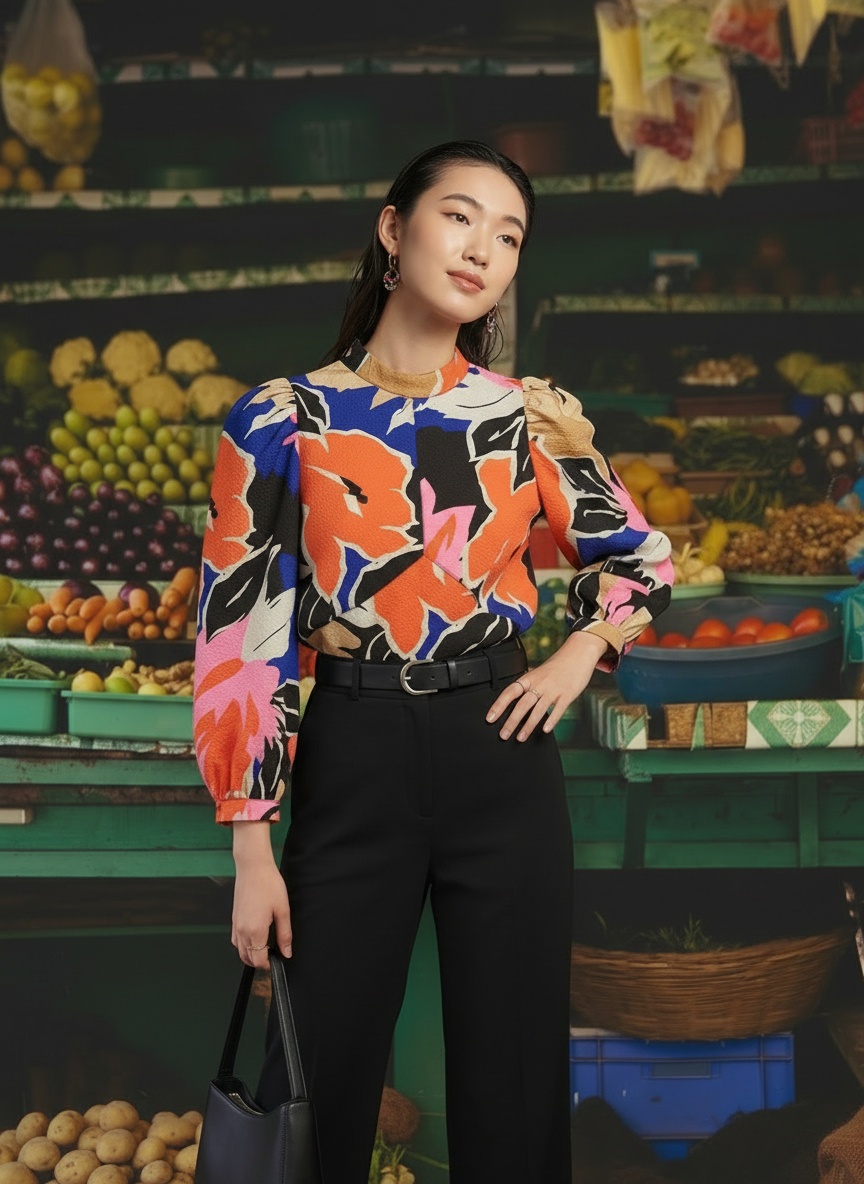
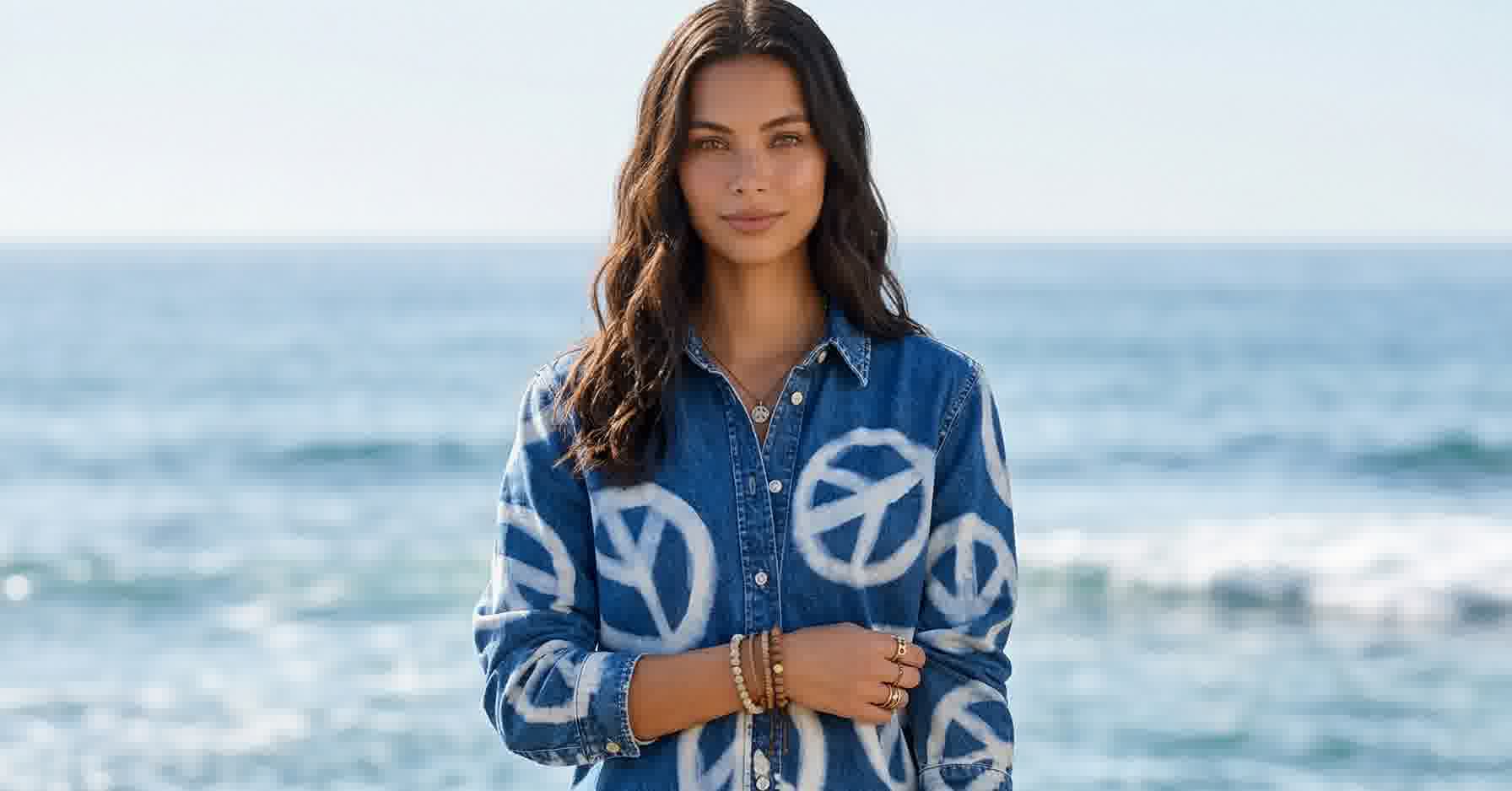
Three different input types, same multi-angle output quality. Browse the full gallery →
Consistency Is What Builds Trust
Volume alone isn’t enough. The images need to match.
When a shopper scrolls through a product page and the lighting shifts between photos, or the model changes, or the background color jumps, it breaks the visual thread. It feels less professional. It feels less trustworthy.
Baymard’s usability research confirms this: inconsistent product imagery is one of the top reasons shoppers question product quality on otherwise well-designed pages.
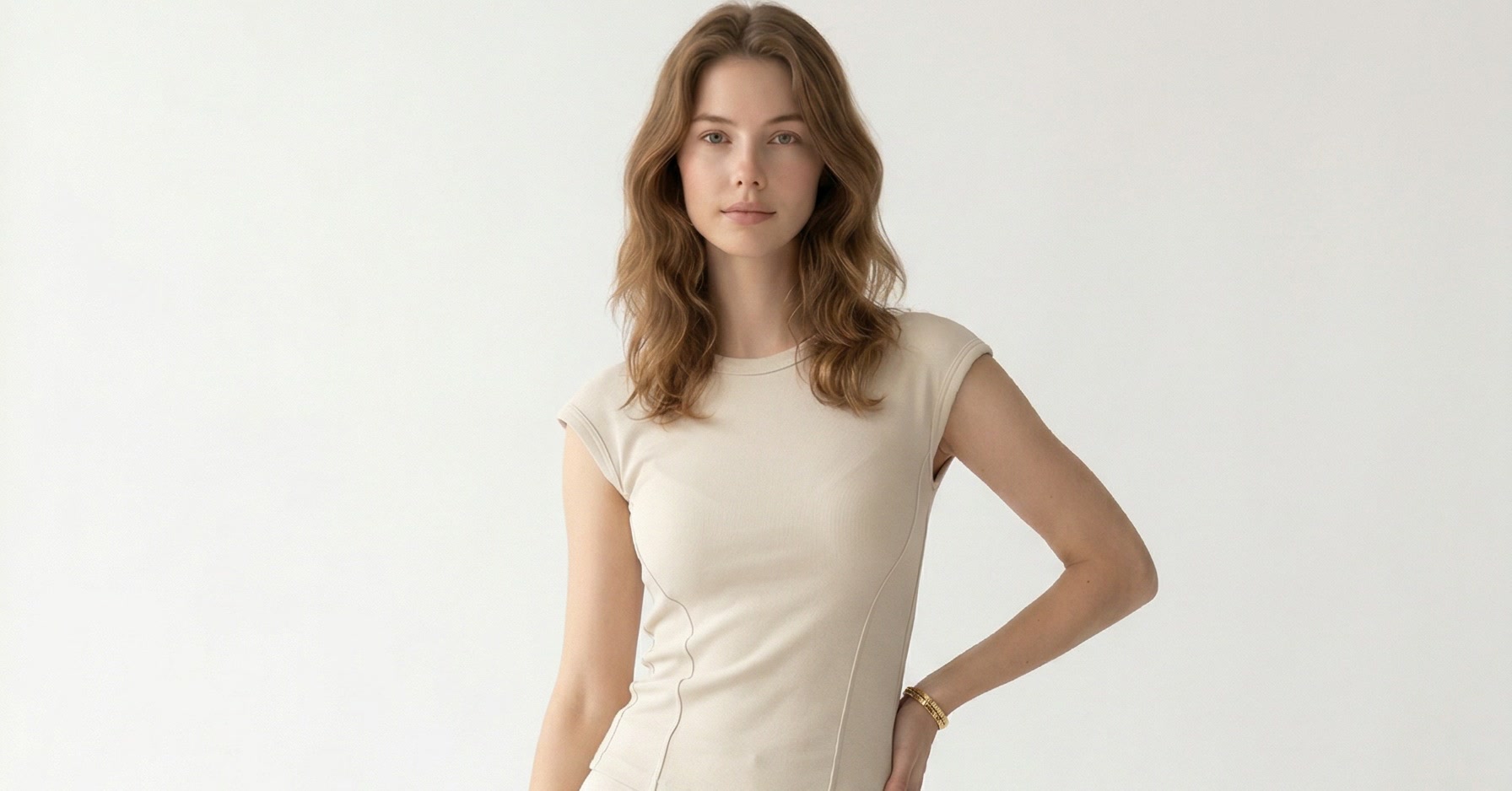
AI-generated image sets solve this by default. Every image in a set shares the same model, same background, same lighting, same styling. The consistency is automatic because every pose is generated from the same parameters. See real brand results.
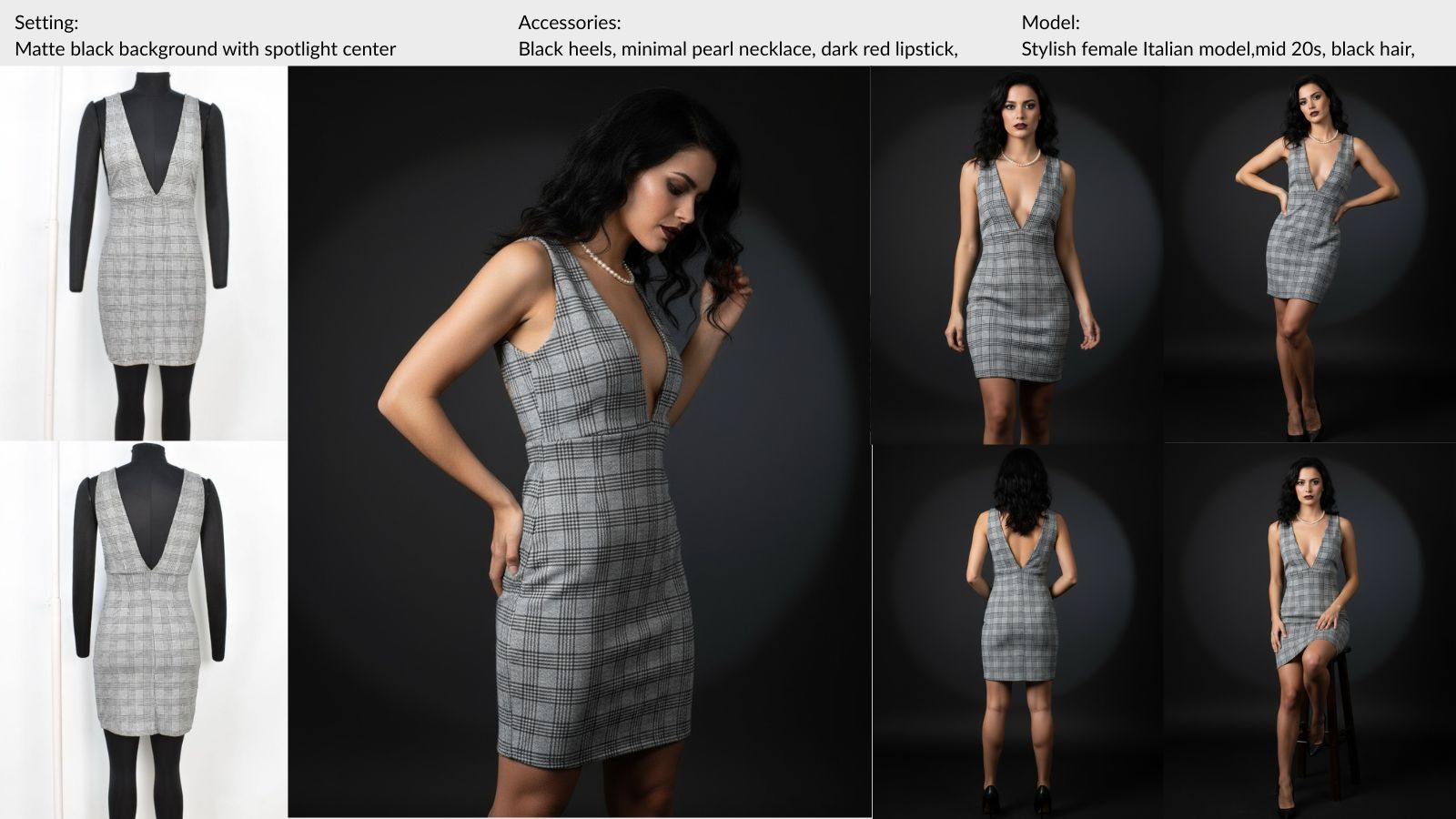
Same model, same lighting, same background across every angle. Consistency that traditional multi-take shoots struggle to match.
This matters even more on mobile, where shoppers swipe through product images quickly. Consistent lighting and framing creates a smooth visual experience that keeps them swiping instead of bouncing.
Frequently Asked Questions
How many product images do I need per SKU?
Baymard Institute recommends 5-8 images per product for apparel. Their usability testing found that shoppers routinely abandon product pages when they can't see enough angles to judge fit, fabric, and construction. At minimum, include front, back, and one additional angle.
Do more images slow down page load speed?
Not if handled correctly. Use compressed WebP or JPEG formats, implement lazy loading for below-fold images, and serve responsive sizes. Shopify handles most of this automatically through its image CDN.
What image format and size works best for Shopify?
Square (1:1) or portrait (4:5) aspect ratios work best. Upload at 2048x2048 pixels for square images. Shopify's CDN generates optimized sizes for different devices automatically. Use WebP format when possible.
Does this work for all garment types?
Yes. AI fashion photography platforms support women's, men's, and children's apparel. Input types include flat lays, mannequin photos, hanger shots, and existing on-model images. Output quality is consistent regardless of garment category.
More Product Photos, More Sales
Two photos per product isn’t a strategy. It’s a compromise forced by traditional photography costs.
The research is consistent: more angles, more conversions. The brands that fill their product pages with 5–8 well-chosen views will outsell those that don’t. That was true before AI photography. The difference now is that the cost barrier is gone.
The question is no longer “can we afford more product photos?” It’s “can we afford not to have them?”