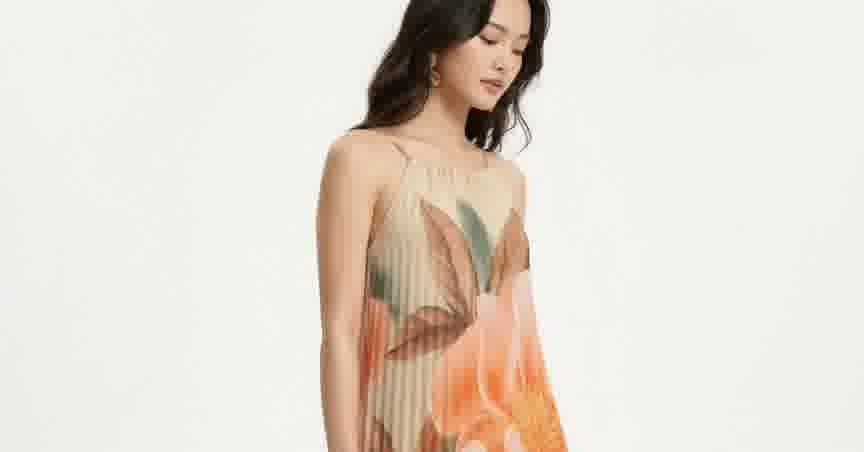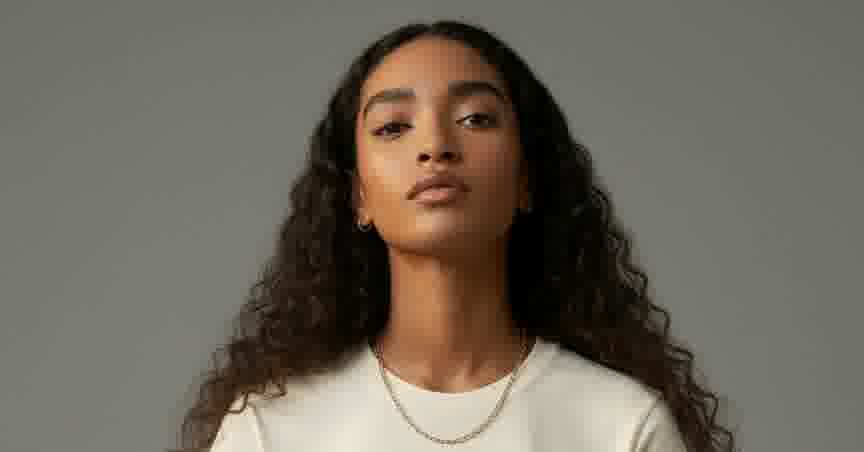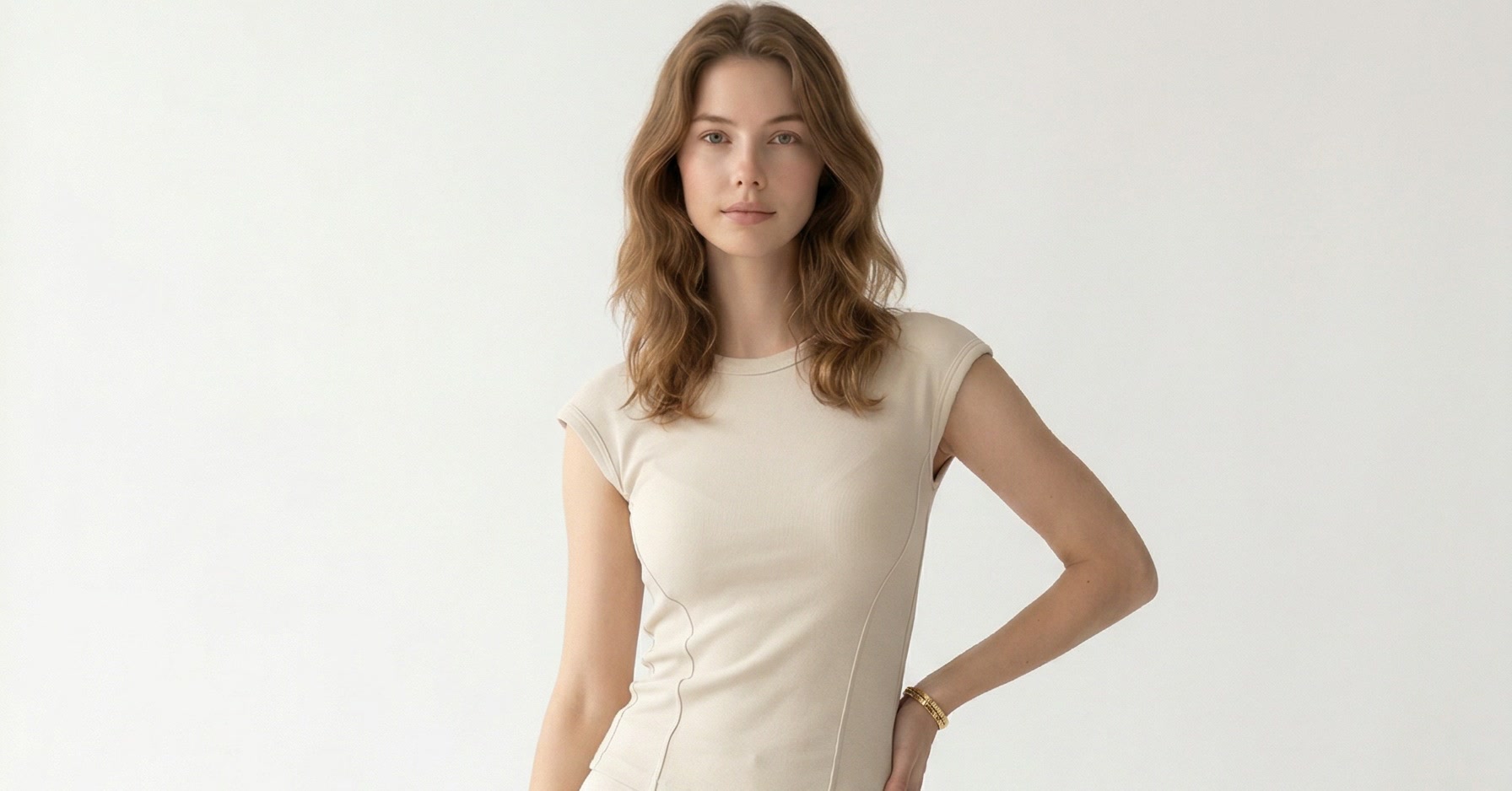
A dress on a white background tells you what it looks like. A dress in Santorini tells you how it feels to wear it. Both matter.
Great product photography needs the garment front and center, but the model, background, and styling are what give shoppers a reason to care. Together, they turn a product listing into an editorial that converts. Most fashion brands skip the styling side because traditional photography makes it expensive to experiment. One look, one location, one model costs thousands. Three looks across three settings? That is a production budget most brands cannot justify.
AI changes the equation. The same garment can become a luxury editorial, a resort lookbook, or a street-style campaign by swapping two inputs: the model reference and the background. This article walks through three real examples, each showing six to seven output angles from a single upload.
The Garment Deserves the Right Context
Physical retail has always understood this. Window displays, in-store styling, mannequin arrangements: they sell context alongside the clothing. A silk blouse folded on a shelf looks like fabric. The same blouse on a styled mannequin next to a leather bag and gold jewelry looks like a $200 purchase. The garment is the same. The context is what changes the perception.
Ecommerce lost that context. The industry standardized on white backgrounds because they were fast, cheap, and consistent. White backgrounds show the garment clearly, which matters. But they do not show shoppers how it feels to wear it. The best product pages do both: accurate garment detail and aspirational context.
56%
of shoppers explore images first
before reading any text on a product page — Baymard Institute usability research
Lifestyle and editorial imagery adds what white backgrounds do not provide: an emotional reference point. The garment in a context shoppers recognize or aspire to. Combined with clear product detail, that is what drives the tap on “Add to Cart.”
The three examples below show how the same garments take on completely different identities depending on the styling choices. Each started with a simple input: a garment photo, a face reference, and either a background image or a text description.
Luxury Editorial: One Dress, Two Worlds
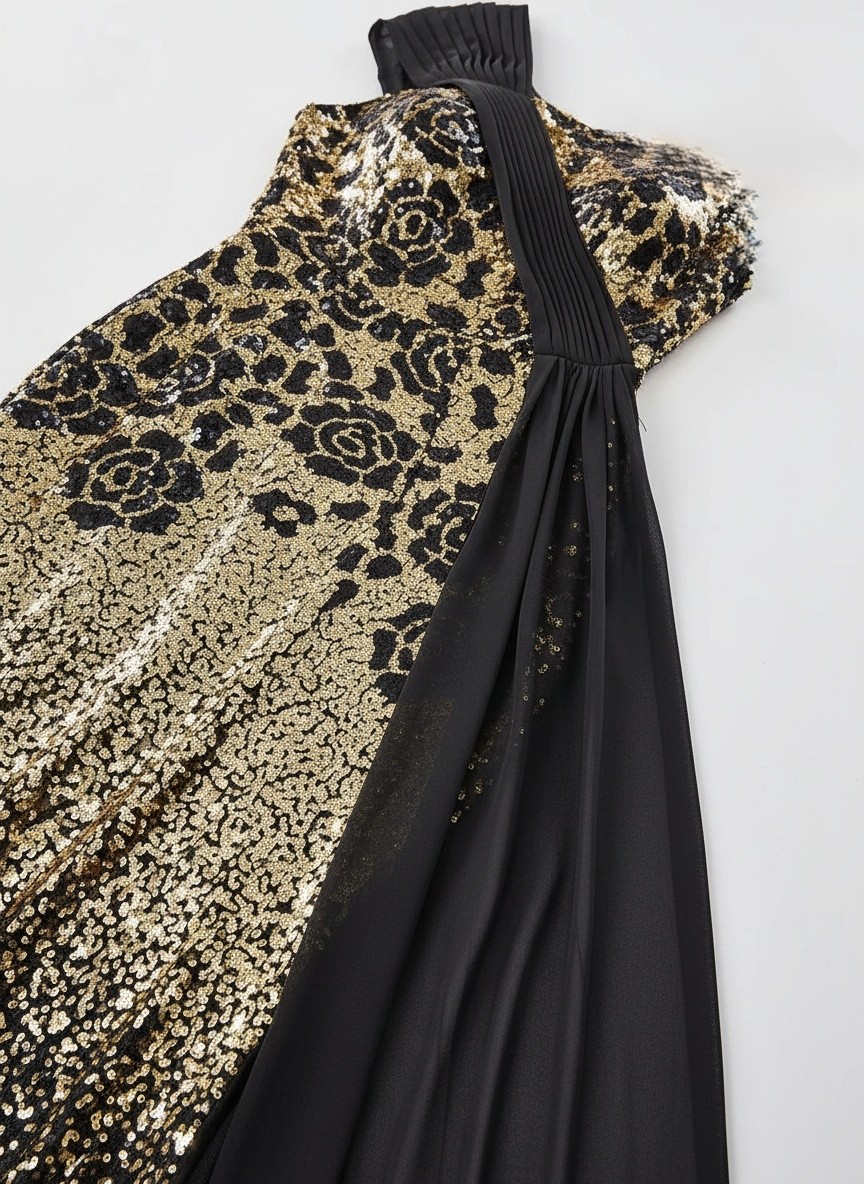
This gold-to-black sequin gown was originally photographed at a rocky beach. The image works as a product reference, but the setting sends the wrong signal. A formal evening dress does not belong on rocks and sand. The brand wanted luxury editorial.
Styling Brief
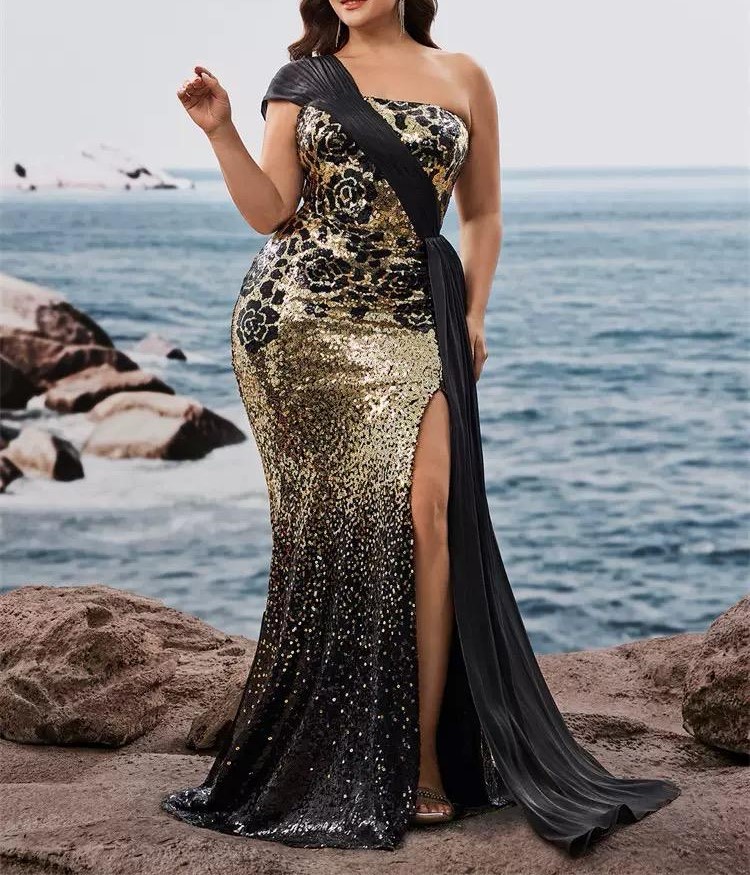
Garment Input
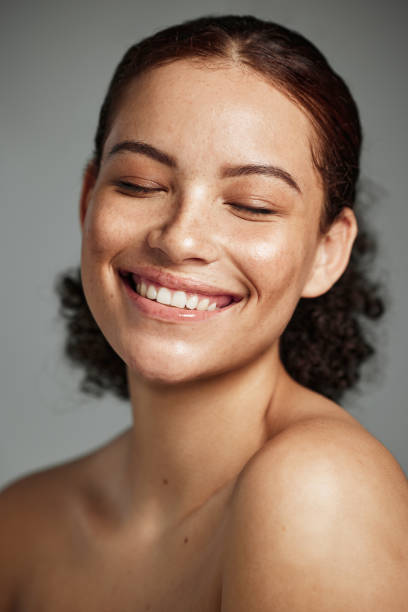
Model Reference
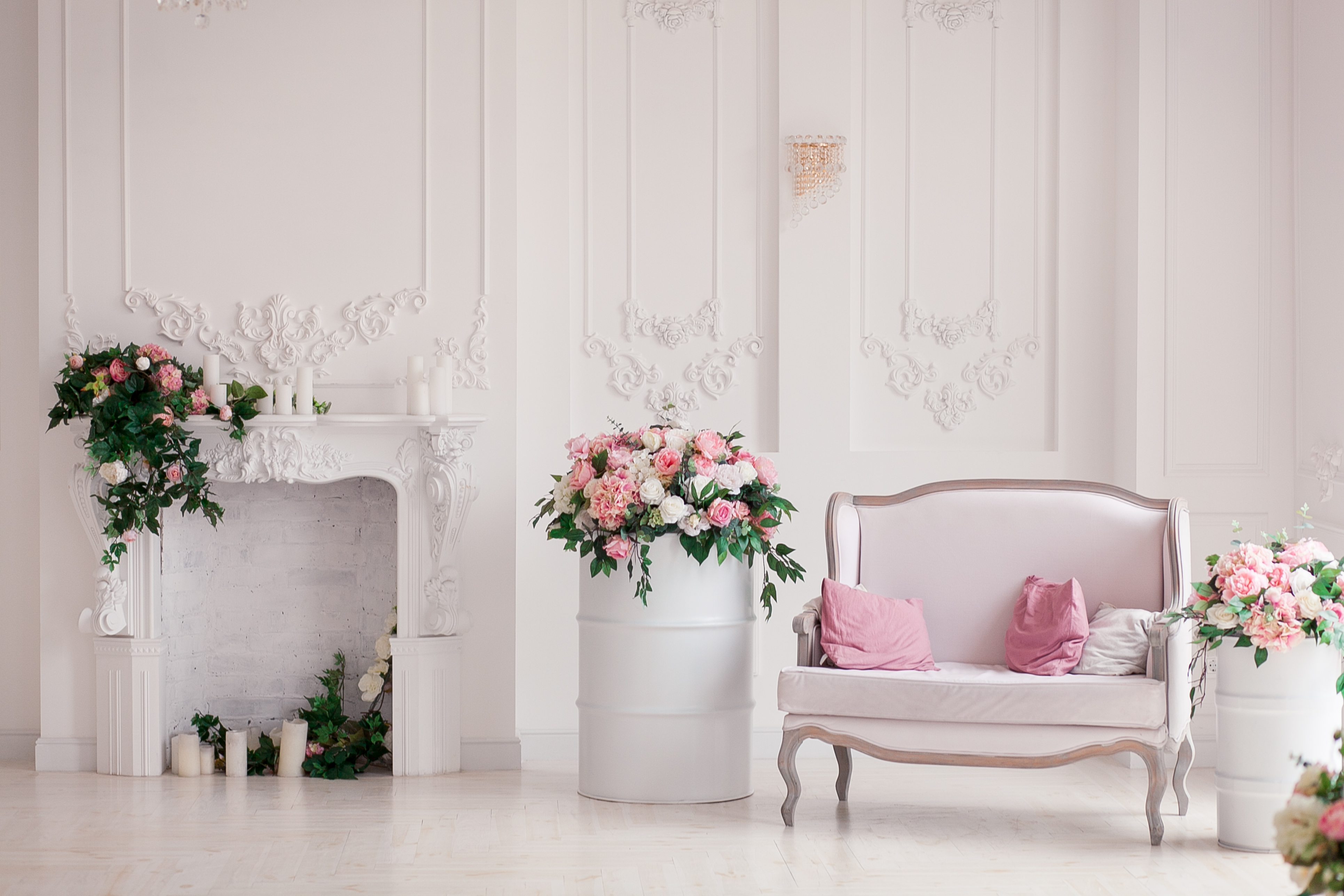
Background Reference
Three inputs: the garment, the face, and the setting. Each one shapes the final result.
The Result
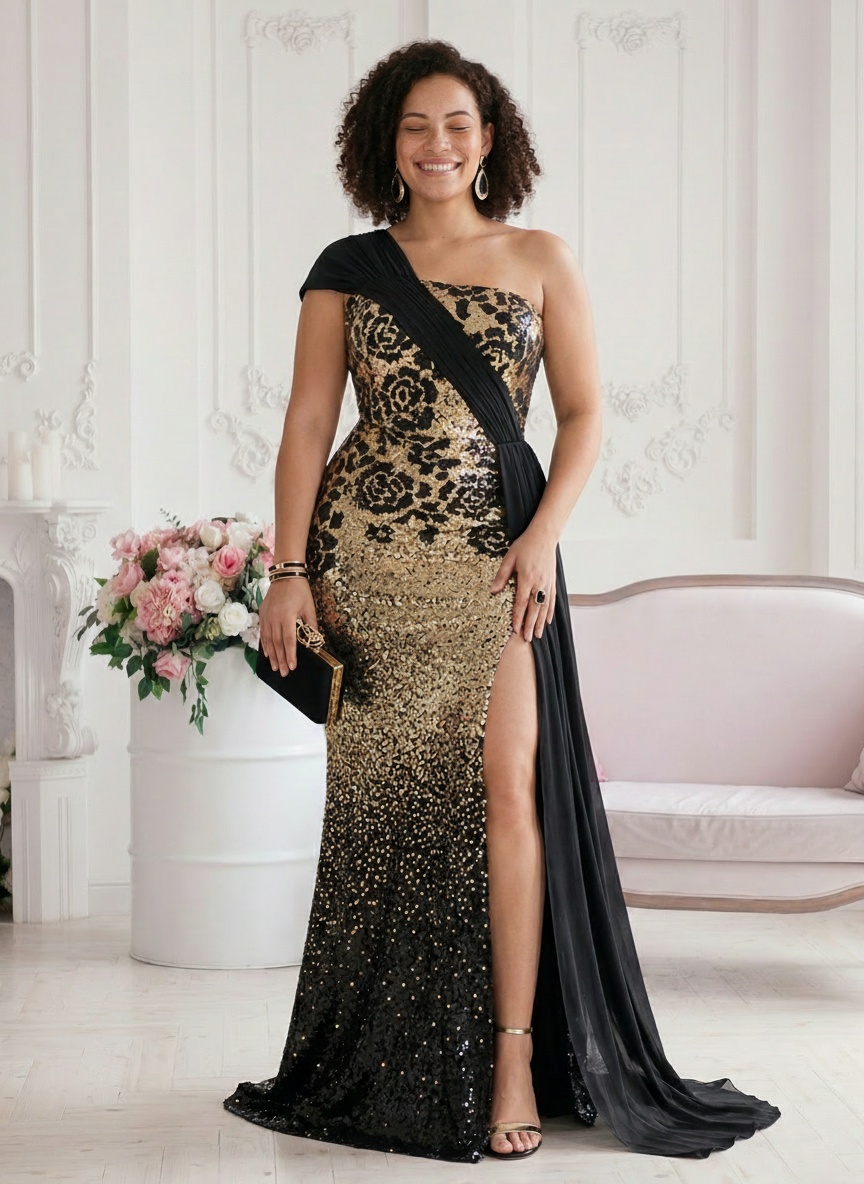
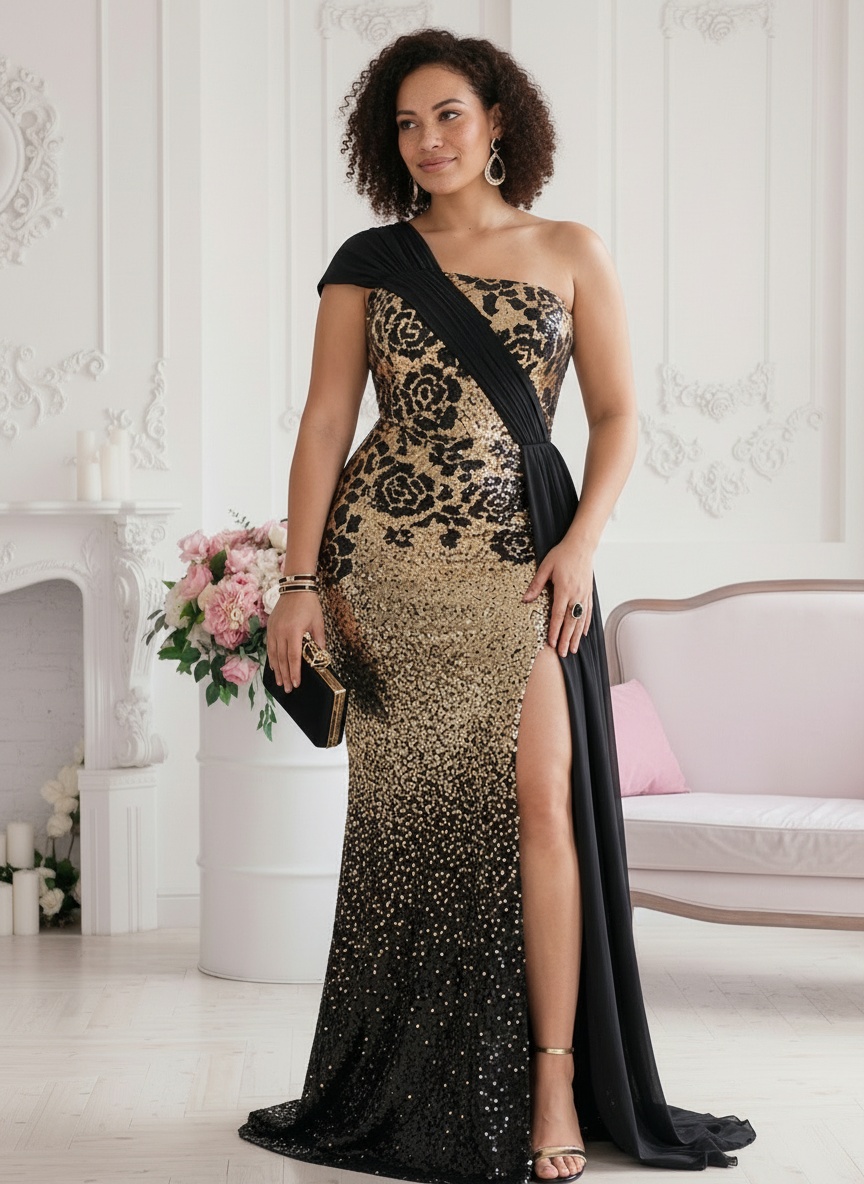
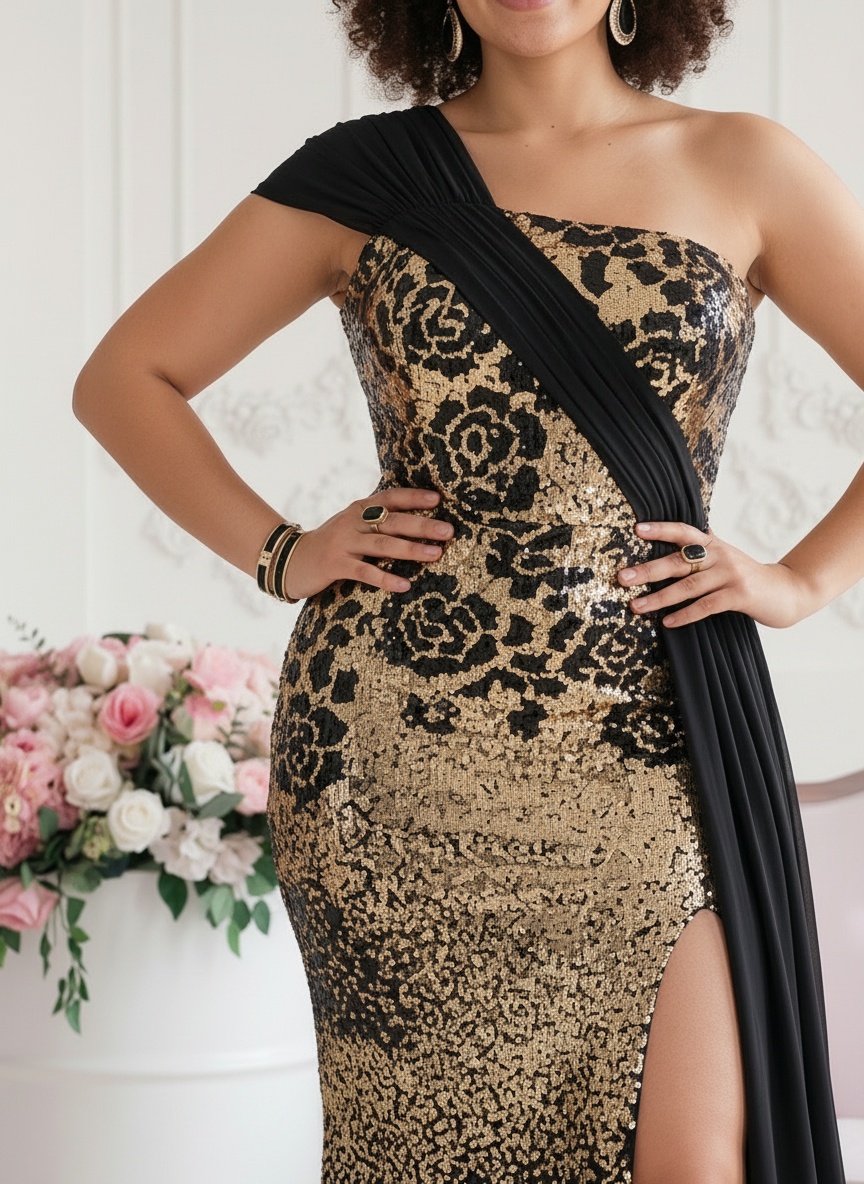
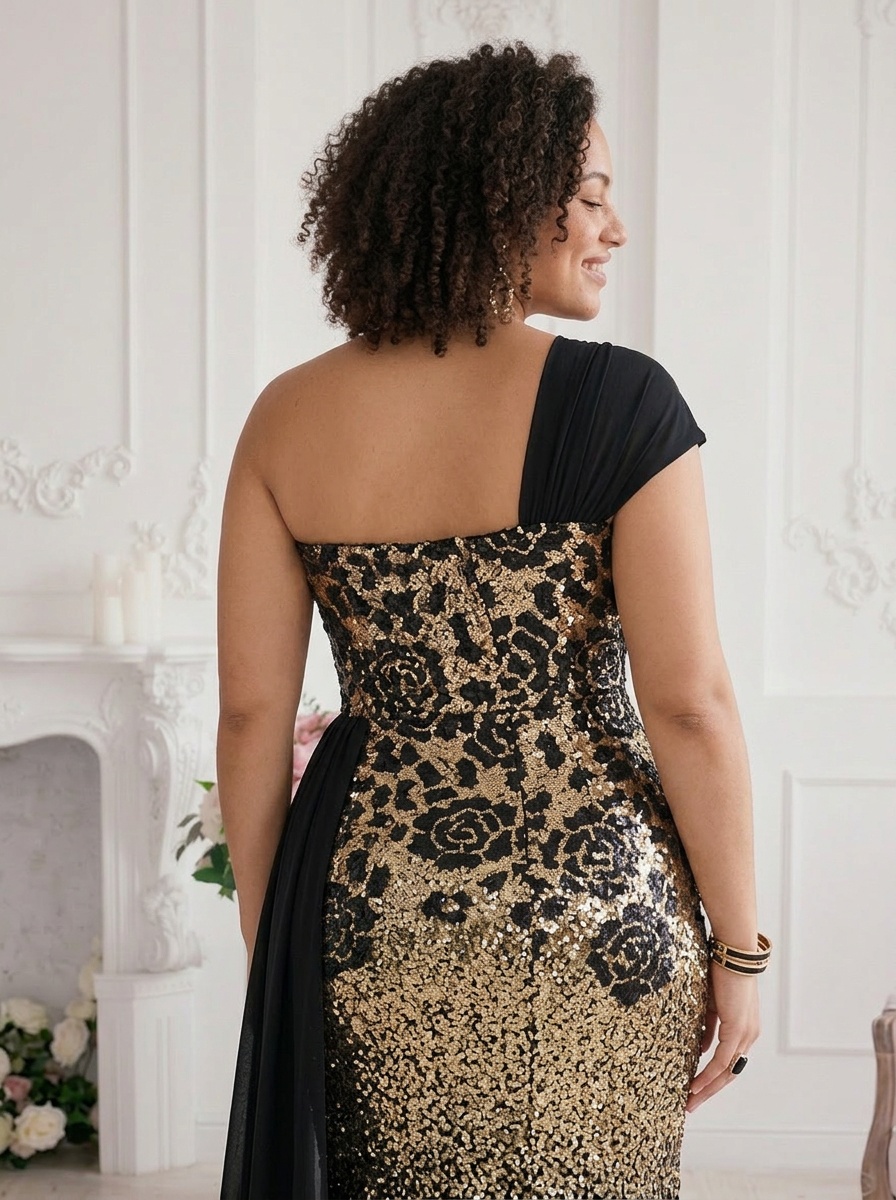
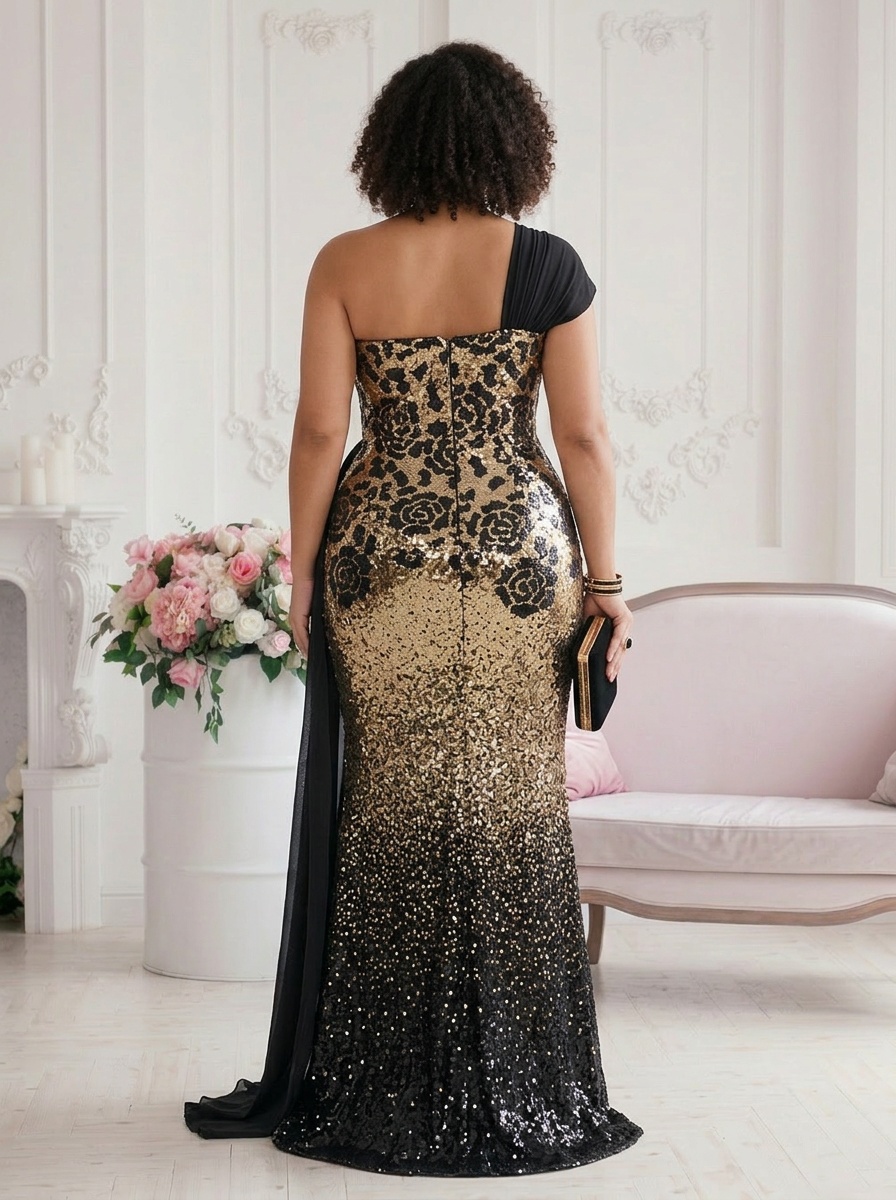
Six outputs from one upload: front pose, detail, back close-up, full back, and a clean product flat lay.
The beach photo became a black-tie editorial. The classical French interior, the roses, the warm model with natural curls: they position this dress where it belongs. The AI also generated matching accessories (gold clutch, statement earrings, bracelets) to complete the styling. No set decorator, no stylist, no location scout.
Mannequin to Mediterranean
This is the most dramatic transformation of the three. The input was a white dress with bee embroidery, photographed on a mannequin in what appears to be a small studio. Front and back shots. No editorial potential in the original images at all.
Styling Brief
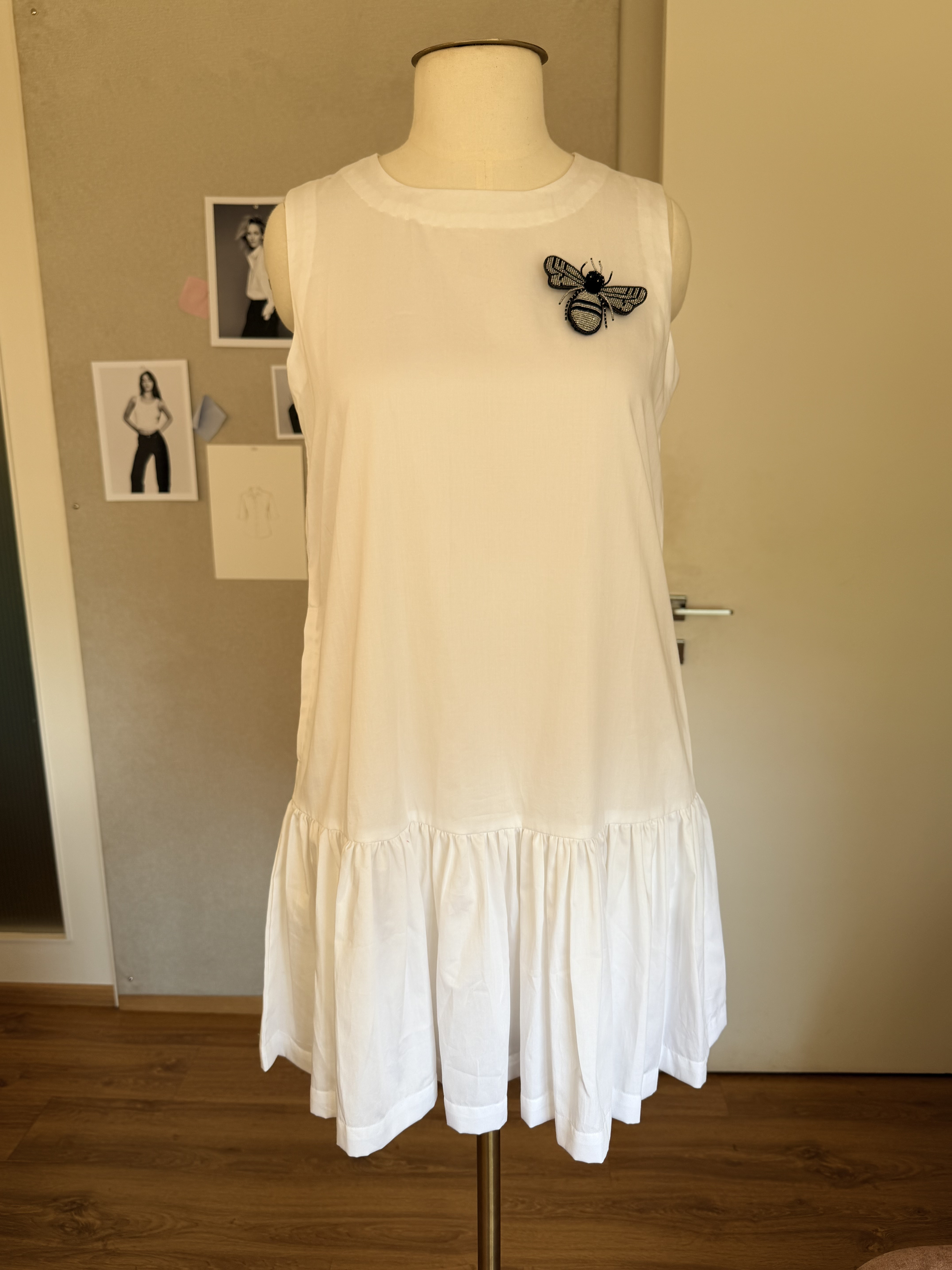
Front Input
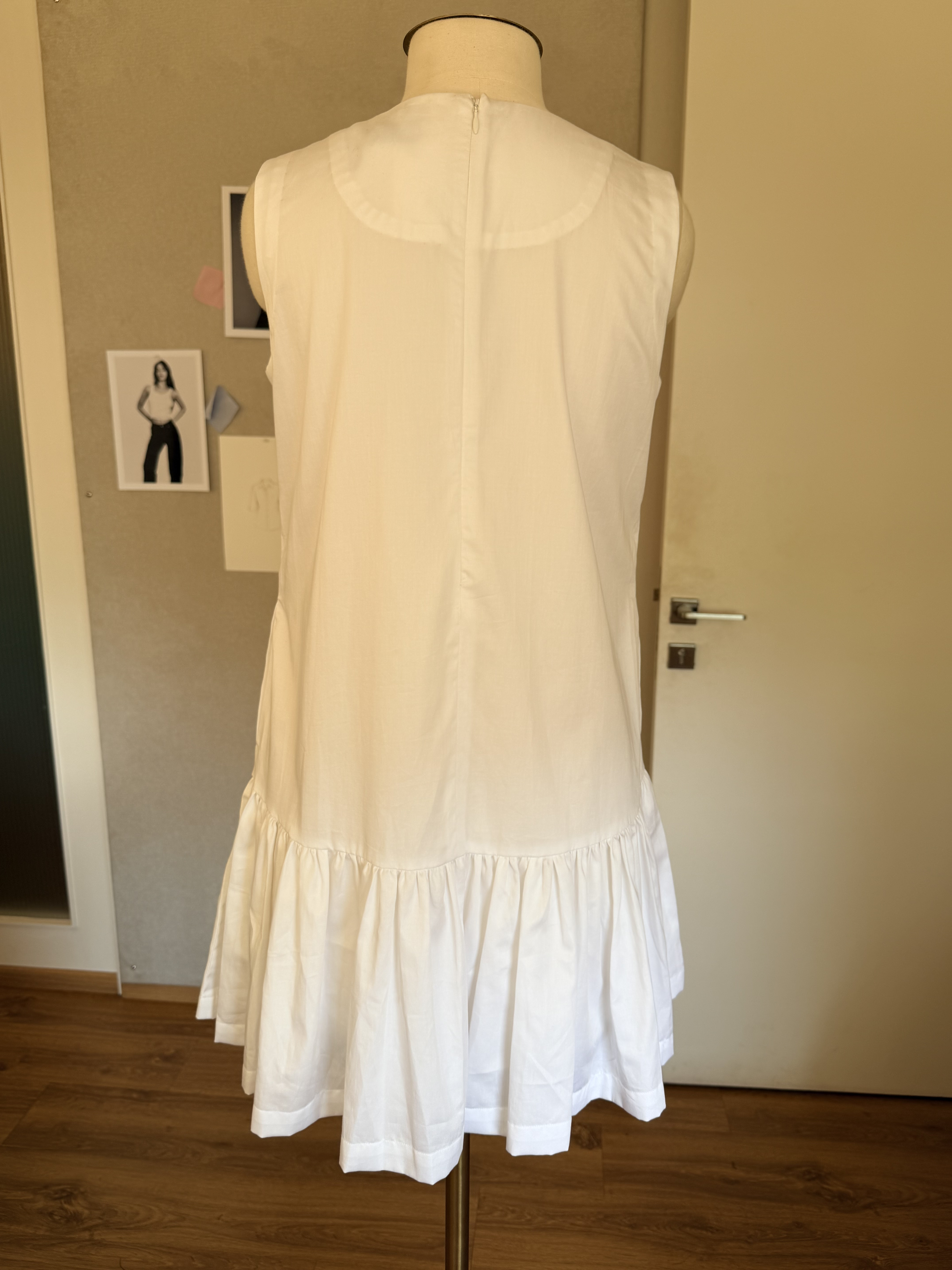
Back Input
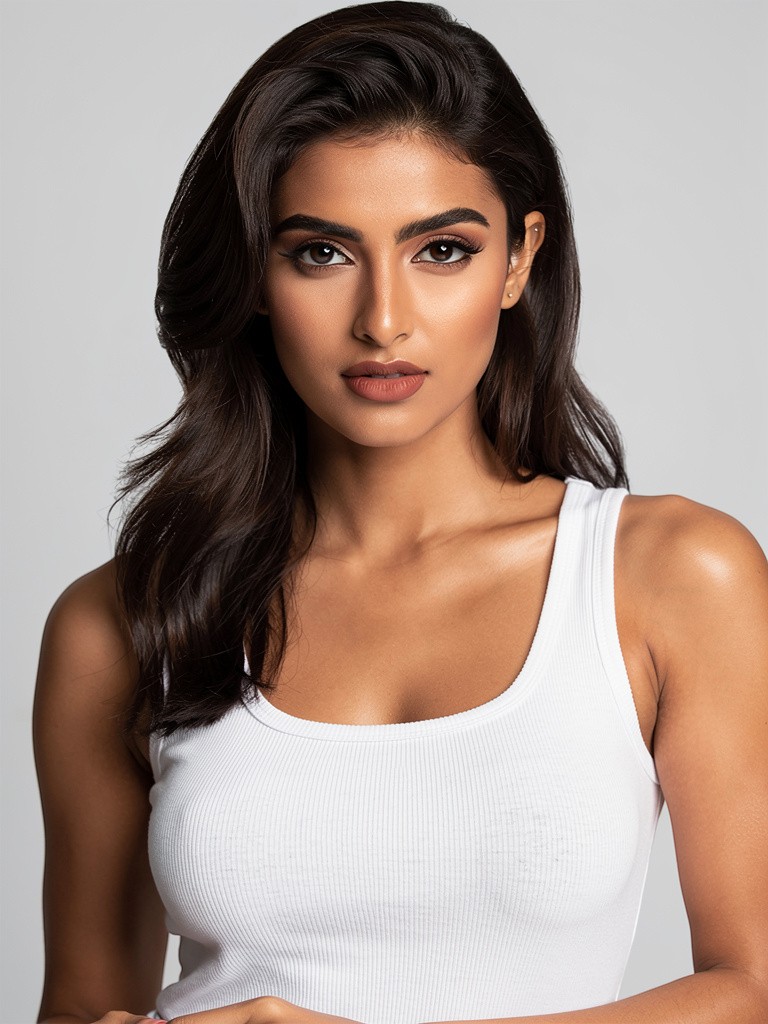
Model Reference
Background: text prompt — “Santorini, Greece”
The Result
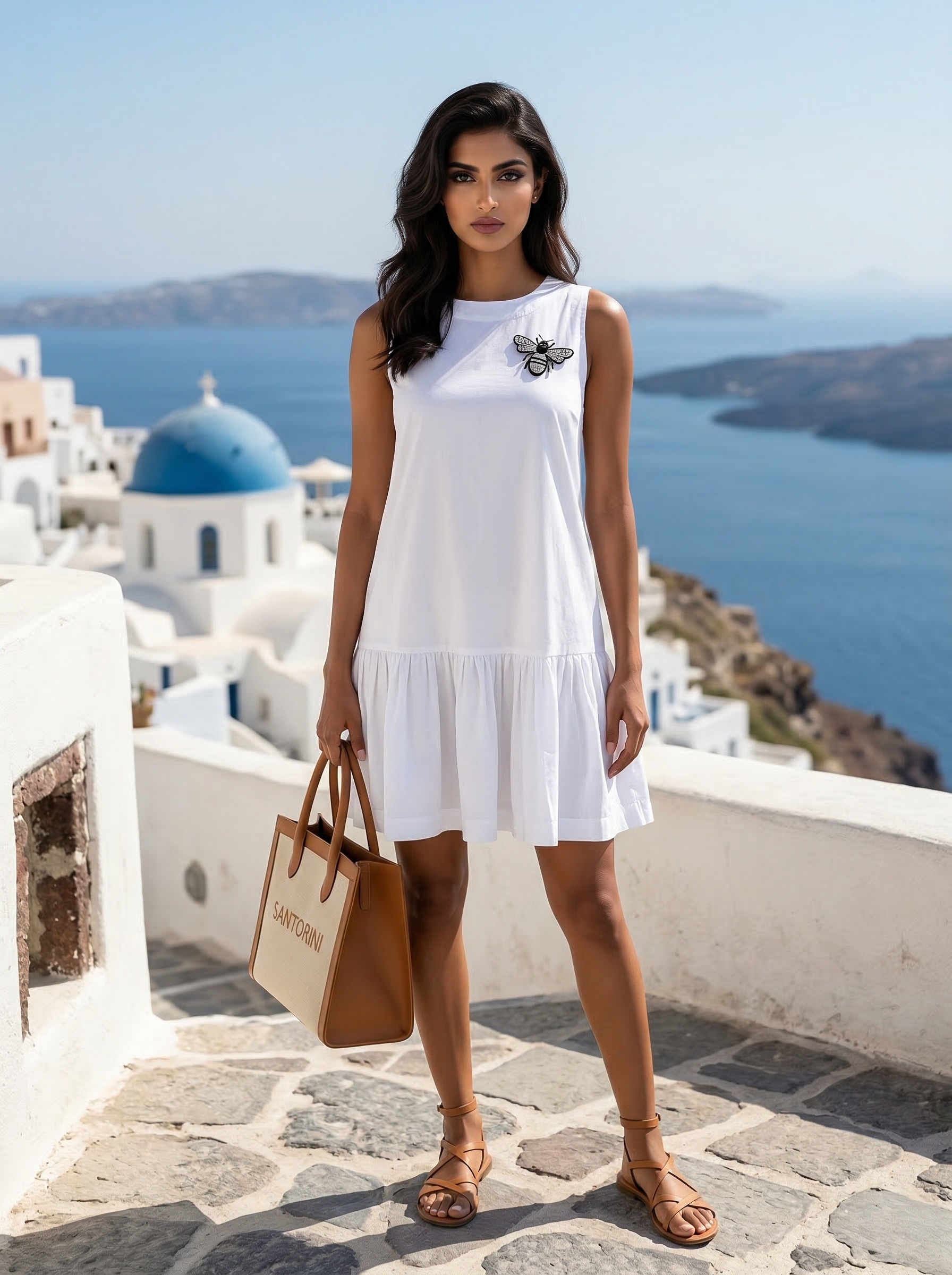
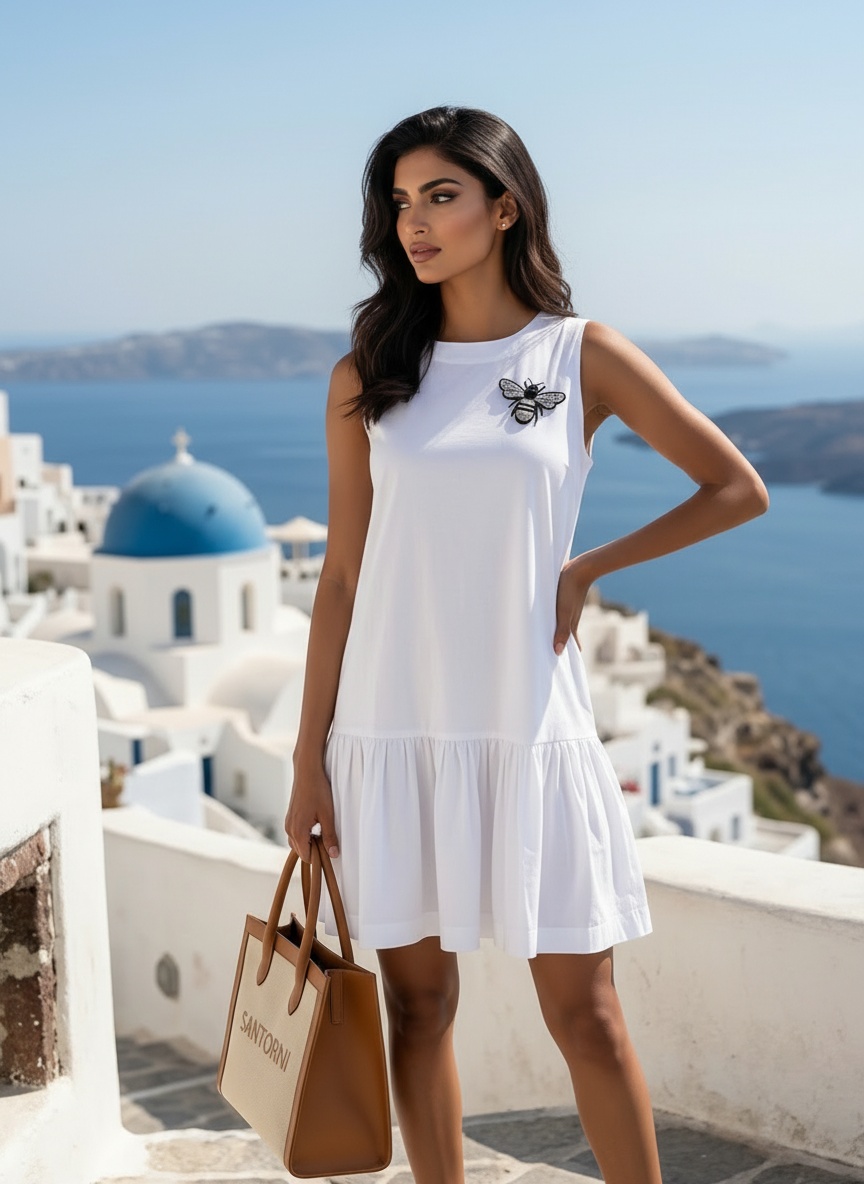
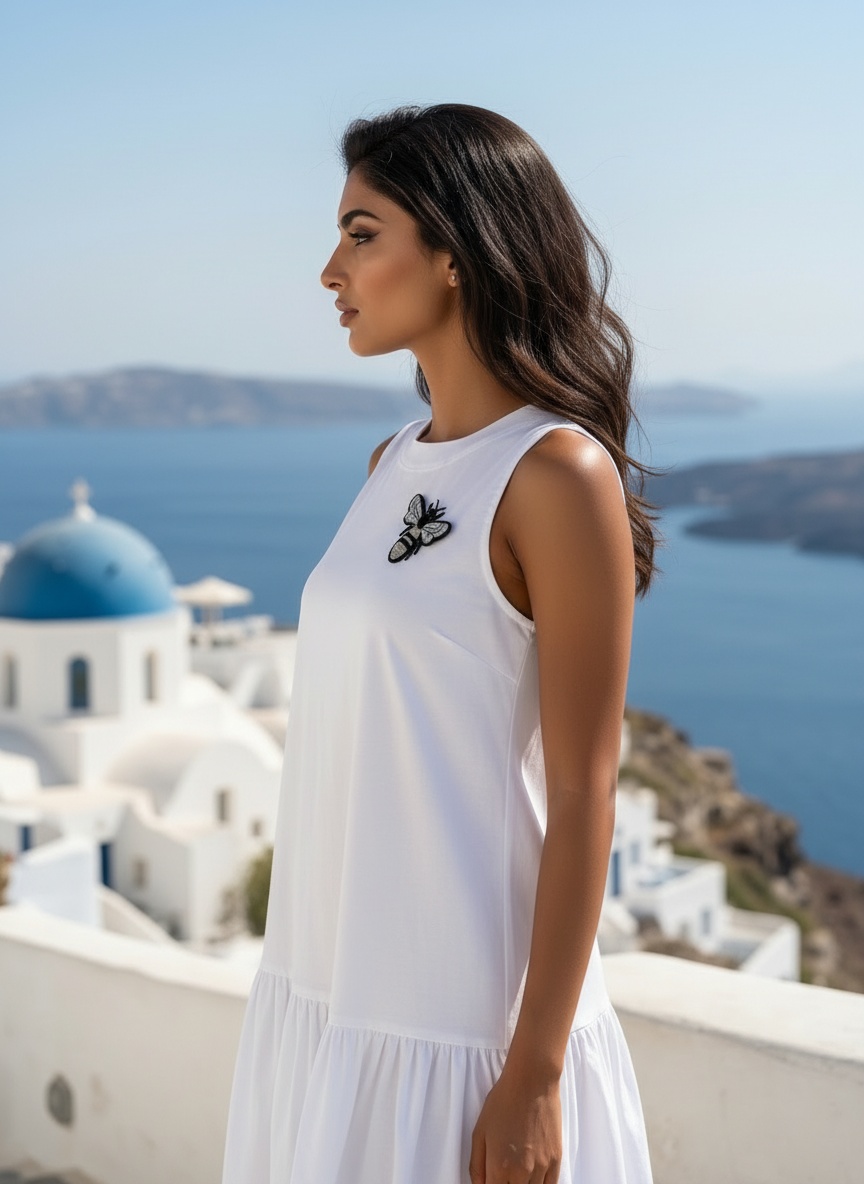
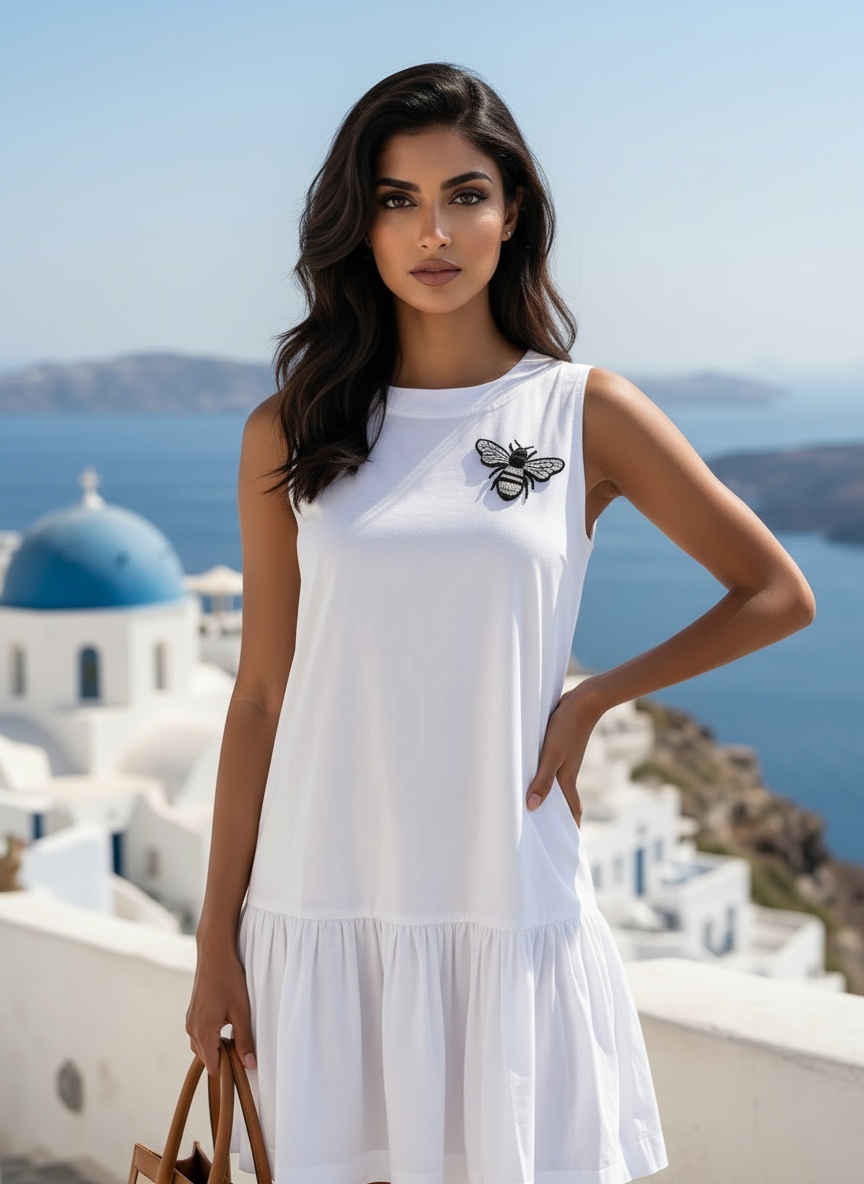
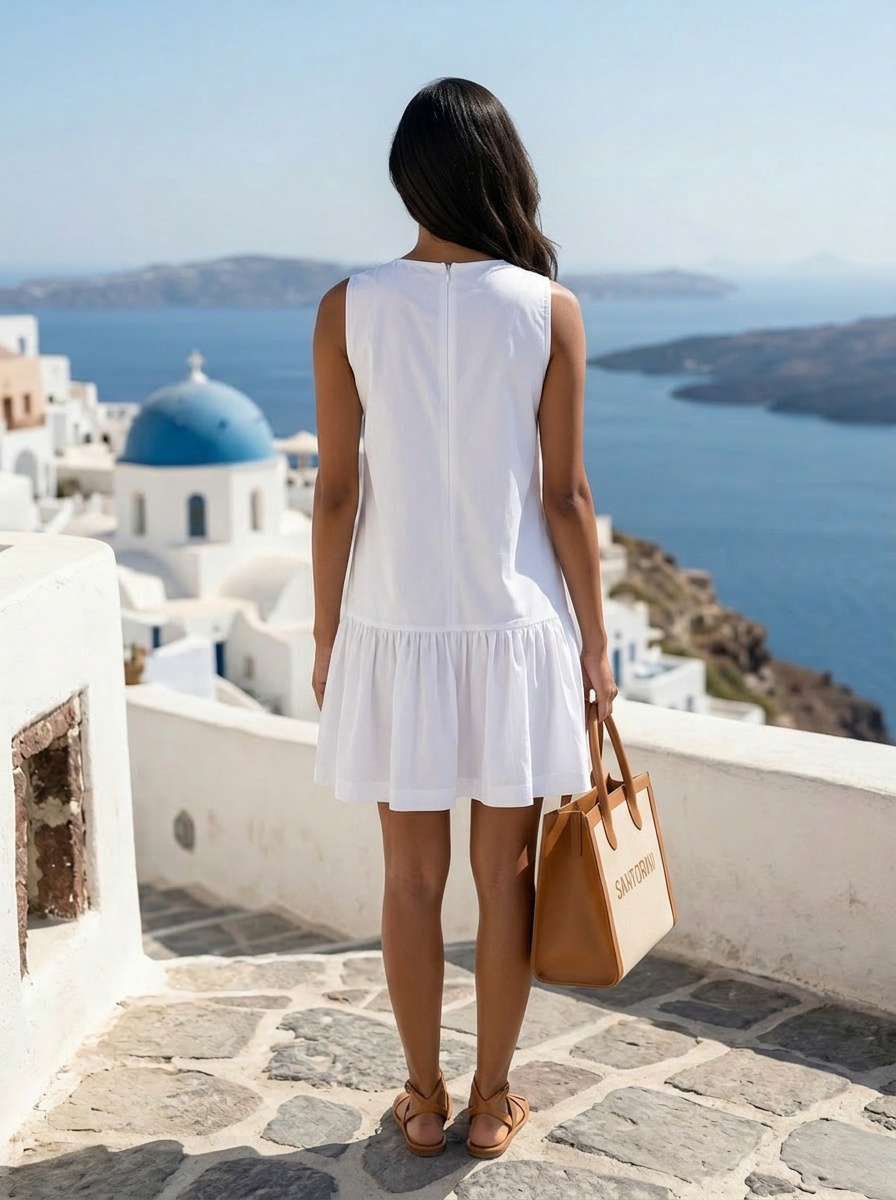
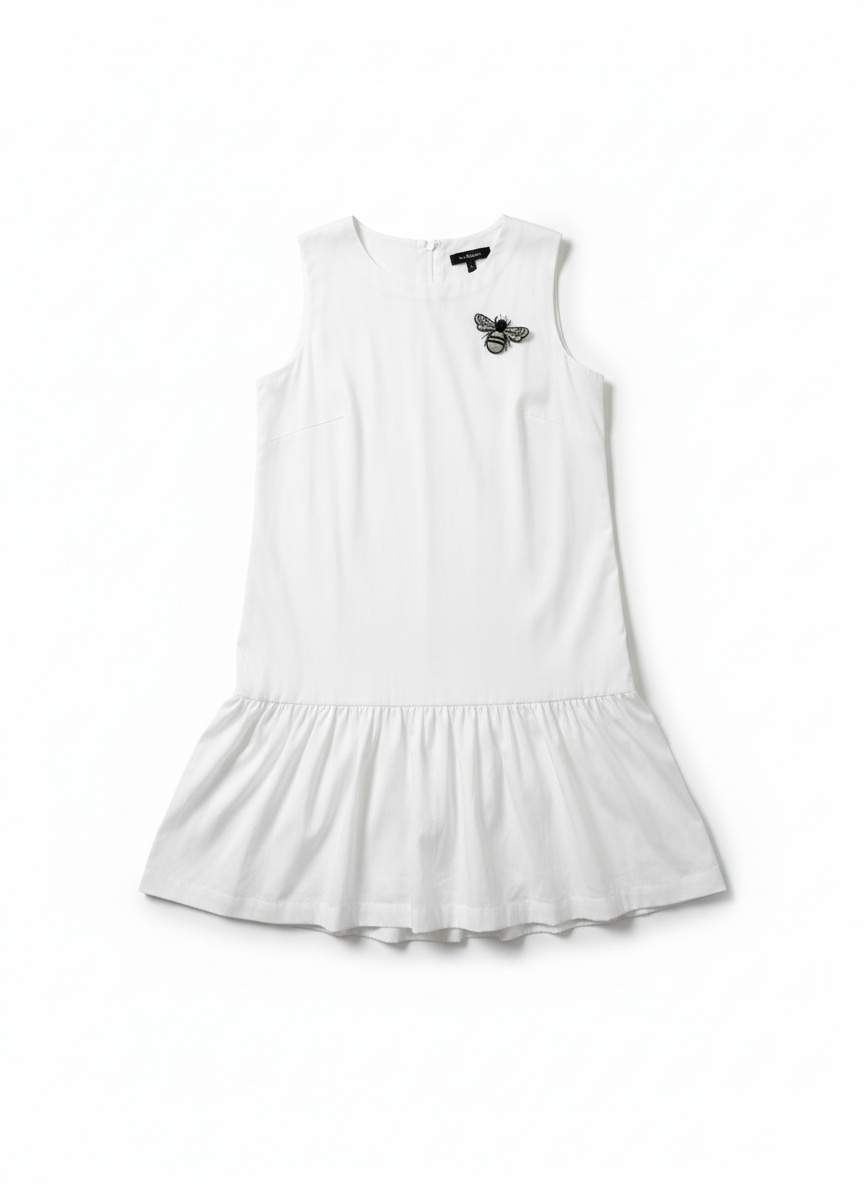
Six outputs from a mannequin photo: front, angle, profile, portrait, back view, and a clean product flat lay. All from one text prompt.
A mannequin photo in someone’s room became a Santorini resort campaign. The background was not a reference image. It was two words: “Santorini, Greece.” The AI generated the blue domes, the caldera, the Mediterranean light, and even the accessories: tan leather sandals, a “Santorini” tote bag that sells the vacation lifestyle.
This matters for brands that sell seasonally. The same white dress can be a resort piece in summer (Santorini, Tulum, Amalfi) and a brunch staple in fall (SoHo, Brooklyn brownstone, Parisian cafe). One garment, multiple stories, no reshoots.
Color Meets Context
The third example shows how background choice can amplify a garment’s visual identity. This bold abstract floral top (orange, blue, pink, black) needed a setting that matched its energy. A white studio background would flatten it. A neutral street scene would ignore it.
Styling Brief
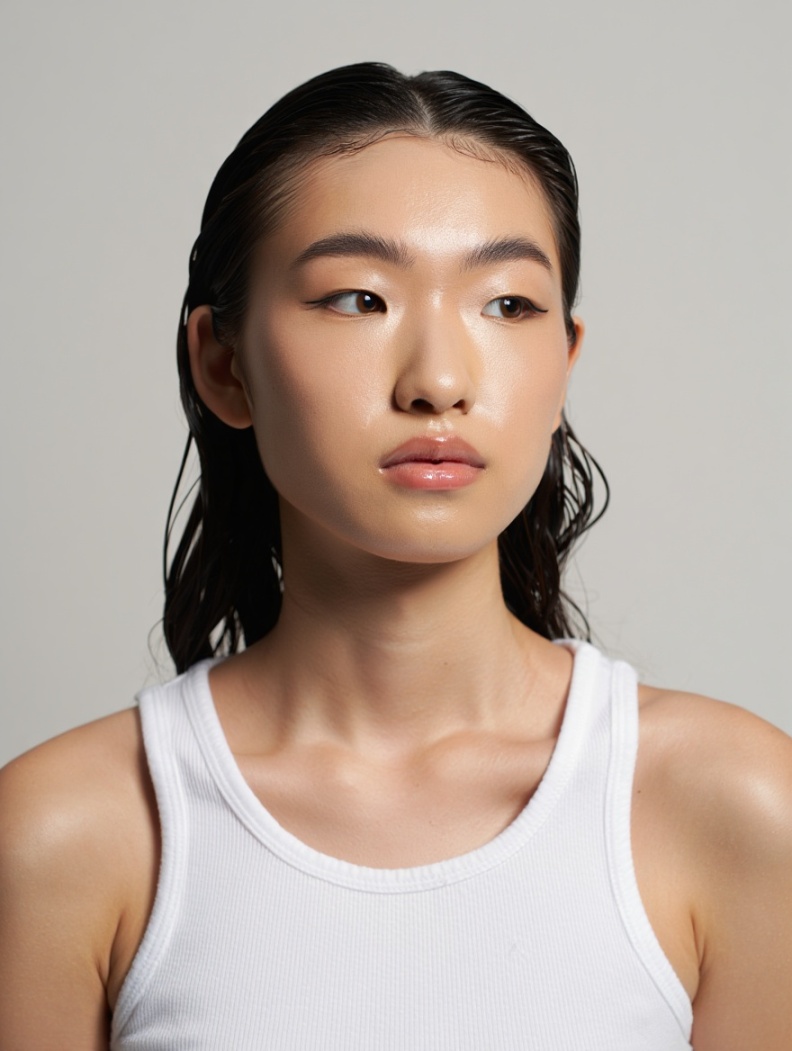
Model Reference
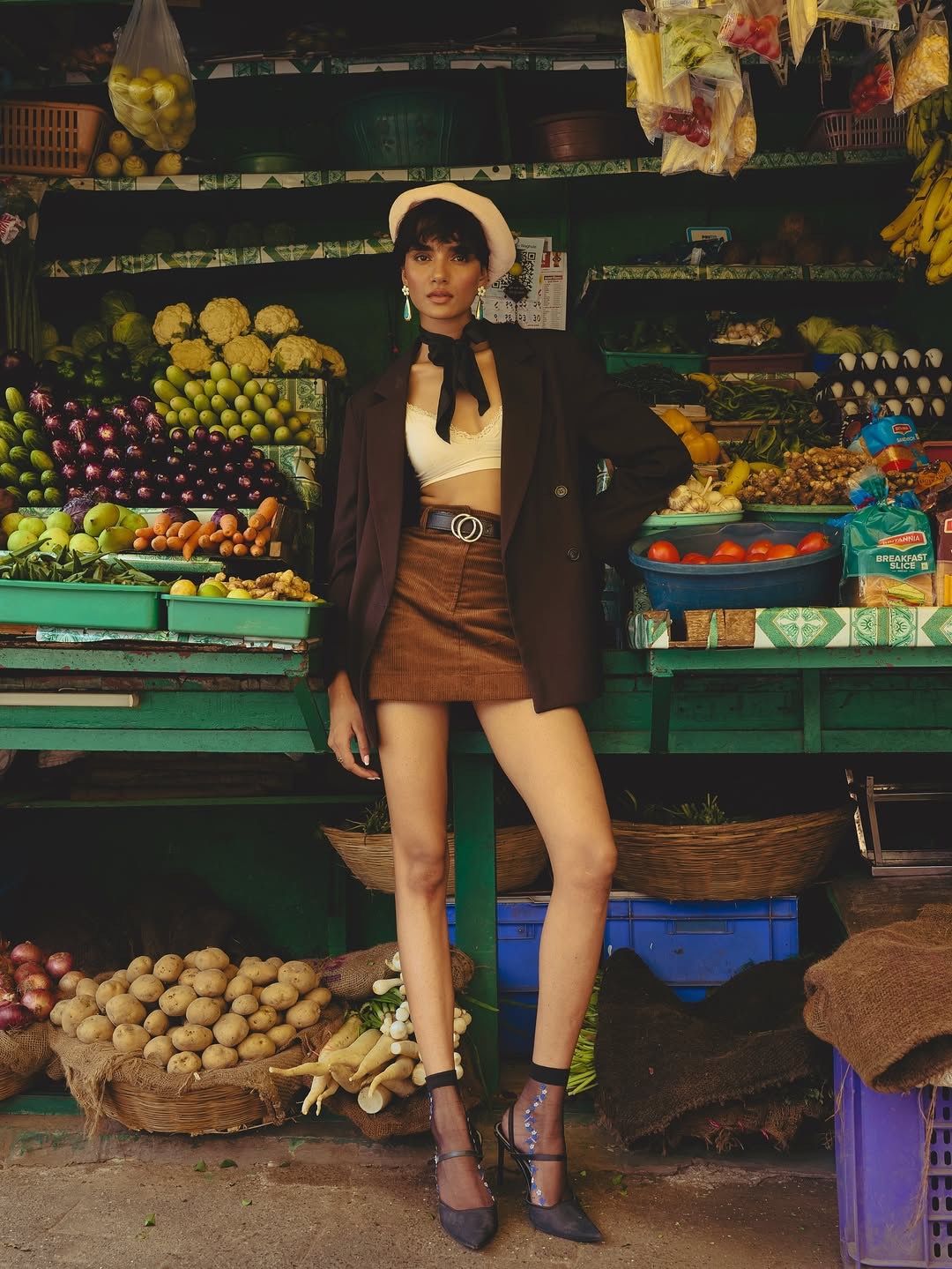
Vibe Reference
The vibe reference shows a completely different person in different clothing. The AI extracts the location, not the outfit.
The Result
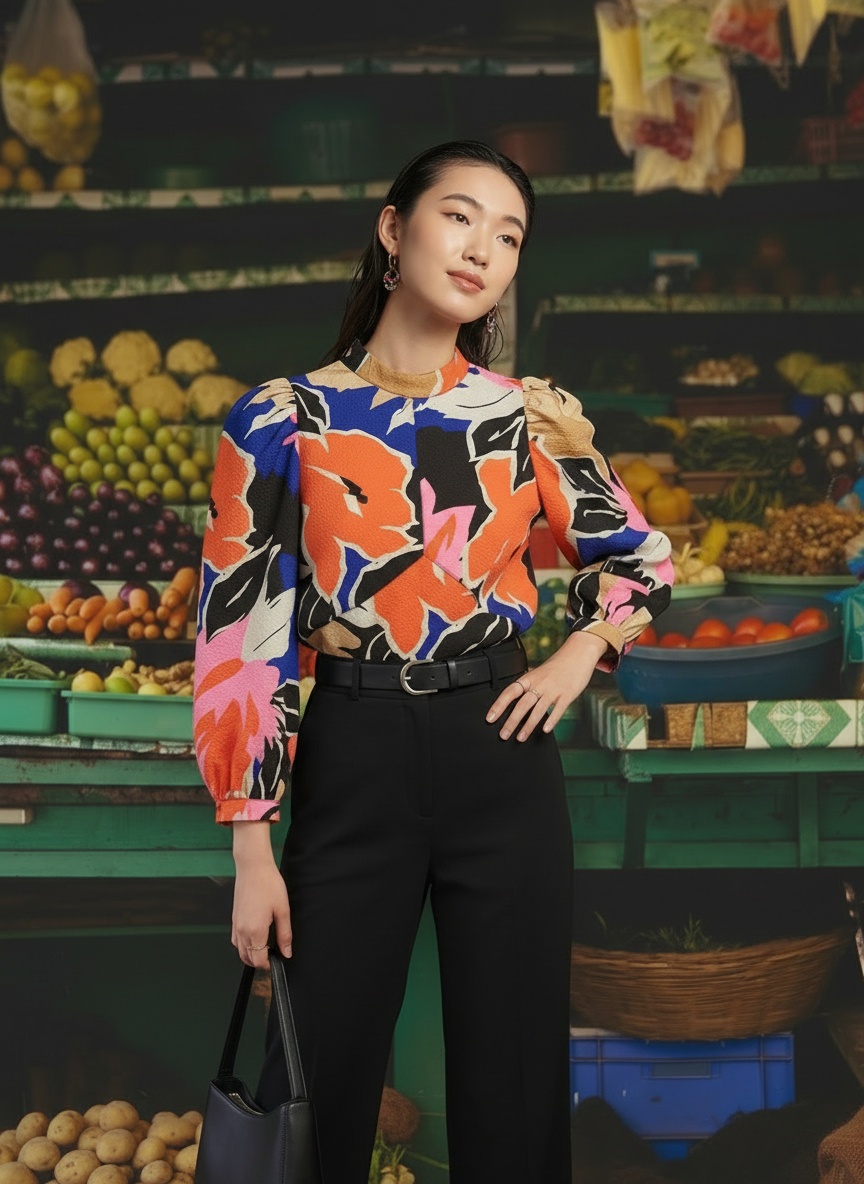
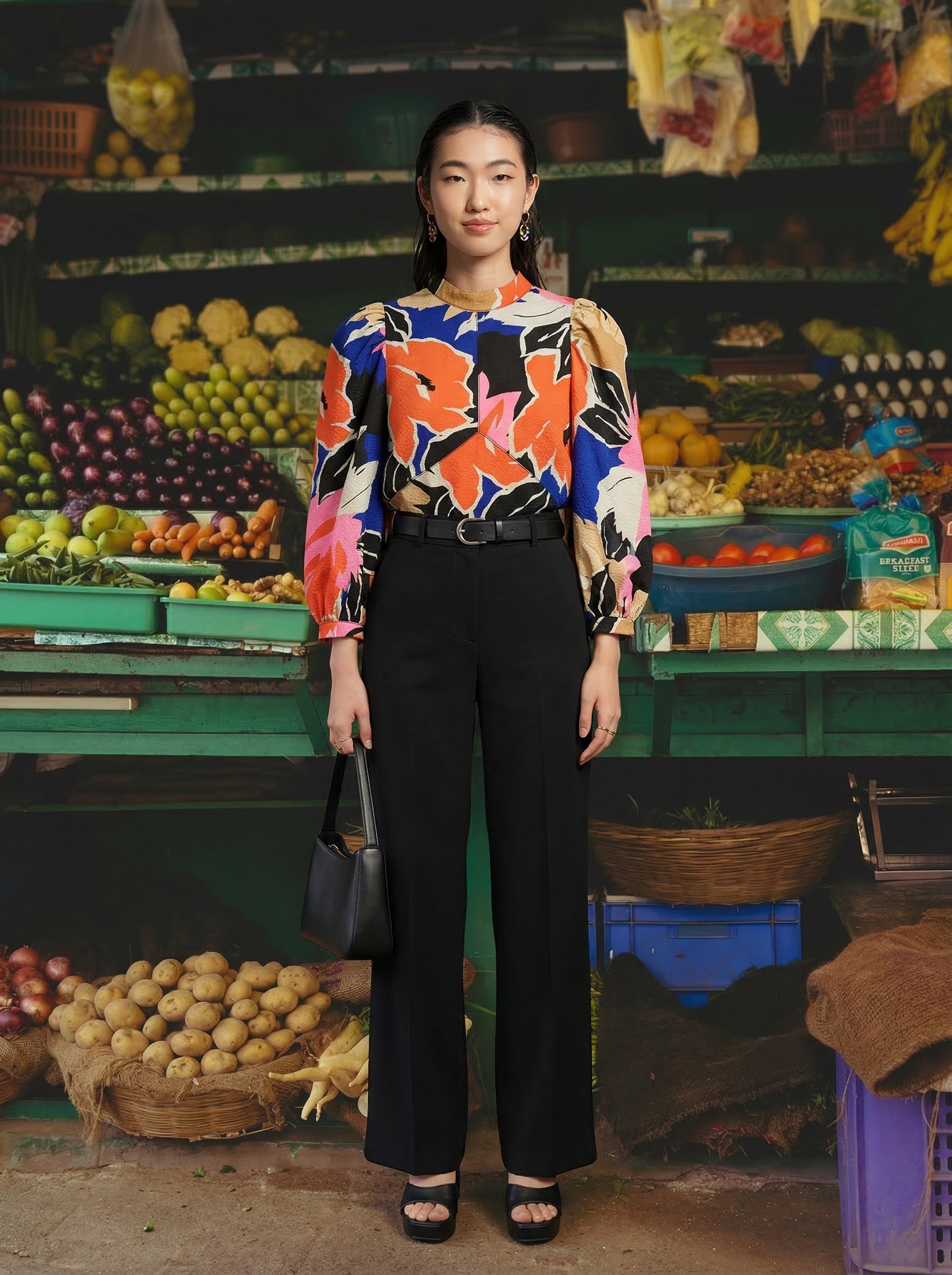
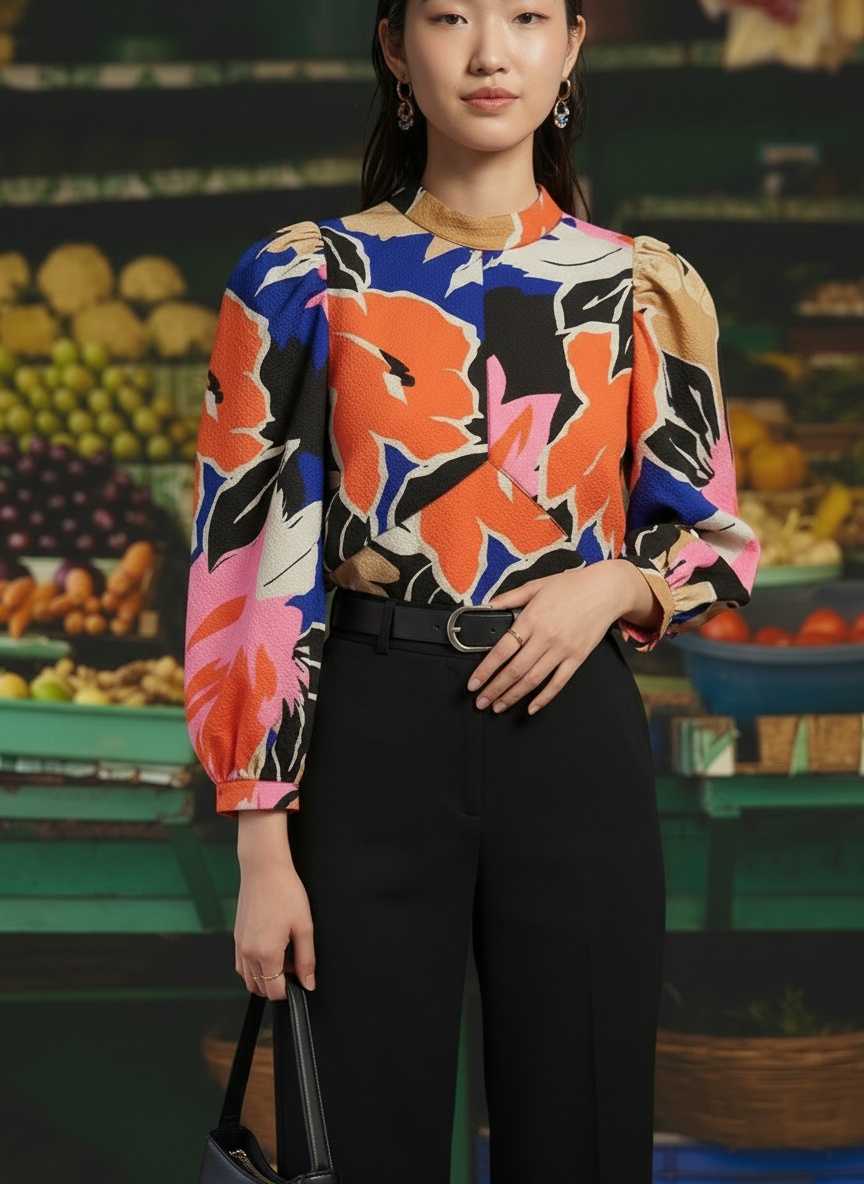
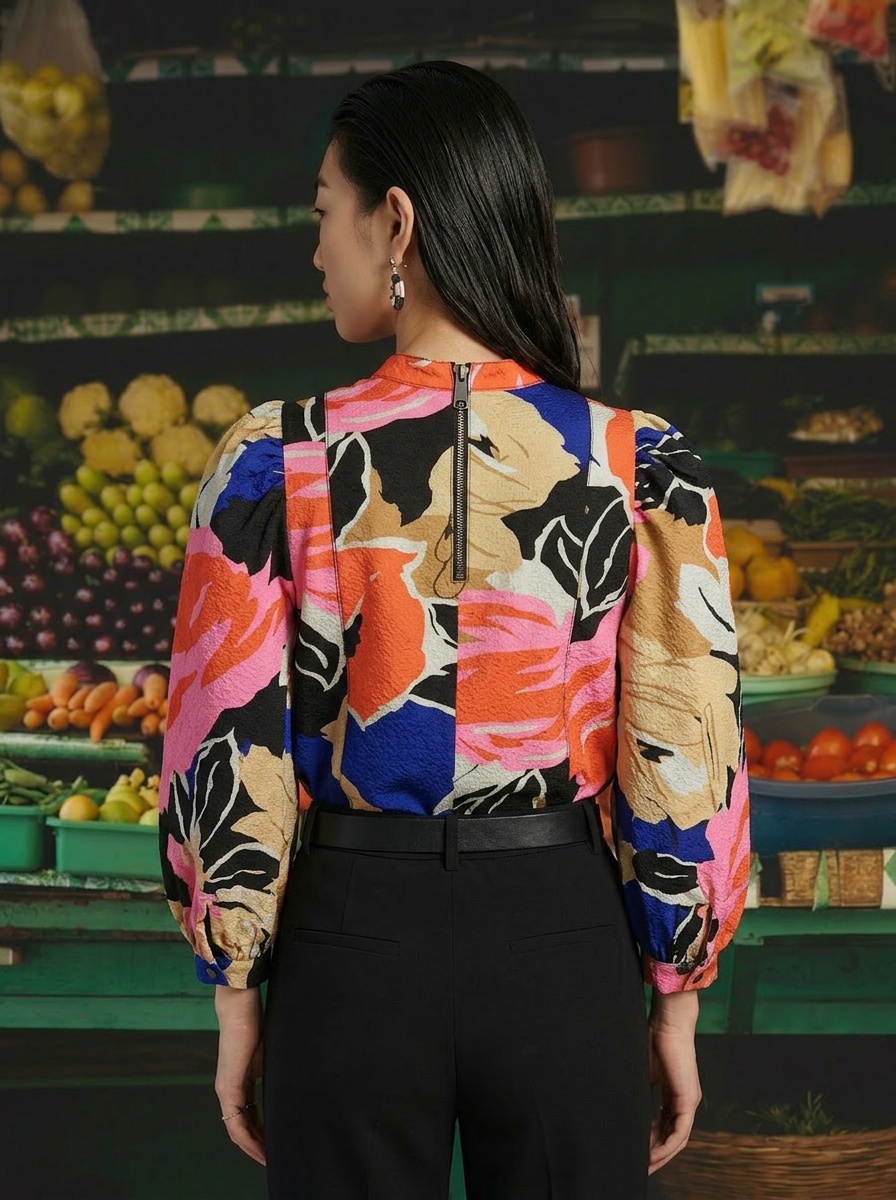
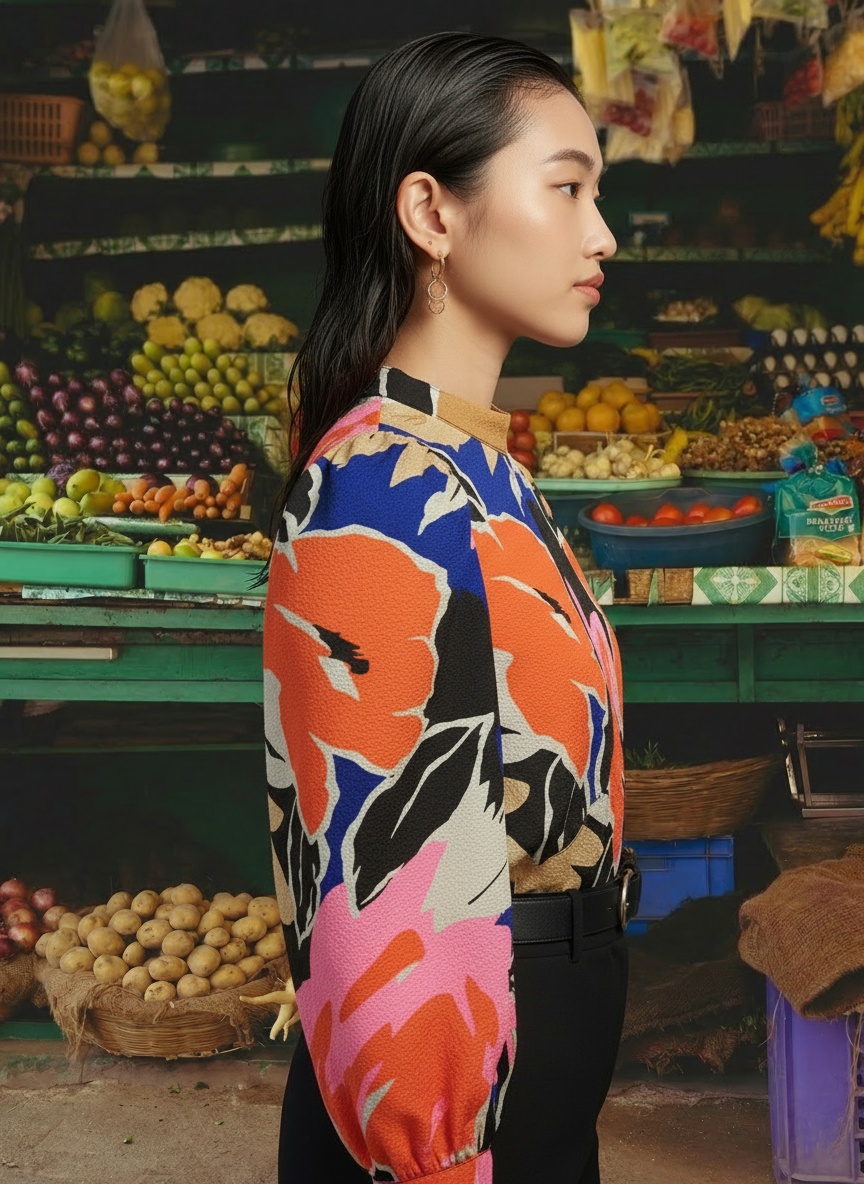
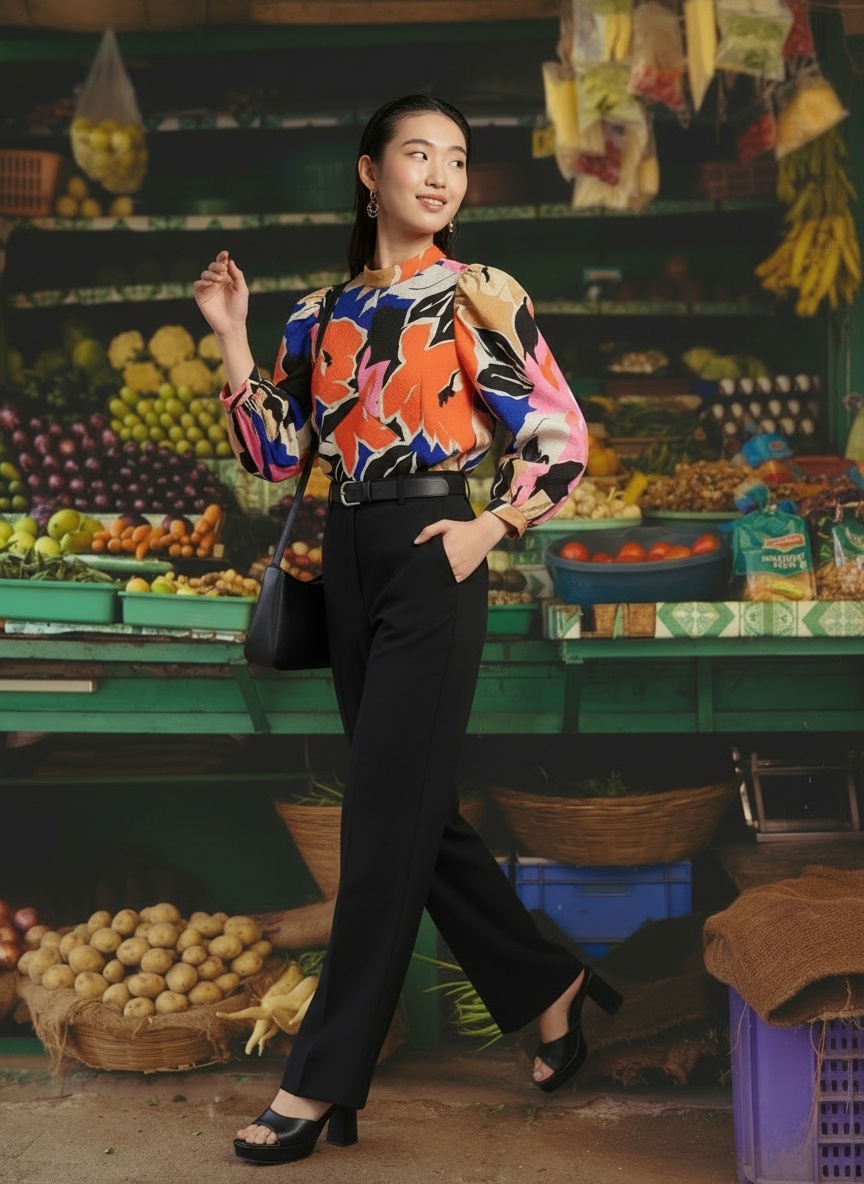
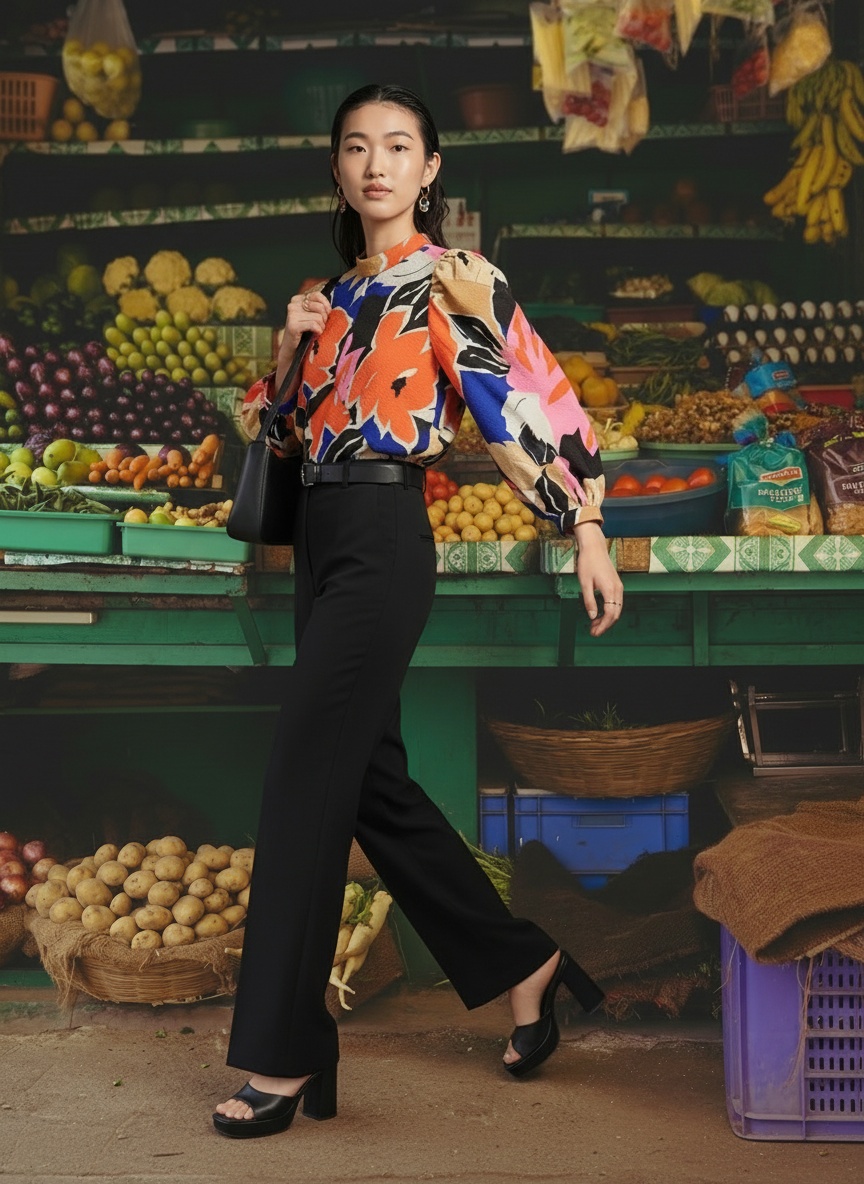
Seven outputs from one upload: front, detail, back, profile, and multiple lifestyle angles. The market’s colors complement the top’s palette.
The market background works because its color palette (green shelving, orange fruits, purple eggplants) creates visual harmony with the top’s abstract print. The model’s slicked-back hair and editorial posing ground the look in fashion, not tourism. And the black trousers let the top be the focus.
Notice that the background reference image showed a completely different person wearing completely different clothes. The reference is about the environment, not the fashion. The AI extracted the location, the lighting, the atmosphere, and built the editorial around the garment.
Three Rules for Styling AI Product Photos
These three examples point to the same principles that traditional fashion stylists and art directors follow. The difference is that AI makes them testable, repeatable, and affordable.
Match the background to your brand aesthetic.
Choose settings that reflect the mood and lifestyle your brand represents. A resort collection belongs on a Mediterranean terrace. Streetwear belongs in the city. The background sets the emotional tone before the shopper reads a word.
Let the model tell the brand story.
The warm smile and natural curls for approachable luxury. The striking editorial gaze for resort wear. The editorial cool for fashion-forward streetwear. Model energy sets the emotional tone of the entire image.
Use color harmony, not just location.
The market background worked for the floral top because the color palettes complemented each other. Styling is not random. It is intentional visual design, and the background is part of the palette.
Why This Was Impossible Before AI
Think about what it would take to produce these three looks with traditional photography. Three locations: a French interior studio, Santorini, and an Asian produce market. Three models booked separately. Location scouting, travel logistics, set decoration, and a full production crew at each site.
A single on-location editorial shoot typically runs $5,000 to $15,000 for one model, one location, and one day of production. Three shoots across three countries? You are looking at $20,000 to $50,000 before post-production.
With AI, the same creative output came from three garment uploads, three face references, and three background inputs (two images and one text prompt). The creative direction stays with the brand. The budget stays reasonable. And the turnaround is minutes, not weeks.
That is the real shift. The cost of experimentation dropped to near zero. Brands can test whether a dress performs better in Santorini or Paris. Try three different model faces for the same collection. A/B test editorial backgrounds against white. See how the workflow works.
Frequently Asked Questions
Can I use a text description instead of a background reference image?
Yes. MODA AI accepts both image references and text descriptions for backgrounds. The Santorini example in this article used only a text prompt. Image references give more precise control over lighting, color palette, and composition, but text prompts work well for recognizable locations and settings.
Does the face reference control styling and accessories?
No. The face reference controls the model's facial features only. Hair styling, makeup, accessories, and expression are adapted to match the overall vibe of the shoot. The sequin gown model received gold jewelry and a clutch automatically because they fit the luxury setting.
Can I reuse the same model across my entire catalog?
Yes. Using the same face reference across multiple products creates visual consistency throughout your product pages, the same way a traditional catalog shoot uses one model for an entire collection.
What makes a good background reference image?
Look for images that match the mood, lighting, and color palette you want. The image does not need to feature fashion. Architecture, interiors, landscapes, and street scenes all work. The AI extracts the environment, not the specific content of the reference.
Style the Story, Sell the Product
The garment and the styling work together. One shows what the product is. The other shows why it matters. Brands that invest in both will consistently outperform those that stop at a white background.
A sequin gown deserves a setting that matches its occasion. A white summer dress comes alive in the Mediterranean. A bold print needs a background that complements its energy. These are visual merchandising fundamentals that every fashion brand can now afford to execute, not just those with six-figure production budgets. See real brand results.
The garment is the product. The styling is the sale.
Images in this article were generated using MODA AI. All garment inputs, model references, and background references shown are illustrative of the platform’s styling capabilities.