Collection Photography
One Model, Four Colors: How AI Creates Cohesive Collection Pages
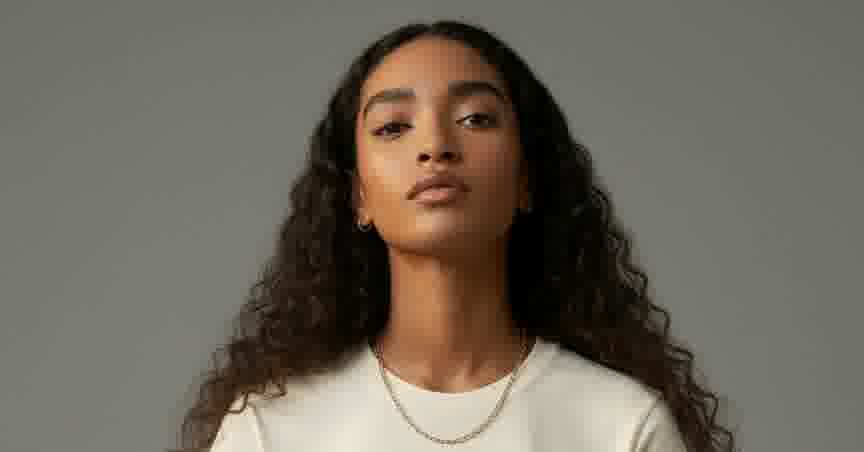
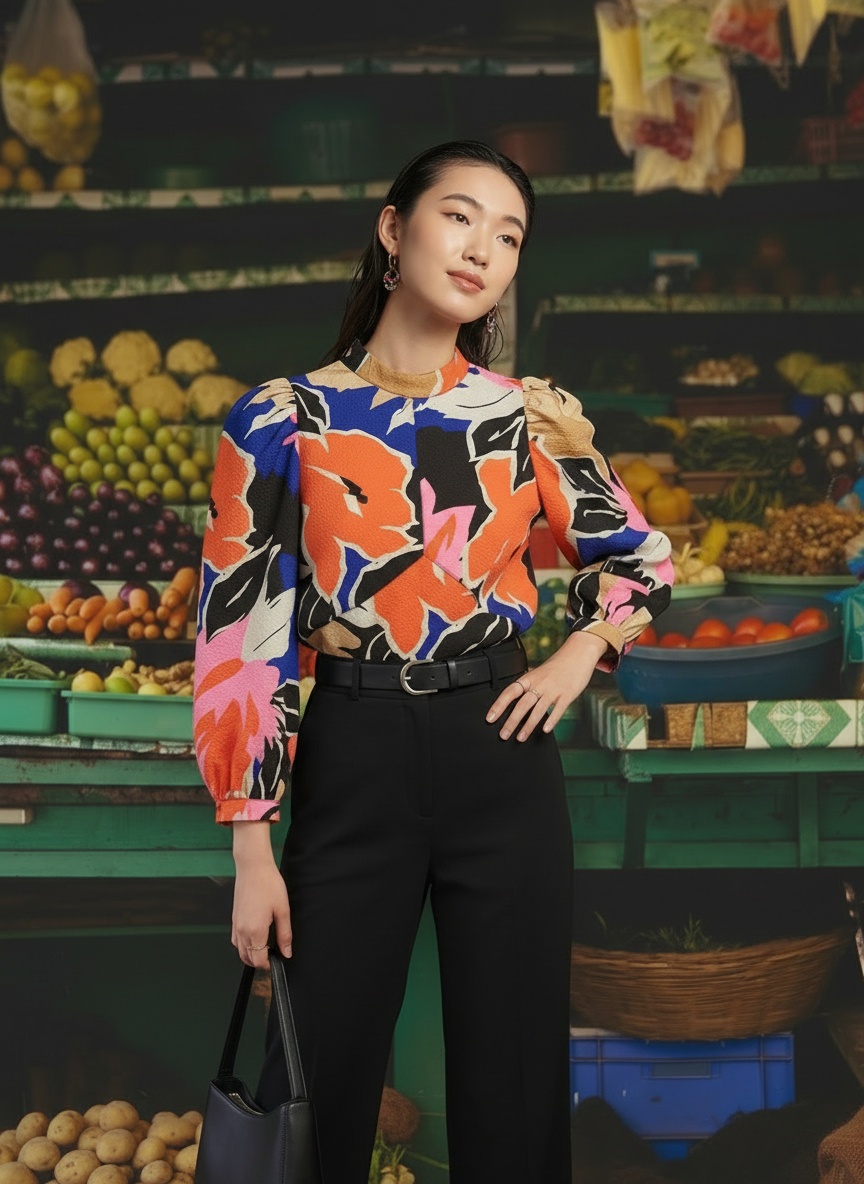
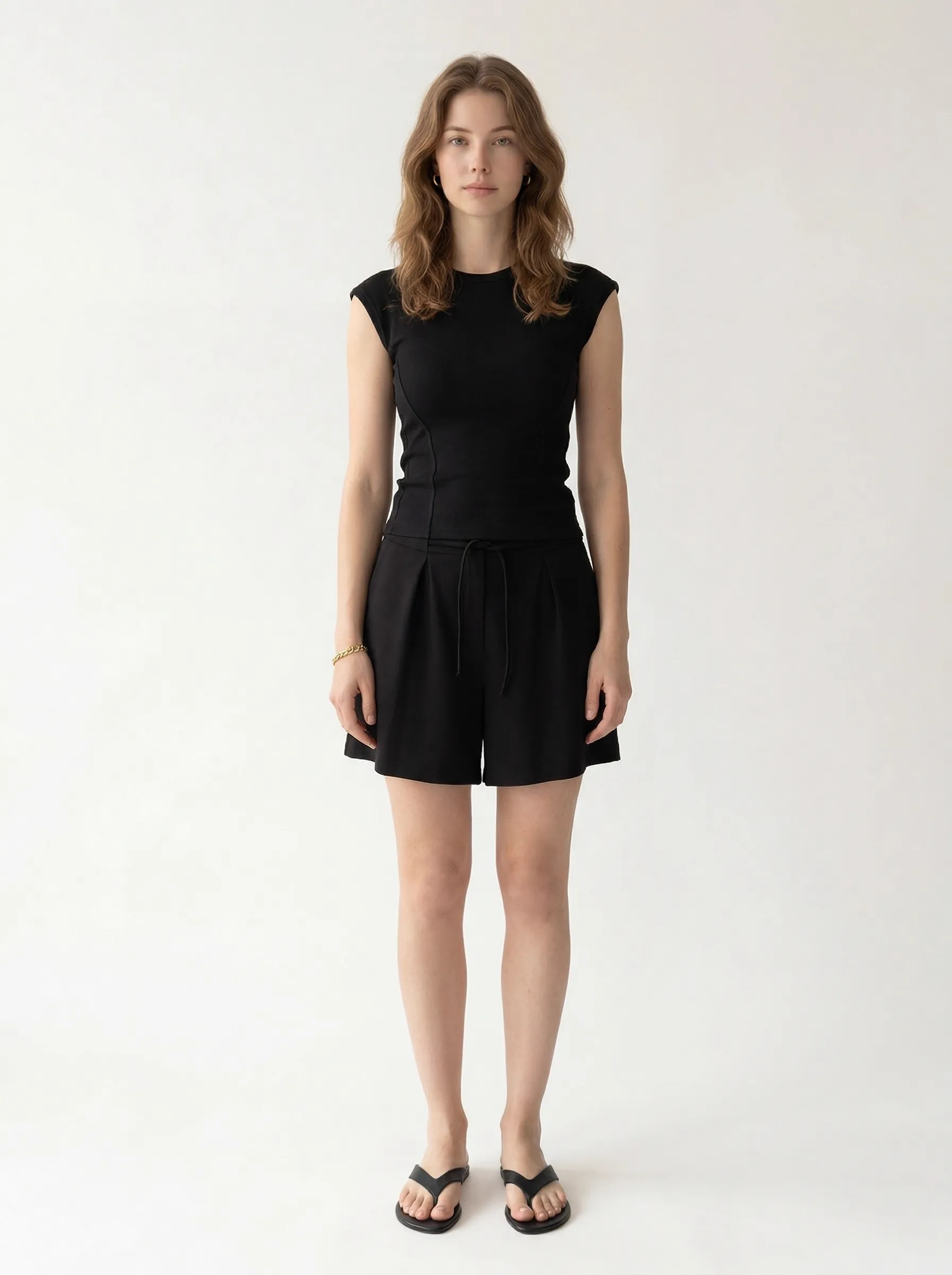
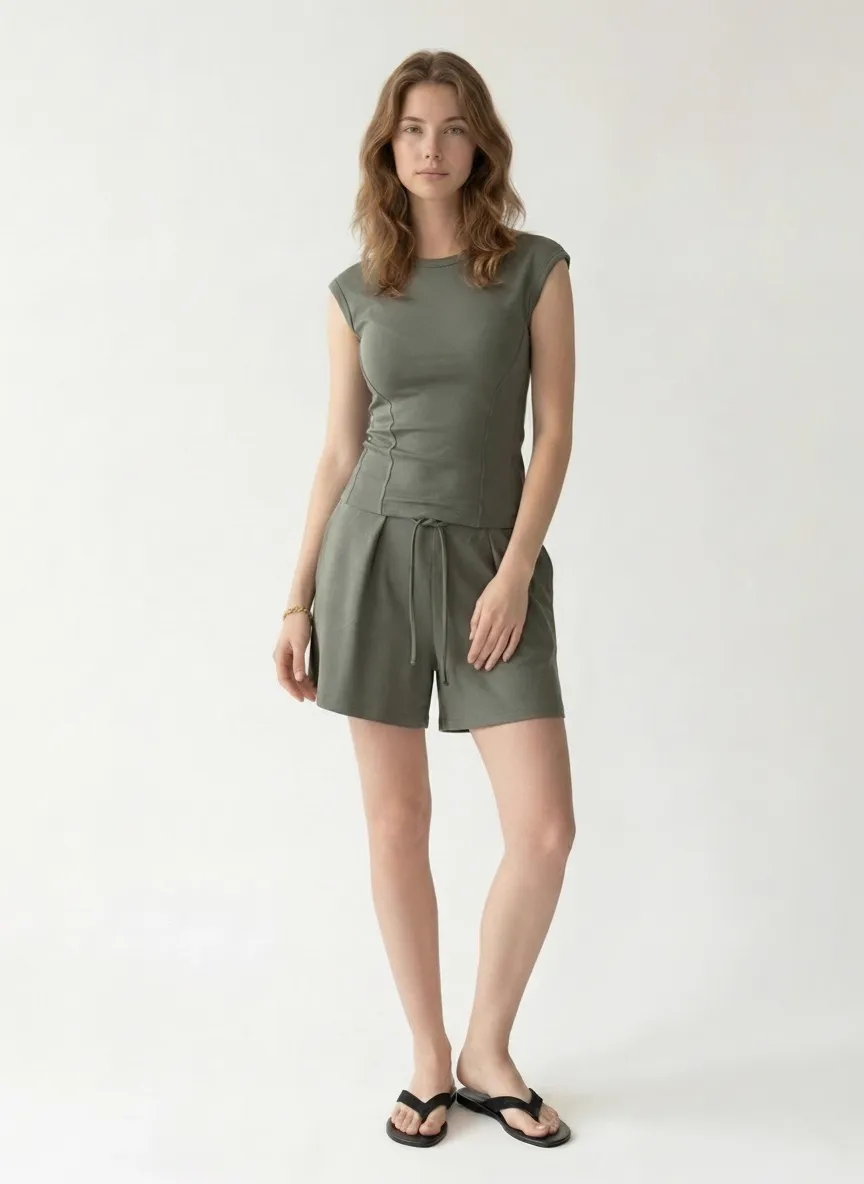
A comfortwear set in four colorways. Same model, same background, same styling — the kind of consistency that builds trust and drives conversions.
April 12, 2026 · 7 min read
Black
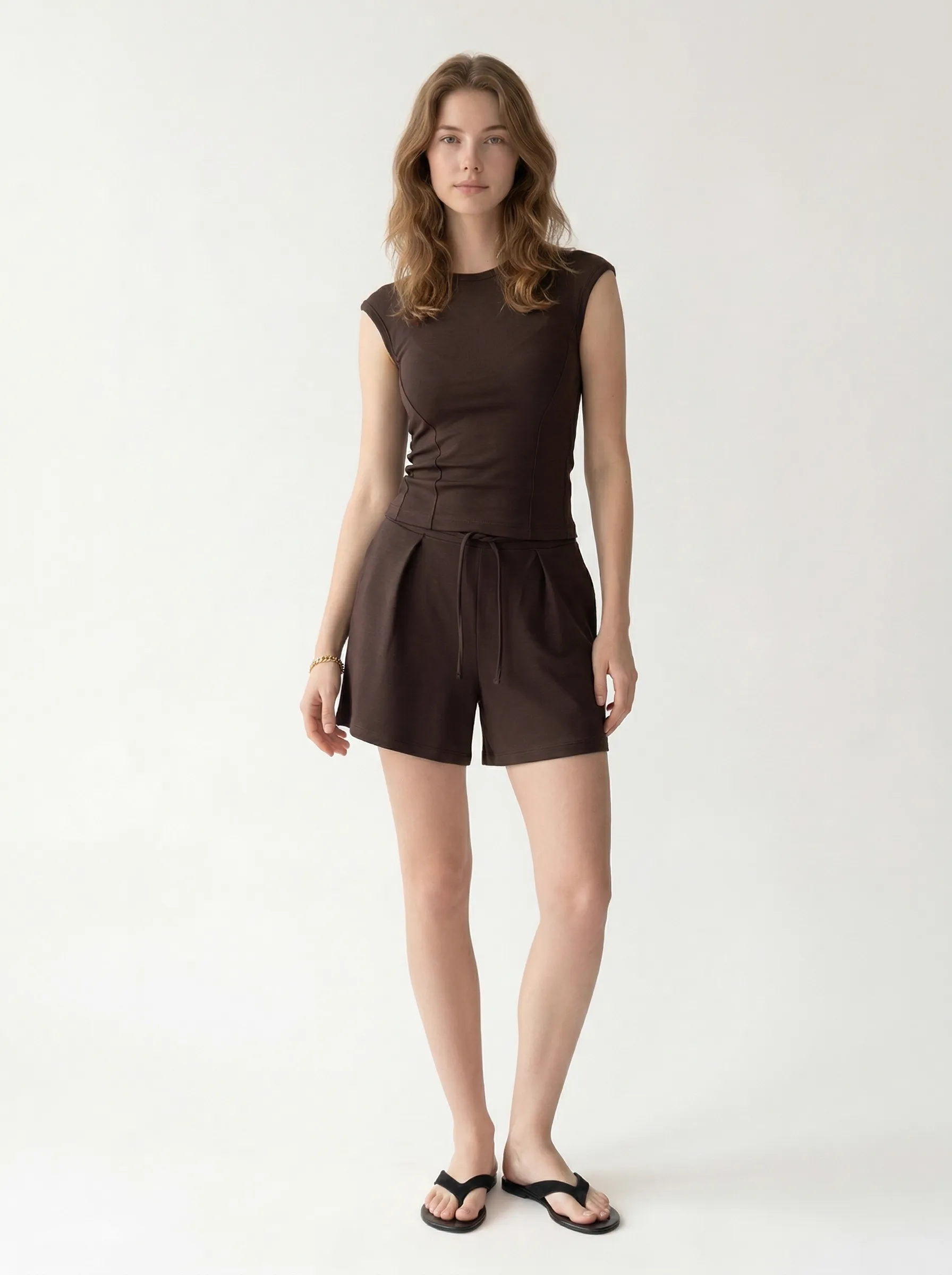
Brown
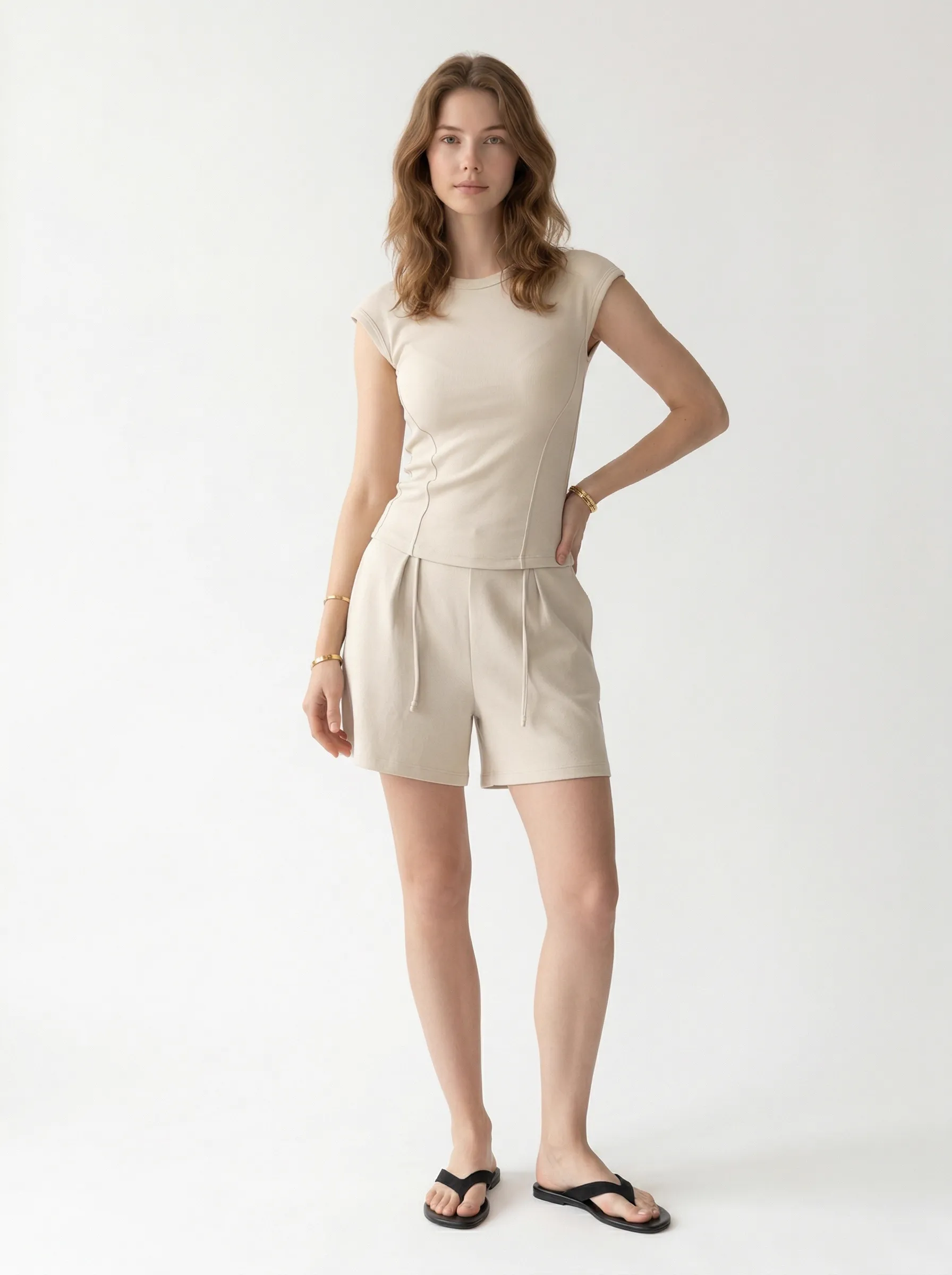
Cream
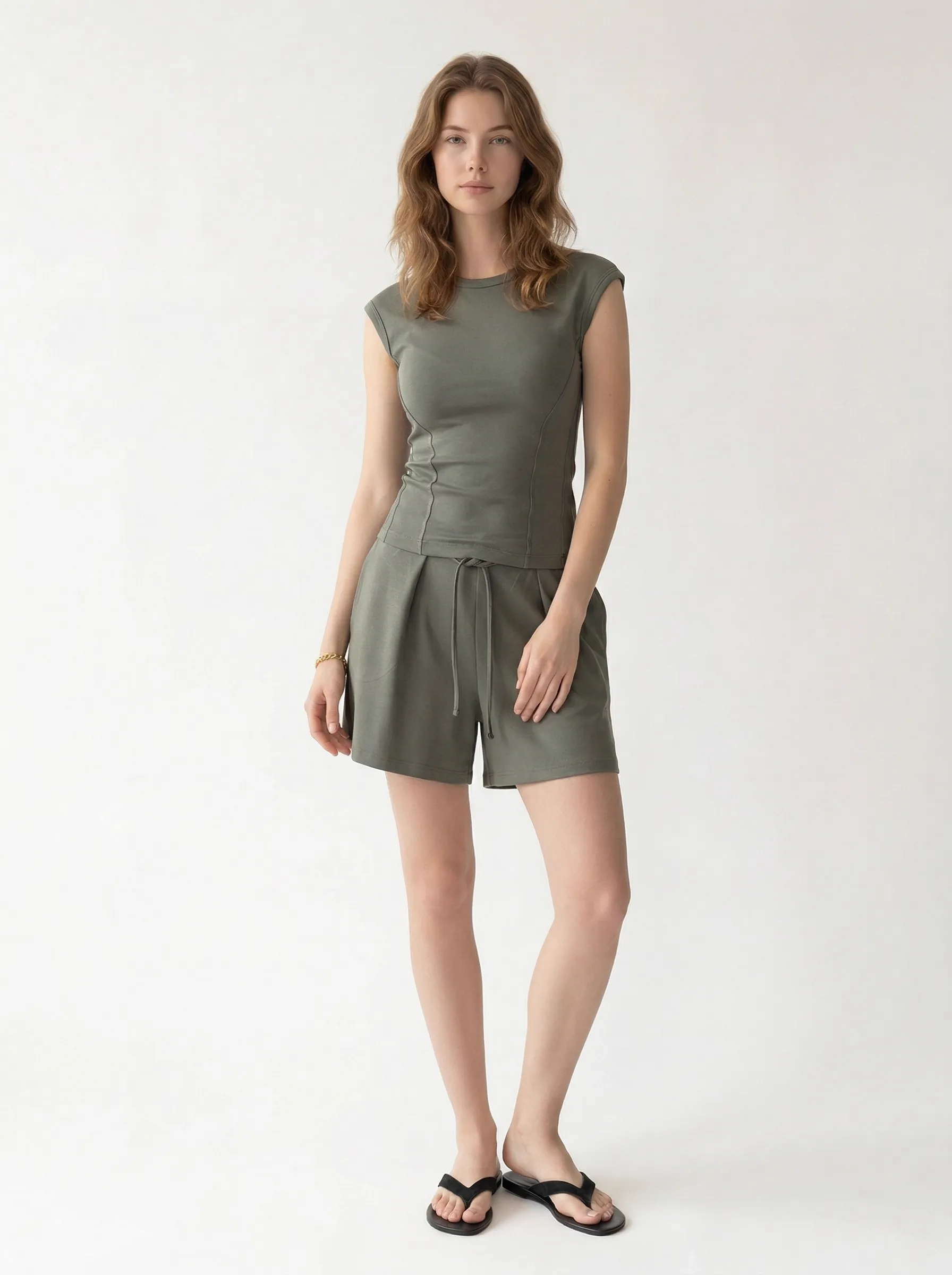
Green
34%
drop in perceived trustworthiness from inconsistent product imagery
Baymard Institute
23%
revenue increase from consistent brand presentation across channels
Lucidpress / Marq
The Consistency Problem No One Talks About
Every fashion brand with more than one colorway faces the same invisible problem: keeping product photos consistent. Same model. Same background. Same lighting. Same pose energy. Across every color, every SKU, every season.
In theory, it’s simple. In practice, it’s the hardest part of catalog photography. The model is available Tuesday but not Thursday. The studio lighting shifted between morning and afternoon. The photographer framed the brown version slightly differently than the black. The retoucher color-corrected the cream to match the swatch but now the skin tone looks different from the other shots.
The result? A collection page where the same garment looks like it was photographed by four different brands. And research backs up the cost: Baymard Institute found that inconsistent product imagery reduces perceived trustworthiness by 34%. Shoppers don’t consciously register why something feels off — they just leave.
Lucidpress (now Marq) went further, finding that brands with consistent visual presentation see 23–33% higher revenue. Yet despite 95% of companies having brand guidelines, only 25% actively enforce them in product photography.
Why Colorways Make It Worse
A single product in four colors should be the simplest shoot to keep consistent. Same garment, same model, same day. But anyone who has run a fashion shoot knows the reality:
- Model fatigue changes posture and expression across a long shoot day
- Lighting setups drift as equipment heats up or gets bumped between changes
- Dark colors absorb light differently than light ones, requiring exposure adjustments that shift skin tone
- Post-production color correction for garment accuracy can alter the background and skin tones
- If colors arrive from the factory at different times, you may need separate shoot days entirely
The Salsify 2025 Consumer Research Report found that 54% of shoppers have abandoned a purchase because product content was inconsistent from one listing to the next. For colorway pages — where a customer is actively comparing options — that inconsistency is amplified.
The Starting Point: Four On-Body Reference Photos
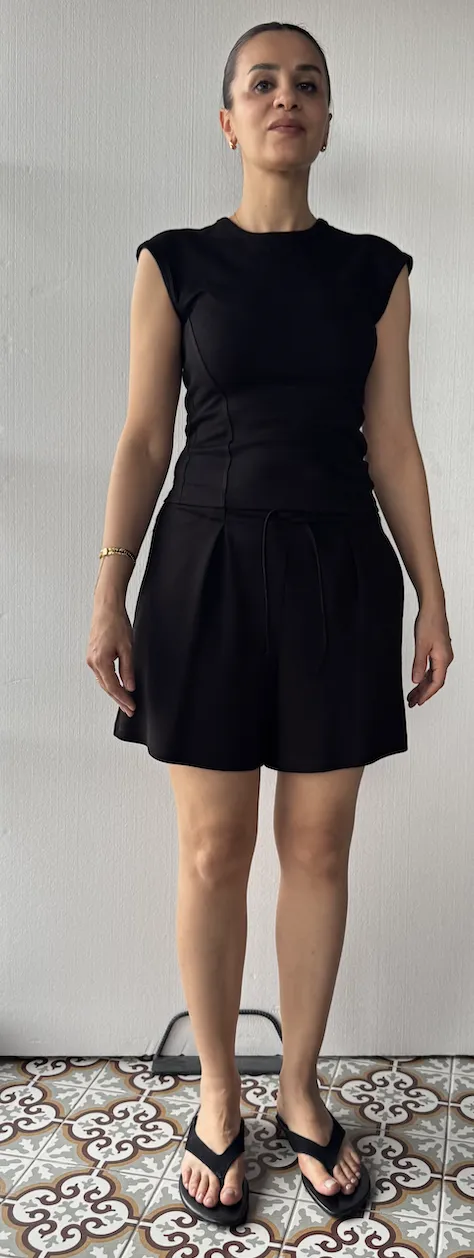
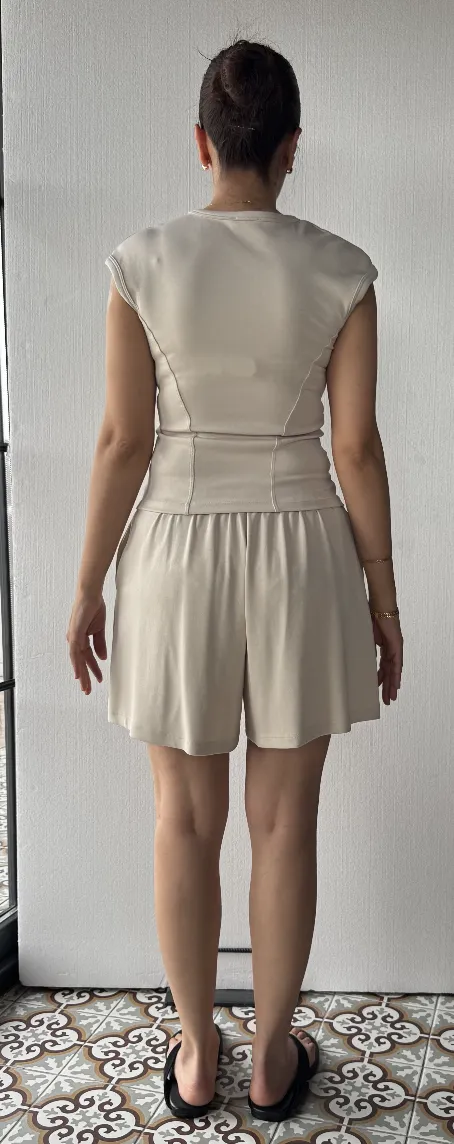
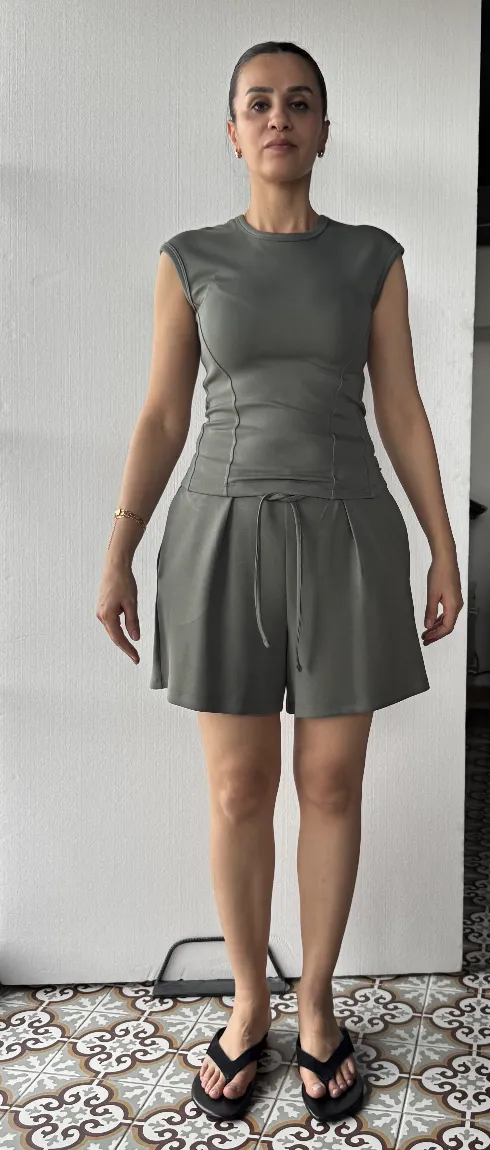
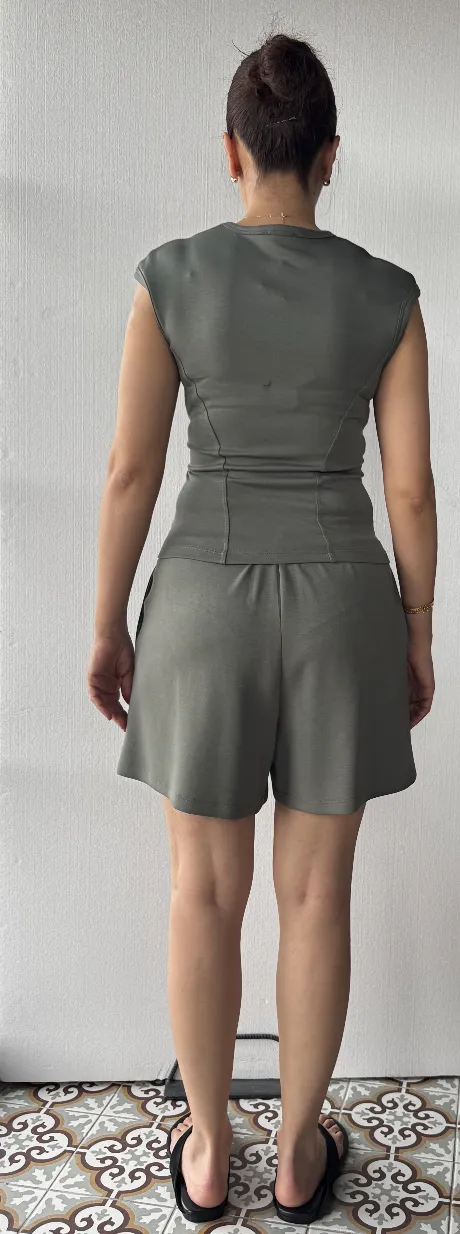
Here’s what we started with. One comfortwear set — a cap-sleeve fitted top with drawstring pleated shorts — in four colors. The reference photos are real on-body shots taken at home: same person, same floor, casual lighting.
Reference Photos
Black F
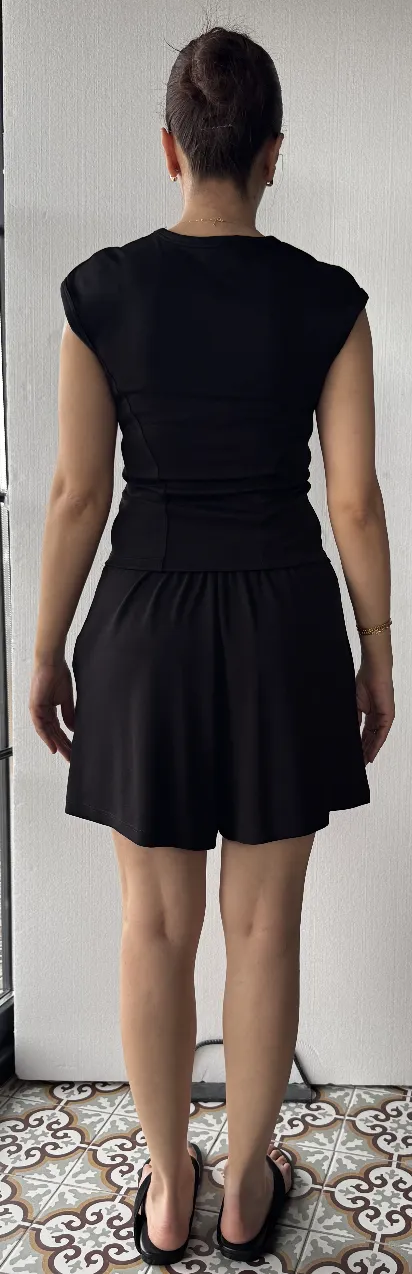
Black B
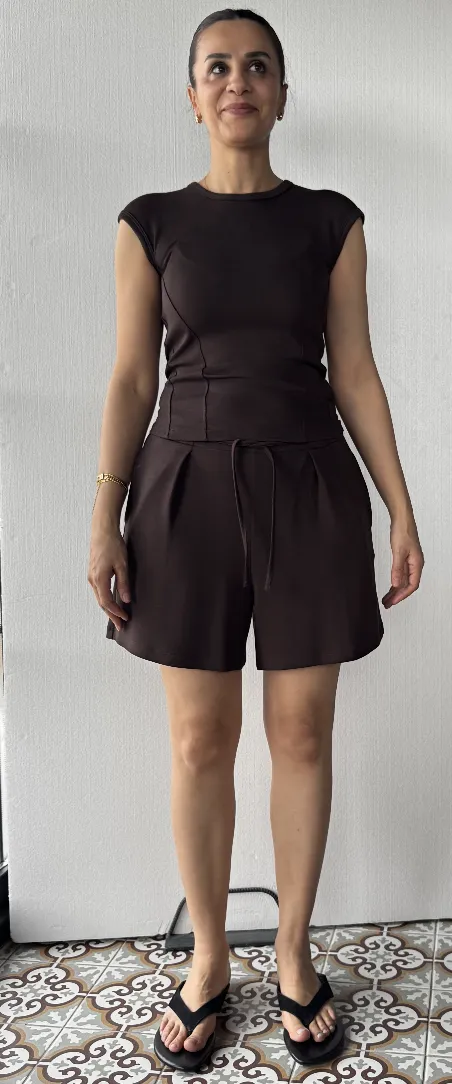
Brown F
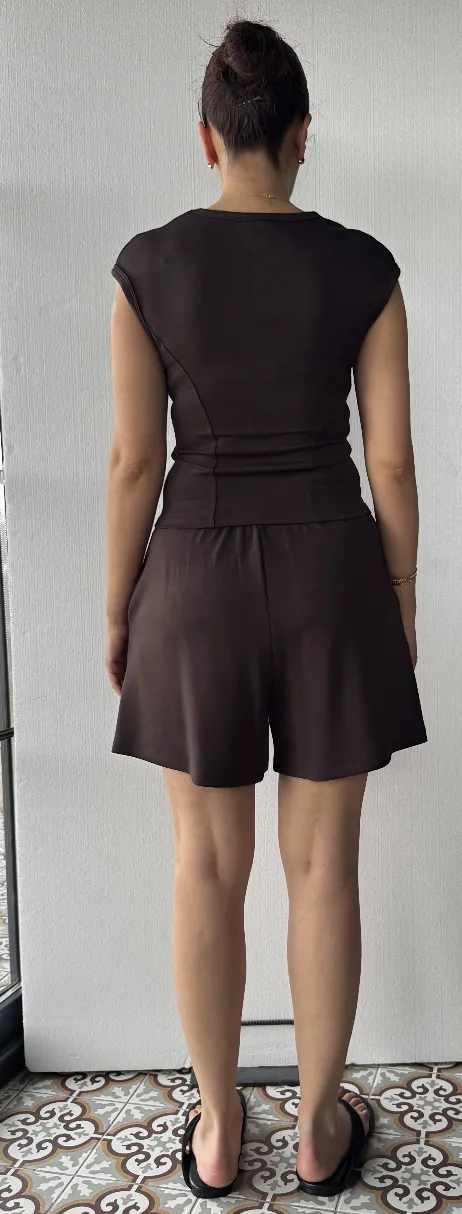
Brown B
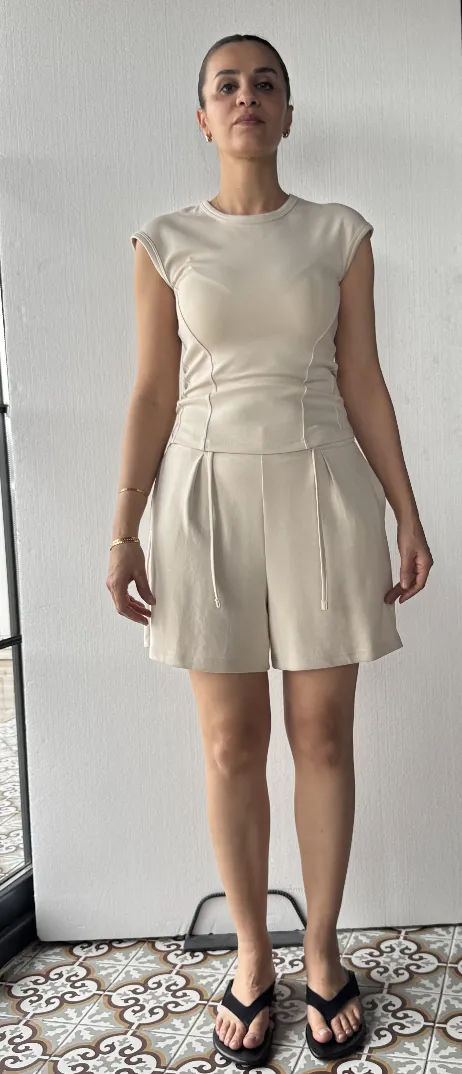
Cream F
Cream B
Green F
Green B
These are not studio shots. They’re the kind of quick reference photos a small brand takes in a living room. Different angle, casual backdrop, tile floor. The kind of input that would normally require a full reshoot to make store-ready.
The Output: One Model, One Setting, Every Color
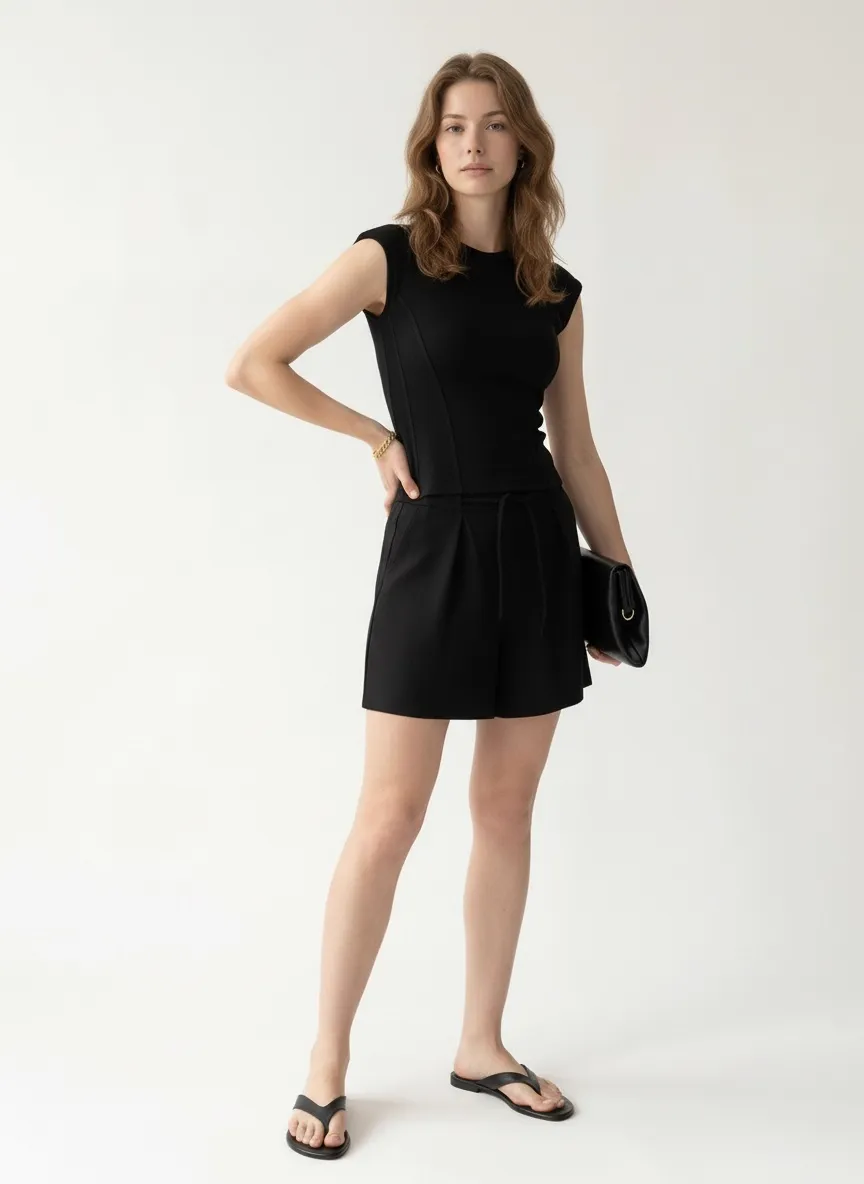
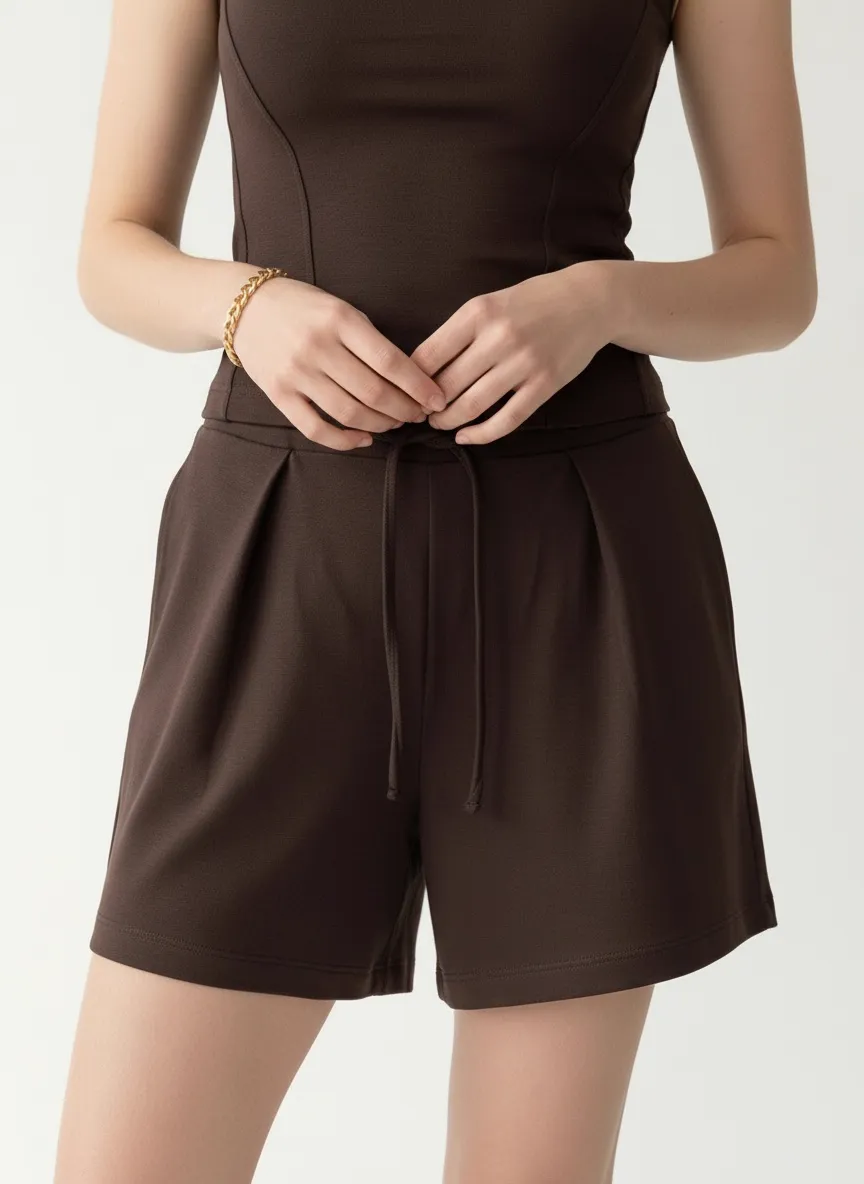
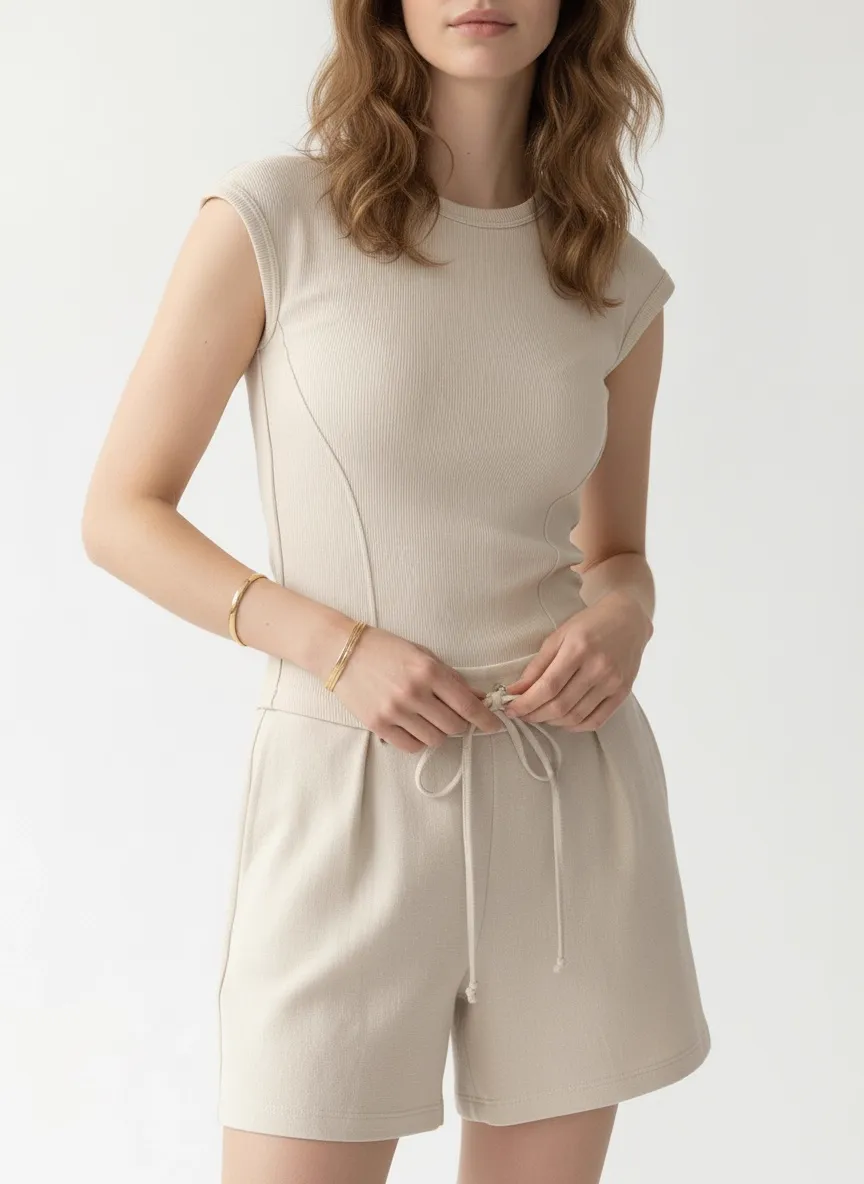
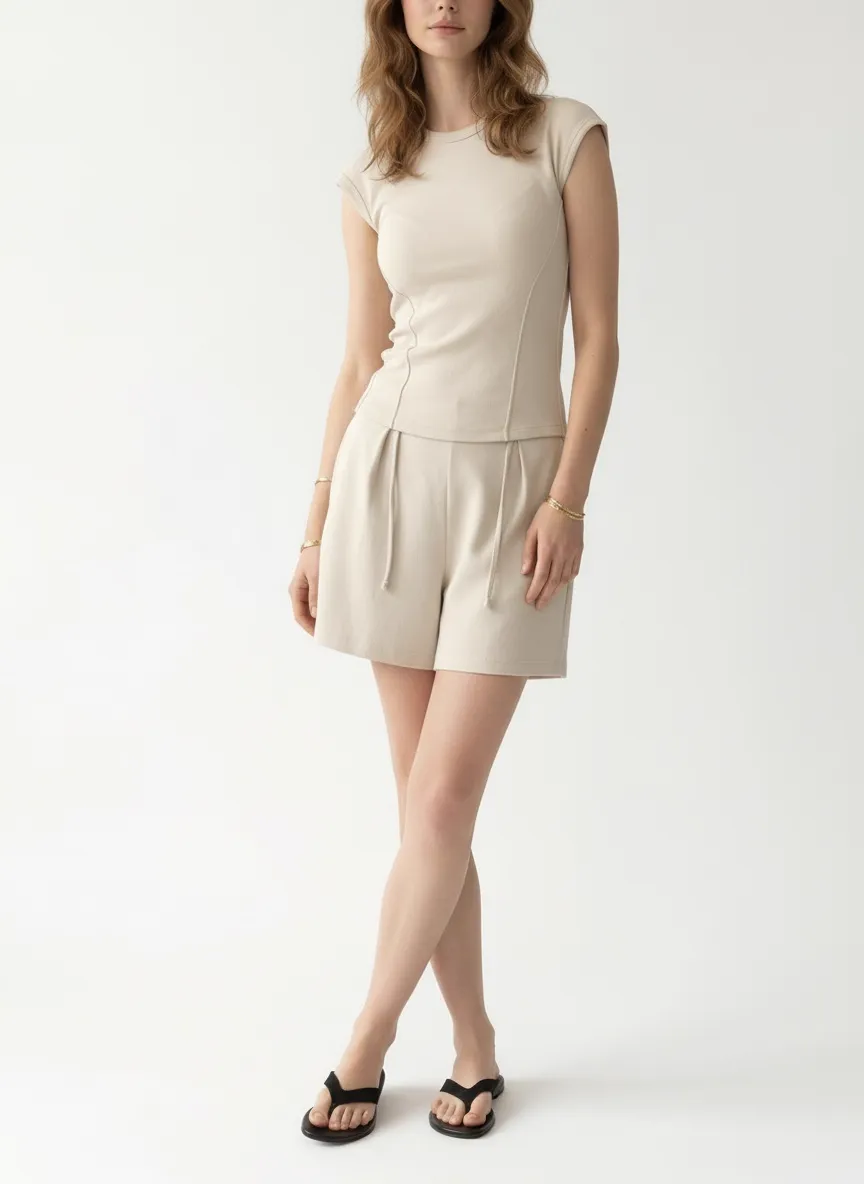
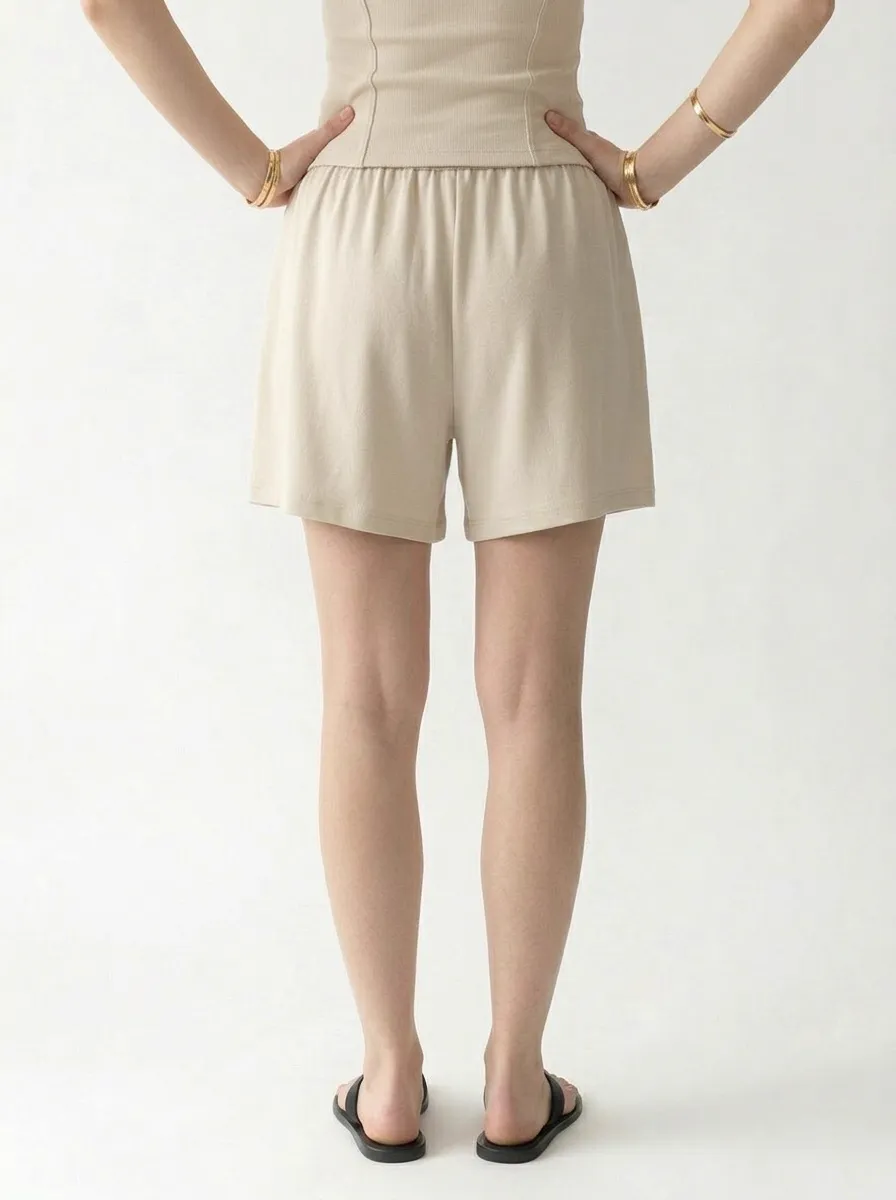
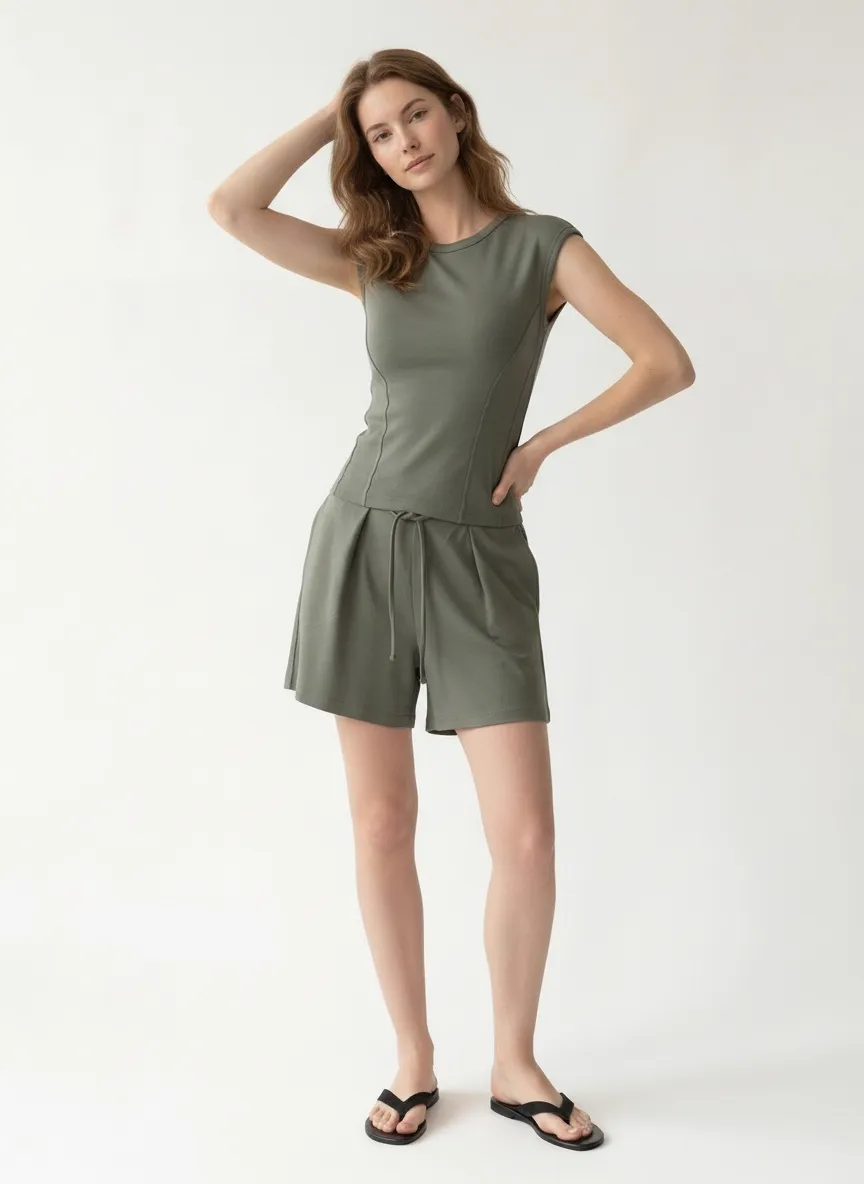
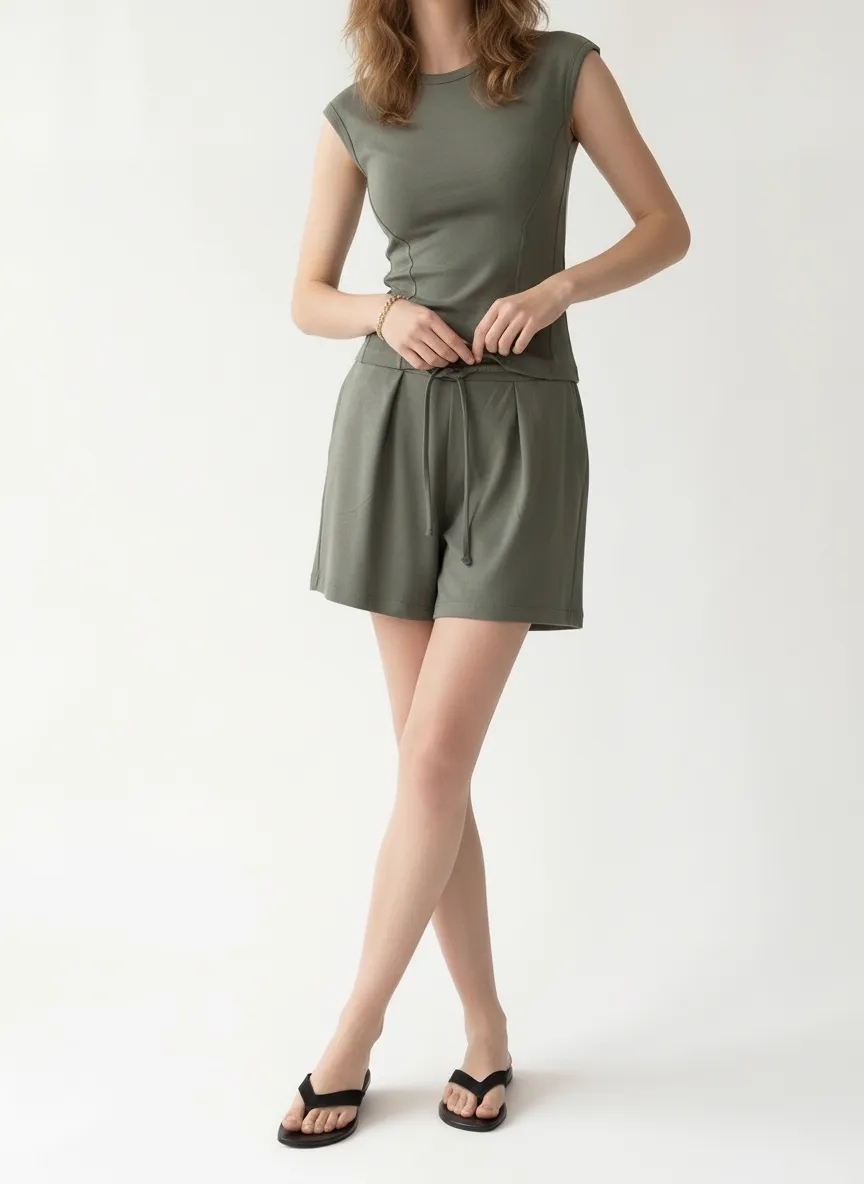
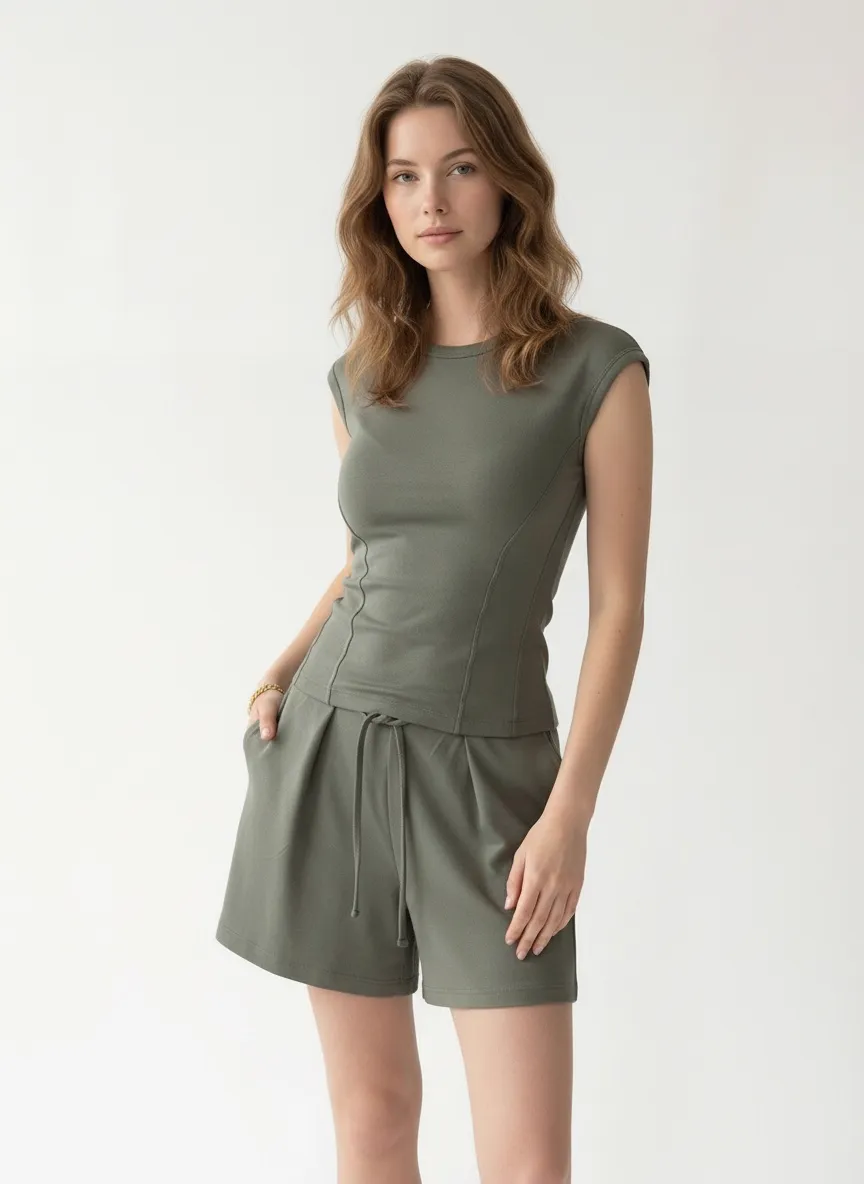
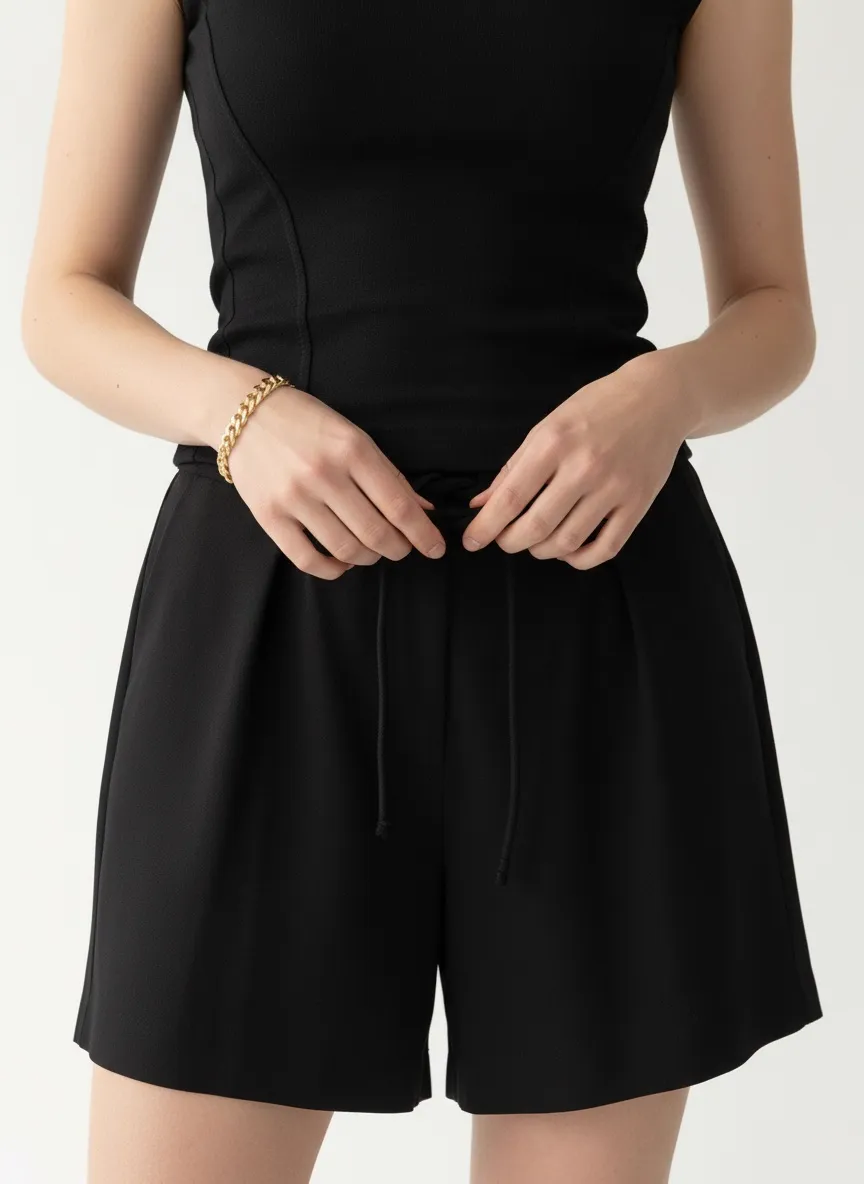
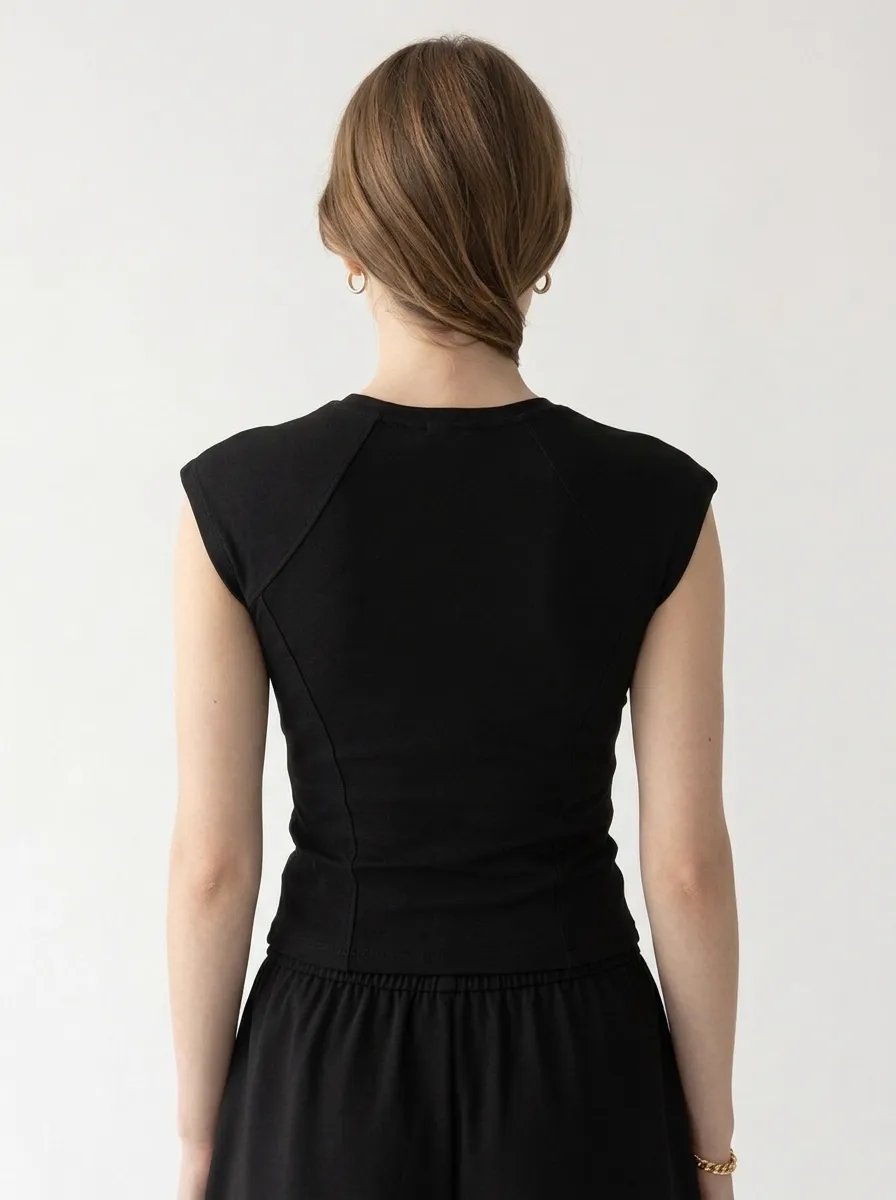
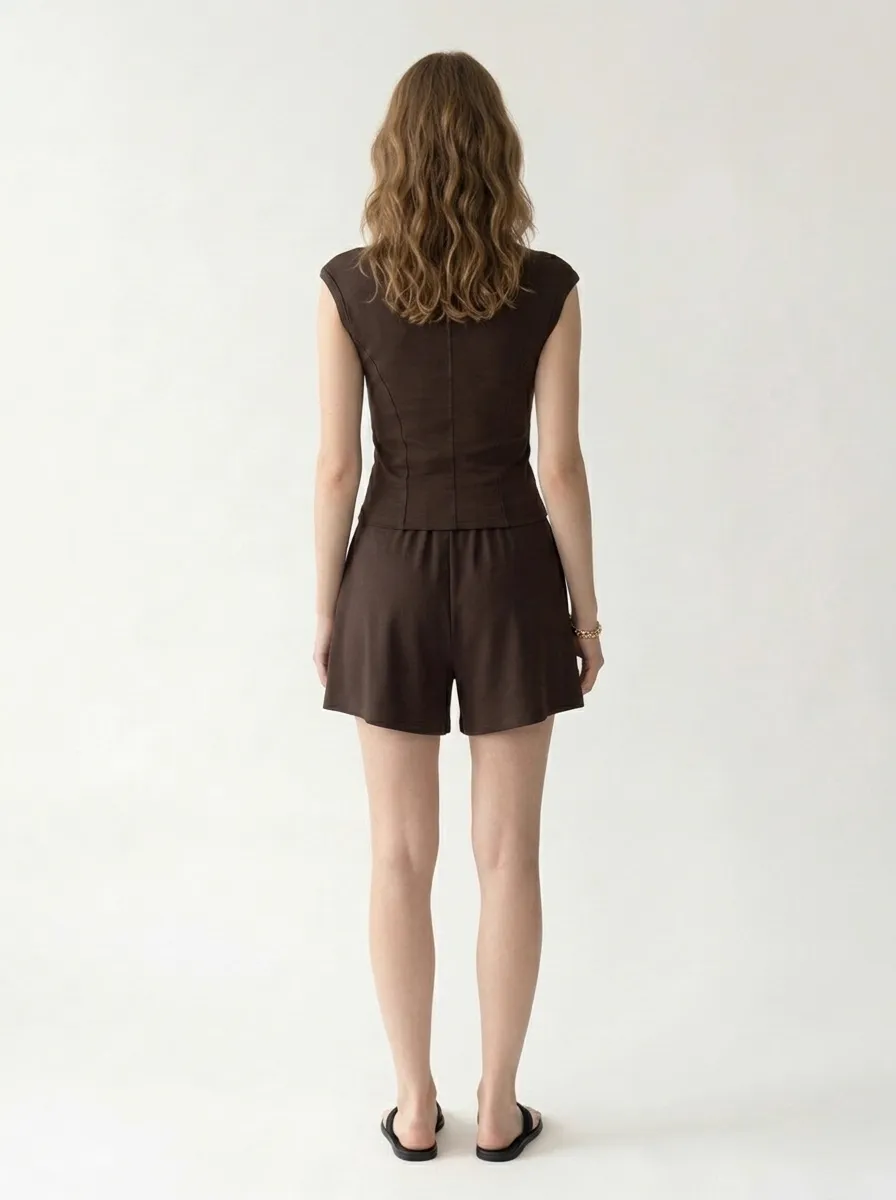
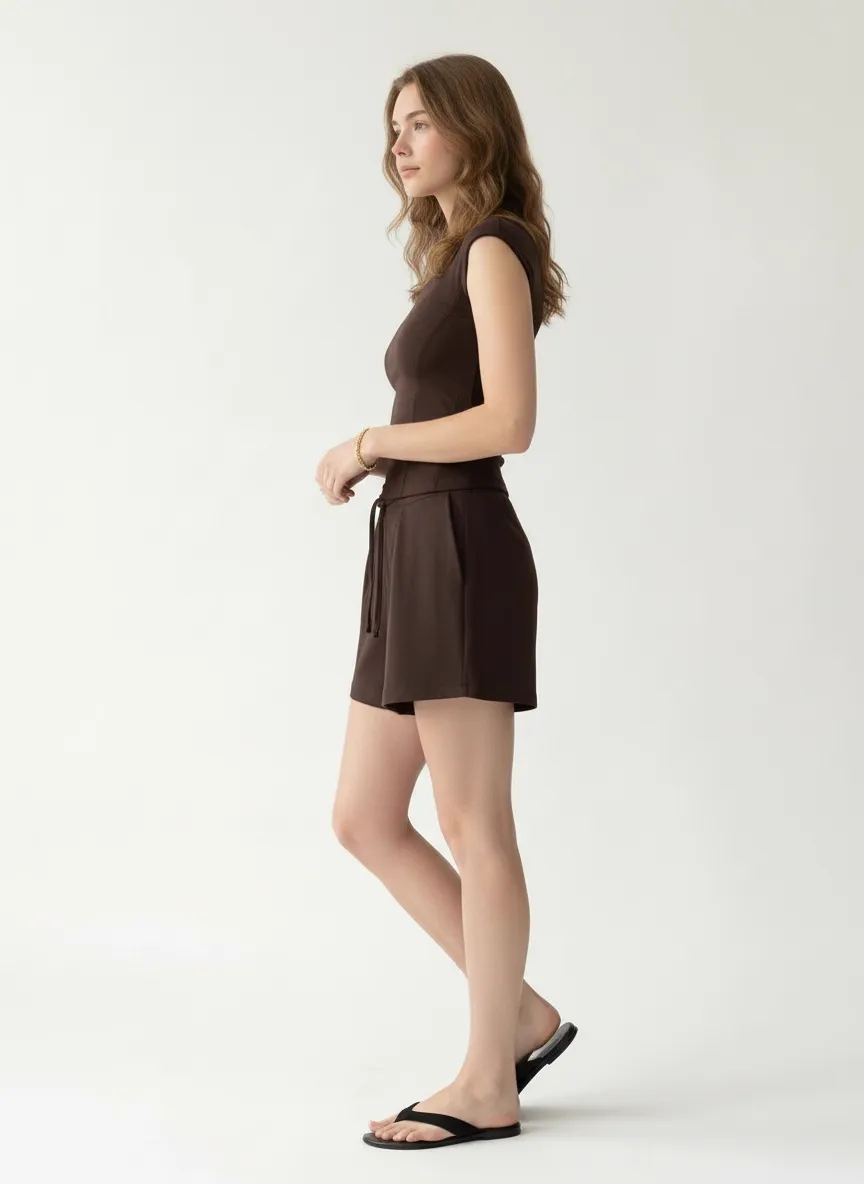
From those four reference photos, MODA AI generated a complete on-model collection — same model, same clean studio background, same styling, same accessories — across all four colorways. No retouching, no color matching, no second shoot day.
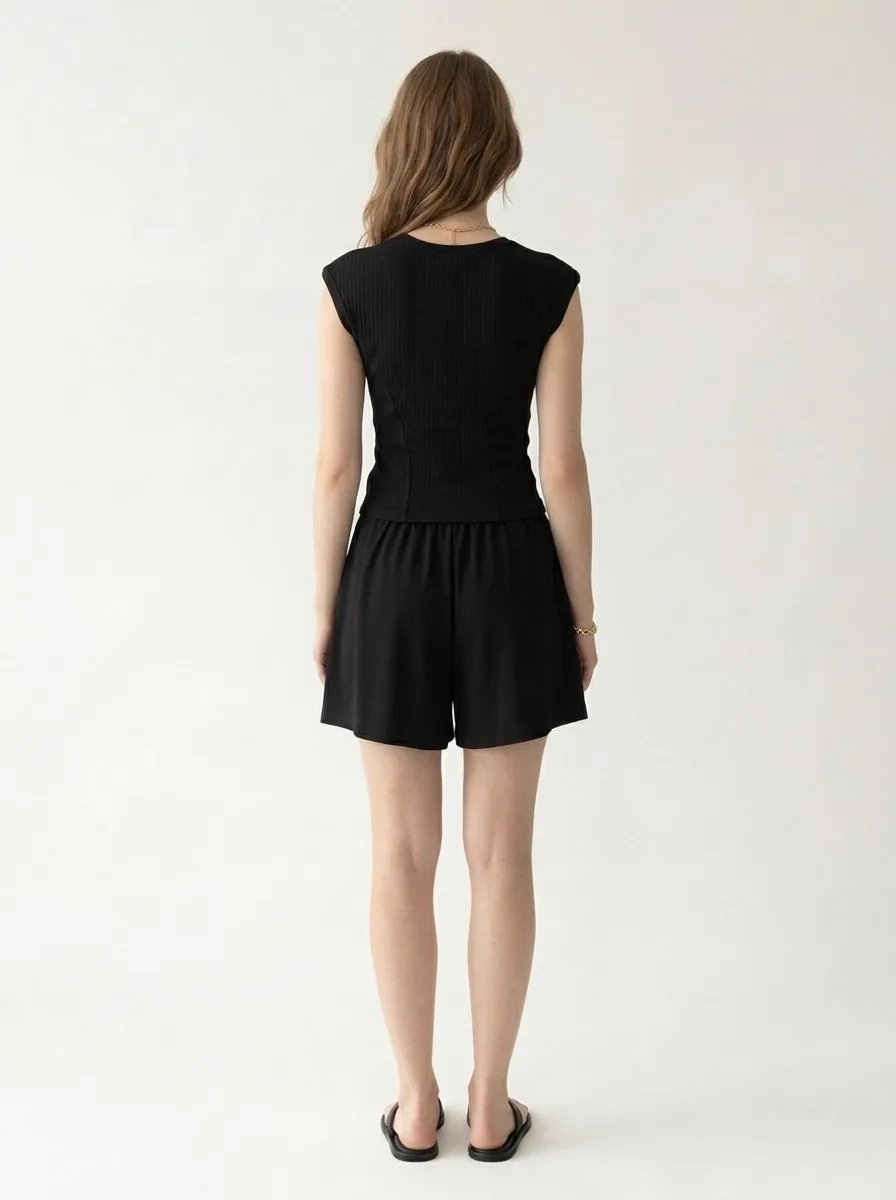
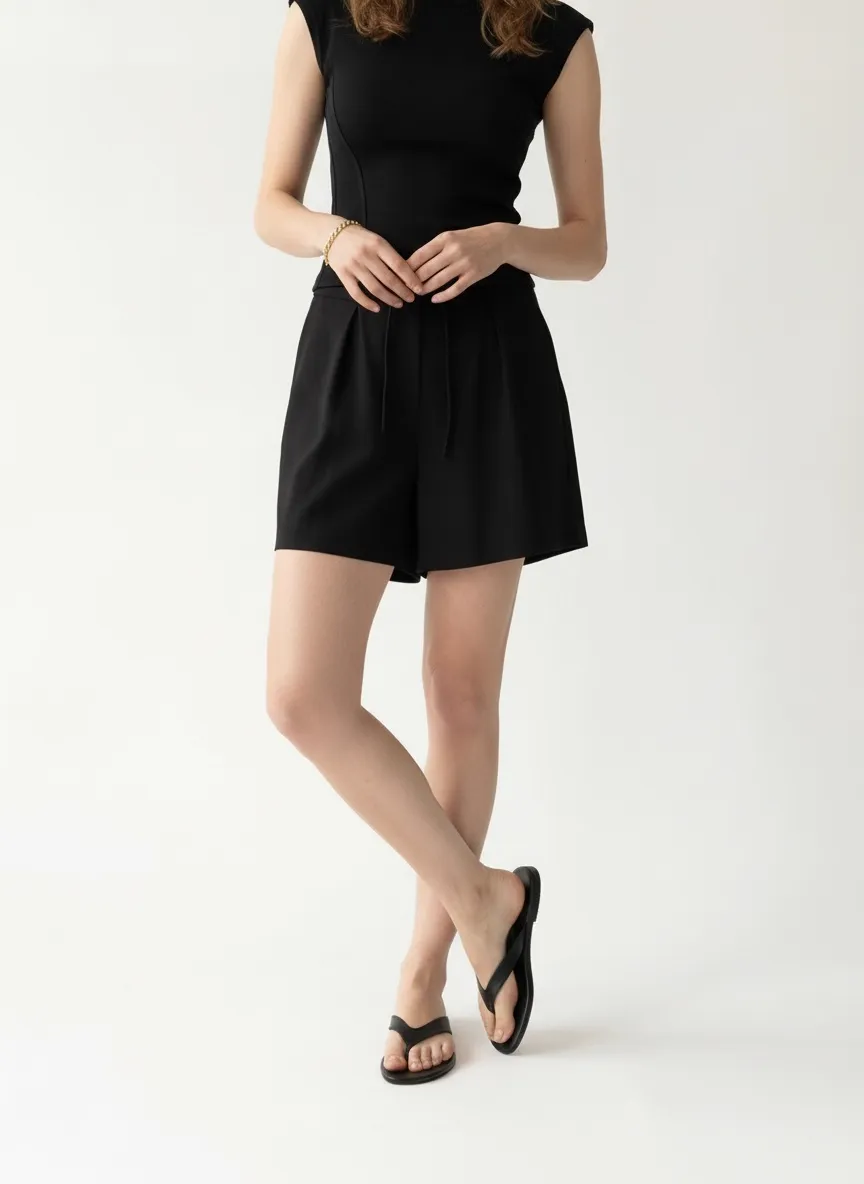
Black
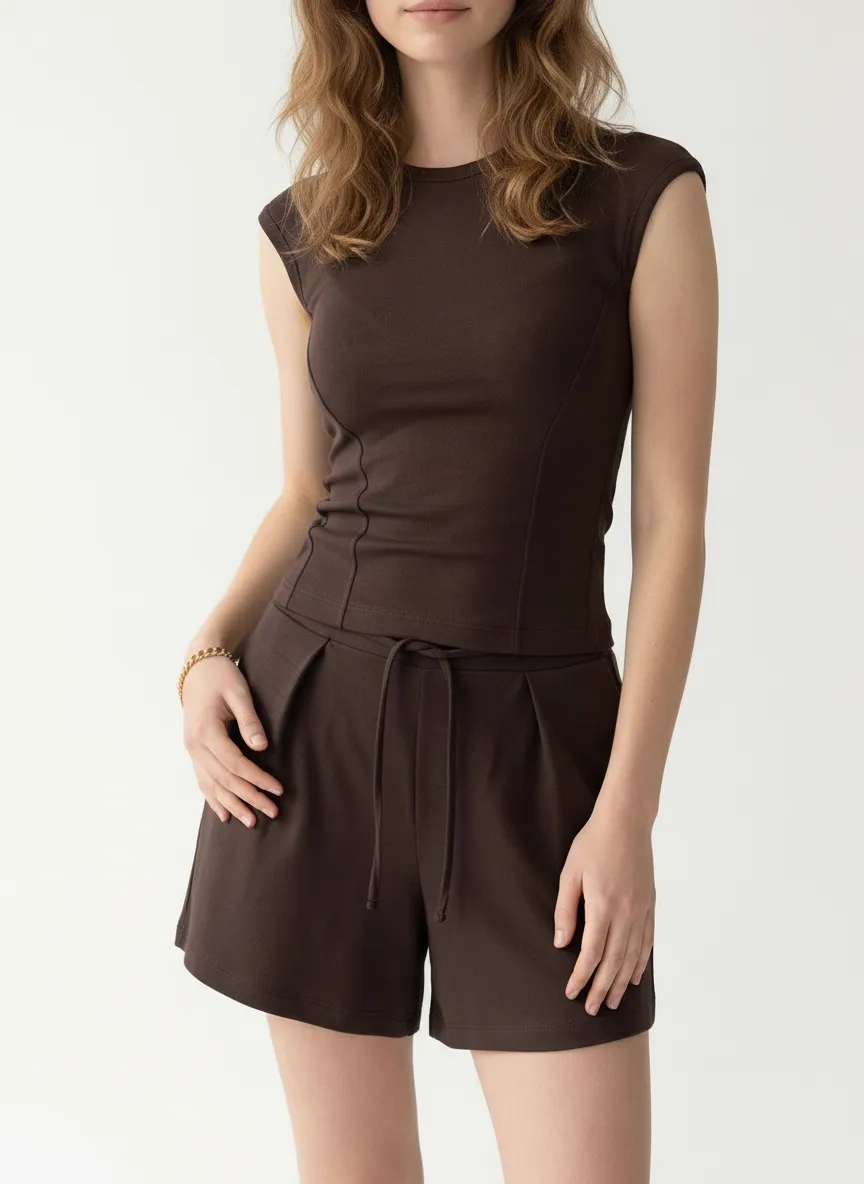
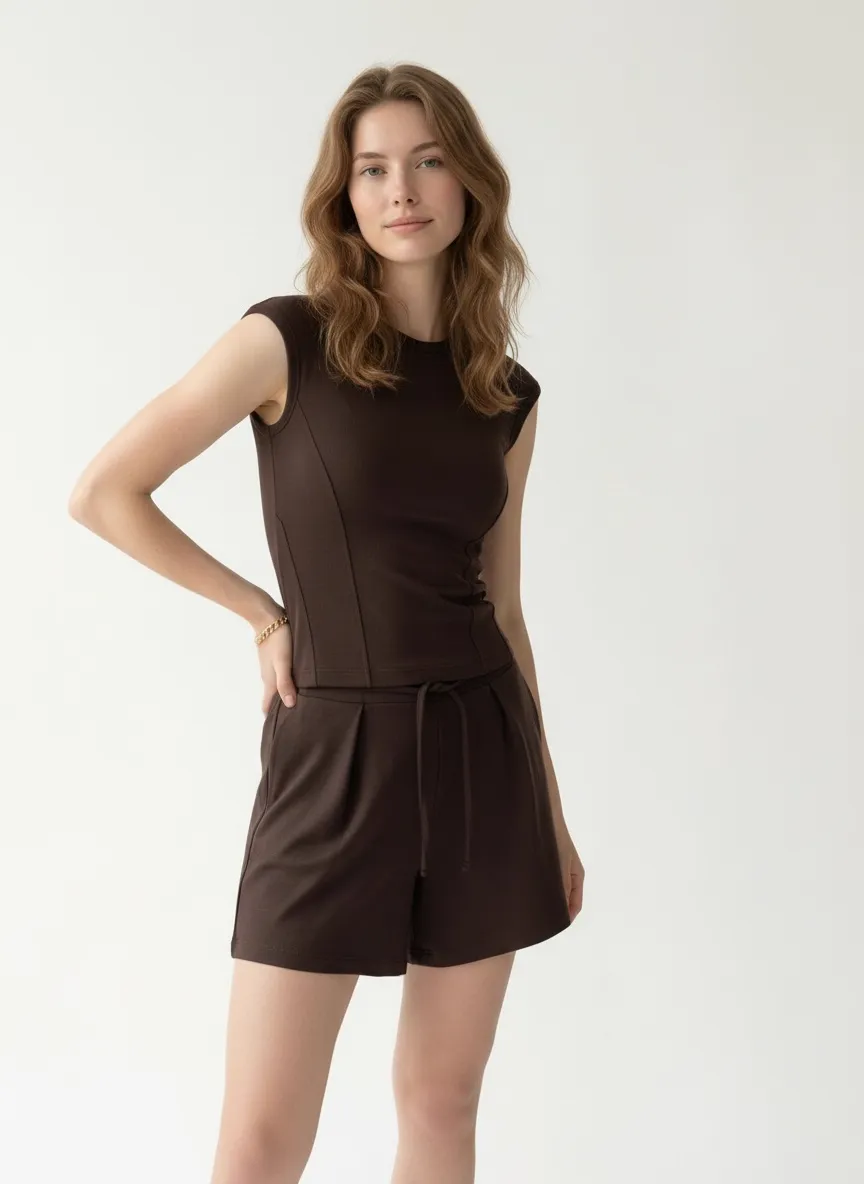
Brown
Cream
Green
Same model, same background, same styling — four colors that look like one shoot.
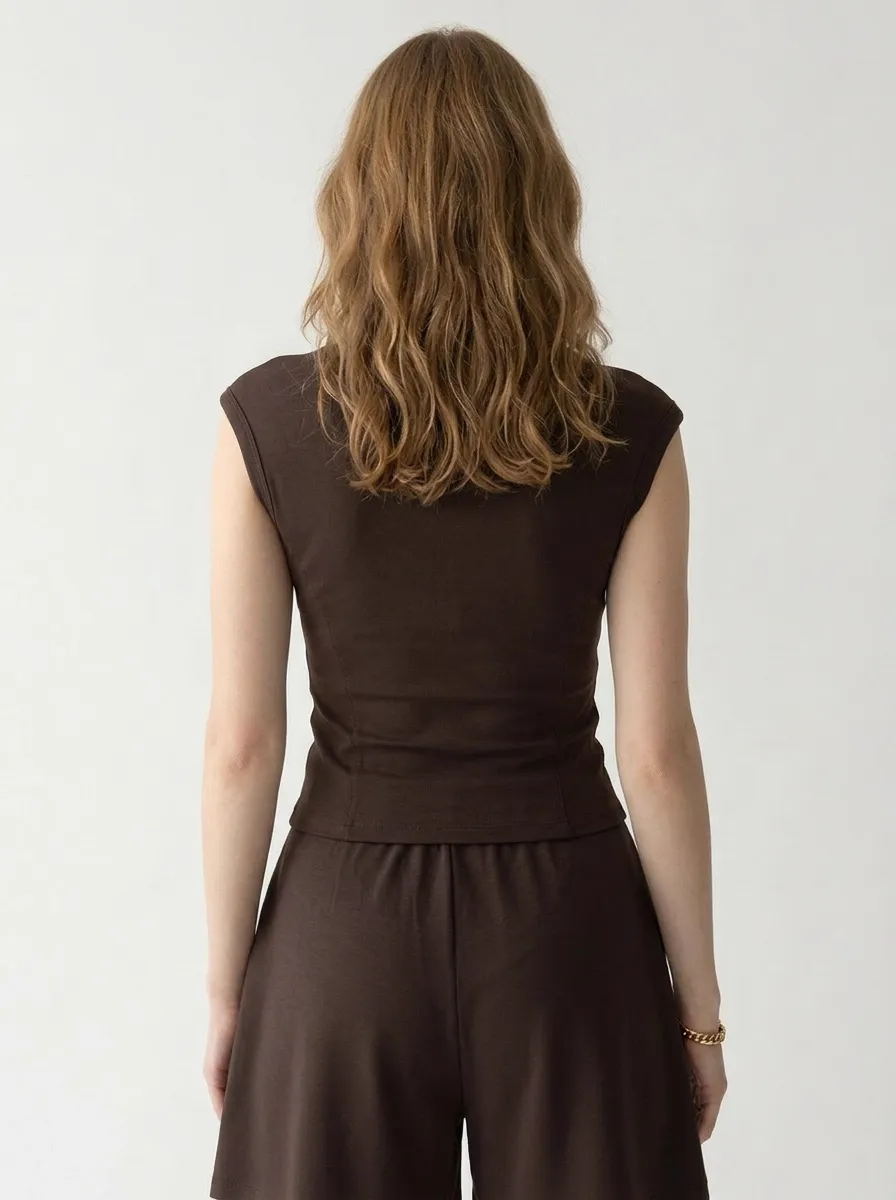
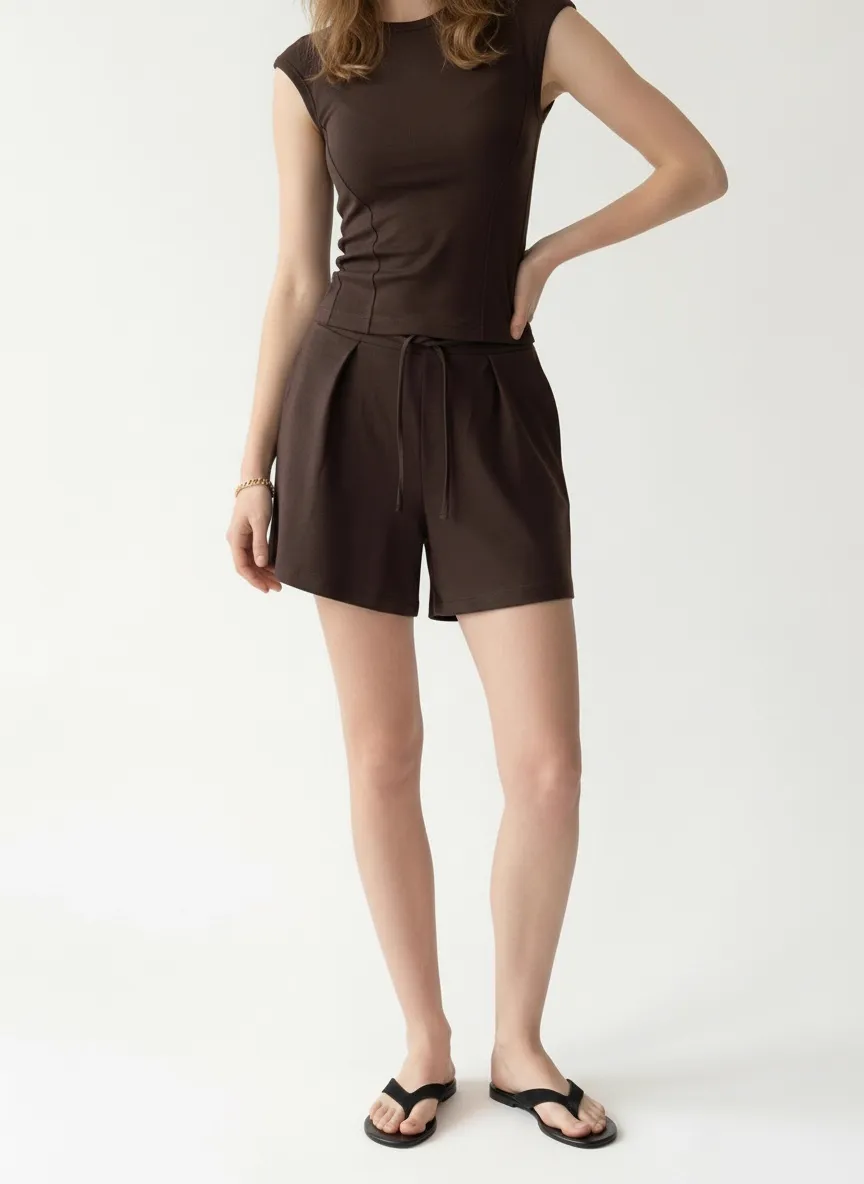
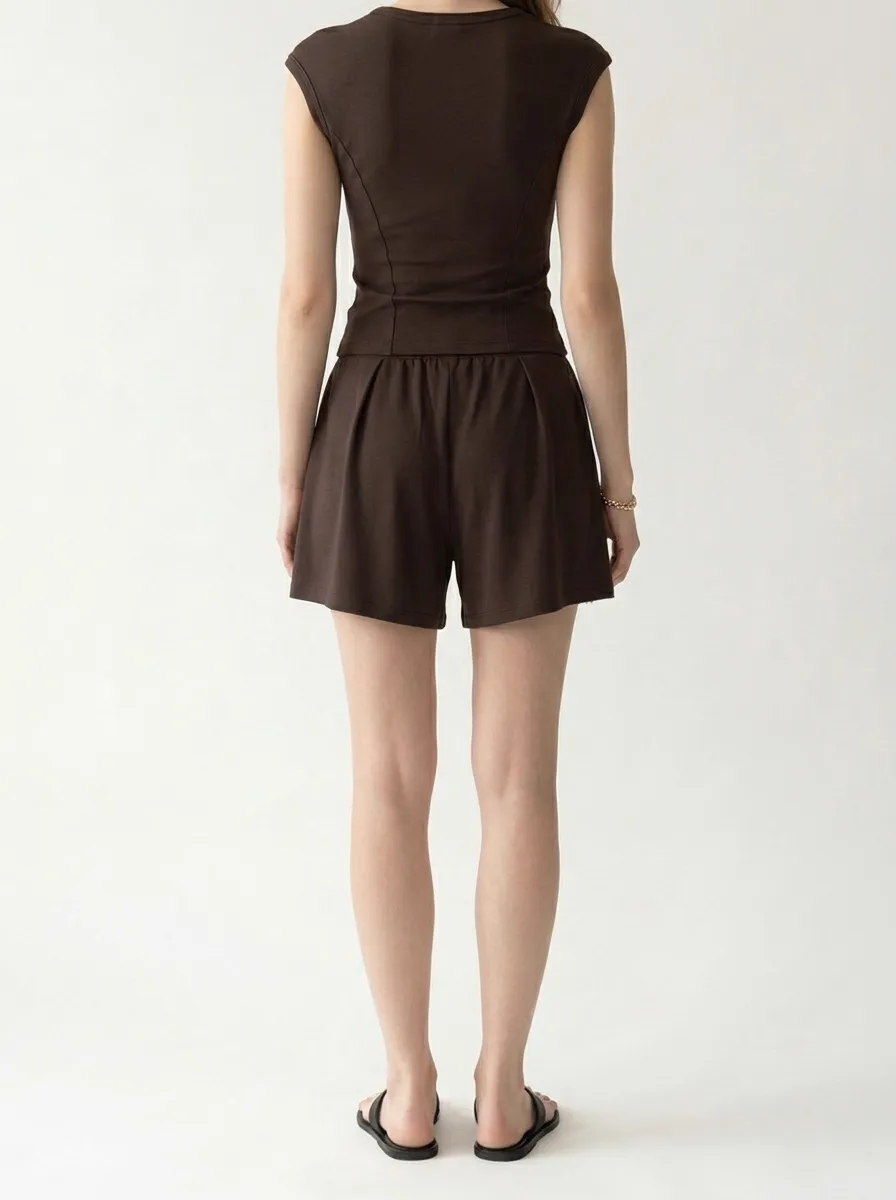
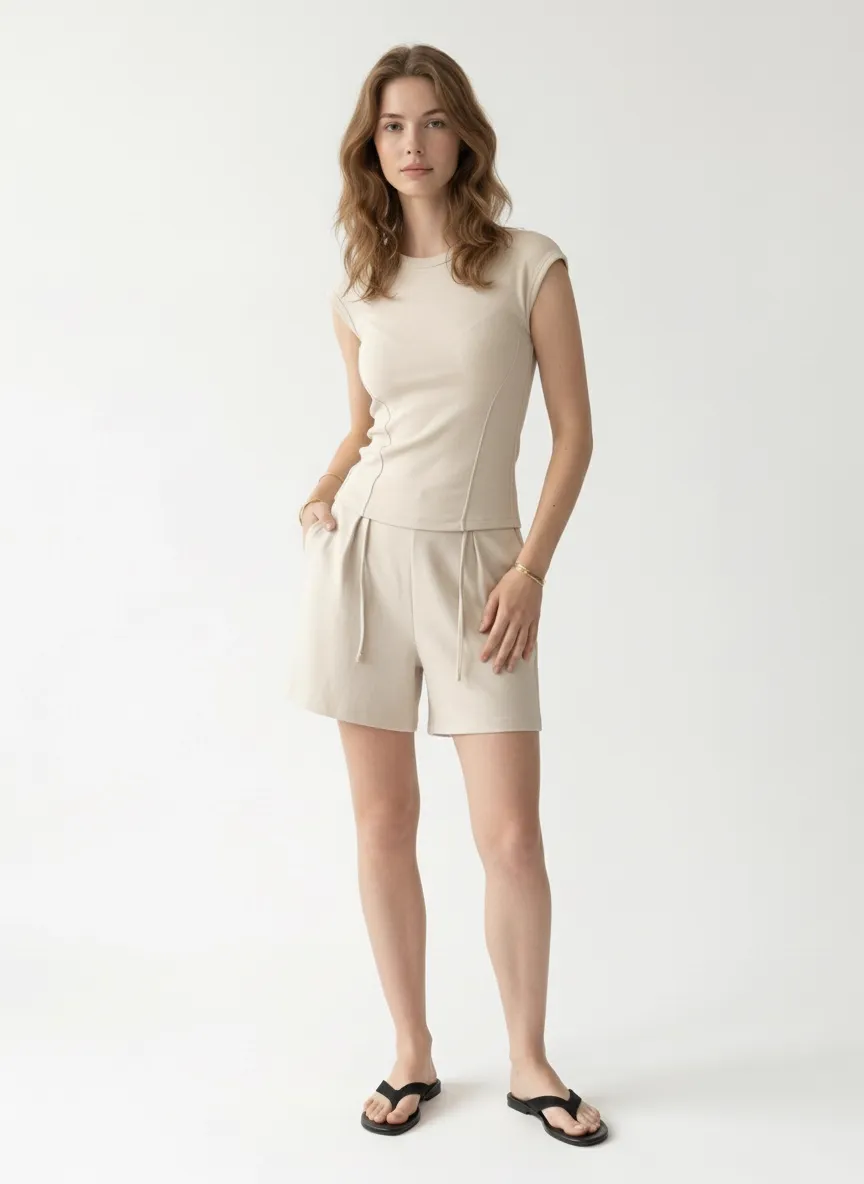
Look at what stays consistent: the model’s face, hair, and body type. The neutral studio backdrop. The black sandals. The gold bracelet. The light direction. Even the shadow angle. This is what a cohesive collection page looks like — and it’s nearly impossible to achieve this level of consistency with traditional photography across four separate garment changes.
What “Consistent” Actually Means
Consistency is not one thing. It’s the compound effect of dozens of visual elements staying locked across every image. Here’s what AI holds constant that traditional shoots struggle with:
The Full Collection: Every Angle, Every Color
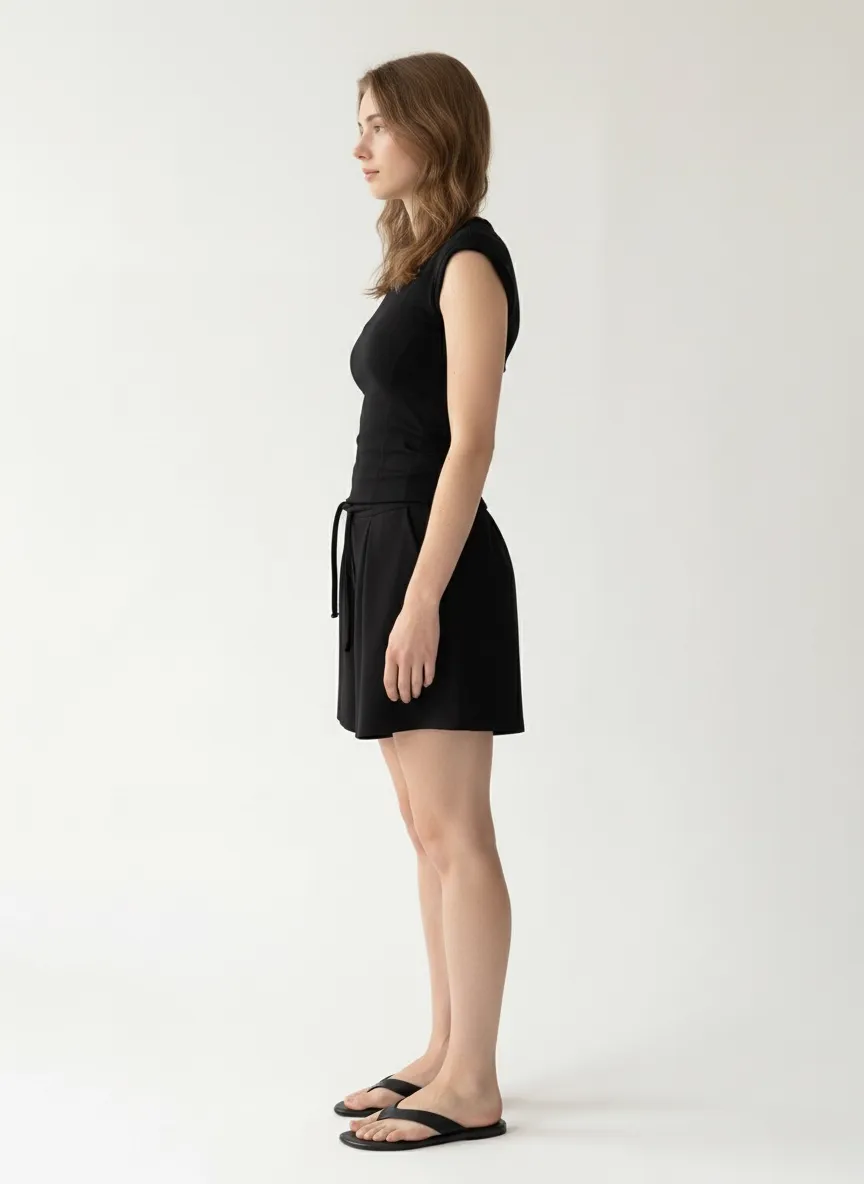
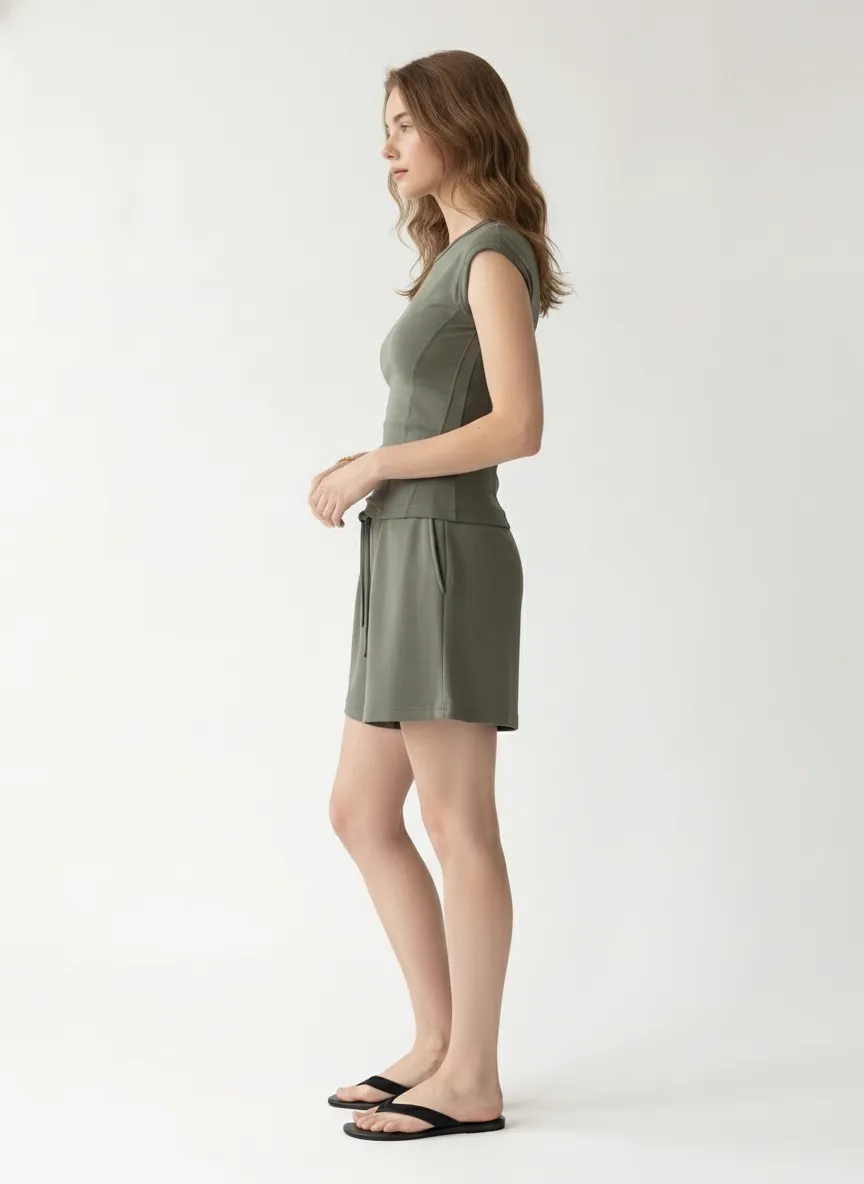
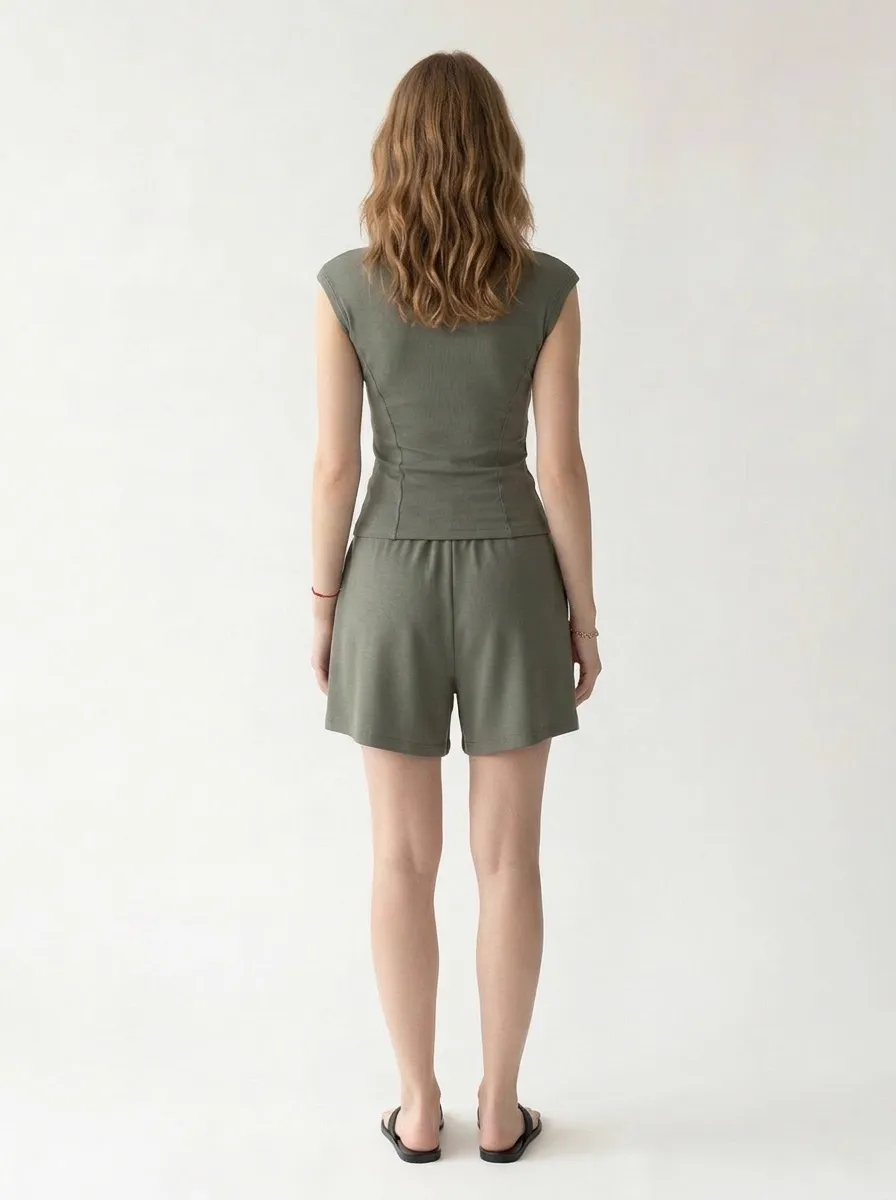
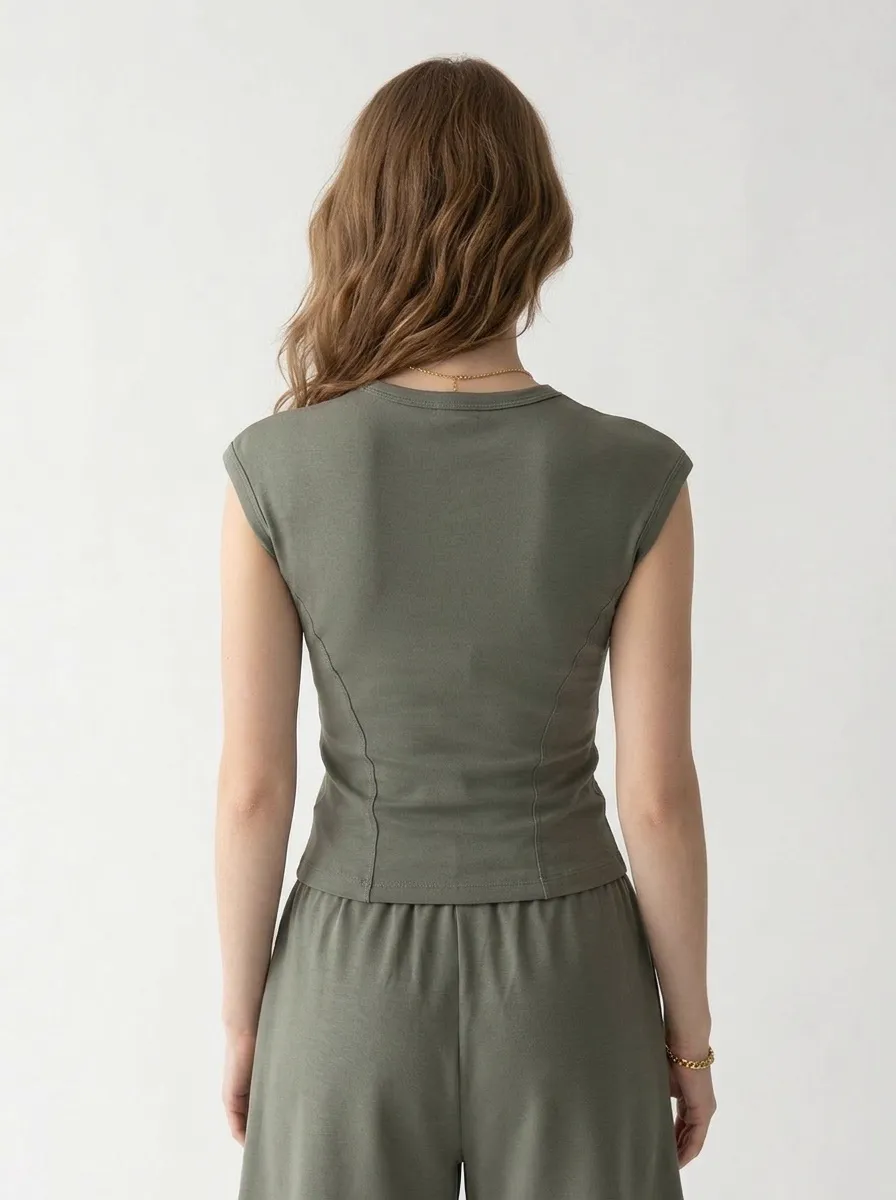
Below is the complete output for each colorway. Each set includes multiple angles — front, back, side profile, close-up details — generated from the same two reference photos. The research on image count is clear: more angles drive higher conversions. AI makes that volume affordable.
Black — 7 Outputs
Brown — 9 Outputs
Cream — 6 Outputs
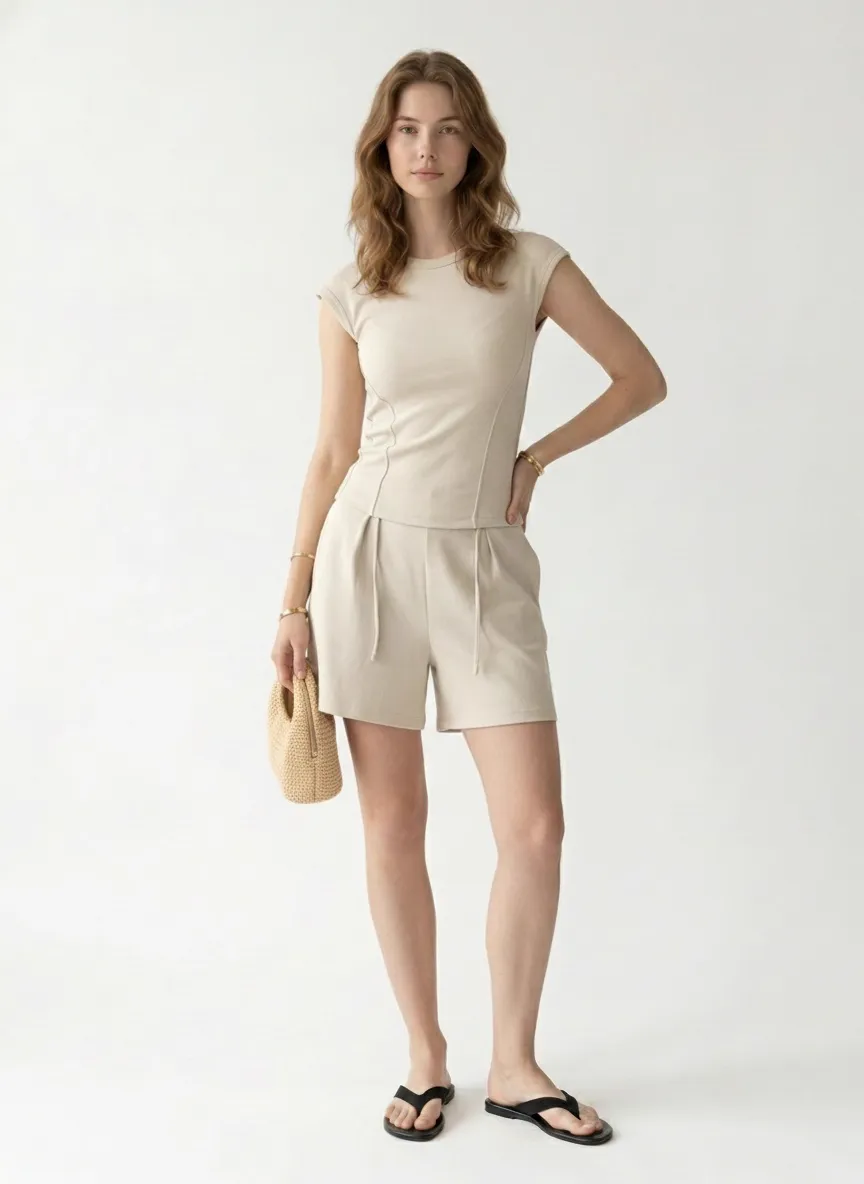
Green — 8 Outputs
What This Would Cost Traditionally
To replicate this result with a traditional photo shoot, a brand would need to book one model for a full day (or risk losing her for a second day), rent a studio, hire a photographer and stylist, and schedule a post-production retoucher to ensure color accuracy across all four garments without shifting skin tones or backgrounds.
Even with everything booked on the same day, maintaining true visual parity across four garment changes is a retouching challenge. Color correction for garment accuracy — making sure the brown reads as the right shade of espresso, not chocolate — inevitably shifts the surrounding pixels. The model’s skin, the background, the shadow density.
AI sidesteps all of it. The model is generated, so she never tires. The background is rendered, so it never drifts. The lighting is computed, so it never shifts. And color accuracy is handled at the garment level without affecting anything else in the frame.
Why Your Collection Page Is a Trust Signal
When a shopper lands on a product page with four color options, they’re doing something specific: comparing. They’re clicking between black and cream. They’re asking: does the fit look the same? Does it sit differently in a lighter color? Is the length consistent?
If the model changes between swatches, or the background shifts from warm to cool, or the cropping is slightly different — the shopper’s confidence drops. Not because they notice it consciously, but because the visual language changes. It feels like a different product, even though it’s the same garment.
Salsify’s research confirms it: 77% of shoppers rank image quality as the most important factor in their purchase decision. And quality doesn’t just mean resolution. It means coherence. It means visual storytelling that holds together across every variant.
Frequently Asked Questions
Can AI keep the same model across different colorways of the same product?
Yes. AI fashion photography platforms let you lock a model face reference across unlimited uploads. Every colorway gets the same model, same hair, same body type — creating the visual consistency of a single studio shoot without booking a model for multiple sessions.
Why does visual consistency matter for fashion ecommerce?
Research from Baymard Institute shows inconsistent imagery reduces perceived trustworthiness by 34%. Lucidpress/Marq found consistent branding increases revenue 23-33%. When a customer browses four colors of the same item, visual consistency signals quality and professionalism.
How does AI maintain background and lighting consistency?
AI generates each image from the same learned studio environment. Unlike real photography where lighting shifts between takes, AI produces identical background tone, light direction, and shadow patterns for every output — regardless of when you upload each colorway.
Can I use on-body reference photos instead of flat lays?
Yes. You can upload on-body photos, flat lays, mannequin shots, or hanger images. The AI extracts the garment and re-renders it on the selected model in a clean studio setting with consistent styling.
Build your collection page today
Upload your garment photos. Lock your model. Generate a cohesive catalog in minutes.
Get Started Free