Guide · Marketplaces
Marketplace Image Requirements for Fashion Sellers
How to list your products on Amazon, TikTok Shop, Zalando, Myntra and the rest, what each one demands from your photography, and how to shoot once for all of them.
August 28, 2026 · 14 min read
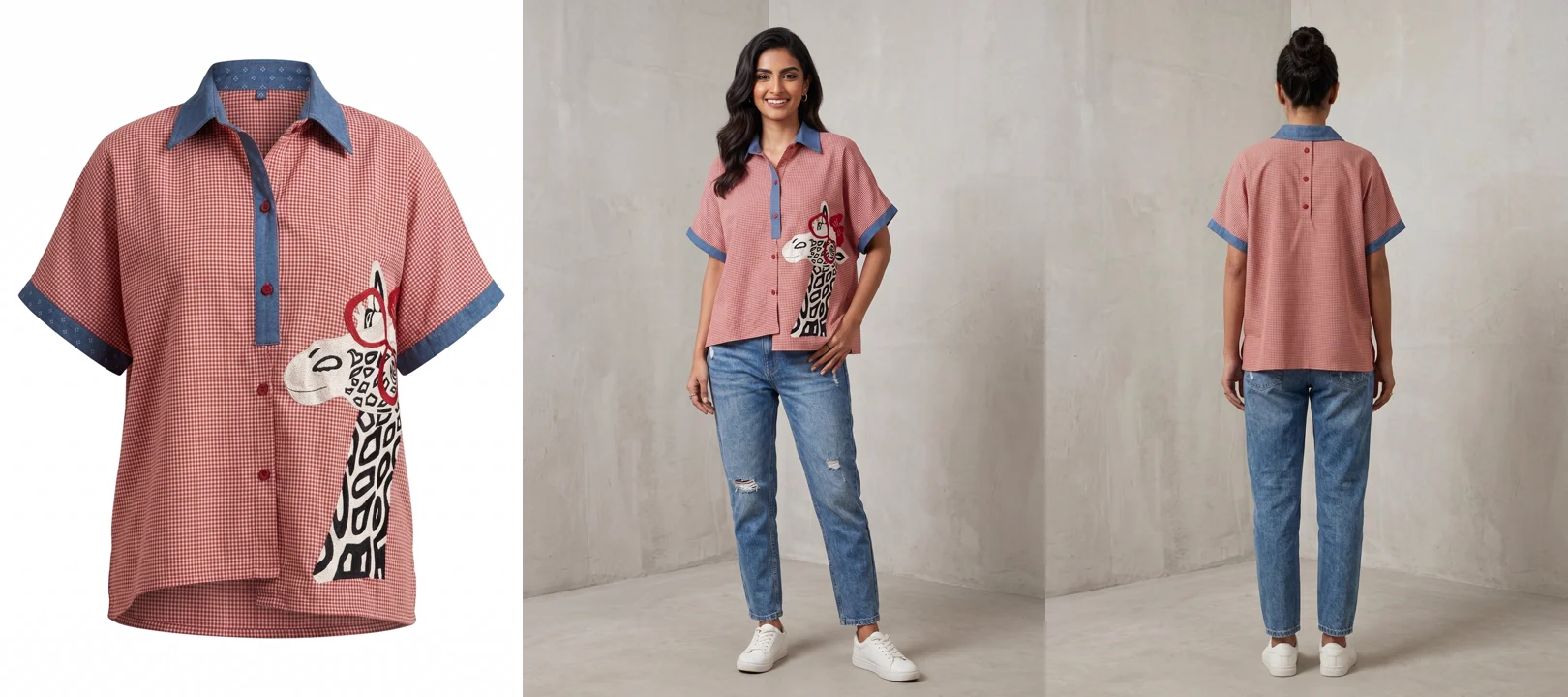
One product, one run. The garment alone on white is what Walmart and Meesho want. The on-model angles are what Myntra, Ajio and Zalora want. You need both.
1600px
the practical resolution floor, set by Amazon’s zoom threshold
4 to 10
images per listing, depending on the platform. Multi-angle is the norm now
2
formats to produce: garment on white, and the same piece on a model
The Catalog Is What Is Blocking You
You have the products. Opening a seller account on most marketplaces takes an afternoon. What actually stops a Shopify brand from going multichannel is that every platform wants its own set of images, and the set you shot for your own product pages usually does not satisfy any of them.
The requirements genuinely conflict. Amazon wants a pure white background but, for adult clothing, the garment worn on a live model or a ghost mannequin. Myntra wants a live model, full length, gender matched to the product. Ajio wants the face forward and bans heavy retouching. Meesho wants square, Myntra wants 3:4. TikTok Shop rejects anything you upscaled to hit the minimum. Zalora will reject your listing over the model’s pose.
Read that list again though, because there is a pattern in it. Almost every one of those rules is asking for the same two things.
Before the specs
Open, Approval, or Invite Only
The first thing to establish about a marketplace is not its pixel dimensions, it is whether you can simply join. Open marketplaces let any registered seller list once the catalogue meets the spec. Amazon, eBay, Etsy, TikTok Shop, Flipkart, Meesho, Mercado Libre, Shopee, Lazada, Bol and Allegro all work this way.
Curated and invite-only marketplaces are different. Zalando, About You, OTTO, Breuninger, The Iconic, Nykaa Fashion, Tata Cliq, Tmall Global and the department stores all decide whether to accept you, and they look at your existing catalogue when they do. On those platforms your photography is not a compliance step you complete after being approved. It is part of the application.
That distinction changes what good enough means. On an open marketplace, imagery that passes the spec gets you listed. On a curated one, imagery that merely passes gets you declined.
The common denominator
Two Formats Cover Almost Everything
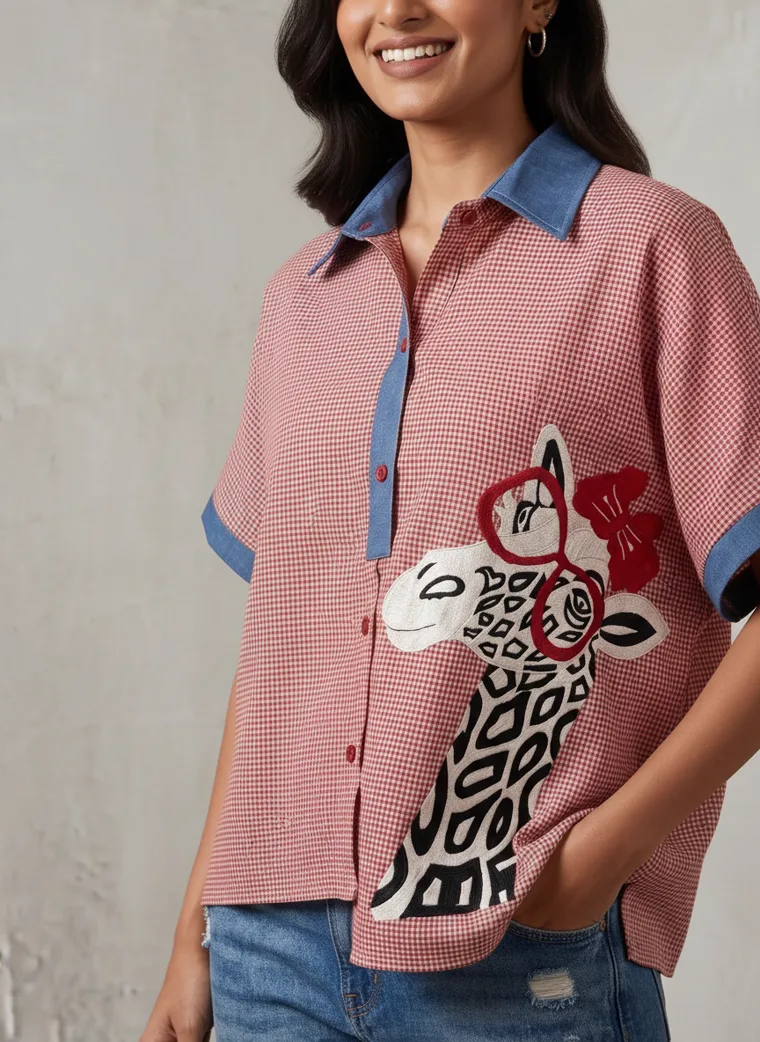
Strip out the platform-specific detail and nearly every fashion marketplace is asking for some combination of the same two things. A clean main image with the product filling most of the frame, and a set of additional angles that show the piece from the back, the side, and close enough to read the fabric.
The split is over whether a human may appear in that main image. Walmart and Meesho say no, the main image is the product alone on white. Myntra, Ajio, Zalora, Zalando and The Iconic say the opposite, they want a live model, full length. Flipkart sits in between and allows either for fashion. Amazon is the one that catches people out: white background, but for adult clothing it expects the garment worn, on a model or a ghost mannequin, and it reserves the flat off-model shot for kids, baby and multi-packs.
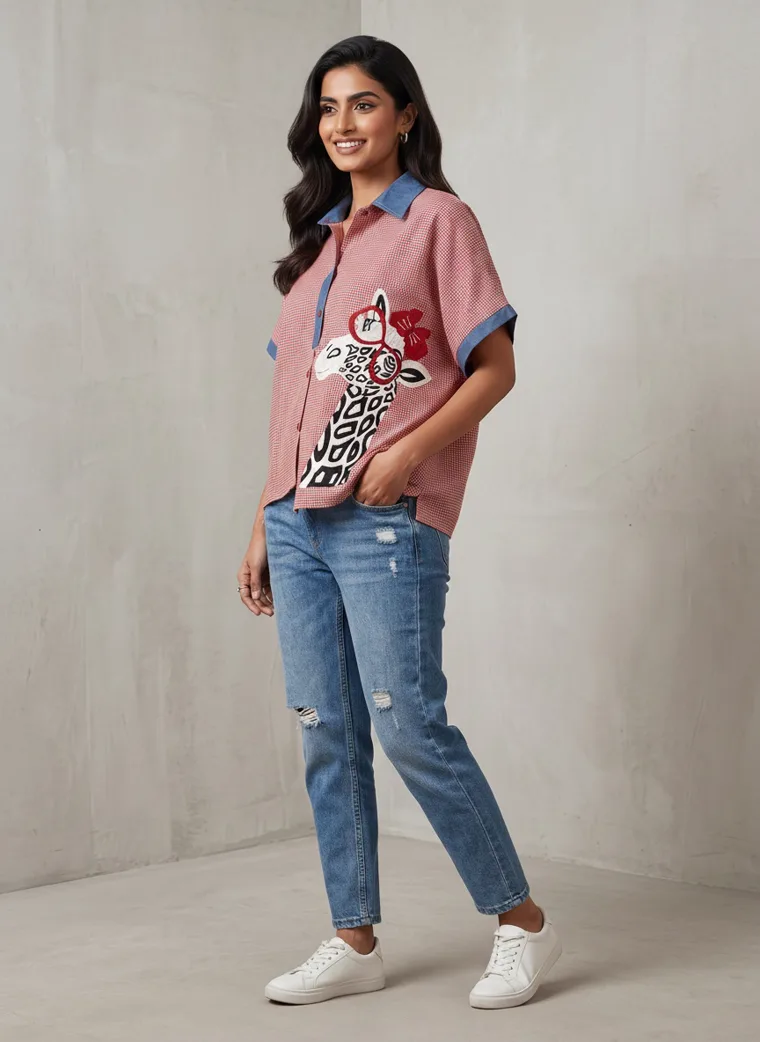
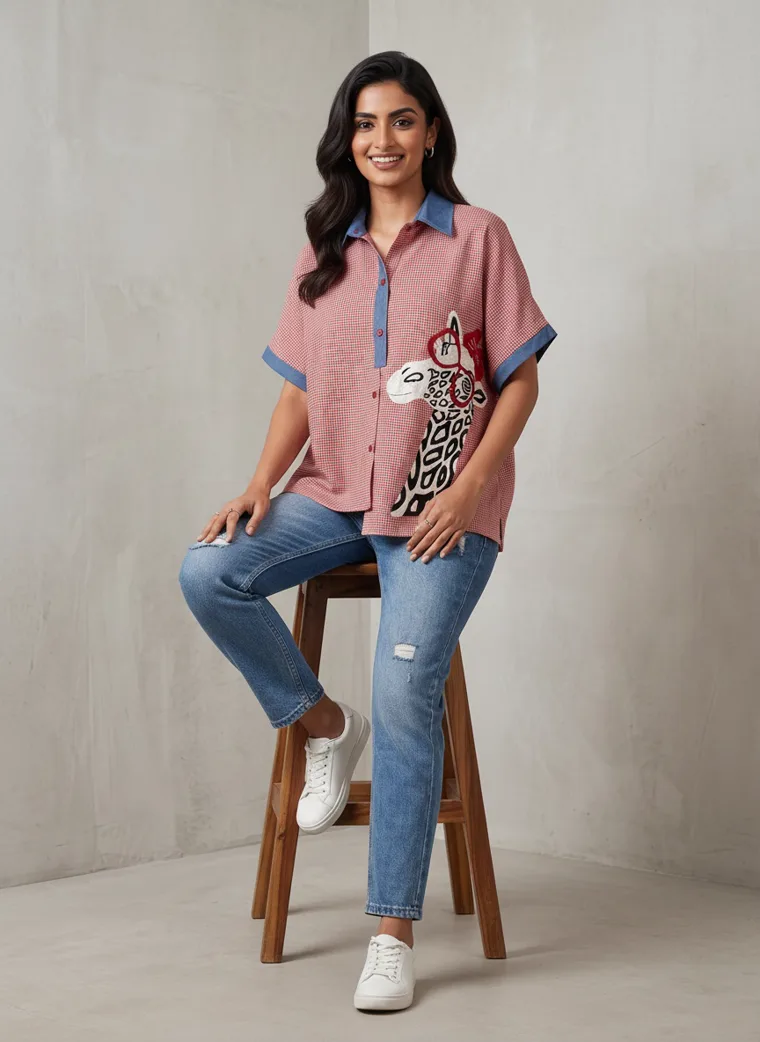
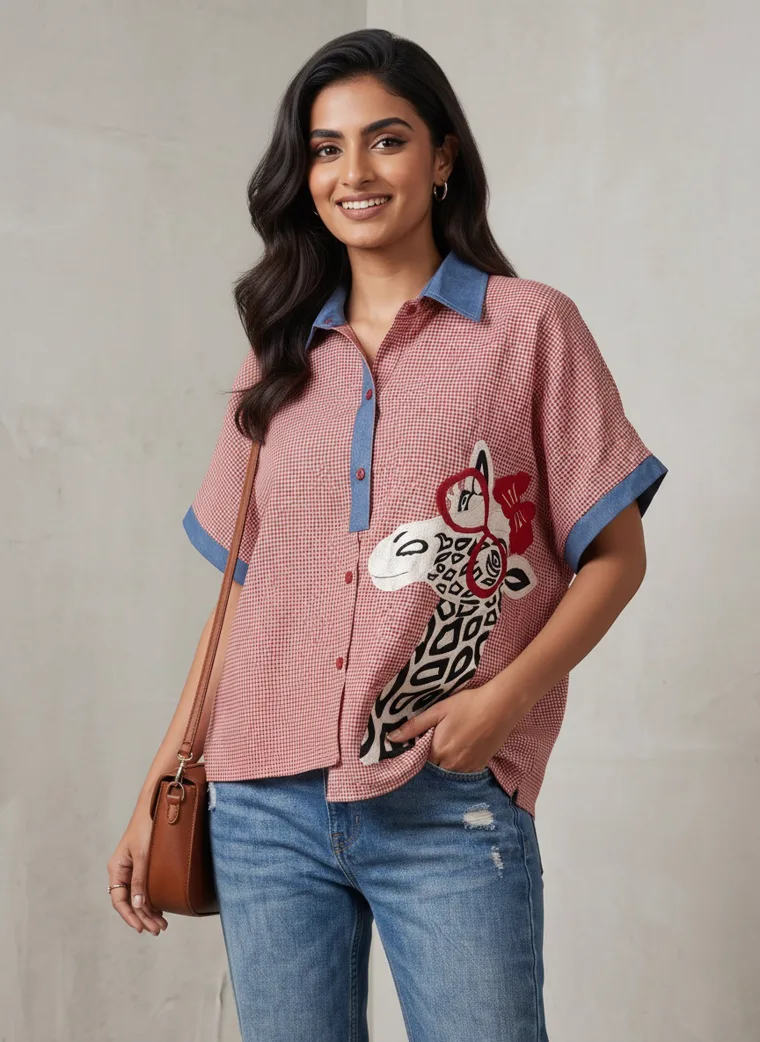
So if you produce both formats for every product, you are covered nearly everywhere, and the multi-angle on-model set is the piece that carries the most weight. It is the requirement that appears on the most platforms and it is the one that is hardest to fake with editing.
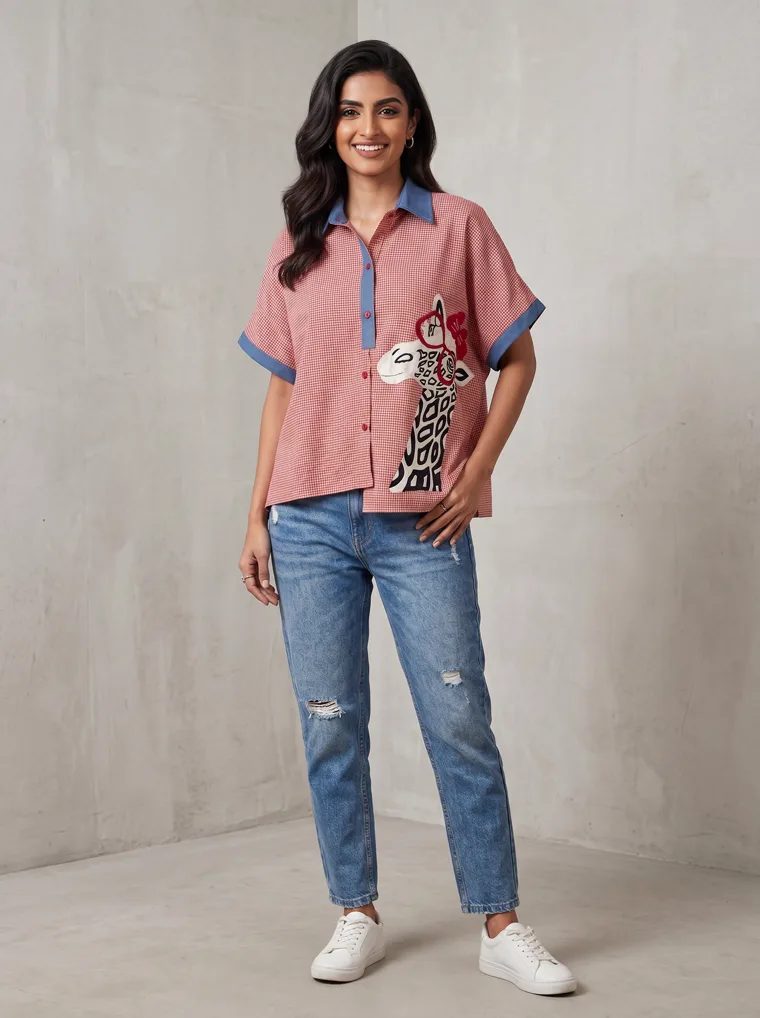
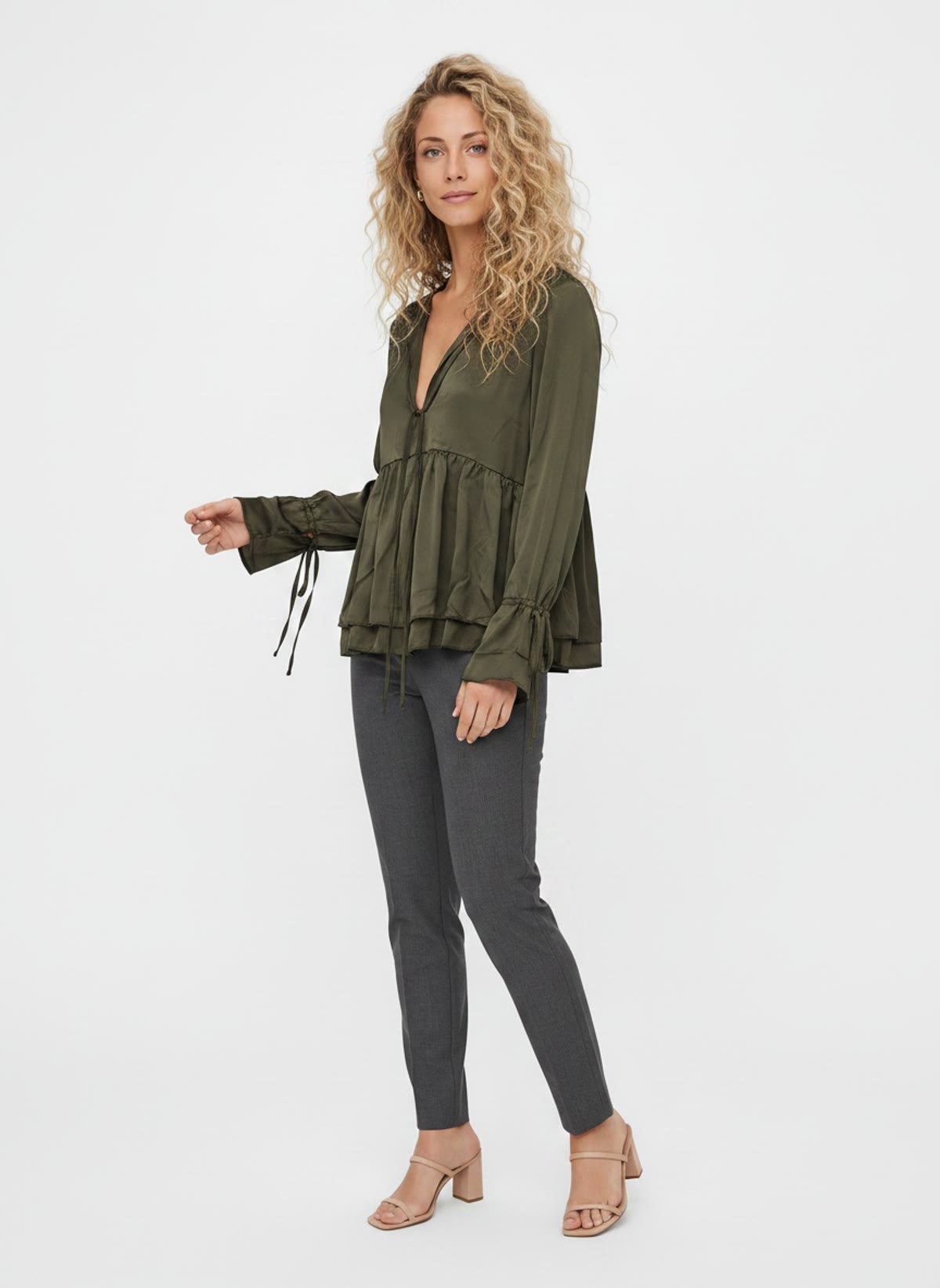
Front
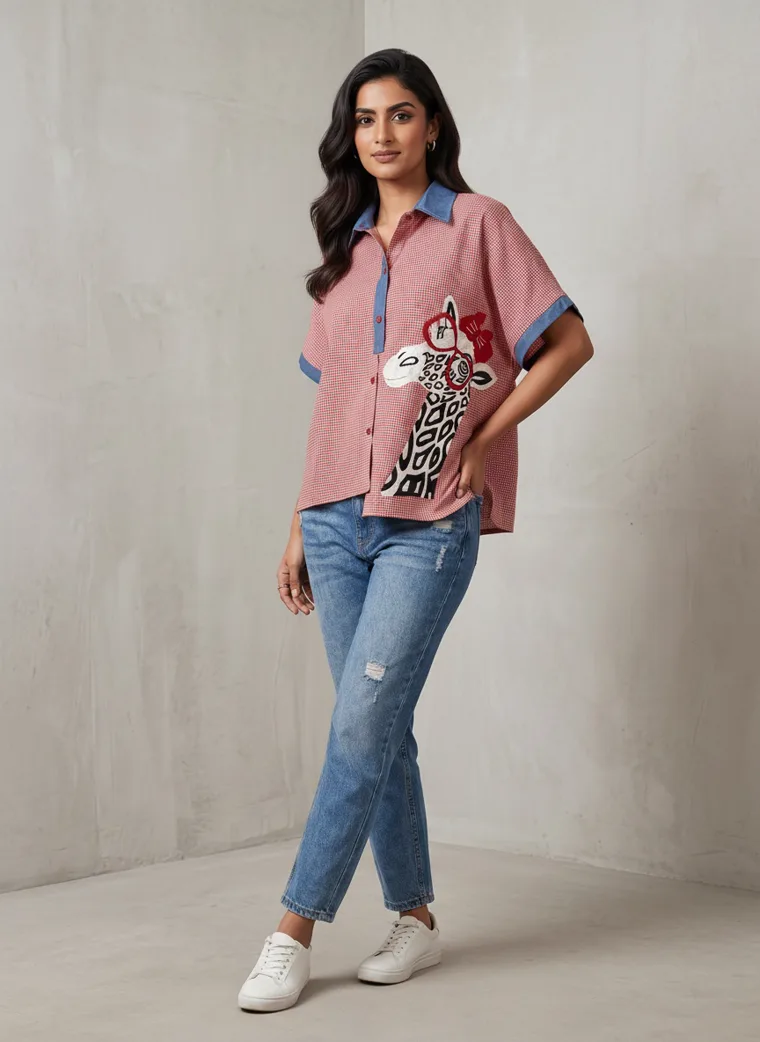
Three-quarter
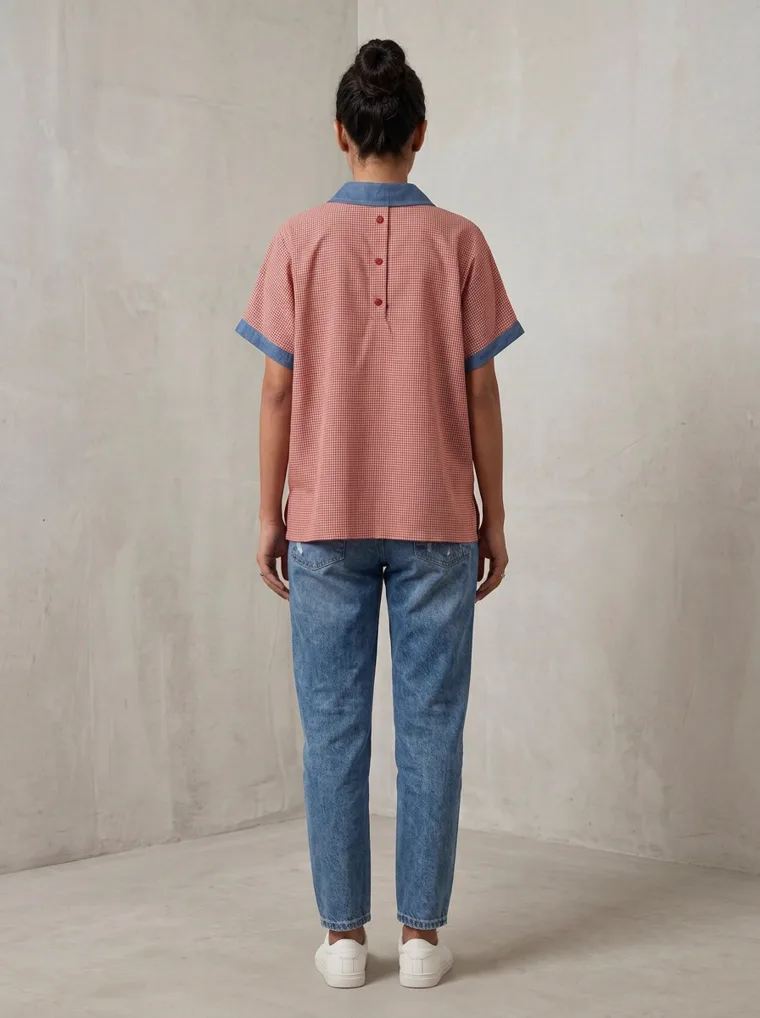
Back
Turned
Seated
Detail
Lifestyle
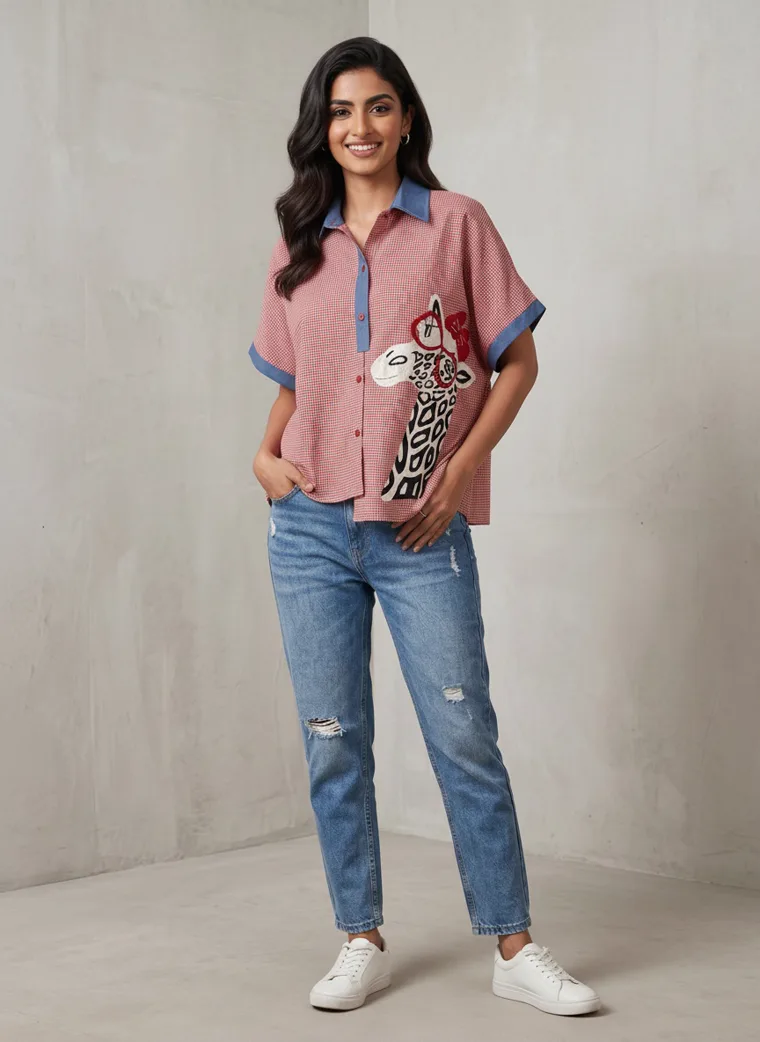
Full length
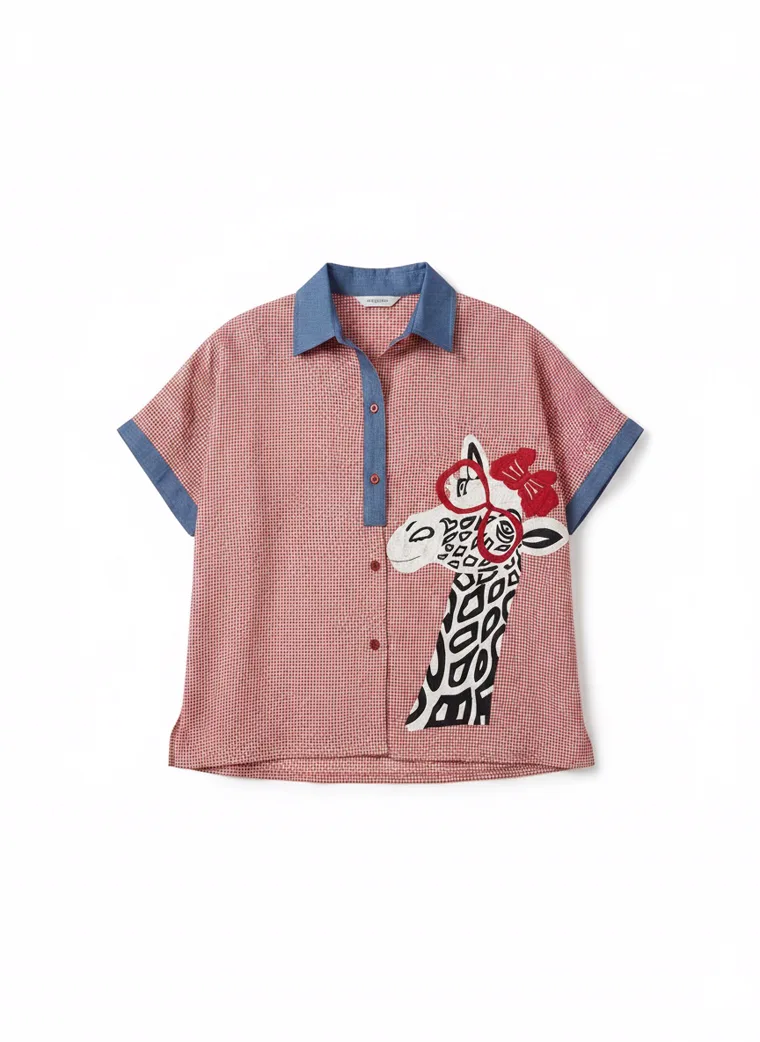
Garment only
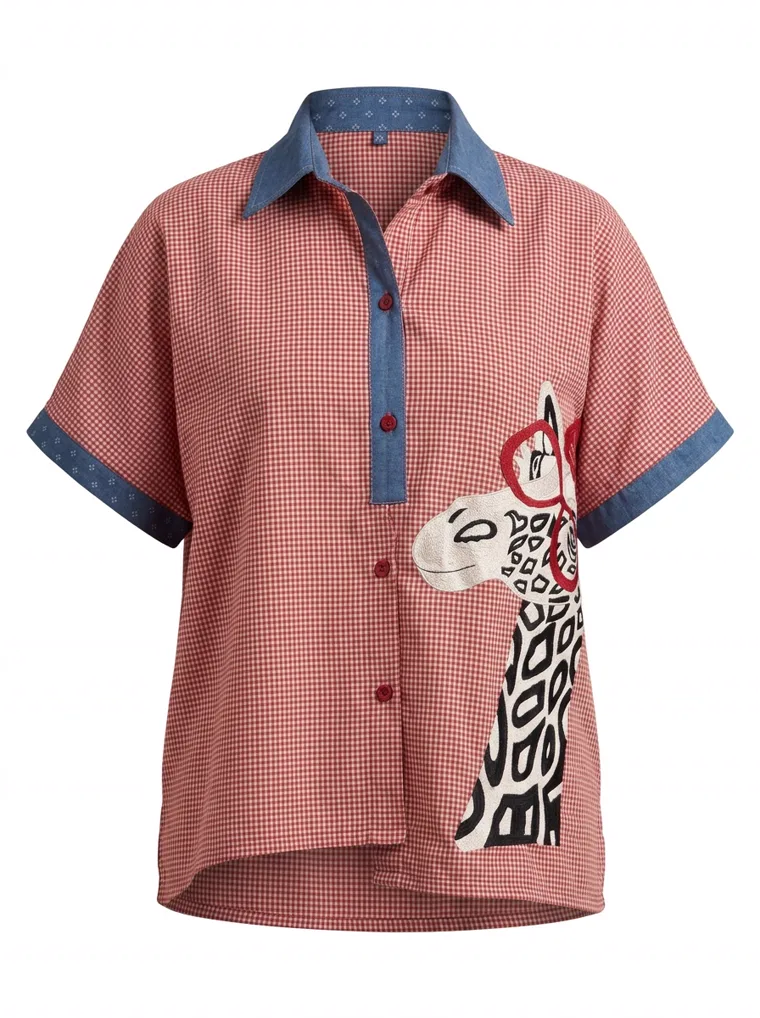
Garment only
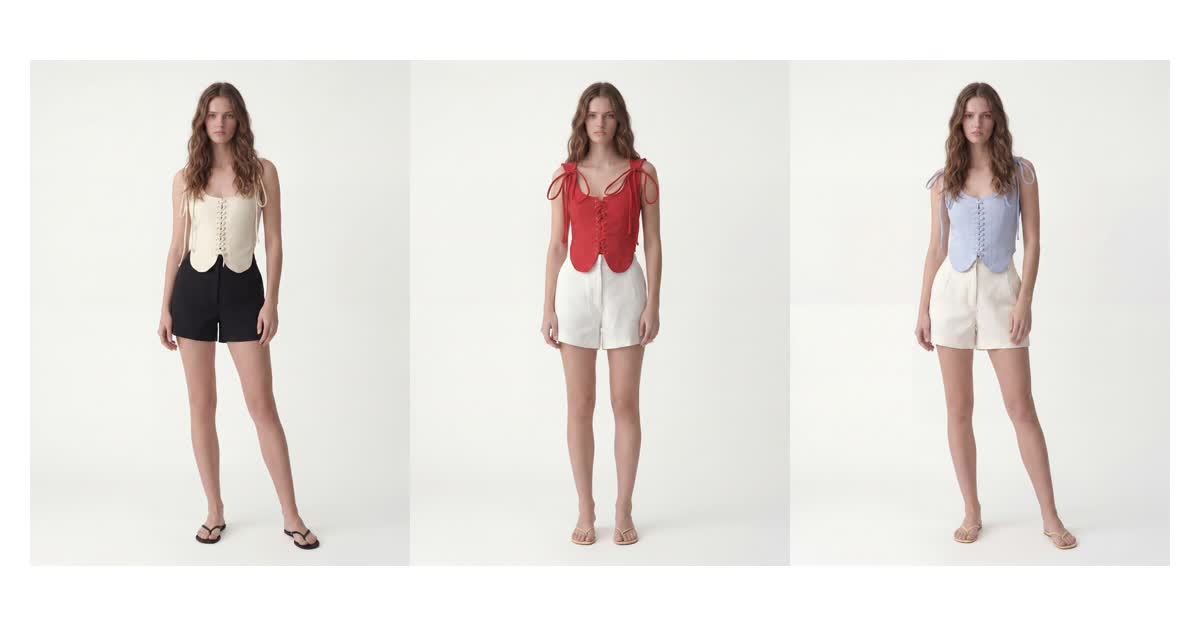
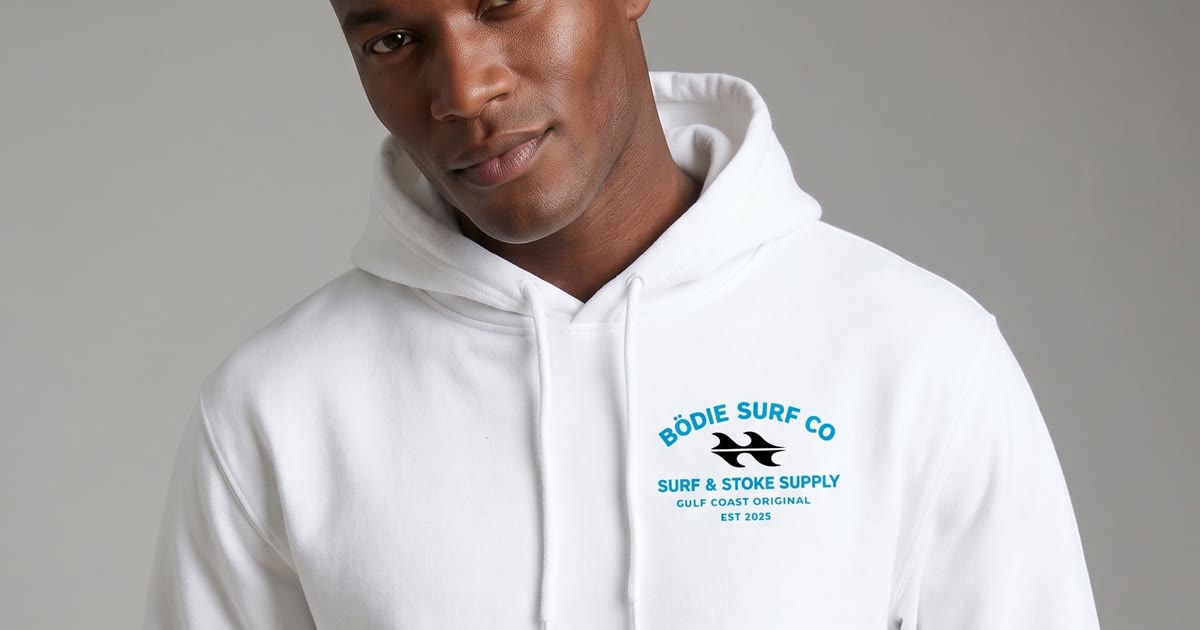
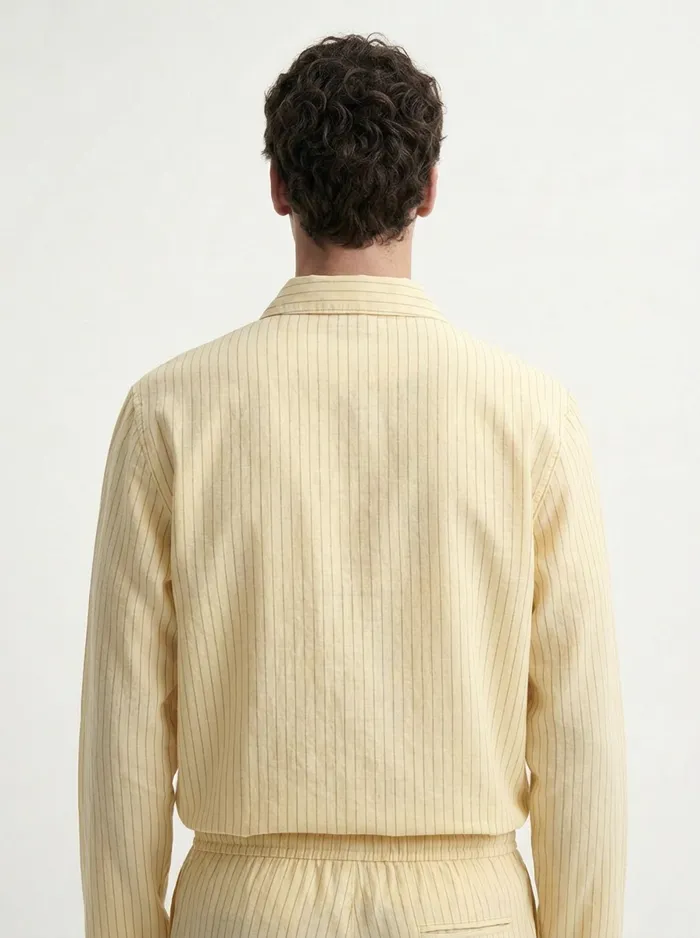
One product, one run, ten images. The last two are the garment alone on white for Walmart and Meesho, and the ghost mannequin among them also serves Amazon adult apparel. The other eight are the on-model angles Myntra, Ajio and Zalora ask for.
The Specs, Platform by Platform
These are the figures the platforms and their seller documentation publish. Marketplaces revise them, so treat this as the starting point and confirm against your seller portal before a large upload. Where a platform does not publish a number, we have said so rather than inventing one.
Global and Western markets
Amazon
OpenGlobal
- Pure white RGB 255,255,255 main image
- Adult apparel: main image on a live model or ghost mannequin
- Kids, baby and multi-packs: shot flat, off model
- No props, text, logos or watermarks
- 1600px+ on the longest side for zoom
- Product fills 85% of the frame
The presentation rule is category specific, and the category style guide overrides the general image standards. Adult clothing is the opposite of what people assume: Amazon wants it worn, on a live model or a ghost mannequin, not laid flat. Hangers are not accepted for main images. Open your own style guide in Seller Central before you commit to a format.
With MODA AI
For adult apparel use the front facing model shot or the ghost mannequin, both of which come out of the same run. For kids and multi-packs use the flat lay shot type. The 2K tier gives 2400px on the long edge.
TikTok Shop
OpenGlobal
- Square 1:1
- 600x600 minimum, 800x800+ recommended
- JPEG or PNG under 5MB
- Up to 9 images
- White or light background, 80% fill
- No promotional text, prices or watermarks
Its automated review rejects images that were upscaled from a lower resolution, because it detects the compression artefacts. Generate at native resolution rather than enlarging a phone photo.
With MODA AI
Crop square from the 3:4 originals. A 1:1 crop off the 2K tier is 1792x1792, well above the threshold, and it is generated rather than upscaled.
Walmart Marketplace
ApprovalUS
- Square 1:1
- 2200x2200 recommended, 1500x1500 minimum for zoom
- Pure white RGB 255,255,255 main image
- Under 5MB
- 4 images minimum, 6+ scores better
Listings whose main image falls below 500x500 are unpublished automatically. Premium Zoom activates at 2000x2000, which matters for apparel where fabric detail drives the sale.
With MODA AI
This is the one case where the tier choice is forced. A square crop from 2K is 1792, below the recommended 2200, so use the 4K tier and crop to 3584x3584.
Etsy
OpenGlobal
- 2000px on the shortest side recommended
- Square 1:1 or 4:3 landscape, not 3:4
- Thumbnail minimum 635x635, smaller is demoted in search
- Up to 20 photos per listing
- JPG, GIF, PNG, SVG or HEIC, sRGB
Etsy is the outlier on style, because its buyers respond to context and craft rather than clinical white background shots. On files it is fussier than most: WebP, TIFF and RAW are rejected, transparency renders black, and Etsy warns that anything over 1MB may fail to finish uploading, so treat 1MB as a practical ceiling rather than a stated limit.
With MODA AI
Crop square from the 3:4 originals and export as JPG under 1MB. Use the close-up and seated shot types with a background reference that suits your shop rather than a studio sweep.
Zalando
Invite onlyEurope
- On-model imagery
- Clean European studio aesthetic
- Consistency across the range
Invite only. Onboarding depends on assortment, brand fit and operational readiness, and a sales manager approaches you rather than the other way round. Your existing catalogue is part of what they assess.
With MODA AI
Lock one face reference and one background reference across the range so the whole assortment reads as a single brand.
Zalora
OpenSoutheast Asia
- 762 x 1100 pixels
- Professional background, no outdoor or busy settings for the primary
- Multiple product angles required
- No pixelation, blur or watermarks
Zalora is the only marketplace that publishes its rejection reasons, and they include poor model selection, inappropriate model poses and makeup, and lack of product angle images. It rejects listings over who is wearing the garment and how they are standing.
With MODA AI
Choose the model deliberately with a face reference, and use the standard angle set. Every output clears 762x1100 several times over.
Mercado Libre
OpenLatin America
- Cover photo on pure white #FFFFFF, digitally created
- Product fills 75% to 85% of the frame
- 500px minimum, 1200x1200 recommended to enable zoom
- JPG or PNG up to 10MB
- No text, logos, watermarks, borders or collages
The largest marketplace in Latin America at around 642 million monthly visits. Fashion and home are among the few categories allowed a contextual background in some cases. Duplicate imagery is a real problem there, and listings reusing the same supplier photos as every other reseller lose search visibility.
With MODA AI
Use the garment-only shot on white for the cover, cropped square. Generating your own model imagery for the remaining slots also makes the listing visually distinct from every reseller running the same supplier pack shot.
The Iconic
Invite onlyAustralia and New Zealand
- Image order: front, side, back, close-up
- Styling shot recommended for apparel
- Full length on-model
The leading fashion platform in Australia, and there is no self-service signup. You approach them about a partnership, which again means your catalogue is doing the selling before you get an account.
With MODA AI
The default shot list already produces front, side, back and close-up, which maps onto their required order directly.
India
Myntra
ApprovalIndia
- White #FFFFFF primary
- 1080x1440 minimum, 3:4 portrait
- 1500x2000 recommended
- JPEG, 500KB to 1MB
- Gender-matched full-length live model
- 4 to 6 images minimum, 8 to 10 ideal
Myntra rejects visibly wrinkled or badly fitted samples more often than any other Indian marketplace, and it has moved away from ghost mannequin imagery in favour of live models.
With MODA AI
Output is 3:4 natively, which is exactly what Myntra specifies, so there is no crop and no letterboxing. 2400px clears the 1440 minimum comfortably.
Flipkart
OpenIndia
- Pure white #FFFFFF primary
- Product fills 85% of the frame
- 500x500 minimum, 1000x1000+ prioritised in search
- Square preferred
- Around 6 images
- Strict file naming
Model lifestyle images are permitted as the main image in fashion categories provided the background stays neutral. Higher resolution listings are ranked above lower resolution ones in Flipkart Fashion search.
With MODA AI
Use the garment-only shot for a strict white primary, or an on-model front if you are listing under fashion. Crop square from the 3:4 original.
Ajio
ApprovalIndia
- 1500 x 2000 recommended
- Full length head to toe, garment fully visible
- Natural upright pose, no extreme fashion poses in the main image
- Face visible and forward facing
- Natural skin tone, no heavy retouching or filters
Ajio sets a noticeably higher bar than Flipkart or Meesho, and sellers who submit Meesho grade imagery tend to get repeat rejections. The no-retouching rule is enforced.
With MODA AI
Again a native 3:4 match at 1500x2000. Use the straight front-facing full-length shot as the primary rather than a seated or angled frame.
Meesho
OpenIndia
- 1200 x 1200, square 1:1
- 500x500 absolute minimum
- JPEG or PNG under 5MB
- White background, no logos
- 4 to 7 images performs best
Margins on Meesho do not support expensive photography, which is why so many listings run supplier flat lays. On-model imagery is the cheapest competitive advantage available there.
With MODA AI
Crop square from the standard output. A 1:1 crop off the 2K tier is 1792x1792, comfortably above the 1200 recommendation.
Nykaa Fashion and Tata Cliq
Invite onlyIndia
- Editorial quality expected
- Curated onboarding
- Consistency across the catalogue
Both are curated and both gate acceptance partly on imagery quality. Tata Cliq positions itself at the premium end, Nykaa Fashion at the trend-led end, and neither publishes a public spec sheet.
With MODA AI
Treat these like Zalando. Set the model and setting once and keep them constant so the range looks like a brand rather than a set of uploads.
Everywhere Else, at a Glance
The rest of the landscape, and how you get onto each one.
| Region | Marketplace | How you get on |
|---|---|---|
| Europe | About You | Self-serve, around 4 weeks, no onboarding fees |
| Europe | OTTO, Breuninger, Miinto, La Redoute | Curated, premium and editorial standard |
| Europe | Bol, Allegro, Kaufland | Open, standard white background rules |
| Australia and NZ | Catch, MyDeal | Open. MyDeal allows up to 20 images per listing |
| Southeast Asia | Shopee, Lazada, Qoo10 | Open, square format, white background |
| East Asia | ZOZOTOWN, Rakuten, Coupang | Curated, local conventions differ significantly |
| China | Tmall Global, JD Worldwide | Invite only, cross-border bonded warehouse model |
| China | Xiaohongshu, Douyin | Social commerce, content led rather than spec led |
| Latin America | Dafiti, Falabella | Curated. Dafiti skews Brazil at around 71% of traffic |
| US | Nordstrom, Macy's, Bloomingdale's | Invite only department store marketplaces, editorial standard |
| Global | eBay | Open, the lowest imagery bar of the major platforms |
One correction worth making: ASOS Marketplace closed in 2023 and its independent sellers were migrated onto the main ASOS site. Several tools still advertise ASOS Marketplace listing services. You cannot list there.
The workflow
Start From Whatever You Already Have
The reason most sellers never get marketplace-ready imagery is that the source material is a mess. A photo taken on the shop floor. A shot of the garment on a colleague with their head cropped out. A piece on a form with a clothing rail visible behind it. A flat lay on a white board with shoes in the corner of the frame. A garment still on its hanger.
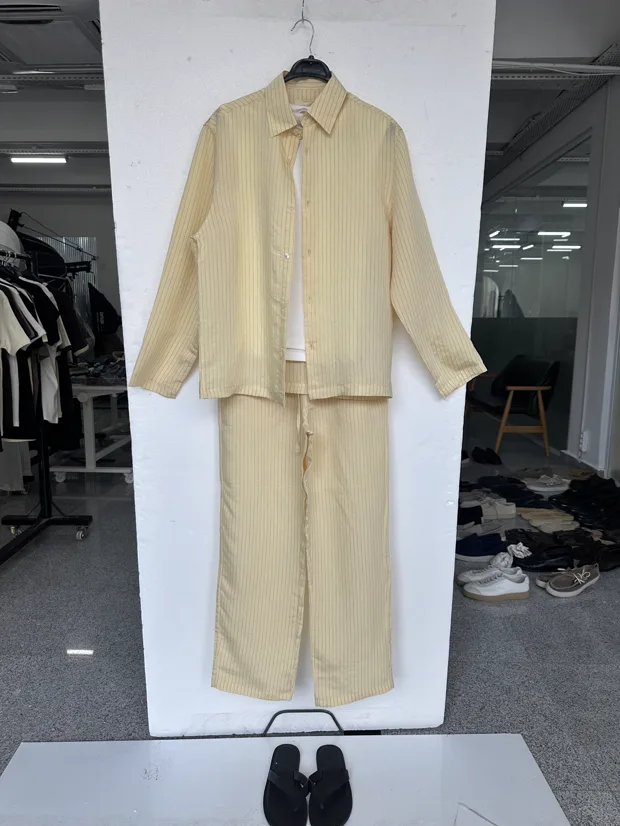
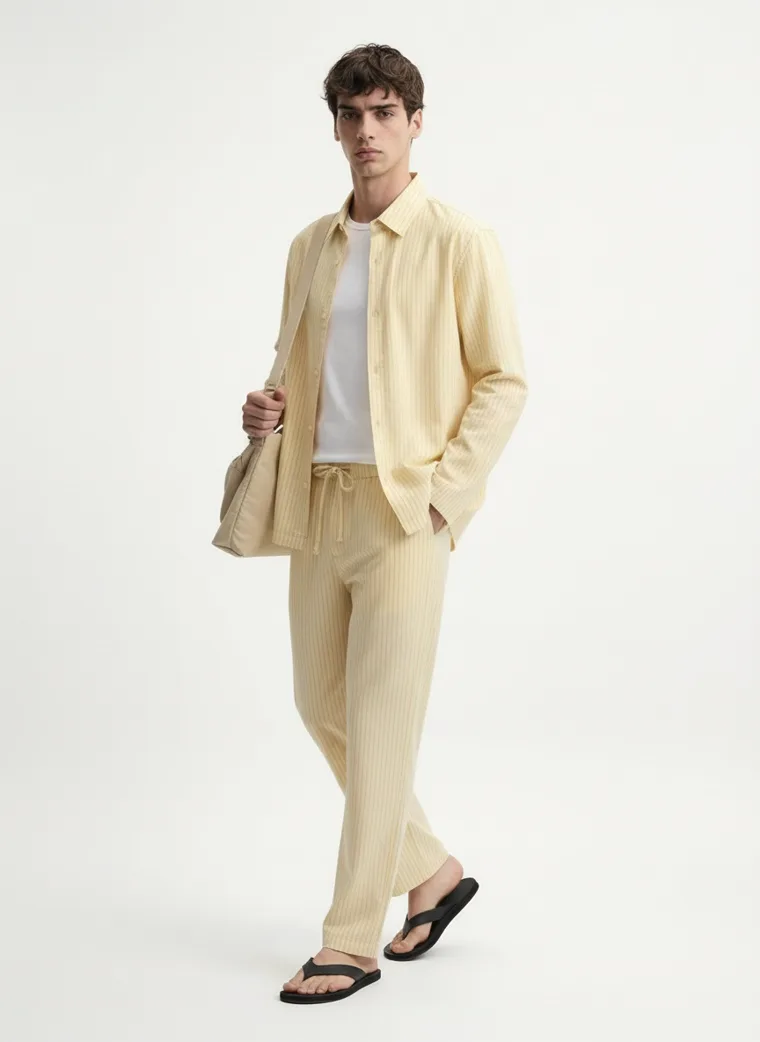
None of that is listable. All of it is usable as an input, and so is a tech pack sketch if the sample has not arrived yet. Below are six real source photos and what came back from each.
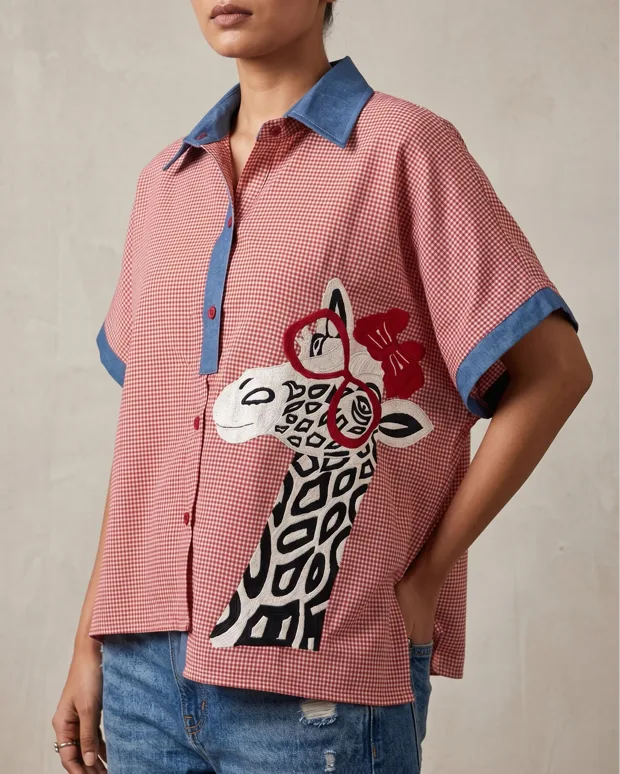
Cropped phone shot
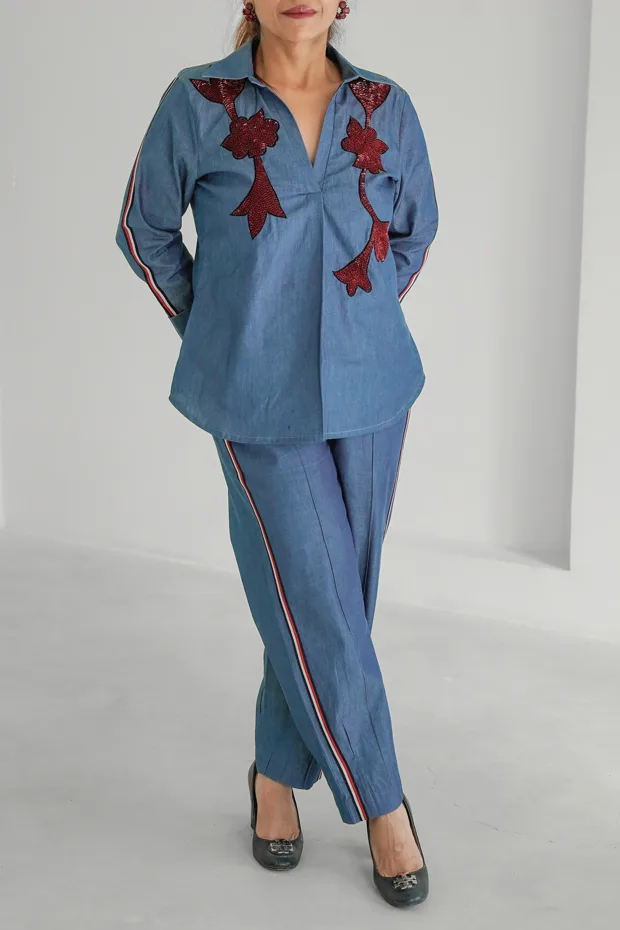
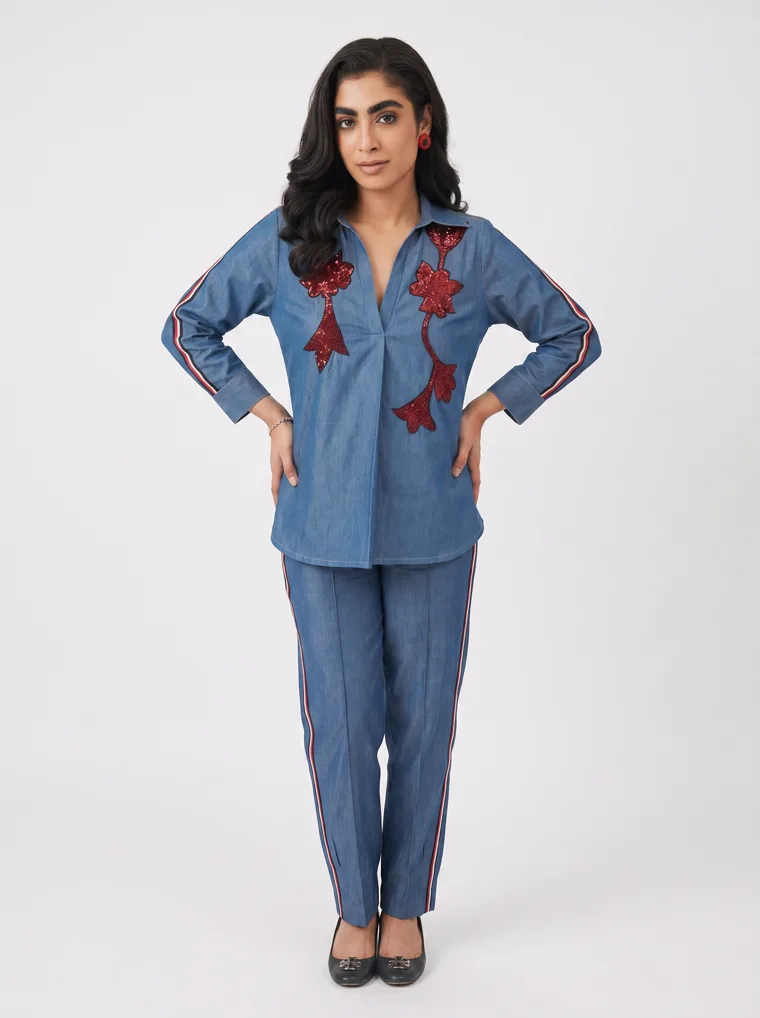
Headless on-model
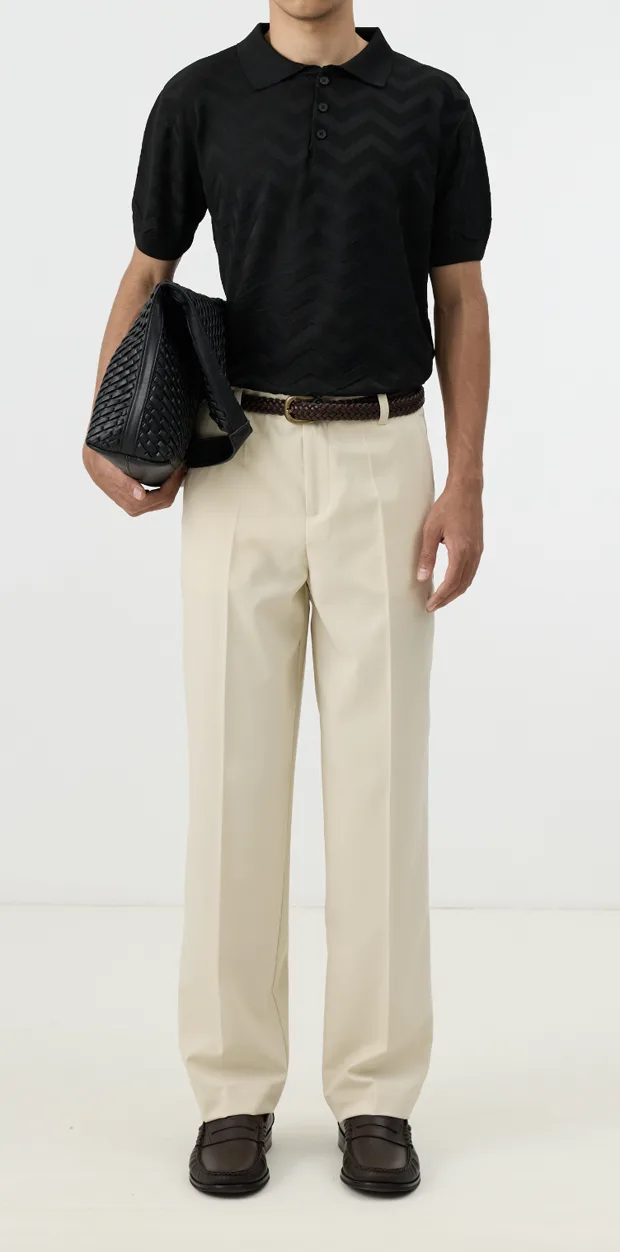
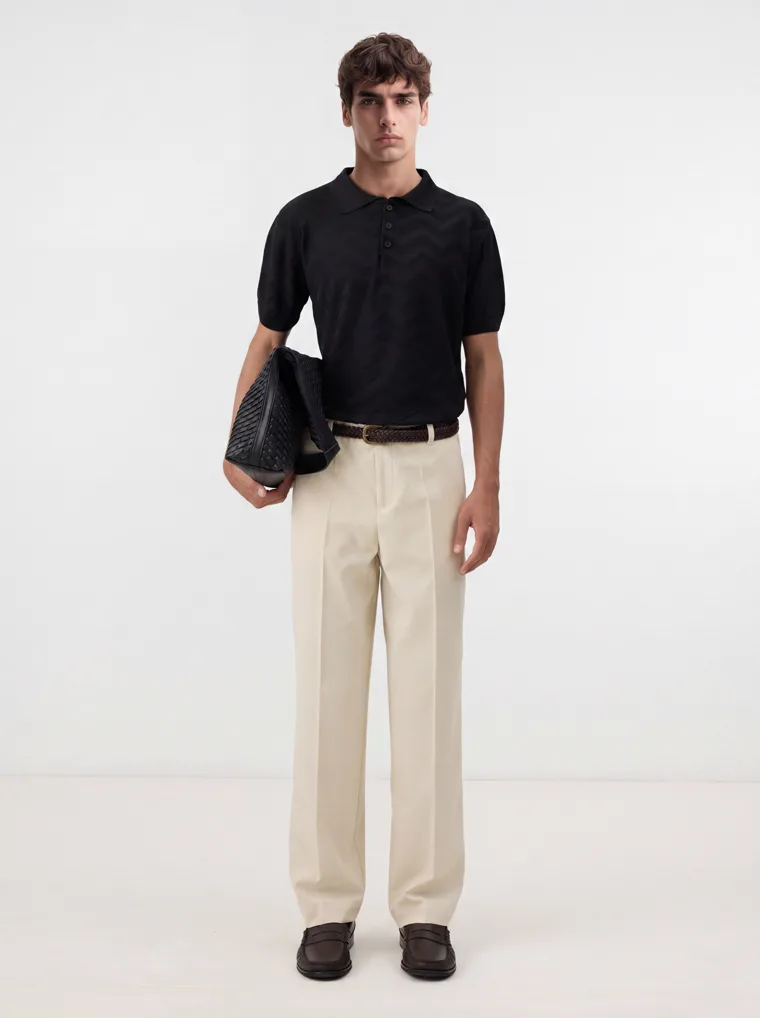
Headless on-model
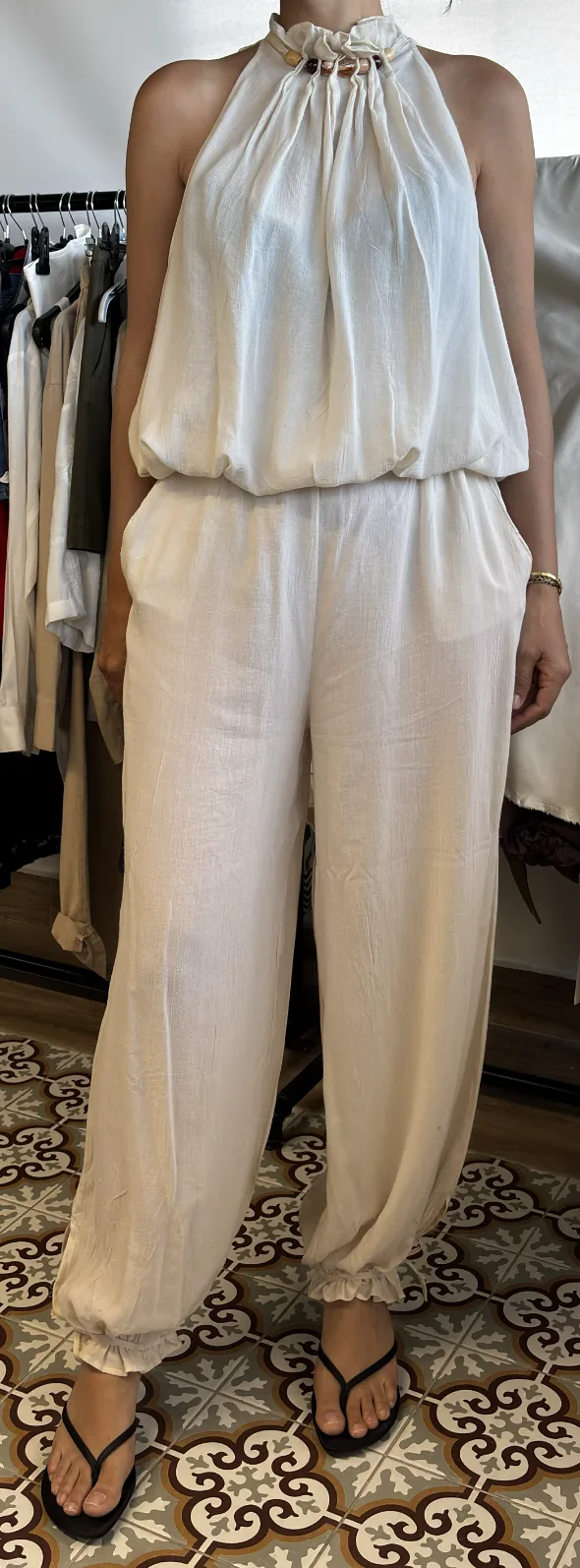
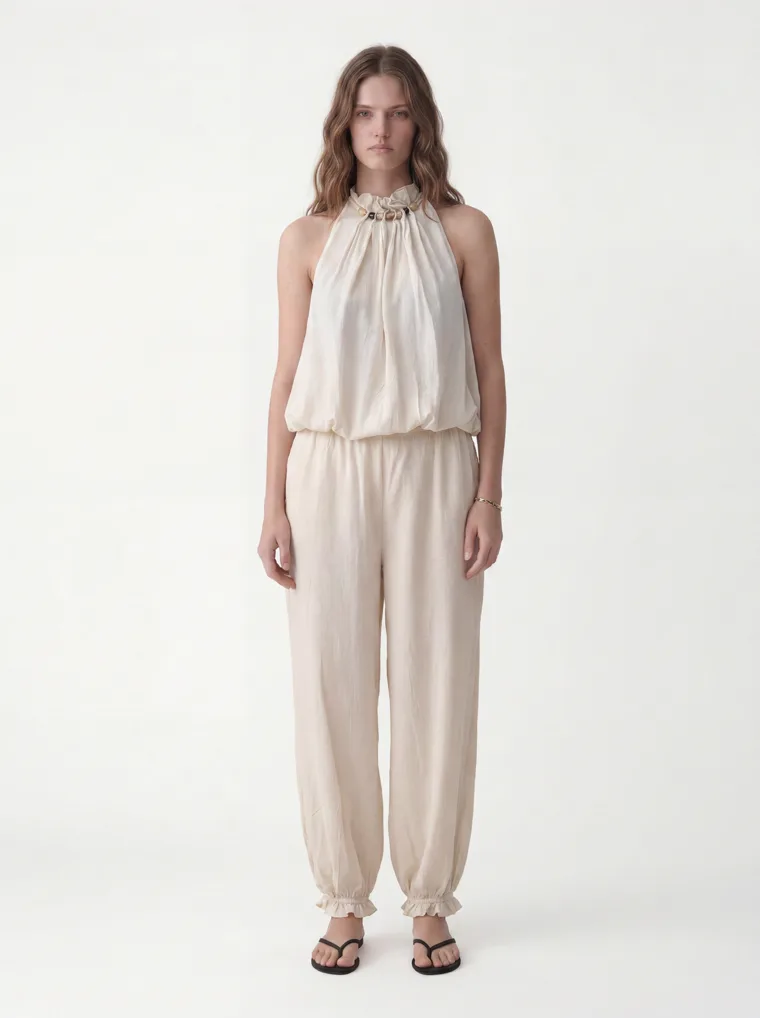
Showroom form
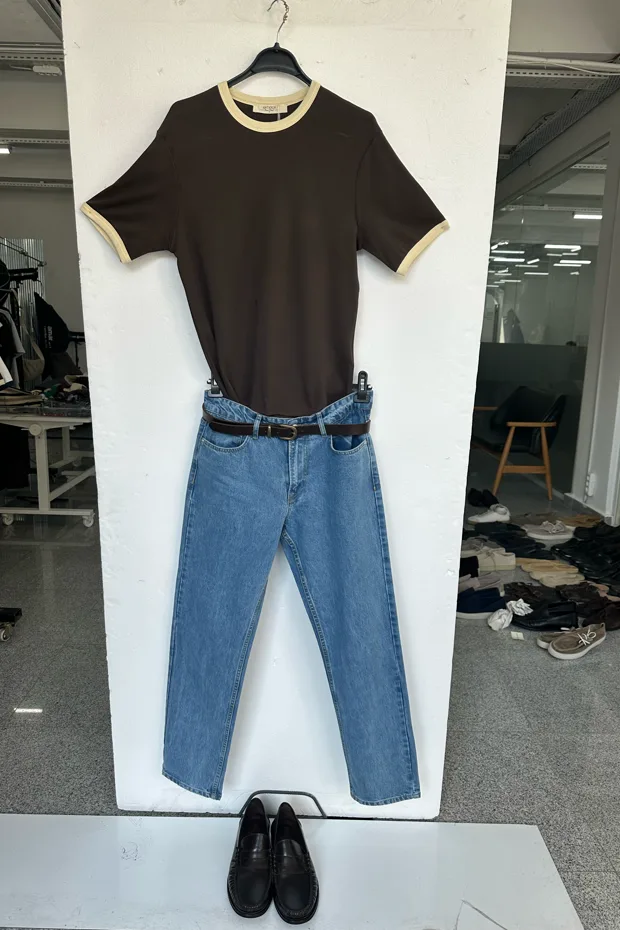
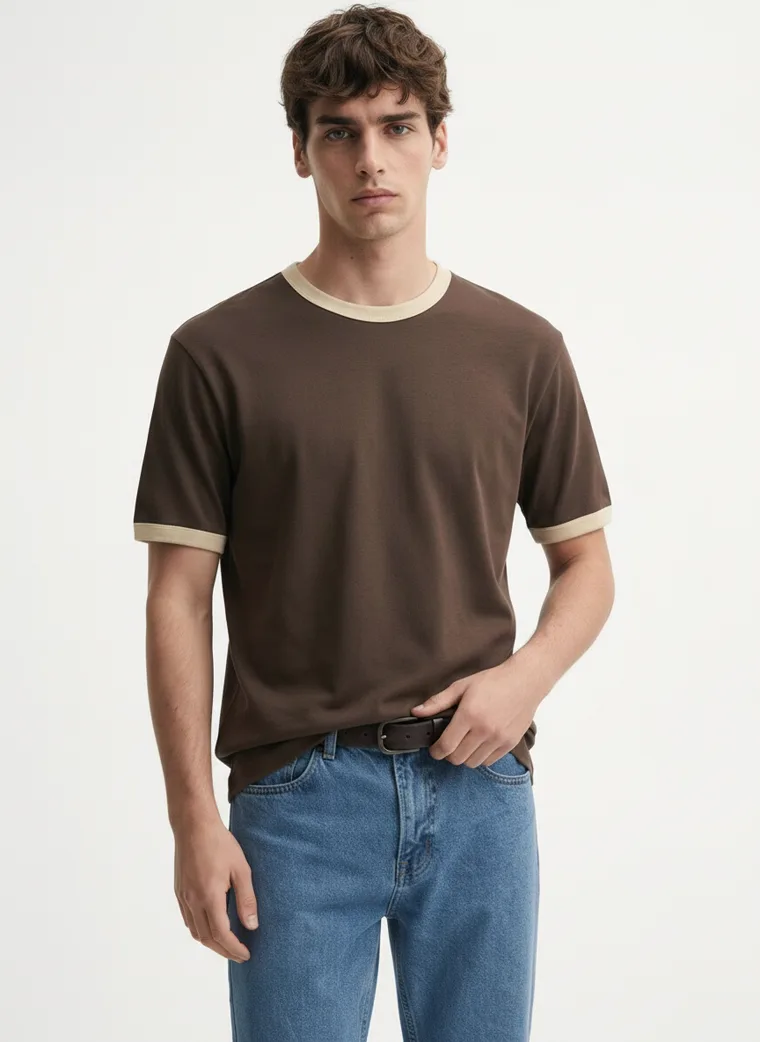
Flat lay on the floor
Flat lay on the floor
Source photo on the left, generated catalog shot on the right. Cropped phone photos, headless on-model shots, a showroom form and floor flat lays all produce the same standard of output.
Per Product, Not Per Picture
This is the part that decides whether a catalog of 200 SKUs is actually feasible. Most AI image tools work one picture at a time. You write a prompt, wait, look at what came back, adjust the wording, wait again, and eventually get a front view. Then you start over for the back. Multiply that by the number of angles a marketplace wants, then by every product you sell, and the tool has quietly become a full-time job.
MODA AI works per product. You upload the garment once, and a run returns ten images across 16+ pose angles in about two to five minutes for one credit. There is no prompt to write and no per-frame babysitting, because the shot list is the interface. You pick which of the 17 shot types you want, including ghost mannequin and flat lay for the garment-only main image, and front facing, back, side profile, seated and close-up for the on-model set.
Set a face reference and a background reference once and every product in the catalog comes back on the same model in the same setting, which is the consistency the curated marketplaces are actually assessing. Our guide to cohesive catalog photography goes deeper on that.
Which Resolution to Generate At
Output is 3:4 portrait, which is the exact ratio Myntra and Ajio specify, so those two need no crop at all. For the square marketplaces you crop 1:1 from the same file. The only decision is which tier you generate at.
| Tier | Portrait | Square crop | Use it when |
|---|---|---|---|
| Standard | First shot at 2K | Fine for most | Your own Shopify product pages, and marketplaces where you only need the hero at full resolution |
| 2K | 1792 x 2400 | 1792 x 1792 | The default for marketplace work. Clears Amazon, Myntra, Ajio, Flipkart, Meesho, TikTok Shop and Zalora on every frame |
| 4K | 3584 x 4800 | 3584 x 3584 | Walmart's recommended 2200 square, department store marketplaces, and print |
The one place the tier is forced is Walmart. A square crop from the 2K tier gives 1792 pixels, which clears their 1500 zoom minimum but sits under the 2200 they recommend. If Walmart is a priority channel, generate at 4K.
Two things to get right
You can see the same method applied to individual tools in our tool comparisons, and 76 complete jobs with their inputs in the lookbook. Specs change, and they change without much announcement. Every figure here comes from platform documentation or seller guidance current at the time of writing, but confirm against your own seller portal before you push a few hundred listings, particularly on Myntra and Flipkart where the published numbers vary between sources.
Disclose AI generated model imagery to your customers. Marketplaces are not generally rejecting images for being generated, they reject them for failing the spec, but shoppers deserve to know when the person wearing the garment is not a photograph of a person. Our AI model disclosure guide covers what the current rules require.
The output
What Came Out of Those Six Uploads
Different garments, different models, different source formats, all produced to the same standard.
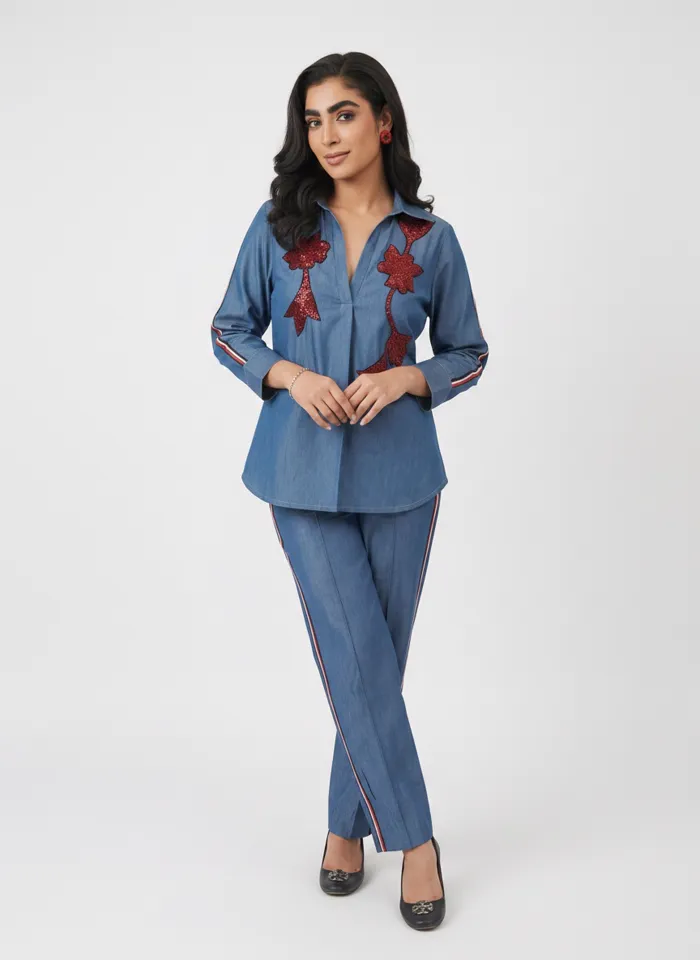
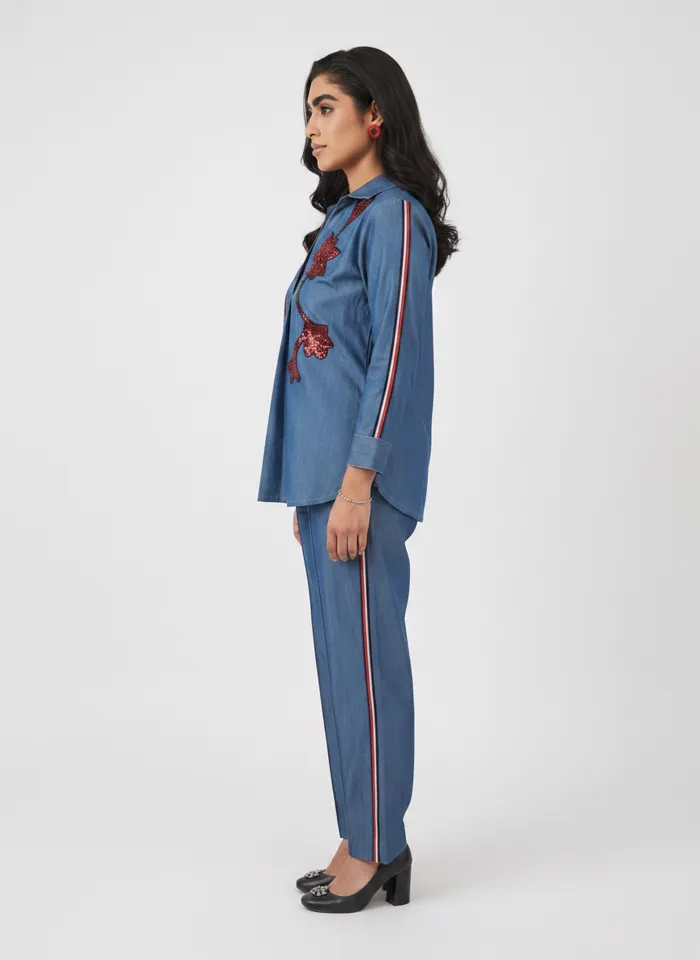
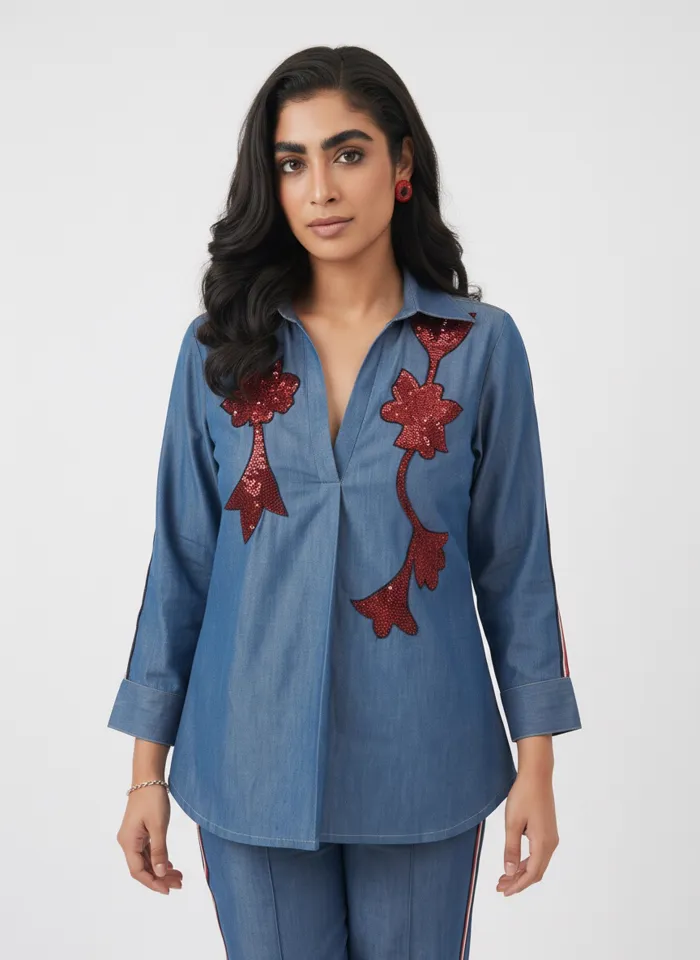
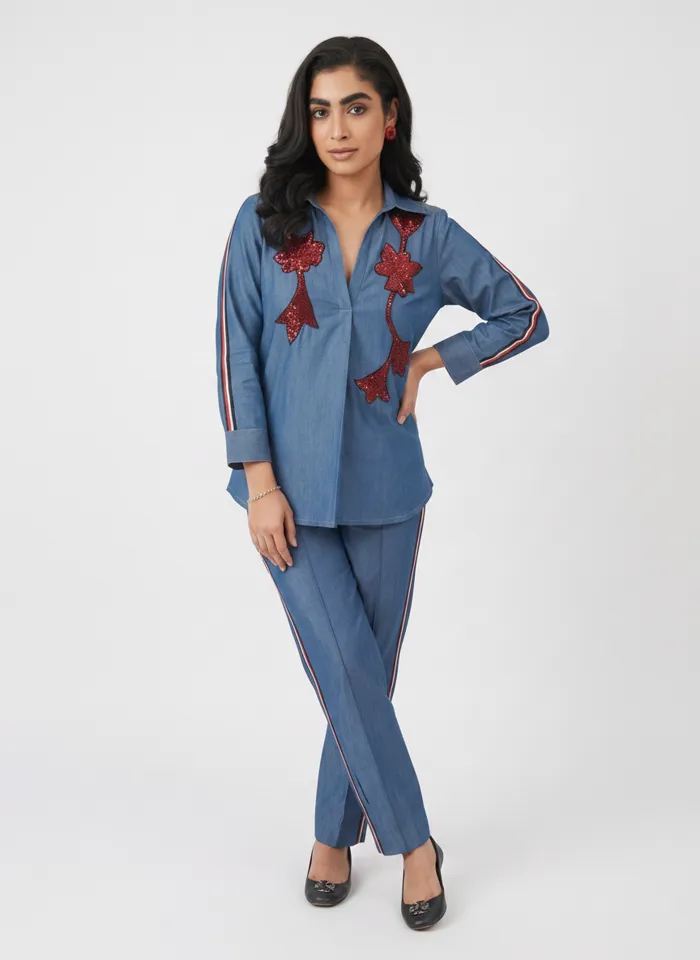
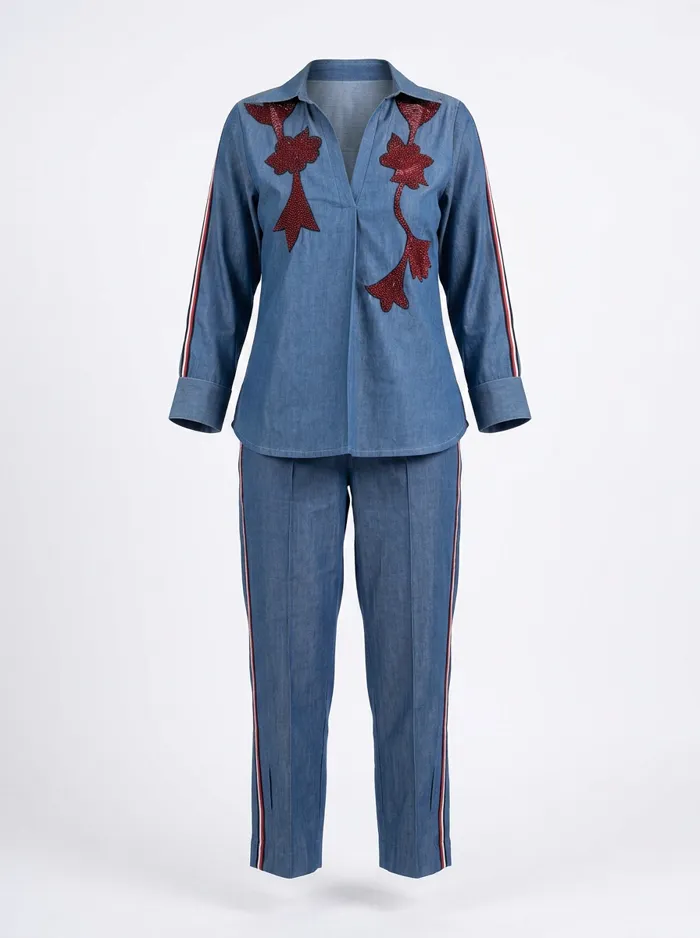
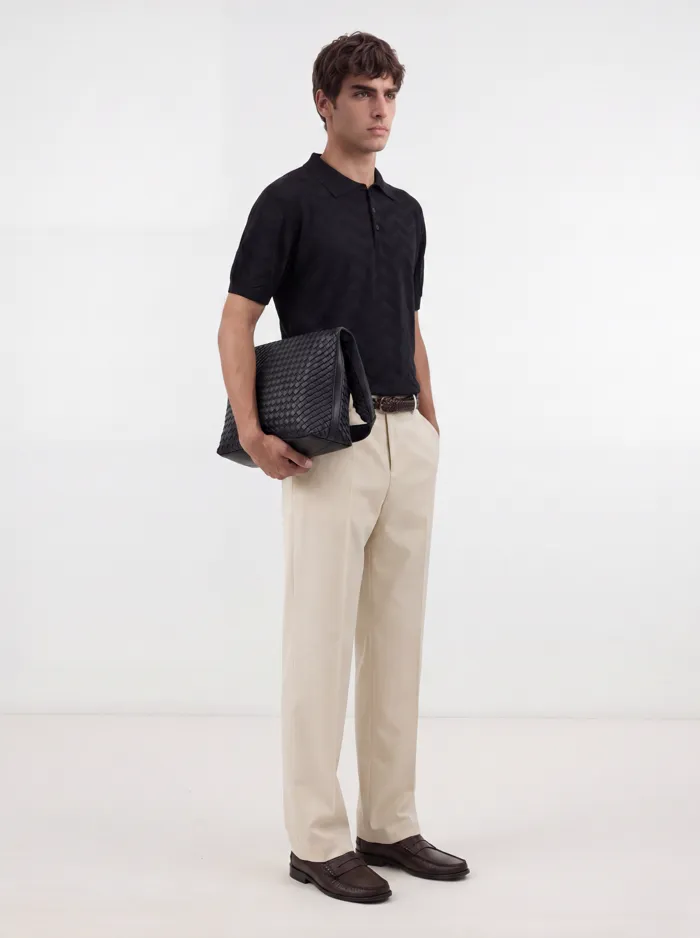
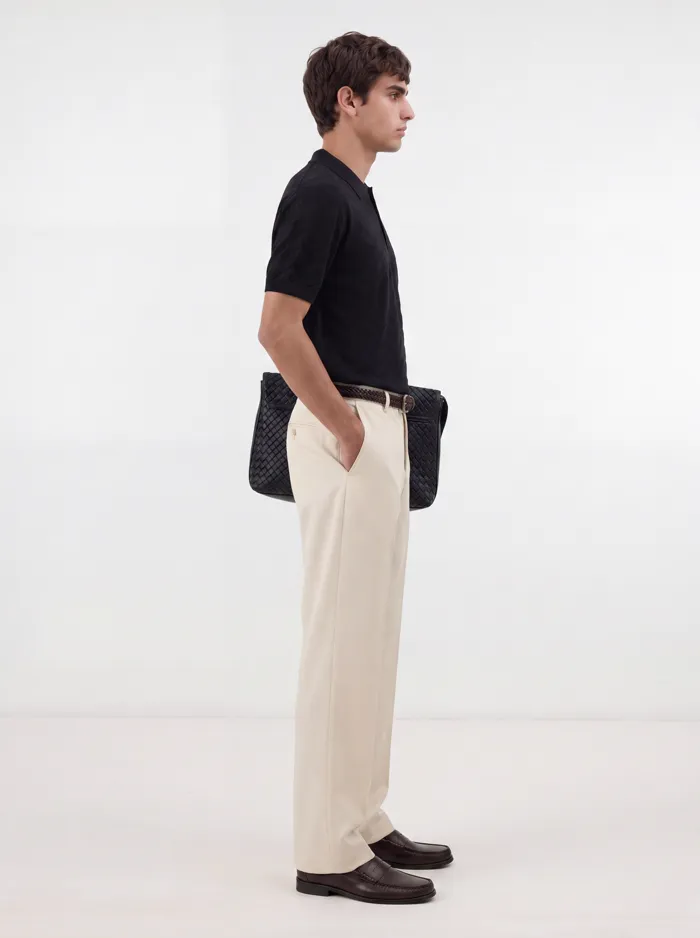
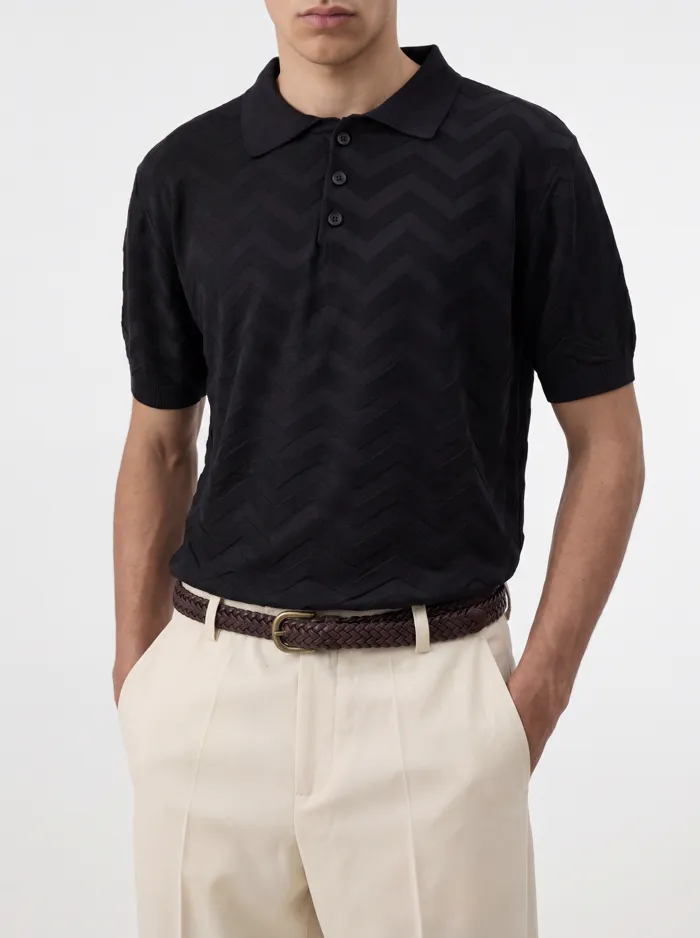
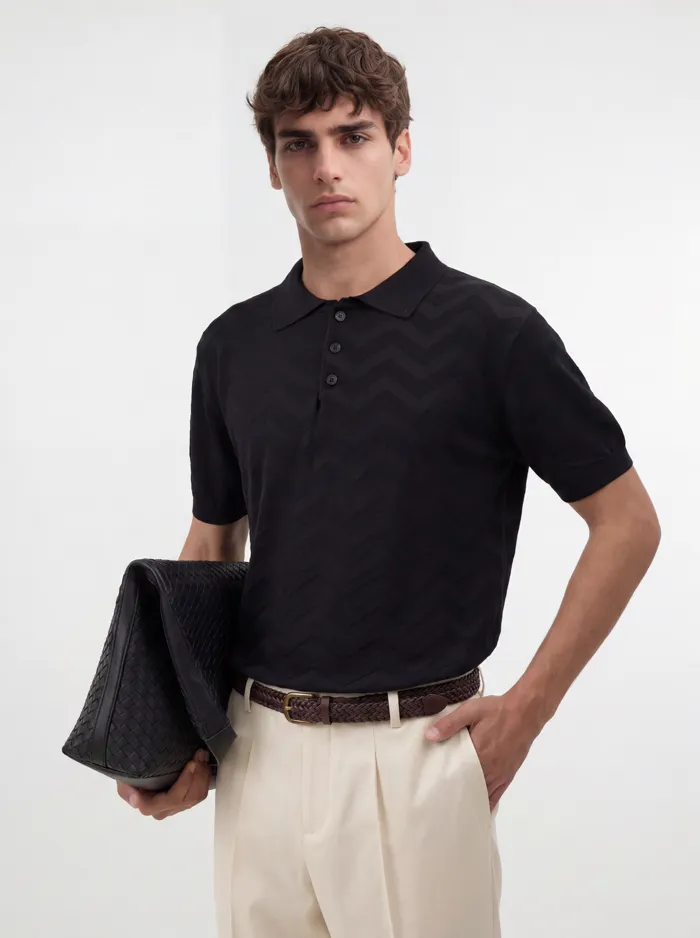
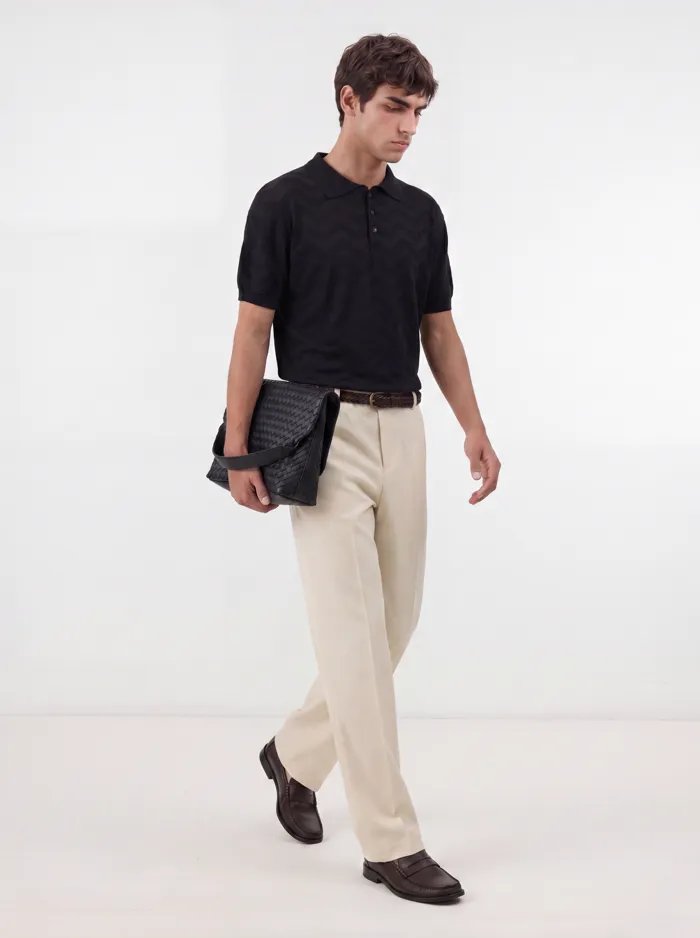
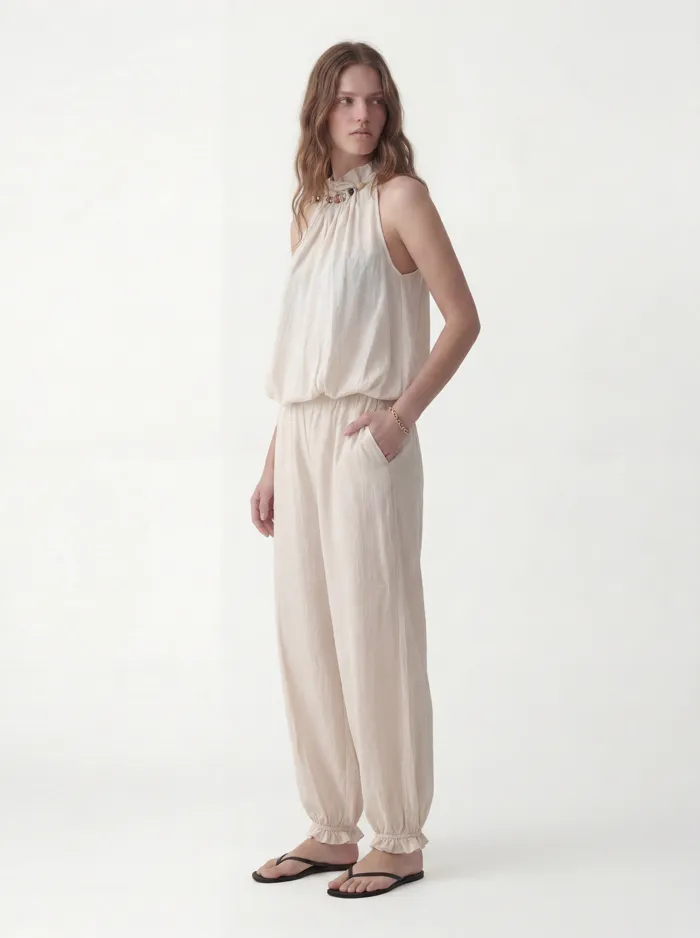
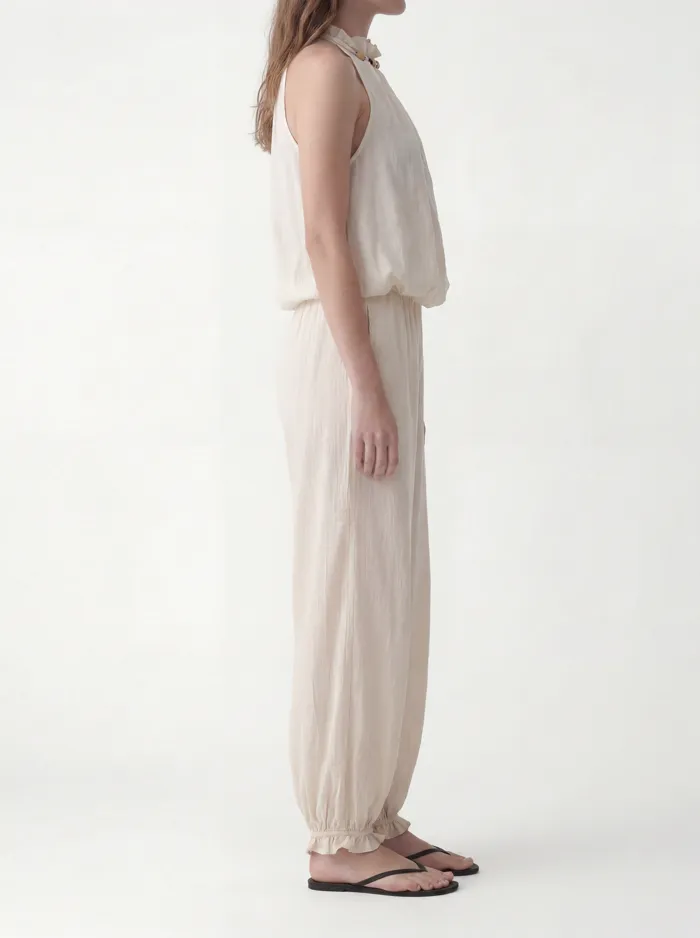
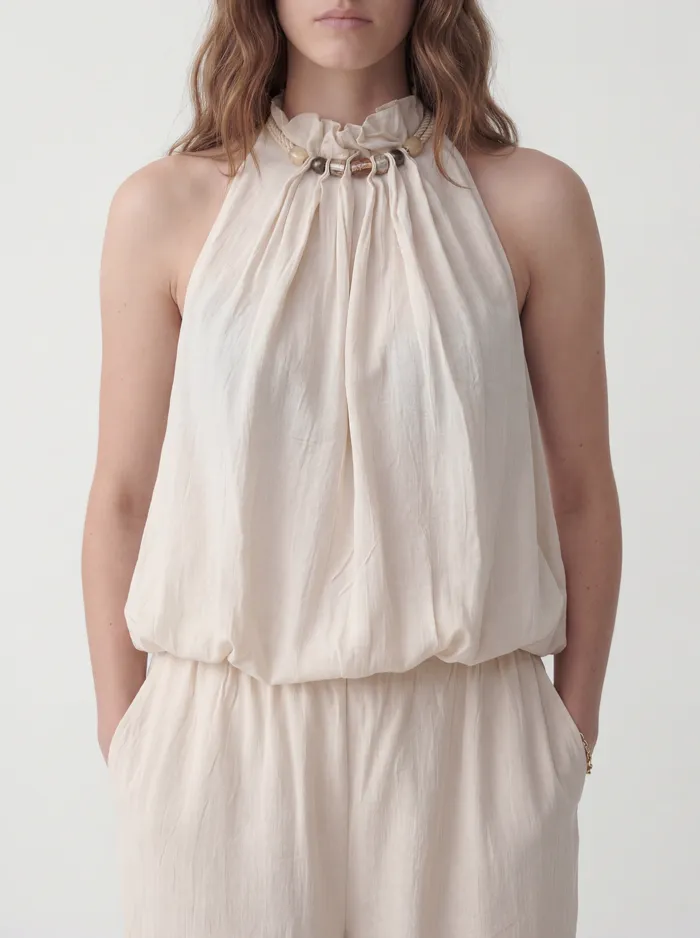
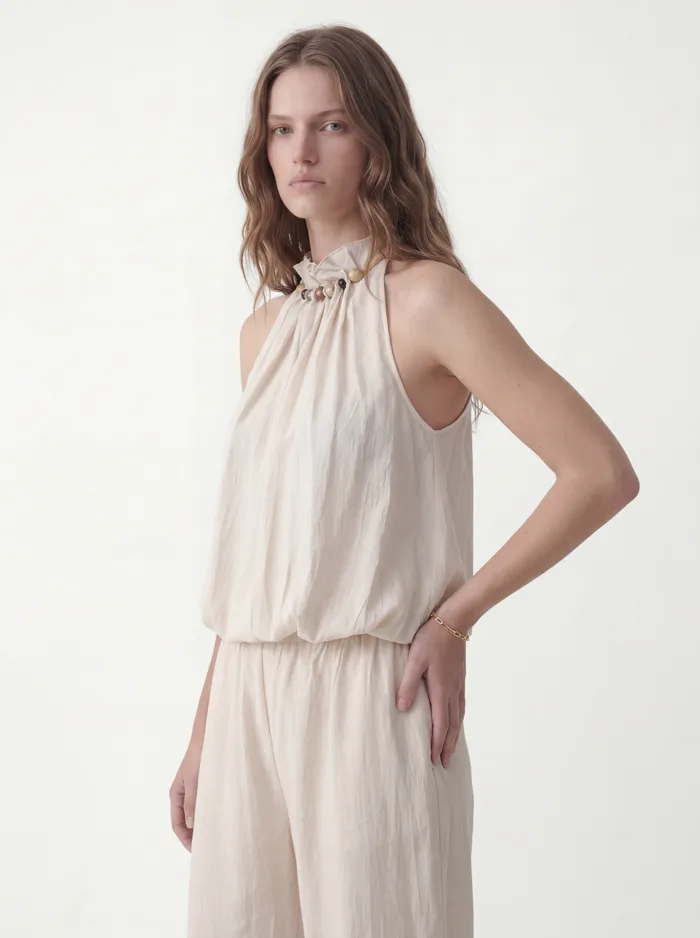
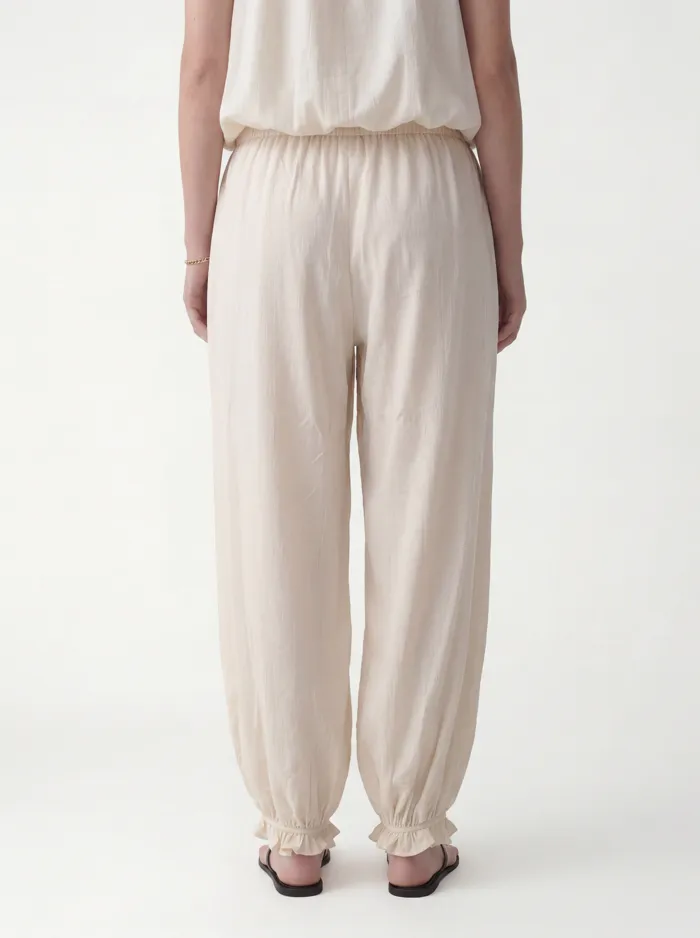
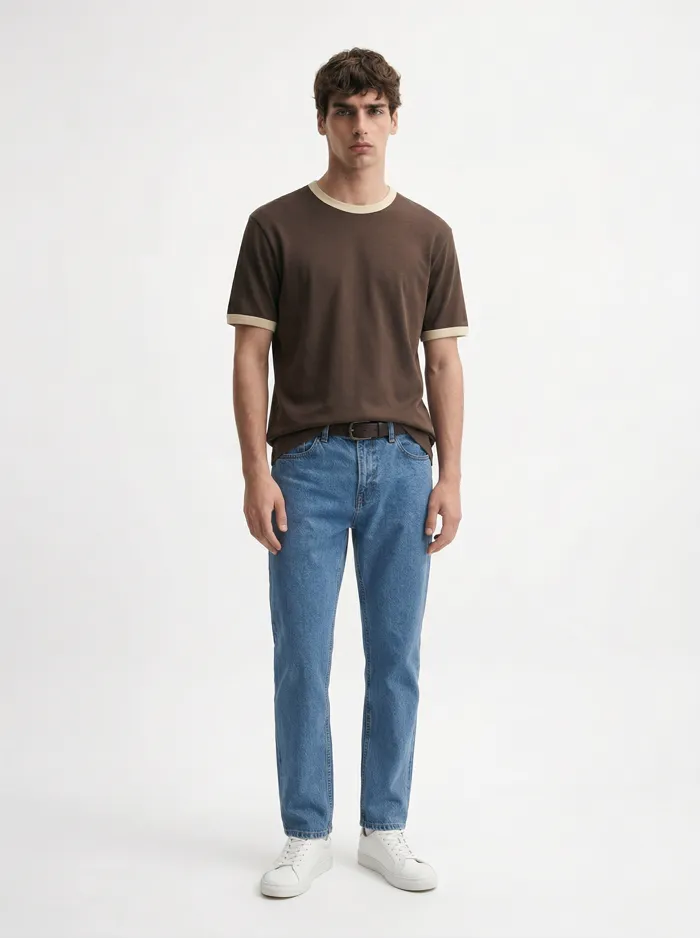
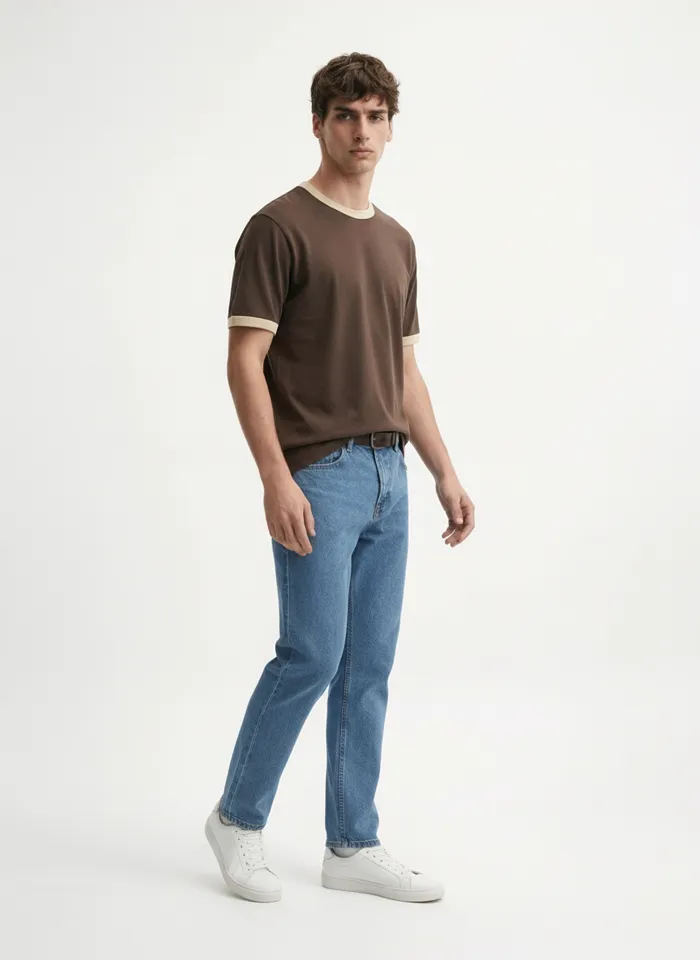
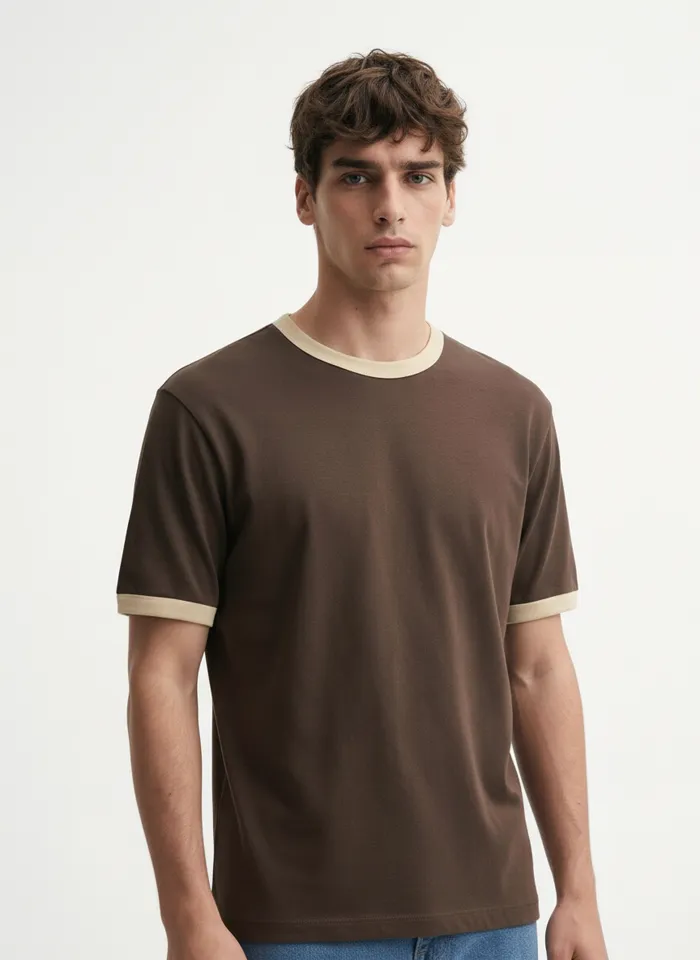
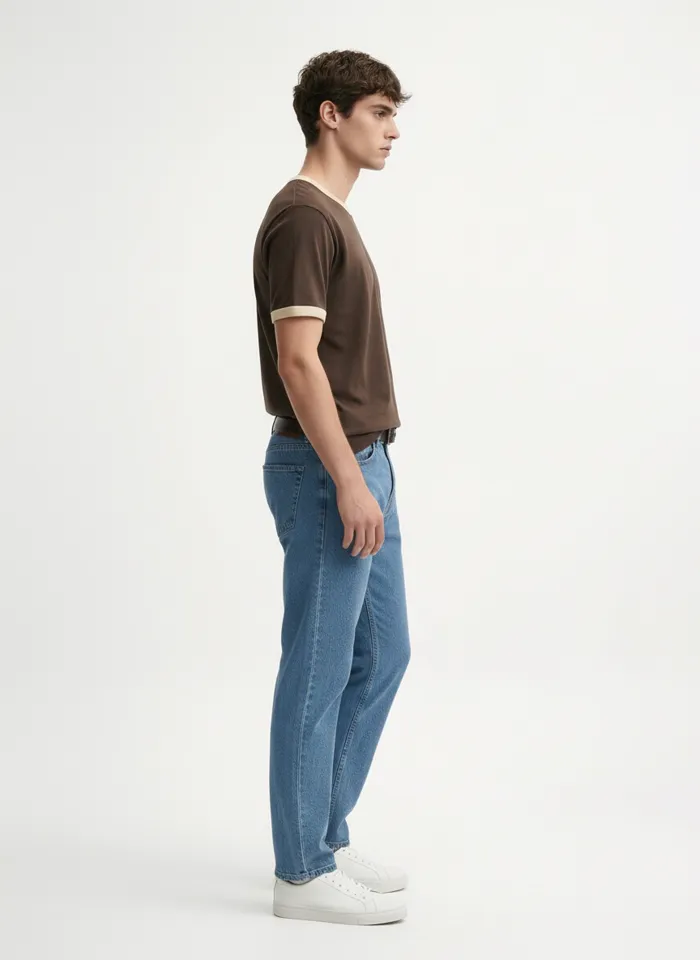
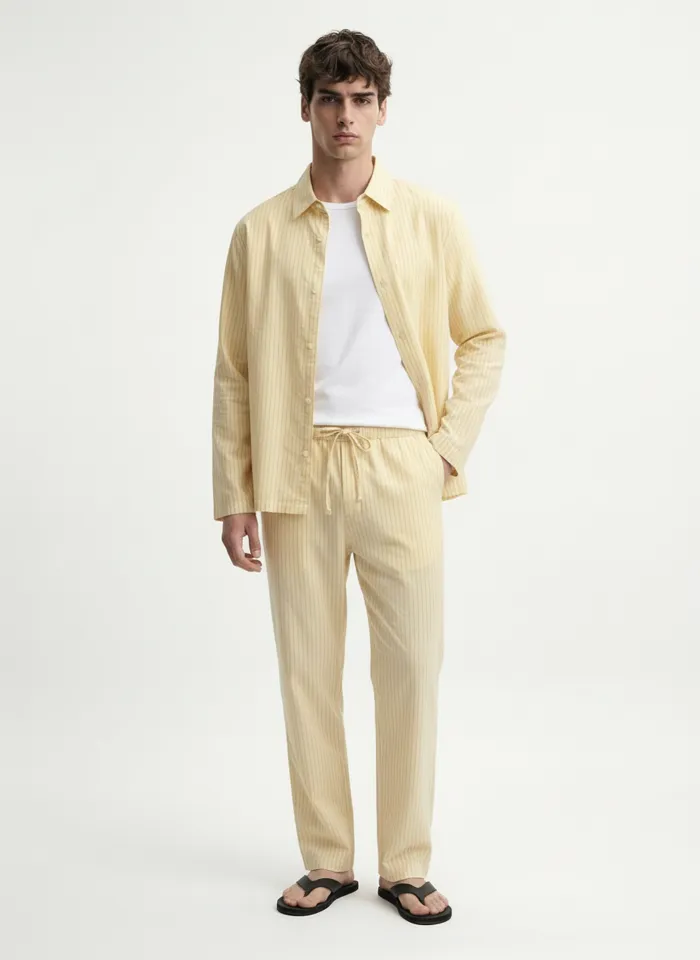
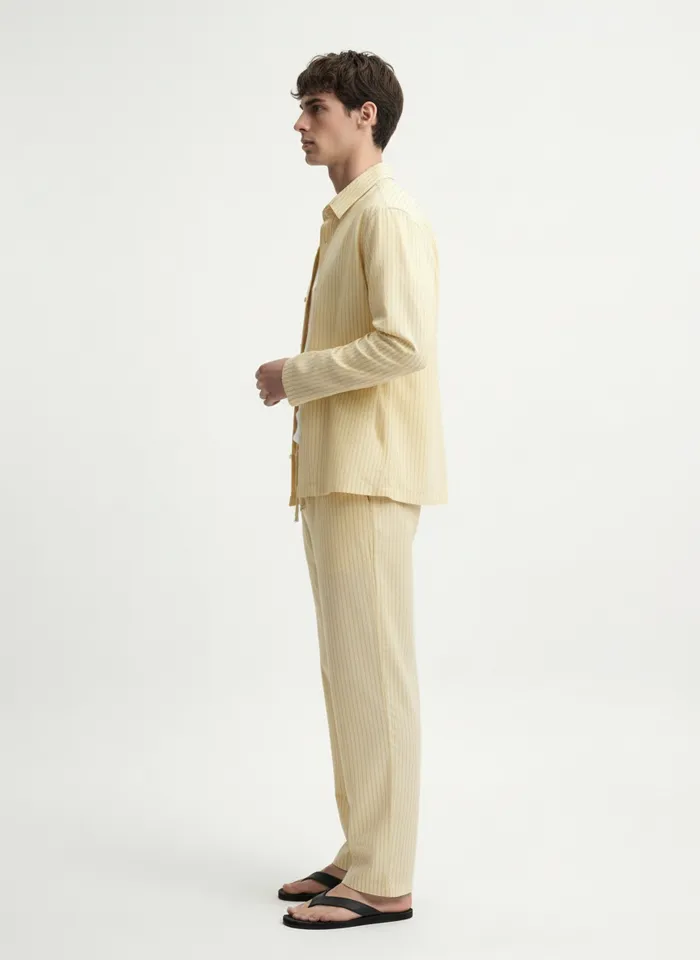
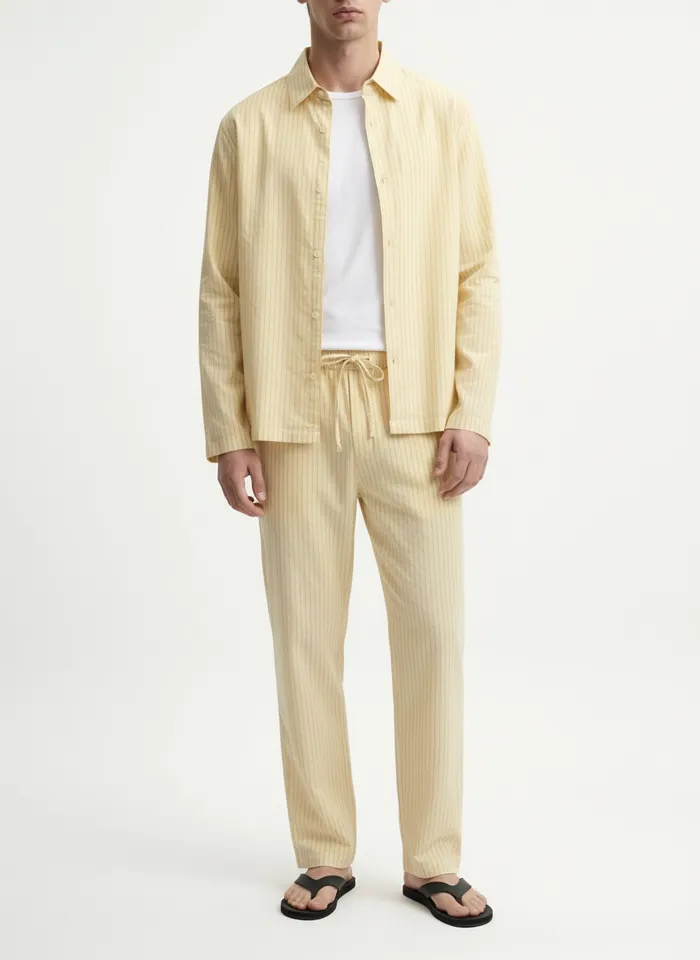
Twenty-three more frames from the same six uploads. Every one of them started as a flat lay, a hanger shot, a mannequin, or a cropped photo taken on a phone.
Frequently Asked Questions
Can one set of images work across every marketplace?
Mostly. Shoot to the strictest spec and crop down. Produce a 3:4 on-model set plus a garment-only shot on white, then crop square for Meesho, Walmart and TikTok Shop and use the portrait originals for Myntra, Ajio and Zalora.
Which marketplaces ban models in the main image?
Walmart and Meesho want the product alone on pure white, and Flipkart requires a white primary but allows model lifestyle images as the main image in fashion. Amazon is the one people get wrong: the background must be pure white, but adult clothing is expected to be worn, on a live model or a ghost mannequin, with the flat off-model shot reserved for kids, baby and multi-packs. Myntra, Ajio, Zalora, Zalando and The Iconic expect a live model.
What resolution do I actually need?
The practical floor is 1600px on the longest side, which is Amazon’s zoom threshold. MODA outputs 1792x2400 at the 2K tier, which clears every platform here on the long edge, and 3584x4800 at 4K when you need a large square crop or print.
Will marketplaces reject AI generated images?
They reject images that fail the spec rather than images that were generated. TikTok Shop rejects upscaled files because its review detects compression artefacts, Ajio rejects heavy retouching, and Zalora rejects poor model choice and pose. Generate at native resolution, keep the styling natural, and disclose it to your customers.
Do curated marketplaces need different images?
They need better ones. Zalando, About You, OTTO, The Iconic, Nykaa Fashion, Tata Cliq and the department stores assess your existing catalogue as part of the application, so on those platforms photography decides whether you get on at all.
How long does a set take per product?
A run returns ten images across 16+ pose angles in roughly two to five minutes for one credit, from a single upload. You are not writing a prompt per frame and waiting to see what returns. You upload the product once and the run produces the set.
One upload. Every channel.
Install MODA AI from the Shopify App Store. Two free credits, no card. Upload a product and get the multi-angle set every marketplace is asking for.
Get Started FreeOr read what Shopify merchants say, reviews on the Shopify App Store