How-To · Flat Lay
How to Turn Flat Lays Into On-Model Multi-Angle Shots
You already have the flat lay. The gap is getting it on a body, from every angle, without a sample or a shoot. Here’s how.
July 15, 2026 · 9 min read
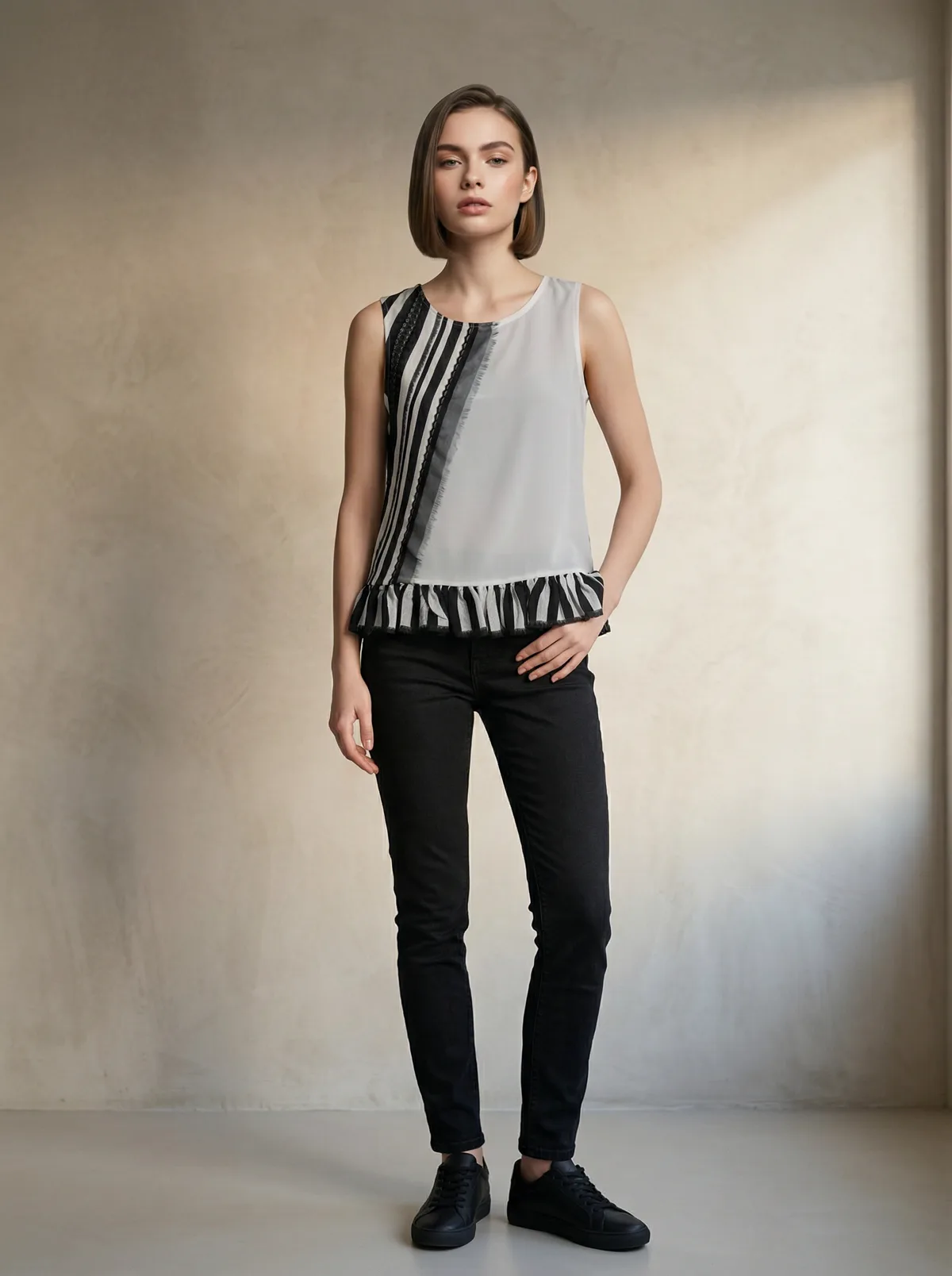
This started as a flat lay on a table: an embroidered top with a ruffle hem. The stripes and the ruffle carried through to the model.
10
on-model shots from one flat lay, across 16+ angles
73%
higher add-to-cart from multi-angle model imagery versus flat lays alone
SellHound
~$1
per batch, with no model, studio, or photographer to book
The Flat Lay You Already Have
Most Shopify apparel catalogs run on flat lays: the garment shot flat on a table, hung on a plain wall, or the pack shot a supplier sends over. They’re quick and they cost nothing, and they convert worse than a shot on a body. Shoppers want to see how a piece sits, drapes, and moves on a person before they buy.
The usual way to close that gap is slow. You already have the garment, but putting it on a body still means booking a model, a photographer, and a studio, then waiting for the shoot to schedule and the edits to come back. For a store that adds styles every week, that overhead rarely fits, so the catalog stays on flat lays.
MODA AI takes the flat lay you already have and puts it on a model: ten catalog angles from one upload, in about two minutes, for about a dollar. The four sections below show what that looks like in practice, from intricate detail to full outfits to how the styling follows what you put in the frame.
Detail
Intricate Detail Survives the Jump
The hard test for flat-lay-to-model is detail. The top below has vertical appliqued stripes in black and cream and a ruffle hem, the kind of texture generic tools tend to smear into noise. In the on-model outputs the stripes stay aligned down the body, the ruffle stays a ruffle, and the pattern holds from the front through the seated and side frames. Print and logo fidelity is a subject on its own; the logo reproduction guide goes deeper on where tools break.
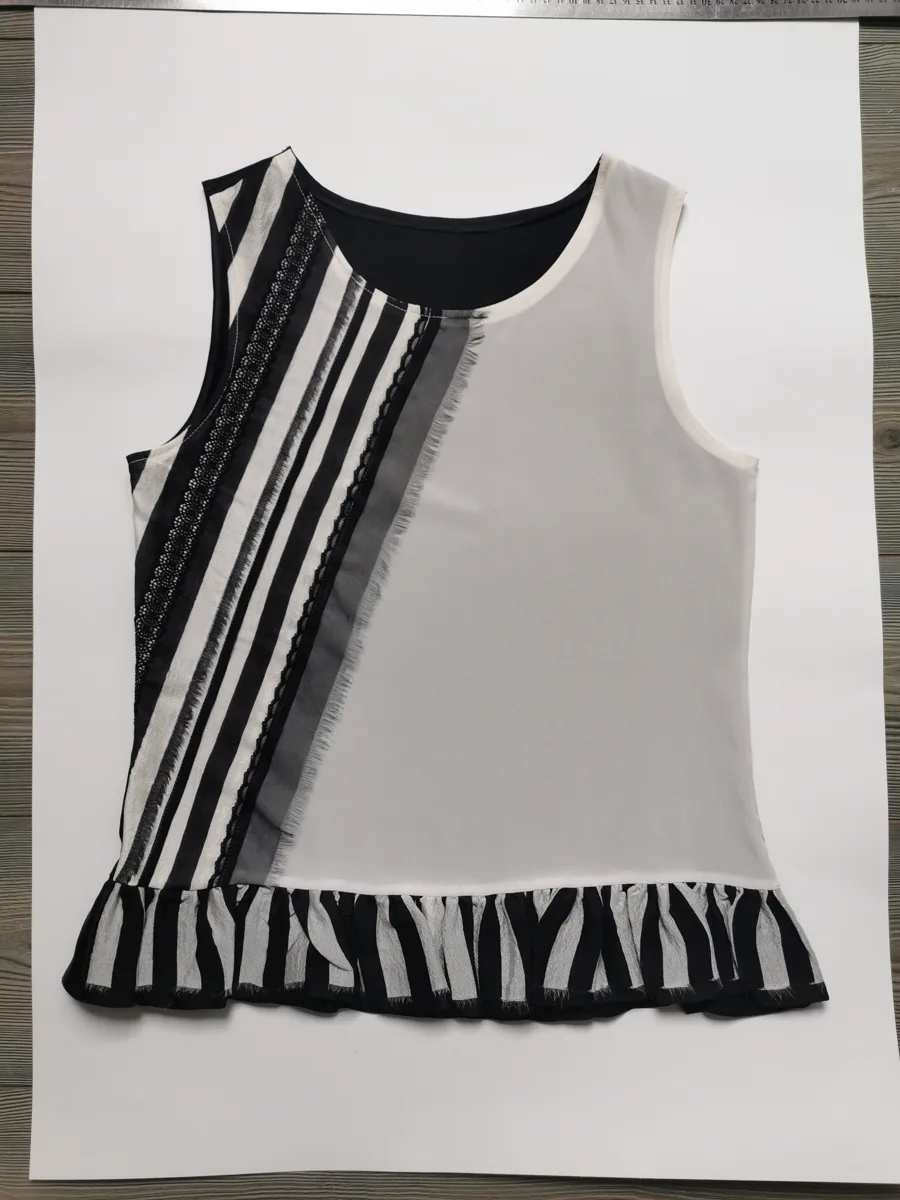
Flat lay in
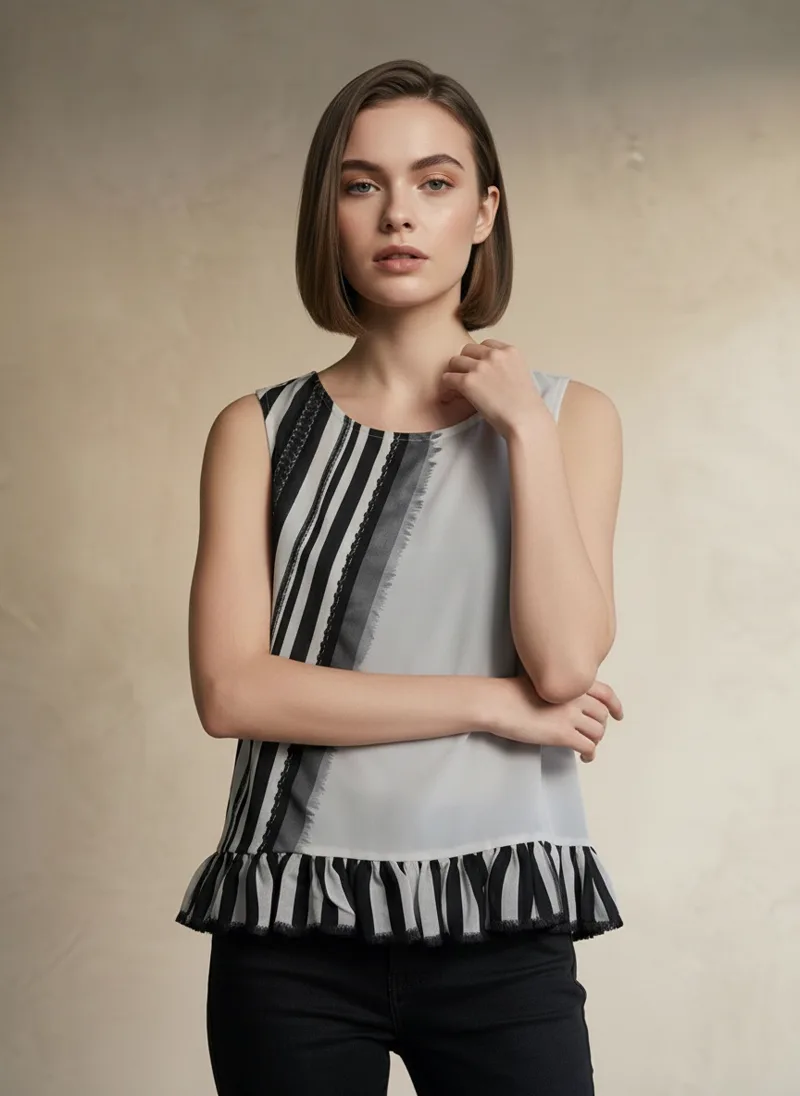
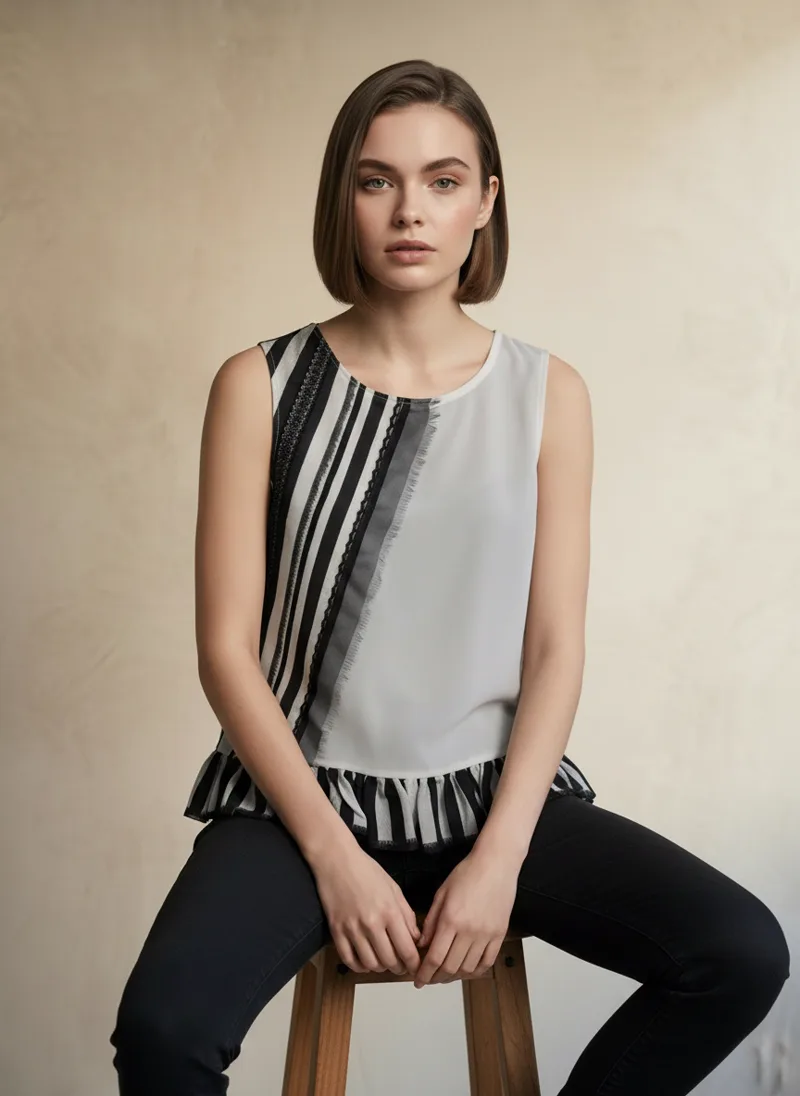
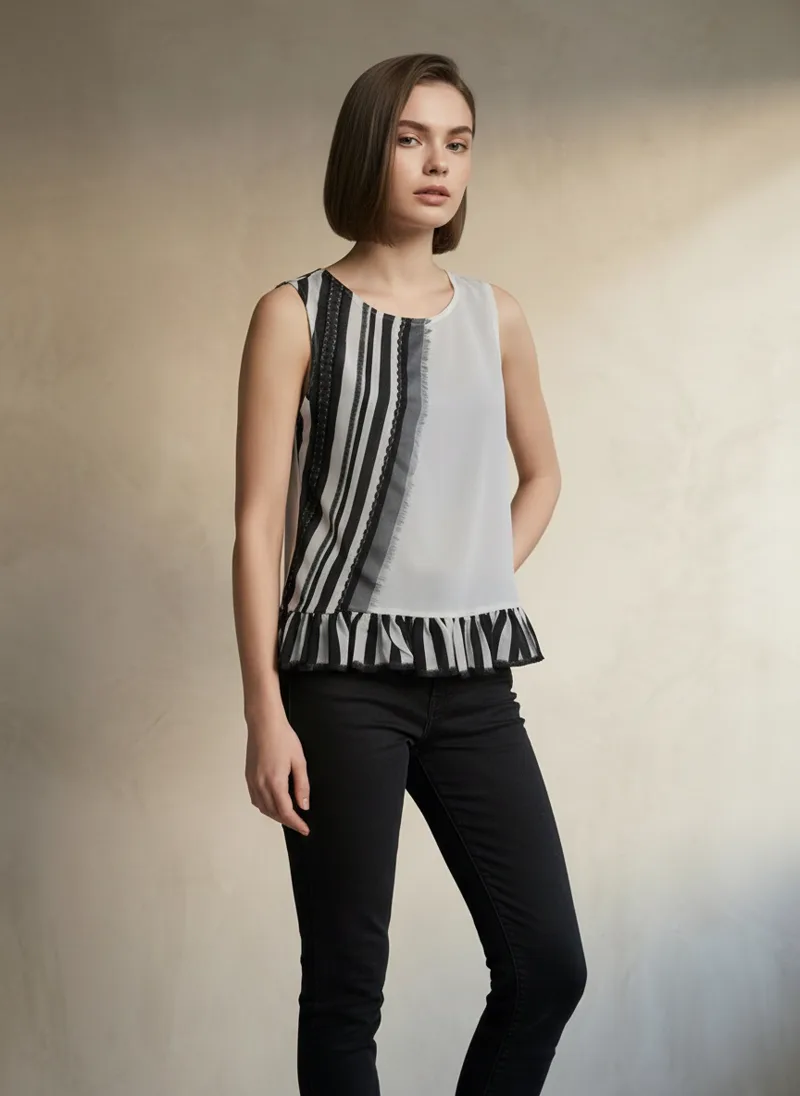
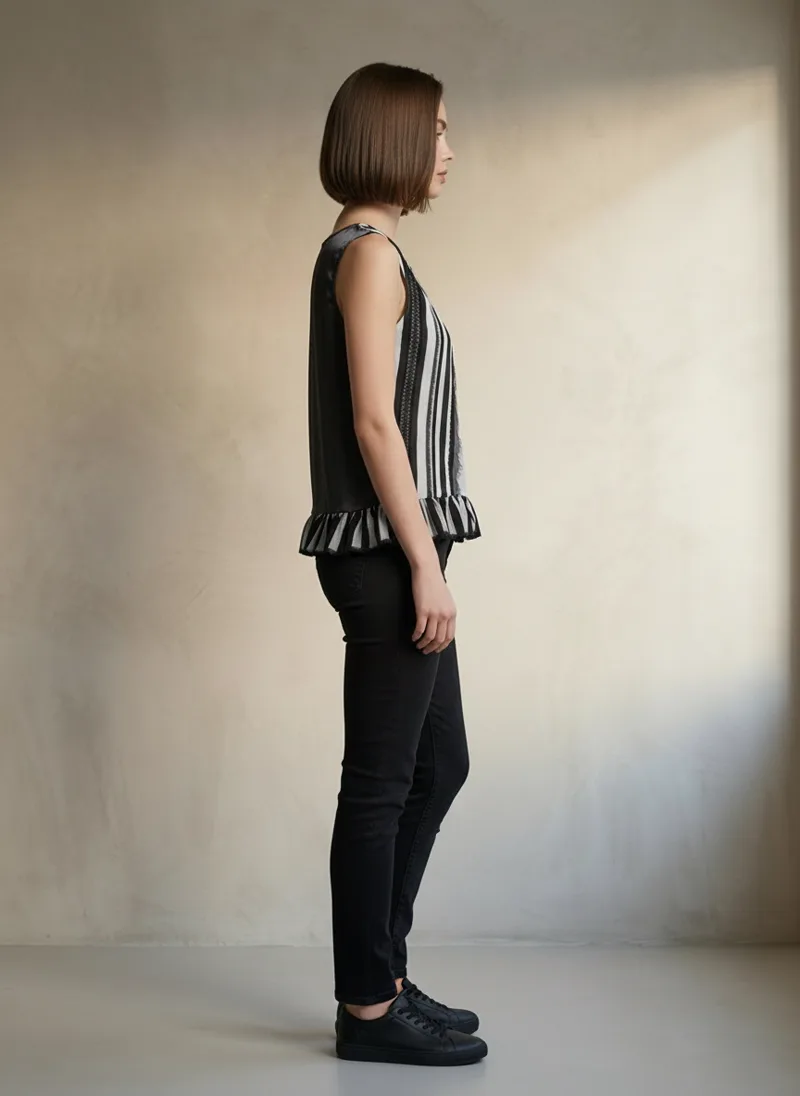
One flat lay, four of ten angles. The appliqué stripes and ruffle hem stay consistent front, seated, and side.
Composition
Put a Whole Outfit in One Flat Lay
You don’t have to feed one garment at a time. Arrange a top and a bottom together on one canvas in Canva, Photoshop, or any layout tool, then upload that composition as your flat lay. MODA dresses the model in both, styled as a set. Below, an orange cropped shirt and wide-leg linen trousers are placed together in a single flat lay, and they come back worn as one coordinated look across the catalog.
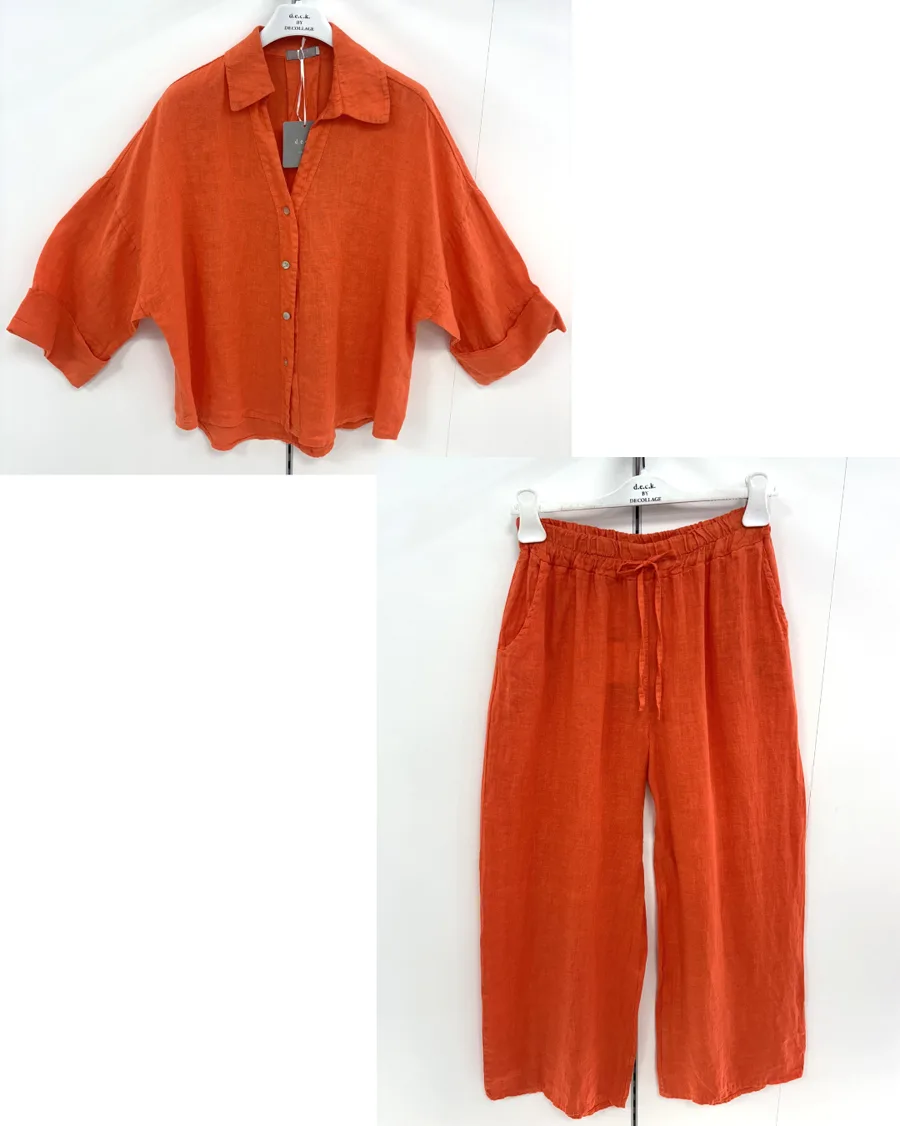
Two pieces, one composed flat lay
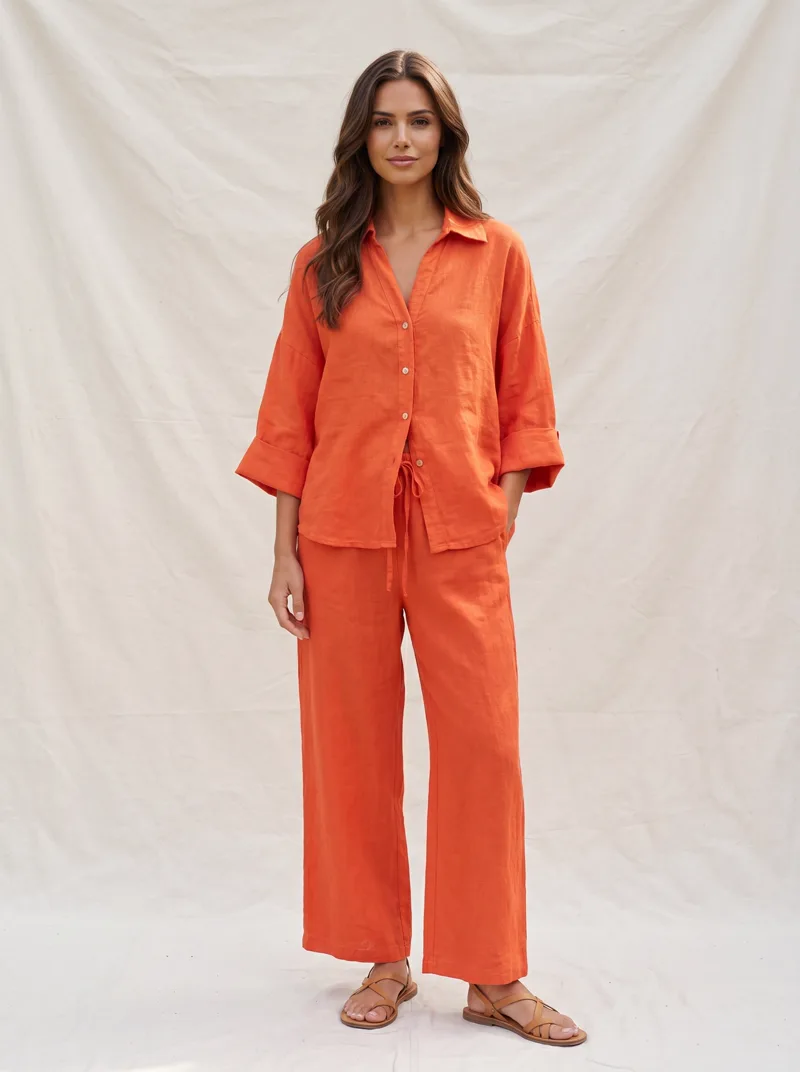
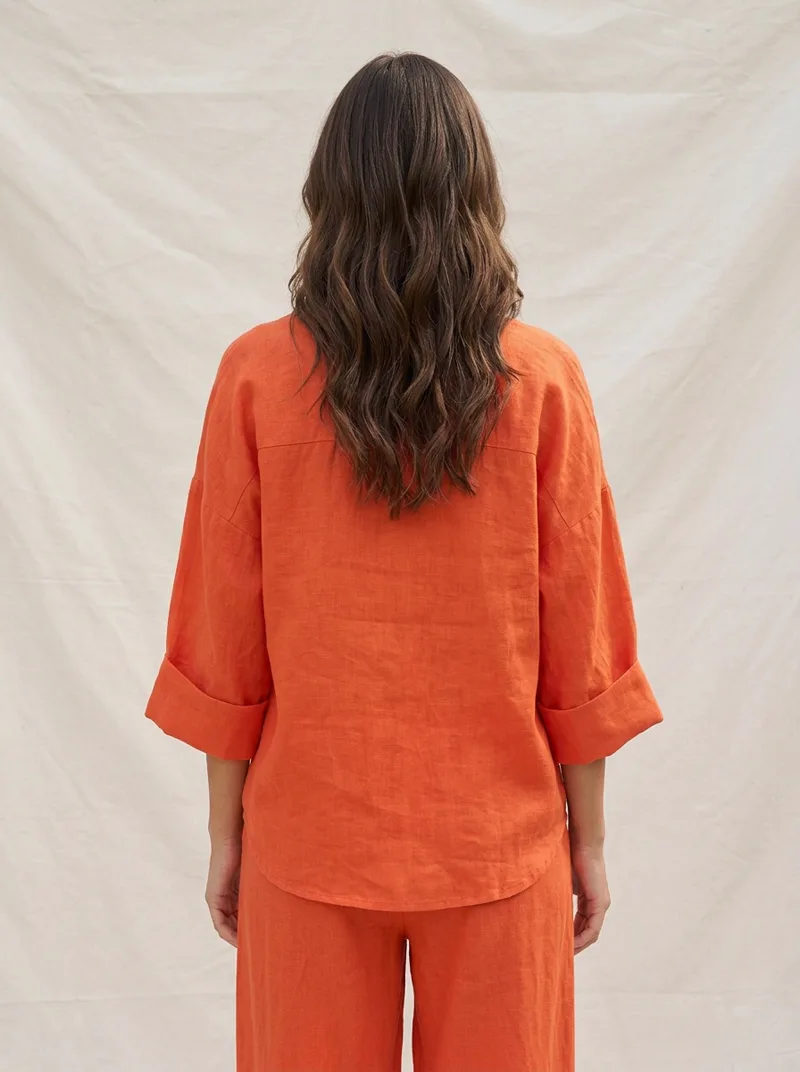
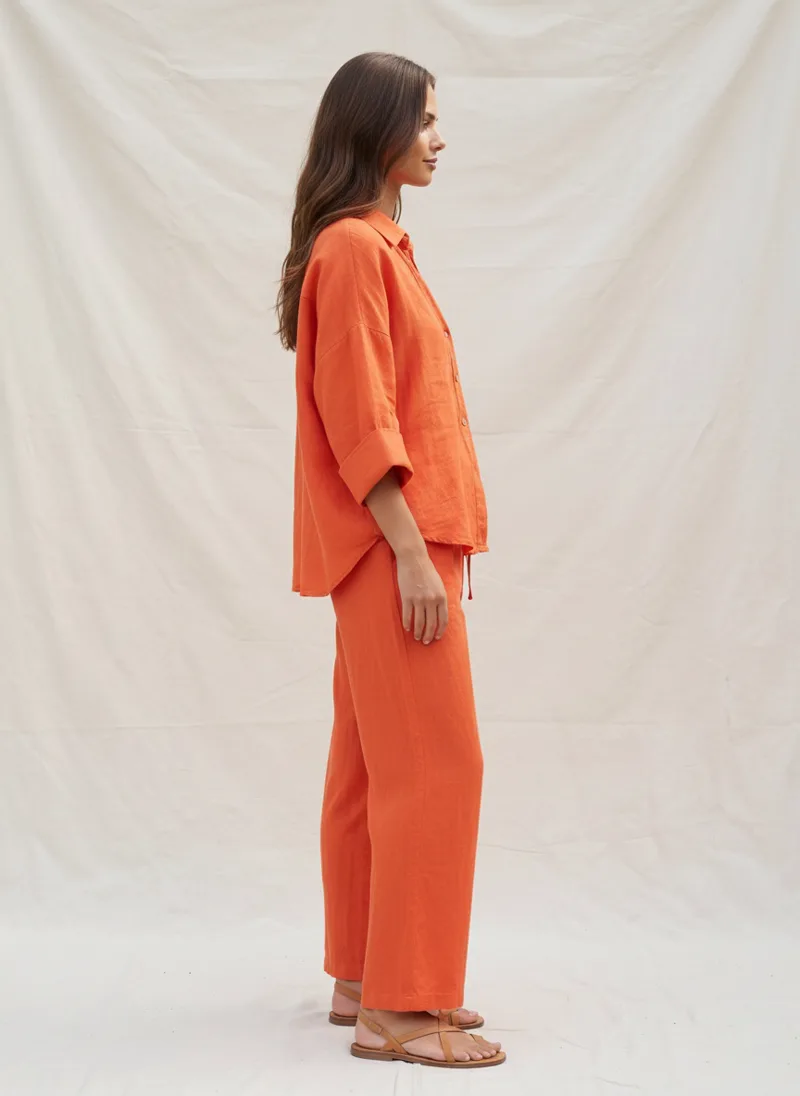
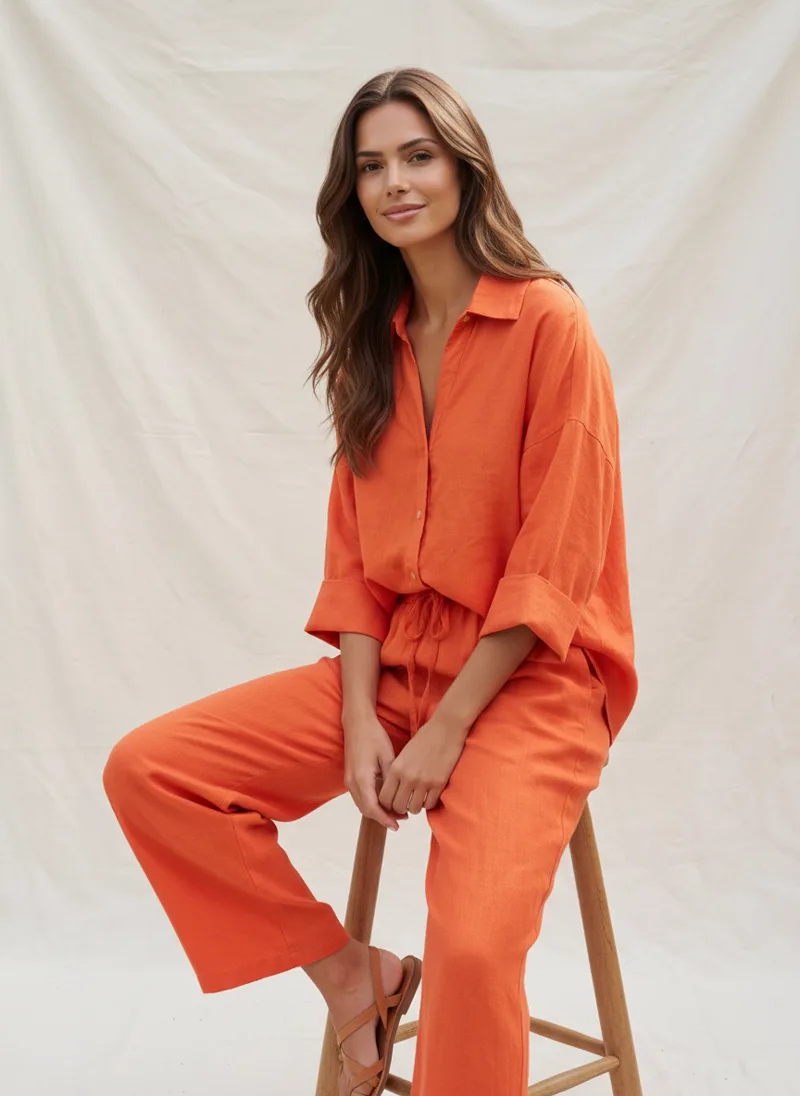
The top and bottom, composed into one input, return as a coordinated outfit on one model.
Merge
Merge Separate Pieces Into One Look
You can hand MODA more than one garment and get them back as a single styled outfit. Lay the separate pieces in one frame and it merges them onto the model as a complete look, layered and proportioned the way they’d actually be worn. Here a pale-yellow overshirt and matching trousers become a full menswear set on one model across the angles, the kind of image a bundle or a shop-the-look page needs.
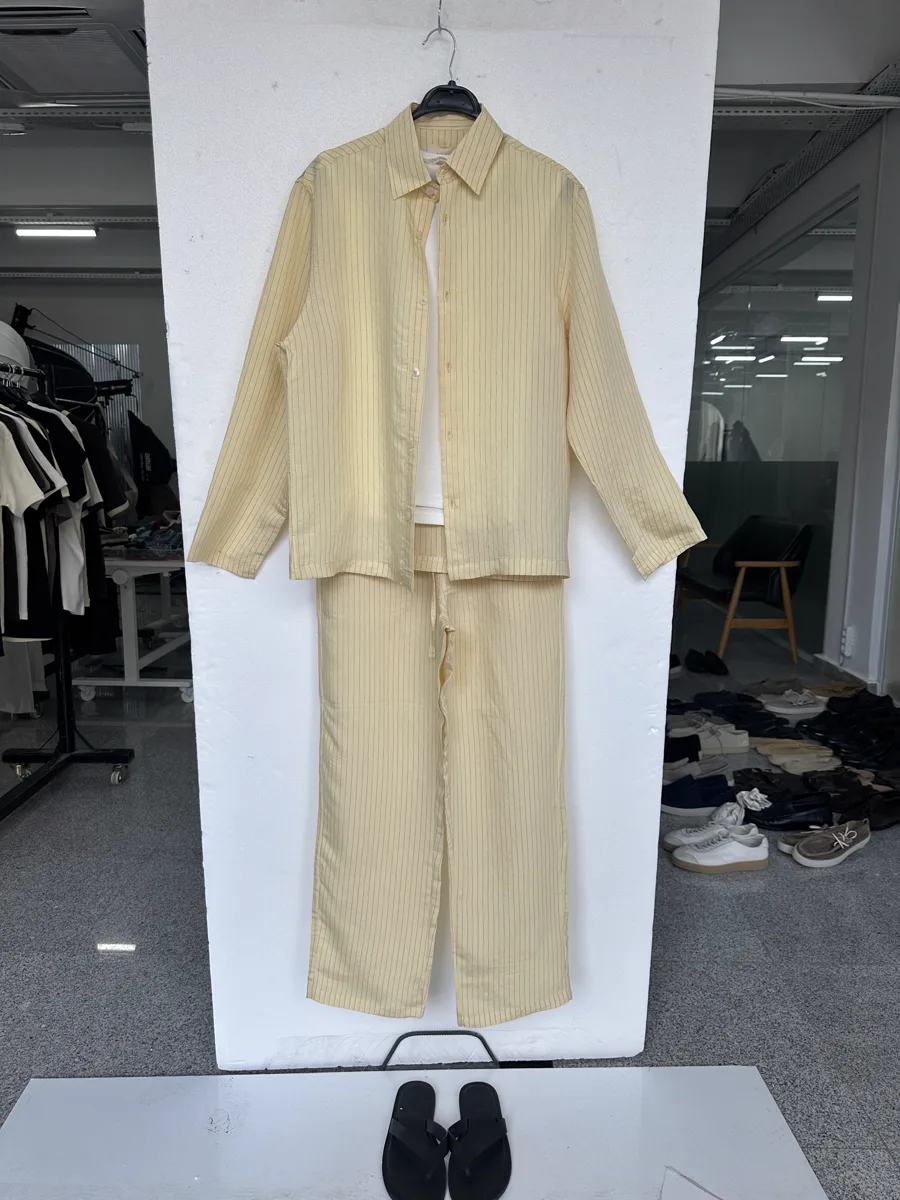
Two separate pieces in one flat lay
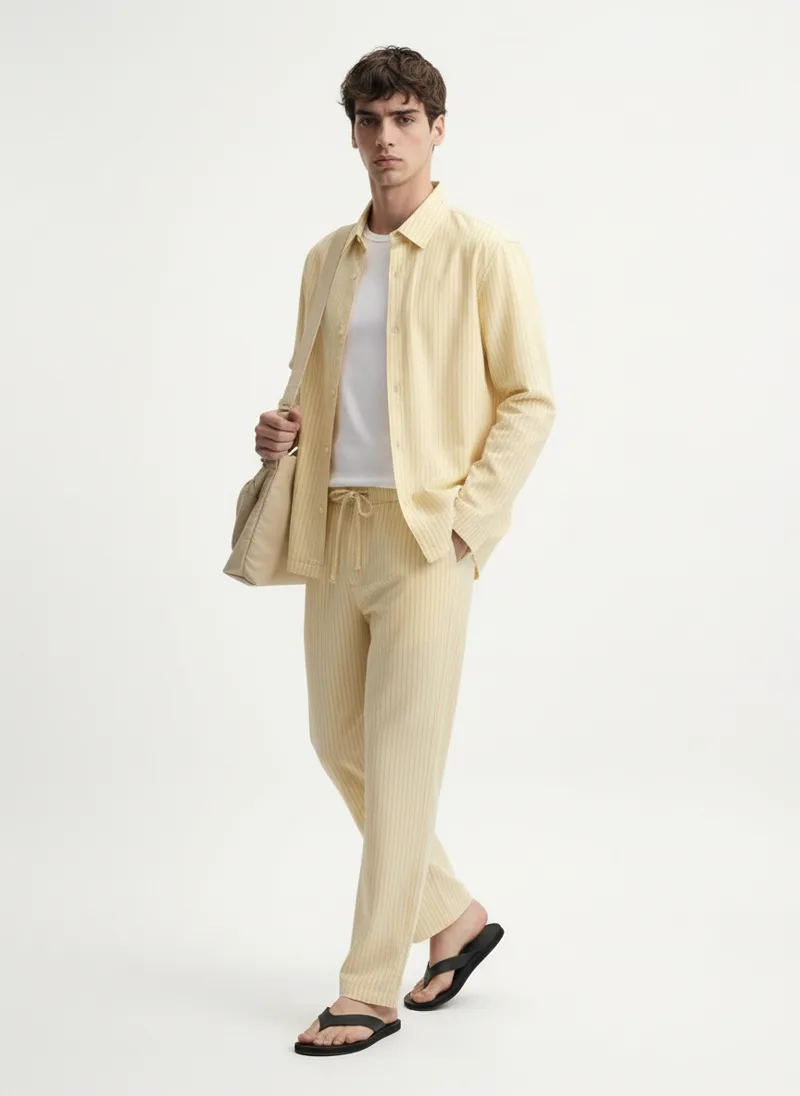
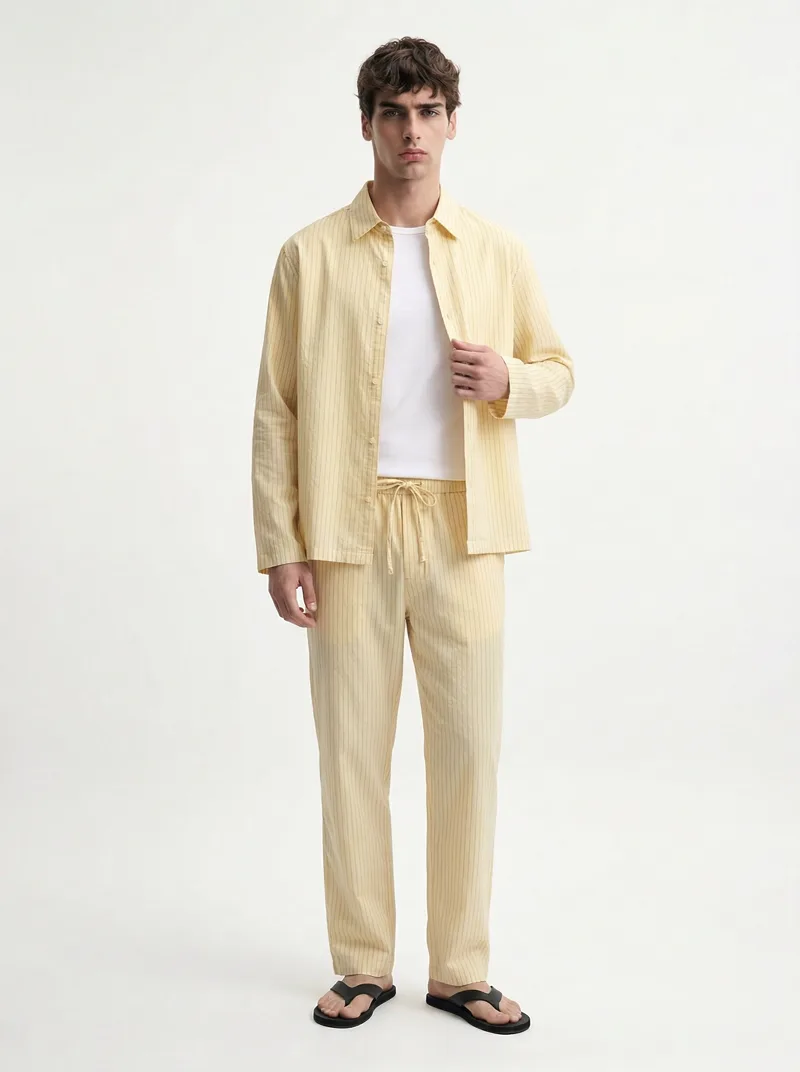
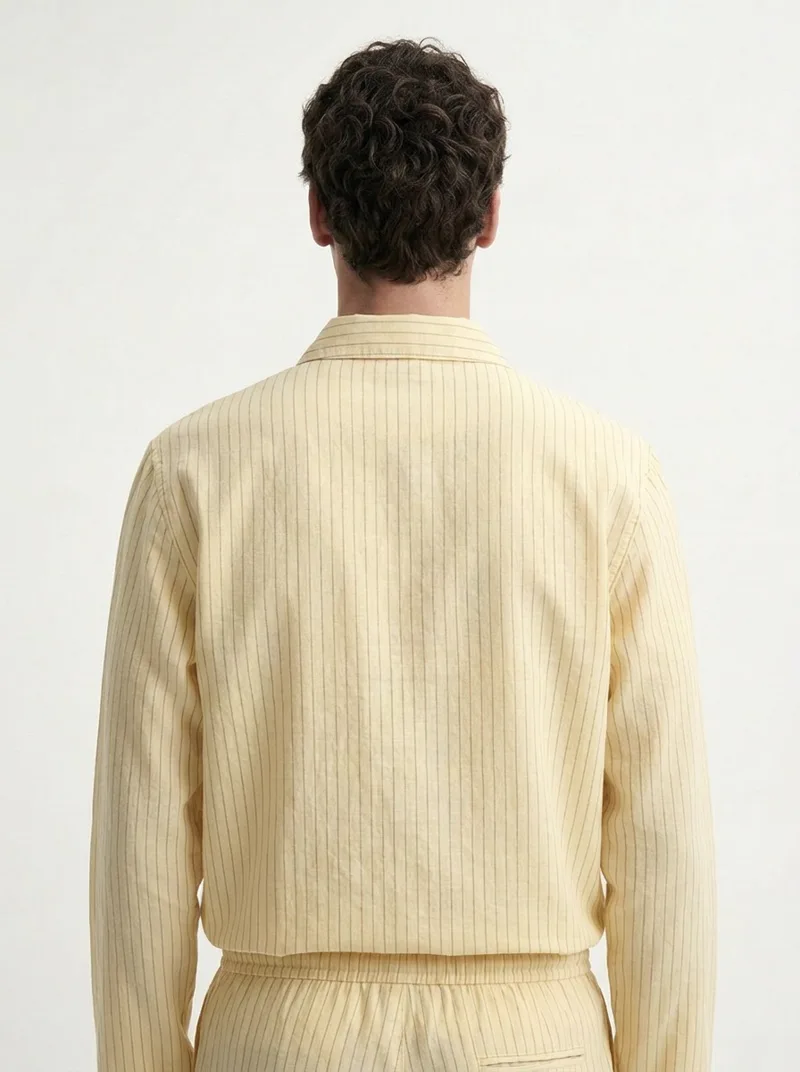
Separate pieces in one flat lay, merged into a single coordinated look on the model.
Styling
It Styles the Look, Not Just the Garment
MODA reads the flat lay for styling cues, not only the garment. Lay a belt across the waist and the model wears the top tucked in, with the belt on show. Below, a brown ringer tee is laid over jeans with a belt across them; in the outputs the tee is tucked and the belt reads at the waist, front and back. The styling follows what you set up in the frame.
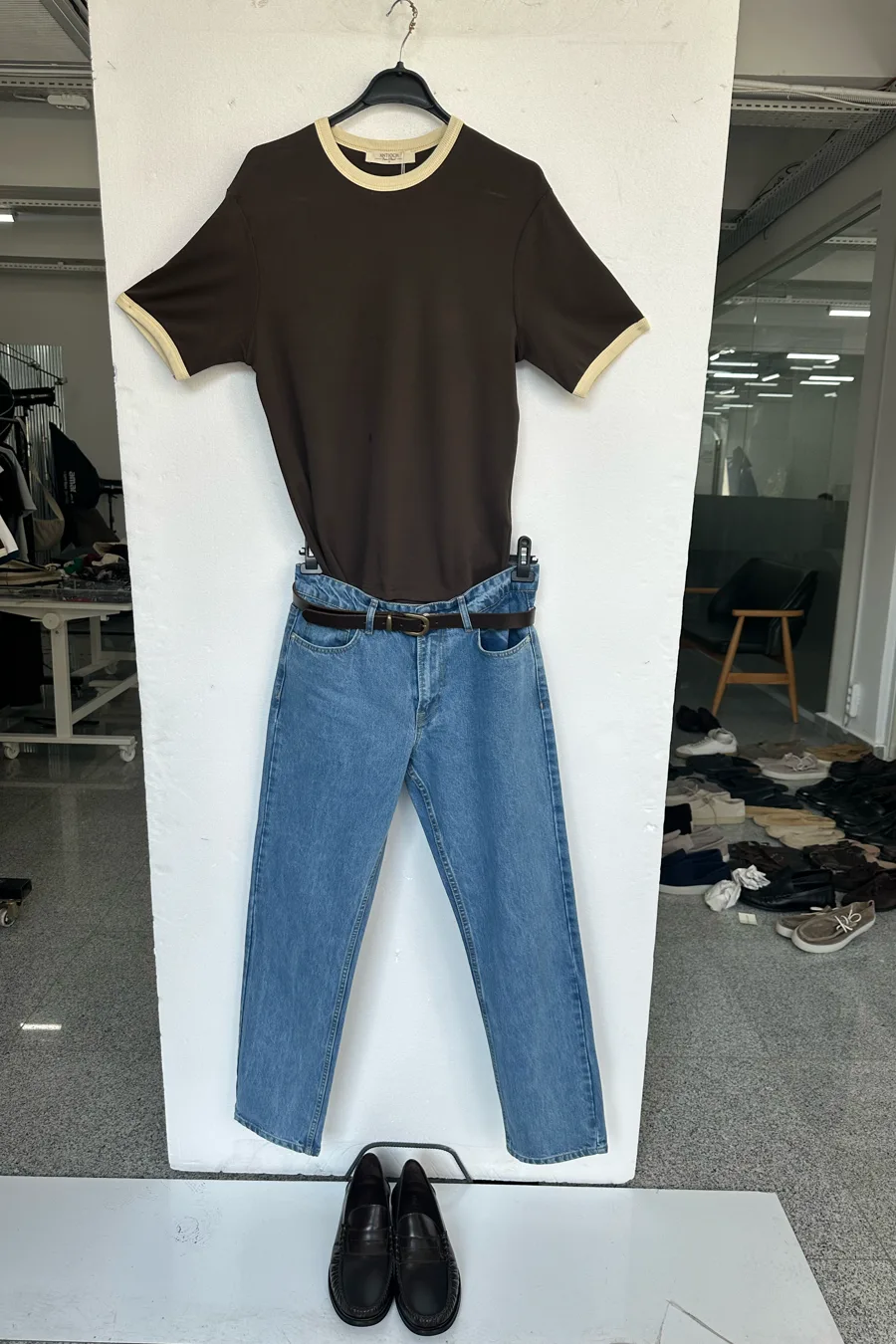
Flat lay with a belt across the waist
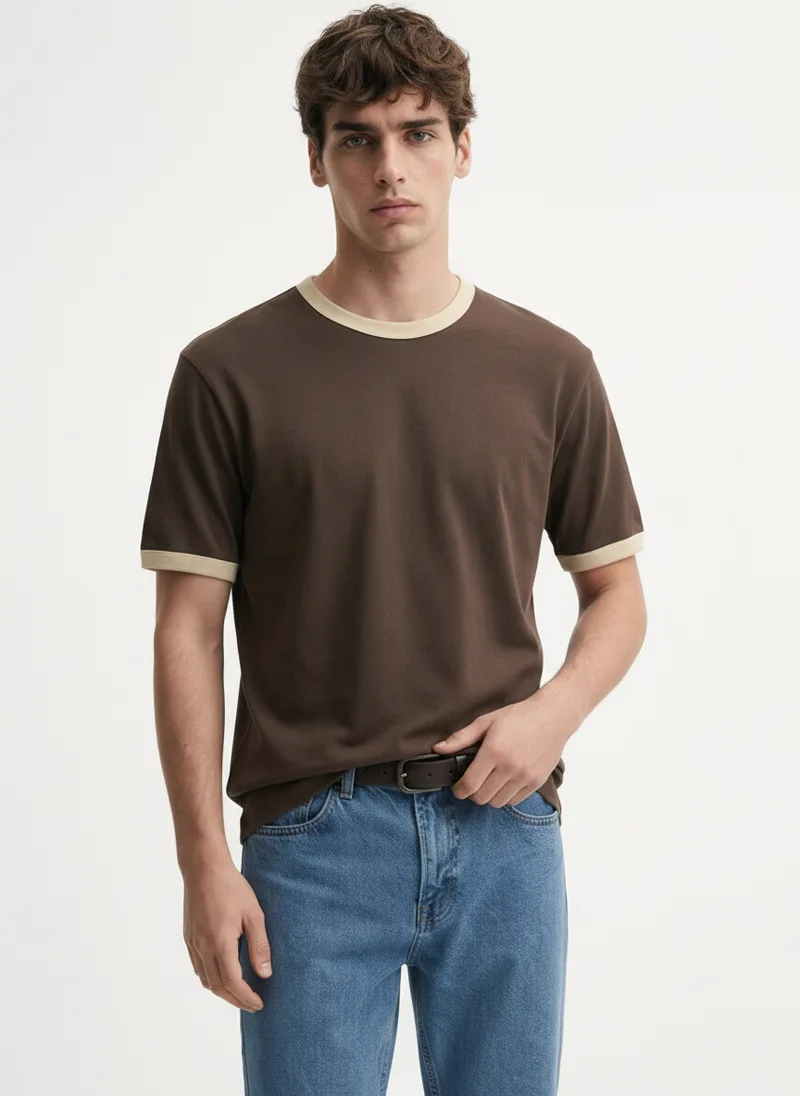
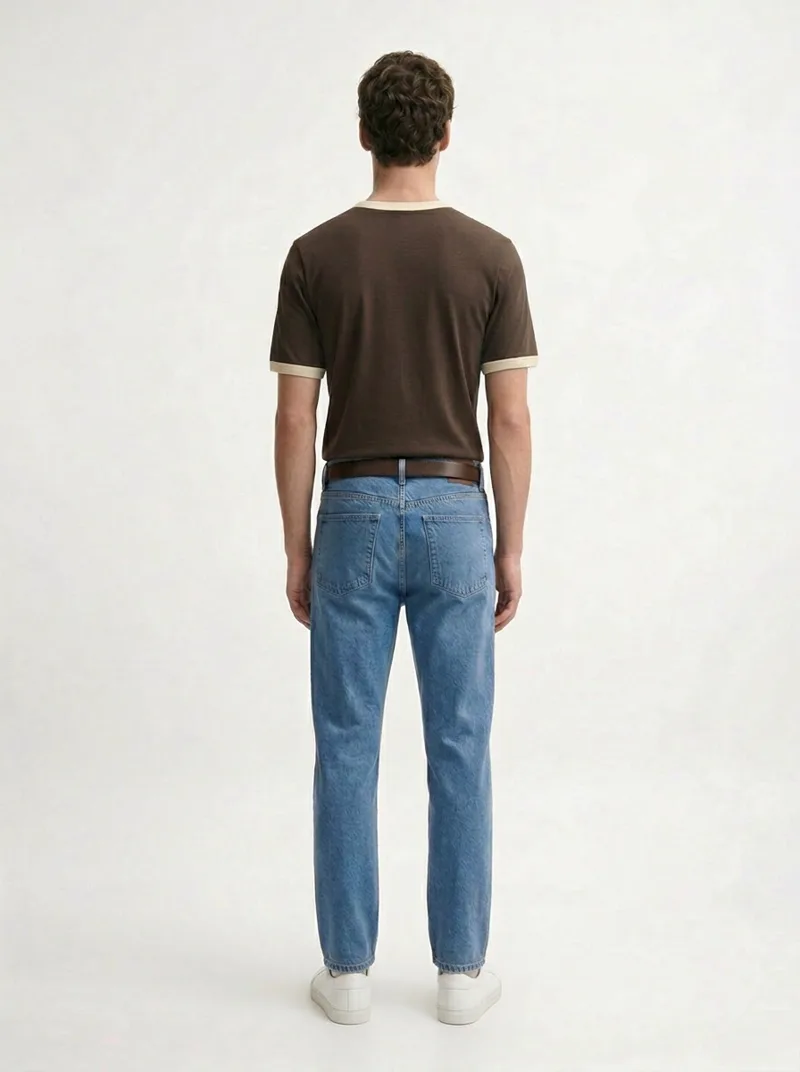
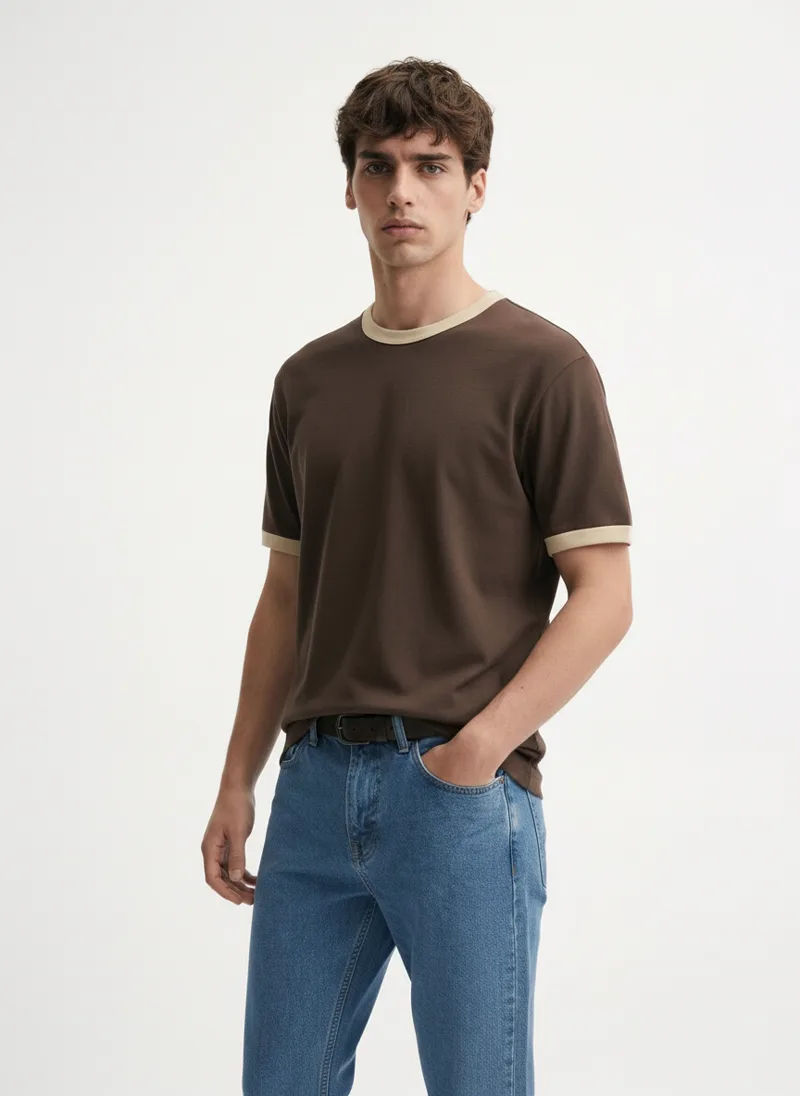
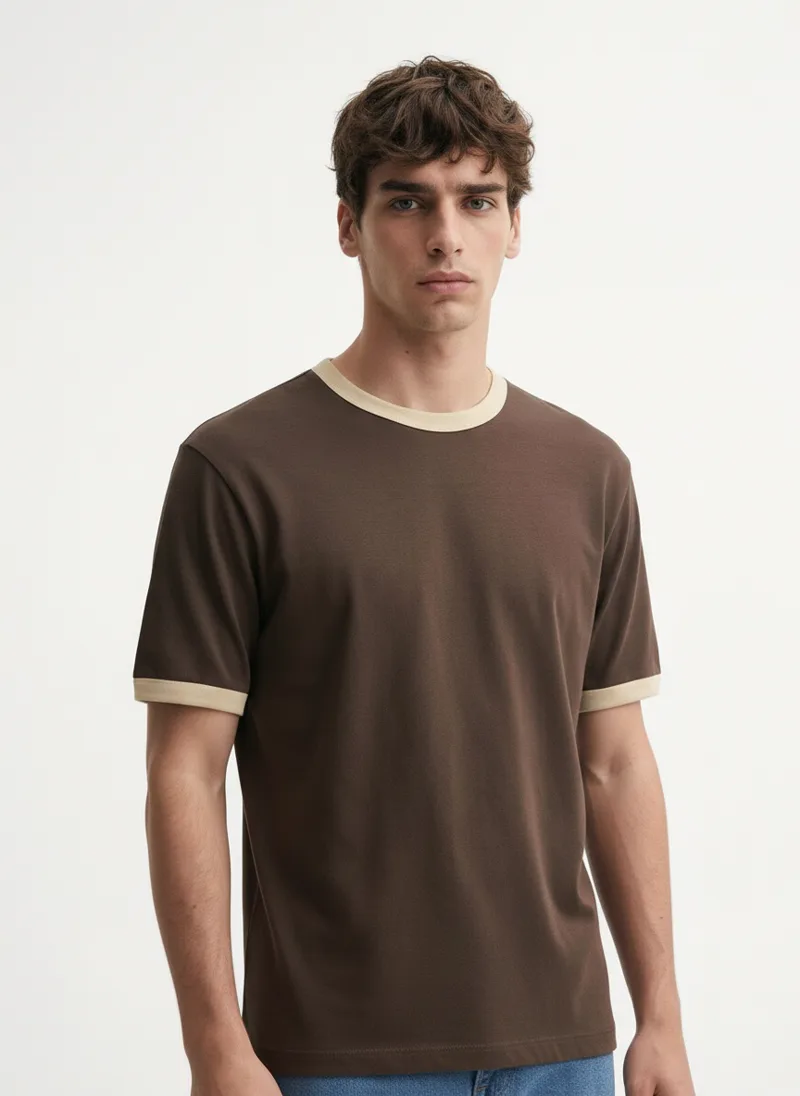
The belt in the flat lay tells the model to tuck the tee in. Show the styling, get the styling.
Flat Lay Alone vs. Flat Lay Through MODA AI
The flat lay is the starting point either way. The difference is what you can put on the product page.
| Flat lay only | Flat lay through MODA AI | |
|---|---|---|
| Starting point | The garment on a table | The same flat lay you already have |
| On a real model | No; needs a booked shoot | Yes; 10 on-model angles |
| Fine detail | Only what the flat shows | Embroidery, prints, and texture held on the body |
| Full outfits | One garment per image | Multiple pieces composed into one look |
| To get it on a model | Book a model, photographer & studio | One upload, about $1 a batch |
| Turnaround | Days to weeks to schedule | Under 2 minutes |
The Range
More Angles From the Same Four Flat Lays
The sections above show a few frames each. Here’s more of what came out of those same four flat lays — the orange set, the yellow menswear, and the belted brown look — on the same models, in the same runs. This is the rest of the ten-shot sets.
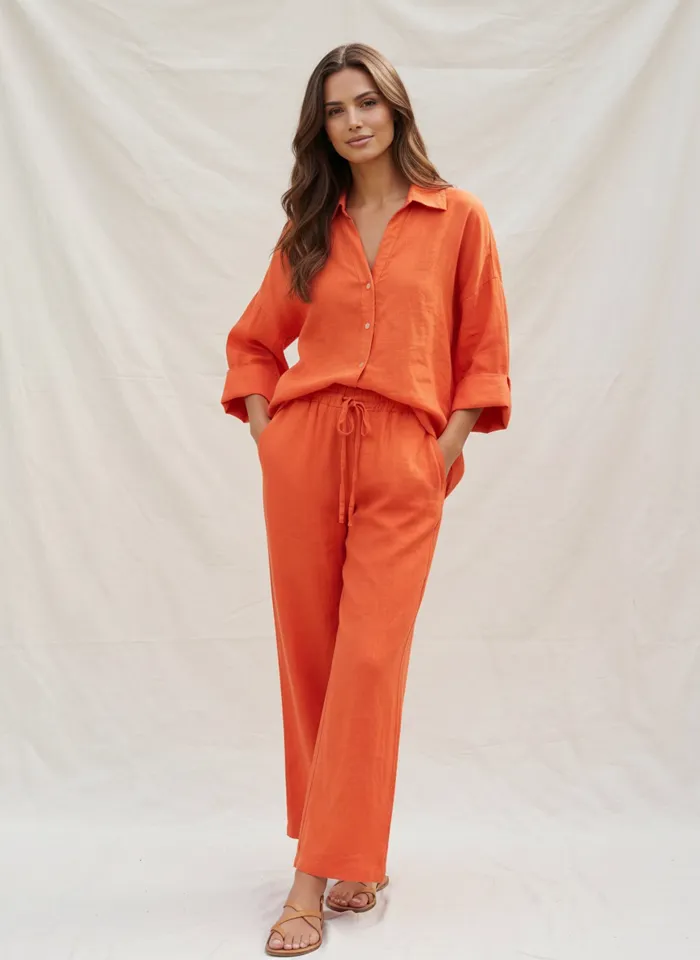
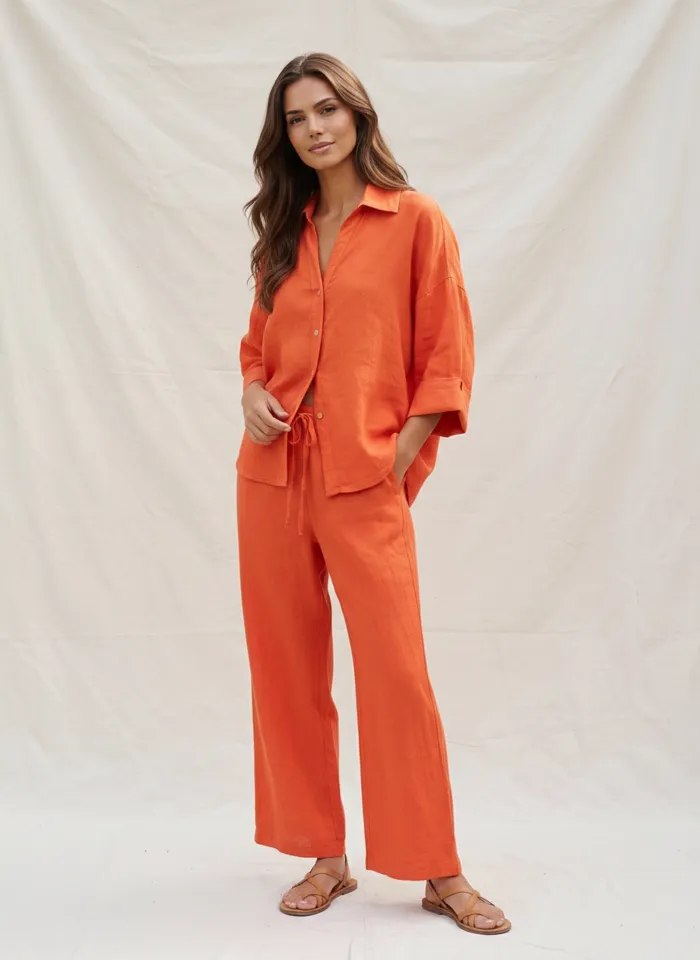
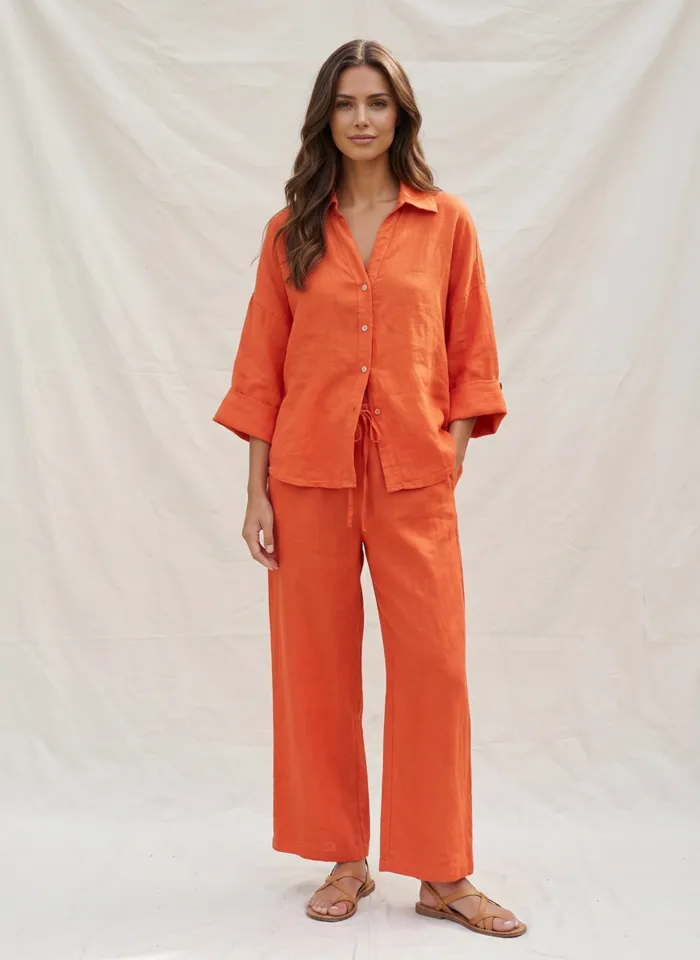
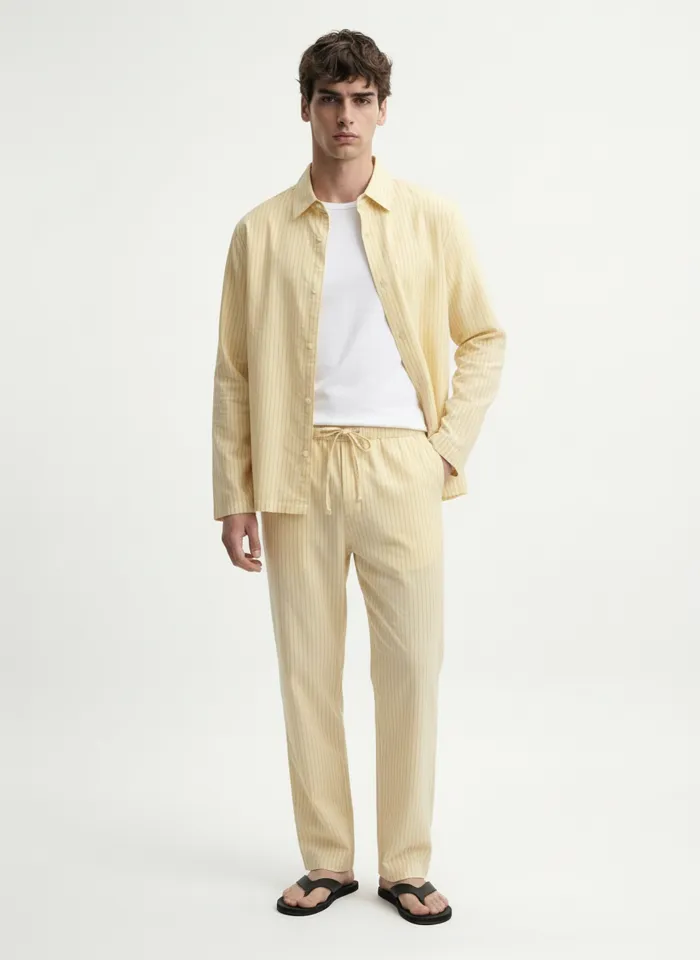
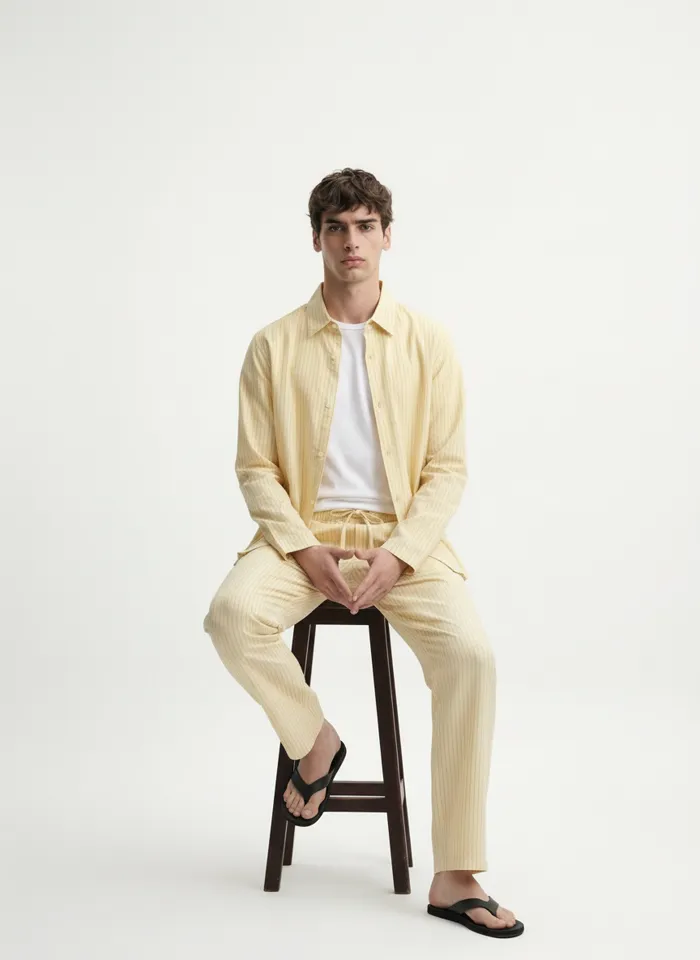
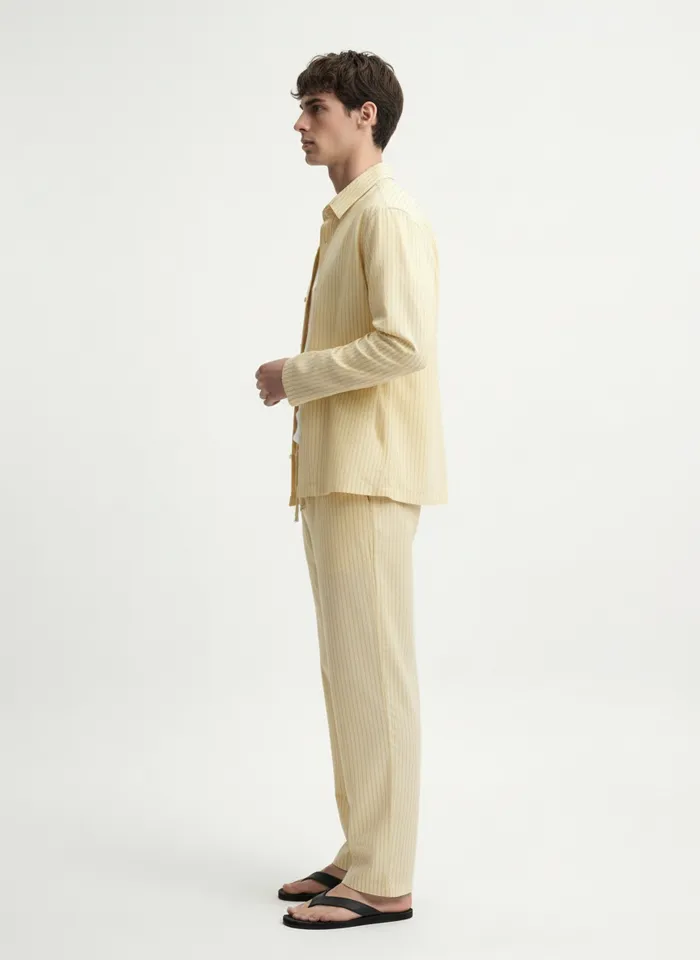
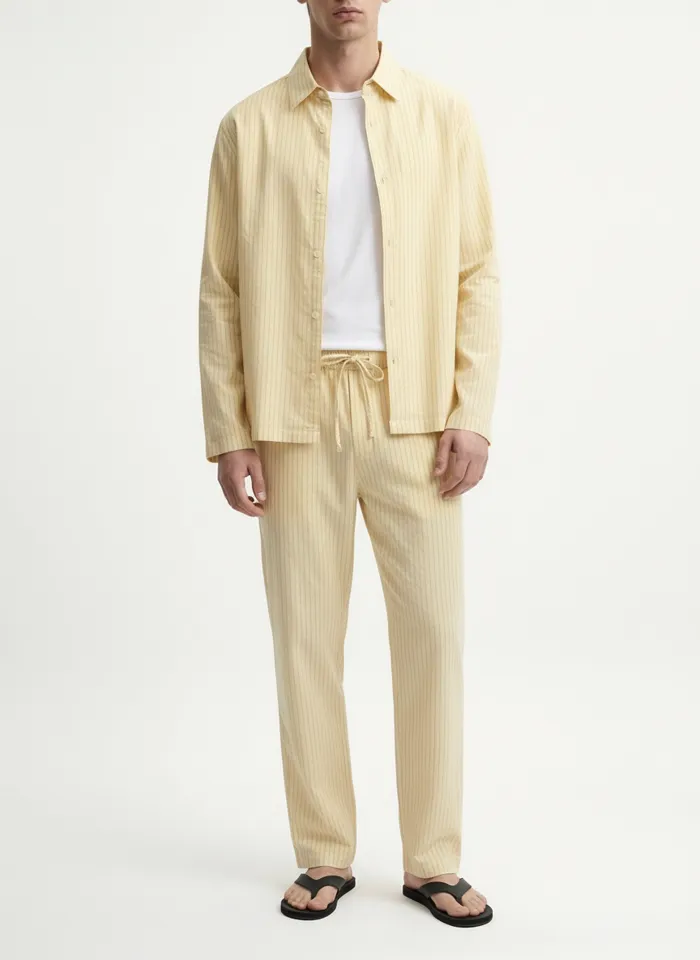
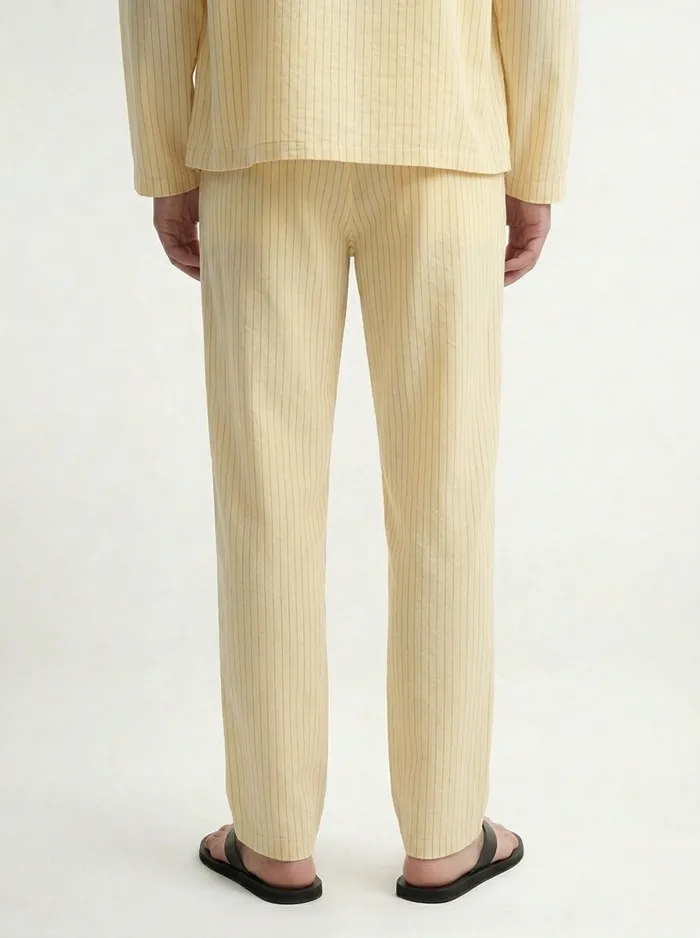
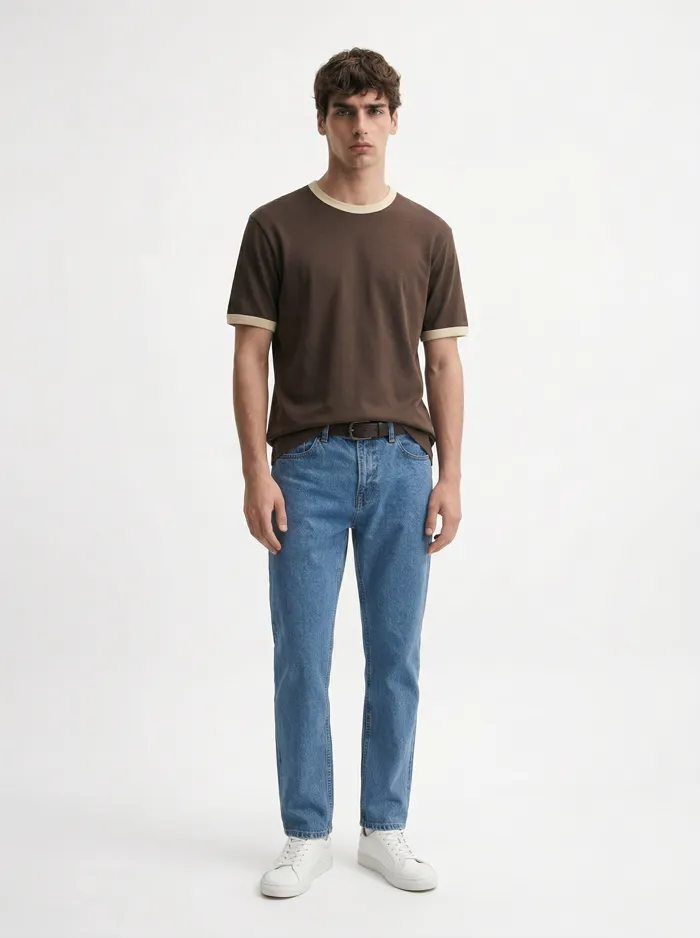
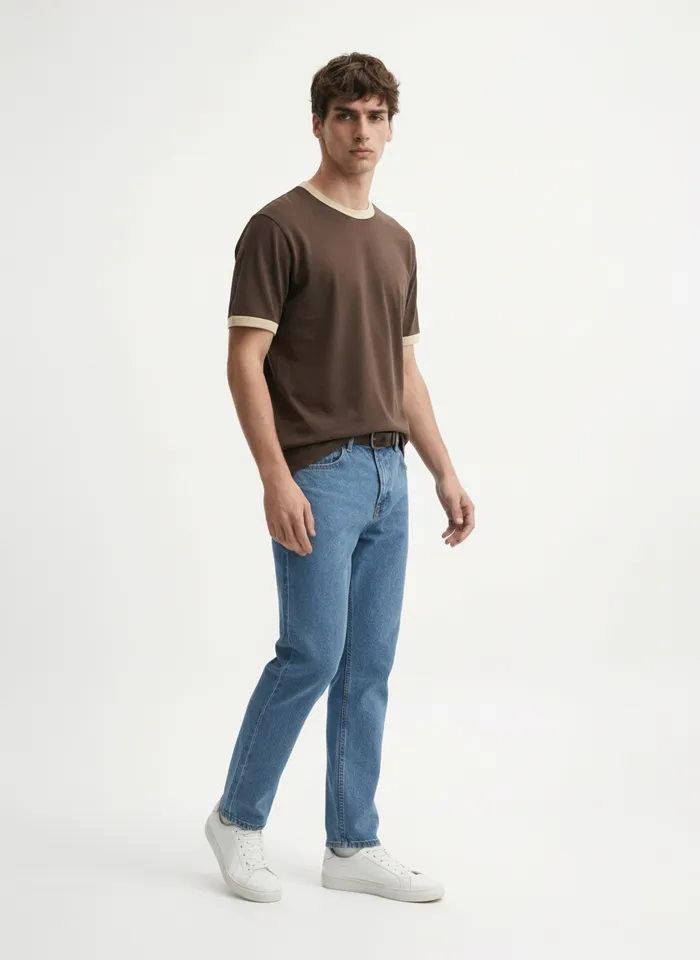
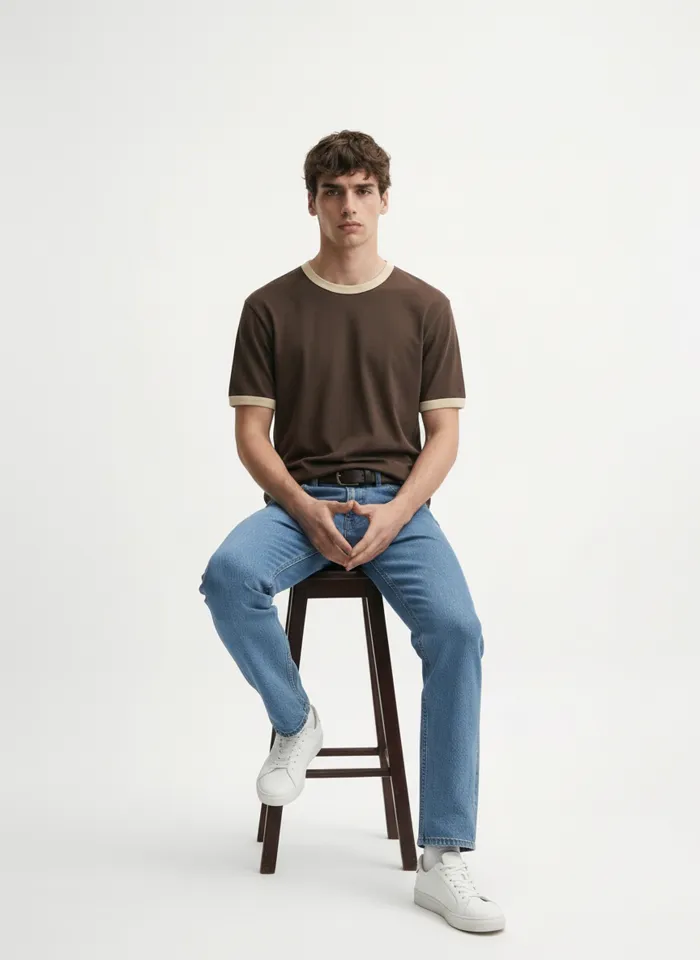
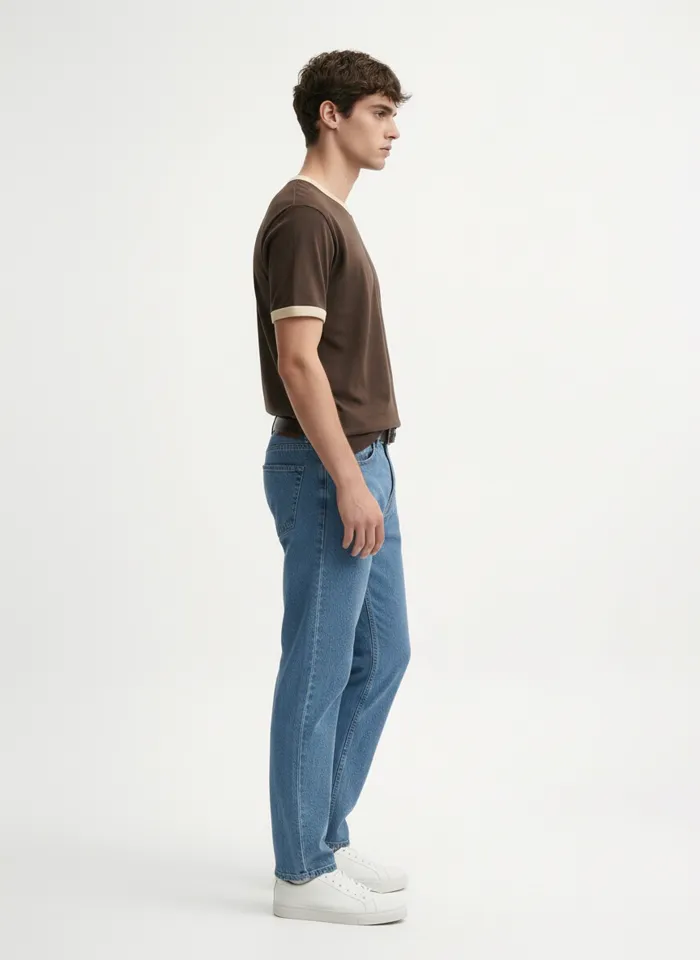
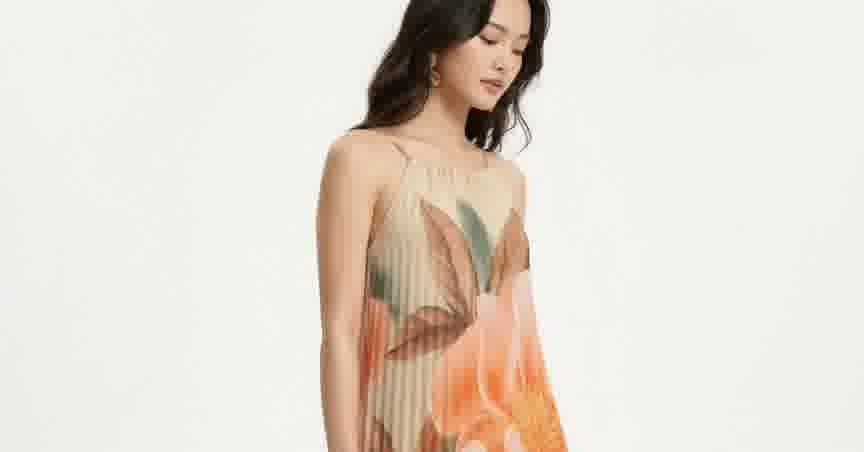
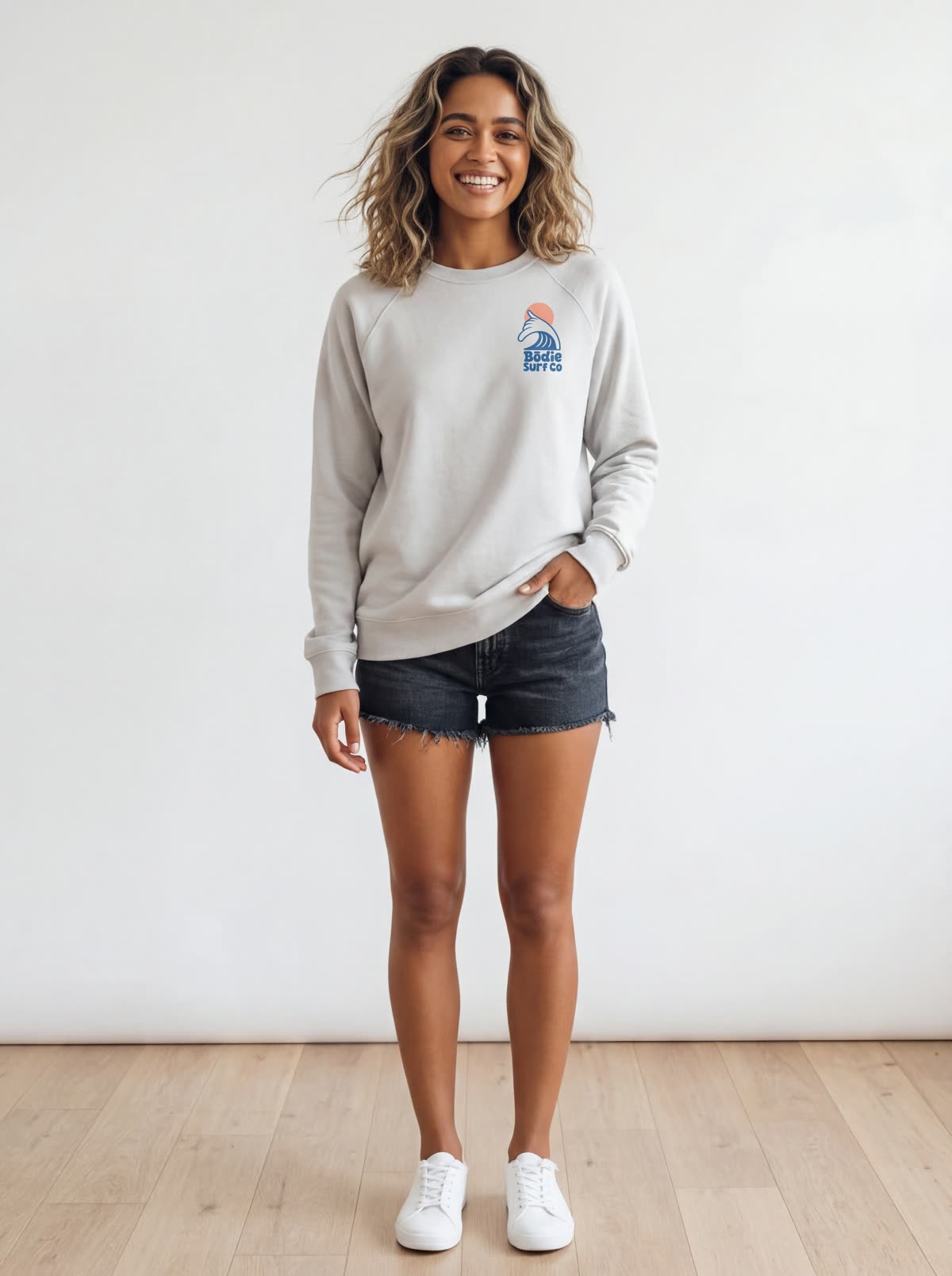
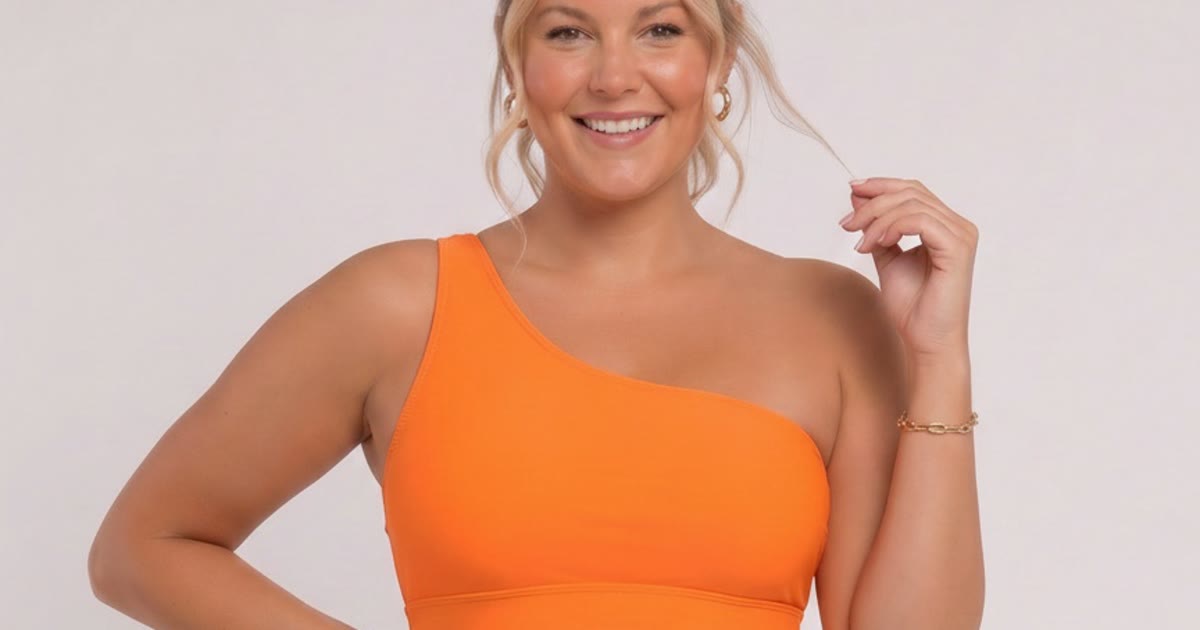
Twelve more frames from the four flat lays in this post. Same garments, same models, one workflow.
Frequently Asked Questions
What counts as a flat lay MODA AI can use?
Your garment photographed flat: laid on a table, hung on a plain backdrop, or the pack shot a supplier sends. Front is enough; a back flat lay adds the back view. MODA generates a 10-shot on-model catalog from it, no sample and no studio.
Do I need a model or a studio?
No. You already have the flat lay, so there's no sample to order. The traditional route is to book a model, a photographer, and a studio, then wait for the shoot to schedule and the edits to come back. MODA generates the on-model set from the flat lay in about two minutes, for about a dollar a batch.
Will fine detail like embroidery or prints hold?
Yes. In the embroidered top example above, the appliqué stripes stay aligned and the ruffle hem stays a ruffle across front, seated, and side. MODA carries the garment's real texture, print, and color into every angle.
Can I show a full outfit in one flat lay?
Yes. Arrange a top and a bottom together in one canvas using Canva, Photoshop, or any layout tool, then upload that as your flat lay. MODA dresses the model in both, styled as a set. You can also merge separate pieces into one look for bundles and shop-the-look pages.
Does it style the garment, or just paste it on?
It reads the flat lay for styling. Lay a belt across the waist and the model wears the top tucked in with the belt visible. The styling follows what you show it, so you're closer to directing a shoot than generating a single frame.
Put your next flat lay on a model.
Install MODA AI from the Shopify App Store. Two free credits, no card. Upload a flat lay; get ten on-model angles back.
Get Started FreeOr read what Shopify merchants say — reviews on the Shopify App Store →