How-To · Wholesale & Line Sheets
AI Catalog Photography for Wholesale Line Sheets
A line sheet lives or dies on cohesion. Here’s how to put every colorway of every style on the same model and background — from the shots you already have.
July 19, 2026 · 10 min read
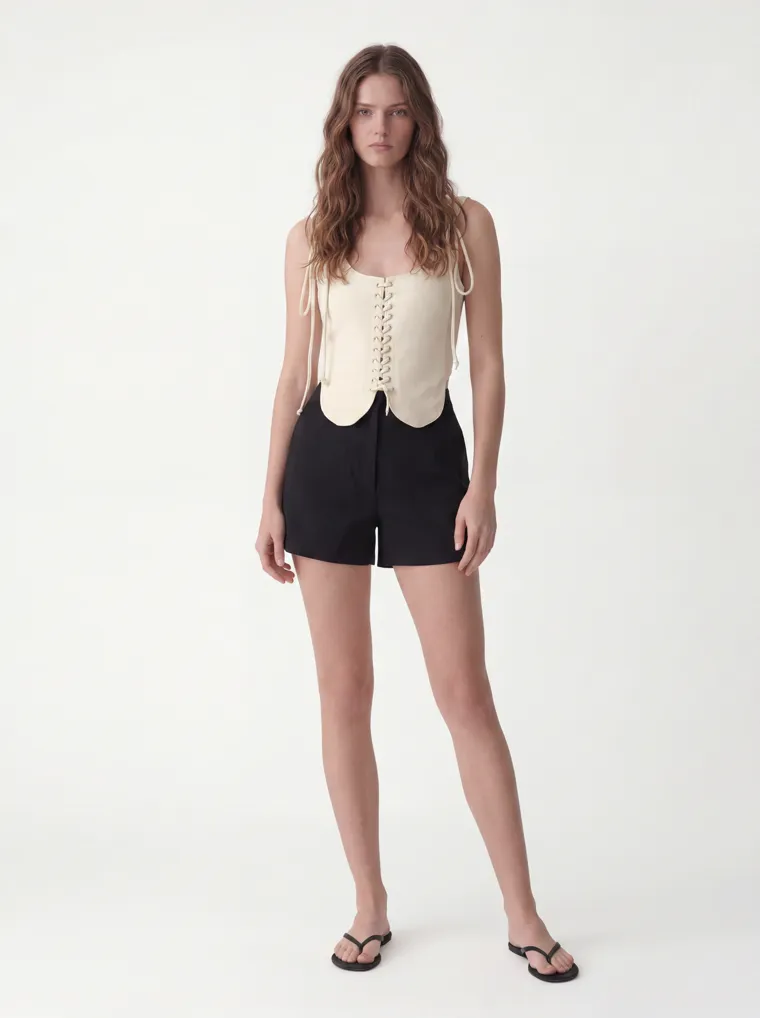
Cream
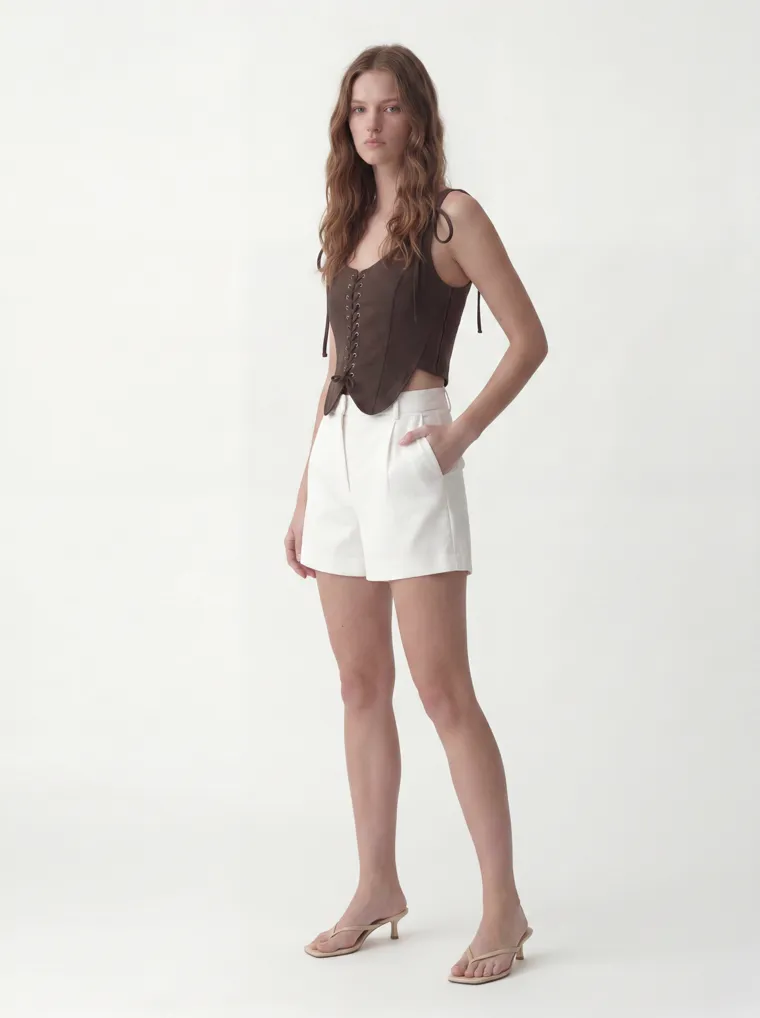
Chocolate
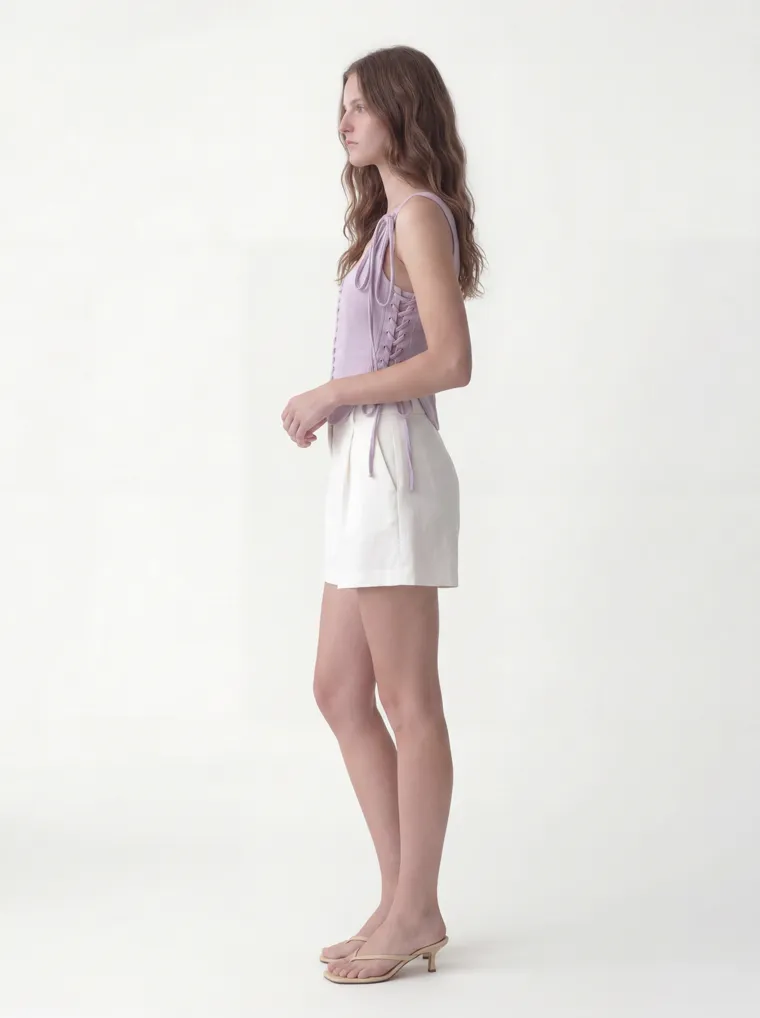
Lilac
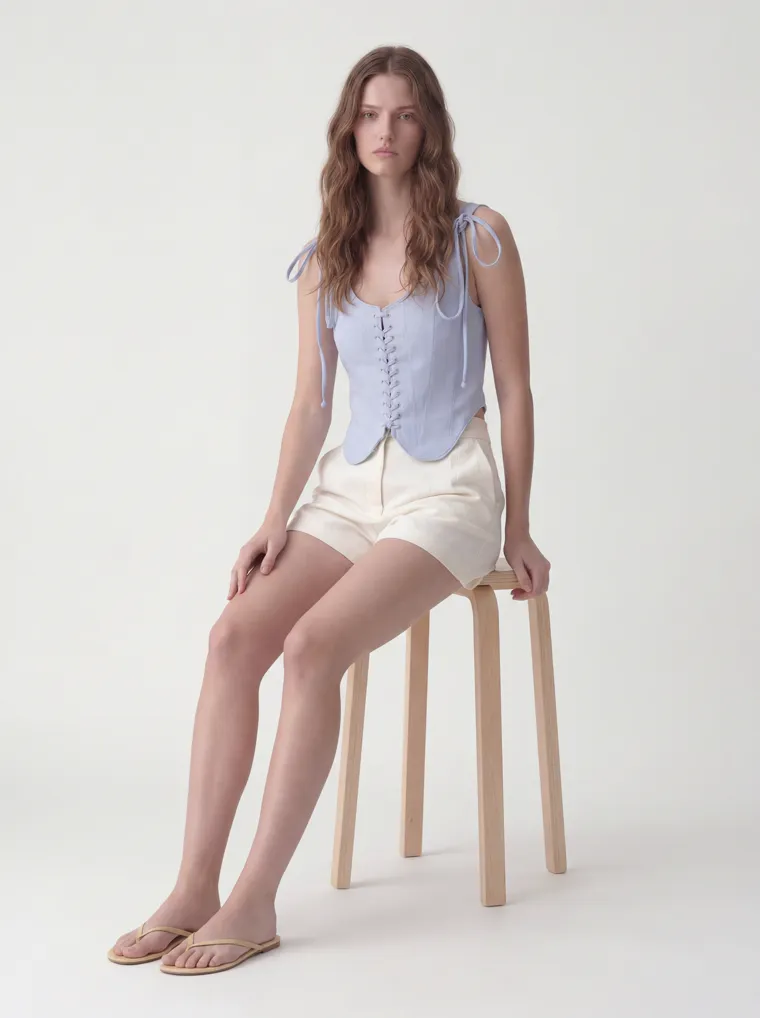
Powder Blue
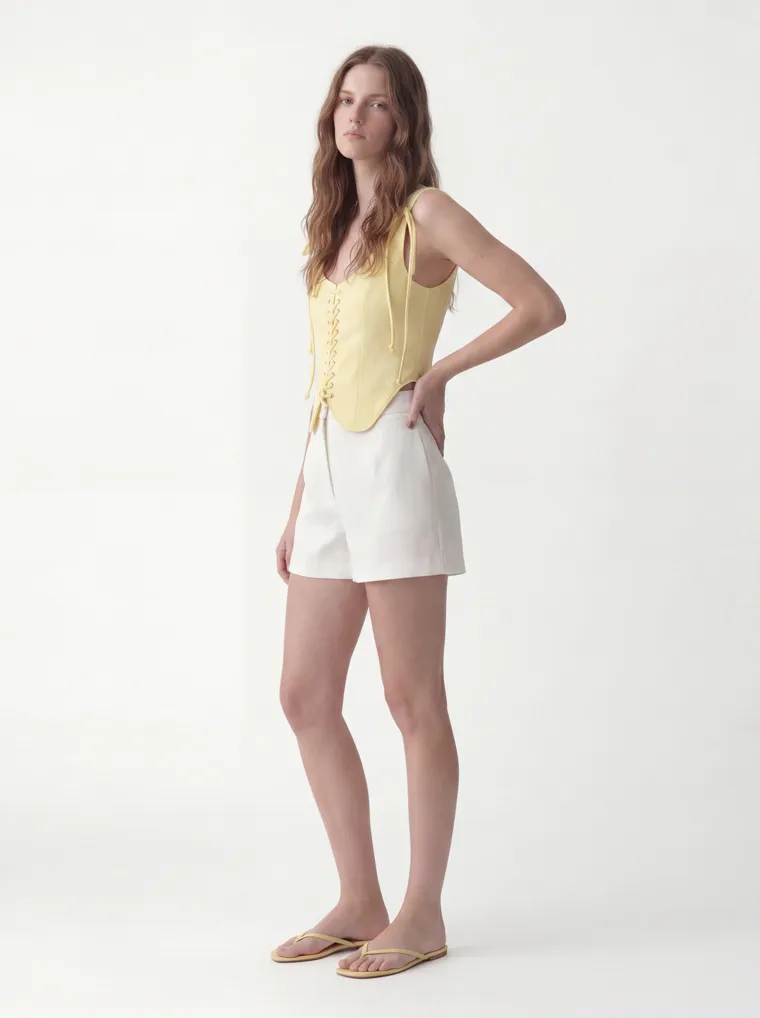
Butter
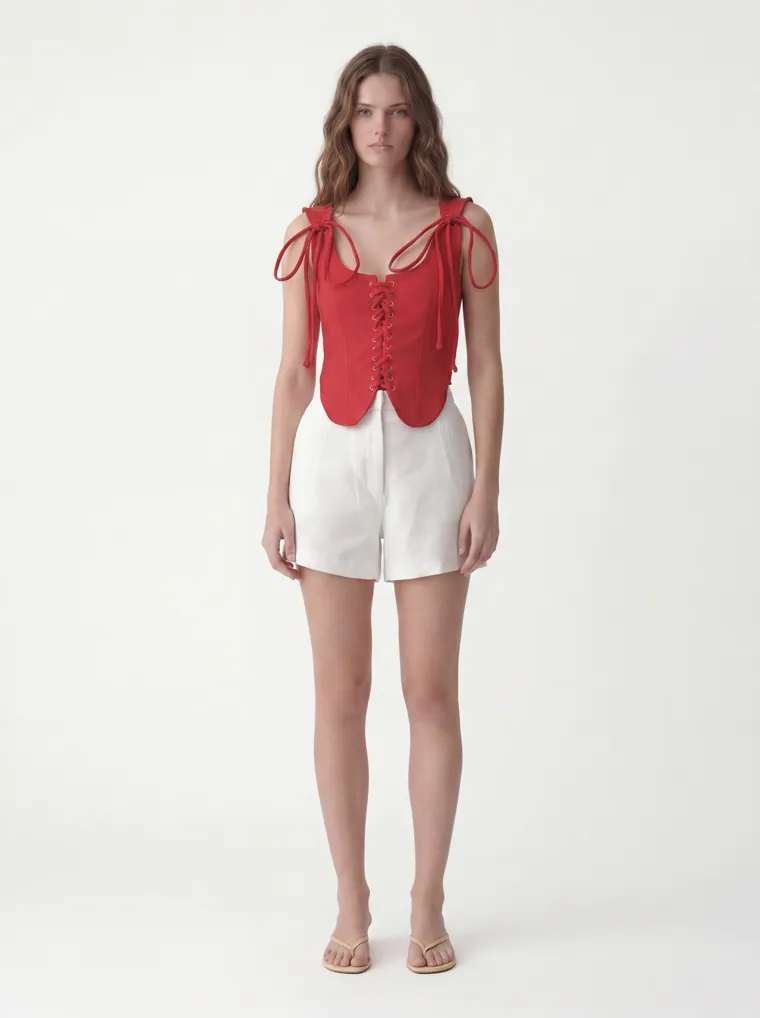
Red
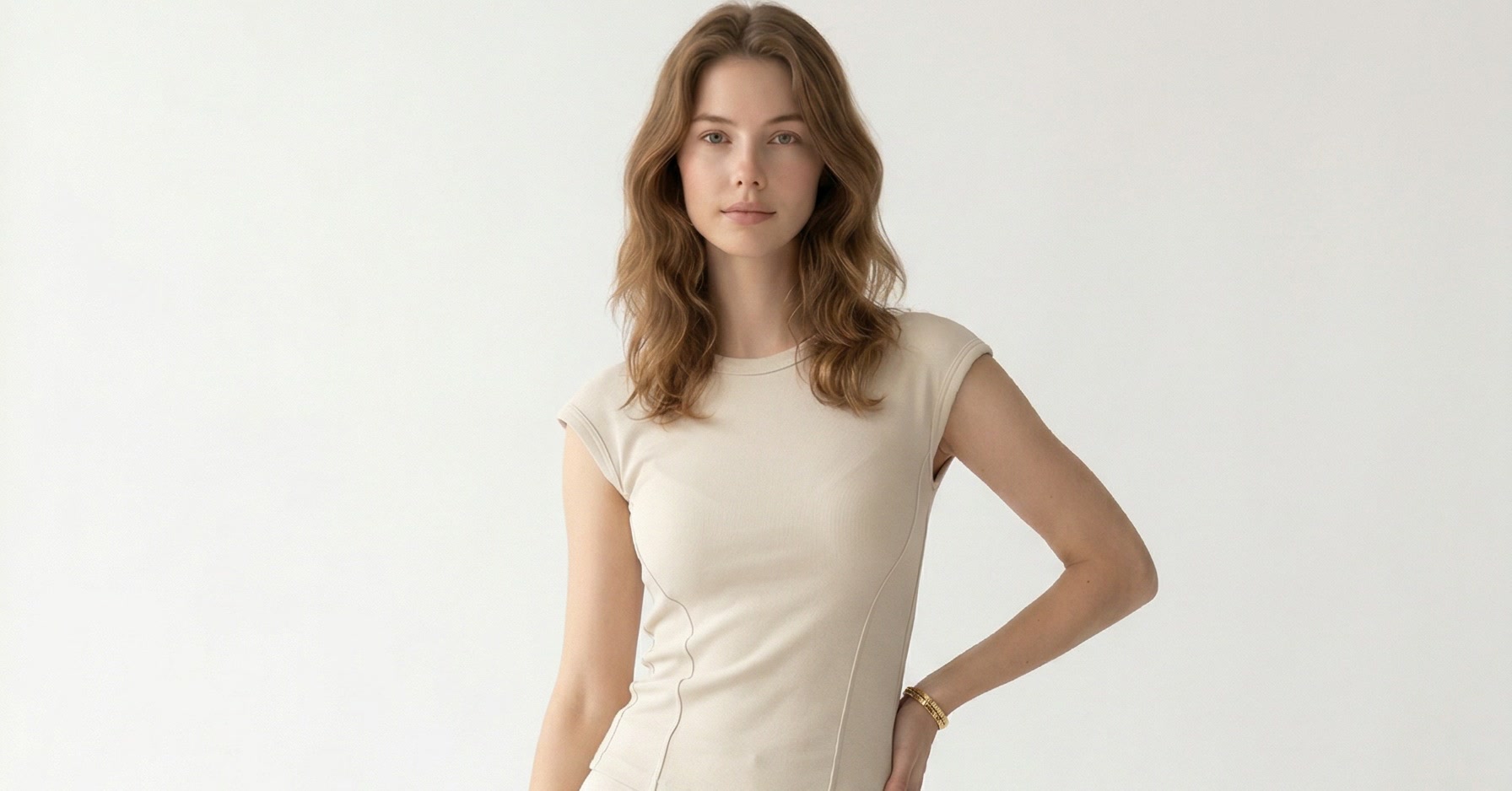
One style, six colorways — the same model, the same studio, the same light. This is the run a buyer wants to see in a line sheet.
10
catalog angles per colorway, the same model every time
60
cohesive images from six colorways in one run, one setup
~$1
per 10-shot set, so a six-color style runs about six dollars
A Line Sheet Is Judged on Cohesion
A line sheet is the document wholesale buyers order from — a grid of every style, its colorways, sizes, and wholesale price. And a buyer reads the image before the price. They flip through dozens to hundreds of styles in one sitting, and if one colorway is a clean studio shot and the next is a rough phone photo on a hanger, the whole line reads amateur. As RepSpark puts it, the 300th image in your catalog should look identical in lighting to the first.
That is exactly what a traditional shoot can’t guarantee at scale. Buyers don’t buy single colors, they buy color stories — a style shown across its full run — and the colorway math is brutal: one style in six colors is six setups, a forty-style line in four colors is a hundred and sixty. Keep the same model, backdrop, and light consistent across all of that, and then match it again next season, and the calendar falls apart. So the line sheet ends up a patchwork.
MODA AI closes that gap a different way. You set the house look once — one model, one background — then run every colorway of every style through it. The worked example below is a real one: a Turkish wholesaler’s lace-up scallop vest top in six colorways, turned from rough showroom shots into sixty cohesive catalog images — and then a second style, run the same way, to show the whole line holds together.
The Input
Start From the Shots You Already Have
You don’t need a shoot or samples. Wholesalers already photograph their pieces — on a fit model in the showroom, on a hanger, or as a supplier pack shot. Those are your inputs. Below are three of the six colorways as they came in: a fit model, a phone, a tiled floor, a rail of stock behind. Useful for the buyer’s eye, useless for a polished line sheet.
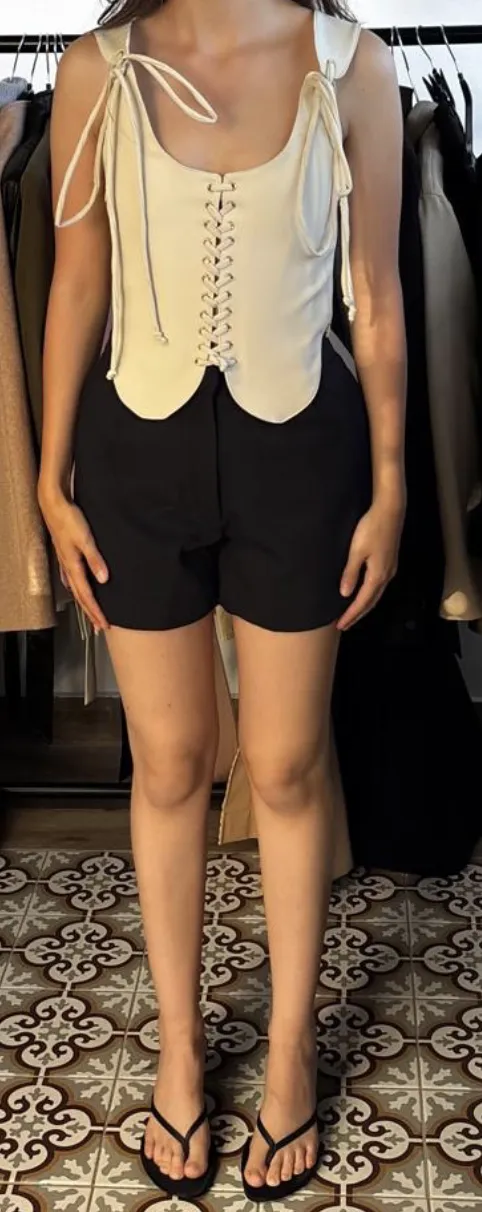
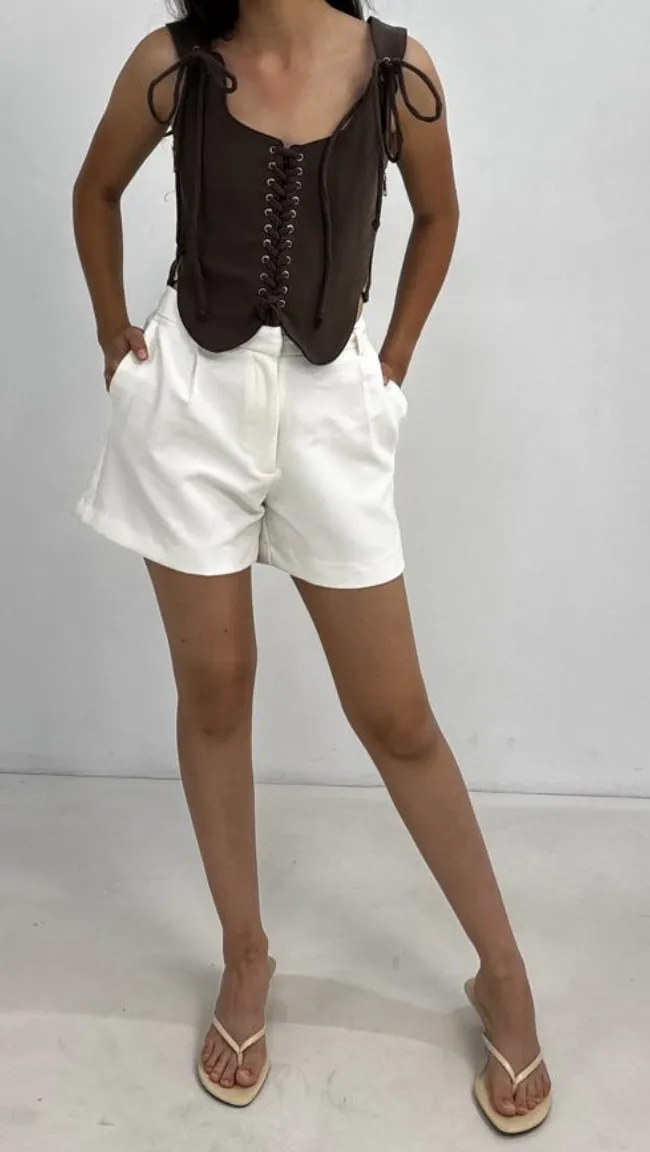
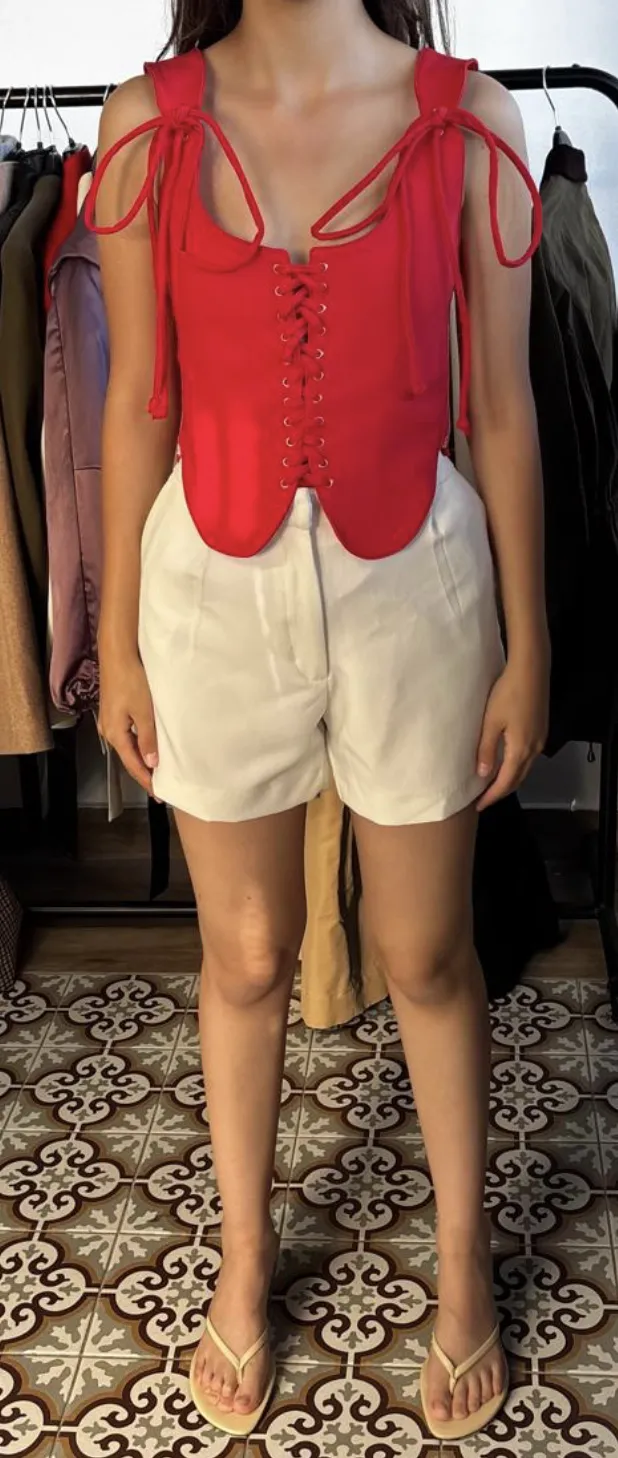
Three of the six colorways, exactly as the wholesaler shot them in the showroom.
You set one face reference and one background reference for the whole line, then run each colorway through the same two. Every image comes back on the same model, in the same studio, under the same light — the three rough shots above become the first three of a cohesive set.
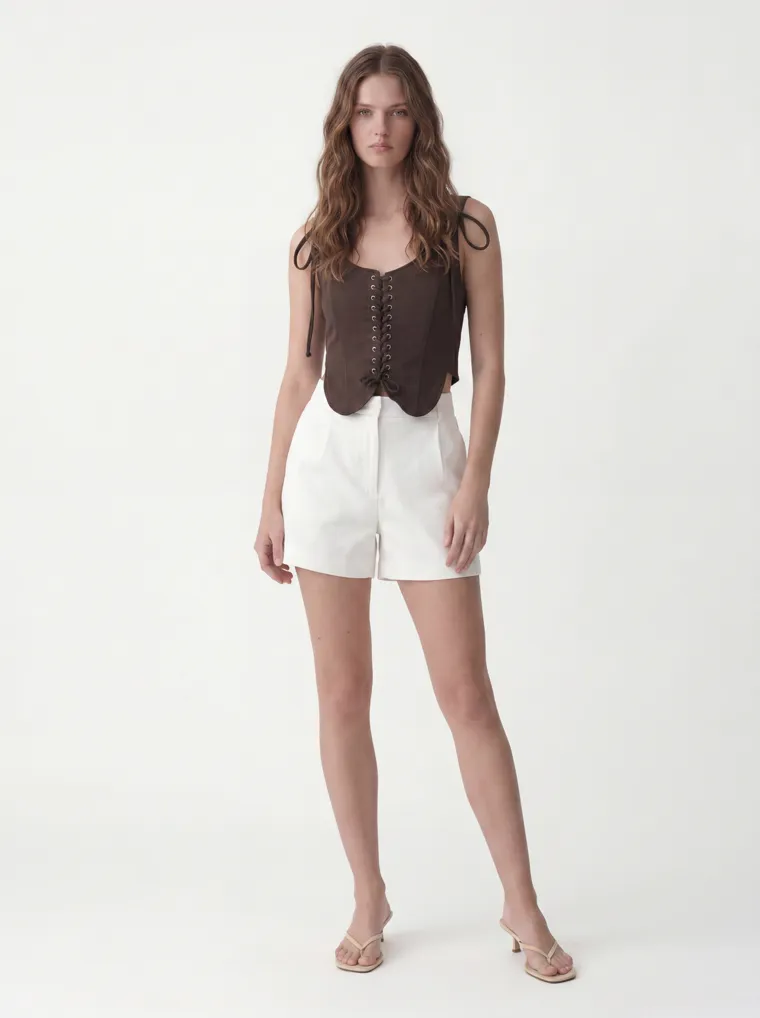
Same three colorways, one model, one studio. The whole run sits in a single look.
The Deliverable
Ten Angles for Every Colorway
Each colorway comes back as a full 10-shot set, not a single frame — front, three-quarter, back, side, the lace-up detail, and seated. That matters for a line sheet: a buyer deciding on a minimum order wants to read fit and construction from more than one photo, and every SKU carrying the same angle set is what makes the page scan as one line. Here is the complete set for the cream colorway; every other color gets the identical treatment.
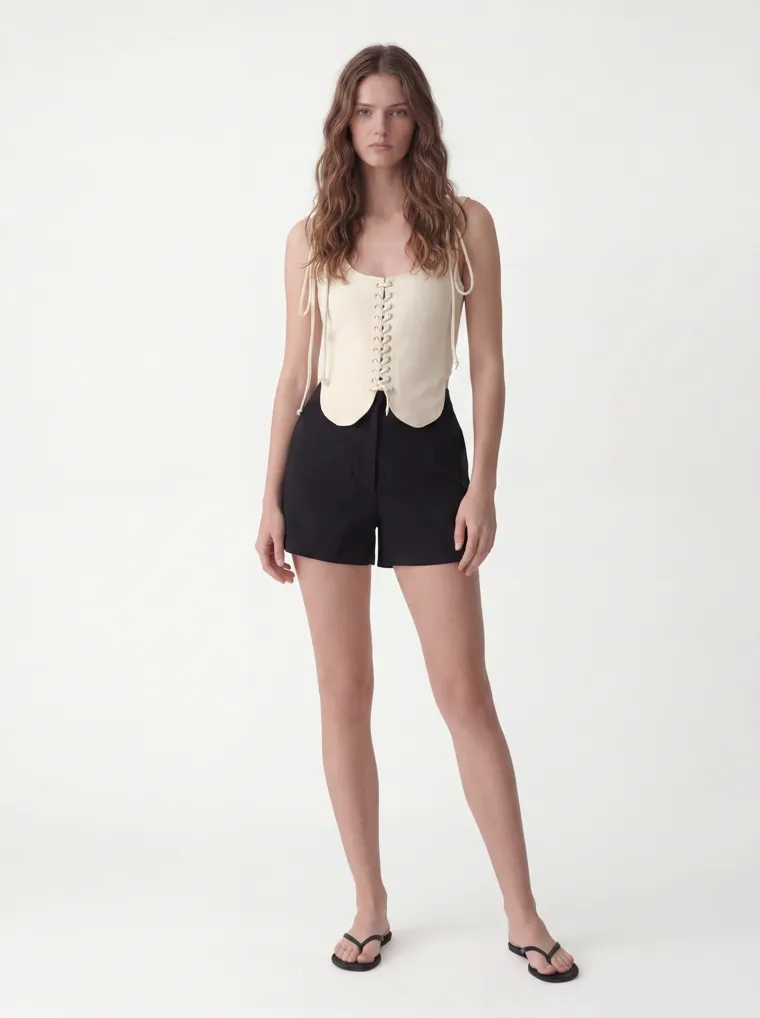
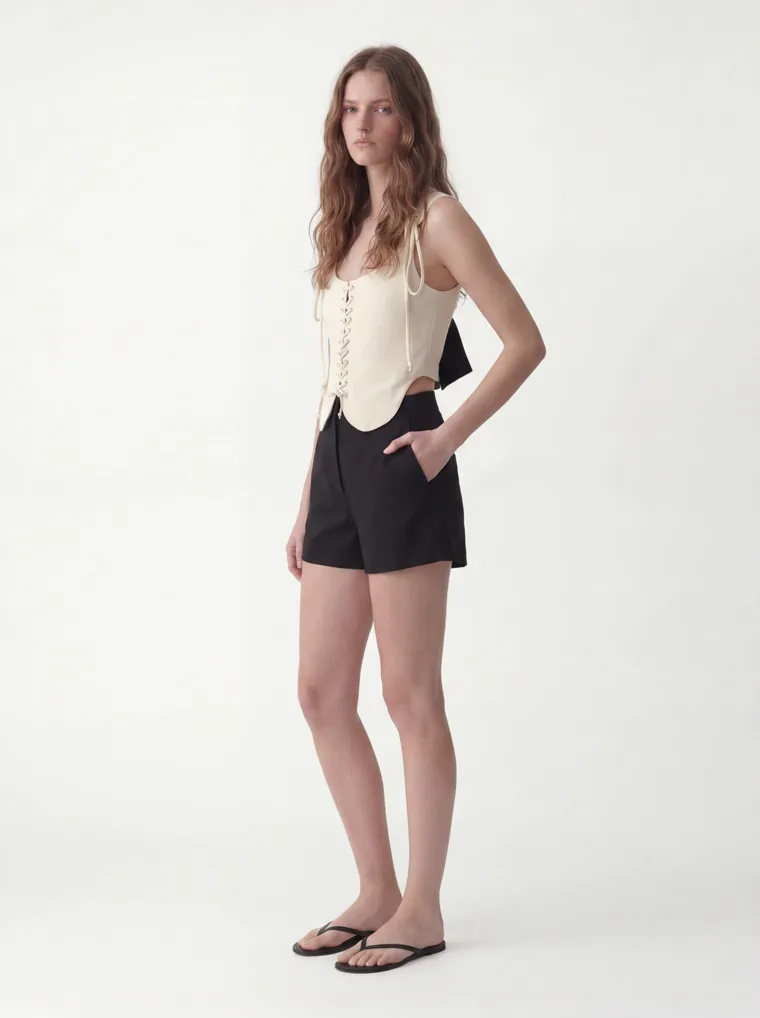
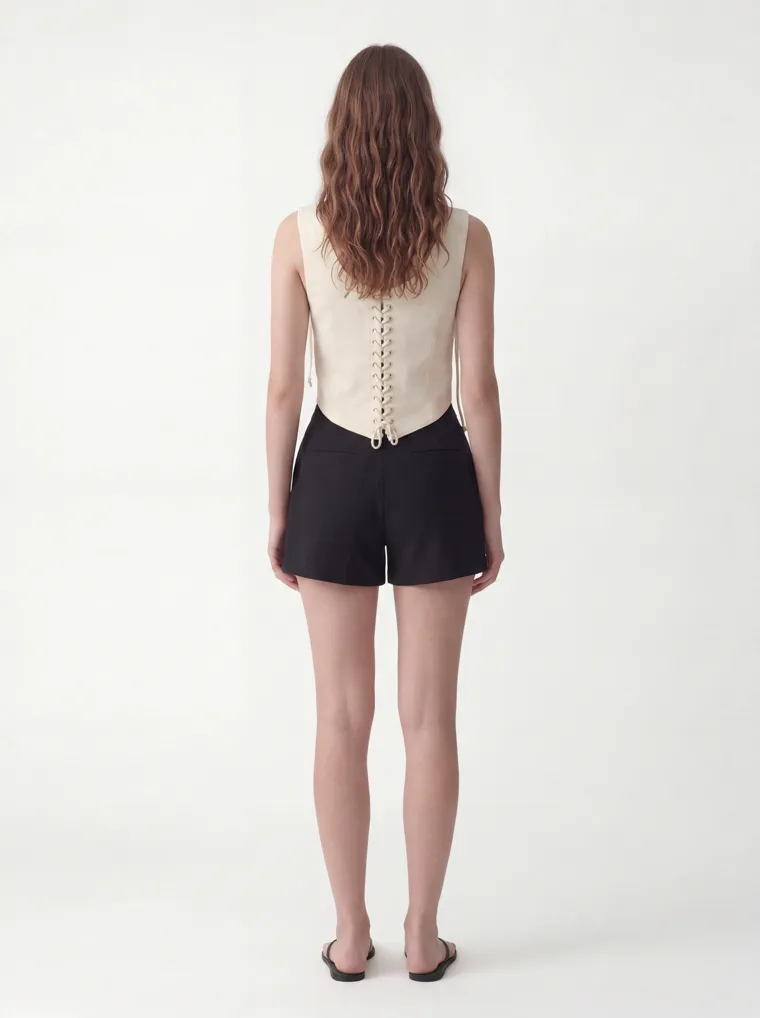
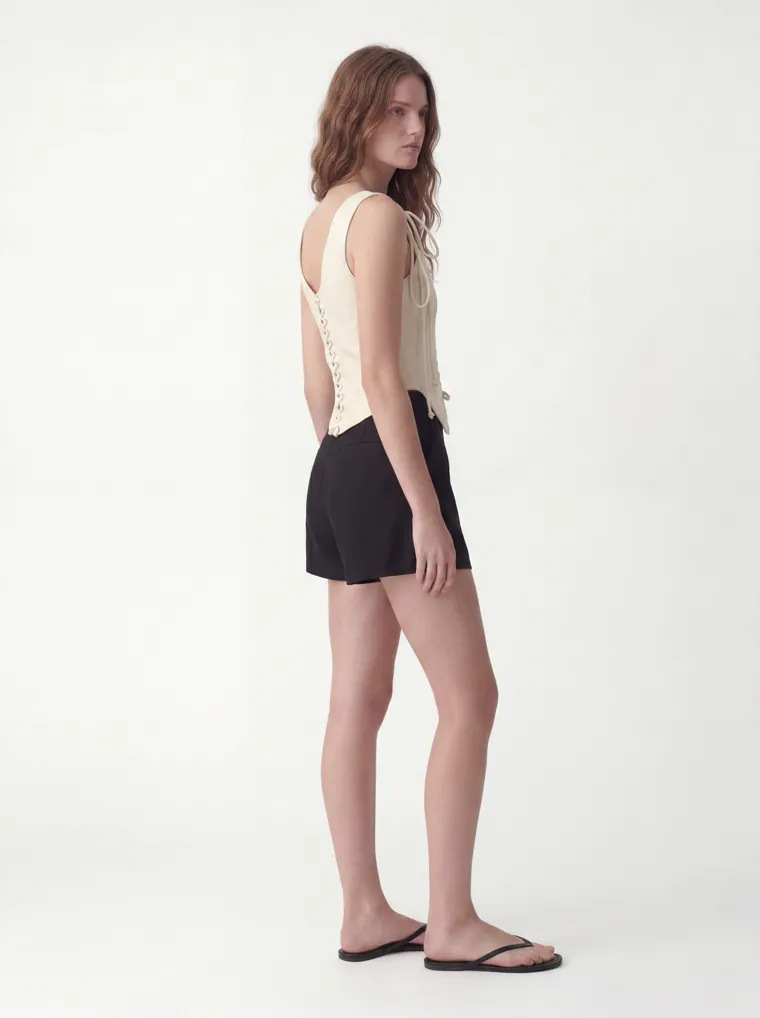
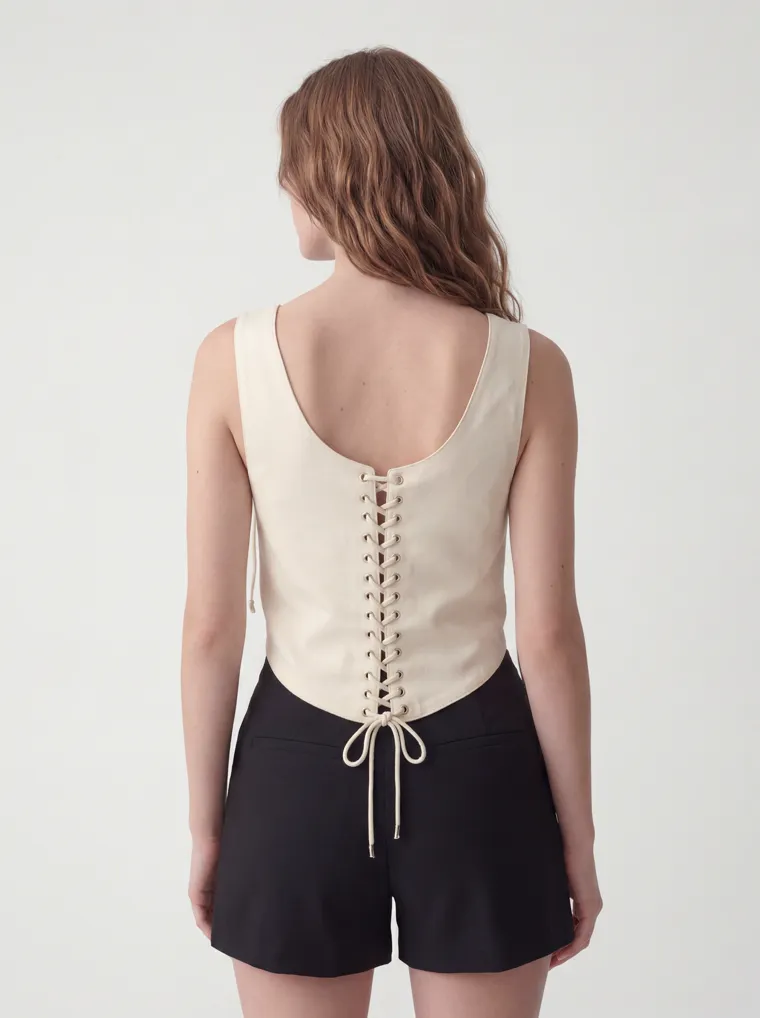
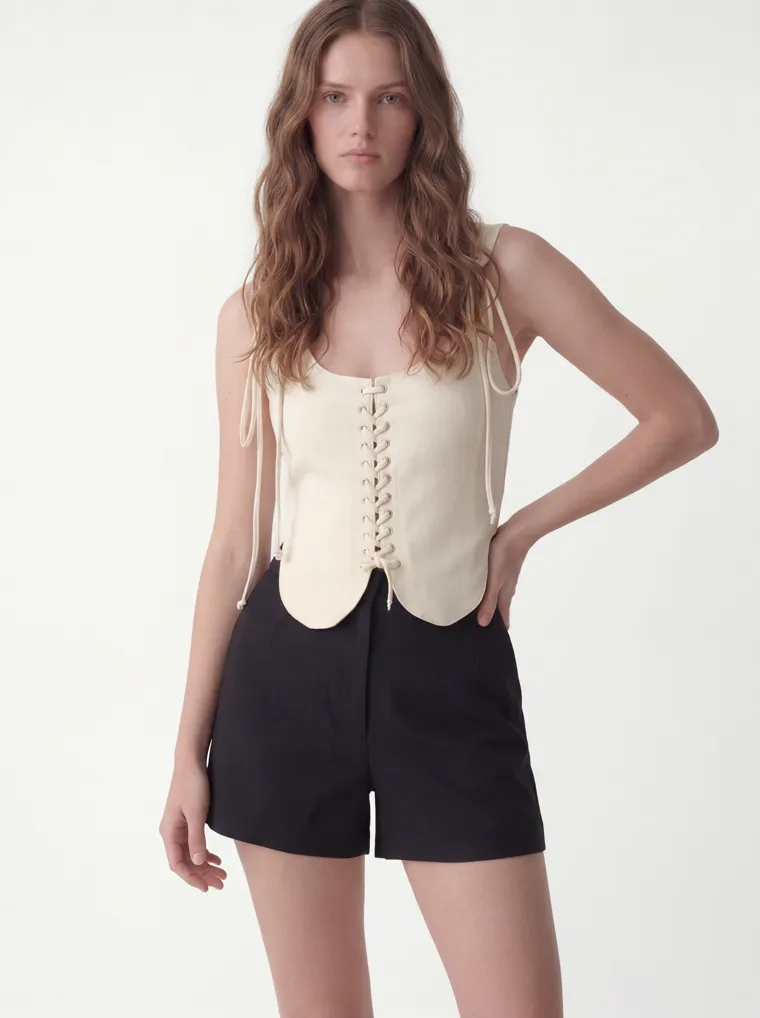
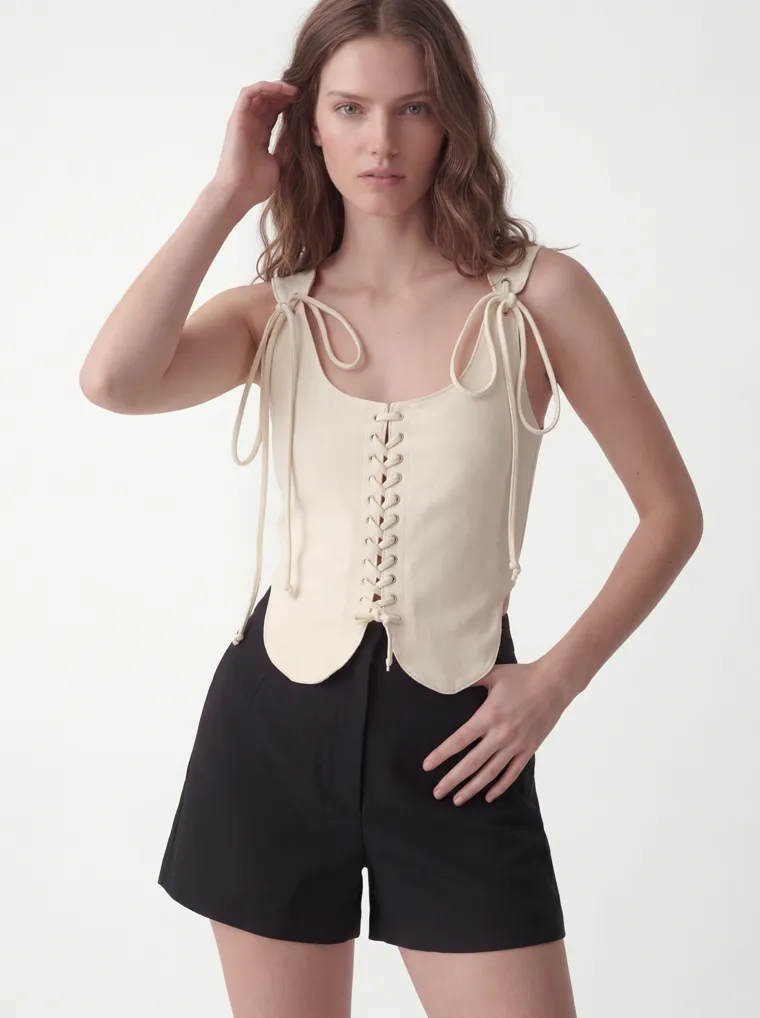
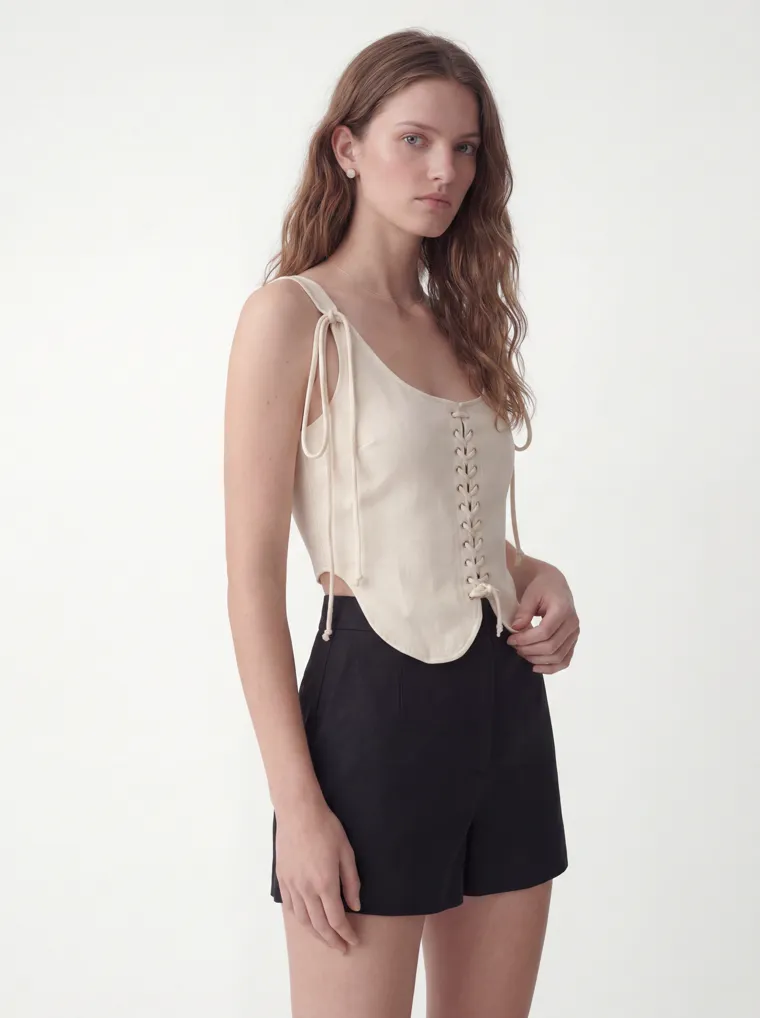
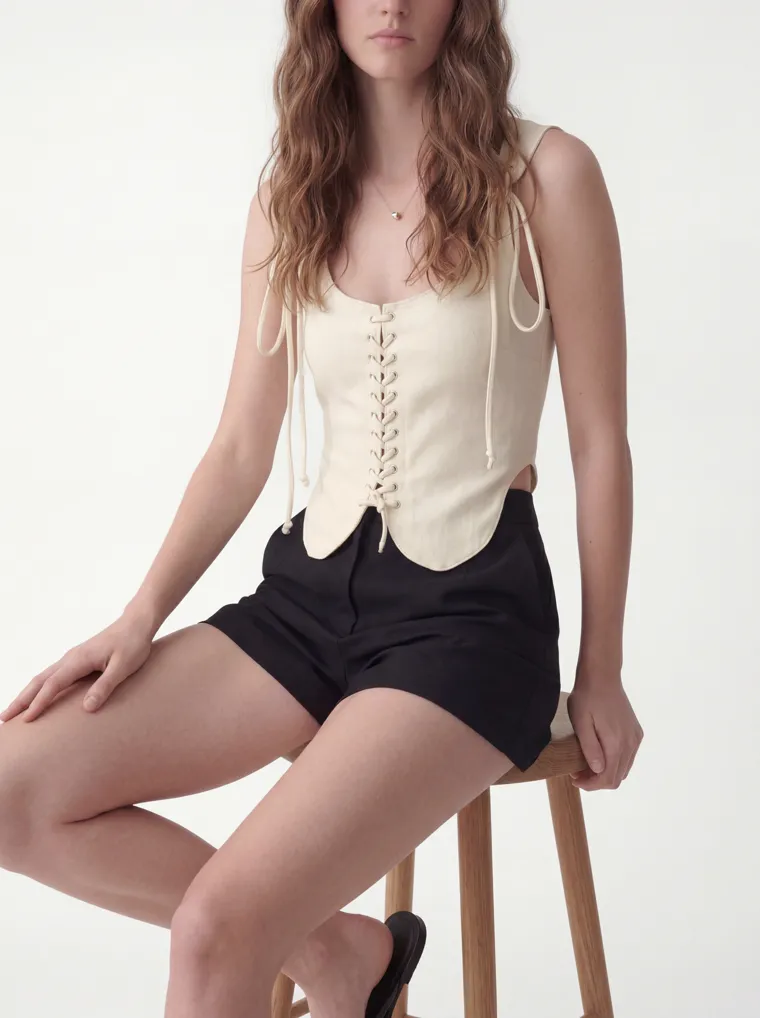
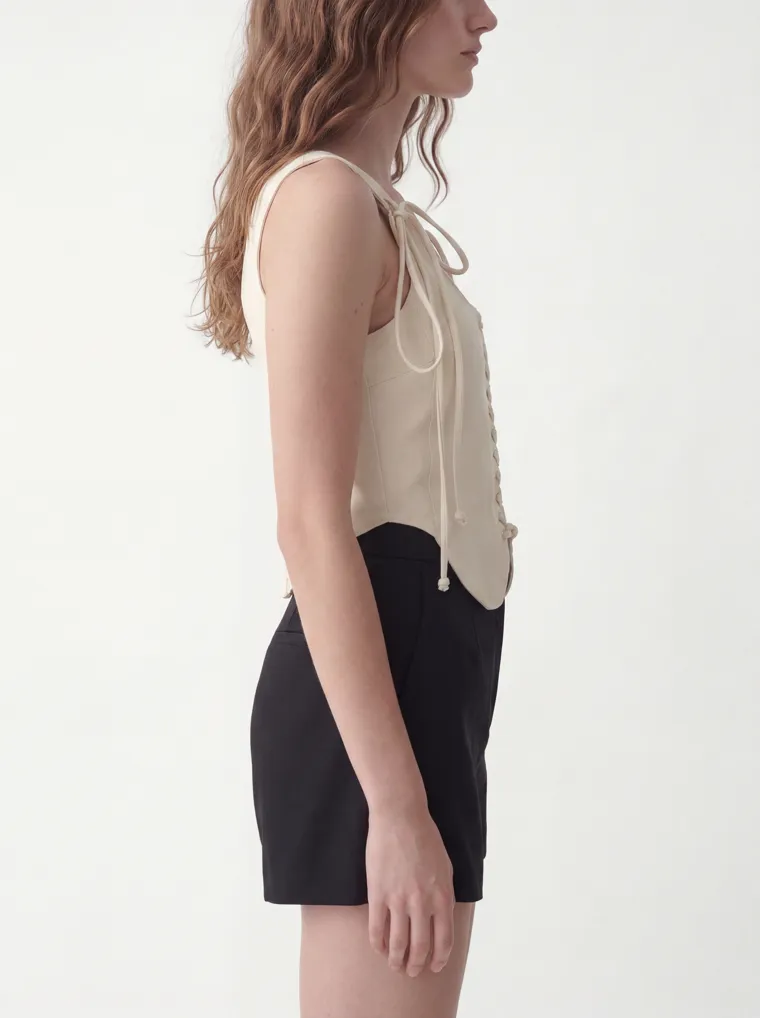
The full ten-shot set for one colorway. Every colorway in the line gets the same ten angles.
The Whole Line
Not Just Colorways — Different Styles, One House
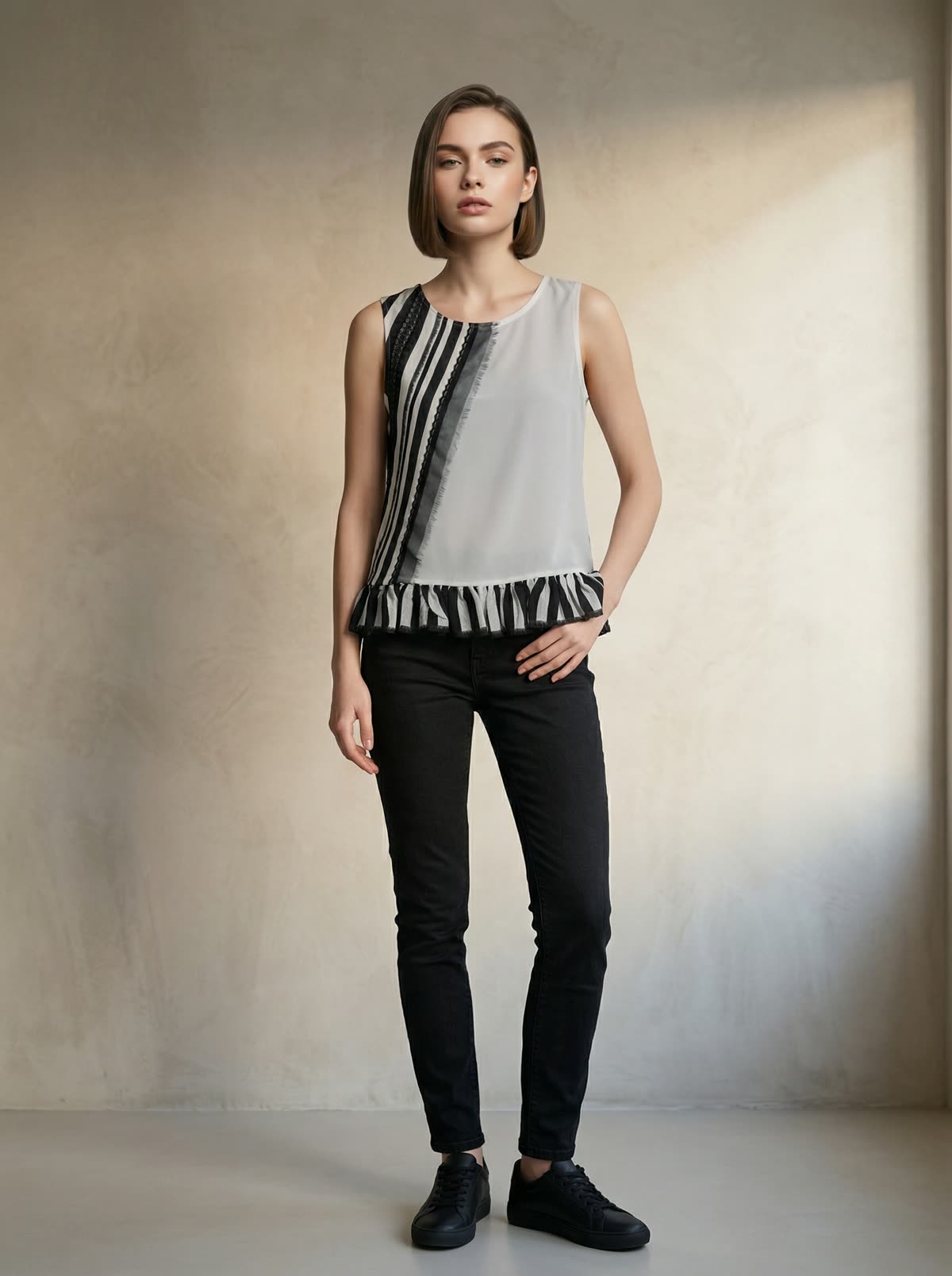
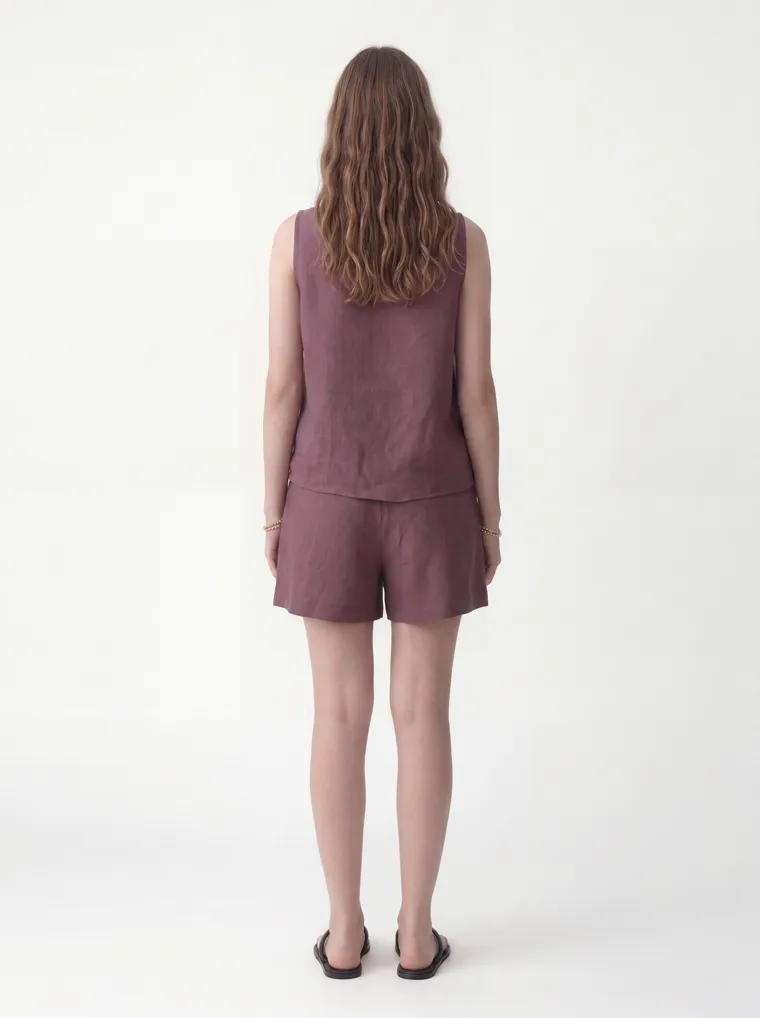
Colorways are only half of cohesion. A real line is many styles, and they have to look like they belong together too. Because the same two references drive every job, a completely different piece lands on the same model, in the same studio. Here’s a second style from the same wholesaler — a linen tank-and-shorts set in four colorways — sitting right beside the vest above: same face, same light, same floor.
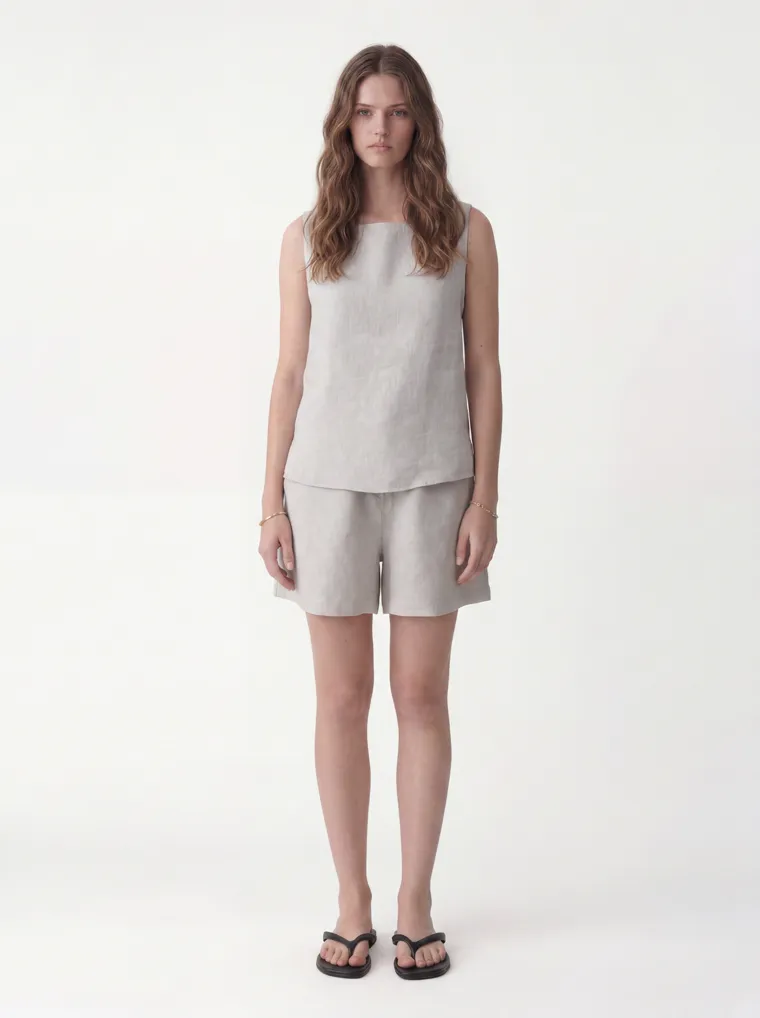
Oatmeal
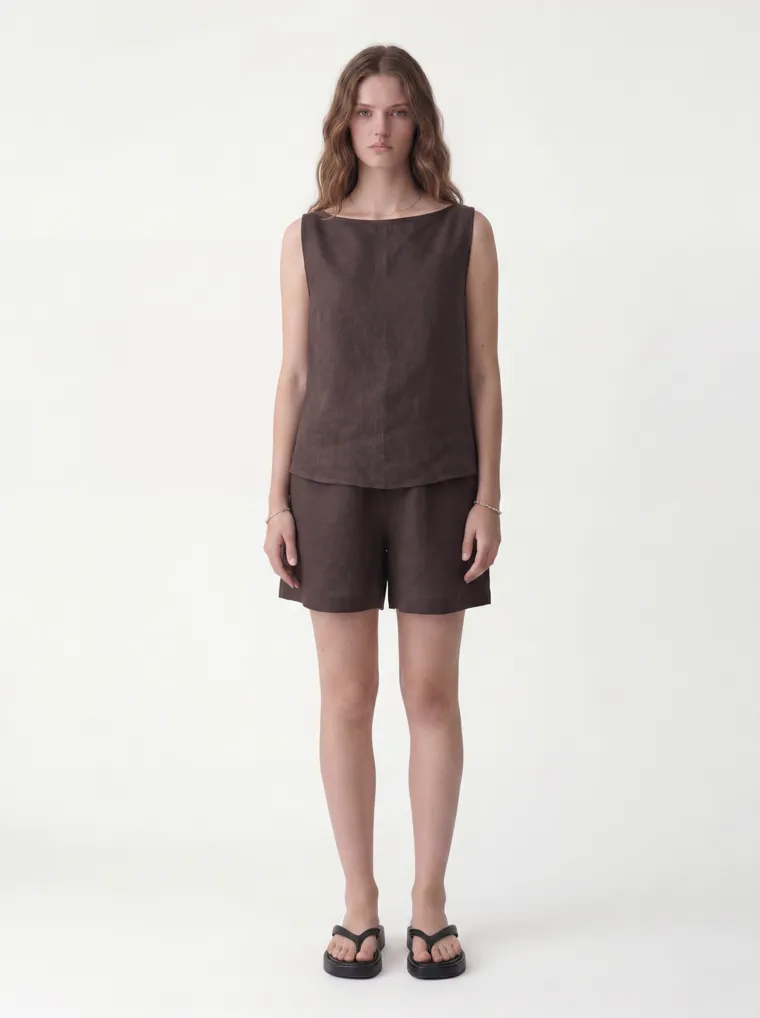
Chocolate
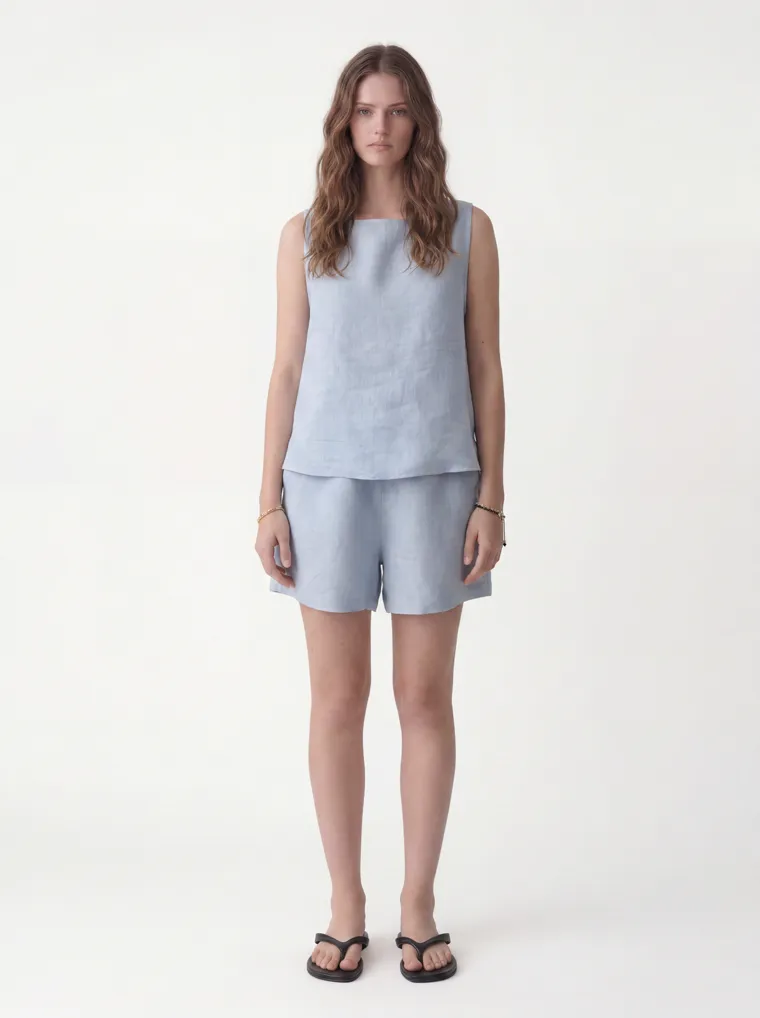
Powder Blue
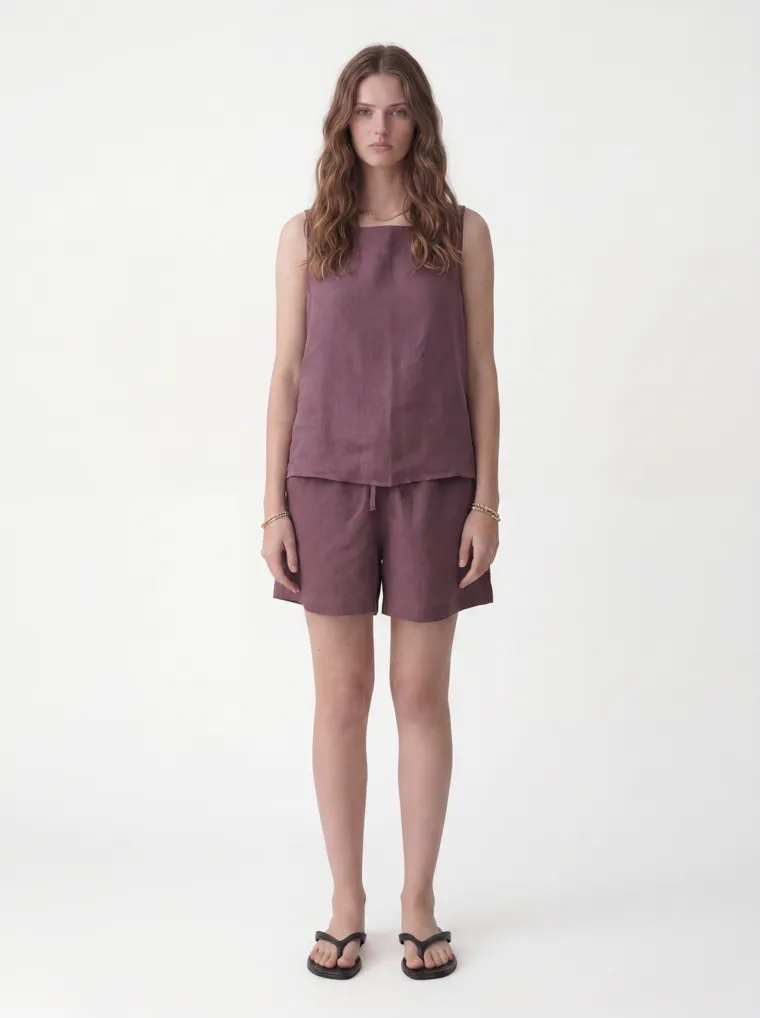
Plum
A second style, the same model and studio. Two styles, ten colorways between them, one house look.
The Line Sheet
How the Images Sit in Your Line Sheet
One thing to be clear about: MODA AI makes the imagery, not the line-sheet document. You still build the sheet — style numbers, wholesale prices, minimums, delivery — in your own tool, like NuORDER, Brandboom, JOOR, or Faire, or just Canva. What MODA gives you is the part that’s hardest to get right: a consistent, multi-angle image for every colorway. Here’s a rough mock of how the cohesive run drops into a sheet.
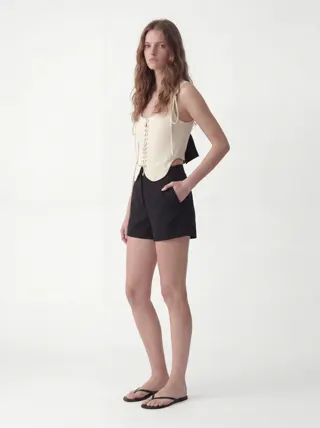
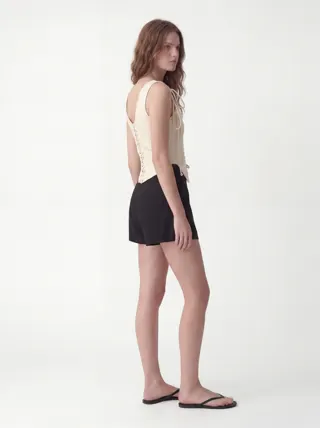
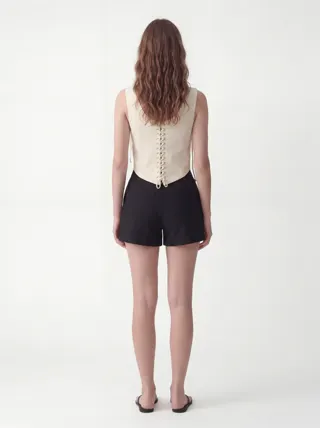
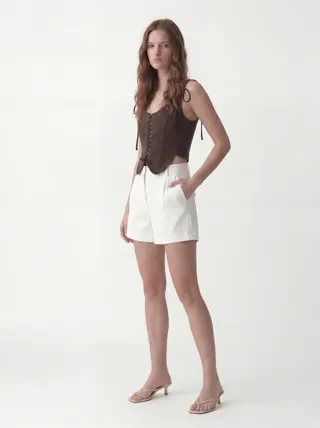
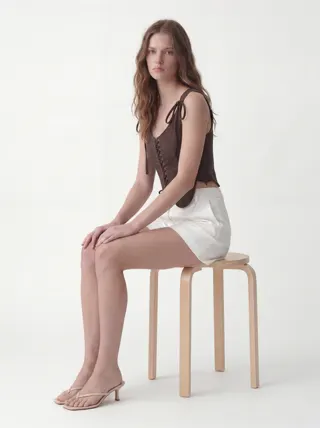
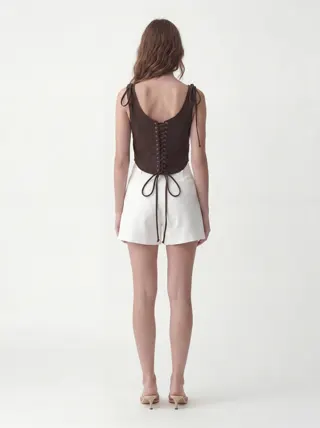
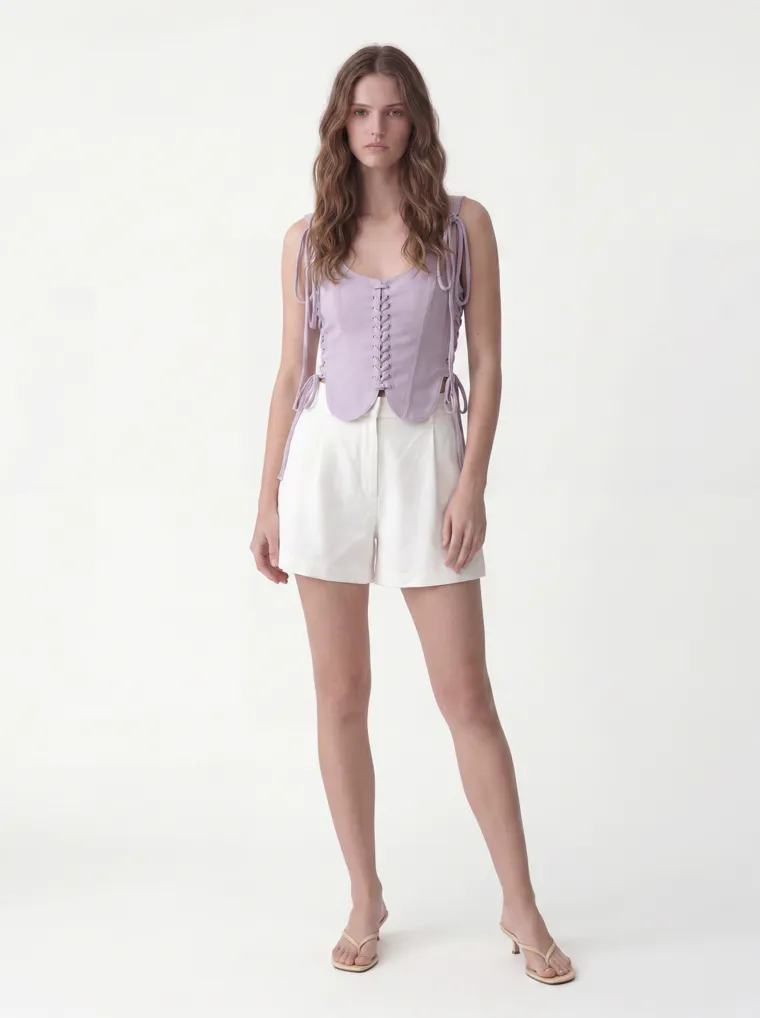
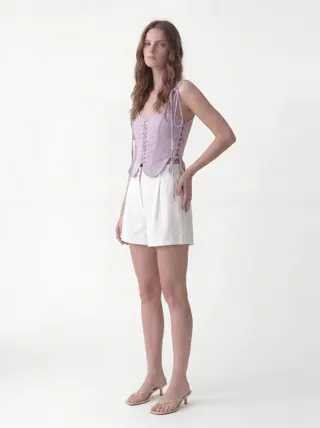
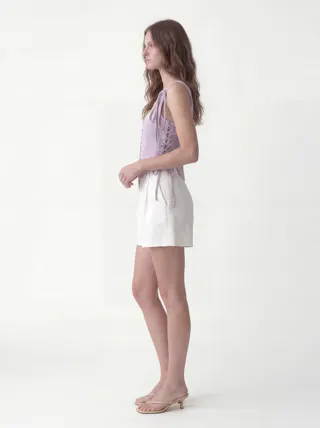
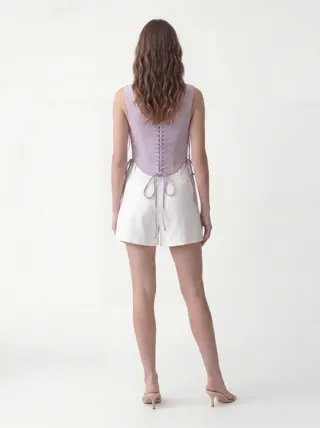
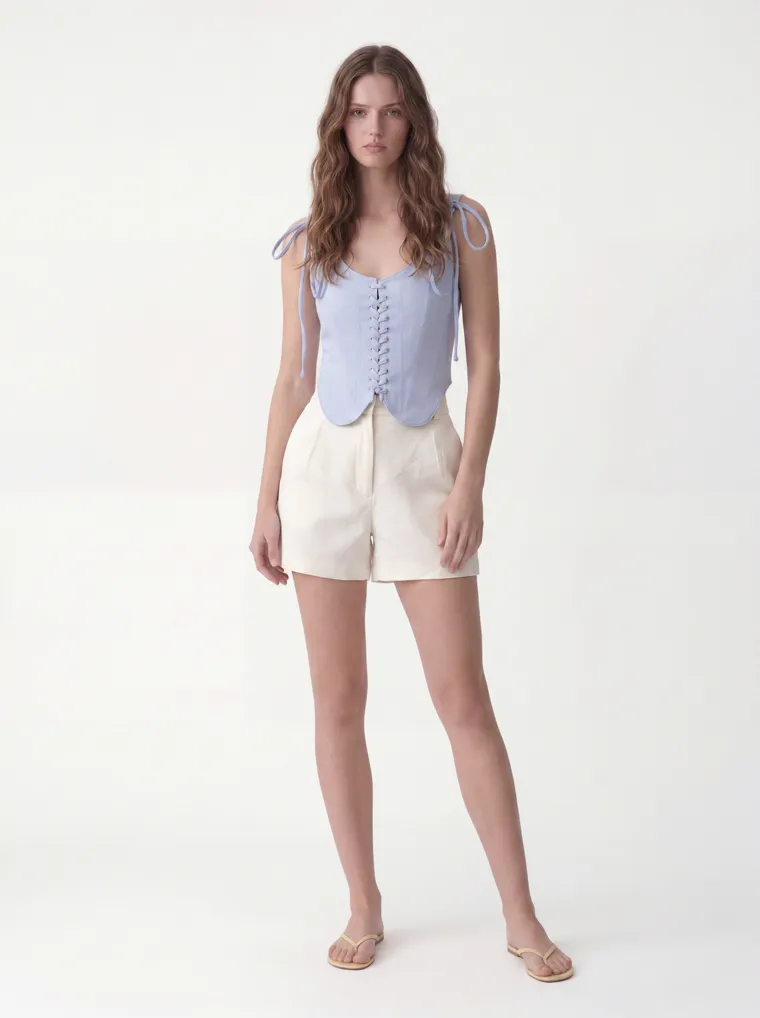
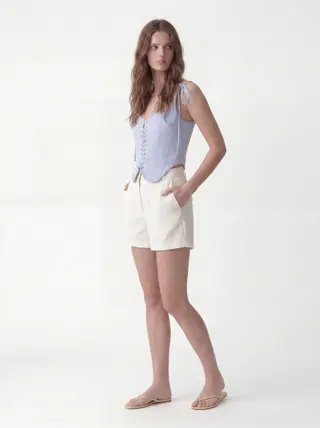
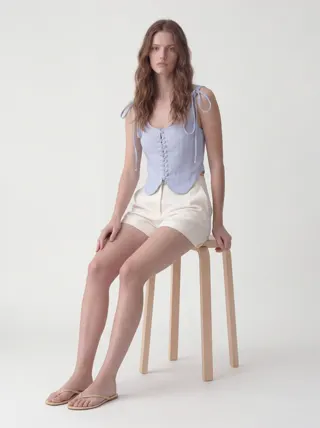
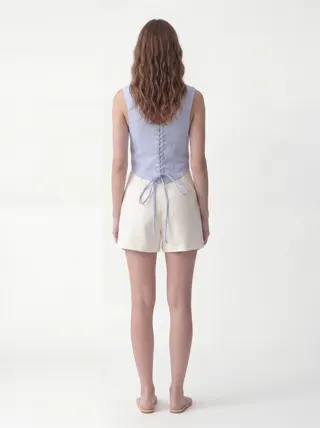
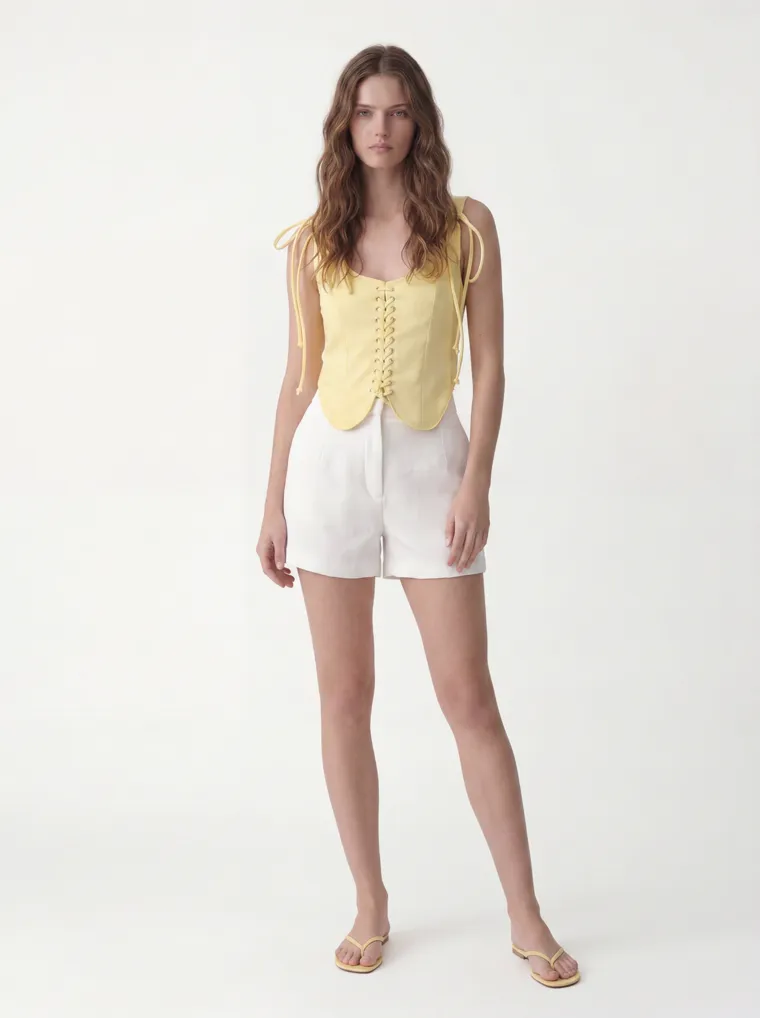
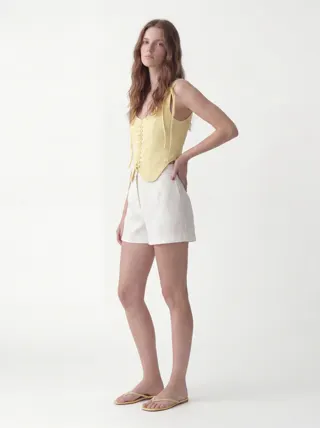
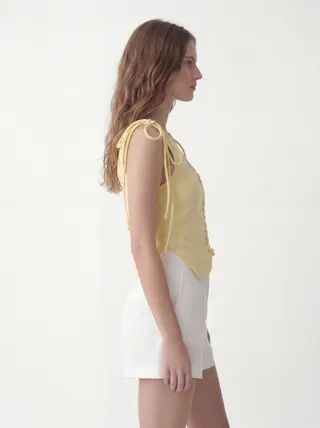
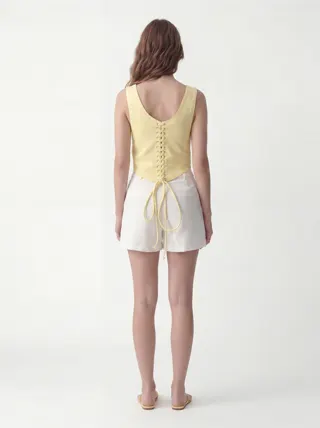
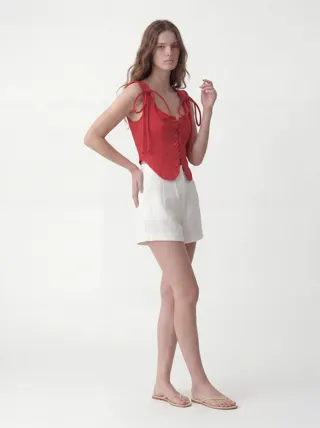
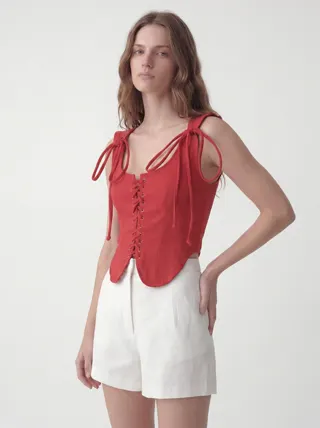
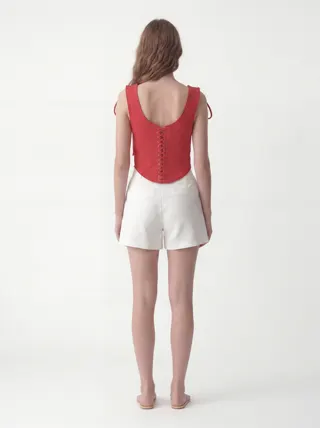
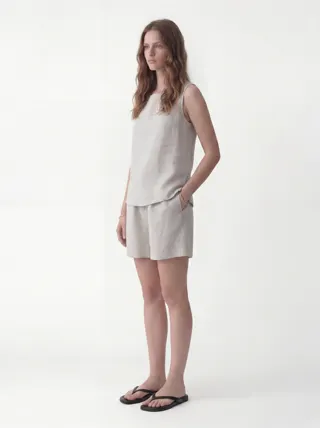
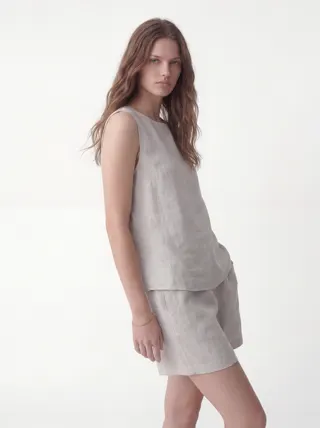
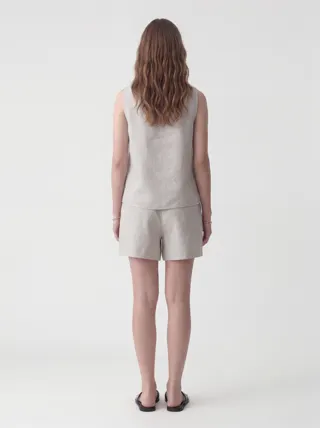
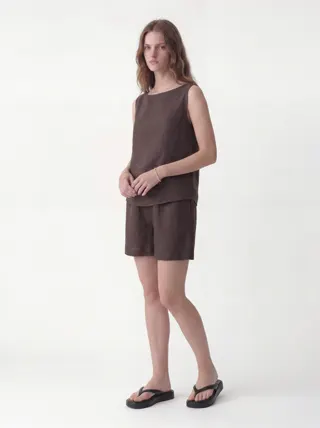
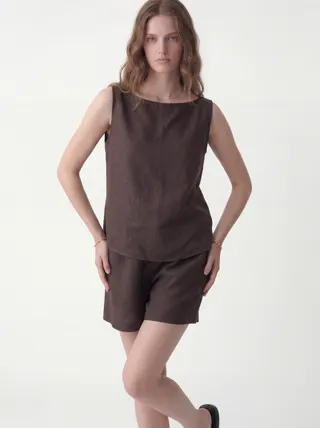
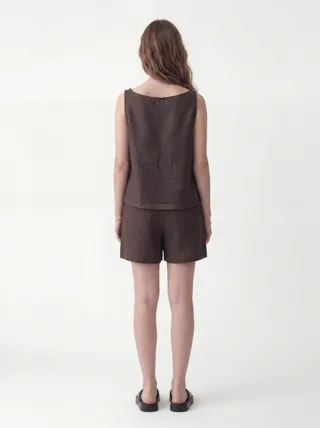
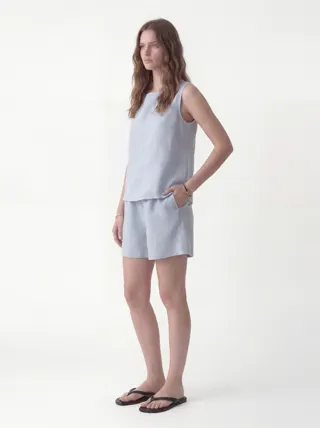
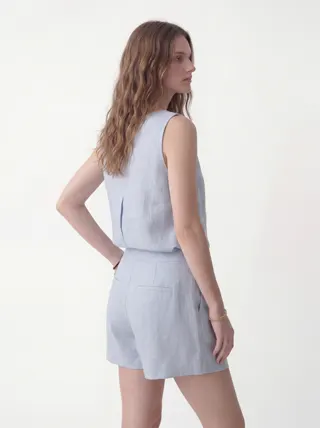
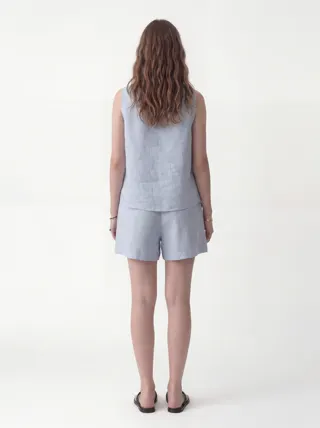
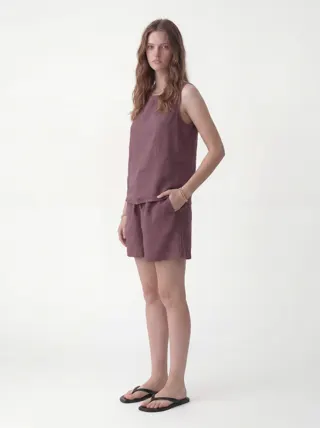
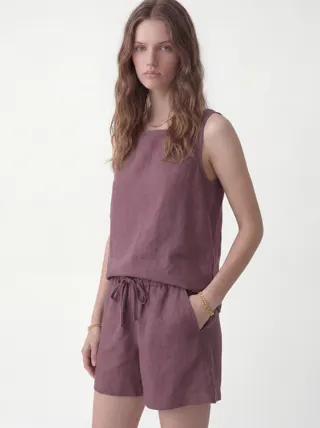
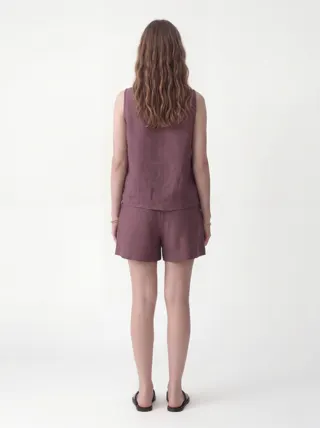
Illustration only. MODA AI supplies the on-model images; the greyed fields — style number, wholesale, MOQ — are the data you add in your own line-sheet tool.
At Scale
Add a Color, a Season, or a Style — It Still Matches
The reason to set the references once is what happens next. A buyer asks for the vest in a seventh color: run that one flat lay through the same face and background references, and it drops into the line matching the other six — no re-booking a model to match a shoot from three months ago. Next season’s drop uses the same references, so SS26 and FW26 share a house look without a single reshoot.
And the studio is always open. There’s no shoot to schedule against the market-week deadline, no waiting on samples or a photographer’s calendar. You shoot the moment a colorway exists — at midnight before a buyer appointment if you have to — for about a dollar a set. That’s the difference between imagery that gates your line and imagery that keeps up with it.
Traditional Line-Sheet Shoot vs. MODA AI
Both start from your samples. The difference is what it takes to keep the whole line consistent.
| Traditional shoot | MODA AI | |
|---|---|---|
| Cohesion across colorways | Varies by shoot day, model, and light | Same model, background, and light every time |
| Adding a colorway later | Re-book the model and studio | Re-run that piece; it matches the line |
| Matching next season | New crew and model to wrangle | Same face + background refs, any season |
| Angles per SKU | Whatever the day allows | 10, front to back to detail |
| Studio + model | Booked and scheduled | Always available, no booking |
| Cost per style | Model, photographer, studio day rates | About $1 per 10-shot set |
The Full Line
Every Colorway, One House Look
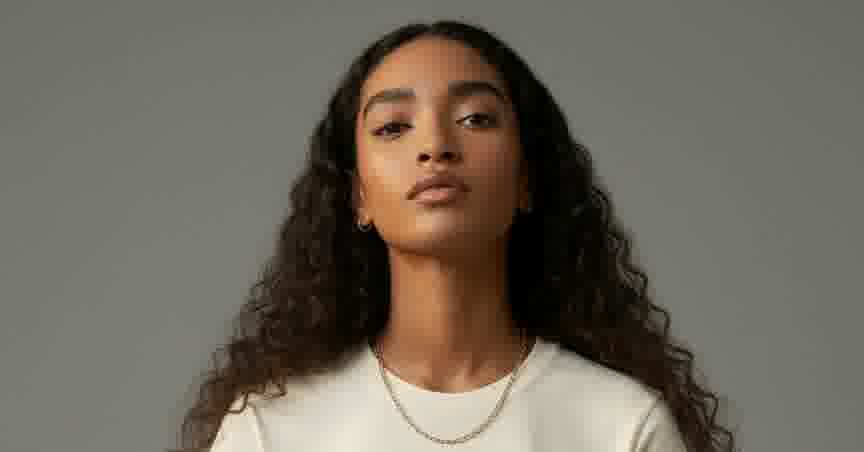
More angles pulled from across the line — both styles, colorway after colorway. Different pieces, different colors, one model, one studio. This is what a buyer scrolls when the whole line was shot the same way.
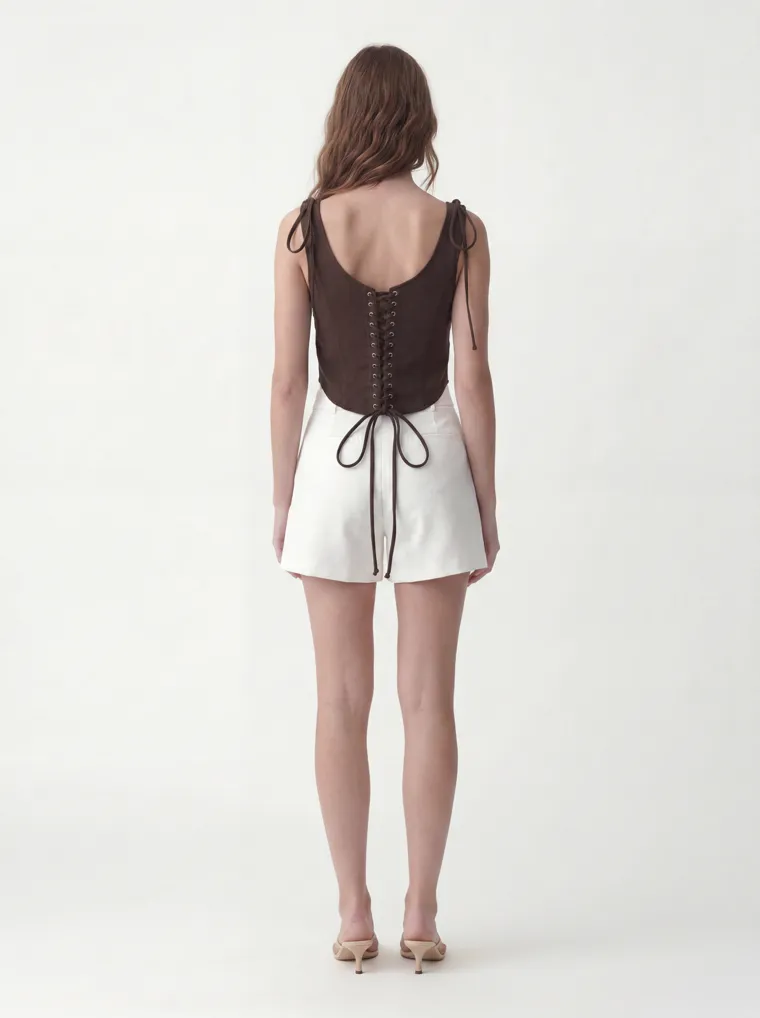
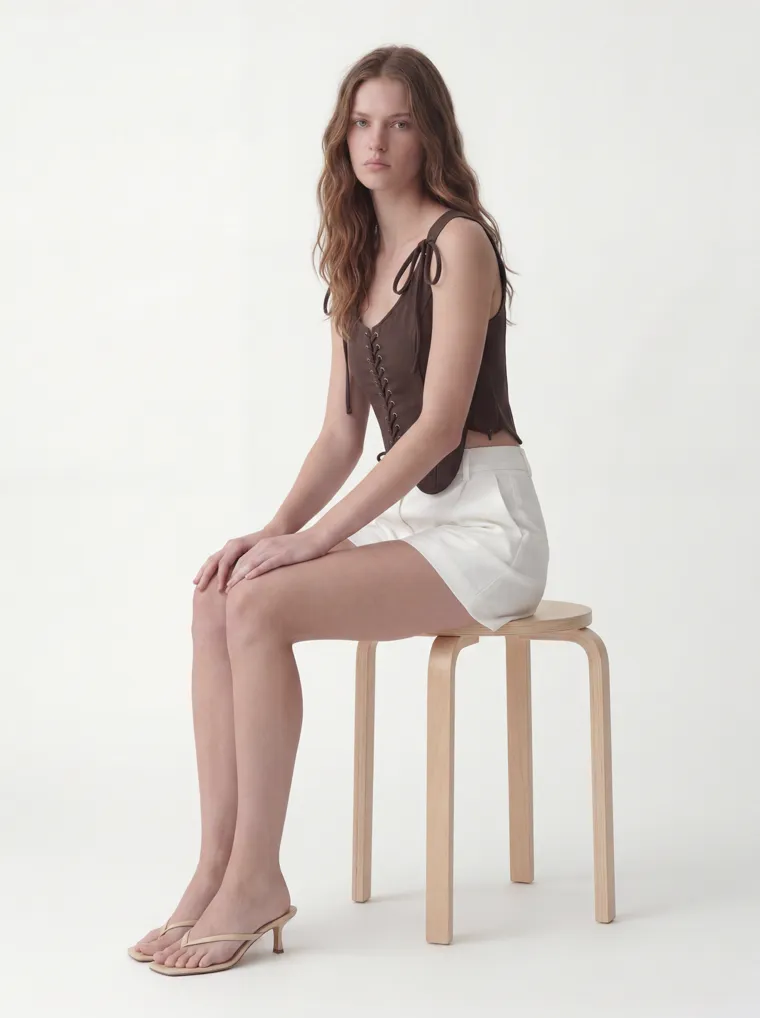
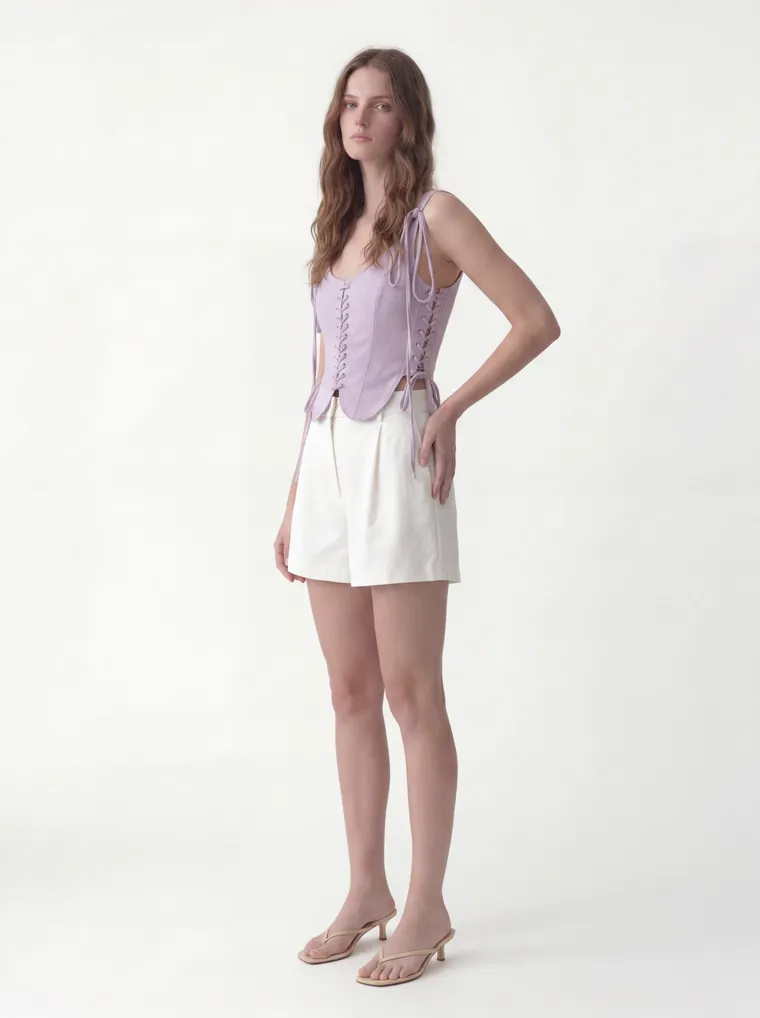
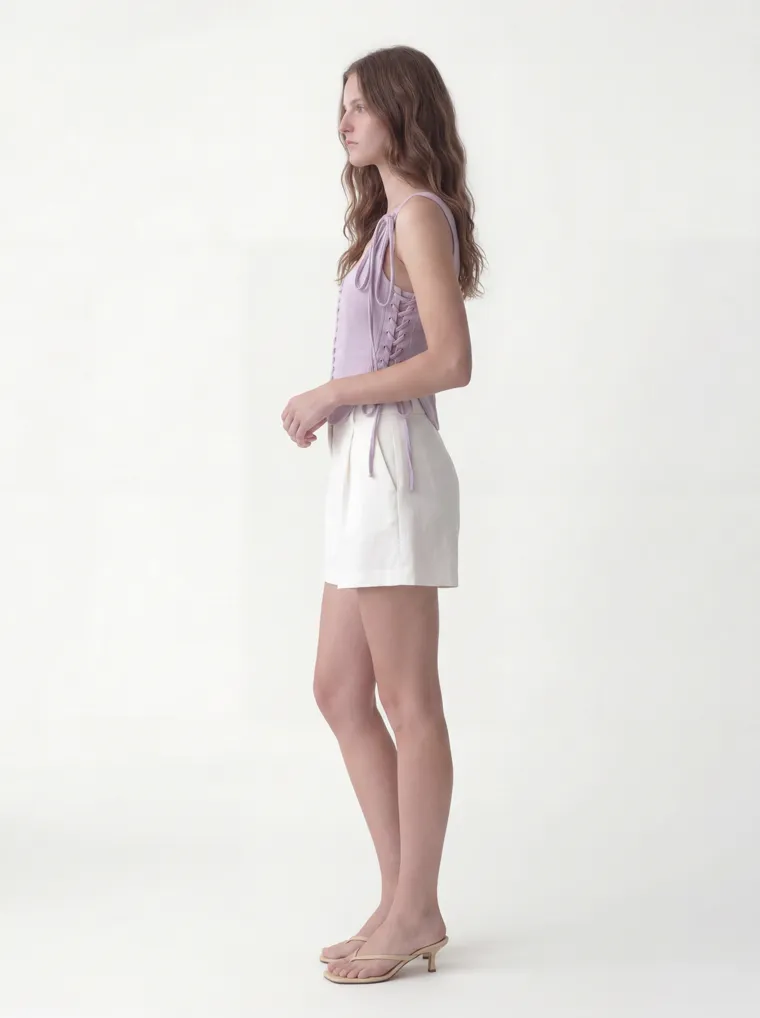
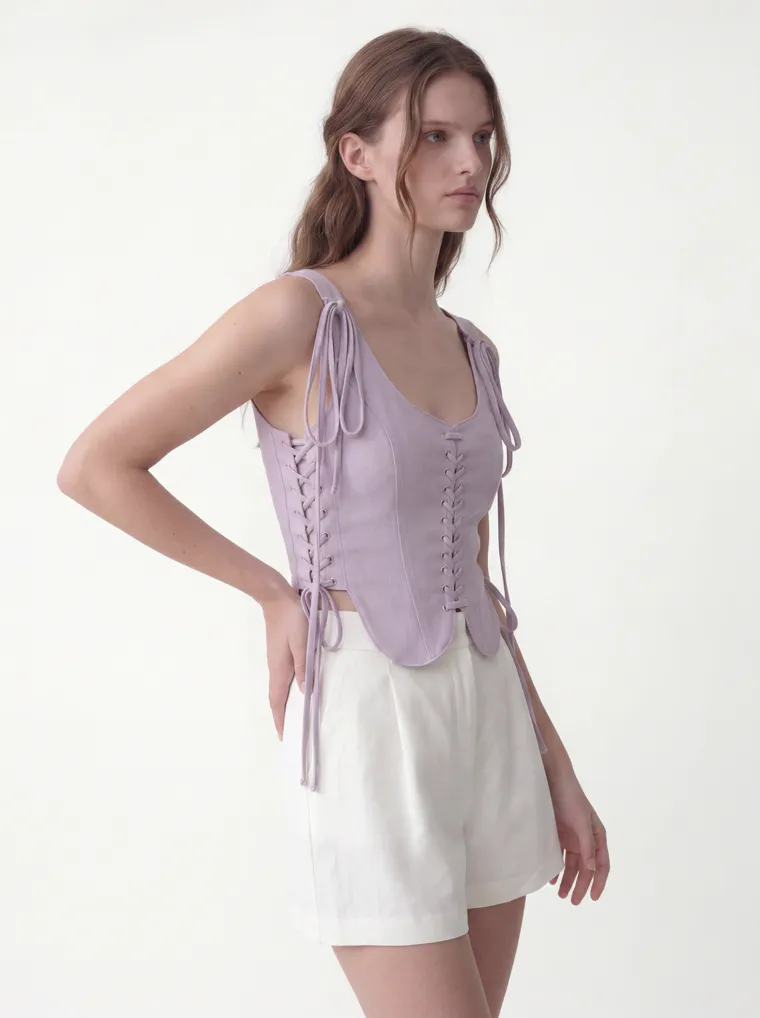
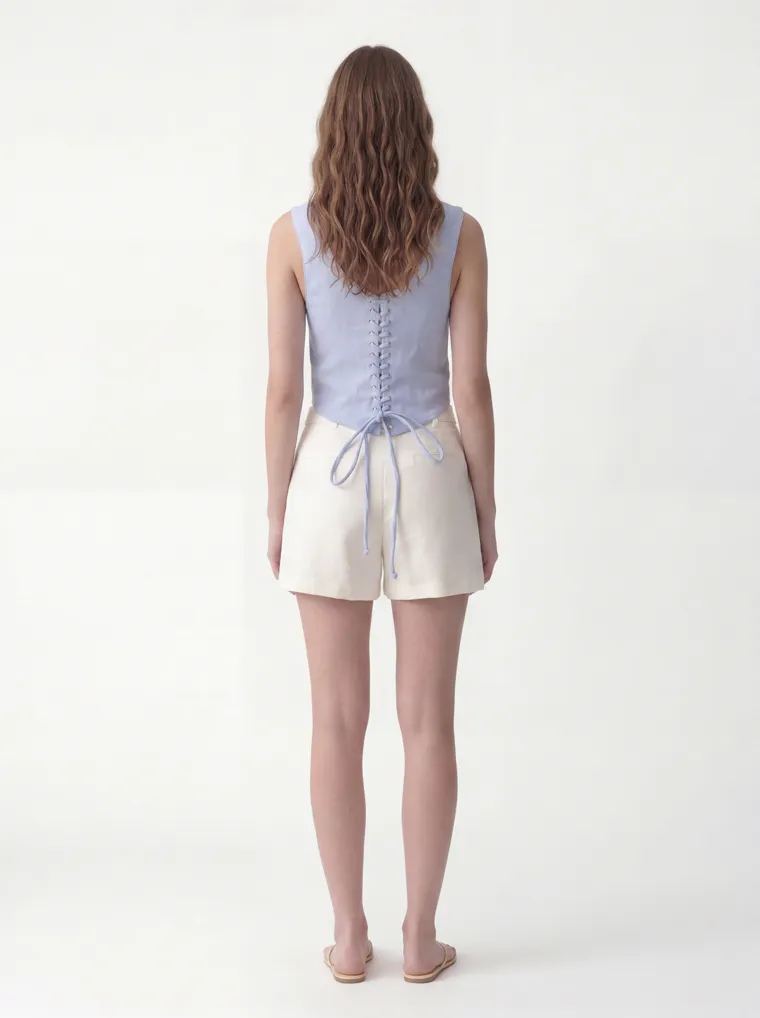
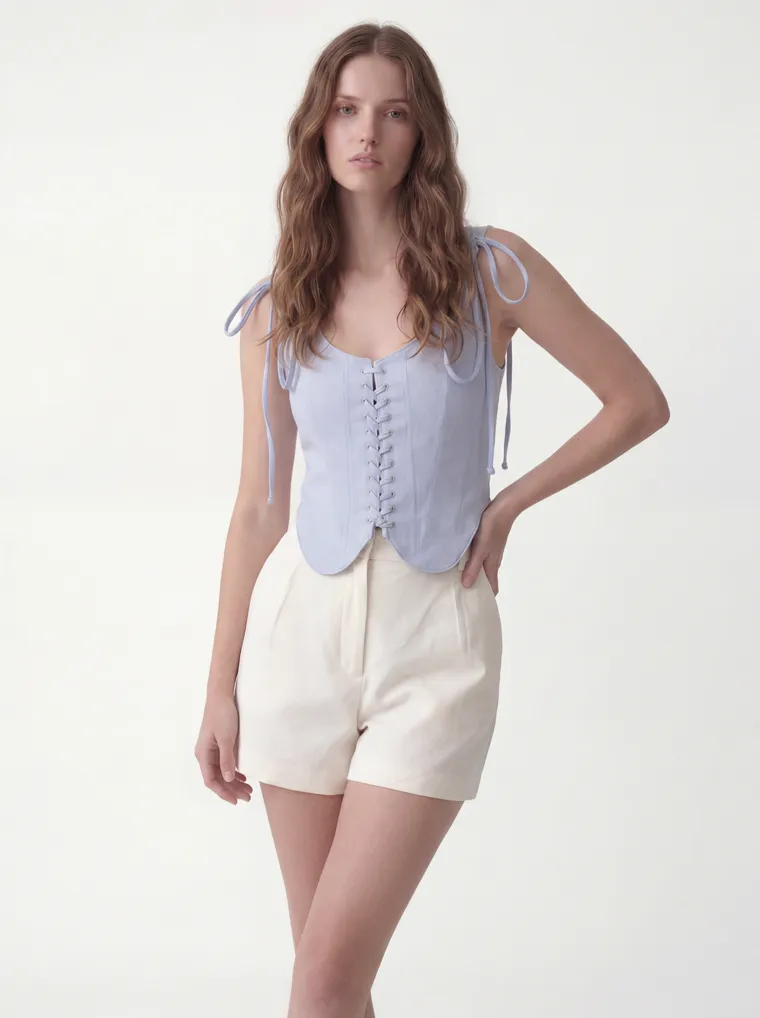
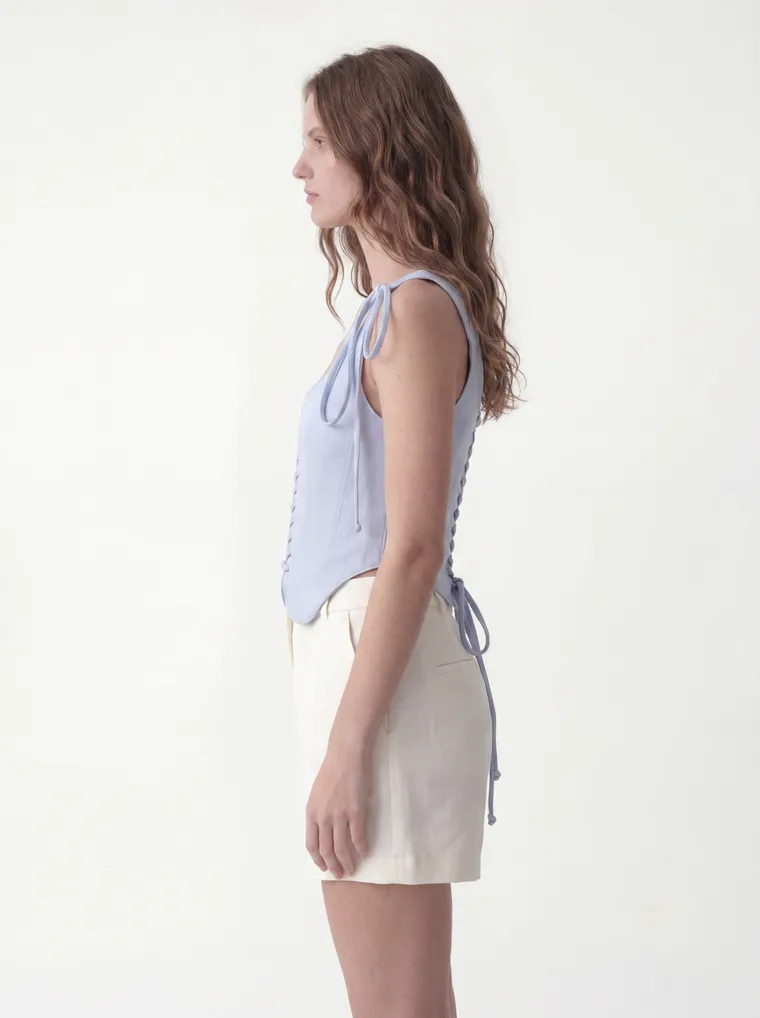
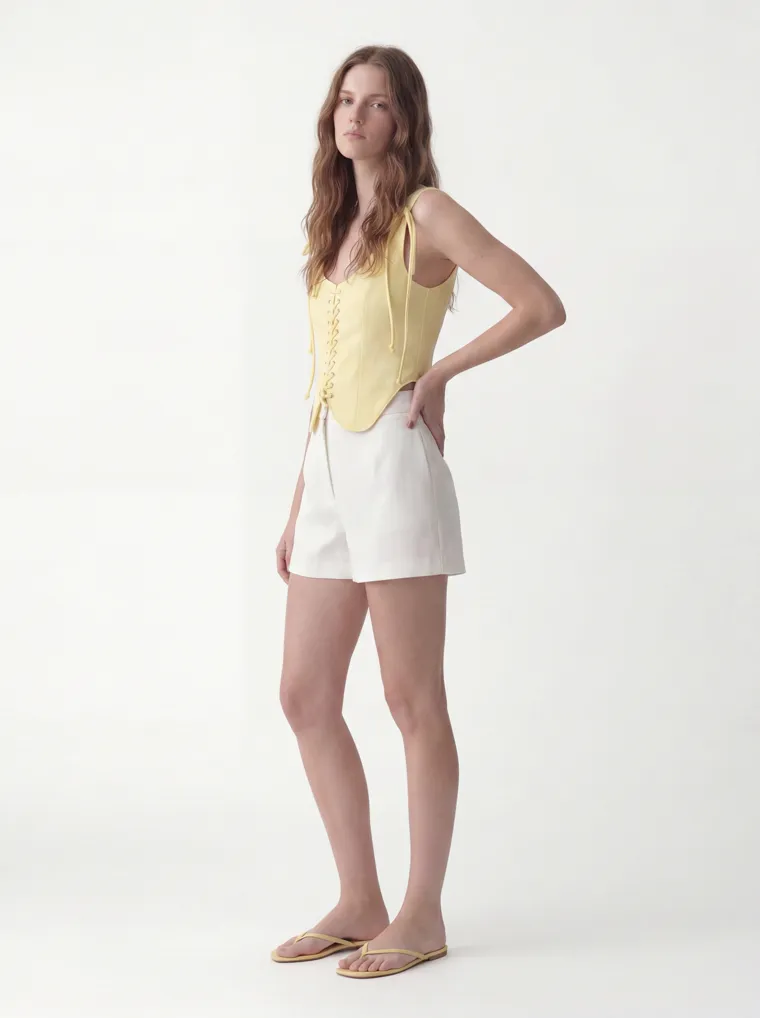
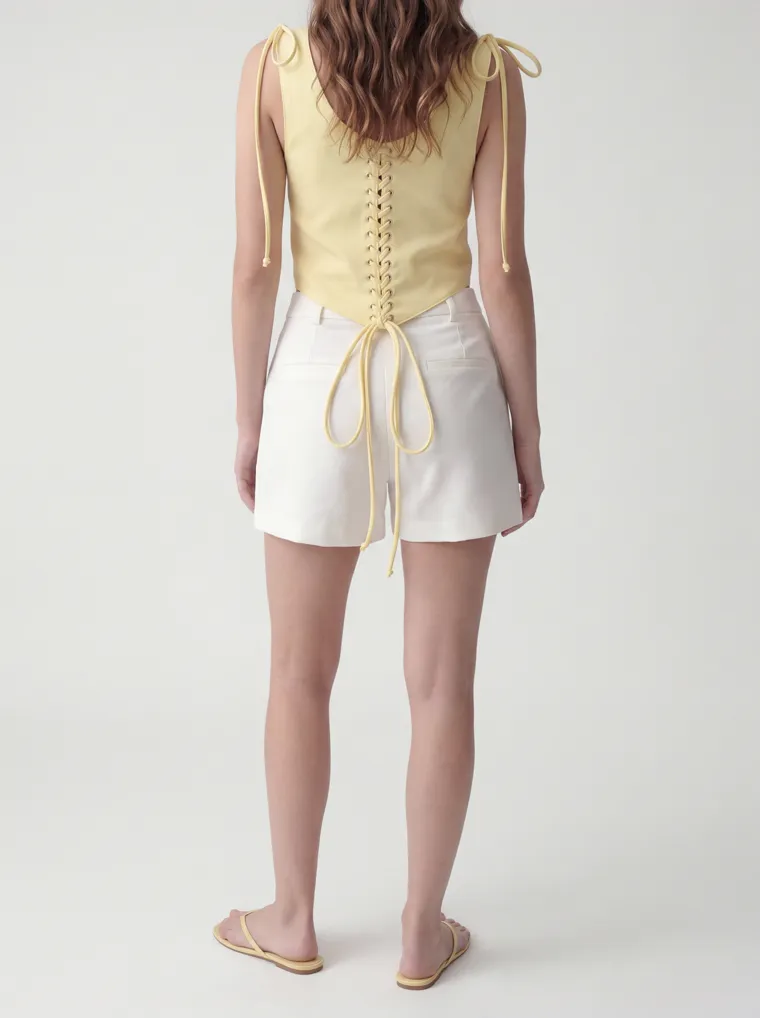
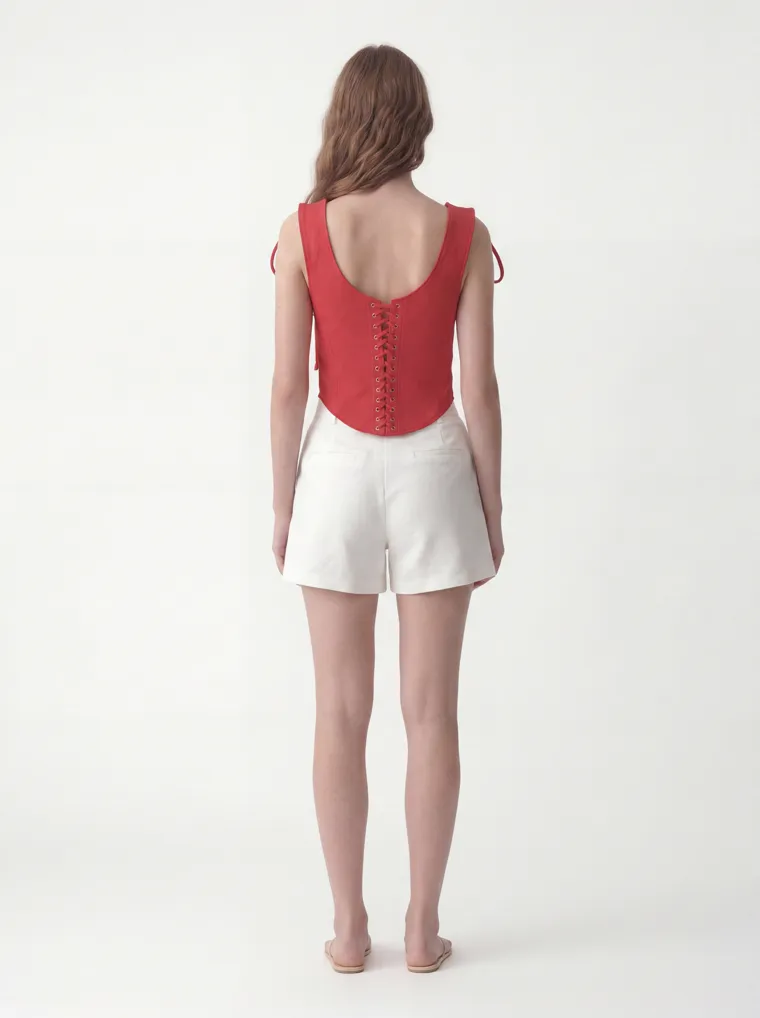
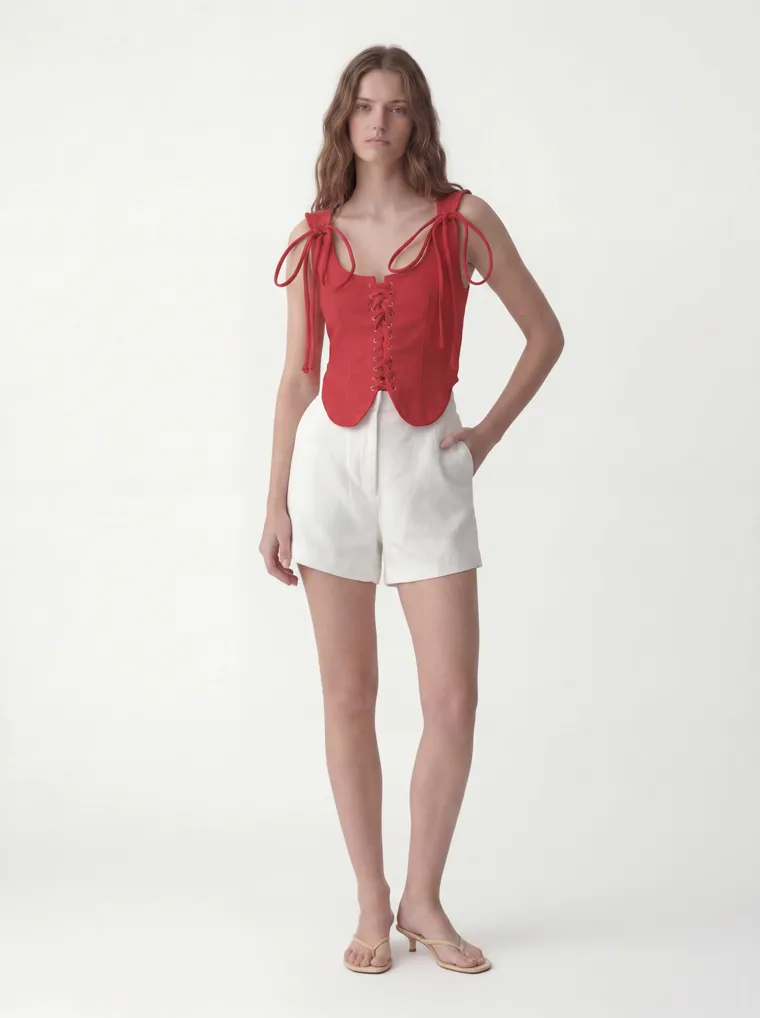
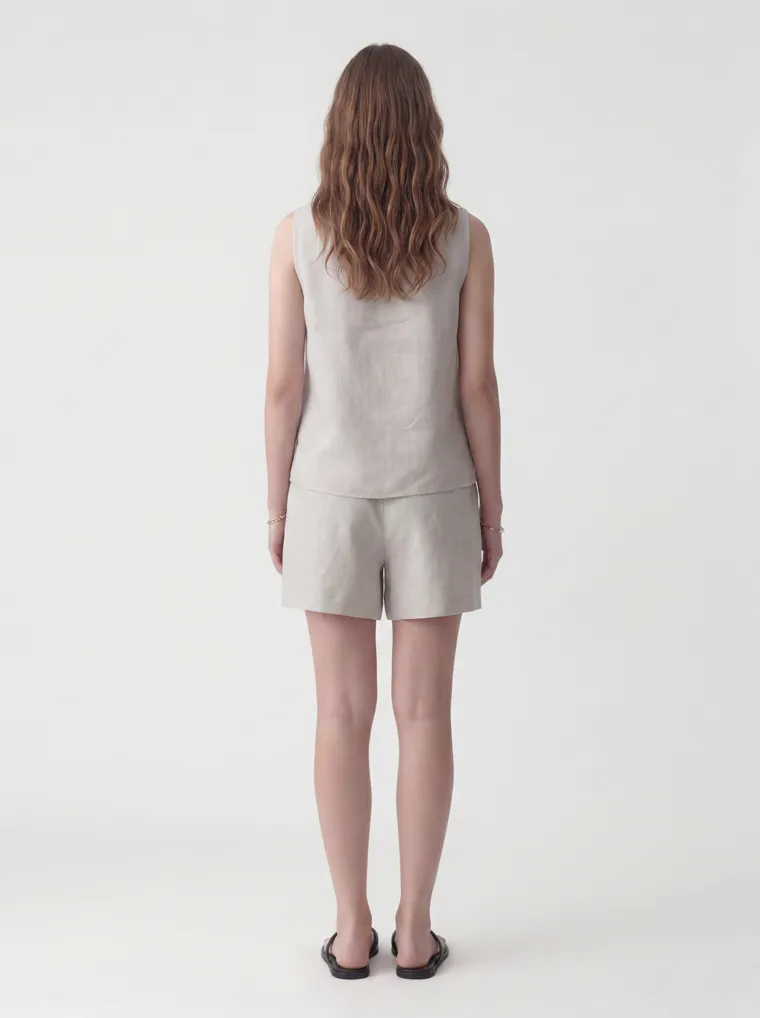
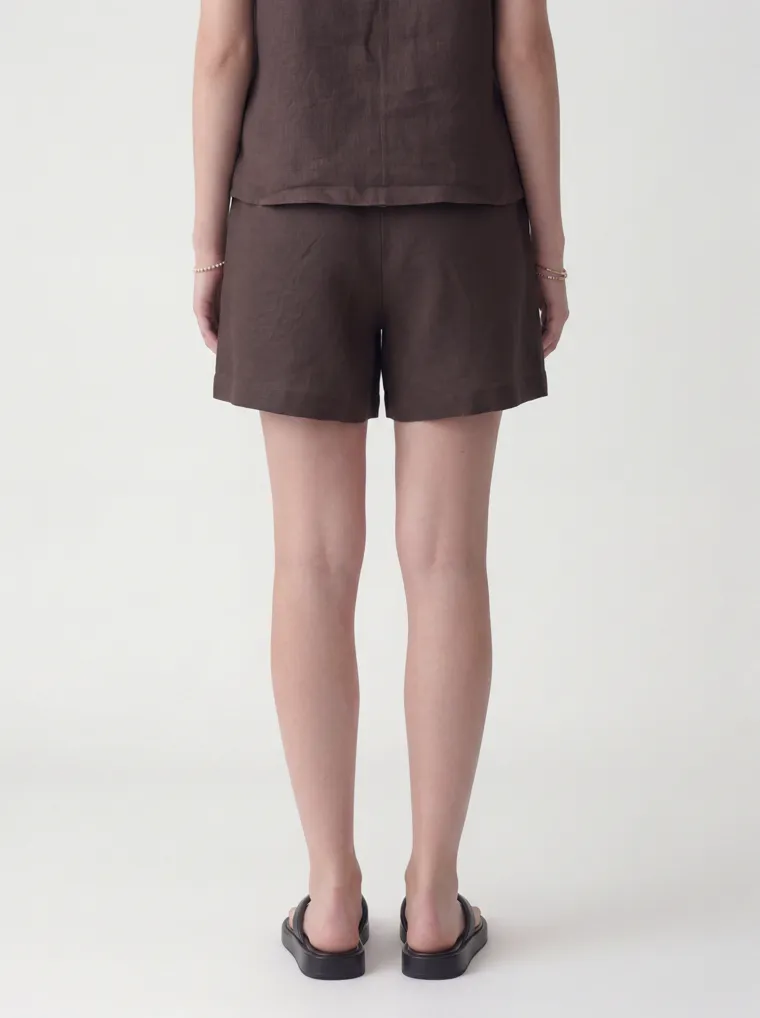
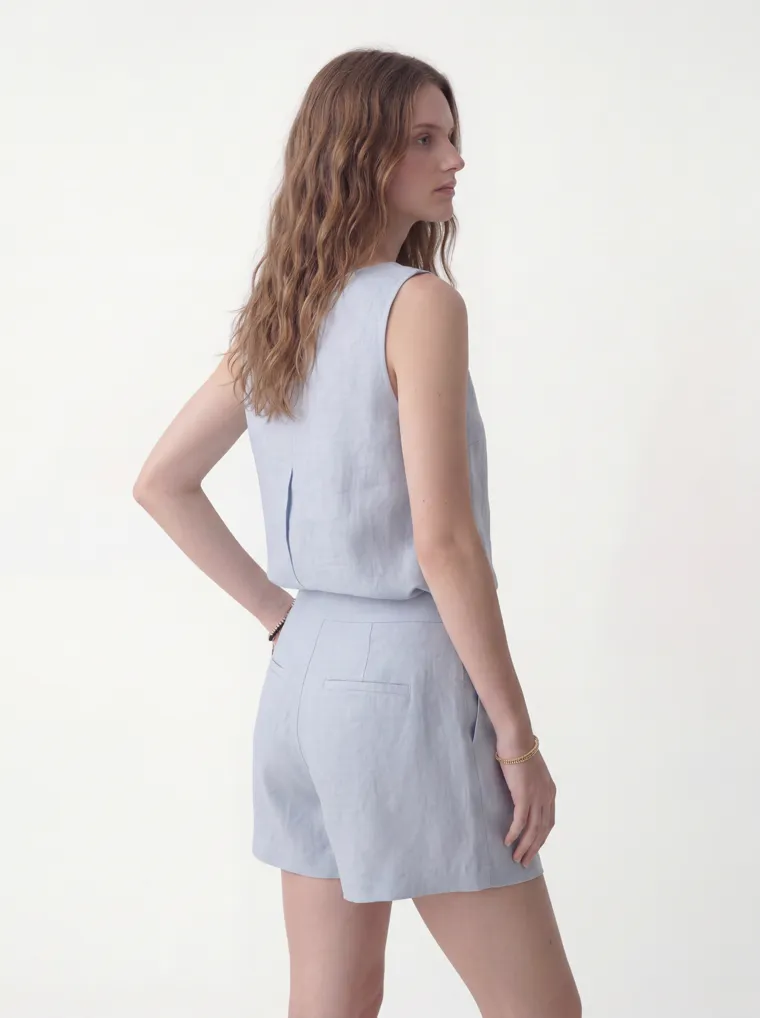
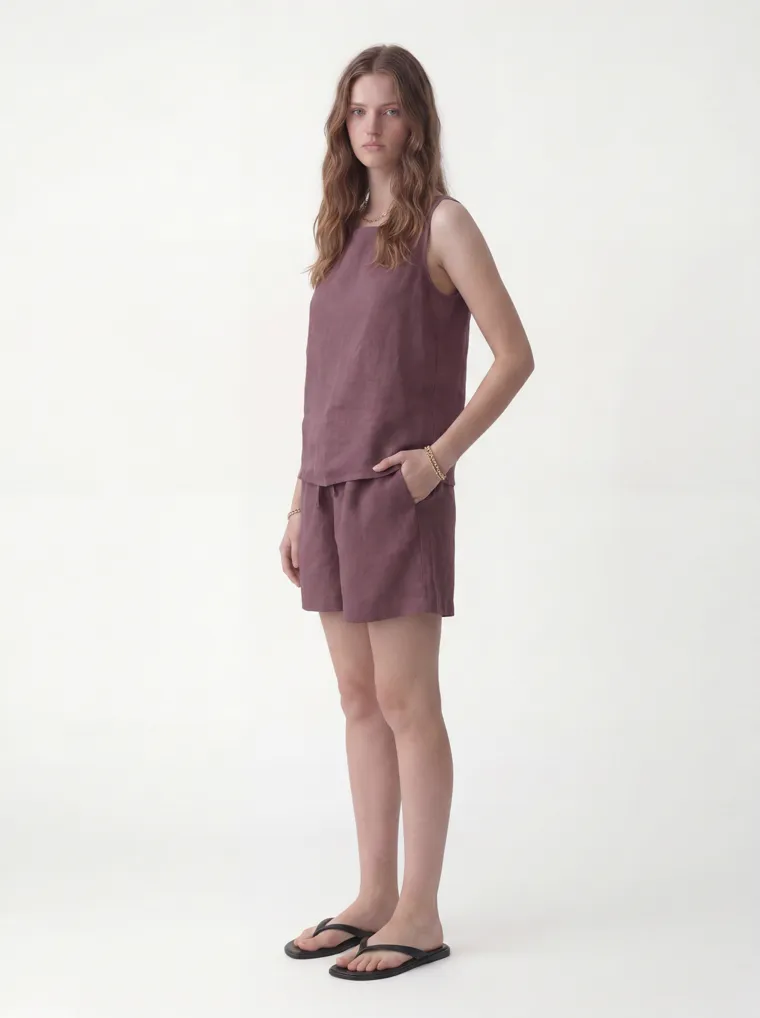
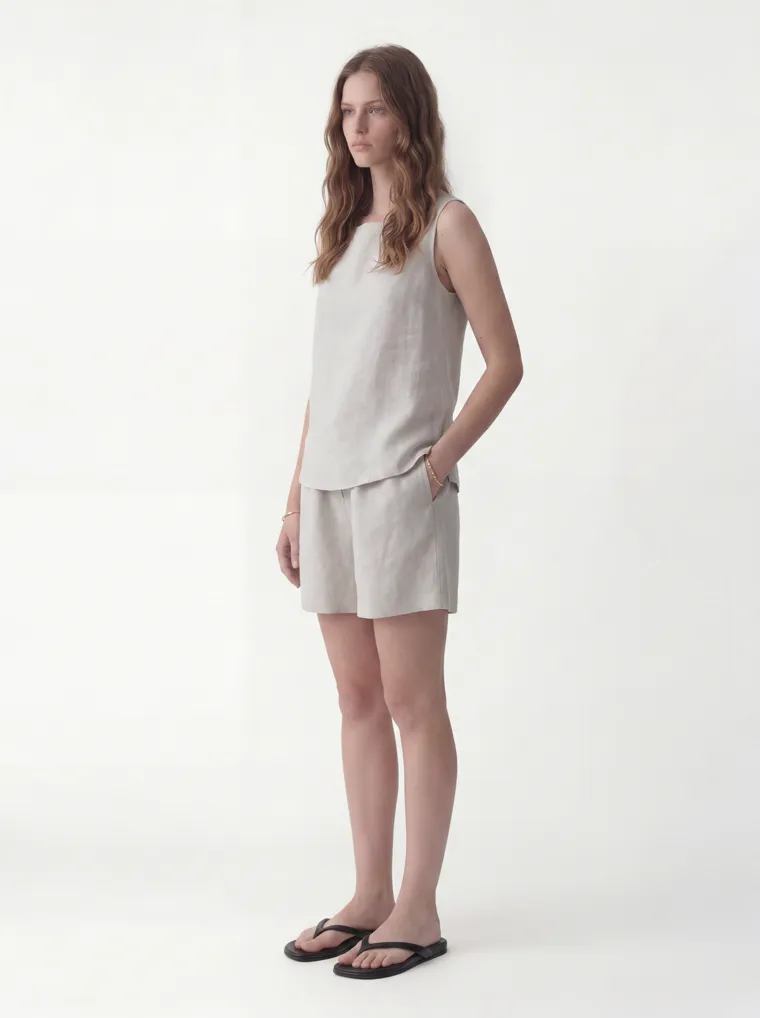
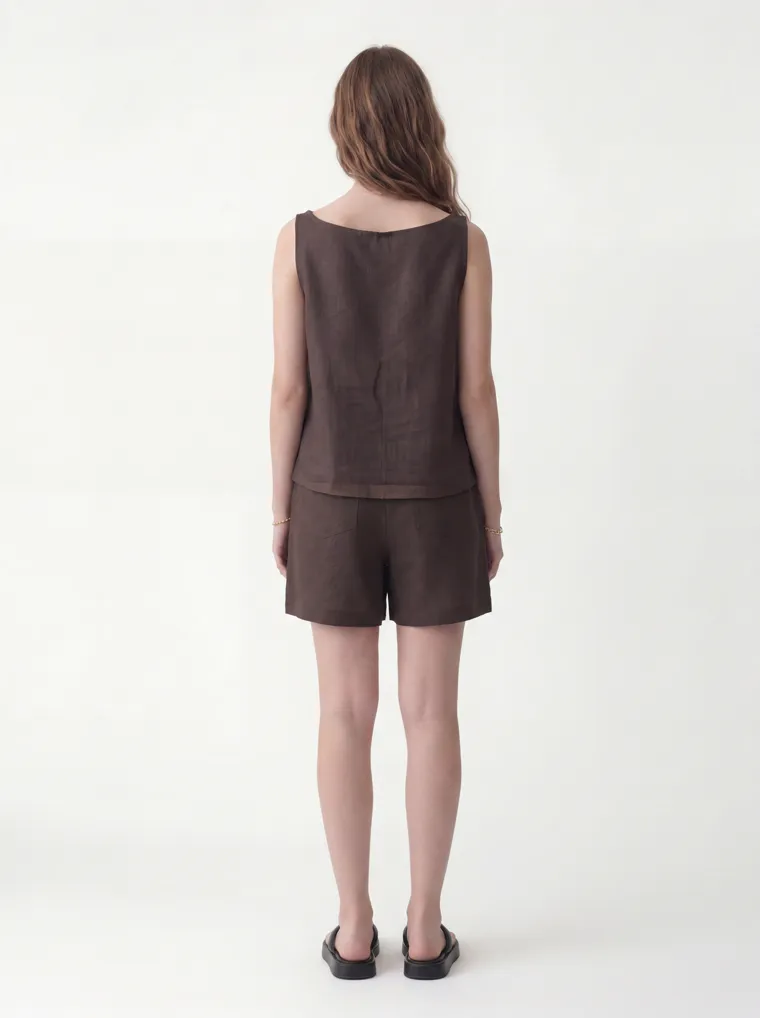
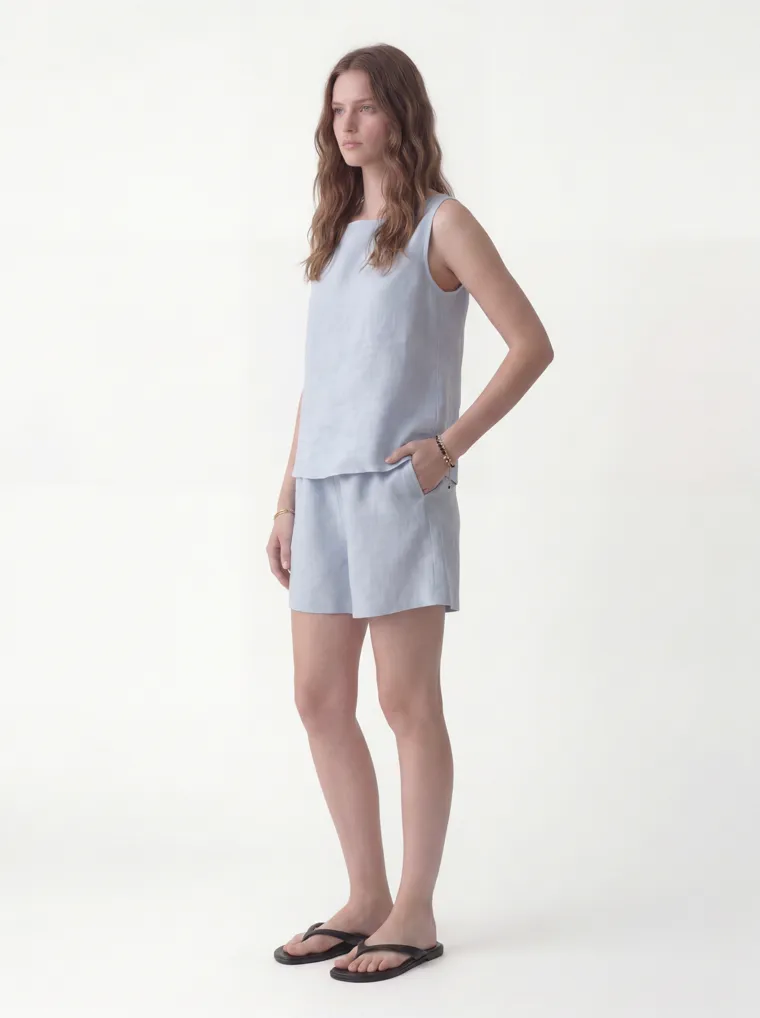
Twenty more frames across both styles and their colorways. One workflow, one house aesthetic.
Frequently Asked Questions
Does MODA AI create the line sheet document?
No. MODA AI generates the on-model catalog images that go into a line sheet. You build the sheet itself — style numbers, wholesale prices, minimum order quantities, and delivery — in your own tool, like NuORDER, Brandboom, JOOR, or Faire, or just Canva. MODA supplies the imagery those sheets are built around, not the document.
How does every colorway stay consistent?
You set one face reference and one background reference once, then run every colorway of a style through the same two. The result is the same model, studio, and light across the whole line — and the same references carry into next season, so a later drop still matches.
Do I need a photoshoot or physical samples?
No. You start from what you already have: showroom fit-model shots, flat lays, or supplier pack shots of each colorway. No model, photographer, or studio to book, and no shoot to schedule around the market-week deadline.
How many angles do I get per colorway?
Ten on-model shots across 16+ pose angles — front, three-quarter, back, side, detail, and seated — the same set for every SKU so the line reads uniform. Buyers read the image before the price, so multi-angle fit clarity on every style helps the order.
What does imagery for a full line cost?
About a dollar per 10-shot set. A six-colorway style is roughly six dollars and a few minutes, versus a model, photographer, and studio day rate for one shoot — and the studio and model are always available.
Shoot your whole line the same way.
Install MODA AI from the Shopify App Store. Two free credits, no card. Set one model and background, then run every colorway through it.
Get Started FreeOr read what Shopify merchants say — reviews on the Shopify App Store →