Compare
PhotoRoom vs MODA AI for Shopify Fashion Catalogs
Why a fashion catalog needs more than a single image.
Updated July 6, 2026 · Verified against PhotoRoom Pro plan UI · 8 min read
Where Many Shopify Sellers Start
PhotoRoom earned the default slot. It built its name on the background remover, the mobile apps are polished, and a Shopify listing assistant now imports products and publishes visuals back to your store. For cleanup and single-product staging it’s a fair pick, and usually the first AI photo tool a Shopify seller installs.
A fashion catalog is a different job: one model and one location, held steady across ten angles and forty products, season after season. That’s a set problem. PhotoRoom’s AI Fashion Models tool answers one shot at a time, from a mostly preset roster of models and backgrounds.
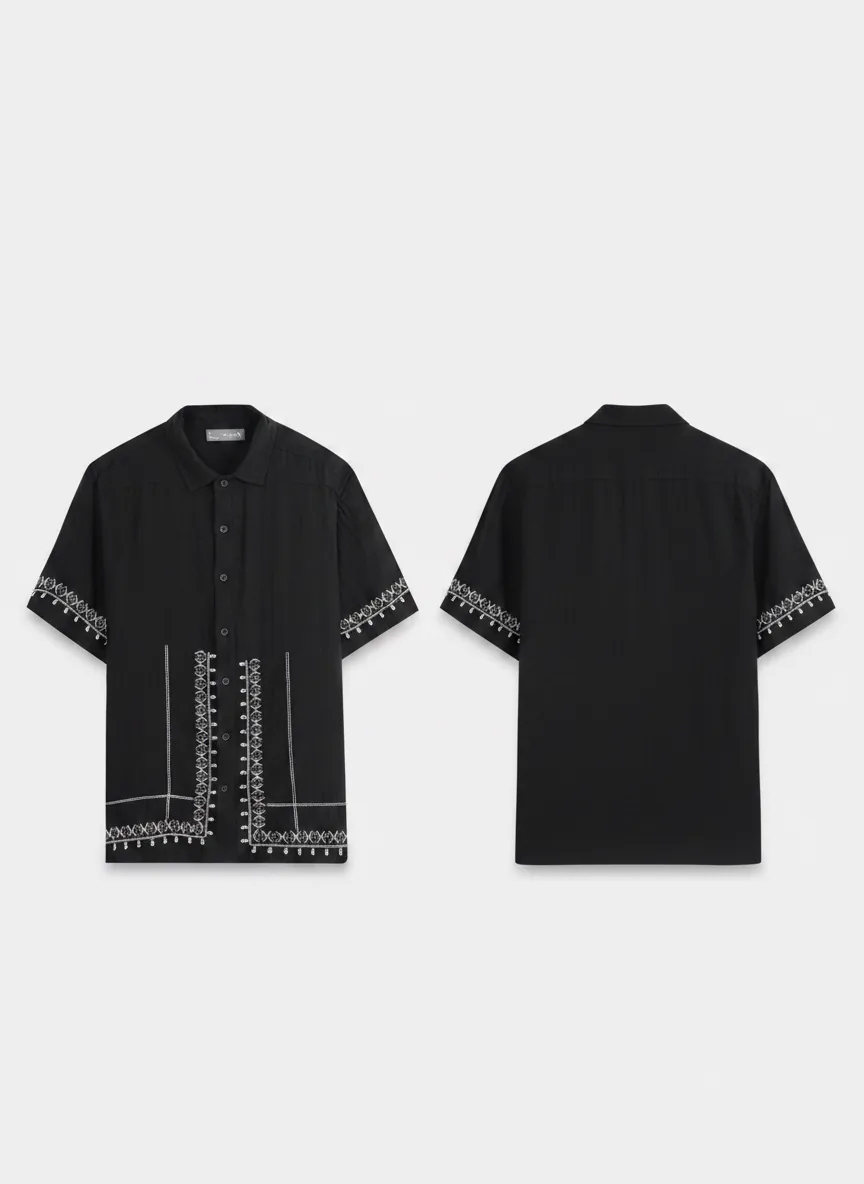
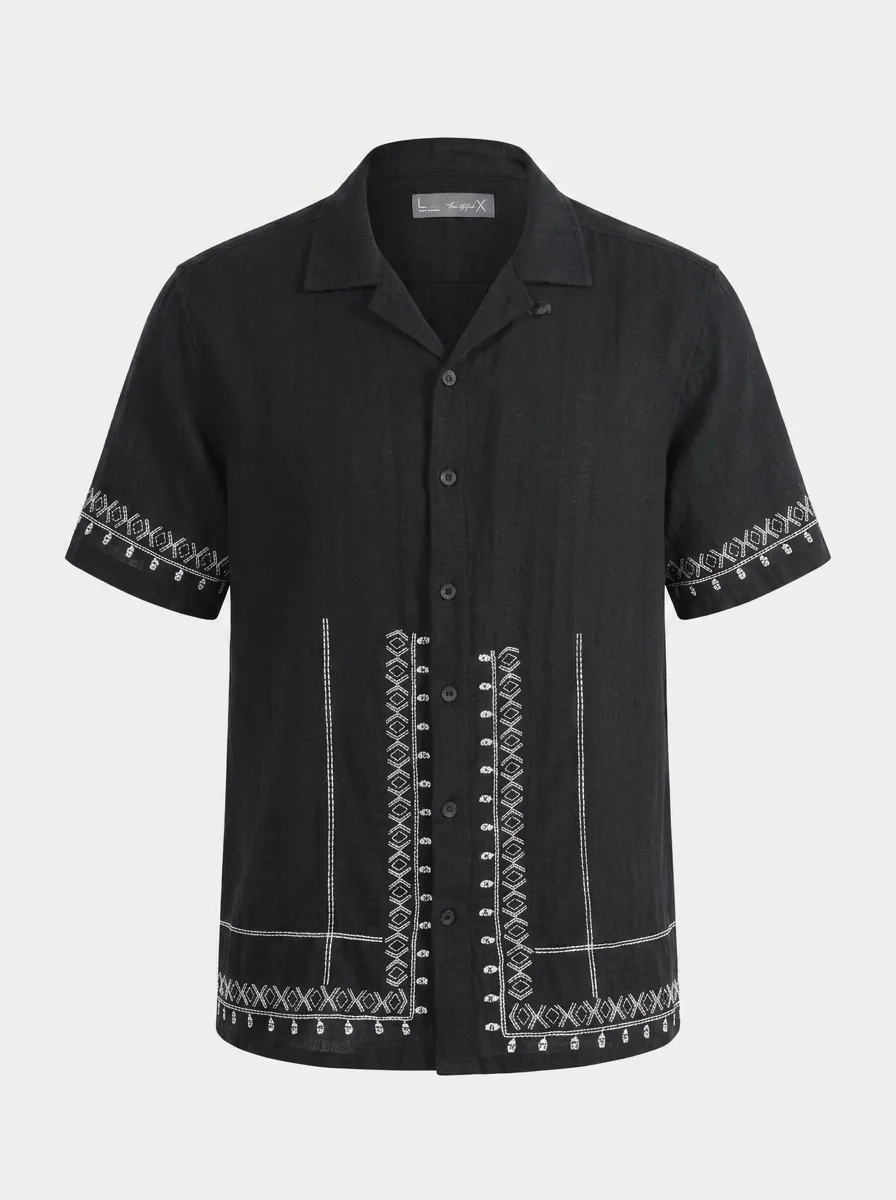
We ran the fair test in July 2026: one black embroidered shirt, one MODA credit against one PhotoRoom generation. The outputs and screenshots on this page come from that run.
Same shirt, both tools
One shot vs. a catalog set
PhotoRoom
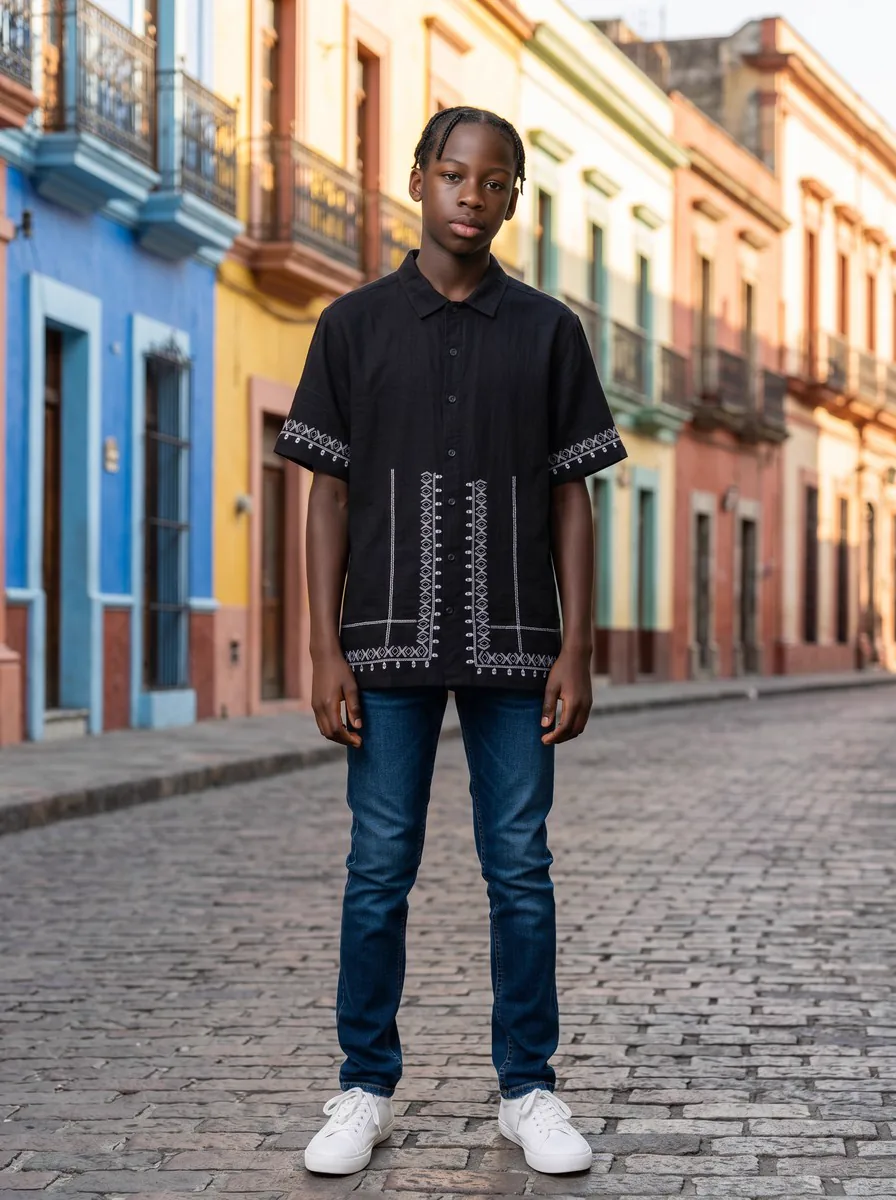
PhotoRoom output generated Jul 2026 via app.photoroom.com, Pro plan, Standard quality (1K). Reproduced for comparison.
MODA AI
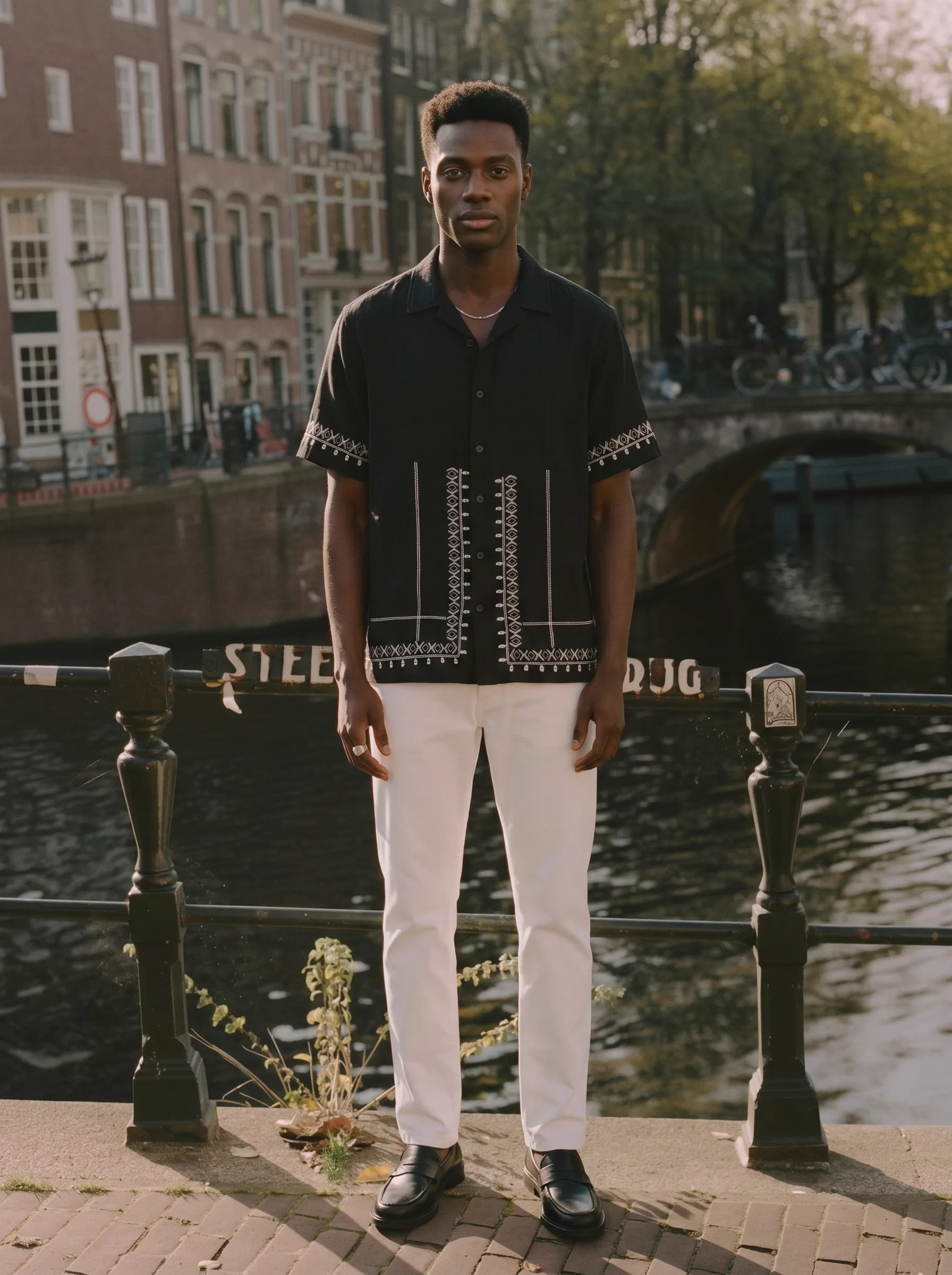
MODA output, shot 1 of 10 from a single credit. 2K hero. Face reference and background reference respected.
One credit
The Full Set: Ten Shots and a Video
All ten shots came from one credit: shot 1 at 2K, shots 2 through 10 at 1K, straight off the first run. The ten-second video below took one more credit.


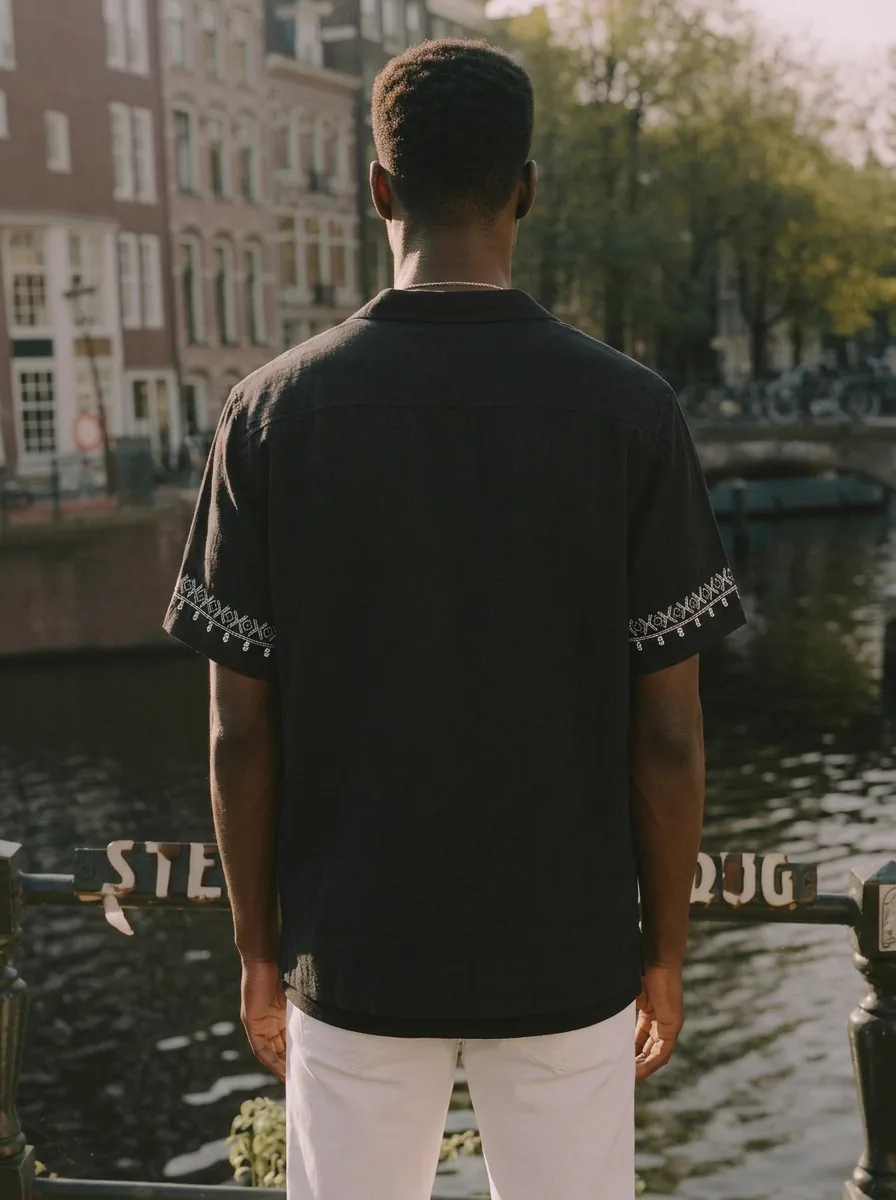




The video credit: ten seconds, same model, same scene. No plan gate.
Two credits produced all of it: one for the ten shots, one for the ten-second video, on the model and scene we uploaded. Matching the photo set alone on PhotoRoom takes ten separate generations, each independent, so the model and lighting can drift between runs. In our July 2026 test the entry AI plan capped output at 1K.
Proof — MODA App UI (click to open)
Session log: 10 shots requested, 10 completed, 1 credit used.
The inputs
The four inputs behind the set
PhotoRoom got the front photo of the shirt. MODA got all four: the back photo produced the back-view shots, the face reference locked the model, and the background reference set the Amsterdam scene. PhotoRoom offers face and background options too, as a small side door next to the preset menus.
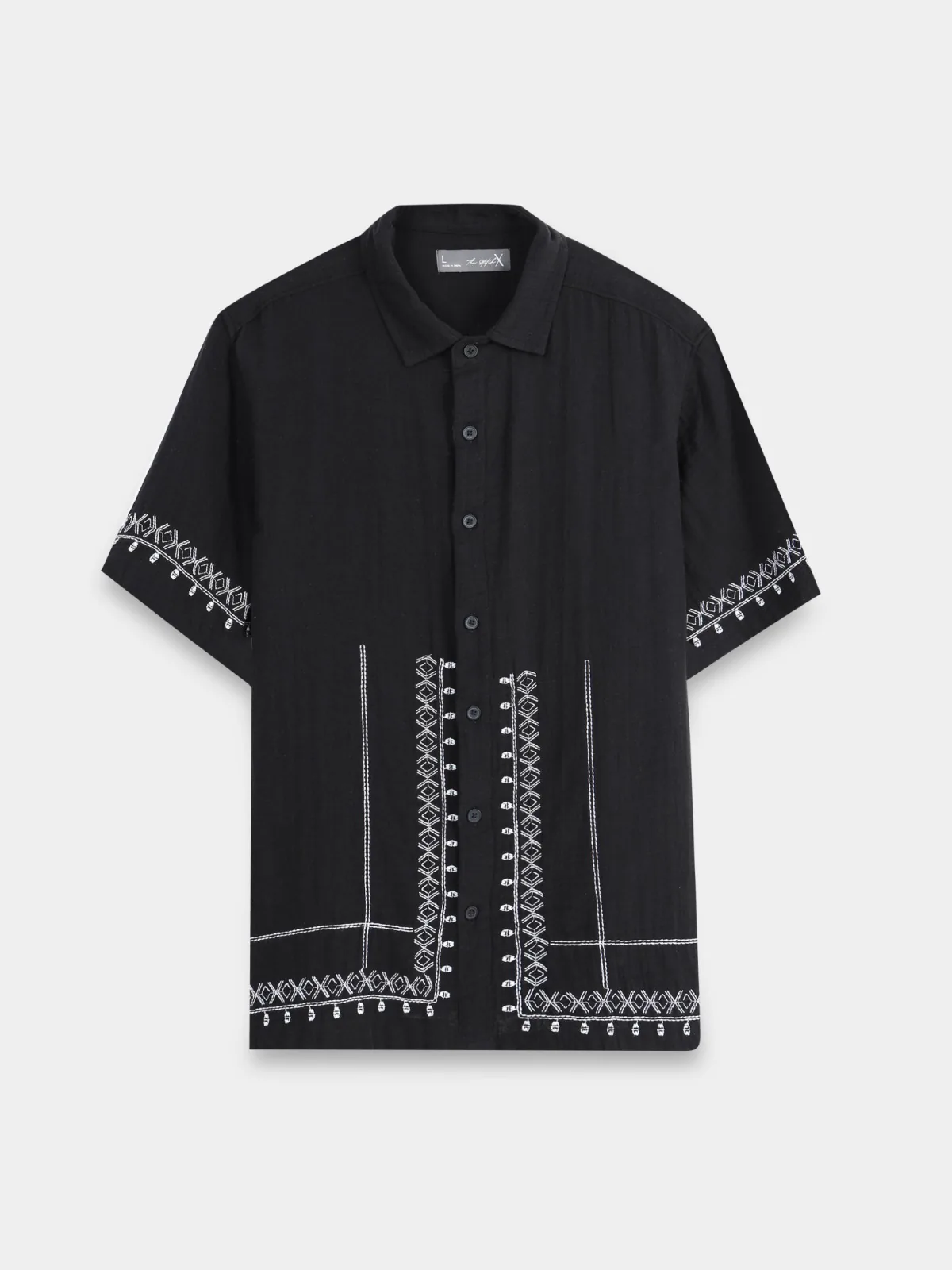
Front
Both tools got this
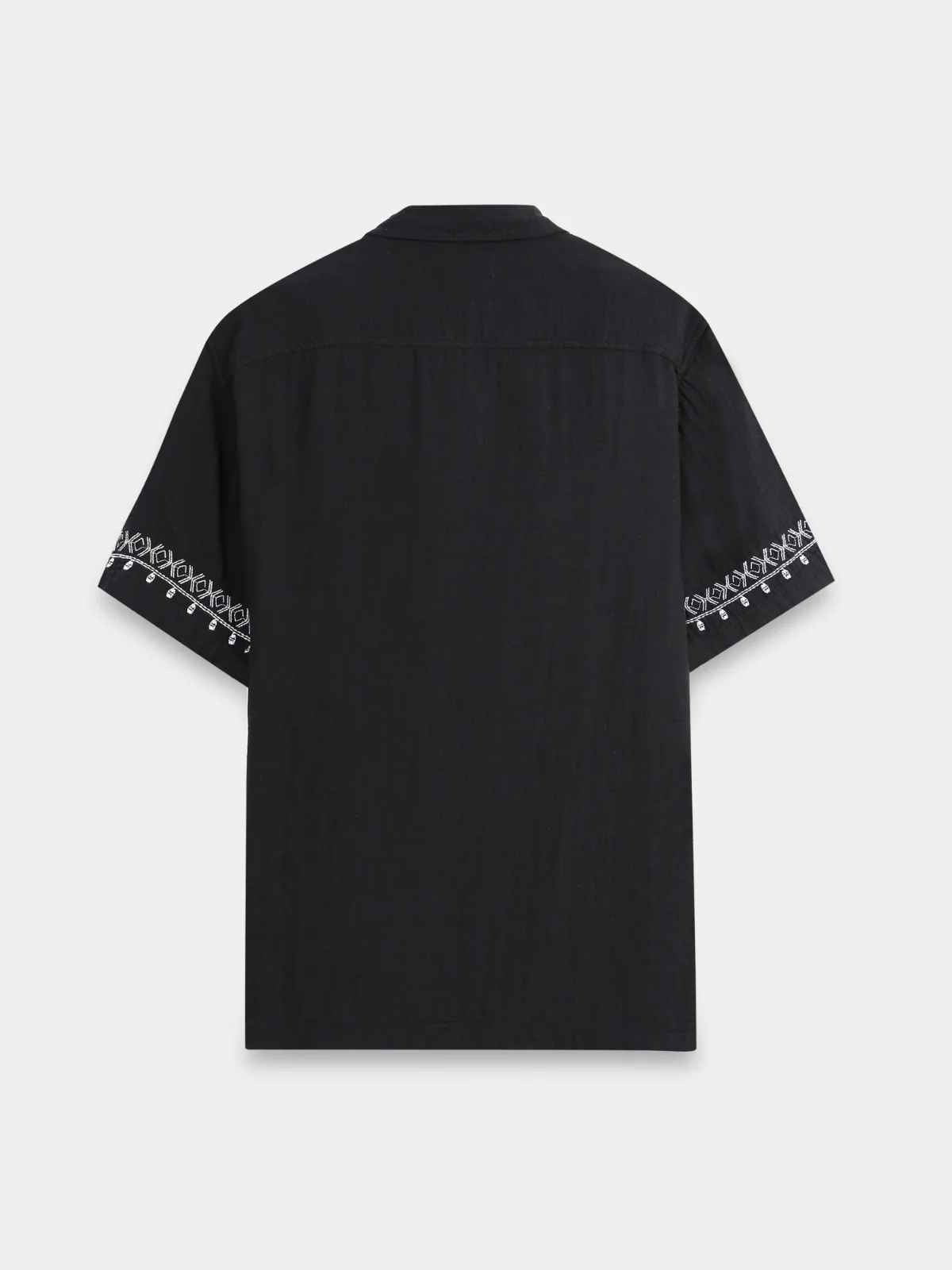
Back
MODA — drives the back-view shots

Face reference
MODA — locks the model across the set

Background reference
MODA — sets the scene across the set
Which tool
Choose PhotoRoom if / Choose MODA if
Choose PhotoRoom if
- Your primary need is background removal or single-product staging.
- You shoot on your phone and want an iOS/Android-first workflow.
- You use PhotoRoom's broader tool suite (batch, product beautifier, ghost mannequin) beyond fashion.
- Fashion catalog production is a secondary use case for you, not the primary one.
Choose MODA AI if
- You run a Shopify fashion store and want catalog production inside Shopify Admin.
- You need 10 shots plus video from every upload — not one shot at a time.
- You want to upload any photo as your background scene, not pick from presets.
- You want to lock a unique brand model across every SKU with a face reference.
- You want a ten-second video for one more credit, on any pack.
Real-World Scenario
Shipping a 40-SKU Summer Drop
You have 40 products for a summer drop, with front and back photos for each. You want one brand model and one coastal location across the whole catalog. The table shows what each tool costs in credits and effort.
| Step | MODA AI | PhotoRoom |
|---|---|---|
| Set up brand model + location | Upload face ref + background ref once. Applies to all 40. | Pick from preset roster + preset library each product. No global lock. |
| Generate catalog for 40 products | 40 credits for 400 shots · 40 more for videos · runs in the background | About 400 generations to match · run one at a time |
| Model consistency across the drop | Locked by face reference across every shot | Drift between products; manual selection each time |
| Video for socials | 40 videos for 40 credits, no plan gate | Marked for a higher plan in our test; more credits per video |
| Push to product pages | Export to Shopify from inside Admin | Publish via PhotoRoom’s Shopify listing assistant — matching the same face, location, and angle set across every product still needs more manual setup and repeated generation |
Numbers assume matching output volume on both tools. PhotoRoom hands-on time = repeated generation + angle selection + assembling each product’s set; MODA queue = credits process in the background inside Shopify Admin.
The Seven Differences That Matter for a Shopify Catalog
Each row comes from public documentation or the in-product UI we tested in July 2026.
| Factor | MODA AI | PhotoRoom |
|---|---|---|
| Per credit | A 10-shot set (video: 1 more credit) | 1 shot |
| Face reference (brand model lock) | Upload any face, holds across the set | Preset roster, sparse |
| Background reference (any location) | Upload any photo as the scene | Preset library, sparse |
| Default hero resolution | 2K on shot 1 of every credit | In our Jul 2026 test, 1K on the entry AI plan; higher plans unlocked more |
| Video output | 10-second video for 1 credit, any pack | Marked for a higher plan in our test |
| Focus | Purpose-built for Shopify fashion catalogs | Broad product-photo tool with a Shopify listing assistant |
| Billing | Pay-as-you-go via Shopify | Subscription (Pro / Max / Ultra) |
Resolution
Our default hero is 2K. PhotoRoom’s entry plan gave us 1K.
In our July 2026 test, PhotoRoom’s quality picker offered Standard (1K) on the Pro plan, with Advanced (2K) and Premium (4K+) marked for higher plan tiers. On MODA the hero shot is 2K on each credit, the other nine are 1K, and all-2K and all-4K options exist on top. Shopify recommends 2048px on the long edge. The hero clears that.
PhotoRoom quality picker, our test, Jul 2026. Click to expand.
References
Pick from 24 presets, or upload the actual location.
PhotoRoom’s background picker is a menu of 24 categories: Street, Studio, Latin City, Beach. A custom option exists, but the workflow starts from the presets. On MODA you upload the reference photo directly. The Amsterdam canal in the head-to-head above came in as an upload. The face works the same way: upload your brand’s model and it holds across the set.
PhotoRoom preset picker, Jul 2026. Click to expand.
The Reference Library
Eight Looks You Can Point Your Catalog At
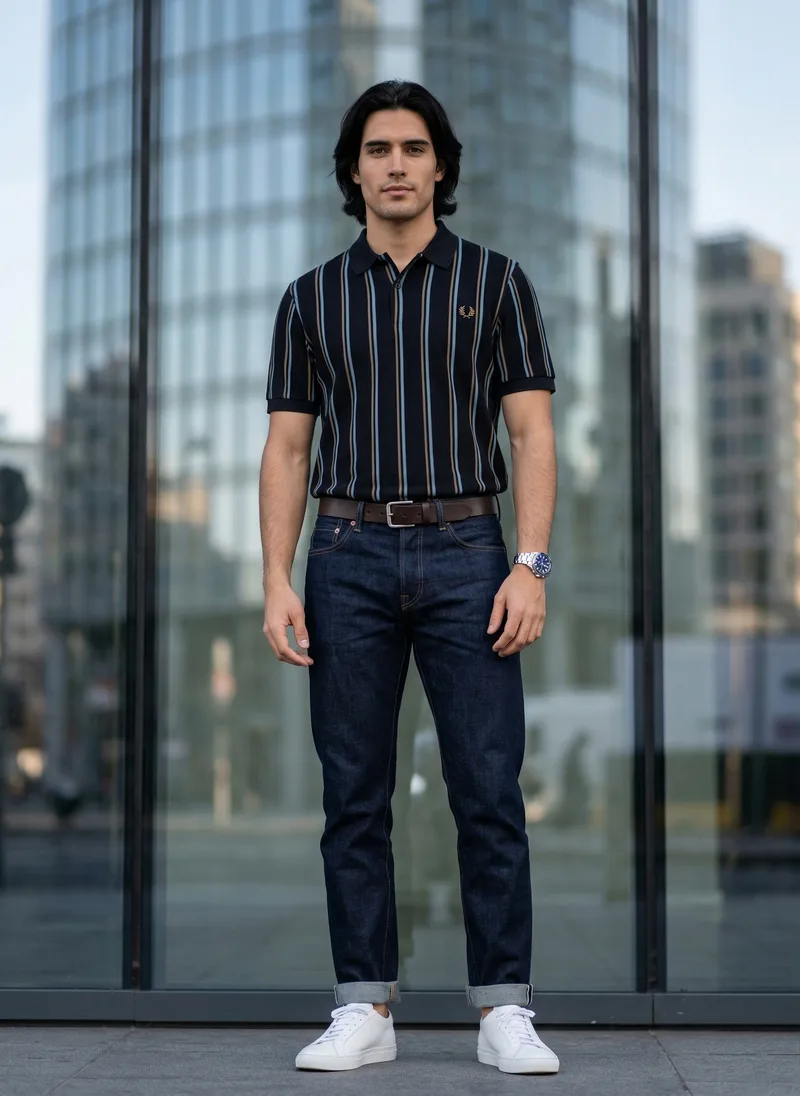
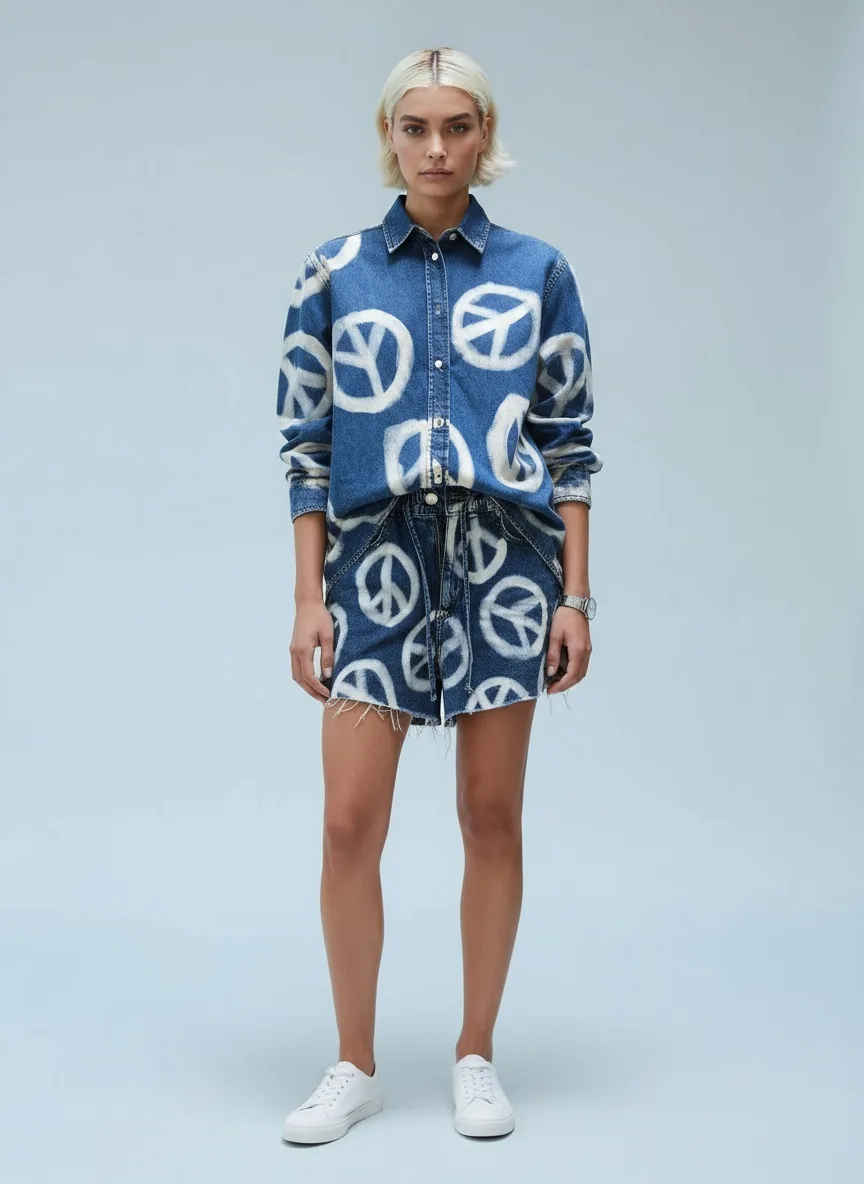
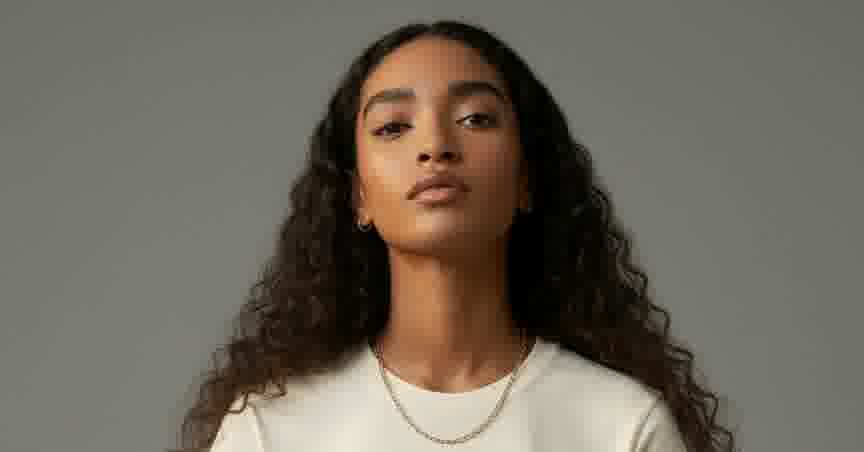
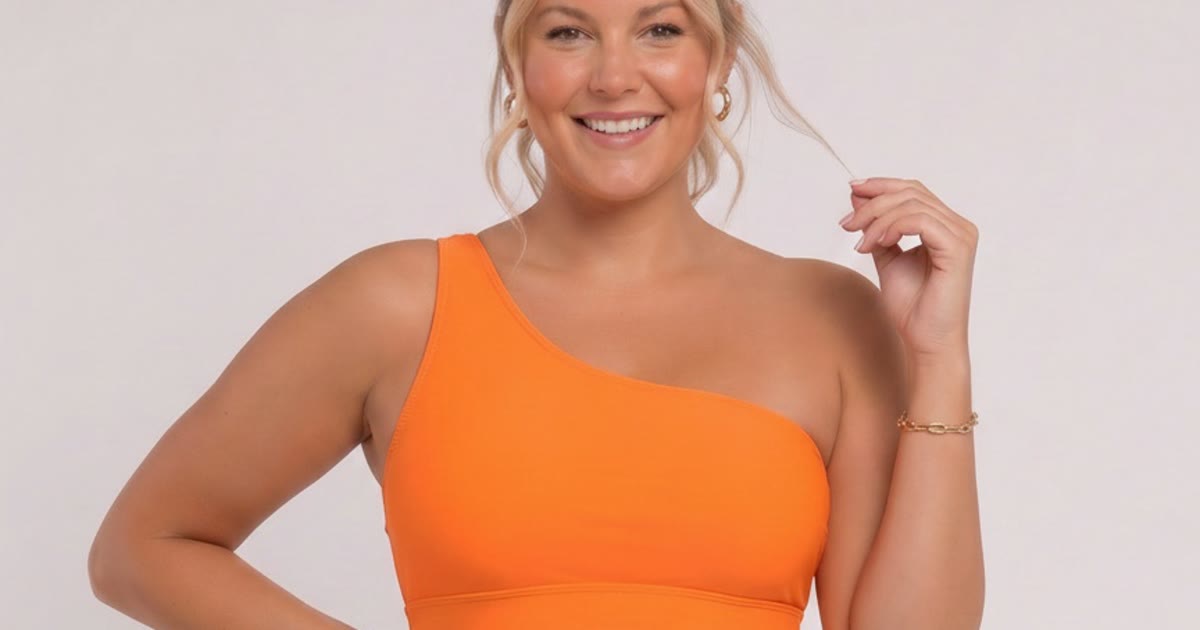
These are reference inputs, from MODA’s library of model looks and backgrounds. Pick a scene and a face, hand them to the tool with your garment, and the output set carries the look. Good referencing gives good output.
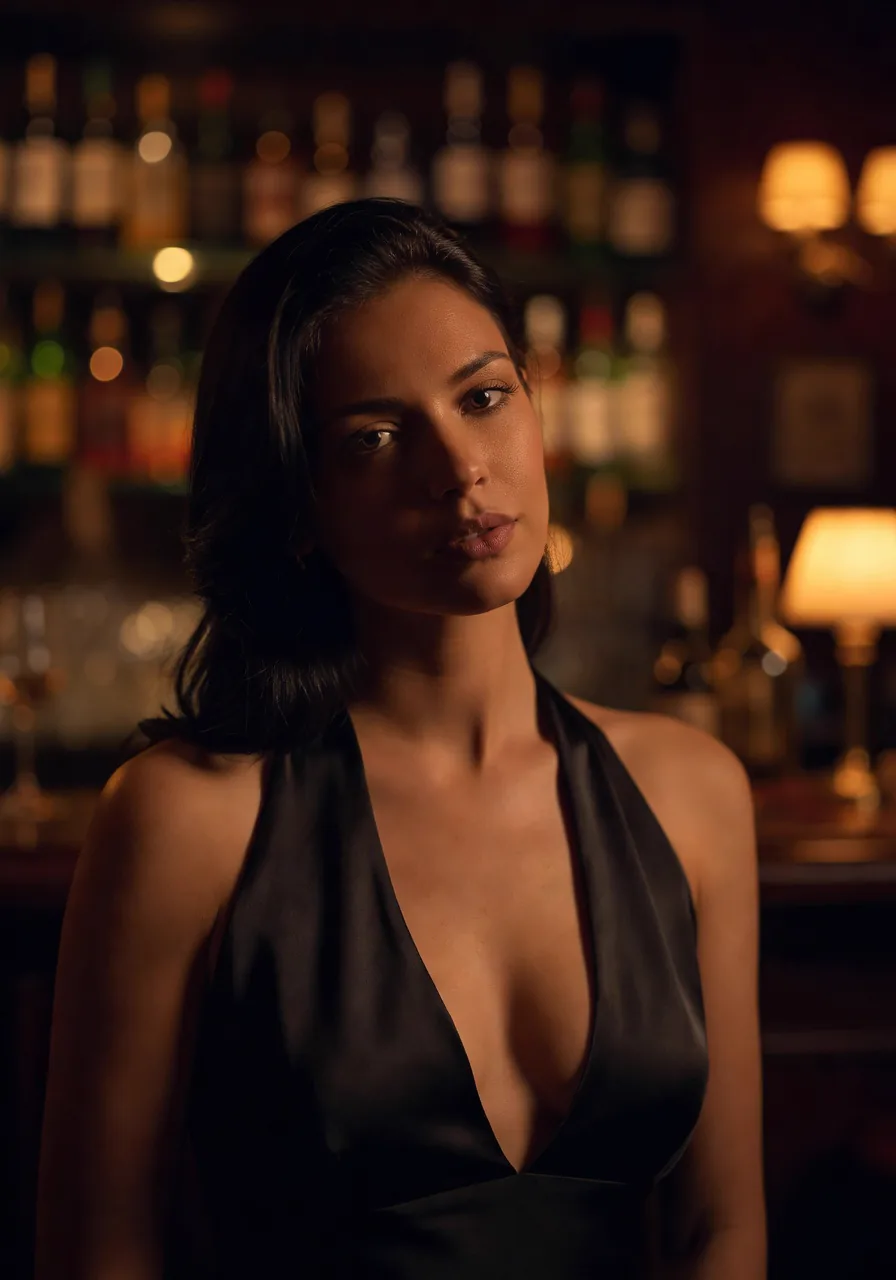

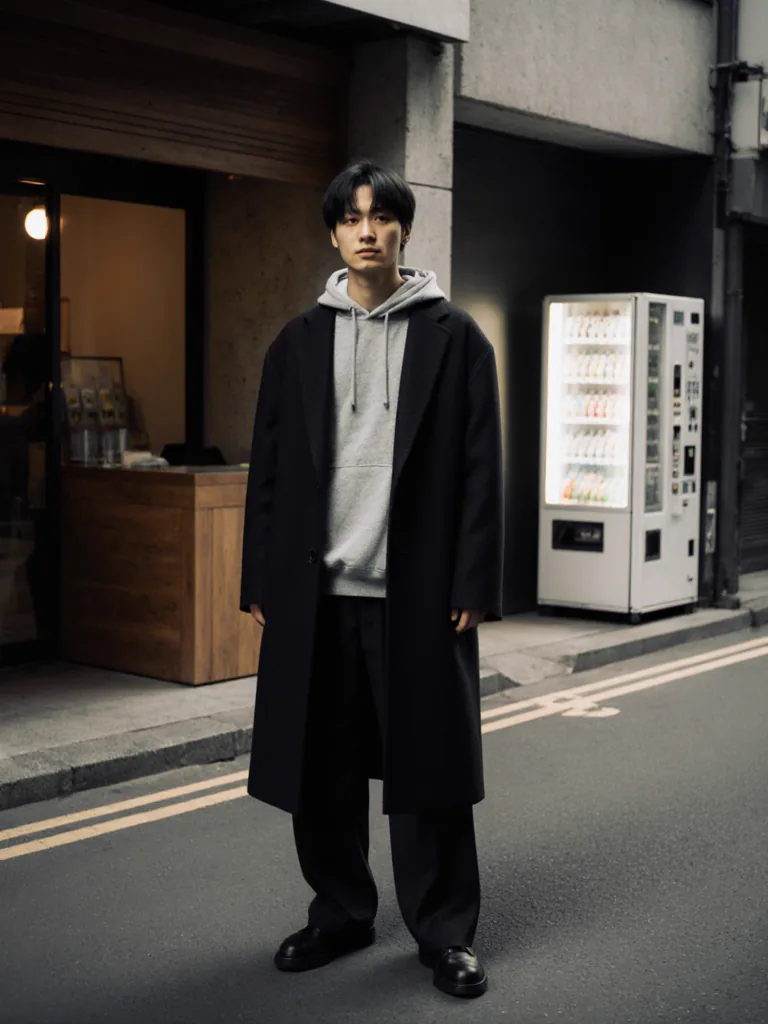

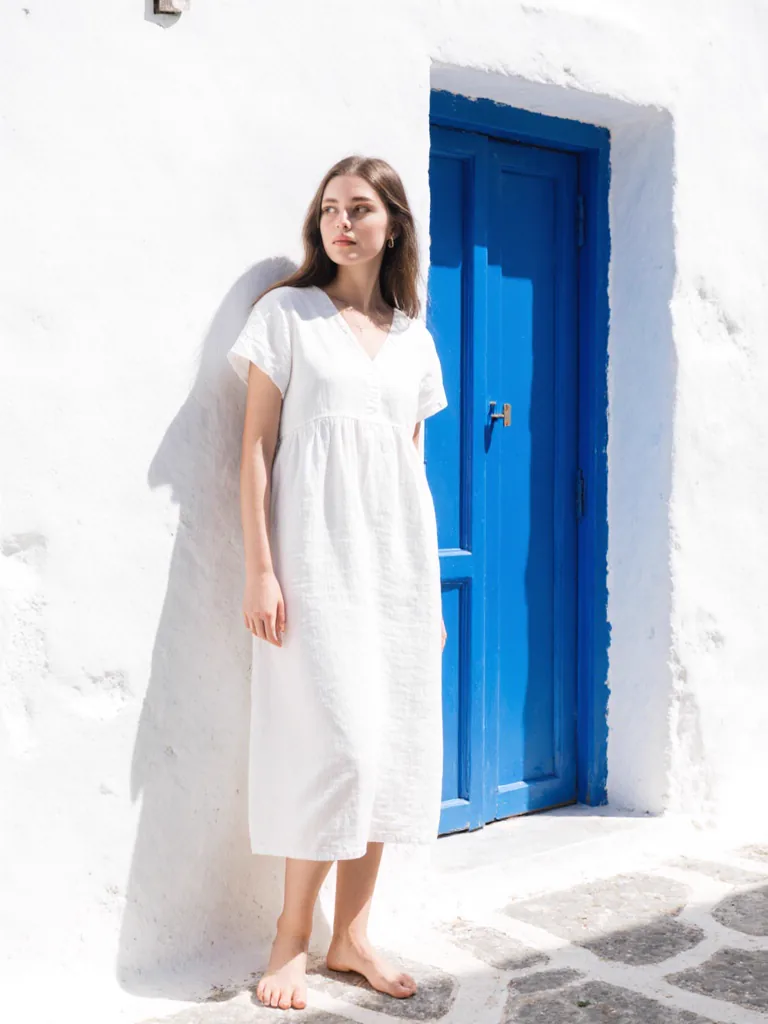

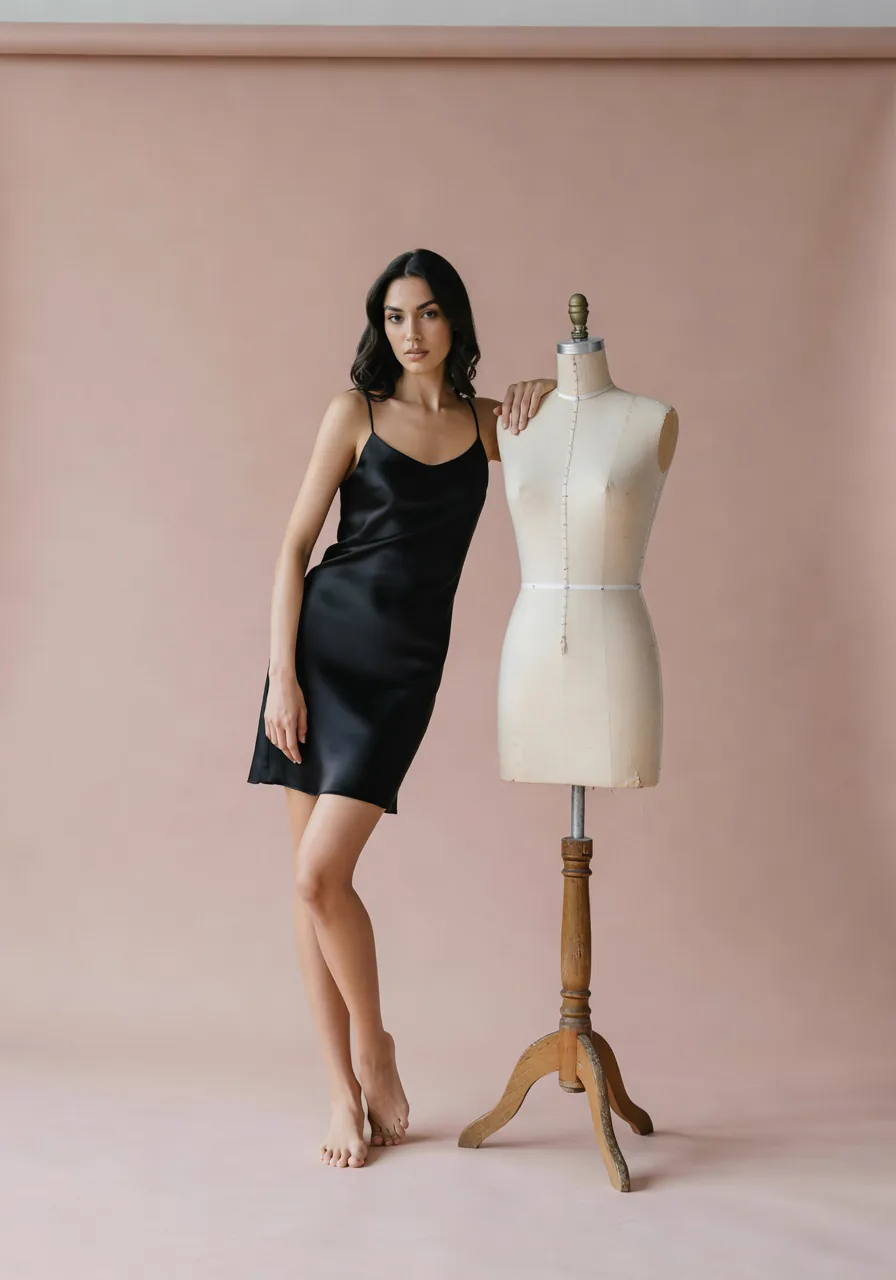
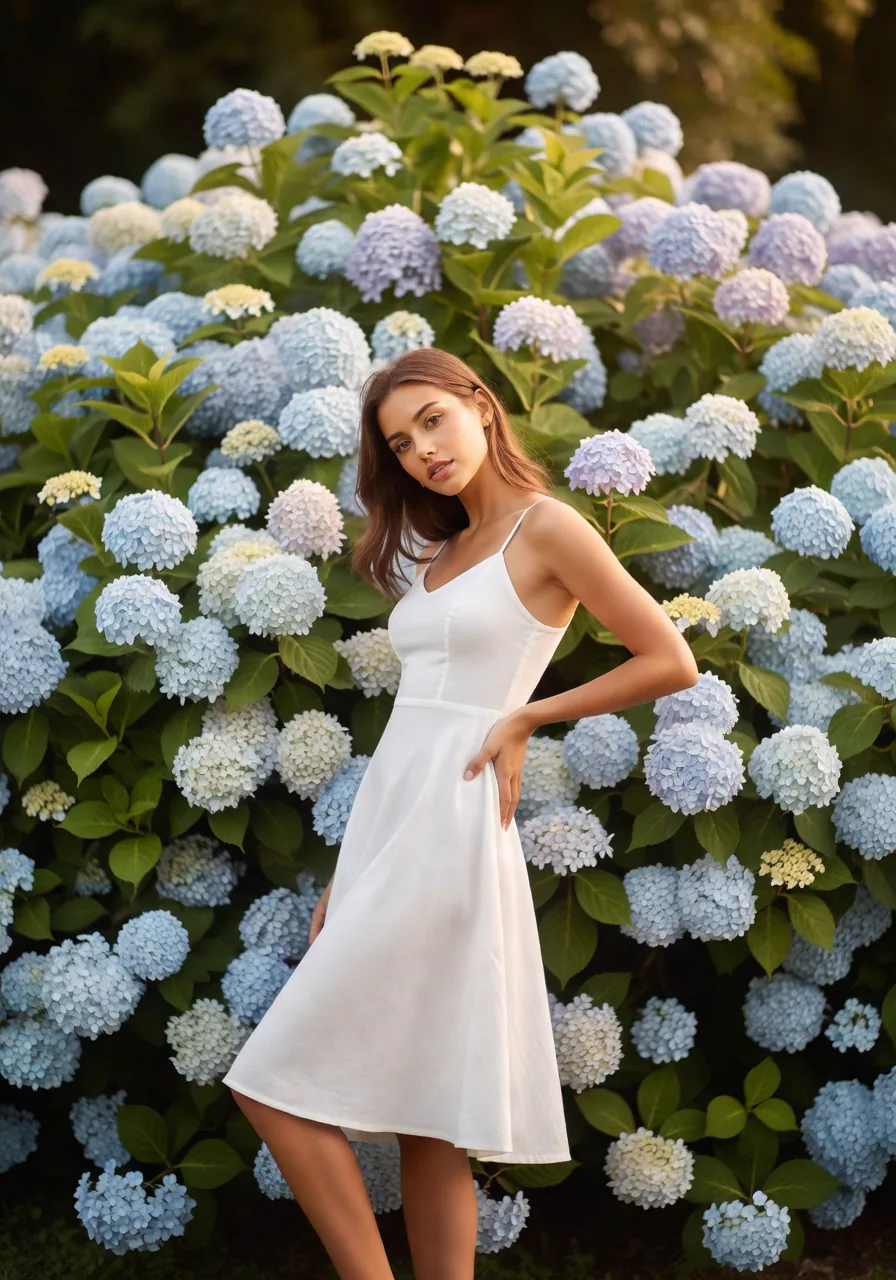
All eight come from MODA’s reference library of model looks and backgrounds.
What a full 10-shot set costs on each
Sticker prices don’t compare cleanly, because a credit on one tool buys a different thing than a credit on the other. The math below covers a full 10-shot spread.
PhotoRoom — matching MODA’s 10-shot spread
What it takes to match one MODA credit
- 10 separate generations — one per angle
- Model may drift across the 10 runs — preset roster, sparse face-ref controls
- Lighting may drift across the 10 runs
- 1K output in our test, with higher quality marked for higher plans
- Video Generator marked for a higher plan in our test
- Preset backgrounds dominate — sparse custom scene support
- Generation on their platform; publishing via their Shopify listing assistant
MODA AI — one credit
10 shots per credit, video for one more. Model and scene locked.
- 1 credit, from $0.83 to $1.25 depending on pack size
- 10 catalog shots from one upload
- 2K hero shot; 1K supporting shots; all-2K/all-4K available
- Face reference locks the brand model across all 10
- Background reference locks the brand scene across all 10
- Ten-second video for one more credit
- Managed inside Shopify Admin, billed through Shopify
MODA pricing at a glance
Free trial
2 credits
via the Shopify App Store
Starter
$1.25 / credit
10 shots per credit
Small pack
$1.00 / credit
$10 for 10 credits
Growing
$0.91 / credit
$20 for 22 credits
Scaling
$0.83 / credit
$50 for 60 credits
A ten second video is one extra credit. No subscription, no expiry, billed through Shopify.
For PhotoRoom’s current subscription pricing (Pro / Max / Ultra), see photoroom.com/pricing. Their tiers change; the plan gates on resolution and video described above are what the Pro-plan UI actually shows in Jul 2026.
Credit where it’s due
Where PhotoRoom is the better pick
- Background removal. What PhotoRoom was built for, and they’re still the best at it. If you’re mostly cleaning up backgrounds on an existing catalog, use PhotoRoom.
- Phone-first. Their iOS and Android apps are properly good. Founders shooting product photos on their phone can generate on their phone. MODA runs in Shopify Admin — desktop-friendly, but not phone-native.
- Wider toolset. Product Staging, Beautifier, Ghost Mannequin, Flat Lay, Batch. PhotoRoom covers a lot of ecommerce content ground. MODA only does fashion catalogs.
- Non-fashion products. Selling mugs, shoes-only, home goods, accessories with no model? PhotoRoom’s product tools fit that. MODA is model-first.
- You already use it for other things. If PhotoRoom is already in your stack, keep it. MODA slots in alongside for the fashion catalog work, not instead of.
“Great app, handled our embroidered Indian outfits well, I was impressed. Service is great, and the team has been quick to answer all my questions.”
Bubber Couture
India · 3 months on MODA AI · Feb 23, 2026
Read all reviews on the Shopify App Store →Frequently Asked Questions
Is PhotoRoom good for Shopify fashion catalog photography?
PhotoRoom is great at background removal and single-product staging, and the mobile workflow is real. For a Shopify fashion catalog — multi-angle spreads with a consistent brand model — it runs into limits fast: one shot per credit, preset model roster, mostly preset backgrounds, 1K on the Pro plan. Most Shopify fashion sellers outgrow it once they're producing more than a few products a week.
What resolution does PhotoRoom's AI Fashion Models tool output on the Pro plan?
In our July 2026 test, Standard quality produced 1K on the Pro plan, with Advanced (2K) and Premium (4K+) marked in the picker for higher plan tiers. MODA's default credit returns a 2K hero shot plus nine 1K supporting shots, with all-2K and all-4K options available.
How many outputs does MODA AI generate per credit versus PhotoRoom?
MODA generates 10 catalog shots from a single credit, with model and lighting held across the full set; a 10-second video costs one more credit. PhotoRoom generates 1 image per generation. Matching MODA's set on PhotoRoom means 10 separate generations, each independent, with drift risk on model and scene.
Does PhotoRoom accept a face reference or background reference like MODA does?
Both, yes — but they sit as small side options next to a preset model roster and a 24-category background library that lead the interface. On MODA, the face and background references are how you drive the tool: upload a face and it holds across every shot; upload a location photo and MODA carries that scene into the whole set.
How does video work on MODA versus PhotoRoom?
On MODA, a 10-second social video is its own credit: one credit buys the 10-shot set, one more buys the video, with no plan gate on either. In our July 2026 test, PhotoRoom's picker marked the Video Generator for a higher plan, and it consumes additional credits per video.
When is PhotoRoom actually the better choice than MODA?
If your primary need is background removal, single-product staging, or bulk catalog cleanup — PhotoRoom's original strength, and excellent at it. If you sell non-fashion products (mugs, shoes-only, home goods) where you don't need a model. If you already use PhotoRoom on your phone for social content. MODA is fashion-model-forward and Shopify-catalog-focused specifically.
Is MODA actually inside Shopify Admin, or is it a separate platform?
MODA is a native Shopify app. Installs from the Shopify App Store, runs inside your Admin. Billing through Shopify's standard payment system. No separate logins, no round-trip file management.
The verdict
PhotoRoom is where many Shopify sellers start. MODA is where fashion catalogs get built.
Same shirt through both tools. PhotoRoom gave us one shot with its own model and its own background. MODA gave us ten plus a video, on the model face and Amsterdam scene we uploaded. PhotoRoom is the right call when the job is cleaning and staging product photos. MODA is the stronger one when the job is building a consistent Shopify fashion catalog from garment photos.
Where MODA wins
Where PhotoRoom wins
Ten catalog shots from one credit.
Install MODA AI from the Shopify App Store. Two free credits: enough for a full shot set and a video. Face reference. Background reference. From $1 per batch.
Get Started FreeOr read what Shopify merchants say — reviews on the Shopify App Store →