Compare
OnModel vs MODA AI for Shopify Fashion Catalogs
One swaps the model in a photo that already has one. The other builds the model from the product.
Updated July 7, 2026 · Verified against OnModel’s free-plan UI & Shopify reviews · 8 min read
A Sharp Tool for One Job
OnModel does one thing, cheaply and well: it swaps the model in a photo that already has one. Upload a shot that’s already on a body, pick a replacement — from a preset roster, or by gender, age, and ethnicity — and it hands back the same photo with a new model. At free for 10 swaps and $9 a month for 300, it’s the best sticker price in the category, and its Shopify reviewers like it for exactly that: putting a fresh face on a supplier photo for “that extra pop.”
The boundary is the starting point. OnModel needs a body already in the frame. If your product photography is flat lays, ghost mannequins, hangers, or cropped headless shots — the way a lot of Shopify catalogs actually arrive from suppliers — there’s no model to swap yet. That’s the line this page is about. Below are OnModel’s own results at that line, then what MODA does from the same kind of starting point.
The cropped headless shot
Patch a face on, or build the model
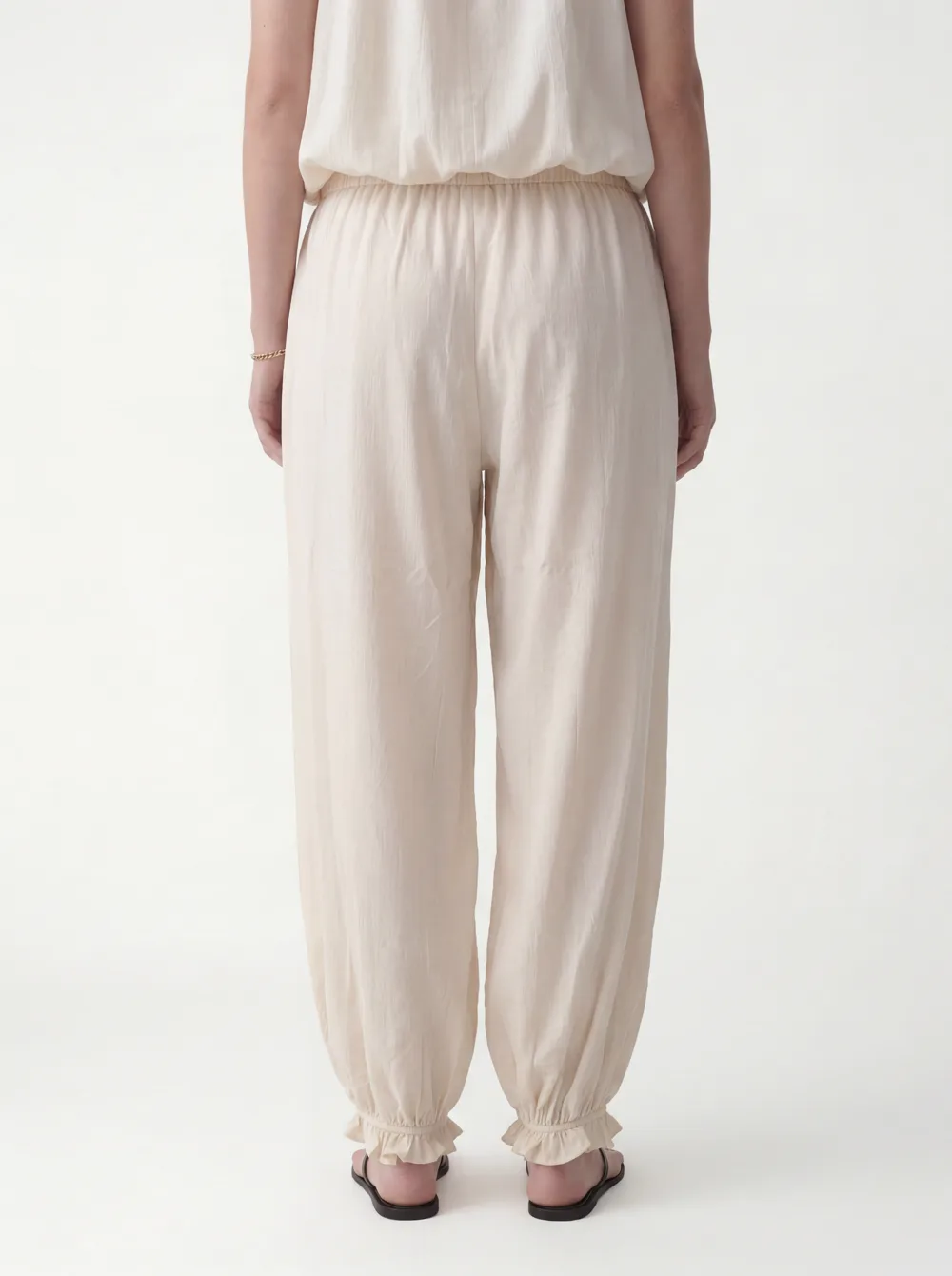
A common Shopify input: an on-body product shot with the head cropped off. OnModel’s job here is to add a face. MODA’s is to build a whole model. Two different garments below — a men’s shirt and a women’s jumpsuit — but the same starting problem: a cropped, headless frame.
OnModel
Adds a partial face; the crop stays broken
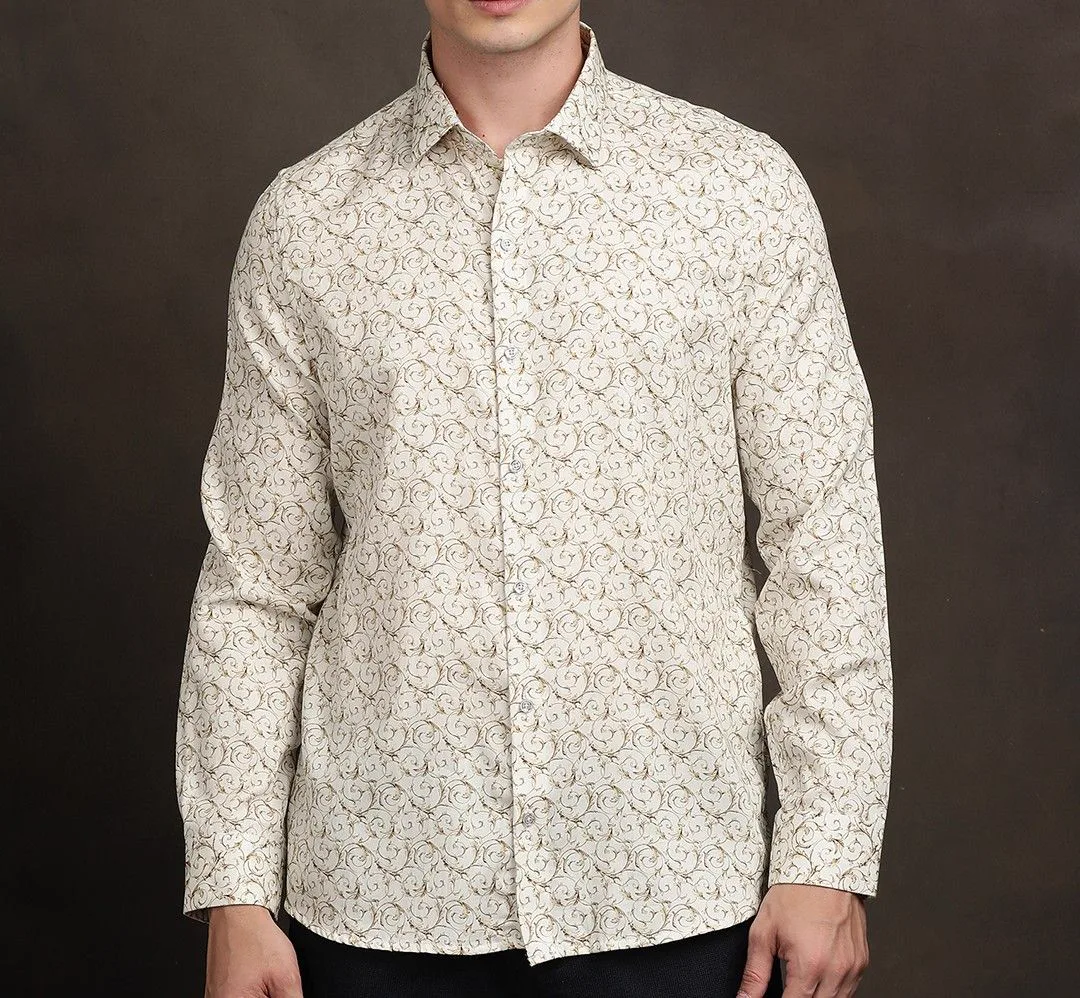
Input
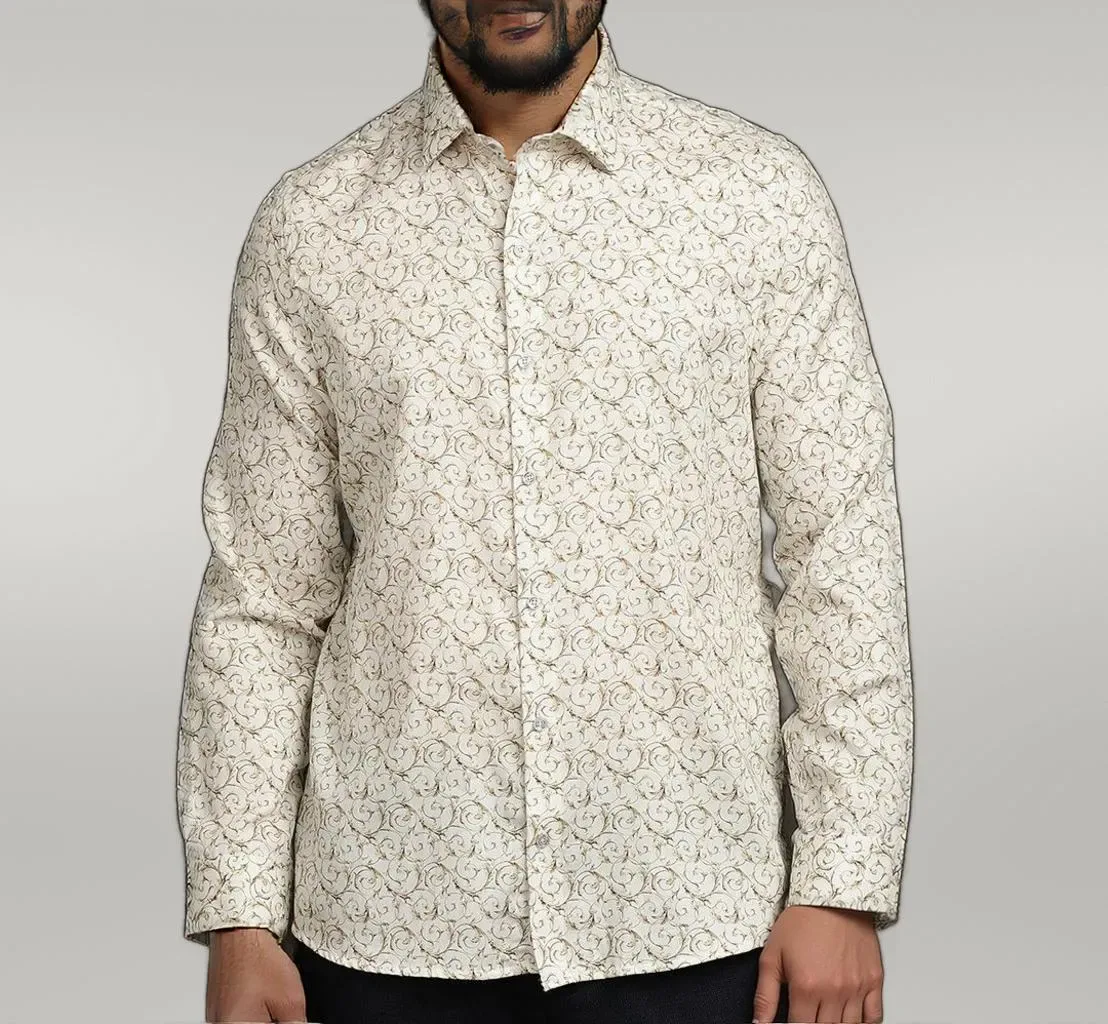
Output
OnModel output, Jul 2026. Reproduced for comparison. A half-face was added; the frame is still cropped.
MODA AI
Builds a full model, clean studio, 3:4
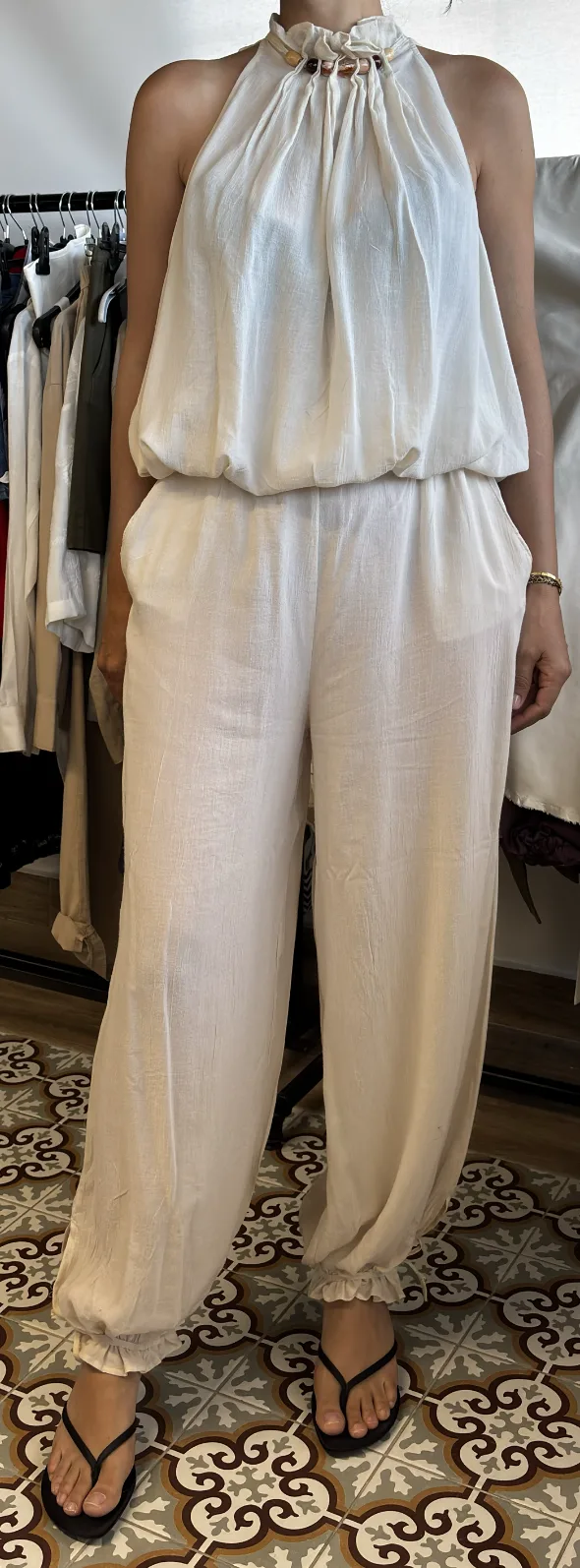
Input
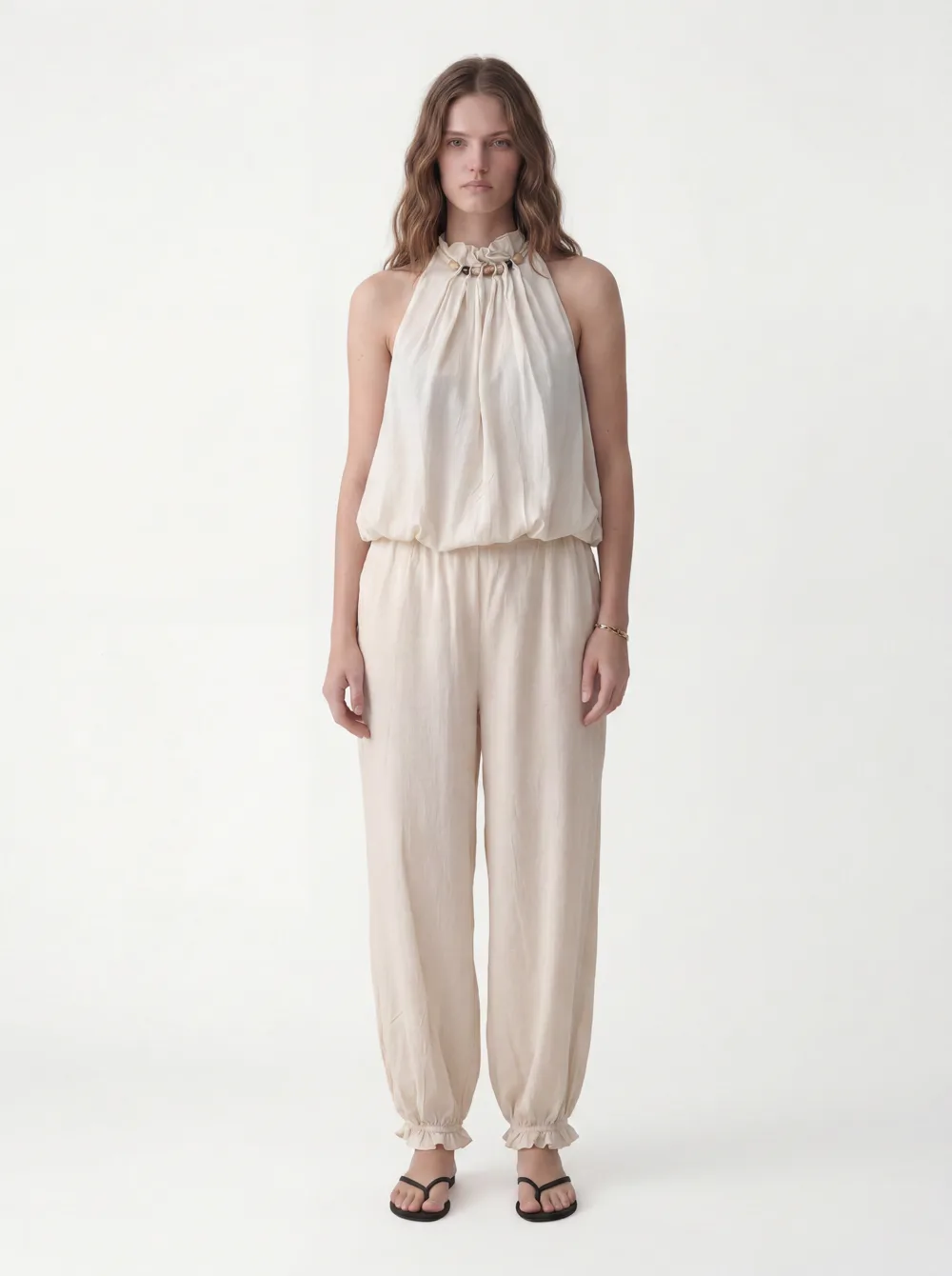
Output (1 of 10)
MODA output from a cropped input + face reference. Full model, one of a 10-shot set.
Different garments, same starting problem. OnModel adds to the frame you gave it; MODA generates a new one.
Where OnModel stops
The inputs it can’t start from
These are OnModel’s own results, from its free-plan UI in July 2026. Nothing wrong with the tool — this is simply the edge of what a model-swap is designed to do.
A flat lay
OnModel’s UI: “Image not supported.”
OnModel free plan, Jul 2026. Click to expand.
A ghost-mannequin shot
Returned the garment still on the dress form.
OnModel output, Jul 2026. Click to expand.
From product to catalog
What MODA makes from the same starting point
Three inputs went in: a front and back product shot (cropped, on a body) and a face reference. MODA built the model and returned a full 10-shot portrait set — front, back, detail, angles — one consistent model and studio across all ten, from a single credit.
The three inputs
Front
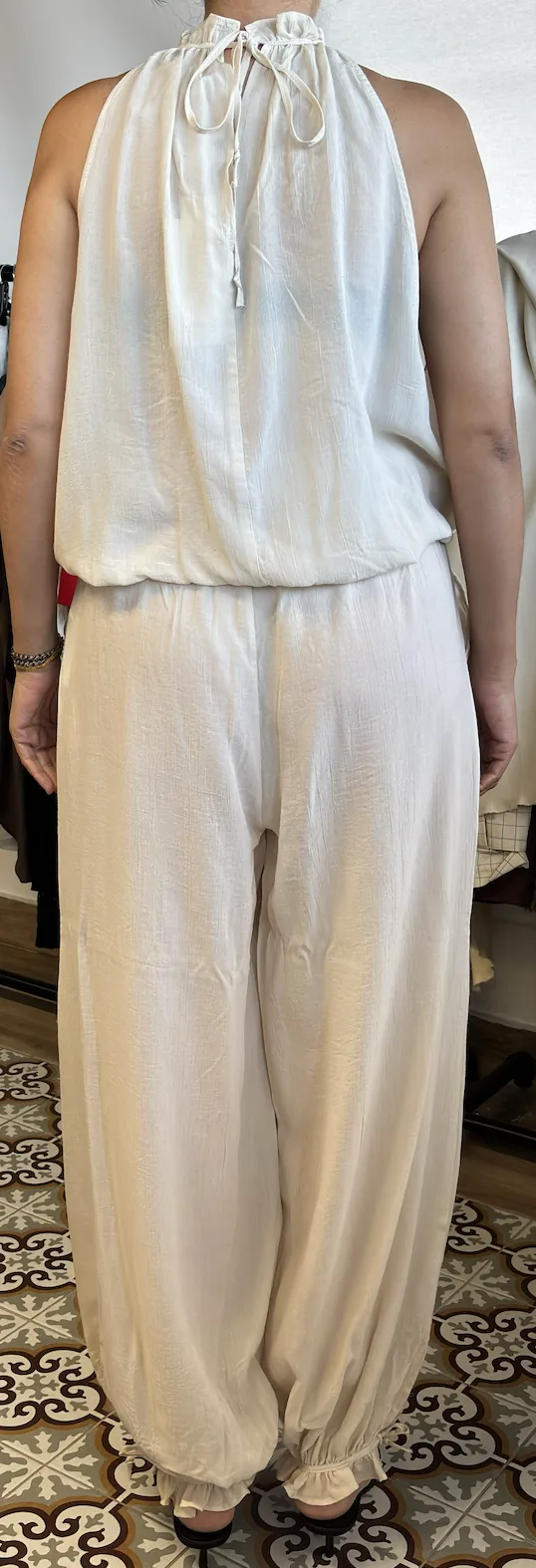
Back
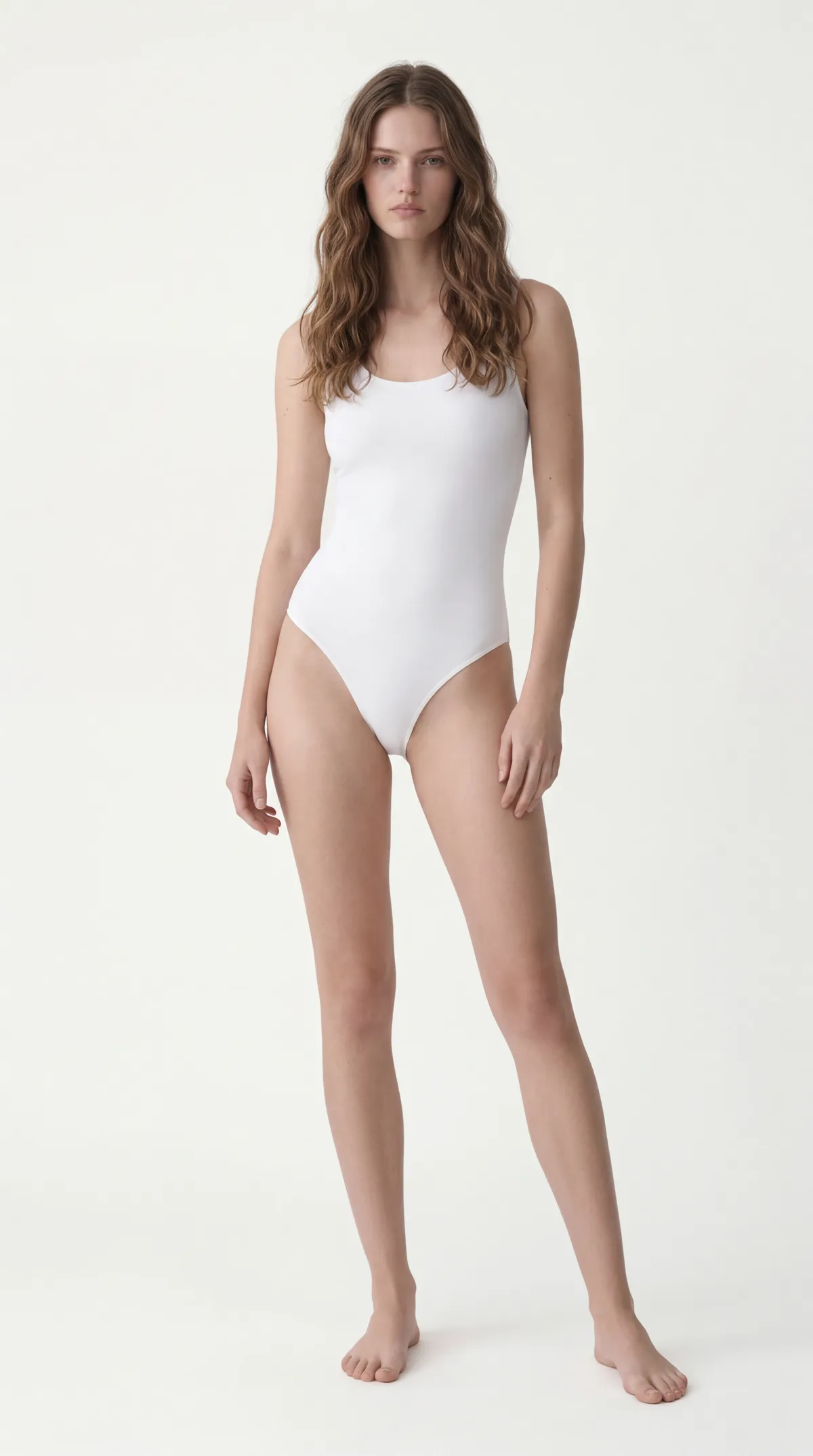
Face ref
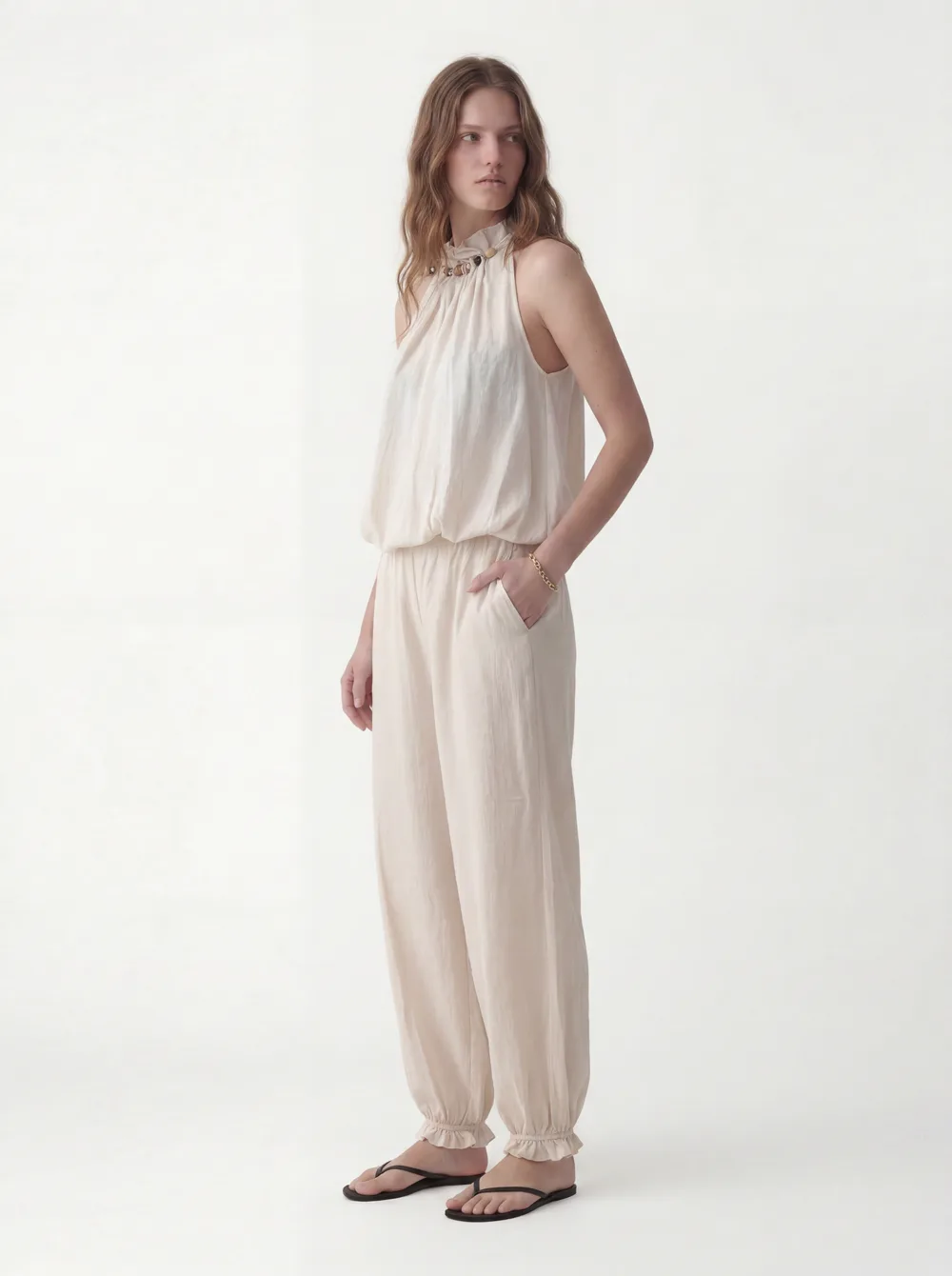
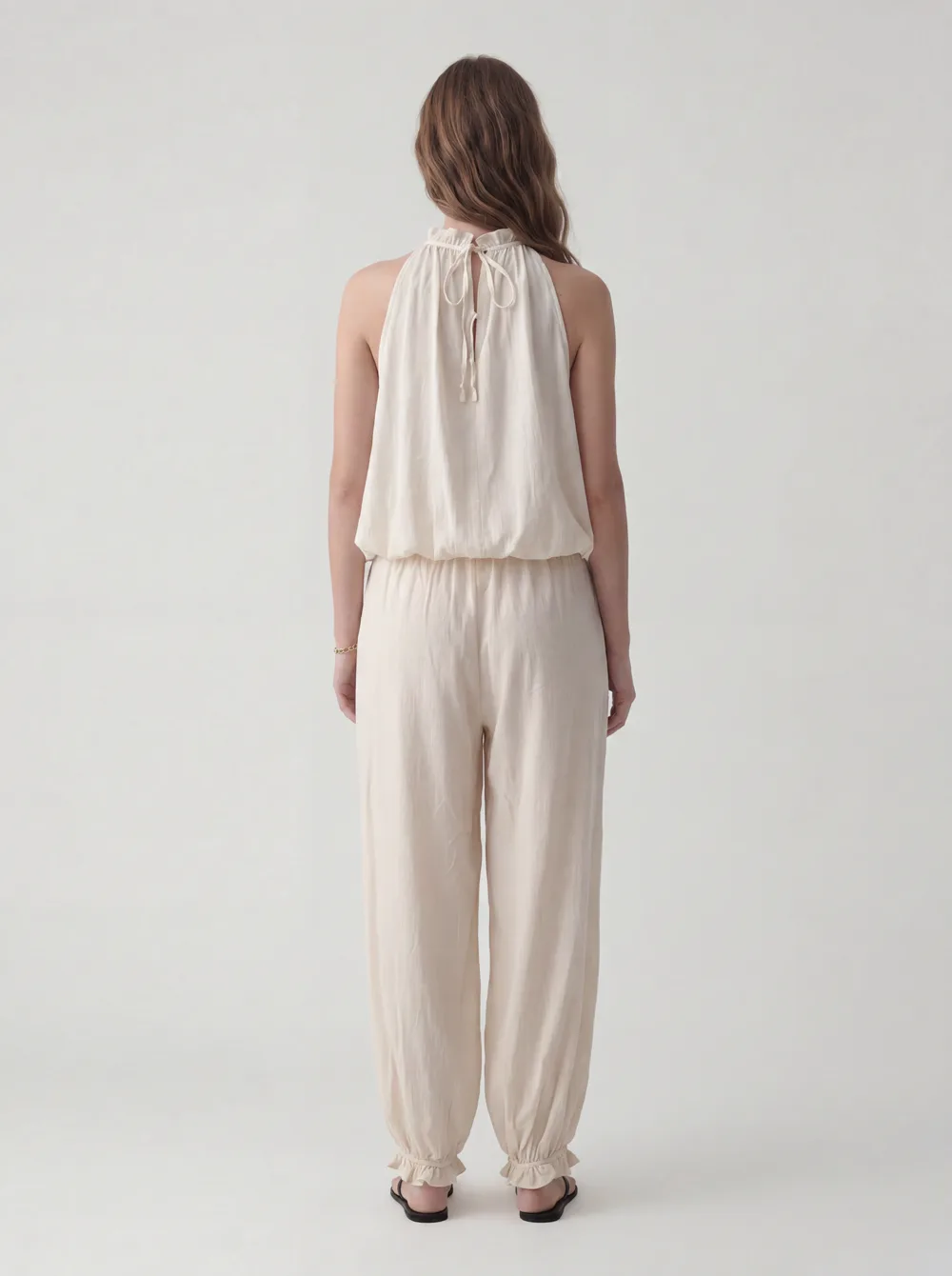
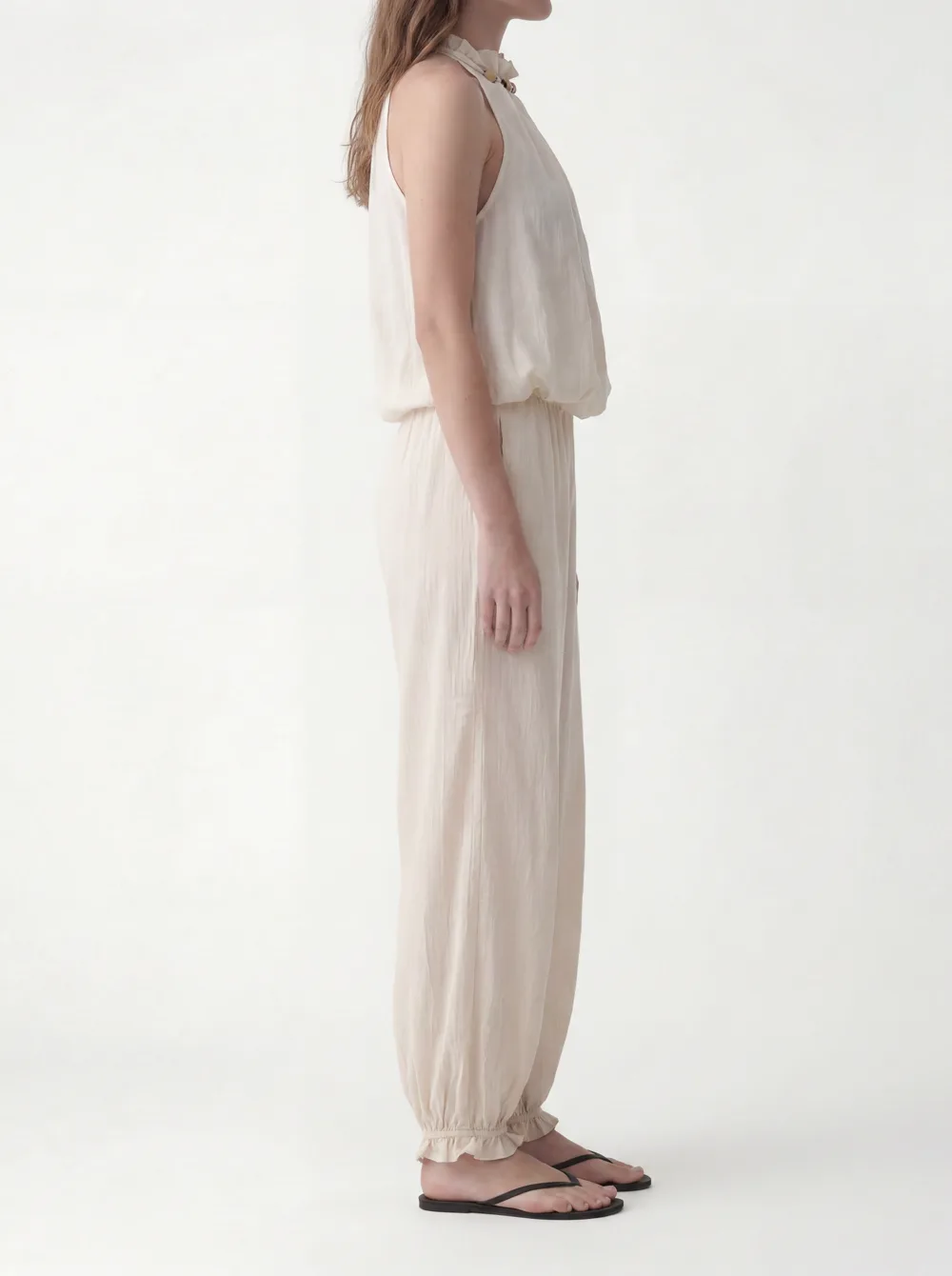
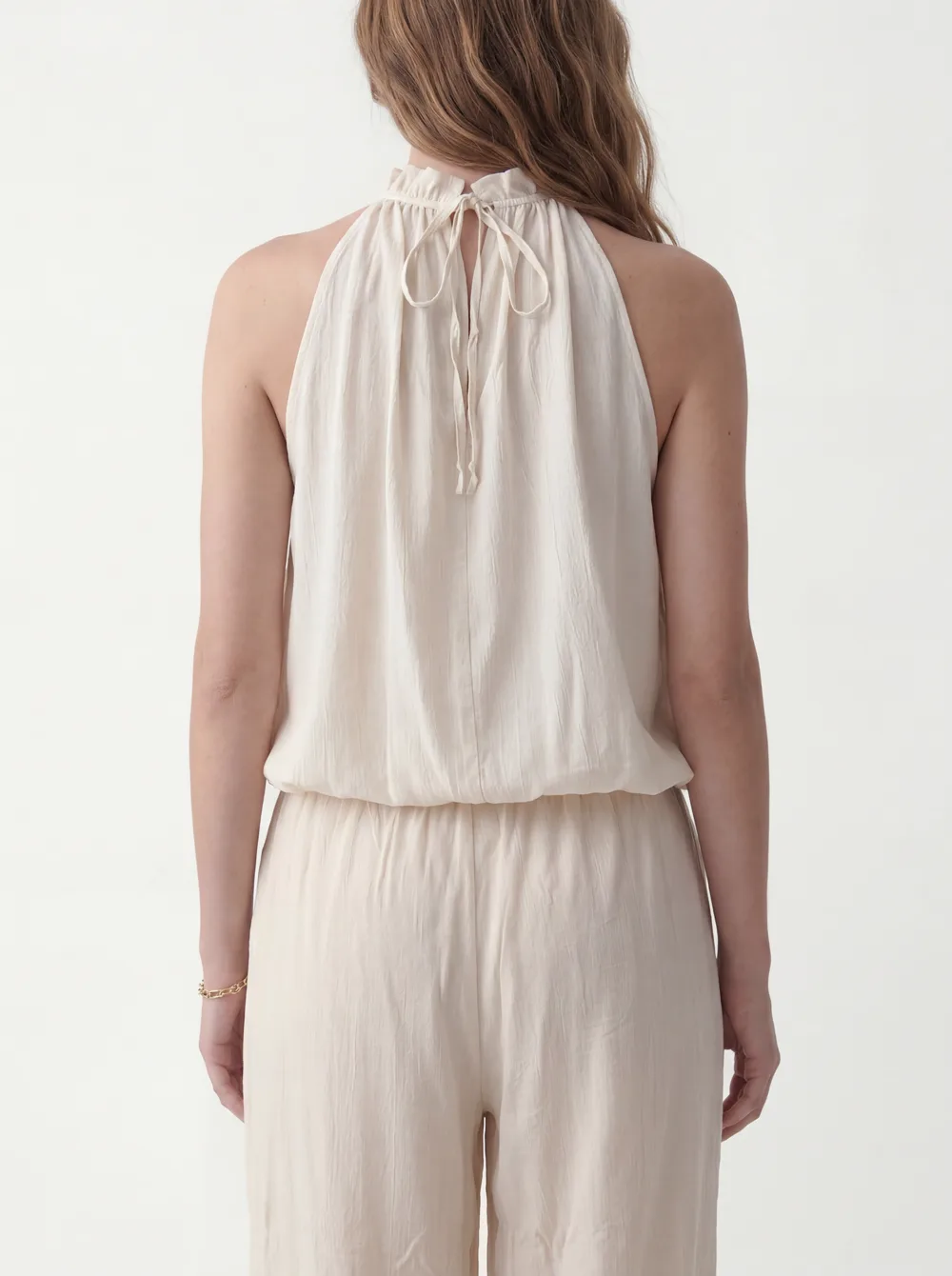
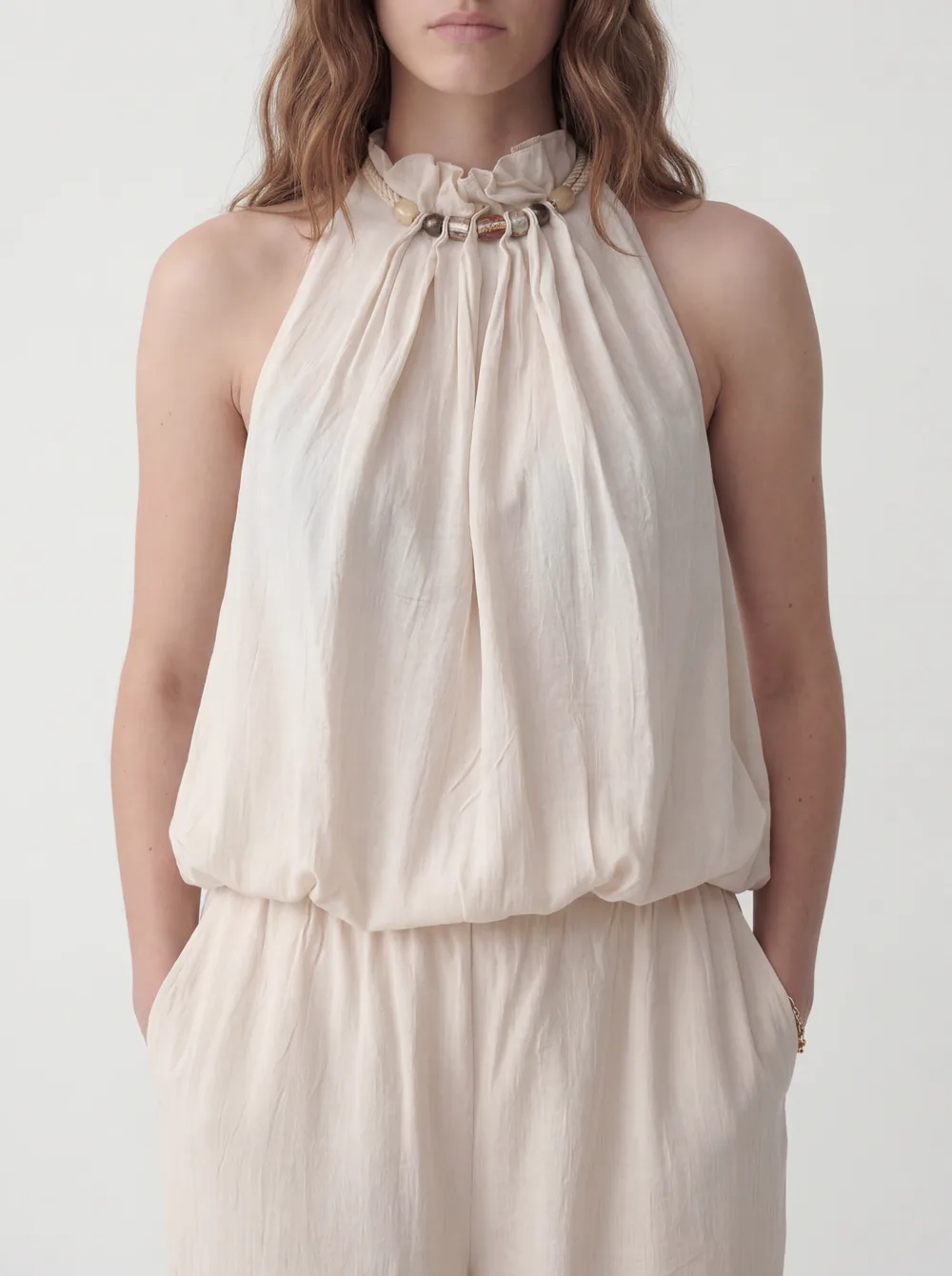
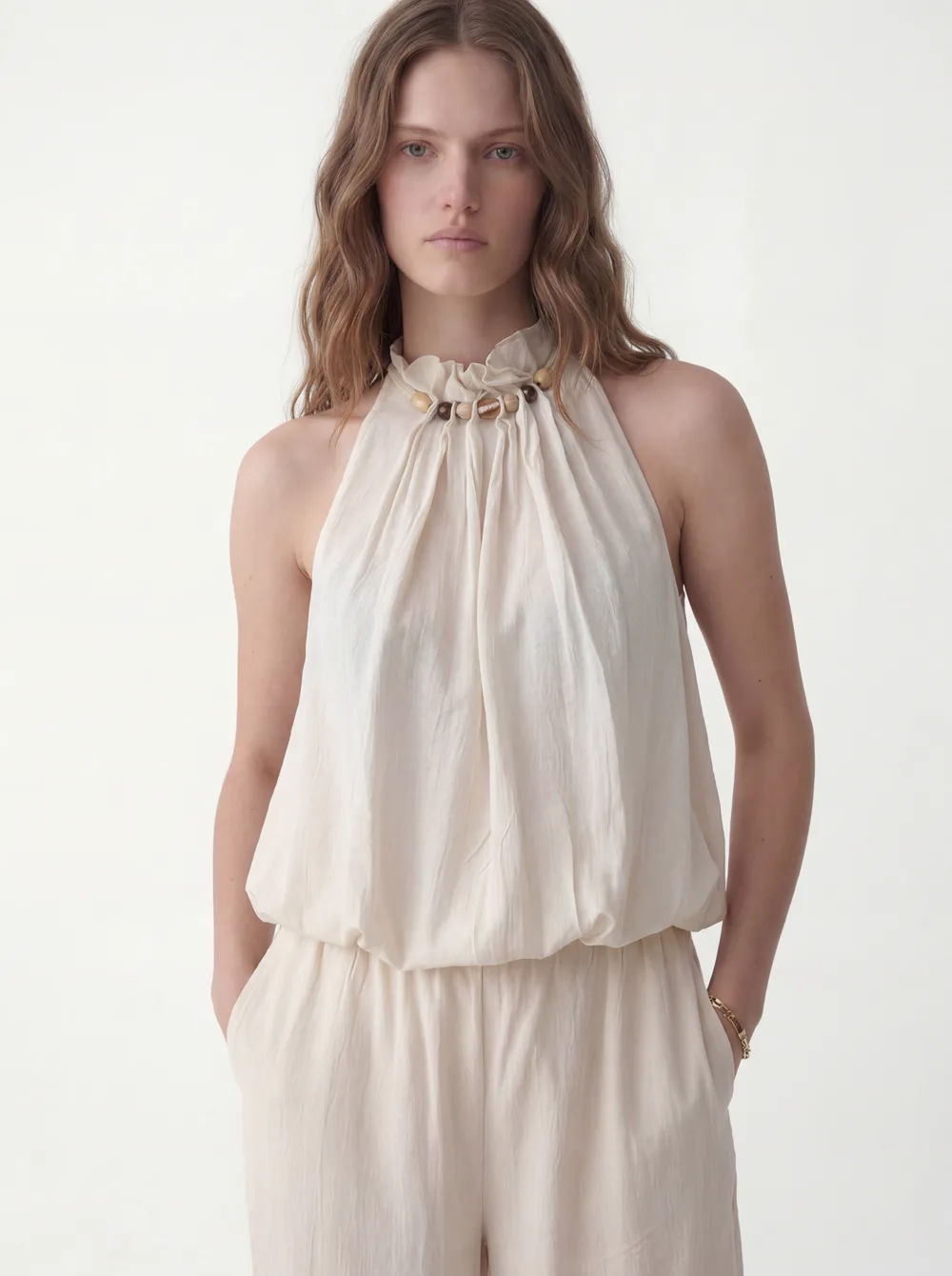
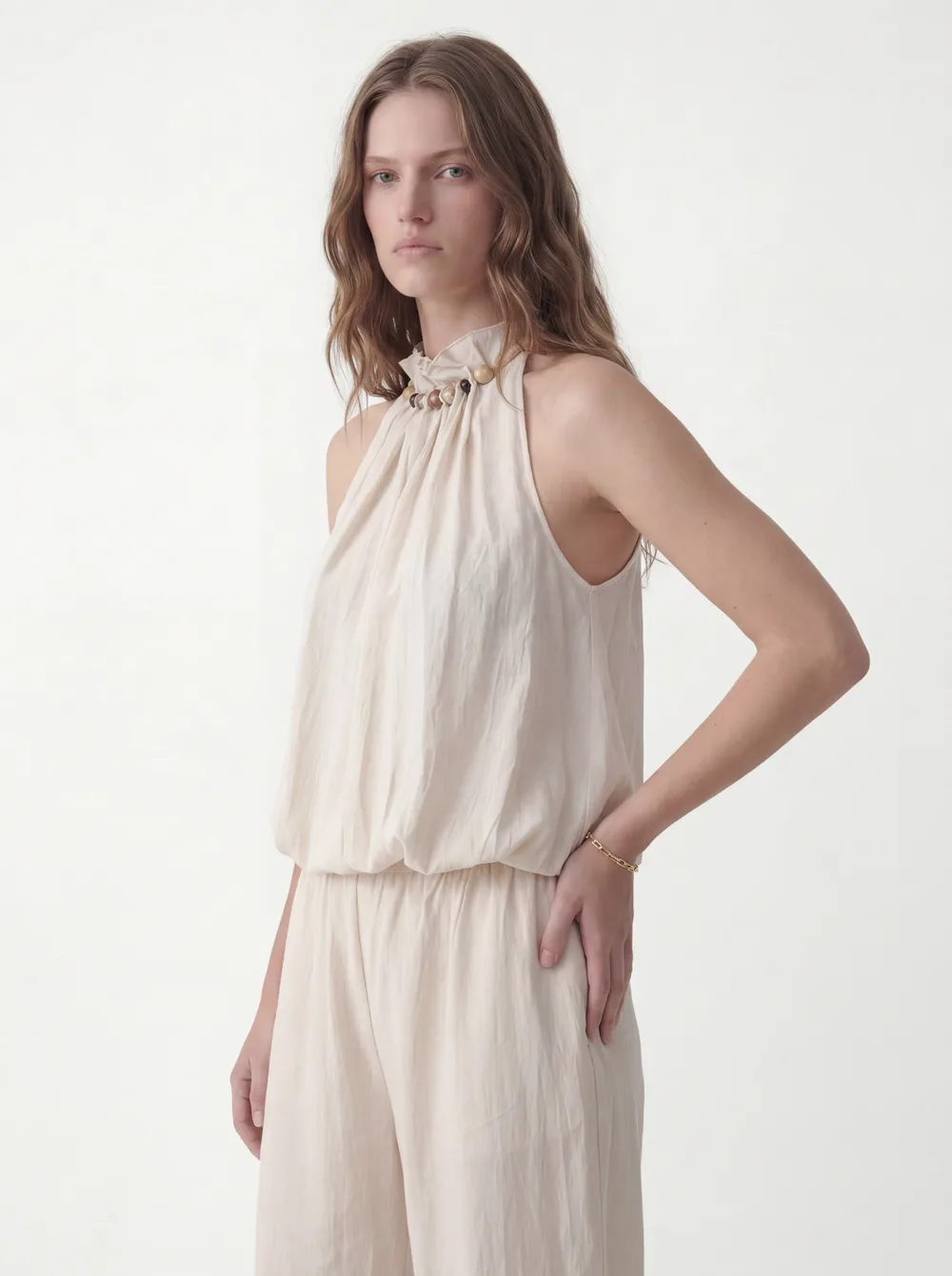
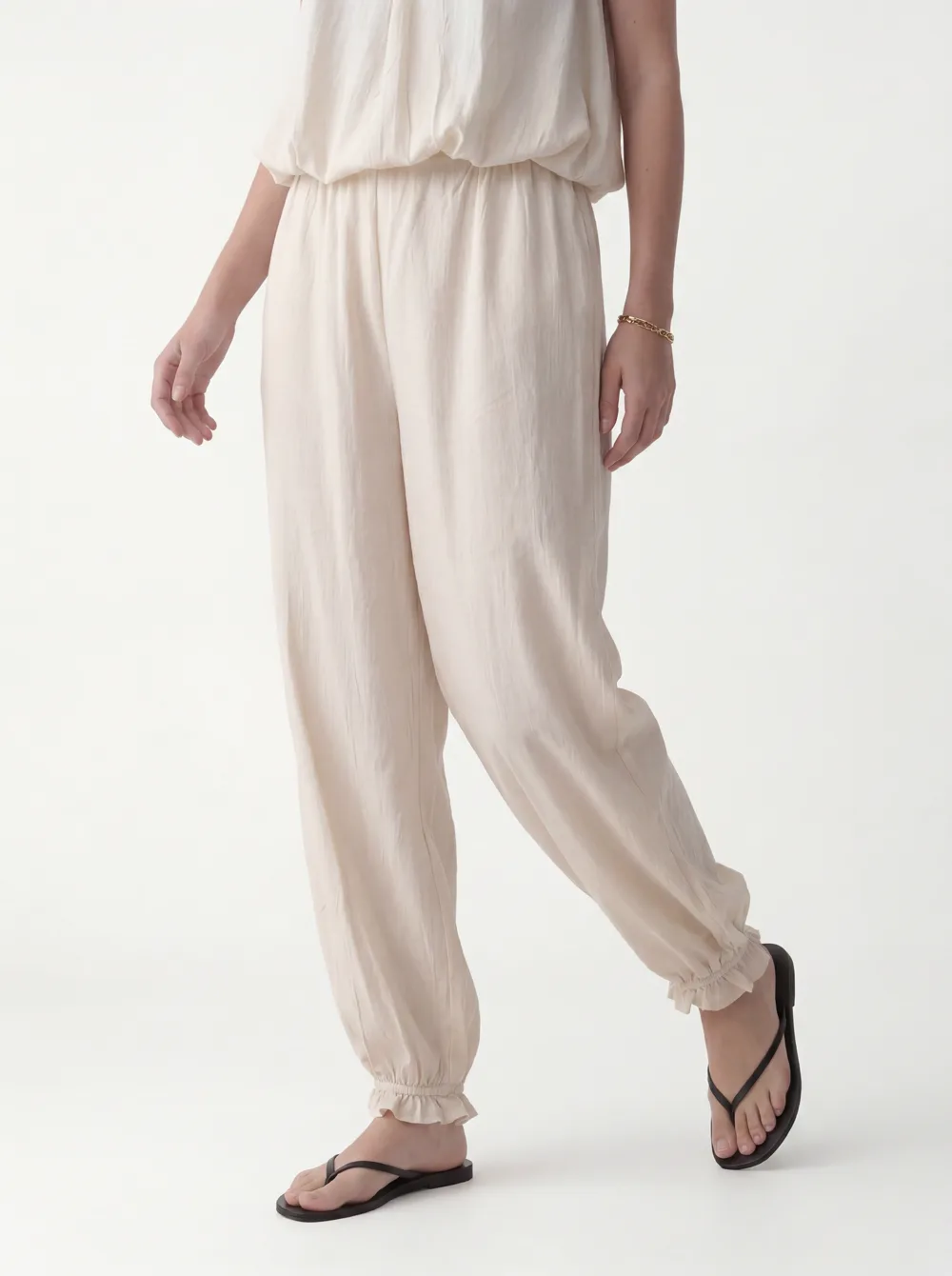
Ten shots, one model, one studio — from one credit. OnModel’s equivalent would need a usable model in every source photo first.
Which tool
Choose OnModel if / Choose MODA if
Choose OnModel if
- You already shoot on real models and just want to swap or diversify the face.
- You want the cheapest per-swap price in the category.
- Your photos already have a body in them — no flat lays or mannequins.
- You need a quick face swap, not a full product-page set.
Choose MODA if
- Your product photos are flat lays, mannequins, hangers, or cropped shots.
- You want the model generated and a full 10-shot set built from the product.
- You need one consistent brand model held across the whole catalog.
- You sell swimwear or intimates, or need commercial output from the first credit.
Real-World Scenario
Shipping a 40-SKU Drop from Supplier Flat Lays
Forty products, and what you have from the supplier is flat lays and a few ghost-mannequin shots. You want them on one consistent model, front and back, ready for the product page.
| Step | MODA AI | OnModel |
|---|---|---|
| Start from flat lays | Supported — the flat lay is the input | Not supported; needs a model already in the photo |
| Get a model on the product | Generated from the product + a face reference | No source model to swap; blocked at step one |
| Produce a product’s shots | 1 credit → a 10-shot set, one model held | One swapped image per run — once a model exists |
| Keep the model consistent | Face reference locks it across all 40 | Re-pick per photo; reviewers note 5–10 tries on hard cases |
| Cost shape | 40 credits for 40 product sets | Cheap per swap, but only where a model already exists |
Flip the scenario — forty photos that already have models and you just want fresh faces — and OnModel is the cheaper, more direct tool.
The Seven Differences That Matter for a Shopify Catalog
From OnModel’s in-product UI, its pricing screen, and its Shopify App Store reviews, verified July 2026.
| Factor | MODA AI | OnModel |
|---|---|---|
| Starting point | The product — flat lay, mannequin, hanger, cropped shot | A photo that already has a model or body |
| Flat lay / mannequin input | Supported — builds the model from it | "Image not supported"; returns mannequins unchanged |
| Output per run | A 10-shot portrait set, one model held across all | One swapped image (~105 sec each) |
| The model | Generated + locked by a face reference | Swapped from a preset roster / demographic filters |
| Accessories & styling | Part of the generation | Not offered — swap only |
| Price | Per product: 1 credit = a 10-shot set, $0.83–$1.25 | Cheapest for swaps: free / $9 / $19 / $49 per month |
| Reviewer-reported gaps | Diverse roster; swimwear & intimates supported | POC conversion, hands/feet, lingerie flagged (per reviews) |
Pricing
Cheapest per swap — with an asterisk from its own reviews
On sticker price, OnModel wins its lane: free for 10 swaps, then $9 a month for 300, $19 for 1,000, $49 for 5,000. If your job is swapping faces on photos that already have models, nothing here is cheaper.
The asterisk comes from its own Shopify reviewers: on harder conversions — especially changing skin tone or ethnicity — several report needing “5 to 10 conversions to get one good one,” which quietly multiplies the real cost per usable image. MODA prices per product instead: one credit is a full 10-shot set, $0.83 to $1.25 per credit, no subscription, credits never expire.
OnModel pricing, Jul 2026. Click to expand.
MODA pricing at a glance
Free trial
2 credits
via the Shopify App Store
Starter
$1.25 / credit
10 shots per credit
Small pack
$1.00 / credit
$10 for 10 credits
Growing
$0.91 / credit
$20 for 22 credits
Scaling
$0.83 / credit
$50 for 60 credits
A ten second video is one extra credit. No subscription, no expiry, billed through Shopify.
For OnModel’s current pricing and reviews, see its Shopify App Store listing. Plans and rates shown here are from its UI in July 2026.
Credit where it’s due
Where OnModel is the better pick
- Cheapest for swaps. If you just want to change the face on photos that already have a model, no tool here beats $9 for 300 swaps.
- The core job is loved. Reviewers single out “putting a model face on a faceless picture” for “that extra pop” — and the ability to pick age and demographic, including older models.
- Diversify without a reshoot. If you already shoot on real models and want to vary the face, OnModel does that directly and fast.
- Unique supplier images. One reviewer’s point: a swapped supplier photo becomes unique to your store, which helps you stand apart.
“Great app, handled our embroidered Indian outfits well, I was impressed. Service is great, and the team has been quick to answer all my questions.”
Bubber Couture
India · 3 months on MODA AI · Feb 23, 2026
Read all reviews on the Shopify App Store →Frequently Asked Questions
What does OnModel actually do?
OnModel (by Trendage) is a model-swap tool. Give it a photo that already has a model or body, pick a replacement — preset roster, or by gender/age/ethnicity — and it swaps the model, replacing your original. It can also generate a face for a cropped headless shot and change the background. Focused, cheap, and popular for that one job.
Can OnModel turn a flat lay or mannequin photo into a model shot?
No. It needs a body already in the photo. In our July 2026 test its UI marked a flat lay 'Image not supported' and asked for 'clothing images with models', and on a ghost-mannequin shot it returned the garment still on the dress form. MODA works the other way — the product is the input, and it builds the model.
Is OnModel cheaper than MODA?
Per swap, yes: free for 10, then $9/300, $19/1,000, $49/5,000. For pure swapping that's the best price around. The nuance from its own reviews is effective cost — several report 5–10 swaps to get one good result on harder conversions. MODA prices per product: one credit is a full 10-shot set, $0.83–$1.25, no subscription.
Does OnModel produce a full product-page set?
No — one swapped image per run (~105 sec each), no accessory styling or multi-angle set. MODA produces a 10-shot portrait set — front, back, detail, angles — on one consistent model from a single credit.
What do OnModel reviews say?
Around 4.3 stars. Reviewers love the core job — a model face on a faceless photo for 'that extra pop', demographic choice, responsive support. Recurring complaints: diversity/skin-tone conversion ('5 to 10 conversions to get one good one'; 'white models when you call for people of color'), mangled hands and feet, heavy quota use, and lingerie flagged as a safety risk.
When is OnModel the better choice?
If you already shoot on real models and just want to swap or diversify the face cheaply, OnModel is the best value and does it directly. If your photos are flat lays, mannequins, hangers, or cropped shots, or you need a full commercial catalog set per product, MODA generates the model and the whole set from the product.
The verdict
OnModel swaps the model you already have. MODA builds the one you don’t.
OnModel is a sharp, cheap tool for a single job: changing the face on a photo that already has a model. For that, it’s the best value in the category, and its users say so. It just needs a body in the frame to start — so flat lays, mannequins, and cropped shots stop it, and it works one swapped image at a time. MODA starts from the product and builds the model and the full 10-shot set. Use OnModel to refresh faces on shots you already have; use MODA to make the catalog from the garment.
Where MODA wins
Where OnModel wins
No model in the photo yet? Start from the product.
Install MODA AI from the Shopify App Store. Two free credits, commercial-ready. Flat lay, mannequin, or cropped shot in; a 10-shot model set out. From $1 per batch.
Get Started FreeOr read what Shopify merchants say — reviews on the Shopify App Store →